Skip to the content
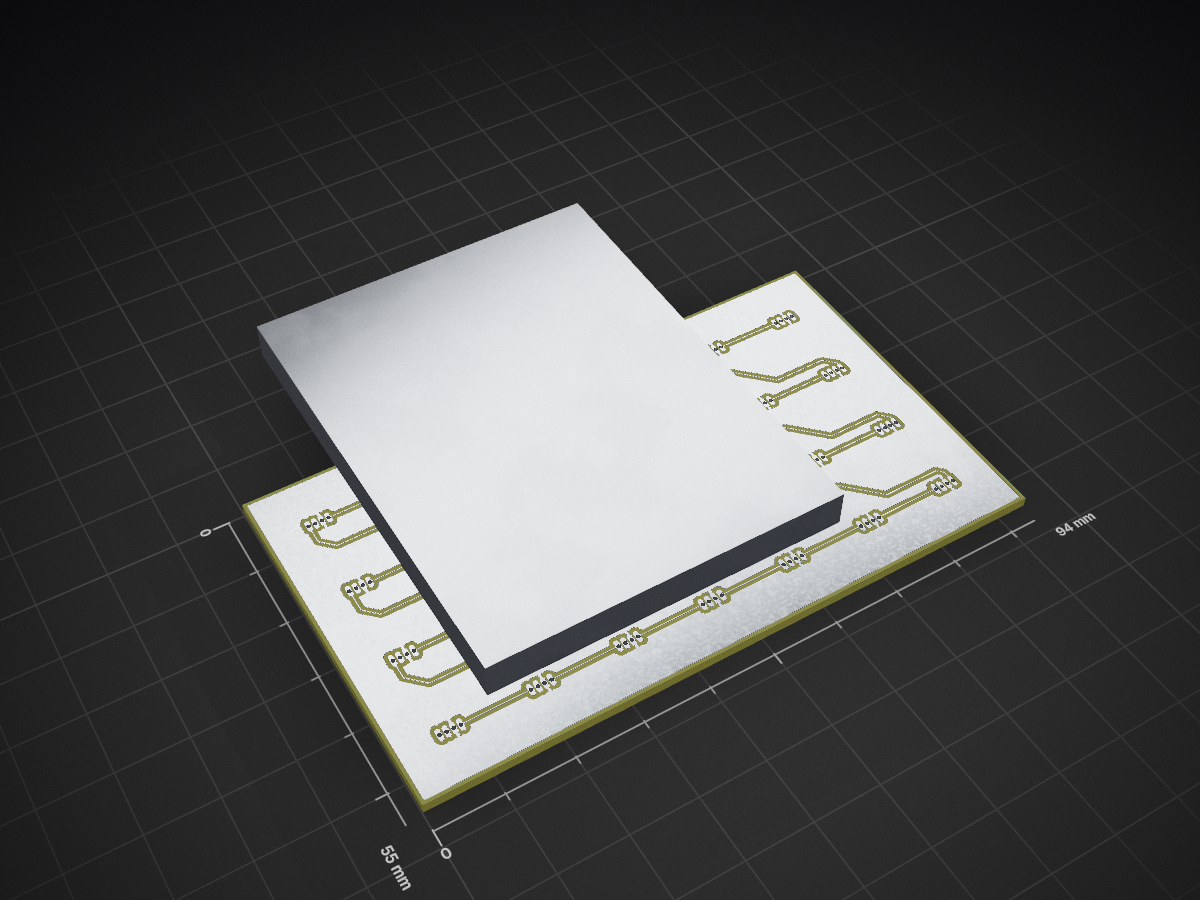
2 layers94 × 55 mmContrib cal 2, the printed circuit board in 3D

A physical GitHub contribution calendar that brings your coding activity to life with LEDs. Built on the Raspberry Pi Pico W and programmable in MicroPython, this is an open-source project.

Size
94 × 55 mm
Copper layers
2
Thickness
1.6 mm
Parts
31
Nets
31
Pads
115
Tracks, vias
57, 0
Pours
3
Routed
Yes
KiCad
KiCad 9.0 (file 20241229)
Created
30 Mar 2025
Updated
11 Jul 2025

Overview

Contrib cal 2 is an open-source printed circuit board by Logan-Fouts, from the Logan-Fouts/Contrib_Cal repository on GitHub. It is a 2-layer board of 94 × 55 mm with 31 parts on 31 nets, routed with 57 tracks and 0 vias.

It is built around the WS2812B. It belongs with the lEDs and displays and home automation and IoT boards and the RP2040 and RP2350 boards of this library.

Main components

1

README

README.md

Contrib Cal - A Physical GitHub Contribution Tracker

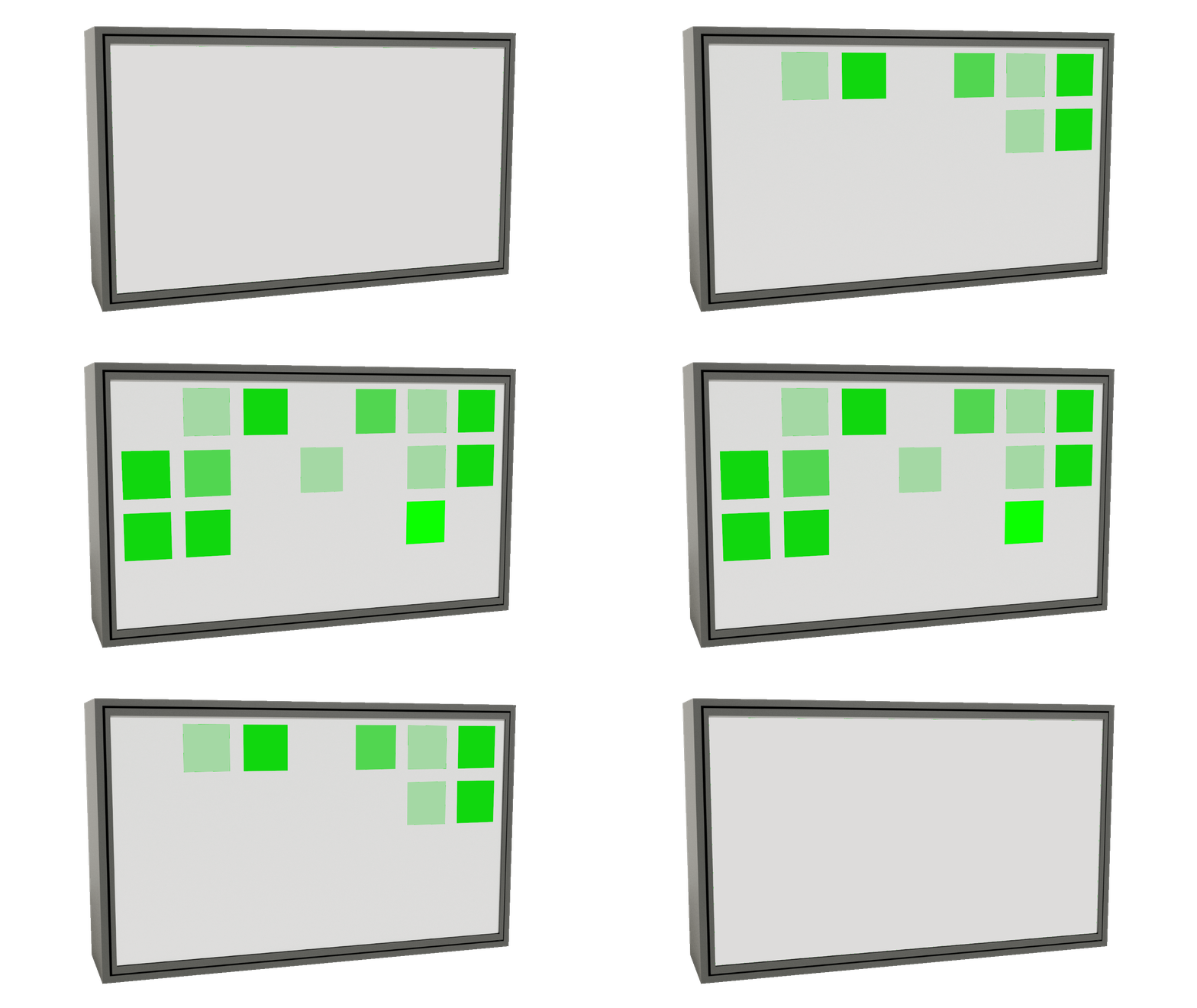
Contrib Cal in Action
Your GitHub streak, glowing IRL.

A hackable desk calendar that visualizes your GitHub contributions using NeoPixels and a Raspberry Pi Pico W. Open-source hardware + software.

🤝 Sponsored by PCBWay

PCBWay Logo

Why PCBWay?

  • Quality: Crystal-clear silkscreen and precise tolerances. Everything fits perfect
  • Fast: From design to doorstep in days, took way less time than I had expected it to
  • Affordable: Perfect for makers and small-batch projects
  • Global Shipping: Reliable delivery worldwide, I was able to order in the US and get it delivered to Sweden since I would be there at that time

Professional PCB manufacturing makes all the difference for clean builds

Want Your Own PCBs Made?

If you're building your own Contrib Cal, PCBWay offers:

  • High-quality PCB fabrication
  • 3D printing

So you can build your own from scratch!

Get started: Go to PCBWay.com and upload your Gerber files.

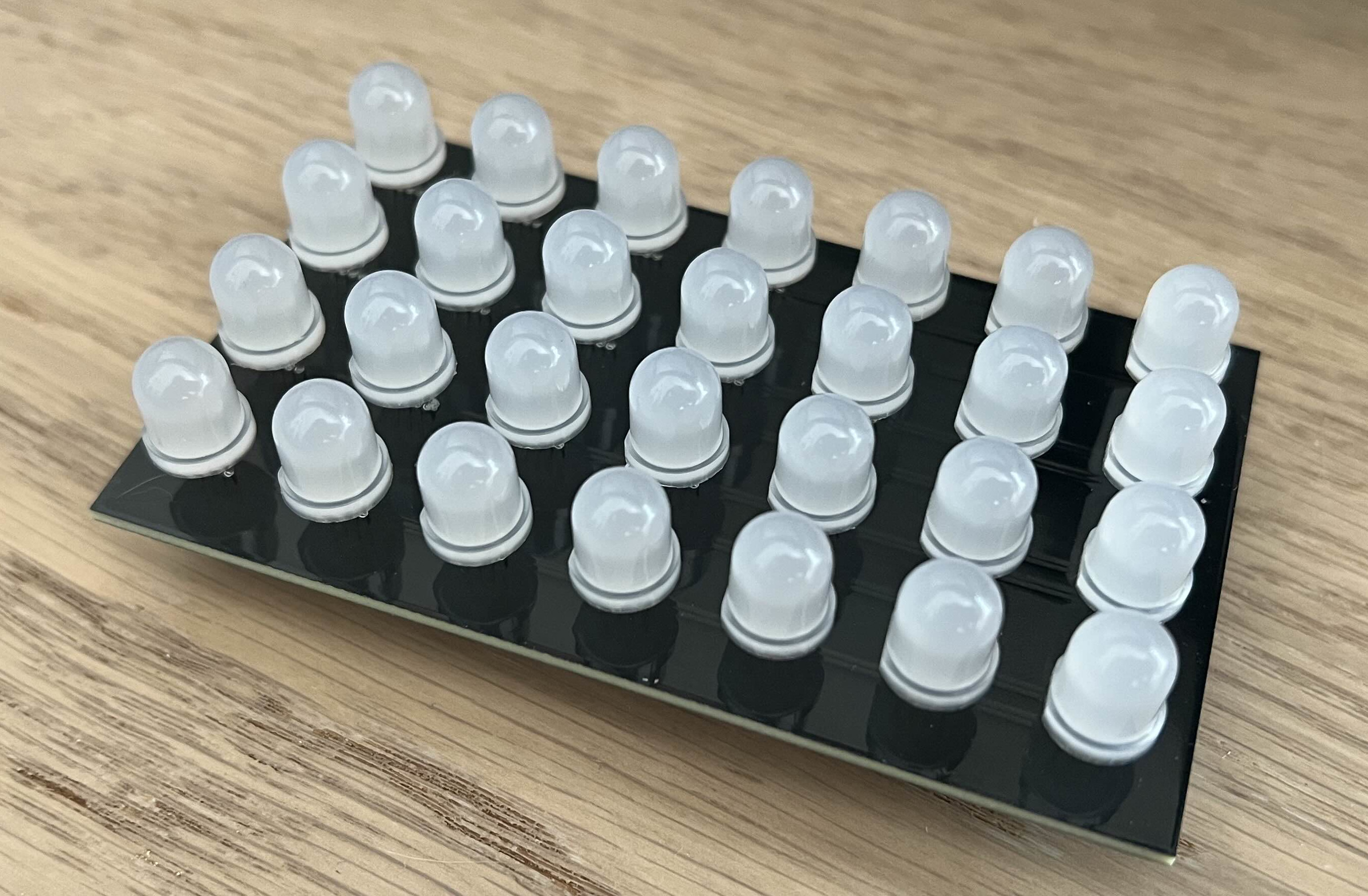
PCB_LEDS


Features

  • Real GitHub Sync: Updates via GitHub API
  • Guilt Mode: Glows red when you miss commits
  • 100% Hackable: Customize animations in MicroPython
  • Beginner-Friendly: Program with Thonny IDE (no toolchains needed)
  • DIY Build: 3D-printable case & hand-solderable LED matrix

🛠️ Quick Start with Thonny

Programming the Pico W:

  1. Install Thonny (Python IDE for beginners)
  2. Connect your Pico W via USB
  3. In Thonny:
    • Select interpreter: MicroPython (Raspberry Pi Pico)
    • Open /src/main.py and click Run
  4. Save to Pico (Ctrl+S → "Raspberry Pi Pico"):
    • Save main.py and config.json to the Pico's storage

What's Included

DirectoryContents
/srcMicropython firmware & configuration
/blenderRender 3d files (Blender files)
/freecadEnclosure designs (FreeCAD)
/kicadWiring diagrams

Build Guide

You'll Need:

  • Raspberry Pi Pico W ($6)
  • 28x WS2812B NeoPixels (~$10)
  • 3D-printed case
  • Micro-USB cable
  • Soldering tools and resources

Contrib Cal

Assembly:

  1. Print the Case: Use files from /blender or /freecad
  2. Solder the Matrix
  3. Program with Thonny (see above)
  4. Configure config.json:
python
{
  "WIFI_SSID": "*",
  "WIFI_PASSWORD": "*",
  "GITHUB_USERNAME": "*",
  "GITHUB_TOKEN": "*",
  "STARTUP_ANIMATION": 4
}

Parts

31
QtyValueFootprintReferences
28WS2812BCustom:WS2812D1, D2, D10, D11, D12, D13, D14, D15, D16, D17, D18, D19, D20, D21, D22, D23 +12
3TestPointTestPoint:TestPoint_Pad_3.0x3.0mm5V1, DIN1, GND1

Similar boards

  • 4 layers99 × 53.3 mmPSLab, the printed circuit board in 3D

    PSLab

    fossasia/pslab-hardware

    PSLab Hardware Design and Schematics https://pslab.io

    199 parts1.7kApache-2.0
  • 2 layers26 × 30 mmMicrocontroller, the printed circuit board in 3D

    Microcontroller

    FrameworkComputer/ExpansionCards

    Reference designs and documentation to create Expansion Cards for the Framework Laptop

    34 parts1.1kCC-BY-4.0
  • 4 layers82.6 × 82.5 mmJumperless2, the printed circuit board in 3D

    Jumperless2

    Architeuthis-Flux/Jumperless

    A jumperless breadboard

    208 parts914
  • 2 layers95.3 × 161.9 mmDfh badge, the printed circuit board in 3D

    Dfh badge

    tanaes/whopping_Voron_mods

    135 parts787GPL-3.0
  • 2 layers42.8 × 28.8 mmMM Skirt, the printed circuit board in 3D

    MM Skirt

    PrintersForAnts/Micron

    If you want to purchase full kits there are 3 available (Kits are slowly updating to R1 hardware just make sure to double check the included hardware in your kit and if you have any questions reach out in the discord)

    11 parts741GPL-3.0
  • 2 layers149.6 × 127.1 mmErgodash, the printed circuit board in 3D

    Ergodash

    omkbd/ErgoDash

    keyboard

    187 parts732MIT
  • 2 layers285.5 × 95 mmReviung46 ver1 1, the printed circuit board in 3D

    Reviung46 ver1 1

    gtips/reviung

    The REVIUNG41 is 41-key column staggered keyboard.

    119 parts517MIT
  • 2 layers177.7 × 144.5 mmCOMM PANEL, the printed circuit board in 3D

    COMM PANEL

    jrsteensen/OpenHornet

    OpenHornet 1:1 F/A-18C Simulator Repository

    275 parts431

Questions

How big is the Contrib cal 2 PCB?

It measures 94 × 55 mm and has 2 copper layers, 1.6 mm thick.

What parts does the Contrib cal 2 use?

31 parts, built around the WS2812B. The full list of its parts is on this page, with links to each part's symbol and footprint where PCBKit's library has them.

Where can I download the Contrib cal 2 KiCad files?

From the Logan-Fouts/Contrib_Cal repository on GitHub, at the commit this page was made from: the board is Kicad/contrib cal 2.kicad_pcb and its schematic Kicad/contrib cal 2.kicad_sch. PCBKit opens the board in the browser, with nothing to install.

Can I use the Contrib cal 2 design in my own project?

Its repository states no licence, so its author keeps all rights: ask Logan-Fouts before reusing the design.