2 layers100 × 100 mm
Adder
tensorway/2000transistors
The project is made in Kicad. If you want to learn more about it visit howcpuworks.com.
208 parts

 tensorway/2000transistors
The project is made in Kicad. If you want to learn more about it visit howcpuworks.com.
Keyboard is an open-source printed circuit board by tensorway, from the tensorway/2000transistors repository on GitHub. It is a 2-layer board of 100 × 100 mm with 103 parts on 49 nets, routed with 888 tracks and 2 vias.
Its parts include 32 resistors, 28 switches, 24 transistors, 7 capacitors and 7 diodes. It belongs with the keyboards and input boards of this library.
The project is made in Kicad. If you want to learn more about it visit howcpuworks.com.
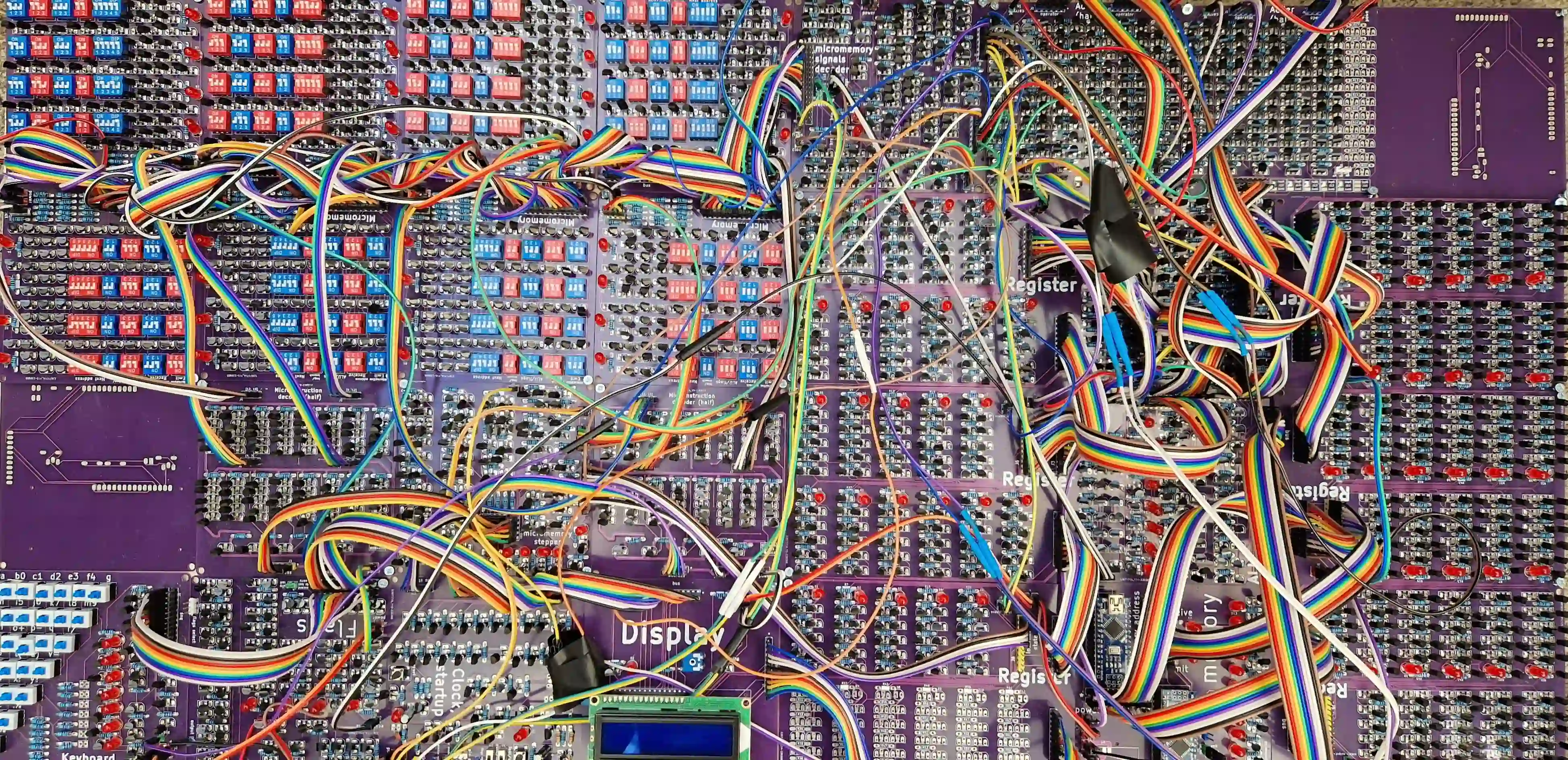
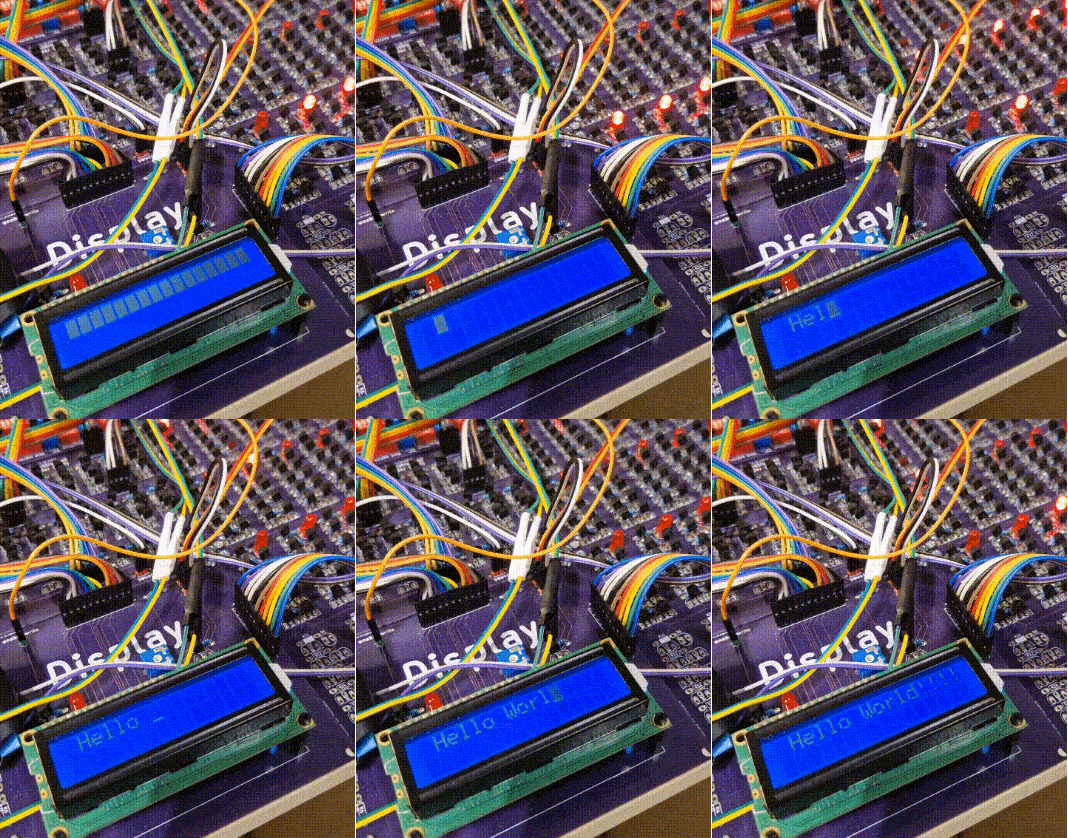
While I could fix the bugs I do not want to check is everything working again because I would need to solder things again. This is why I list them, so you can either fix them yourselves before or after soldering (I did after). Some bugs are just layout bugs, which means you need to be aware of them but not necessarily fix them.
Micromemory:
Micromemory stepper:
Keyboard
Flags
Clock
ALU
| Qty | Value | Footprint | References |
|---|---|---|---|
| 28 | SW_Push_DPDT | processor2:dpdt_switch | SW1, SW2, SW10, SW11, SW12, SW13, SW14, SW15, SW16, SW17, SW18, SW19, SW20, SW21, SW22, SW23 +12 |
| 25 | R | processor2:resistor_tight | R1, R2, R3, R10, R11, R12, R13, R14, R15, R16, R17, R18, R19, R27, R28, R29 +9 |
| 24 | 2N7000 | processor2:2n7000_tight | Q1, Q2, Q10, Q11, Q12, Q13, Q14, Q15, Q16, Q17, Q19, Q20, Q21, Q22, Q23, Q24 +8 |
| 7 | C | processor2:capacitor | C1, C2, C3, C4, C5, C6, C7 |
| 7 | LED | processor2:led_5mm_tight | D1, D2, D3, D4, D5, D6, D7 |
| 7 | R | processor2:resistor_led_tight | R20, R21, R22, R23, R24, R25, R26 |
| 2 | Conn_01x02_Male | processor2:2pin_tight | J2, J3 |
| 2 | Conn_01x11_Male | processor2:11pin_tight | J4, J5 |
| 1 | Conn_01x01_Male | processor2:1pin | J1 |
It measures 100 × 100 mm and has 2 copper layers, 1.6 mm thick.
103 parts. The full list of its parts is on this page, with links to each part's symbol and footprint where PCBKit's library has them.
From the tensorway/2000transistors repository on GitHub, at the commit this page was made from: the board is src/keyboard.kicad_pcb. PCBKit opens the board in the browser, with nothing to install.
Its repository states no licence, so its author keeps all rights: ask tensorway before reusing the design.
tensorway/2000transistors
The project is made in Kicad. If you want to learn more about it visit howcpuworks.com.

tensorway/2000transistors
The project is made in Kicad. If you want to learn more about it visit howcpuworks.com.

tensorway/2000transistors
The project is made in Kicad. If you want to learn more about it visit howcpuworks.com.

tensorway/2000transistors
The project is made in Kicad. If you want to learn more about it visit howcpuworks.com.

tensorway/2000transistors
The project is made in Kicad. If you want to learn more about it visit howcpuworks.com.

tensorway/2000transistors
The project is made in Kicad. If you want to learn more about it visit howcpuworks.com.

tensorway/2000transistors
The project is made in Kicad. If you want to learn more about it visit howcpuworks.com.

tensorway/2000transistors
The project is made in Kicad. If you want to learn more about it visit howcpuworks.com.

tensorway/2000transistors
The project is made in Kicad. If you want to learn more about it visit howcpuworks.com.

tensorway/2000transistors
The project is made in Kicad. If you want to learn more about it visit howcpuworks.com.

tensorway/2000transistors
The project is made in Kicad. If you want to learn more about it visit howcpuworks.com.

tensorway/2000transistors
The project is made in Kicad. If you want to learn more about it visit howcpuworks.com.

pierrechevalier83/ferris
A low profile split keyboard designed to satisfy one single use case elegantly

shorepine/tulipcc
The Tulip Creative Computer and AMYboard - portable Python synthesizers


LouWii/ErgoMax
Custom ergo split keyboard project, based on ErgoDox, with hot swap sockets

Orange-Murker/parametric_speaker
A directional speaker with a driver based on STM32

afternoonlabs/BreezeKeyboard
Breeze is a split mechanical keyboard with a column-staggered layout. With a focus on productivity, Breeze features a full 6x4 alphanumeric layout, arrow keys, and an extra 6 key cluster for typing and coding.

tebl/BulkyMIDI-32
A HW build of the MT32-PI project, allowing you to emulate a Roland MT-32 using a Raspberry Pi. Includes enough additional modules to build a MIDI-mountain as well as adapters for connecting to most things retro.
