
2 layers132.3 × 94.9 mm

 tamago324/haqua343
Haqua34 left is an open-source printed circuit board by tamago324, from the tamago324/haqua34 repository on GitHub. It is a 2-layer board of 133.9 × 114.6 mm with 36 parts on 40 nets, routed with 306 tracks and 21 vias.
It is built around the RP2040-ZERO. Its parts include 17 diodes, 17 switches and 1 connector. It belongs with the RP2040 boards of this library.
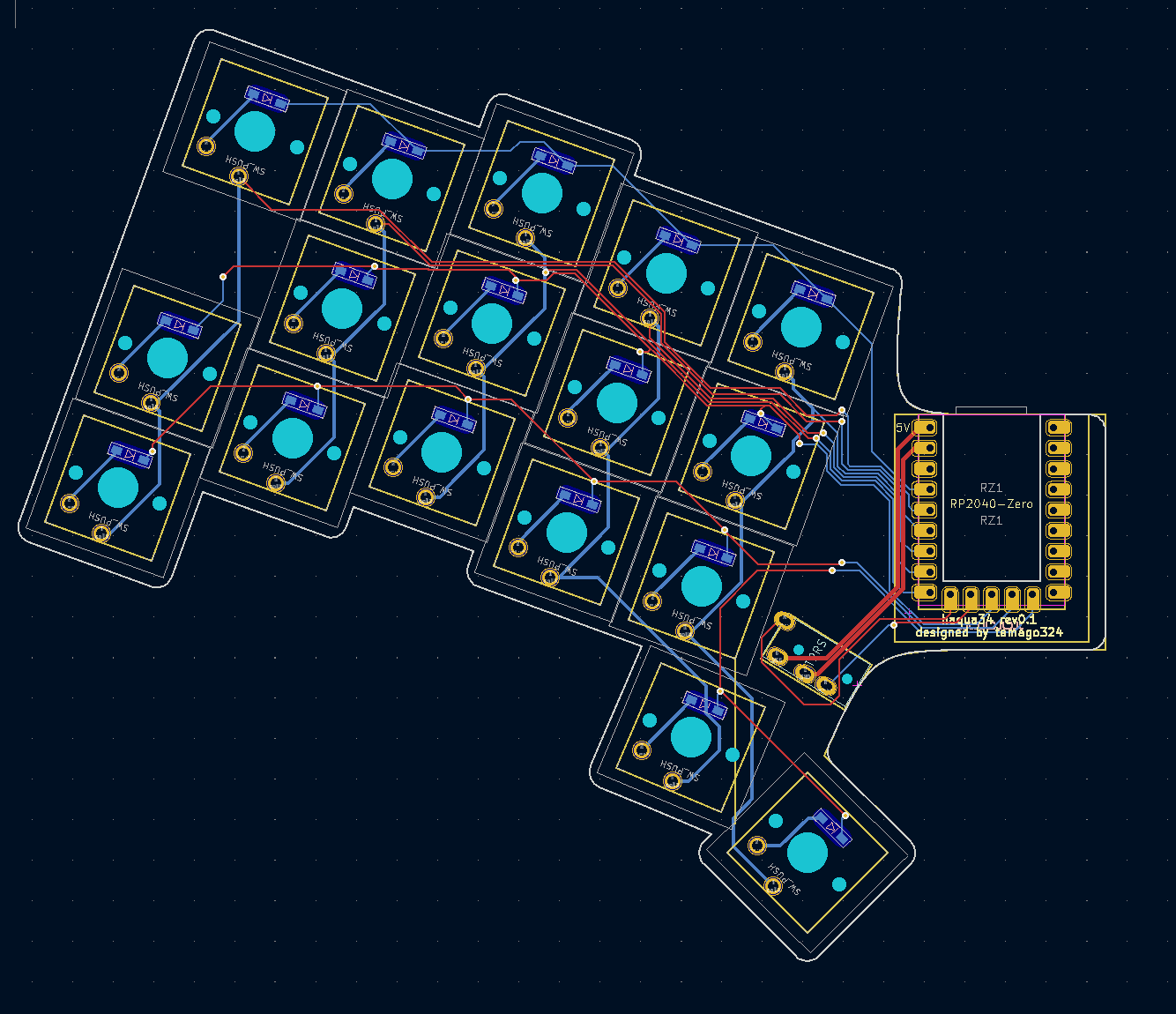 | 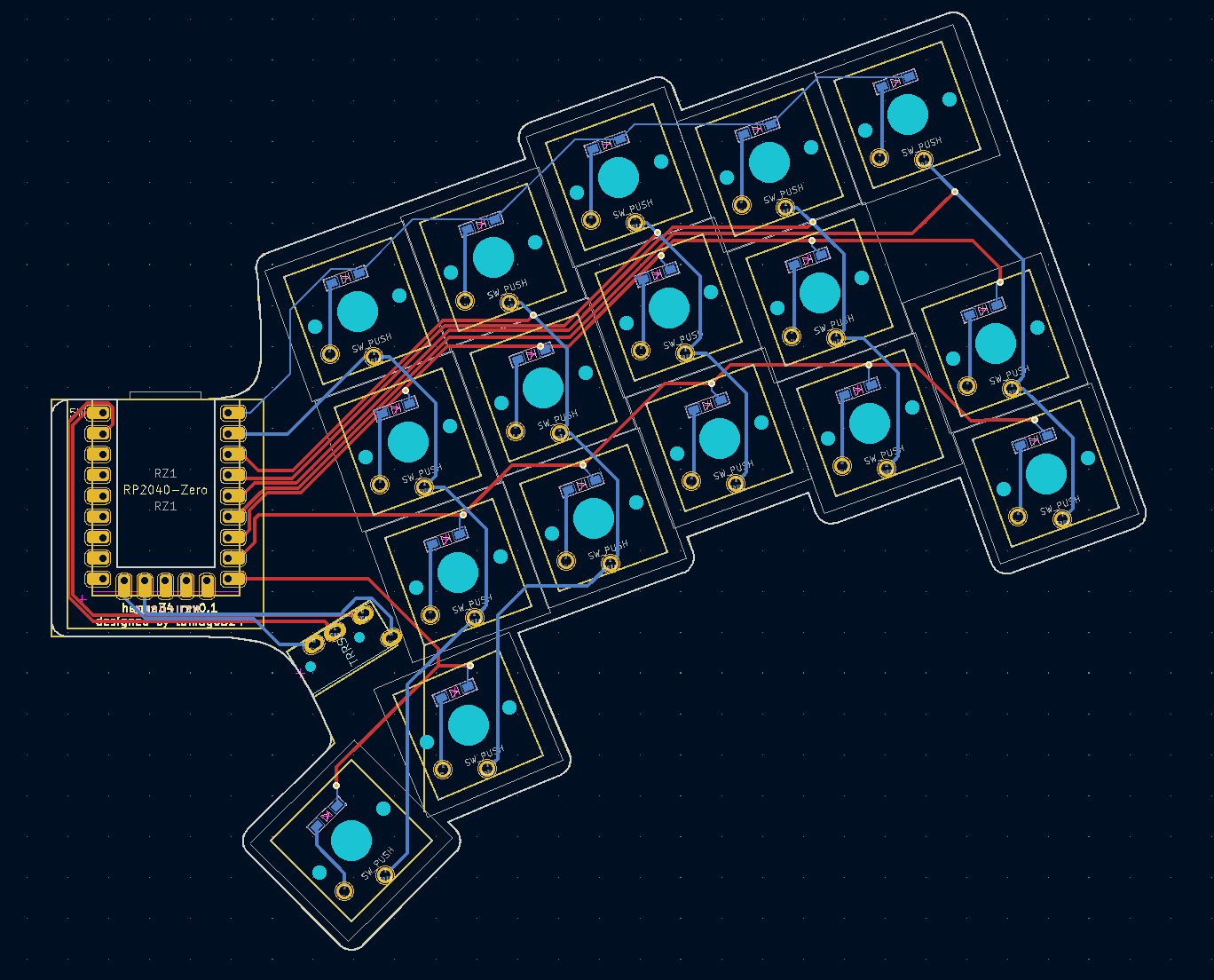 |
|---|---|
| left | right |
keyboard-firmwares 内の keybaords/haqua34

この 作品 は クリエイティブ・コモンズ 表示 - 非営利 4.0 国際 ライセンスの下に提供されています。
表示 — あなたは 適切なクレジットを表示し、ライセンスへのリンクを提供し、変更があったらその旨を示さなければなりません。これらは合理的であればどのような方法で行っても構いませんが、許諾者があなたやあなたの利用行為を支持していると示唆するような方法は除きます。
非営利 — あなたは営利目的でこの資料を利用してはなりません。
| Qty | Value | Footprint | References |
|---|---|---|---|
| 17 | D | haqua34:Diode_SMD | D1, D2, D3, D4, D5, D6, D7, D8, D10, D11, D12, D13, D14, D15, D16, D17 +1 |
| 17 | SW_PUSH | haqua34:SW_Choc_V2 | SW1, SW2, SW3, SW4, SW5, SW6, SW7, SW8, SW10, SW11, SW12, SW13, SW14, SW15, SW16, SW17 +1 |
| 1 | MJ-4PP-9 | haqua34:MJ-4PP-9 | J1 |
| 1 | RP2040-Zero | haqua34:RP2040-Zero | RZ1 |


beekeeb/zerosprey42
Zerosprey42 Keyboard is a wired, beginner friendly, choc hotswap, MonoBlockSplit (Unibody), column-staggered, DIY mechanical keyboard.


ravinrabbid/DonCon2040
RP2040 based firmware and hardware for DIY Taiko no Tatsujin Drum Controllers
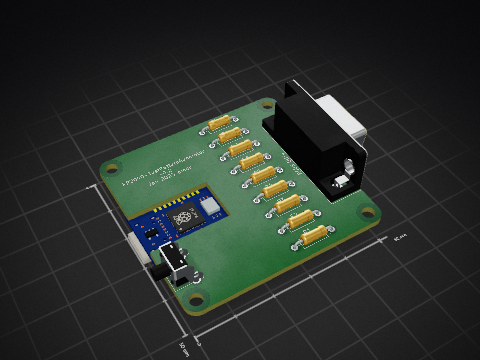
nmur/RP2040-TestPatternGenerator
A simple test pattern generator running on the RP2040 microcontroller

ChrisChrisLoLo/bunchiez40
A pocket keyboard that makes use of mouse switches to achieve a miniscule size

It measures 133.9 × 114.6 mm and has 2 copper layers, 1.6 mm thick.
36 parts, built around the RP2040-ZERO. The full list of its parts is on this page, with links to each part's symbol and footprint where PCBKit's library has them.
From the tamago324/haqua34 repository on GitHub, at the commit this page was made from: the board is data/rev0.1/pcb/haqua34_left.kicad_pcb and its schematic data/rev0.1/pcb/haqua34_left.kicad_sch. PCBKit opens the board in the browser, with nothing to install.
Its repository states no licence, so its author keeps all rights: ask tamago324 before reusing the design.