2 layers33 × 20.9 mm
Usb ad
weteor/Qazikat
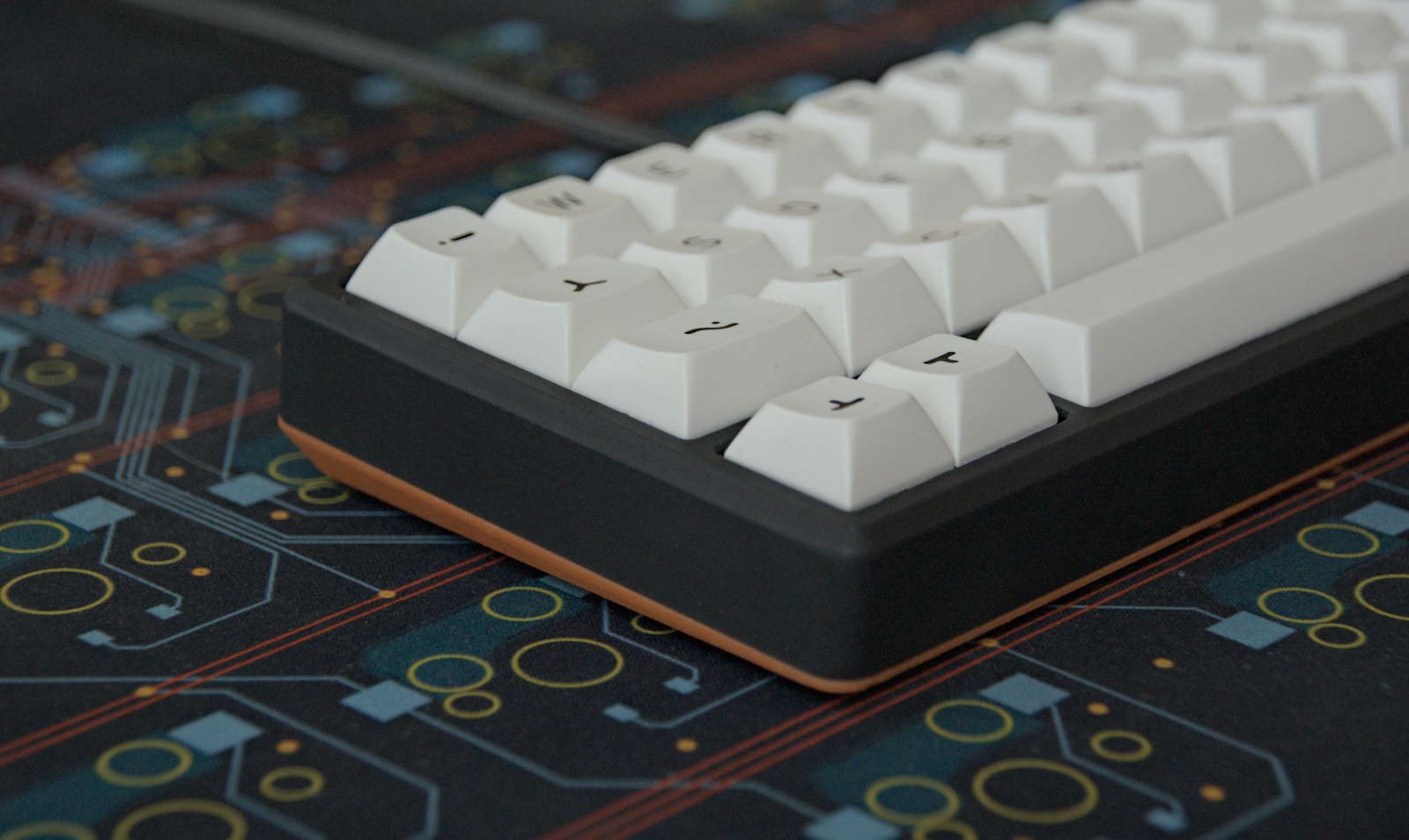
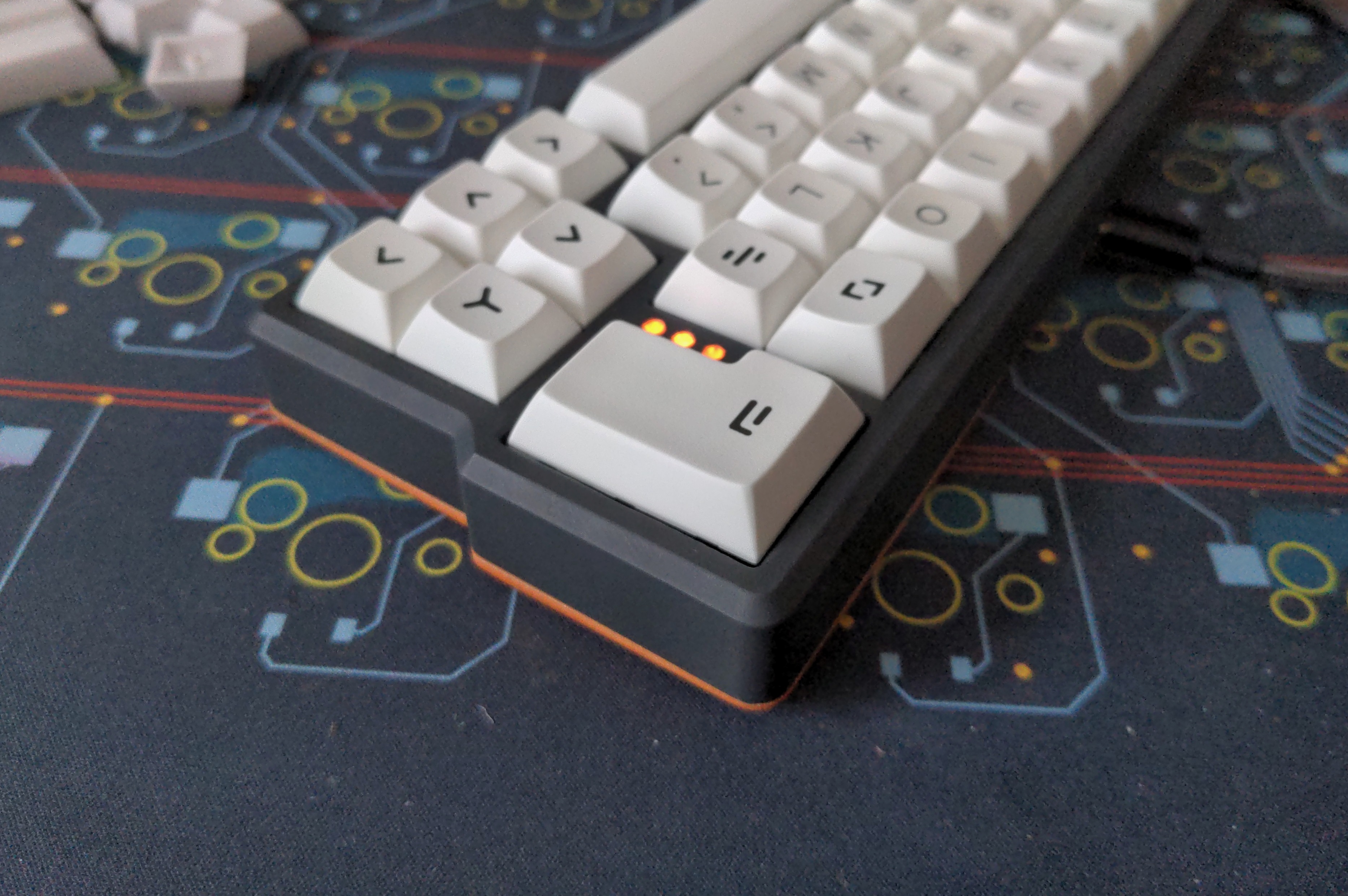
qaz-like keyboard with offset space, arrow cluster and ISO-enter
9 parts88CERN-OHL-P-2.0

 weteor/Qazikat88
qaz-like keyboard with offset space, arrow cluster and ISO-enter
Qazikat is an open-source printed circuit board by weteor, from the weteor/Qazikat repository on GitHub, published under the CERN-OHL-P-2.0 licence. It is a 2-layer board of 232.3 × 84.8 mm with 236 parts on 123 nets, routed with 2,906 tracks and 415 vias.
It is built around the RP2040, W25Q128JVSIQ and SK6812MINI-E. Its parts include 88 diodes, 15 switches, 14 capacitors, 6 resistors and 4 connectors. It belongs with the keyboards and input boards and the RP2040 boards of this library.


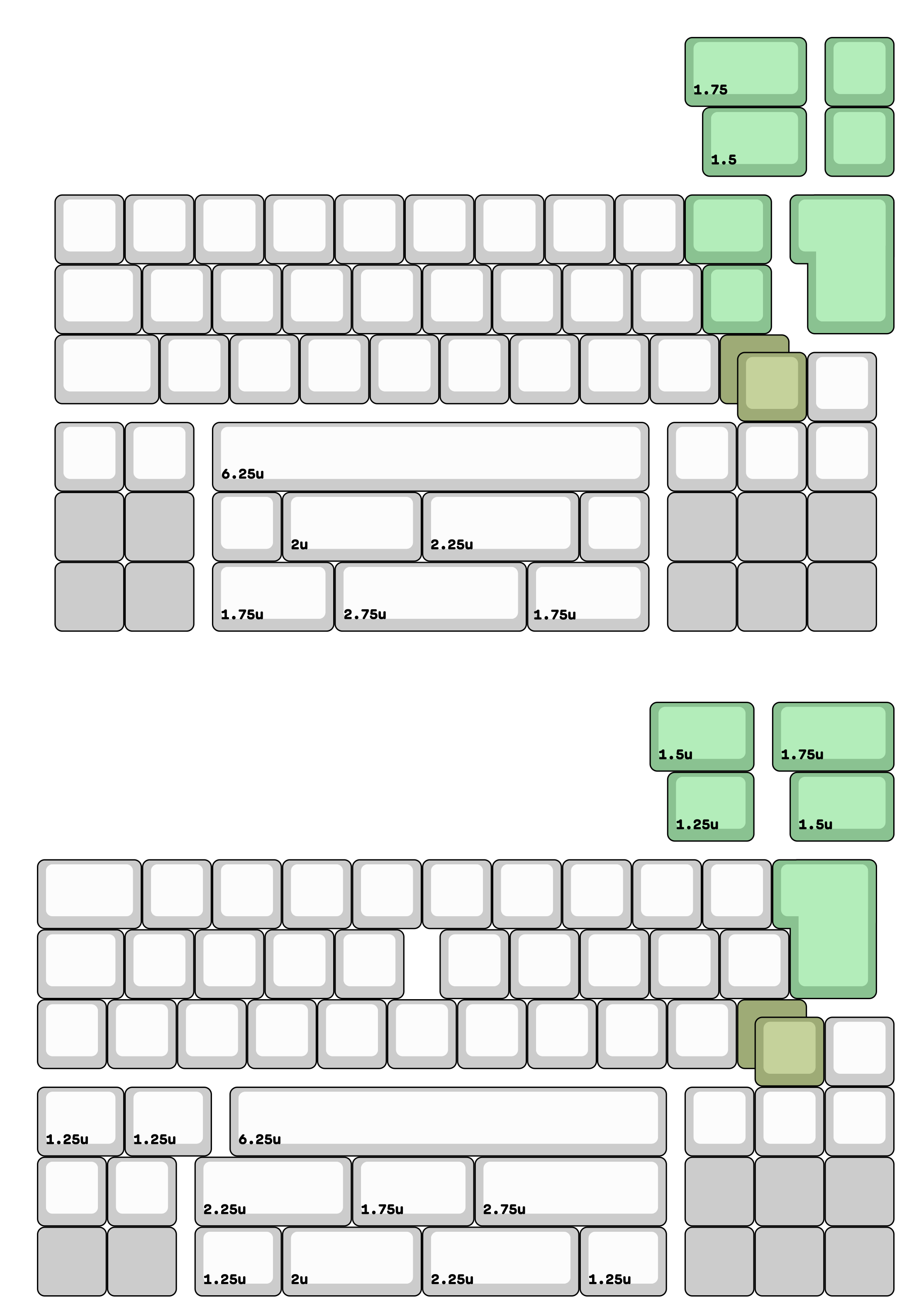
qaz or katana stagger keyboard with offset spacebar, nav cluster and ISO enter
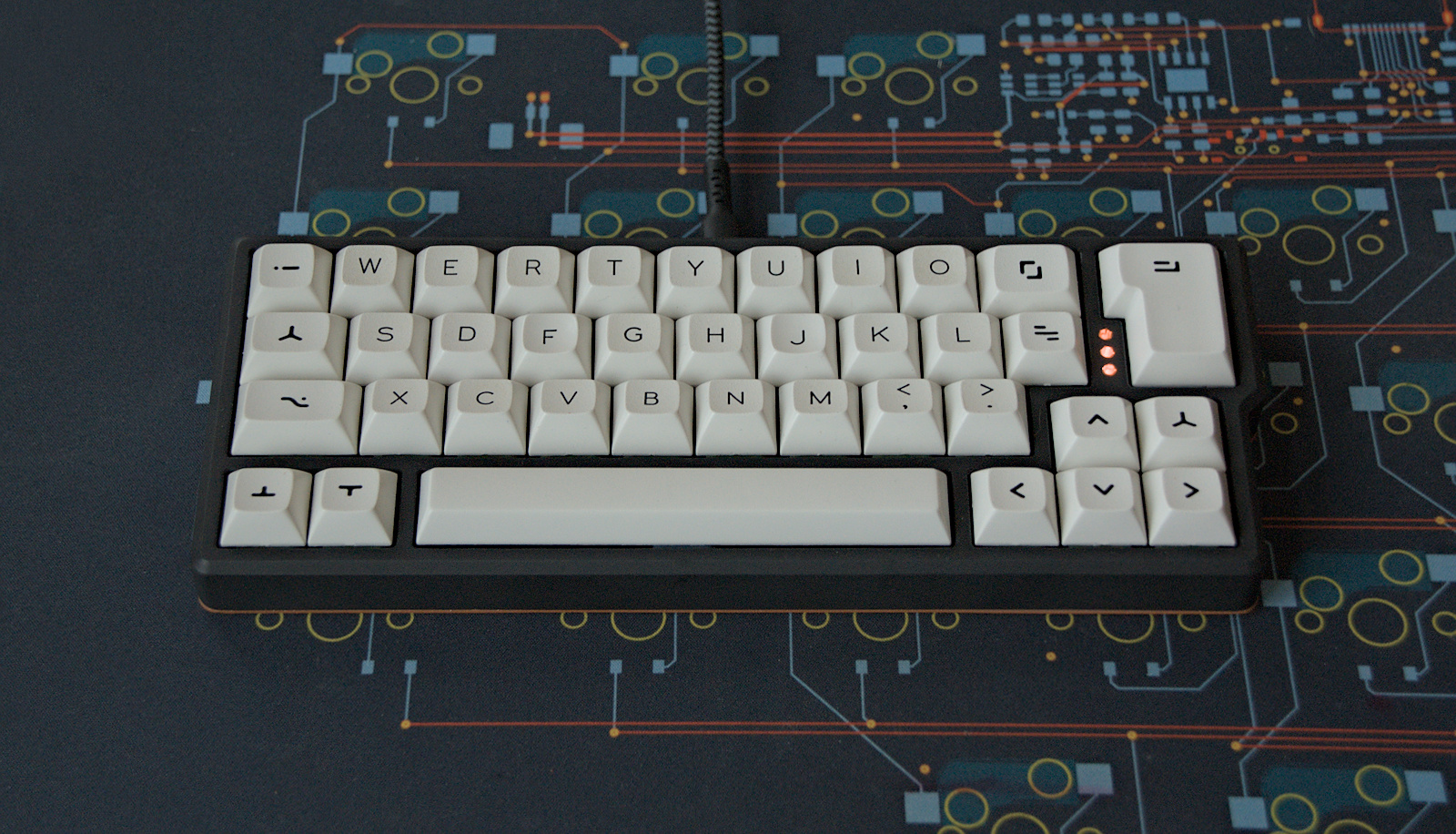
The pcb support both layouts - not at the same time, you have to choose when soldering hot swap sockets - just flip it around.
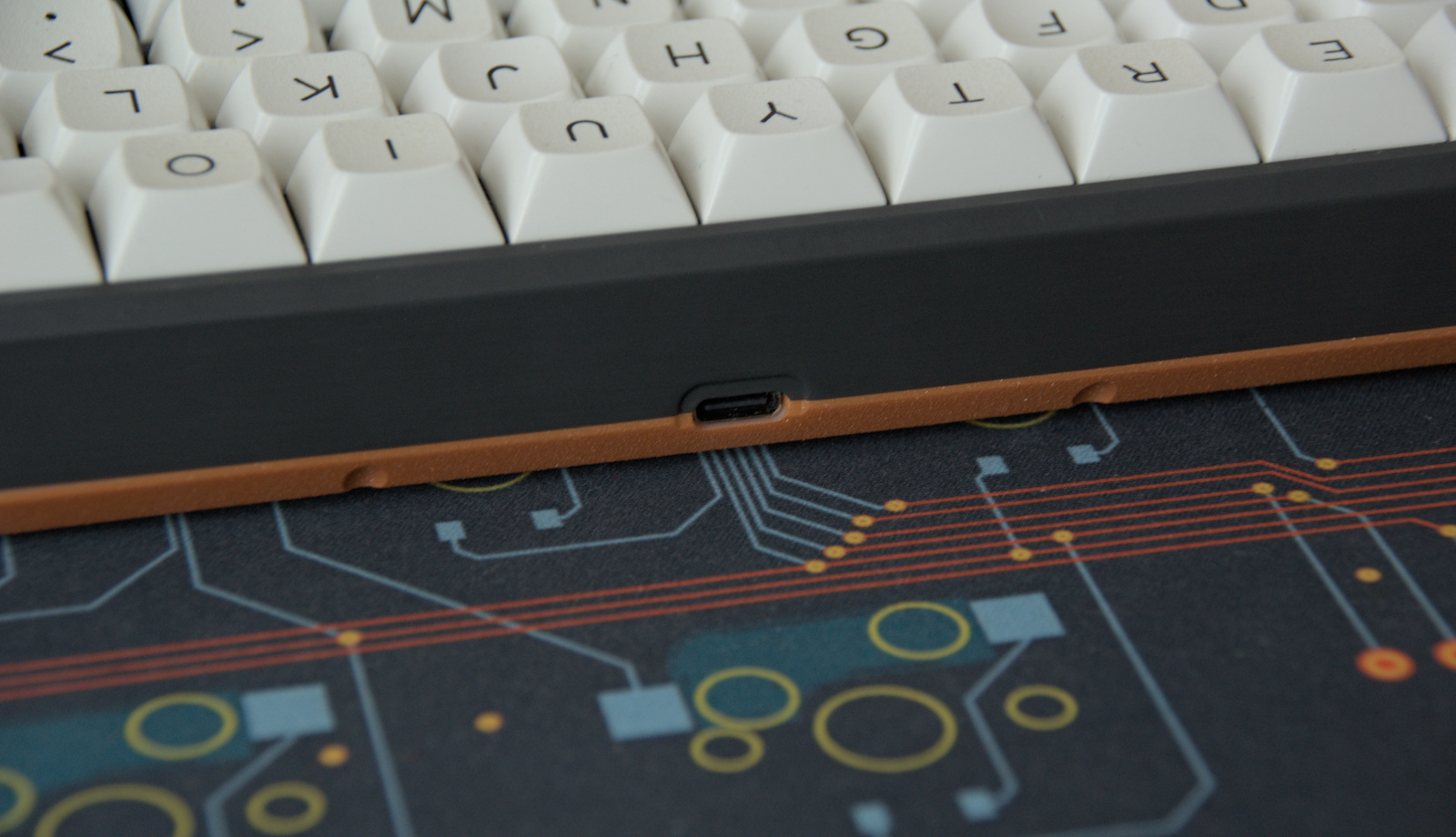
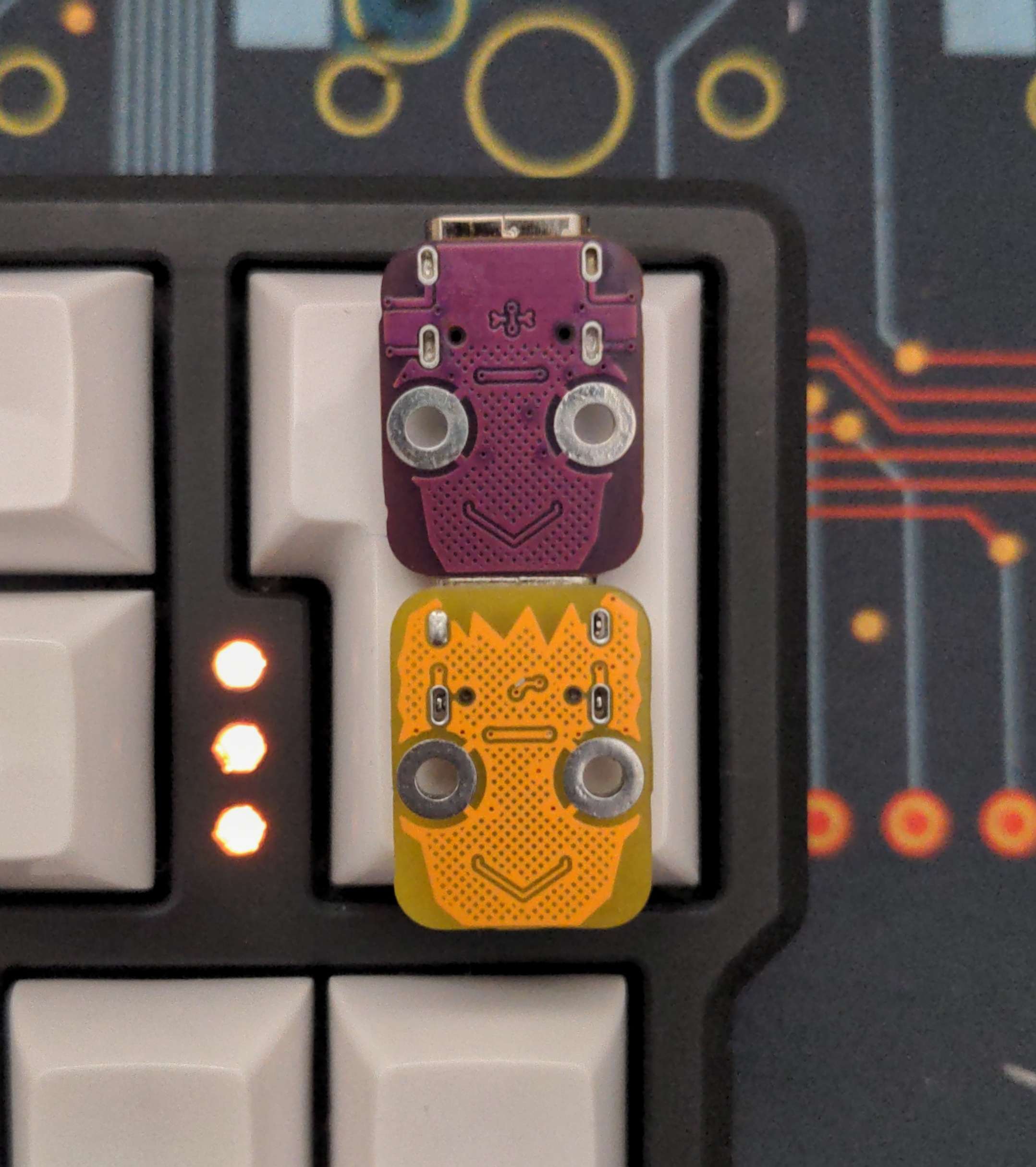
All production files you need to build your own board can be found here. You will also need the usb adapter found here
Parts needed for the assembled pcbs:
Parts needed for the case:
8 M2 heat inserts
8 M2 screws, 8mm length
2 M2 screws, 4mm length
2 M2 nuts
insert heat inserts into the provided holes in the top case. If you used PLA or Nylon, you can just meld them right in. If you have a resin case, check if you the inserts fit, they should go in with just a small amount of force. If that's not the case, try to use a file to widen the hole slightly.
place the M2 nuts in the hexagonal shaped holes on the bottom and use the 4mm screws to hold the usb adapter board in place
solder sockets and optionally LEDs (leds are mounted from the backside facing "through" the pcb).
If you want to use the underglow pcbs, use some solder to connect both
connect fcc cable to usb adaptor and qazikat pcb
firmware configs for qmk(only roughly tested) and vial can be found in firmware folder. Top LED support is still rudimentary and is done in qazikat.c . You can also comment out the functions in that file and also just let the backlight handle those.
The first time the pcb is plugged in, the bootloader will provide a drive to upload the firmware file.
The provided firmware enables to enter bootloader with double tap on the reset button. This can easily be done by shortening the pads with a paperclip or something similar. If this isn't working, try holding down the boot button and while pressed, tip reset.
You may either build the firmware yourself or use the provided vial firmware files here. You can use VIAL (download to program your board after that, without need to build a new firmware.
Everything in this repository is free to use however you might see fit. If you want to support me and my projects, please consider linking back to this repository if you build/change/use anything.
If you would like to send me a tip, you could do it here (Please don't feel like you have to).
| Qty | Value | Footprint | References |
|---|---|---|---|
| 85 | MX_SW_HS | weteor:CherryMX_Hotswap | MX1, MX2, MX12, MX14, MX16, MX17, MX18, MX19, MX20, MX21, MX22, MX23, MX100, MX101, MX103, MX104 +69 |
| 46 | D_Small | weteor:D_SOD-123 | D1, D10, D11, D108, D109, D110, D111, D112, D113, D115, D116, D117, D118, D119, D120, D121 +30 |
| 24 | SK6812MINI | PCM_marbastlib-various:LED_6028R | D12, D13, D14, D15, D16, D17, D18, D19, D20, D21, D22, D36, D43, D44, D45, D47 +8 |
| 18 | SK6812MINI | weteor:LED_6028R_no_cut | D24, D25, D26, D27, D28, D30, D31, D32, D33, D101, D102, D103, D104, D105, D106, D107 +2 |
| 8 | 100nF | weteor:C_0402_HandSolder | C3, C4, C5, C8, C9, C10, C11, C14 |
| 8 | MX_SW_HS | weteor:CherryMX_Hotswap_1.25u | MX10, MX15, MX65, MX75, MX90, MX91, MX92, MX95 |
| 5 | MX_SW_HS | weteor:CherryMX_Hotswap_1.75u | MX11, MX48, MX50, MX64, MX102 |
| 5 | MX_SW_HS | weteor:CherryMX_Hotswap_1.5u | MX25, MX27, MX52, MX63, MX76 |
| 4 | 1uF | weteor:C_0402_HandSolder | C6, C7, C12, C13 |
| 4 | SW_Push | weteor:Micro_Push_Button_3x6x2.5mm | SW1, SW2, SW3, SW4 |
| 3 | 1k | weteor:R_0402_HandSolder | R1, R2, R5 |
| 3 | MX_stab | PCM_marbastlib-mx:STAB_MX_2.75u | S4, S8, S10 |
| 2 | 27R | weteor:R_0402_HandSolder | R3, R4 |
| 2 | 27pF | weteor:C_0402_HandSolder | C1, C2 |
| 2 | Conn_01x01_Pin | TestPoint:TestPoint_Pad_2.0x2.0mm | J1, J3 |
| 2 | Conn_01x10 | weteor:FCC 1x10 - JUSHUO AFC01-S10FCA-00 | J4, J5 |
| 2 | MX_stab | PCM_marbastlib-mx:STAB_MX_2u | S2, S7 |
| 2 | MX_stab | PCM_marbastlib-mx:STAB_MX_2.25u | S3, S9 |
| 2 | MX_stab | PCM_marbastlib-mx:STAB_MX_6.25u | S5, S11 |
| 2 | MX_stab | PCM_marbastlib-mx:STAB_MX_ISO | S1, S6 |
| 2 | SolderJumper_2_Open | Jumper:SolderJumper-2_P1.3mm_Open_RoundedPad1.0x1.5mm | JP1, JP3 |
| 1 | 10k | weteor:R_0402_HandSolder | R8 |
| 1 | Crystal_GND24_Small | Crystal:Crystal_SMD_2520-4Pin_2.5x2.0mm | Y1 |
| 1 | RP2040 | Package_DFN_QFN:QFN-56-1EP_7x7mm_P0.4mm_EP3.2x3.2mm | U5 |
| 1 | W25Q128JVS | Package_SON:WSON-8-1EP_6x5mm_P1.27mm_EP3.4x4mm | U1 |
| 1 | XC6206PxxxMR | Package_TO_SOT_SMD:SOT-23-3 | U2 |
weteor/Qazikat
qaz-like keyboard with offset space, arrow cluster and ISO-enter

Bastardkb/Dilemma
The Dilemma is a vertical stagger low-profile keyboard with mods.


yuz207/agentpad13
agentpad13 — open-source 13-key macropad for agentic work (RP2040, vial-qmk, planar joystick, Raw HID agent-status protocol)

defvs/minigeki
A portable implementation of an ONGEKI controller, with all necessary buttons, two macros, RGB LED support, USB-C.

slopus/codex-keybored
A 100% vibe-coded hardware build: Fusion 360, six-layer KiCad PCB, STM32 firmware, and live JLC factory handoff.


BigTuna94/RP2.65-F
RP2.65-F Mechanical Keyboard - a 65% Ortholinear Keyboard with Faders

Charading/SHEGO16-QMK-Hall-Effect-Macropad
An RP2040-powered 4x4 15 key macropad with a knob on the top row, that runs custom QMK firmware that allows analogue hall effect sensors to work, also has SOCD, works with VIA and SignalRGB
It measures 232.3 × 84.8 mm and has 2 copper layers, 1.6 mm thick.
236 parts, built around the RP2040, W25Q128JVSIQ and SK6812MINI-E. The full list of its parts is on this page, with links to each part's symbol and footprint where PCBKit's library has them.
From the weteor/Qazikat repository on GitHub, at the commit this page was made from: the board is pcb/qazikat/qazikat.kicad_pcb and its schematic pcb/qazikat/katana.kicad_sch. PCBKit opens the board in the browser, with nothing to install.
Its repository publishes it under the CERN-OHL-P-2.0 licence: you may reuse it on that licence's terms (keep the author's notice, and for a copyleft licence share your changes alike).