
4 layers99 × 53.3 mm
PSLab
fossasia/pslab-hardware
PSLab Hardware Design and Schematics https://pslab.io
199 parts1.7kApache-2.0

 vlhtg/triBRK
tri-Button Rhythm Keyboard is a cheap and simple to produce input device for various rythm games, aiming to fill the niche of three button devices
TriBRK is an open-source printed circuit board by vlhtg, from the vlhtg/triBRK repository on GitHub, published under the GPL-3.0 licence. It is a 2-layer board of 61.5 × 43.7 mm with 12 parts on 40 nets, routed with 33 tracks and 3 vias.
It is built around the WS2812B. Its parts include 5 switches, 2 diodes and 1 IC.
three Button Rhythm Keyboard is a cheap and simple to produce input device for various rythm games, aiming to fill the niche of three button devices.
This is my first project both in KiCAD and in STM32Cube.
Built around a STM32 "blue-pill", it uses cheap commonly available parts and a 3D printed case. Unlike AVR-based alternatives this is even cheaper, as blue-pills are around 2-3 euros on Chinese websites. Initial designs had a STM32 chip and the auxilliary components placed directly on the board, but compared to just soldering a pre-made board this just resulted in useless complexity, longer building times and surprisingly, higher costs per unit.
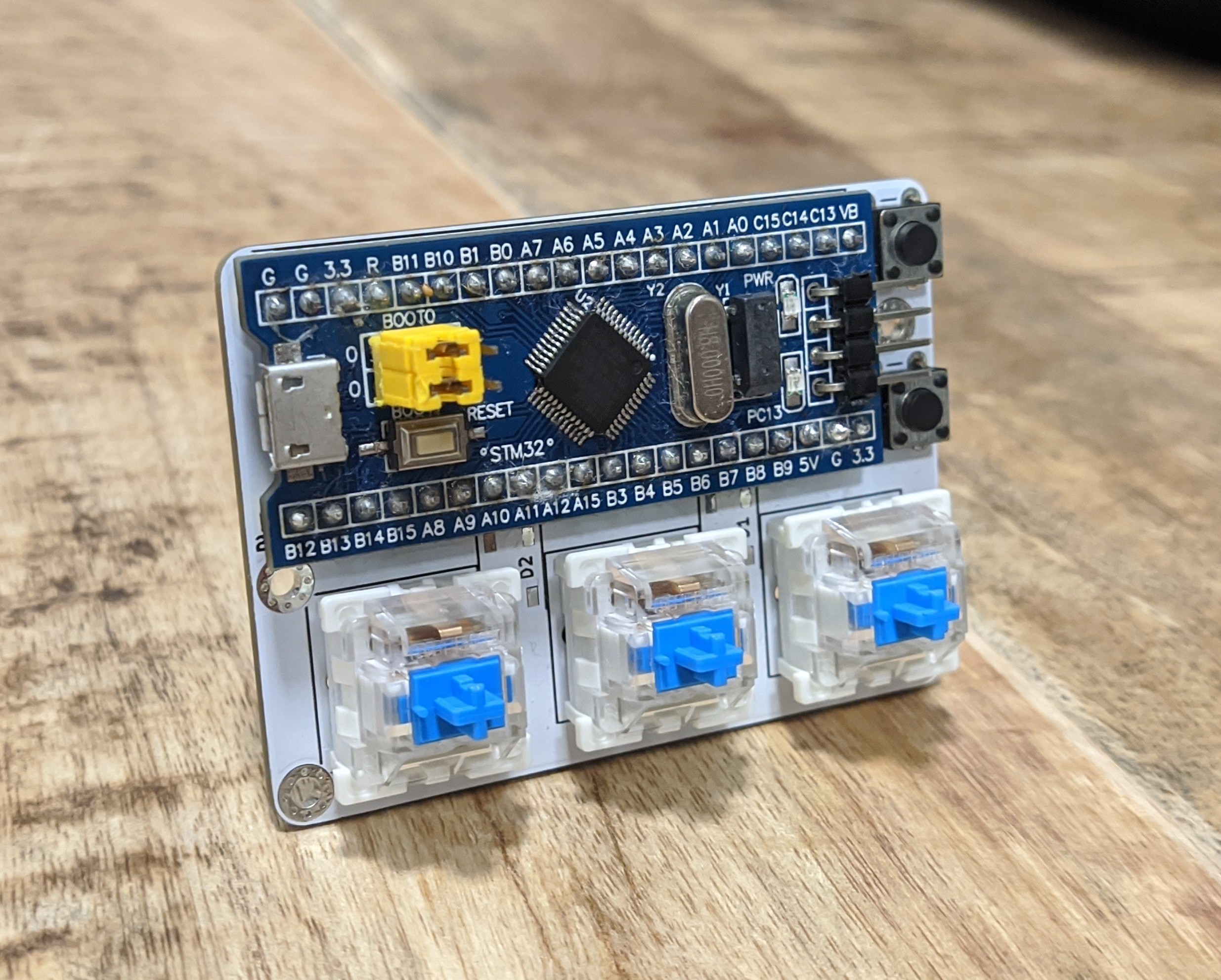
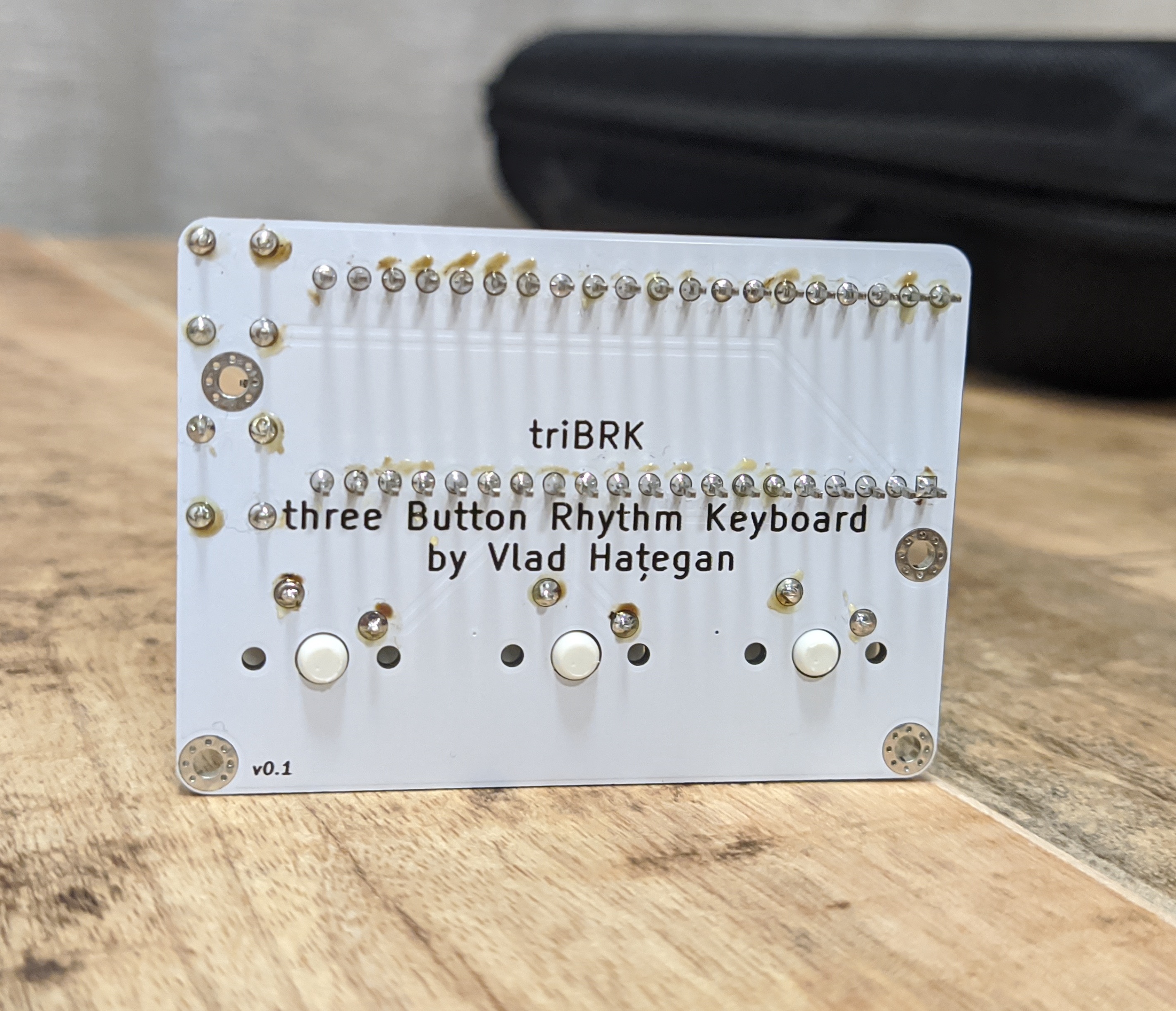
Even though the project is functional, there are still a lot of things that are left to be done:
| Qty | Value | Footprint | References |
|---|---|---|---|
| 4 | MountingHole | MountingHole:MountingHole_2.2mm_M2_Pad_Via | H1, H2, H3, H4 |
| 3 | SW_Push | Button_Switch_Keyboard:SW_Cherry_MX_1.00u_PCB | SW3, SW4, SW5 |
| 2 | SW_Push | Button_Switch_THT:SW_PUSH_6mm | SW1, SW2 |
| 2 | WS2812B | LED_SMD:LED_WS2812B_PLCC4_5.0x5.0mm_P3.2mm | D1, D2 |
| 1 | YAAJ_BluePill_Part_Like | libs:YAAJ_BluePill_1 | U1 |
fossasia/pslab-hardware
PSLab Hardware Design and Schematics https://pslab.io

FrameworkComputer/ExpansionCards
Reference designs and documentation to create Expansion Cards for the Framework Laptop


PrintersForAnts/Micron
If you want to purchase full kits there are 3 available (Kits are slowly updating to R1 hardware just make sure to double check the included hardware in your kit and if you have any questions reach out in the discord)


It measures 61.5 × 43.7 mm and has 2 copper layers, 1.6 mm thick.
12 parts, built around the WS2812B. The full list of its parts is on this page, with links to each part's symbol and footprint where PCBKit's library has them.
From the vlhtg/triBRK repository on GitHub, at the commit this page was made from: the board is PCB/triBRK.kicad_pcb and its schematic PCB/triBRK.kicad_sch. PCBKit opens the board in the browser, with nothing to install.
Its repository publishes it under the GPL-3.0 licence: you may reuse it on that licence's terms (keep the author's notice, and for a copyleft licence share your changes alike).