
4 layers99 × 53.3 mm
PSLab
fossasia/pslab-hardware
PSLab Hardware Design and Schematics https://pslab.io
199 parts1.7kApache-2.0

 lastlxrd/overpad1
12-key QMK macropad with rotary encoder, OLED and RGB.
Overpad is an open-source printed circuit board by lastlxrd, from the lastlxrd/overpad repository on GitHub, published under the GPL-2.0 licence. It is a 2-layer board of 66 × 114 mm with 46 parts on 48 nets, routed with 311 tracks and 18 vias.
It is built around the WS2812B. Its parts include 24 diodes, 14 switches, 2 resistors, 1 IC and 1 connector. It belongs with the keyboards and input and lEDs and displays boards and the AVR (ATmega, ATtiny) boards of this library.
A custom 12-key mechanical macropad with a rotary encoder, OLED display and RGB, powered by QMK.
@lastlxrd · 2024
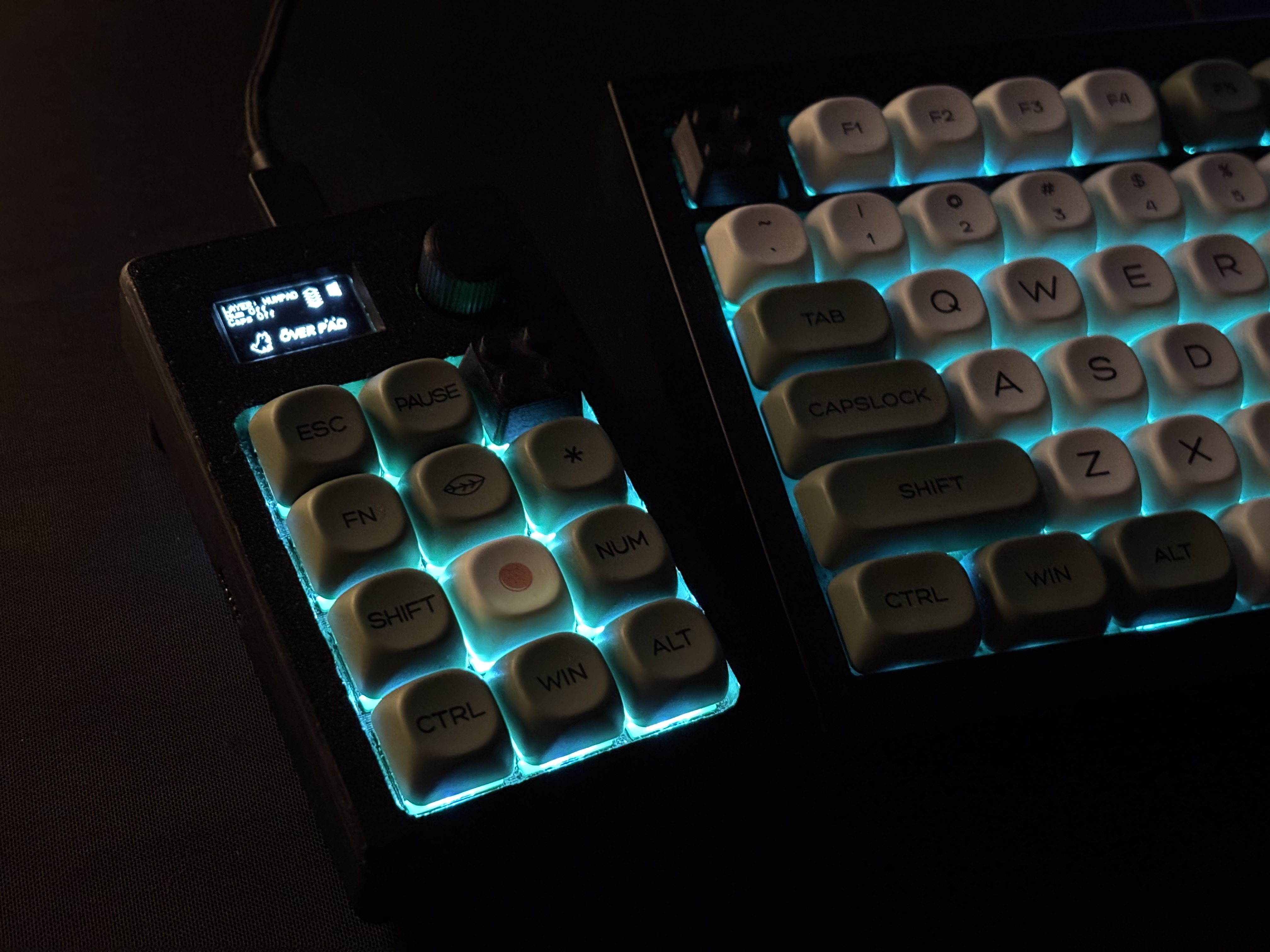
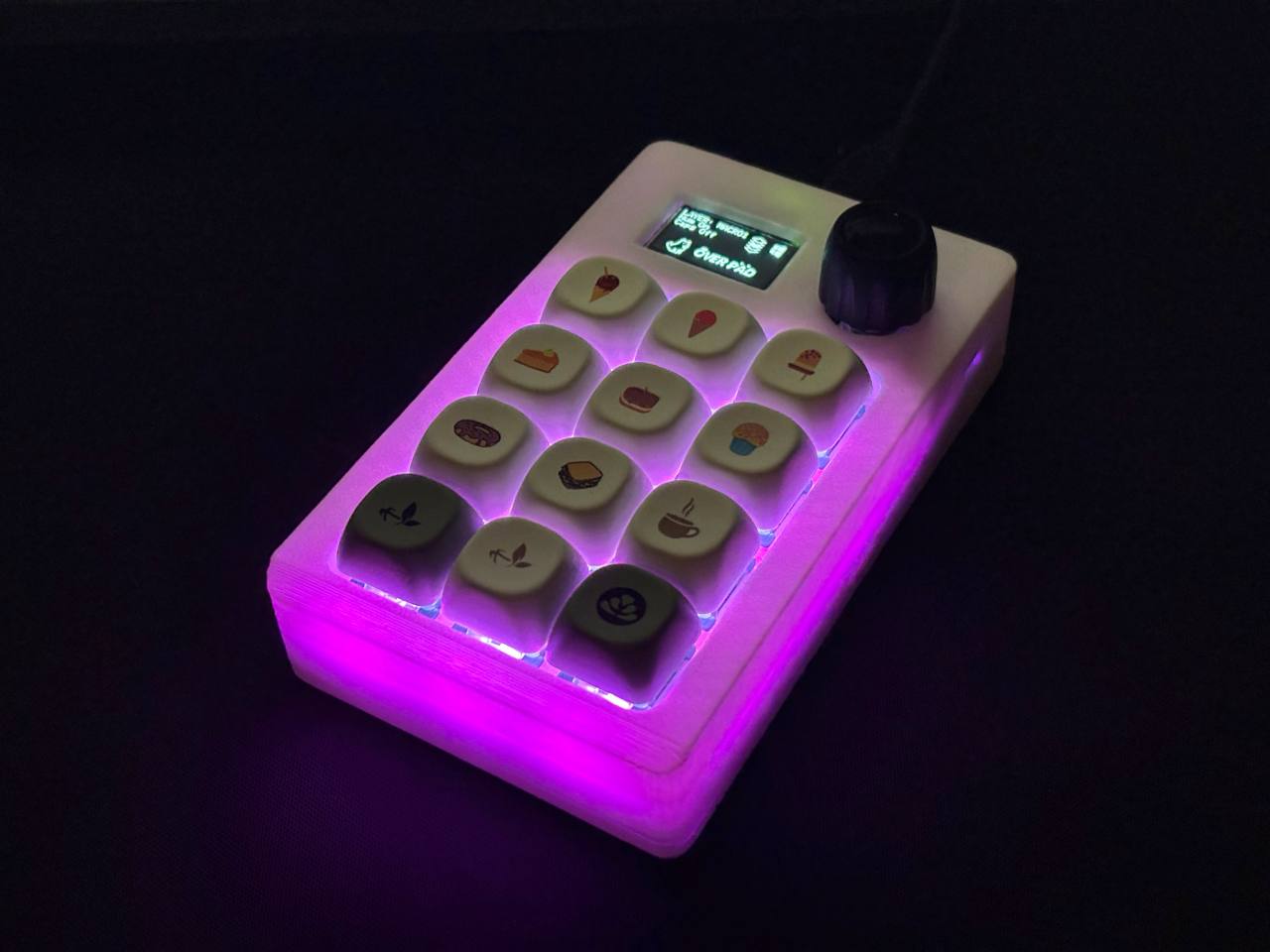
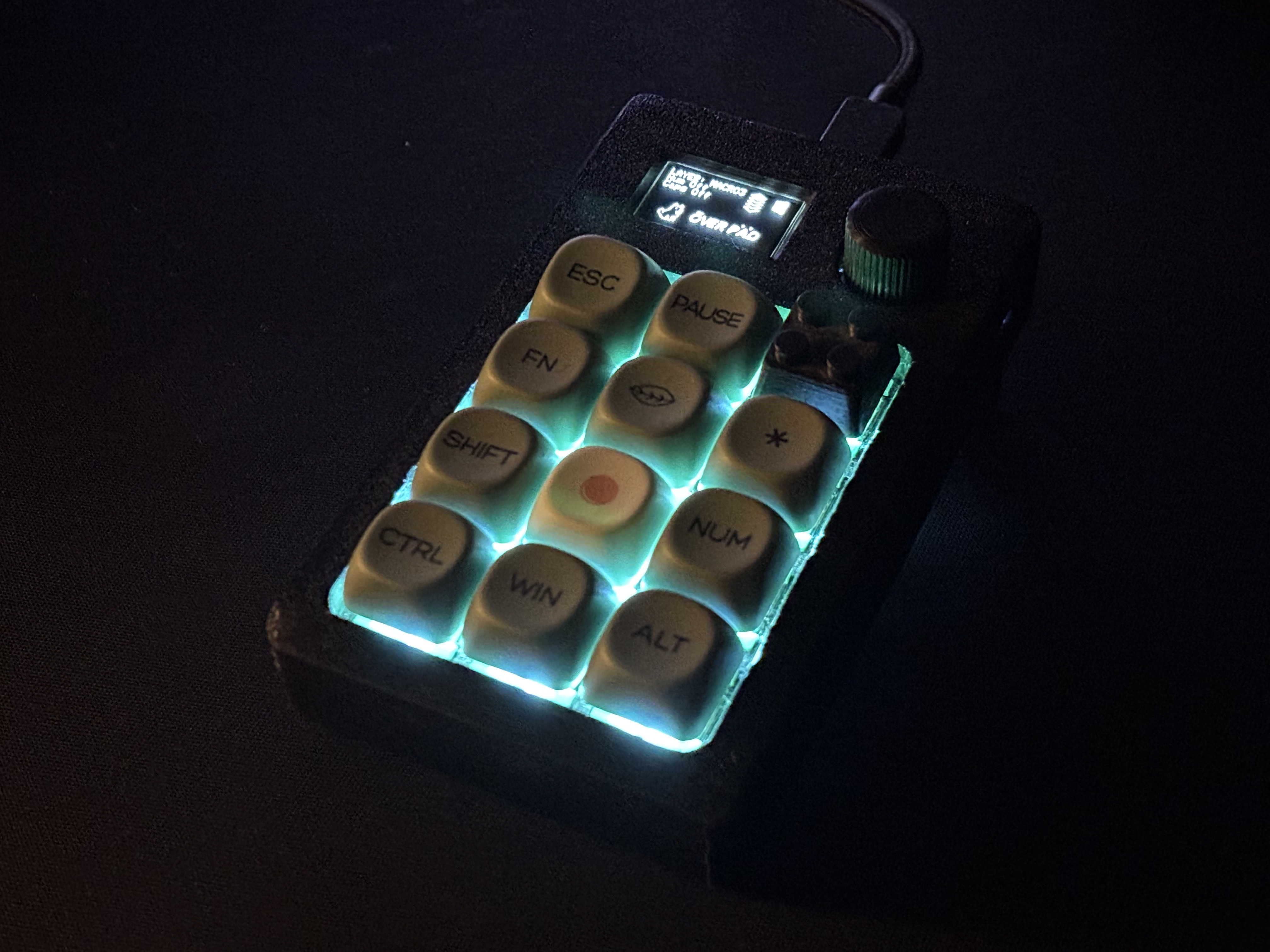
OVERPAD is a compact programmable macropad built around the ATmega32U4 and QMK Firmware.
| Component | Description |
|---|---|
| MCU | ATmega32U4 |
| Keys | 12 mechanical keys |
| Encoder | Rotary encoder with push button |
| Display | 128×64 OLED |
| RGB | 12× WS2812 LEDs |
| Firmware | QMK |
| Configuration | VIA |
| Bootloader | Caterina |
OVERPAD supports VIA, allowing the keymap to be customized through a graphical interface without recompiling the firmware.
With VIA you can:
The VIA definition is included in the repository:
Connect OVERPAD to your computer via USB.
Open VIA.
If OVERPAD is detected automatically, open the Configure tab and start remapping the keys.
If the keyboard is not detected automatically, enable the Design tab in VIA settings.
Load:
Return to the Configure tab.
Select any key on the OVERPAD layout and assign the desired function.
Changes are written directly to the keyboard and take effect immediately.
OVERPAD must be running the VIA-enabled QMK firmware for VIA configuration to work.
OVERPAD firmware is based on QMK Firmware.
The repository contains the keyboard configuration files:
.
├── config.h
├── keyboard.json
├── rules.mk
├── LICENSE
├── NOTICE
├── LICENSE-ASSETS.md
├── docs/
│   ├── overpad1.jpg
│   ├── overpad2.jpg
│   └── overpad3.jpg
└── README.md
To use the keyboard definition inside a QMK installation, place it in:
qmk_firmware/keyboards/lastlxrd/overpad/A QMK keymap can then be placed inside:
keymaps/default/ and compiled with:
qmk compile -kb lastlxrd/overpad -km defaultor flashed with:
qmk flash -kb lastlxrd/overpad -km defaultA
keymaps/default/keymap.cfile is required to build a complete firmware image.
OVERPAD is an early custom hardware project developed in 2024.
The project combines PCB design, embedded firmware and mechanical keyboard hardware in a compact programmable controller.
OVERPAD firmware and keyboard configuration files are licensed under the GNU General Public License v2.0 or later (GPL-2.0-or-later).
The firmware is based on QMK Firmware, which is distributed under the GNU General Public License.
Original project photographs and media located in docs/ are not covered by the firmware license unless explicitly stated otherwise.
See LICENSE, NOTICE and LICENSE-ASSETS.md for details.
Designed and developed by lastlxrd.
| Qty | Value | Footprint | References |
|---|---|---|---|
| 12 | Diode | ScottoKeebs_Components:Diode_DO-35 | D1, D2, D3, D4, D5, D6, D7, D8, D9, D10, D11, D12 |
| 12 | Keyswitch | ScottoKeebs_Hotswap:Hotswap_MX_Plated_1.00u | S1, S2, S3, S4, S5, S6, S7, S8, S9, S10, S11, S12 |
| 12 | WS2812B | LED_SMD:LED_WS2812B_PLCC4_5.0x5.0mm_P3.2mm | D13, D14, D15, D16, D17, D18, D19, D20, D21, D22, D23, D24 |
| 2 | R | Resistor_THT:R_Axial_DIN0207_L6.3mm_D2.5mm_P7.62mm_Horizontal | R1, R2 |
| 1 | Arduino_Pro_Micro | ScottoKeebs_MCU:Arduino_Pro_Micro | U1 |
| 1 | OLED_128x64 | ScottoKeebs_Components:OLED_128x64 | J2 |
| 1 | RotaryEncoder_Switch | ScottoKeebs_Scotto:Encoder_EC11_MX | SW1 |
| 1 | Switch | ScottoKeebs_Components:Button_MJTP1243 | SW2 |
The 42 most common of 46 parts.
fossasia/pslab-hardware
PSLab Hardware Design and Schematics https://pslab.io

FrameworkComputer/ExpansionCards
Reference designs and documentation to create Expansion Cards for the Framework Laptop


PrintersForAnts/Micron
If you want to purchase full kits there are 3 available (Kits are slowly updating to R1 hardware just make sure to double check the included hardware in your kit and if you have any questions reach out in the discord)


It measures 66 × 114 mm and has 2 copper layers, 1.6 mm thick.
46 parts, built around the WS2812B. The full list of its parts is on this page, with links to each part's symbol and footprint where PCBKit's library has them.
From the lastlxrd/overpad repository on GitHub, at the commit this page was made from: the board is pcb/overpad.kicad_pcb and its schematic pcb/overpad.kicad_sch. PCBKit opens the board in the browser, with nothing to install.
Its repository publishes it under the GPL-2.0 licence: you may reuse it on that licence's terms (keep the author's notice, and for a copyleft licence share your changes alike).