
2 layers132.3 × 94.9 mm

 cveldy/triplejump
Leverless (box-style) fighting game controller with three jump options.
Triplejump is an open-source printed circuit board by cveldy, from the cveldy/triplejump repository on GitHub, published under the MIT licence. It is a 2-layer board of 320 × 120 mm with 27 parts on 23 nets, routed with 74 tracks and 0 vias.
It is built around the RP2040-ZERO. Its parts include 20 switches and 1 IC. It belongs with the keyboards and input boards and the RP2040 boards of this library.
Leverless (Hitbox-style) fighting game controller with three two jump options.
TODO: One or more images
This controller is distinguished by its split-hand configuration and angled keyclusters, mitigating the RSI-potential of the standard "hands-together-but-parallel" layout popularized by the Hitbox. The goal is to keep the entire device relatively small while still providing a meaningful ergonomic benefit.
Another notable aspect of the layout is the 10 button right hand cluster. The closeness of the keys in this keyboard-like format makes multi-key inputs (e.g., LP+LK) harder than usual to press. Promoting R3 and L3 into "first class" buttons mitigates this drawback by providing more locations for macros (the legal kind you can map in-game).
Lastly are the titular three two up buttons. This allows the same handed-preference for jumping (and ability to double-tap using both thumbs) from the normal layout.
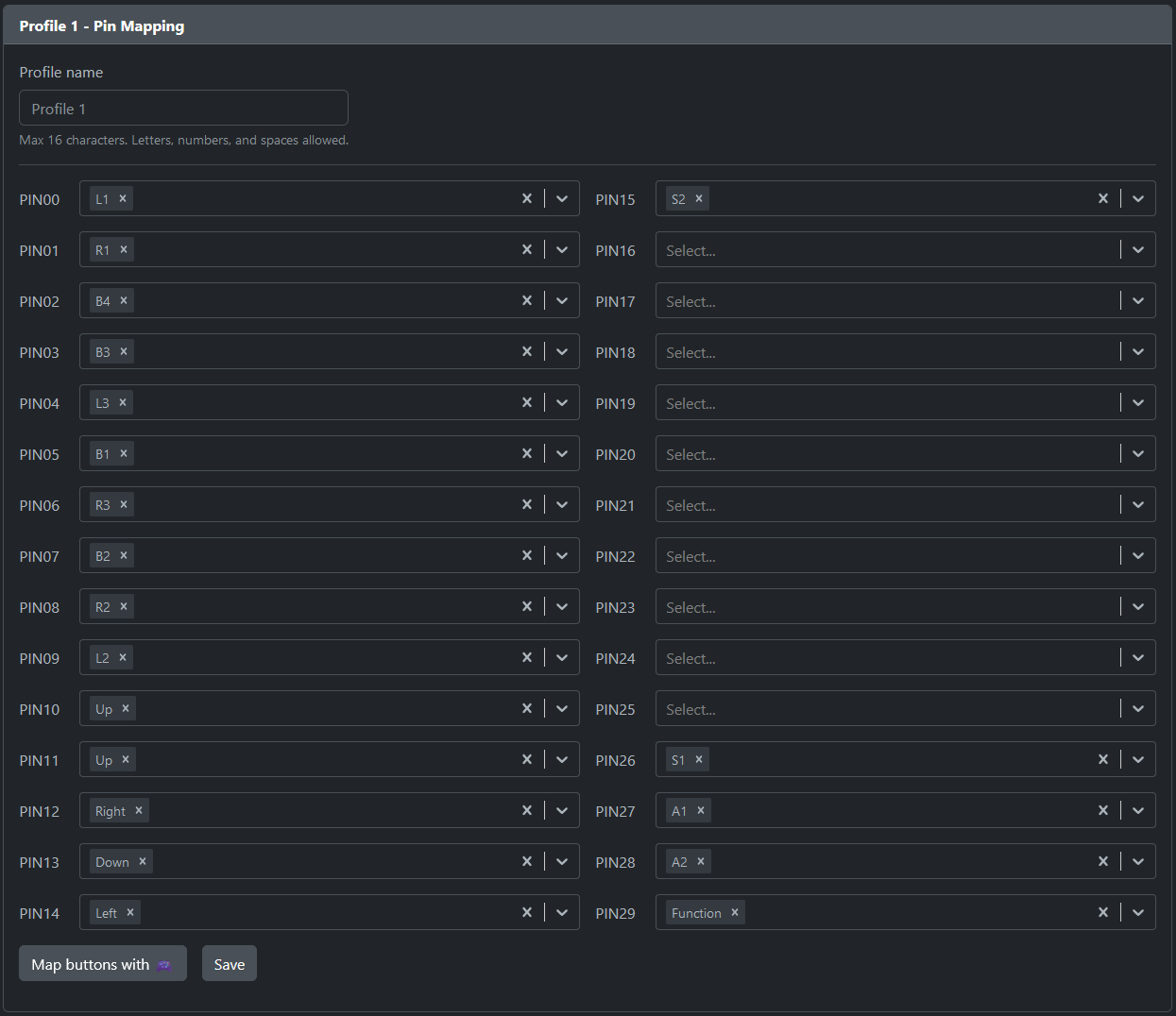
Powering this device is OpenStick's excellent GP2040-CE gamepad firmware. Please see that repository for information about configuration, console compatibility, and all the rest.
If you want to produce one, you will need some parts.
This case was designed with MBK profile Choc keycaps in mind and may or may not be compatible with other keycaps.
Optionally, you could print some art and put it between the top two acrylic layers. An Art Template is provided, though I haven't tested it personally.
| Qty | Value | Footprint | References |
|---|---|---|---|
| 15 | SW_Push_45deg | keyswitches.pretty-master:Kailh_socket_PG1350 | SW6, SW7, SW8, SW9, SW10, SW11, SW12, SW13, SW14, SW15, SW16, SW17, SW18, SW19, SW20 |
| 6 | MountingHole_3.2mm_M3 | MountingHole:MountingHole_3.2mm_M3 | M3, M3, M3, M3, M3, M3 |
| 5 | SW_Push_45deg | Button_Switch_THT:SW_PUSH_6mm | SW1, SW2, SW3, SW4, SW5 |
| 1 | rp2040-zero | mcu:rp2040-zero-tht | U1 |
It measures 320 × 120 mm and has 2 copper layers, 1.6 mm thick.
27 parts, built around the RP2040-ZERO. The full list of its parts is on this page, with links to each part's symbol and footprint where PCBKit's library has them.
From the cveldy/triplejump repository on GitHub, at the commit this page was made from: the board is src/kicad/triplejump.kicad_pcb and its schematic src/kicad/triplejump.kicad_sch. PCBKit opens the board in the browser, with nothing to install.
Its repository publishes it under the MIT licence: you may reuse it on that licence's terms (keep the author's notice, and for a copyleft licence share your changes alike).


beekeeb/zerosprey42
Zerosprey42 Keyboard is a wired, beginner friendly, choc hotswap, MonoBlockSplit (Unibody), column-staggered, DIY mechanical keyboard.


ravinrabbid/DonCon2040
RP2040 based firmware and hardware for DIY Taiko no Tatsujin Drum Controllers

nmur/RP2040-TestPatternGenerator
A simple test pattern generator running on the RP2040 microcontroller

ChrisChrisLoLo/bunchiez40
A pocket keyboard that makes use of mouse switches to achieve a miniscule size
