2 layers44.5 × 18 mm
 Pegoku/StorageSystem12
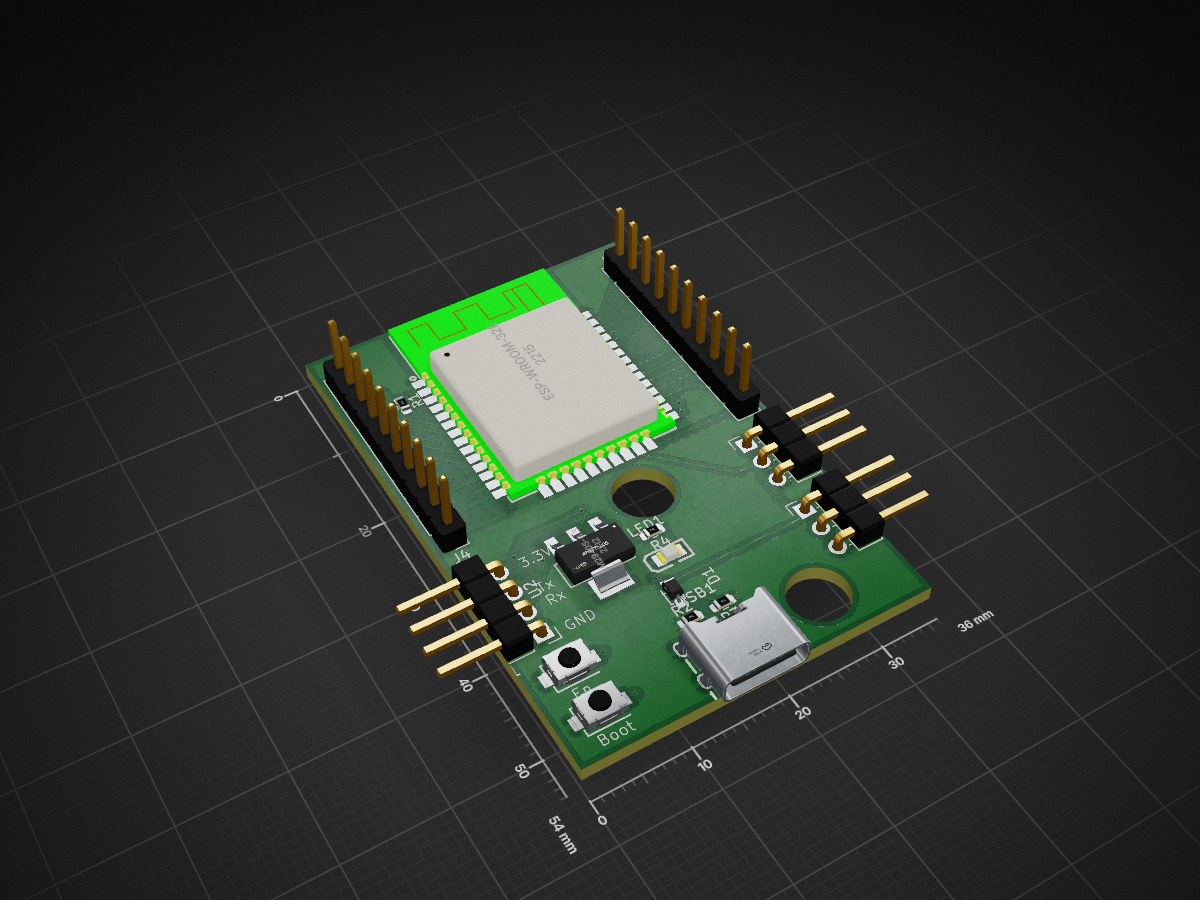
NodePCB is an open-source printed circuit board by Pegoku, from the Pegoku/StorageSystem repository on GitHub. It is a 2-layer board of 36 × 54 mm with 16 parts on 42 nets, routed with 156 tracks and 15 vias.
It is built around the LM2940S-3.3, TS-1088-AR02016 and FC-2012HRK-620D, with the NSR0320MW2T1G among its other parts. Its parts include 5 connectors, 4 resistors, 2 ICs, 2 diodes and 2 switches.


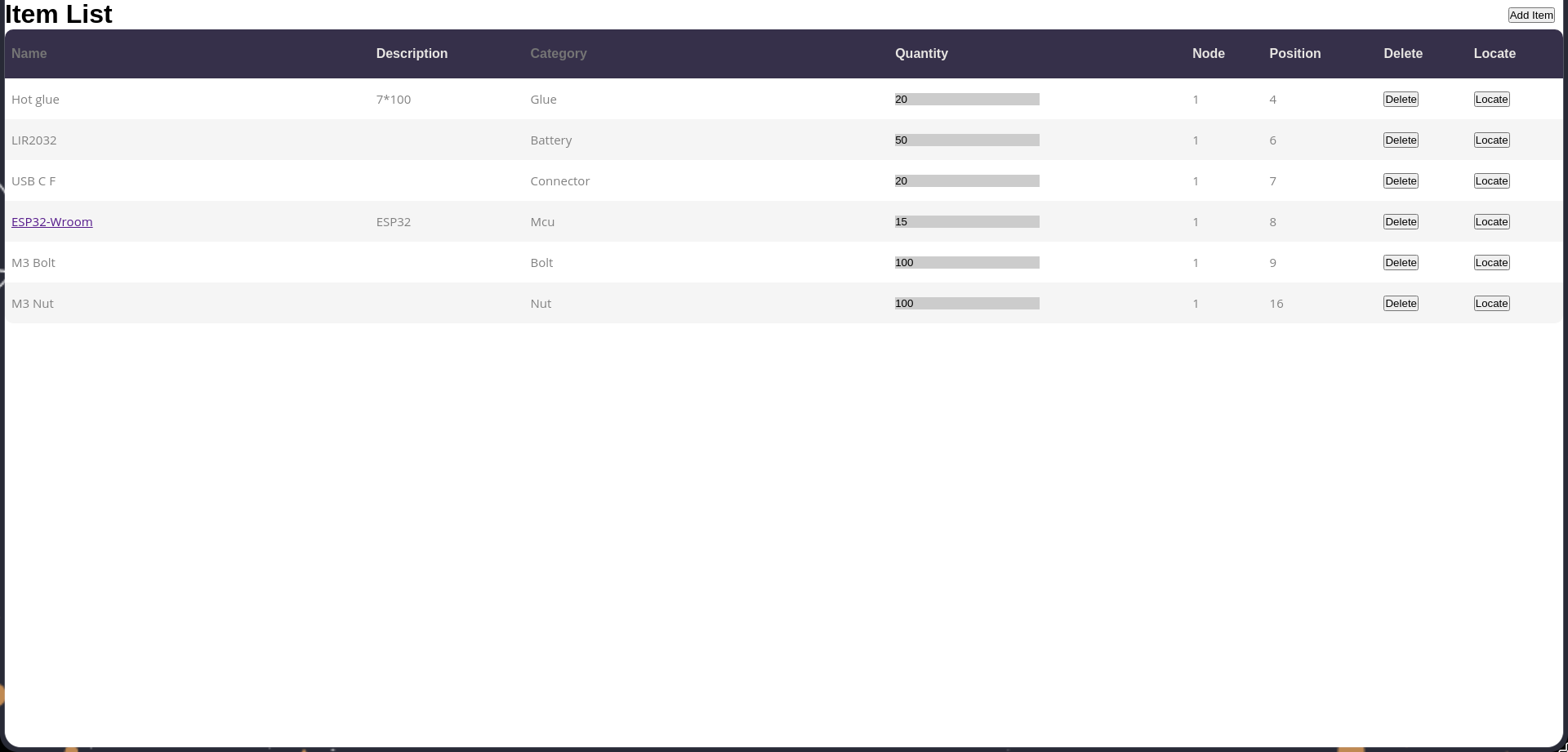
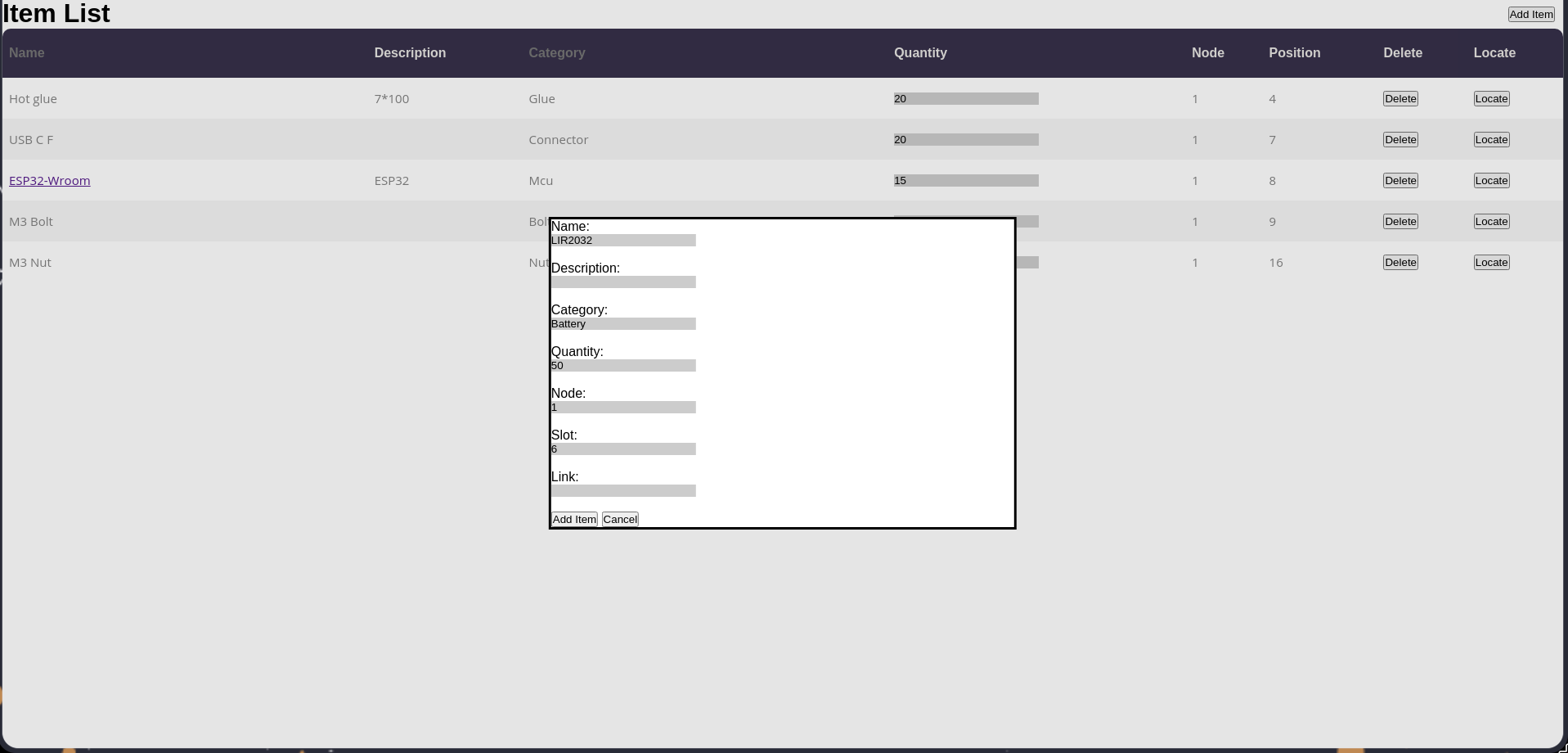
This is a versatile and customizable Storage System. It has the ability to combine multiple Storage Systems via the use of ESP32 (a cheap microcontroller) as controllers for the neopixels (indicators). It has a simple but useful WebUI and an API. The storage bins are compatible with Gridfinity 1x4 bins.
/api/listGETcategory (optional): Filter items by category.node (optional): Filter items by node.position (optional): Filter items by position.id (optional): Filter items by ID:/api/locategetGETid (required): The ID of the item to locate./api/nodesGETid (optional): Filter nodes by ID./api/additemPOST{
"name": "string",
"description": "string",
"category": "string",
"quantity": "integer",
"node": "integer",
"position": "integer",
"url": "string",
"slots": "array"
}/api/addnodePOST {
"id": "integer",
"ip": "string",
"positions": "integer"
}/api/deletePOST {
"id": "integer"
}/api/editPOST {
"id": "integer",
"name": "string",
"description": "string",
"category": "string",
"quantity": "integer",
"node": "integer",
"position": "integer",
"url": "string",
"slots": "array"
} /api/movePOST {
"id": "integer",
"node": "integer",
"position": "integer"
}/api/locatePOST {
"id": "integer"
}server variablegit clone https://github.com/Pegoku/StorageSystem.git
cd StorageSystemdocker compose up -d --buildgit clone https://github.com/Pegoku/StorageSystem.git
cd StorageSystem/Code/Serverpython3 -m venv .venv
source .venv/bin/activate
pip install -r requirements.txtpython3 main.pygit clone https://github.com/Pegoku/StorageSystem.git
cd StorageSystemdocker buildx build -t storagesystem:server -f server.Dockerfile .
docker run -p 5505:5505 -v ./database.db:/app/database.db storagesystem:serverhttp://localhost:5505.git clone https://github.com/Pegoku/StorageSystem.git
cd StorageSystemplatformio runinclude/.env.template file and rename it to include/.env.platformio run --target uploadplatformio device monitorgit clone https://github.com/Pegoku/StorageSystem.git
cd StorageSystem/Code/Apppython3 -m venv .venv
source .venv/bin/activate
pip install -r requirements.txtpython3 main.pygit clone https://github.com/Pegoku/StorageSystem.git
cd StorageSystemdocker buildx build -t storagesystem:app -f app.Dockerfile .
docker run -p 5506:5506 storagesystem:apphttp://localhost:5506.Contributions are welcome! Please fork the repository and submit a pull request with your changes.
| Qty | Value | Footprint | References |
|---|---|---|---|
| 2 | 5.1k | Resistor_SMD:R_0603_1608Metric | R2, R3 |
| 2 | Conn_01x03_Pin | Connector_PinHeader_2.54mm:PinHeader_1x03_P2.54mm_Horizontal | J2, J3 |
| 2 | Conn_01x10 | Connector_PinHeader_2.54mm:PinHeader_1x10_P2.54mm_Vertical | J4, J5 |
| 2 | TS-1088-AR02016 | easyeda2kicad:SW-SMD_L3.9-W3.0-P4.45 | SW1, SW2 |
| 1 | 1k | Resistor_SMD:R_0603_1608Metric | R1 |
| 1 | 68 | Resistor_SMD:R_0603_1608Metric | R4 |
| 1 | Conn_01x04 | Connector_PinHeader_2.54mm:PinHeader_1x04_P2.54mm_Horizontal | J1 |
| 1 | ESP-WROOM-32E | easyeda2kicad:COMM-SMD_ESP-WROOM-32D | U1 |
| 1 | FC-2012HRK-620D | easyeda2kicad:LED0805-R-RD | LED1 |
| 1 | LM2940S-3.3 | easyeda2kicad:SOT-223-3_L6.5-W3.4-P2.30-LS7.0-BR | U2 |
| 1 | NSR0320MW2T1G | easyeda2kicad:SOD-323_L1.8-W1.3-LS2.5-RD | D1 |
| 1 | TYPE-C 6P(073) | easyeda2kicad:TYPE-C-SMD_TYPE-C-6P_5 | USB1 |

jeffreydthompson/Open_Roadster
Support files for course creating BLE remote controlled car from scratch.

Serhio4522/SEM_hitachi-
Digitization of a Hitachi scanning electron microscope (SEM) — hardware design, FPGA firmware, and analog frontend schematics.

ste2425/PSP-Bluetooth
Formerly PSP-Consolizer, PSP-Bluetooth aims to add Bluetooth controller support to the PSP 1K/2K/3K.


Pegoku/Home-Assistant-Control-pad
This is a programmable Home Assistant Control Pad. It can control 4 Home assistant devices at a time, and has 4 togglable screens/zones (in total 16 devices).

National-Association-of-Rocketry-UCD/2025_NAR_CanSat
PCB and schematic files can be accesed by downloading KiCADCamsatPCB as a zip file and then opening the KiCAD project file.

john0312/hitcon-pcb-badge
execute fw/merge.py to merge STM32CubeIDE generated main.c with user code in main.cc into main.cc.
It measures 36 × 54 mm and has 2 copper layers, 1.6 mm thick.
16 parts, built around the LM2940S-3.3, TS-1088-AR02016, FC-2012HRK-620D and NSR0320MW2T1G. The full list of its parts is on this page, with links to each part's symbol and footprint where PCBKit's library has them.
From the Pegoku/StorageSystem repository on GitHub, at the commit this page was made from: the board is PCB/NodePCB/NodePCB.kicad_pcb and its schematic PCB/Indicators/Indicators.kicad_sch. PCBKit opens the board in the browser, with nothing to install.
Its repository states no licence, so its author keeps all rights: ask Pegoku before reusing the design.