
2 layers52 × 52 mm
VolumeKnob
18Markus1984/Volume-Knob
An Arduino pro micro project with a rotary encoder to control volume or mute the sound.
18 parts8

 18Markus1984/Volume-Knob8
An Arduino pro micro project with a rotary encoder to control volume or mute the sound.
VolumeKnobPanalizedV1 is an open-source printed circuit board by 18Markus1984, from the 18Markus1984/Volume-Knob repository on GitHub. It is a 2-layer board of 106 × 122 mm with 192 parts on 165 nets, routed with 388 tracks and 20 vias.
It is built around the WS2812B. Its parts include 36 diodes, 4 resistors, 4 ICs and 4 switches. It belongs with the AVR (ATmega, ATtiny) boards of this library.
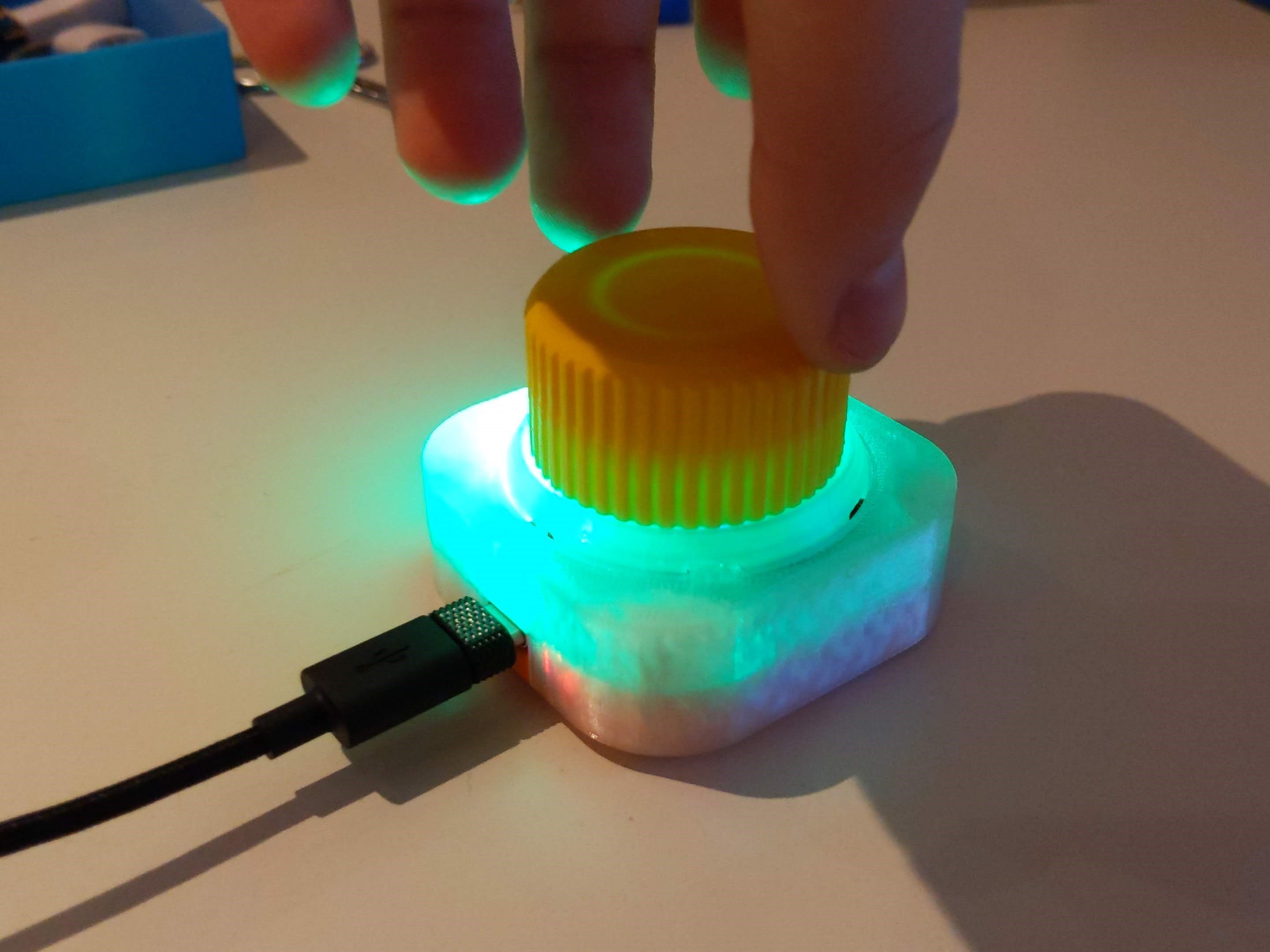
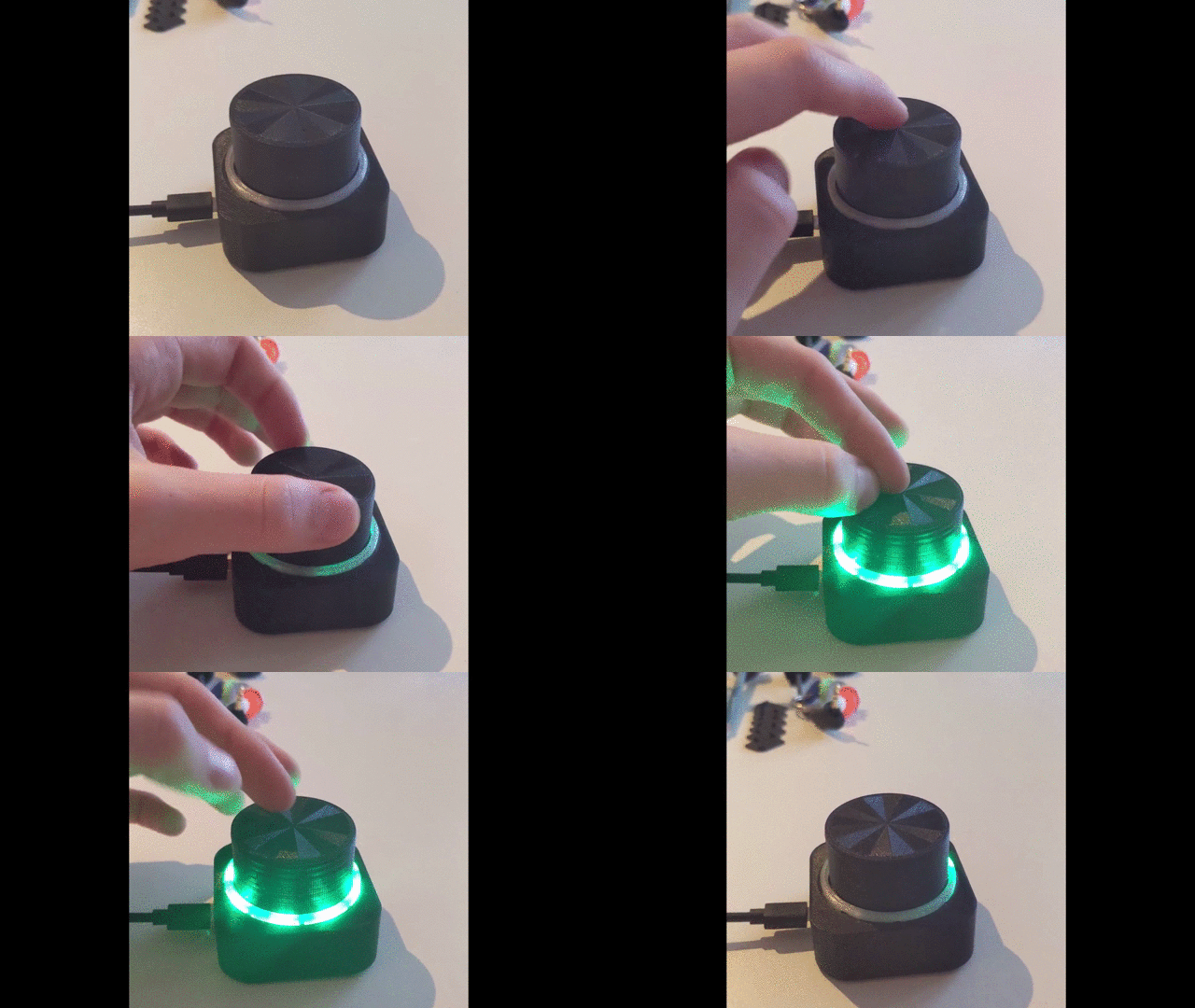
A compact USB volume knob based on an Arduino Pro Micro (USB-C). Turn it to change your computer's volume, click to mute – and eight RGB LEDs under a transparent ring give visual feedback with selectable colors and animations.
The knob shows up as a standard USB media keyboard, so it works on Windows, macOS and Linux without any drivers.
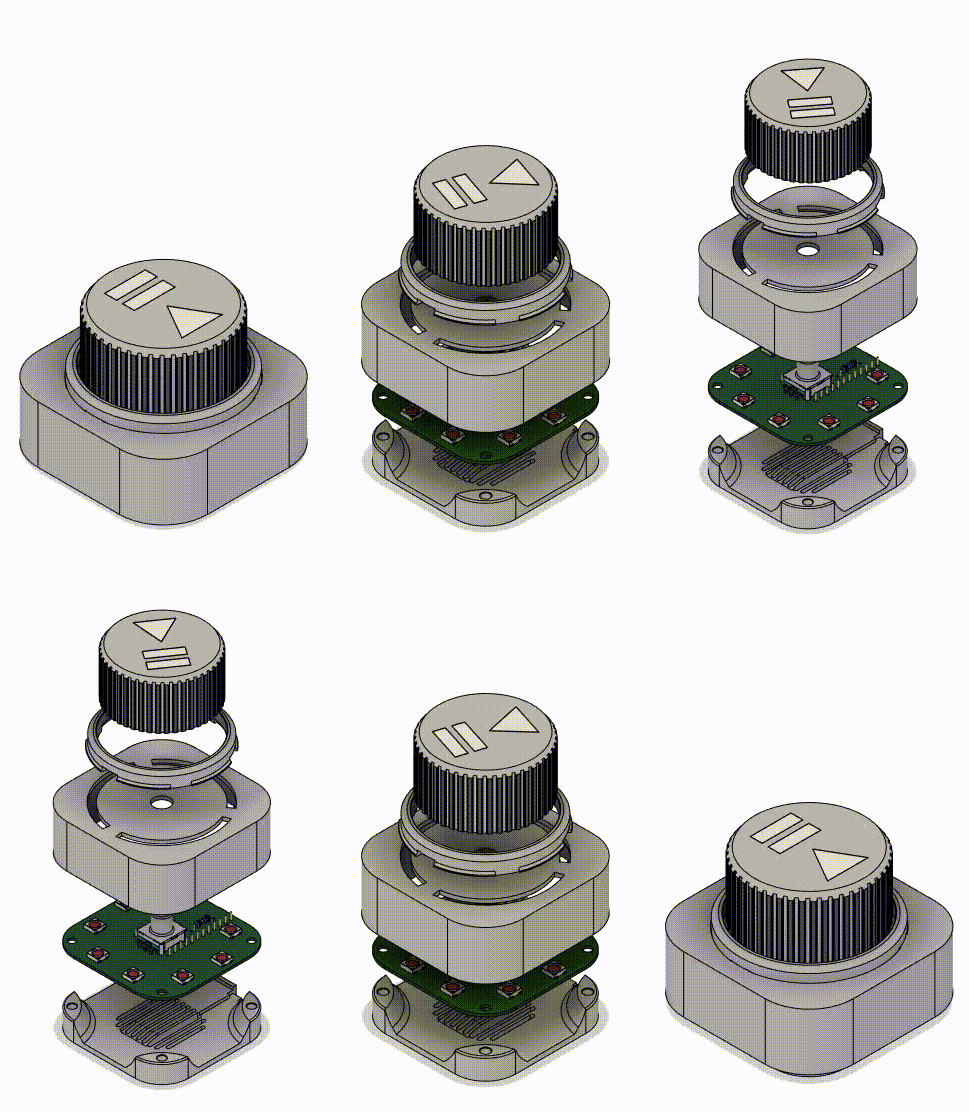
3D-printable parts, photos and more: Printables – Volume Knob V2 (USB-C)
| Qty | Part | Notes |
|---|---|---|
| 1 | Arduino Pro Micro (ATmega32U4, USB-C) | 5 V / 16 MHz |
| 8 | SK6812 RGB LED, 5050 package | WS2812B-compatible |
| 1 | ALPS rotary encoder with push switch | |
| 1 | 10 kΩ resistor | |
| 1 | Custom PCB | KiCad project and Gerbers in this repo |
| 4 | M3 × 16 screws | |
| 4 | M3 threaded inserts | |
| – | PLA + clear/transparent filament | for the housing and the light ring |
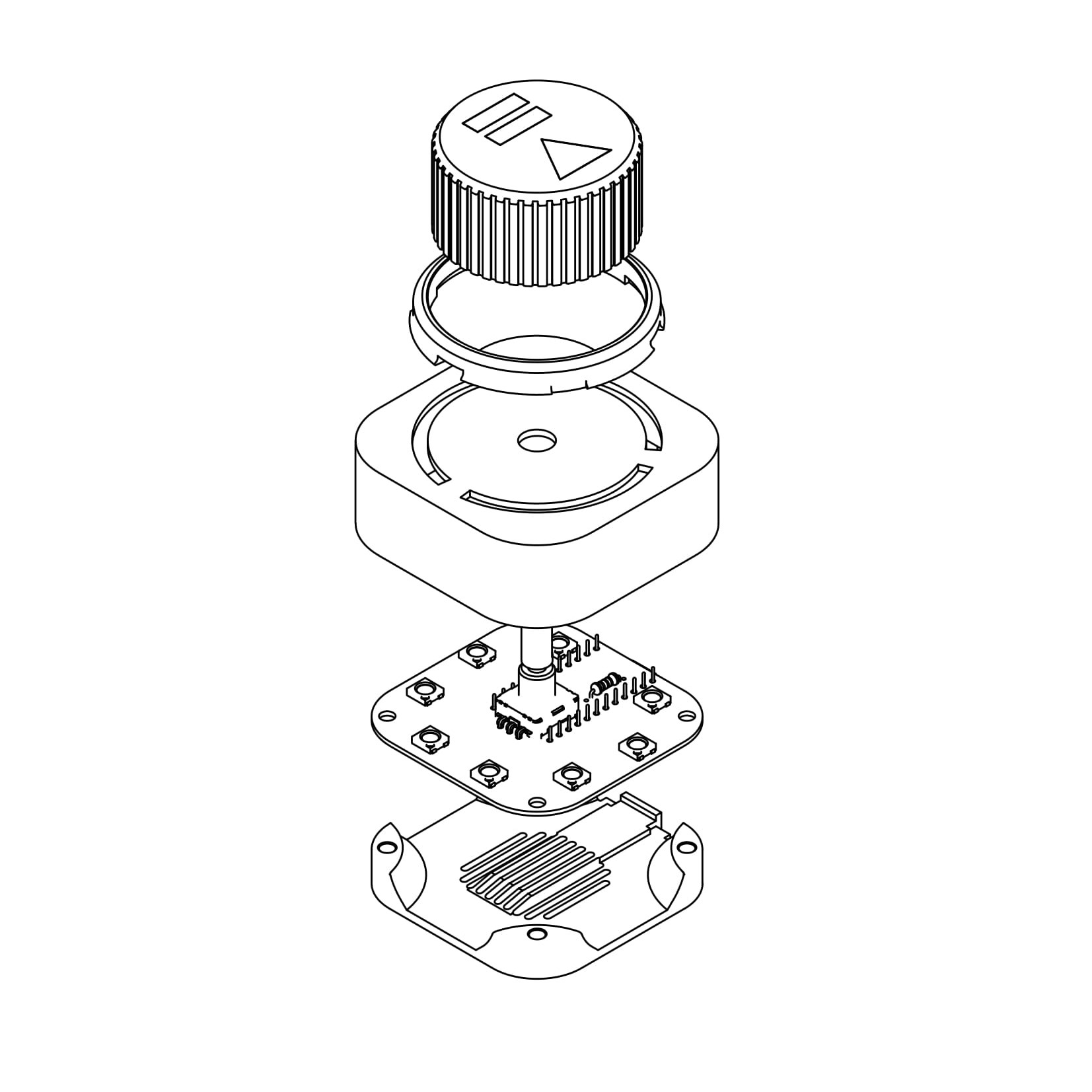
All parts print fine in PLA. Print the light ring in transparent filament so the LEDs shine through. The bottom can optionally be printed with a decorative pattern – an Octagram Spiral top/bottom surface pattern looks great.
The print files are on Printables; the source CAD files (Autodesk Inventor, STEP, STL) are in ProMicroKiCad-master/VolumeKnob/3DObjekt.
| Pro Micro pin | Connected to |
|---|---|
| 7 | LED data in (SK6812 chain) |
| 6 | Encoder CLK (A) |
| 5 | Encoder DT (B) |
| 2 | Encoder push button (SW) |
The sketch is located at volumeKnob/volumeKnob.ino.
Install via the Arduino Library Manager:
If you use a different number of LEDs, change NUMPIXELS at the top of the sketch.
Note: On startup the knob sends 50× Volume Down followed by 2× Volume Up, so your system volume is set to a low, known level every time it is plugged in.
| Action | Volume mode | Color menu | Mode menu |
|---|---|---|---|
| Turn | Volume up / down | Browse the 25 colors | Browse the animation modes |
| Click | Mute / unmute | Save color & go back | Save mode & go back |
| Long press | Open color menu | Open mode menu | Back to volume mode (without saving) |
Two encoder detents equal one volume step.
In the mode menu the modes are arranged in groups around the ring, separated by a dark position.
Volume-Knob/
├── volumeKnob/volumeKnob.ino          # current firmware (V2)
├── images/                            # photos and GIFs
└── ProMicroKiCad-master/
    ├── VolumeKnob/
    │   ├── VolumeKnob.kicad_pro/_sch/_pcb   # KiCad project of the PCB
    │   ├── jlcpcb/                     # Gerber, BOM & CPL for JLCPCB
    │   ├── Gerber/                     # older Gerber revisions
    │   ├── 3DObjekt/                   # Inventor / STEP / STL files
    │   └── Code/                       # older sketches and test code
    └── ProMicroKiCad-master/           # Pro Micro KiCad library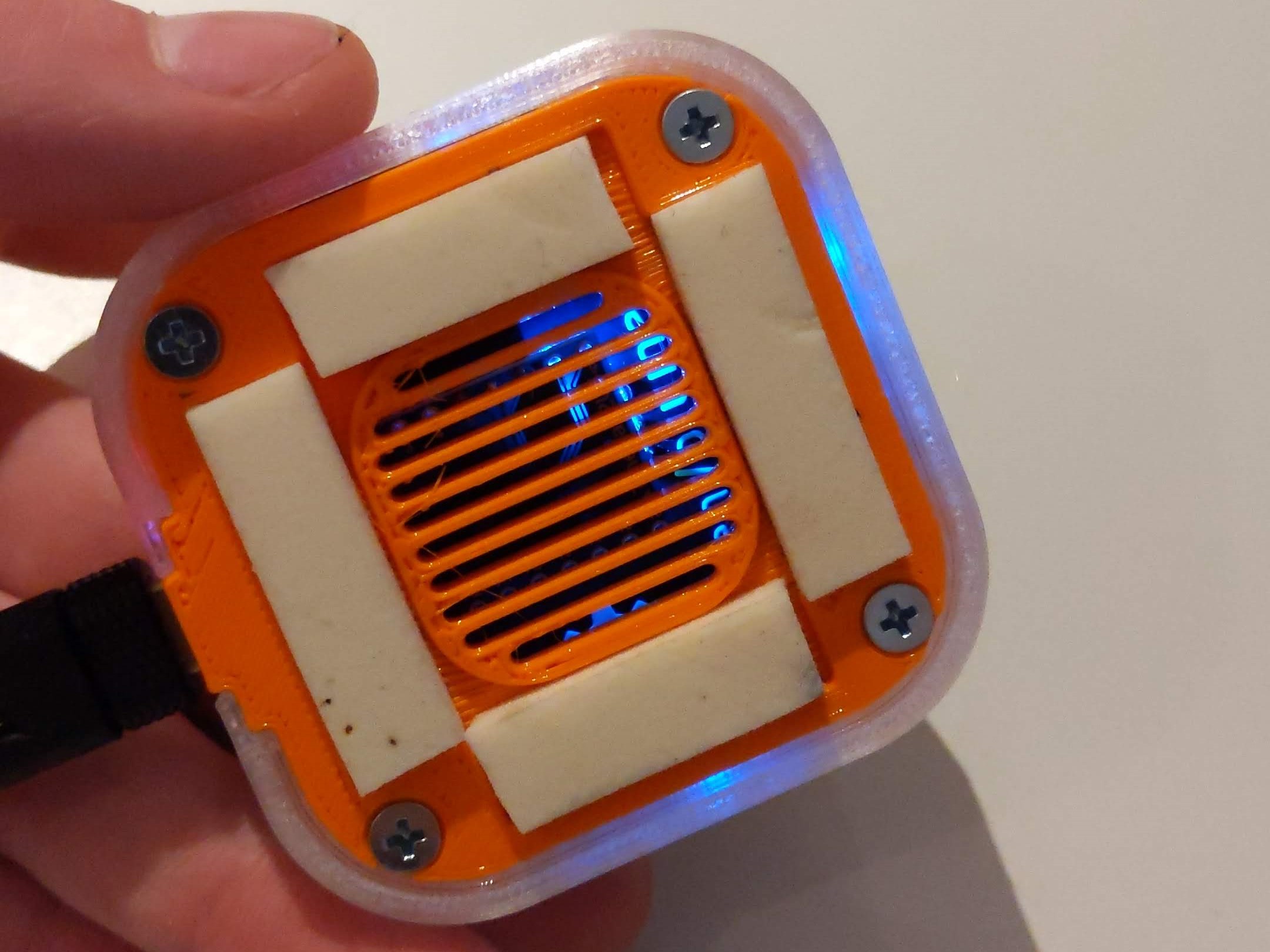
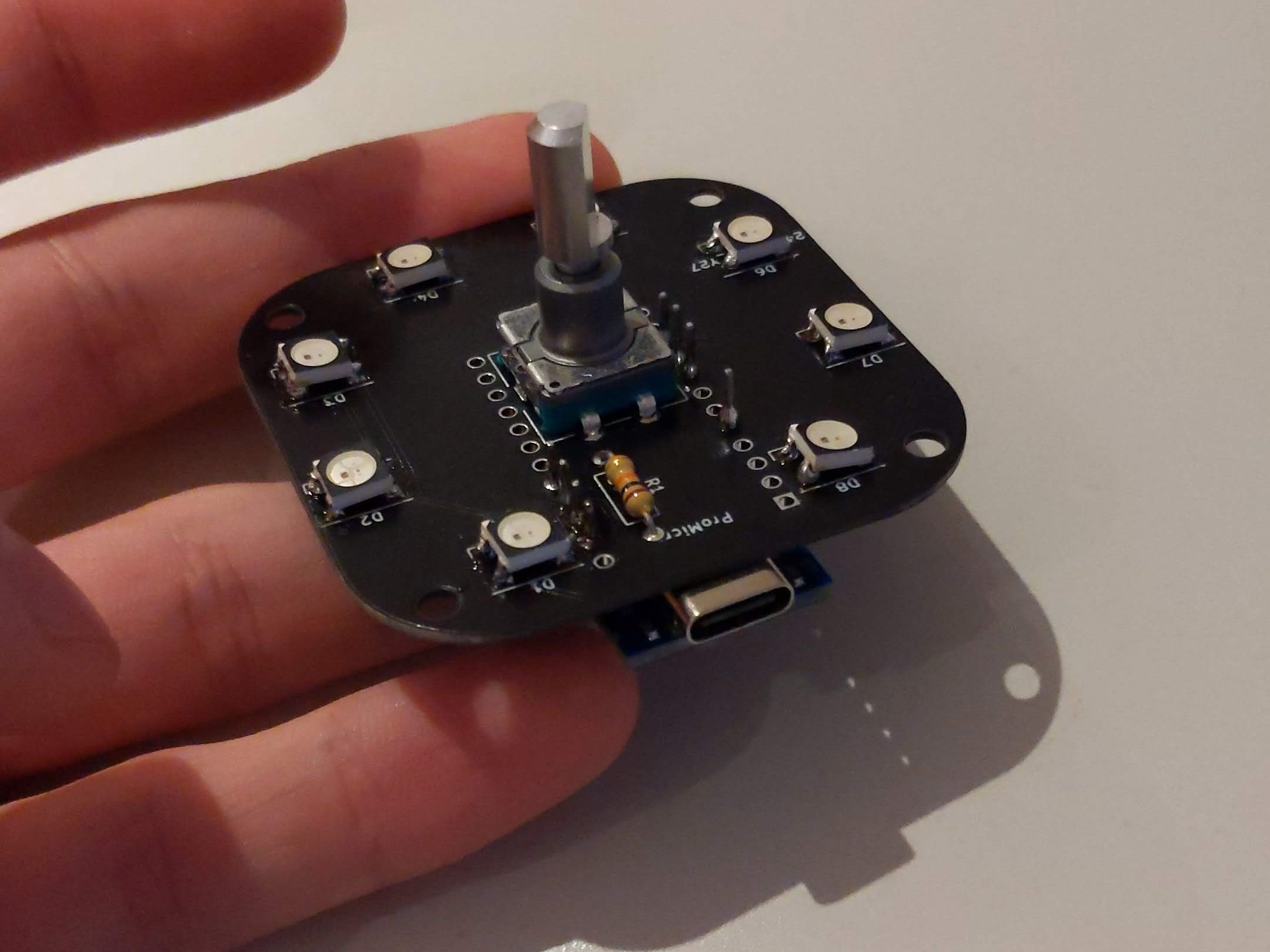
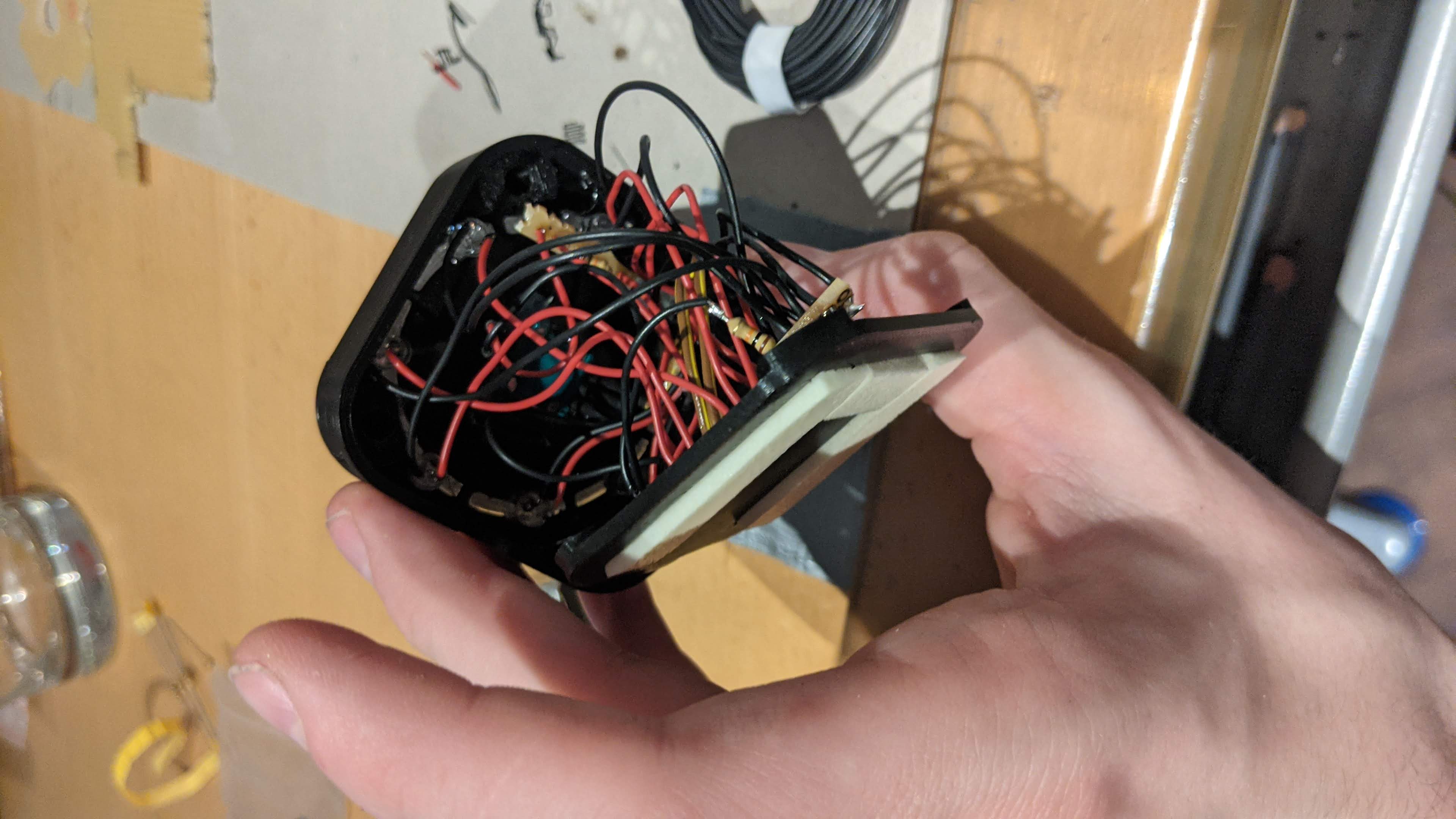
The first version used a micro-USB Pro Micro, single-color green LEDs and a hand-wired build (8× green LEDs, 2× 10 kΩ resistors). Using individual LEDs instead of a ring PCB wasn't the best idea – it took some hot glue to hold everything in place – which led to the V2 with a custom PCB, RGB LEDs and USB-C.
Made by Max Siebenschläfer – find more projects on Printables.
| Qty | Value | Footprint | References |
|---|---|---|---|
| 36 | WS2812B | LED_SMD:LED_WS2812B_PLCC4_5.0x5.0mm_P3.2mm | D1, D1, D1, D1, D2, D2, D2, D2, D3, D3, D3, D3, D4, D4, D4, D4 +20 |
| 4 | 10 kΩ | Resistor_THT:R_Axial_DIN0207_L6.3mm_D2.5mm_P10.16mm_Horizontal | R1, R1, R1, R1 |
| 4 | LOGO | testboard:LogoMaxV6 | G***, G***, G***, G*** |
| 4 | LOGO | testboard:OpenSourceLogo | G***, G***, G***, G*** |
| 4 | ProMicro | promicro:ProMicro-NoSilk | U1, U1, U1, U1 |
| 4 | Rotary_Encoder_Switch | Rotary_Encoder:RotaryEncoder_Alps_EC12E-Switch_Vertical_H20mm | SW1, SW1, SW1, SW1 |
The 56 most common of 192 parts.
18Markus1984/Volume-Knob
An Arduino pro micro project with a rotary encoder to control volume or mute the sound.

fossasia/pslab-hardware
PSLab Hardware Design and Schematics https://pslab.io

FrameworkComputer/ExpansionCards
Reference designs and documentation to create Expansion Cards for the Framework Laptop


PrintersForAnts/Micron
If you want to purchase full kits there are 3 available (Kits are slowly updating to R1 hardware just make sure to double check the included hardware in your kit and if you have any questions reach out in the discord)


It measures 106 × 122 mm and has 2 copper layers, 1.6 mm thick.
192 parts, built around the WS2812B. The full list of its parts is on this page, with links to each part's symbol and footprint where PCBKit's library has them.
From the 18Markus1984/Volume-Knob repository on GitHub, at the commit this page was made from: the board is ProMicroKiCad-master/VolumeKnob/Gerber/V0.3KiKit/Panalized/VolumeKnobPanalizedV1.kicad_pcb and its schematic ProMicroKiCad-master/VolumeKnob/BackUpBevorKiKit/VolumeKnob.kicad_sch. PCBKit opens the board in the browser, with nothing to install.
Its repository states no licence, so its author keeps all rights: ask 18Markus1984 before reusing the design.