
2 layers40 × 61 mm

 ttdgp6b7sy-ai/oxide-keys
A mini game console with 8 keys and a display, which has the ability to play very simple games to kill time and also a fun way to integrate Rust (the language I am learning).
Pcbfirstdesign is an open-source printed circuit board by ttdgp6b7sy-ai, from the ttdgp6b7sy-ai/oxide-keys repository on GitHub. It is a 4-layer board of 97.8 × 91.5 mm with 31 parts on 52 nets, routed with 479 tracks and 58 vias.
It is built around the AP2112K-3.3, TP4056-42-ESOP8 and SK6812MINI-E. Its parts include 8 diodes, 8 switches, 3 ICs, 2 capacitors and 2 resistors. It belongs with the RP2040 boards of this library.


A mini game console with 8 keys and a display, which has the ability to play very simple games to kill time and also a fun way to integrate Rust (the language I am learning).
The hardware is mainly composed of an 8-key mini game player with rotary encoder, LCD display that folds on a hinge, and RGB underglow on the Raspberry Pi Pico W, where I aim to include as much Rust as I can in this project.
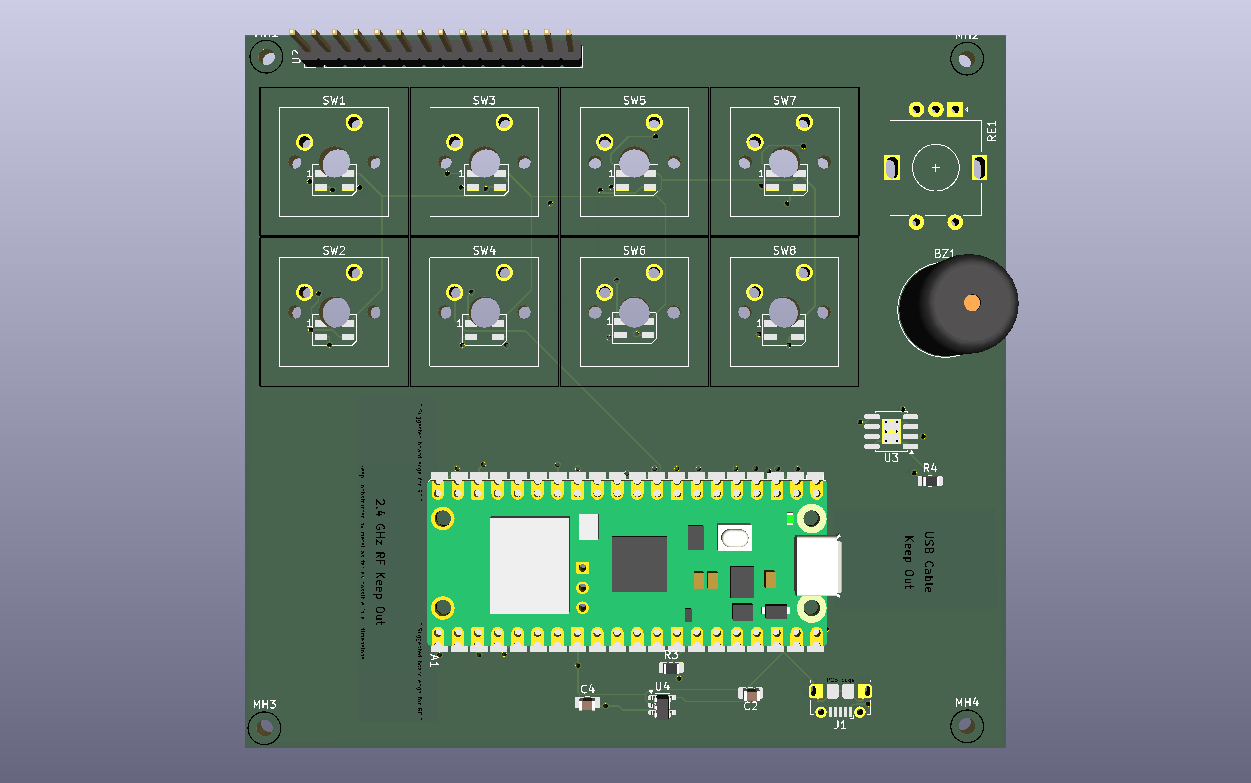

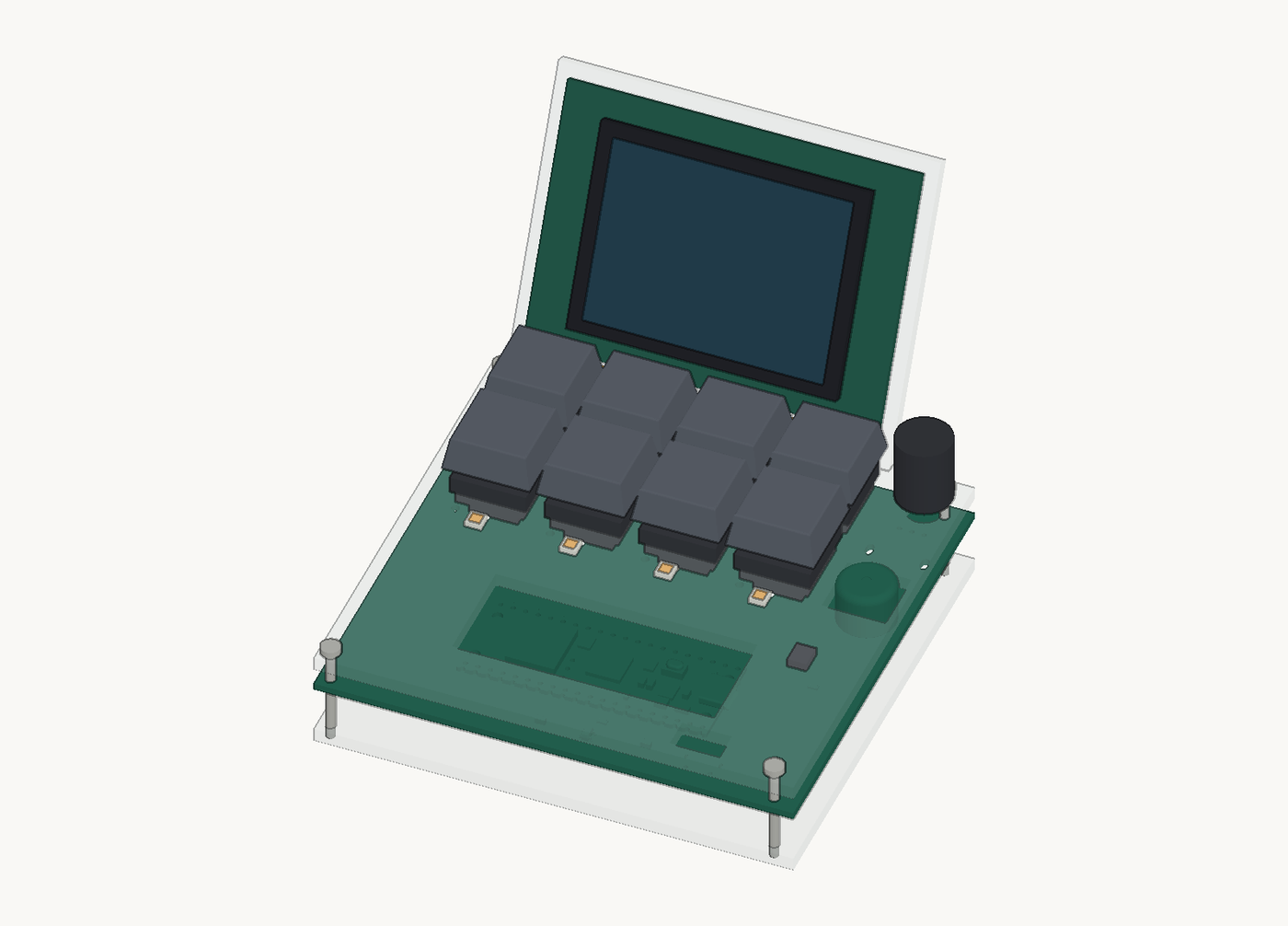
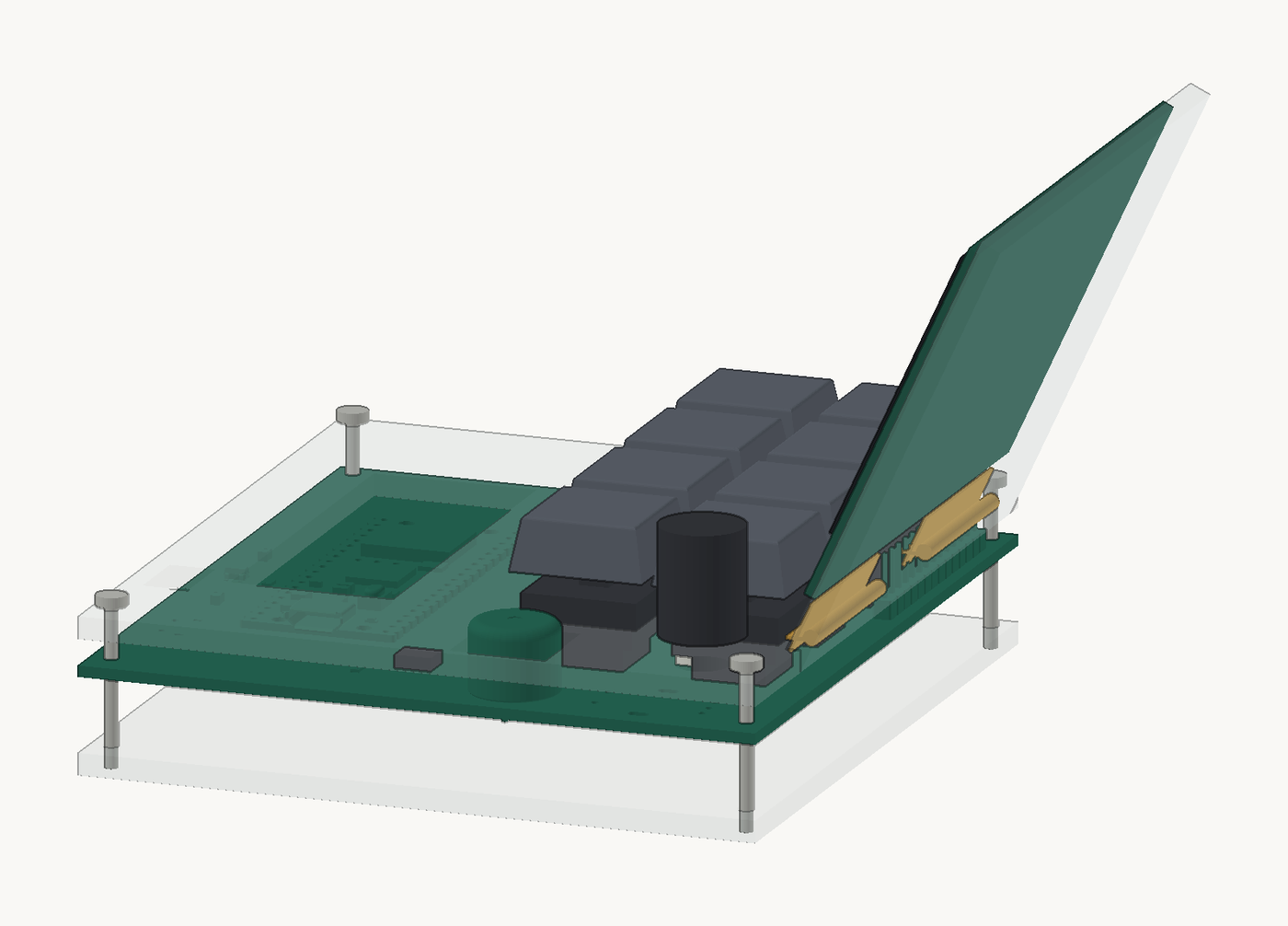
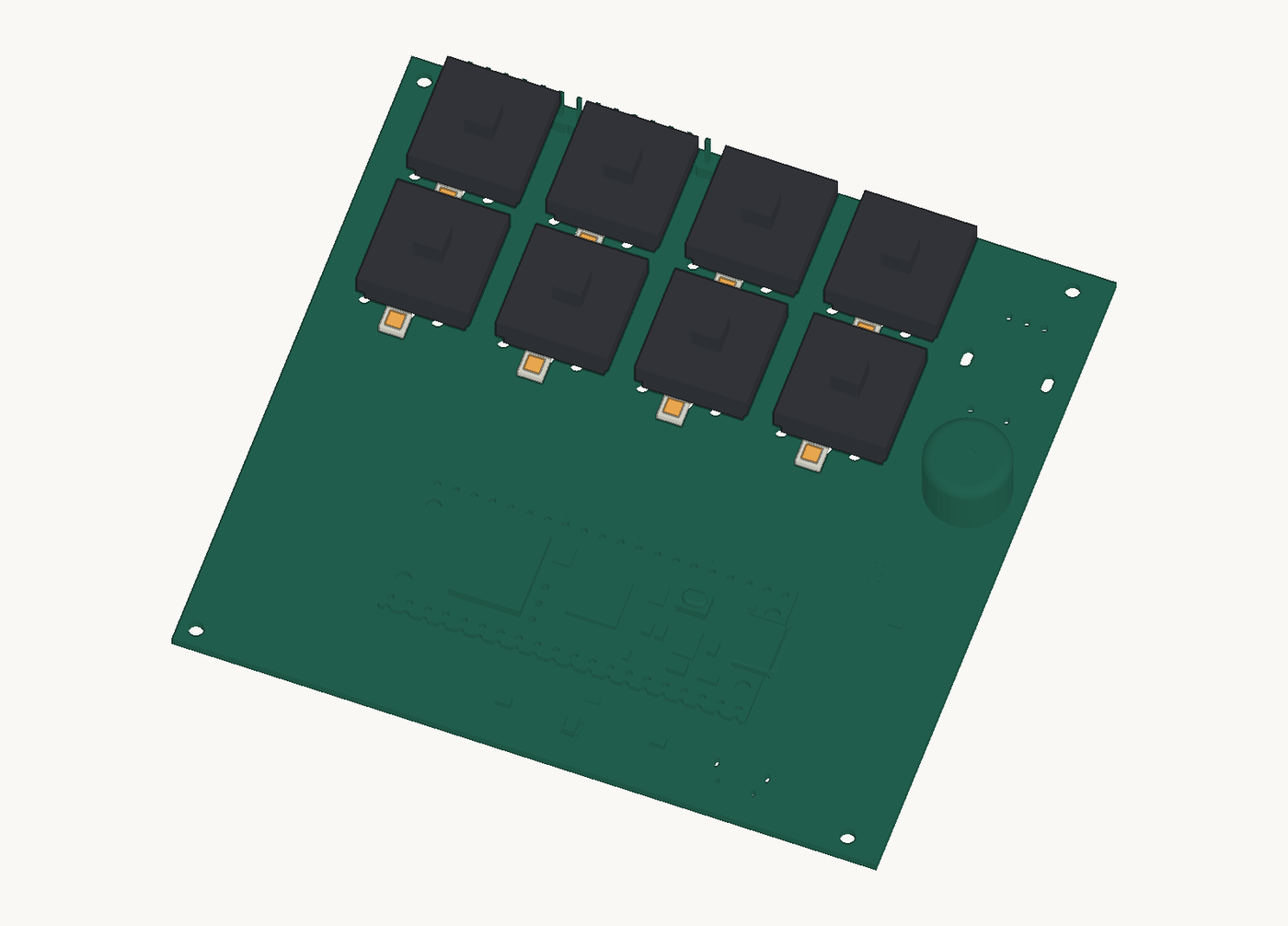
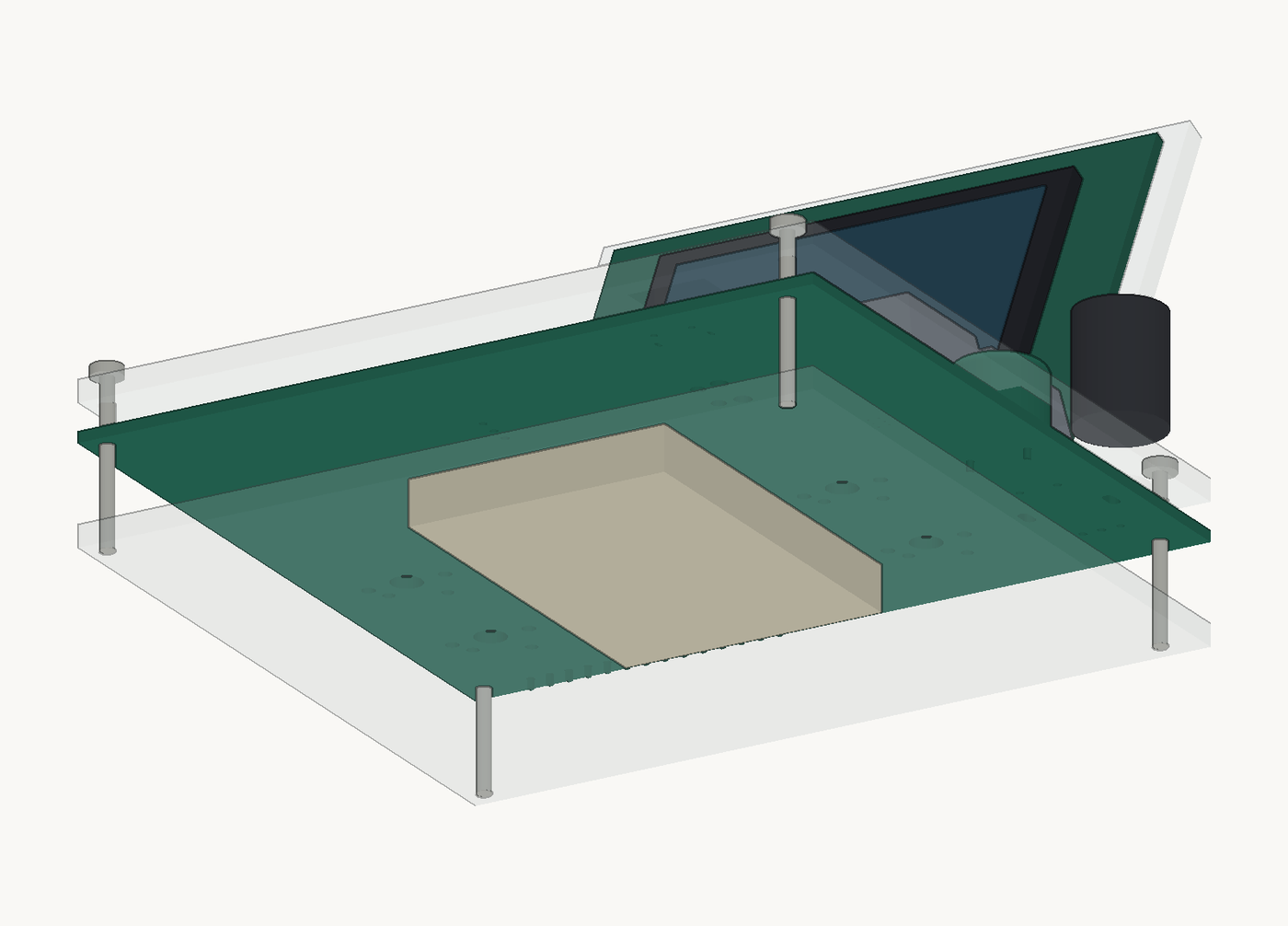
No physical build yet but the image above shows the PCB board to be made.
firmware/ Rust code for the Pico Wpcb/ KiCad project and gerberscad/ 3D model and layout for enclosureBOM.csv parts listGet the files
Clone the repo or download extract zip from github repo.
git clone https://github.com/ttdgp6b7sy-ai/oxide-keys.git
cd oxide-keys
Flash the firmware
firmware/oxide-keys.uf2 onto that drive and then it reboots on its own.Build the firmware yourself
rustup target add thumbv6m-none-eabicargo install flip-link elf2uf2-rs --lockedcd firmware, then cargo build --releaseelf2uf2-rs target/thumbv6m-none-eabi/release/oxide-keys oxide-keys.uf2, then drag it onto the pico as above3d model
The full assembly is cad/OxideKeys-review-assembly-detailed.step
The potential of the encoder knob in some games is something I want to explore.
credits to stardance for inspo + help.
The source BOM with supplier links is in BOM.csv.
| Part | Quantity | Price AUD | Supplier | Link |
|---|---|---|---|---|
| Raspberry Pi Pico W | 1 | 9.90 | Core Electronics | link |
| Piezo Buzzer | 1 | 0.34 | Core Electronics | link |
| LiPo Battery 3.7V 1100mAh | 1 | 10.15 | Tempero Systems | link |
| Core Electronics Shipping | 1 | 7.00 | Core Electronics | link |
| Cherry MX2A Orange Switch pack (10x) | 1 | 6.50 | Mechstock | link |
| Mechstock Shipping | 1 | 7.50 | Mechstock | link |
| Rotary Encoder Switch (SR1230) | 1 | 10.25 | Jaycar | link |
| Silicone Wire 2m (28AWG Red + Black) | 1 | 4.95 | Amazon AU | link |
| Pin Header Strip 40-way (M+F) | 1 | 2.95 | Jaycar | link |
| 1N4148 Diode Pack (5x) | 1 | 0.95 | Jaycar | link |
| 2.4" TFT LCD Touch Display (ILI9341) | 1 | 10.00 | Createunsw | link |
| M2 Nylon Standoff Kit (180pc) | 1 | 15.00 | Amazon AU | link |
| Clear Acrylic Sheet A5 3mm | 2 | 8.96 | Amazon AU | link |
| Knurled Encoder Knob (2pc) | 1 | 7.34 | Core-electronics | link |
| N3UD PBT Blank Keycaps 1U XDA Profile (20pc) | 1 | 7.00 | AliExpress | link |
| Amazon AU Shipping (order remaining Amazon items together) | 1 | 0.00 | Amazon AU | link |
| SK6812MINI RGB LED pack (x20) | 2 | 3.00 | KEEBD | link |
| KEEBD Shipping | 1 | 9.59 | KEEBD | link |
| TP4056 Li-ion Charger IC (harvest from domestic TP4056 module) | 1 | 3.99 | Tempero Systems | link |
| AP2112K-3.3 LDO Regulator | 1 | 5.23 | Amazon AU | link |
| 330 Ohm 0805 Resistor pack (10x) | 1 | 1.40 | Altronics | link |
| 1uF 0805 Capacitor pack (50x) | 1 | 13.95 | Phipps Electronics | link |
| Brass Hinges (2-pack) | 1 | 7.94 | Bunnings | link |
| Bunnings Shipping | 1 | 0.00 | Bunnings | link |
| TOTAL (including PCB fabrication) | 161.79 | |||
| JLCPCB 4-Layer PCB Fab | 1 | 13.00 | JLCPCB | link |
| --- Optional, not counted above --- | ||||
| Desertcart M2 Mounting Screw Kit (60pc) | 1 | 10.00 | Desertcart Australia | link |
| Soldering Iron Kit (optional) | 1 | 25.00 | Amazon AU | link |
| Qty | Value | Footprint | References |
|---|---|---|---|
| 8 | SK6812MINI | LED_SMD:LED_SK6812MINI_PLCC4_3.5x3.5mm_P1.75mm | D1, D2, D3, D4, D5, D6, D7, D8 |
| 8 | SW_Push | Button_Switch_Keyboard:SW_Cherry_MX_1.00u_PCB | SW1, SW2, SW3, SW4, SW5, SW6, SW7, SW8 |
| 4 | MountingHole_2.1mm | MountingHole:MountingHole_2.1mm | MH1, MH2, MH3, MH4 |
| 2 | C | Capacitor_SMD:C_0805_2012Metric_Pad1.18x1.45mm_HandSolder | C2, C4 |
| 2 | R | Resistor_SMD:R_0805_2012Metric_Pad1.20x1.40mm_HandSolder | R3, R4 |
| 1 | AP2112K-3.3 | Package_TO_SOT_SMD:SOT-23-5 | U4 |
| 1 | Buzzer | Buzzer_Beeper:Buzzer_12x9.5RM7.6 | BZ1 |
| 1 | CR2013-MI2120 | Connector_PinHeader_2.54mm:PinHeader_1x14_P2.54mm_Vertical | U2 |
| 1 | RaspberryPi_Pico_W | Module:RaspberryPi_Pico_W_SMD_HandSolder | A1 |
| 1 | RotaryEncoder | Rotary_Encoder:RotaryEncoder_Alps_EC11E-Switch_Vertical_H20mm | RE1 |
| 1 | TP4056-42-ESOP8 | Package_SO:SOIC-8-1EP_3.9x4.9mm_P1.27mm_EP2.41x3.3mm_ThermalVias | U3 |
| 1 | USB_B_Micro | Connector_USB:USB_Micro-B_Molex-105017-0001 | J1 |

alex1klimovich/nrf52840-macro-controller
Custom nRF52840 productivity controller for digital artists — PCB, BLE/USB firmware, OLED, haptics, RGB, and enclosure CAD.


milovanpms/talk-e
📻 — A simple LoRa-based talkie-walkie built on ESP32, operating on the 433 MHz frequency band for long-range, low-power wireless communication.

pushtiujeniya/esp32-c6-environmental-logger
This repository contains an Environmental Sensor Station and Data Logger powered by the ESP32-C6-WROOM-1 microcontroller.

KLIMUG/Media-controller
Компактный портативный медиаконтроллер на ESP32-S3 с механическими кнопками и Bluetooth.

It measures 97.8 × 91.5 mm and has 4 copper layers, 1.6 mm thick.
31 parts, built around the AP2112K-3.3, TP4056-42-ESOP8 and SK6812MINI-E. The full list of its parts is on this page, with links to each part's symbol and footprint where PCBKit's library has them.
From the ttdgp6b7sy-ai/oxide-keys repository on GitHub, at the commit this page was made from: the board is pcb/pcbfirstdesign.kicad_pcb and its schematic pcb/pcbfirstdesign.kicad_sch. PCBKit opens the board in the browser, with nothing to install.
Its repository states no licence, so its author keeps all rights: ask ttdgp6b7sy-ai before reusing the design.