NRF52833 Based ScrollWheel Key
- Size
- 17.6 × 9.4 mm
- Copper layers
- 2
- Thickness
- 0.11 mm
- Parts
- 2
- Nets
- 3
- Pads
- 41
- Tracks, vias
- 3, 0
- Pours
- 2
- Routed
- Yes
- KiCad
- KiCad 8.0 (file 20240108)
- Created
- 10 Oct 2022
- Updated
- 29 Dec 2025
Overview
Flex is an open-source printed circuit board by tongtongwang86, from the tongtongwang86/Revolute repository on GitHub. It is a 2-layer board of 17.6 × 9.4 mm with 2 parts on 3 nets, routed with 3 tracks and 0 vias.
README
README.mdRevolute
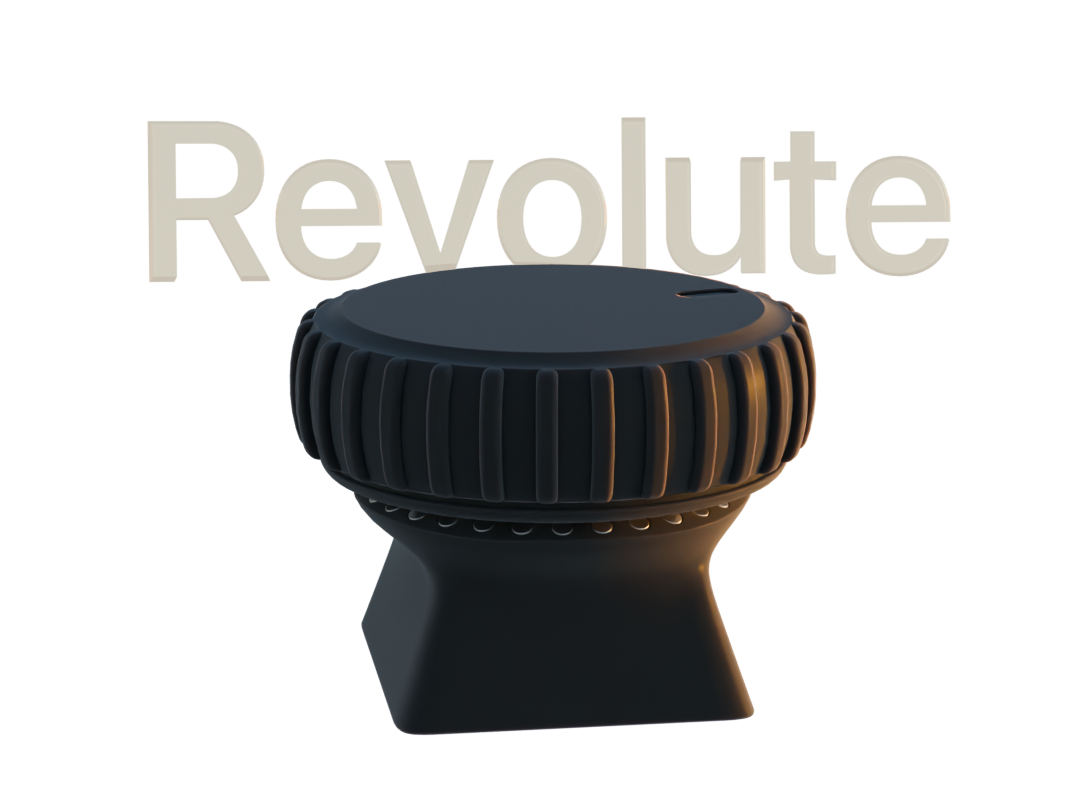
- nRF52833 Based Scroll wheel dial
Introducing Revolute
Visit the product page website (Faster loading time, Interactive 3D Models, Demo Videos)
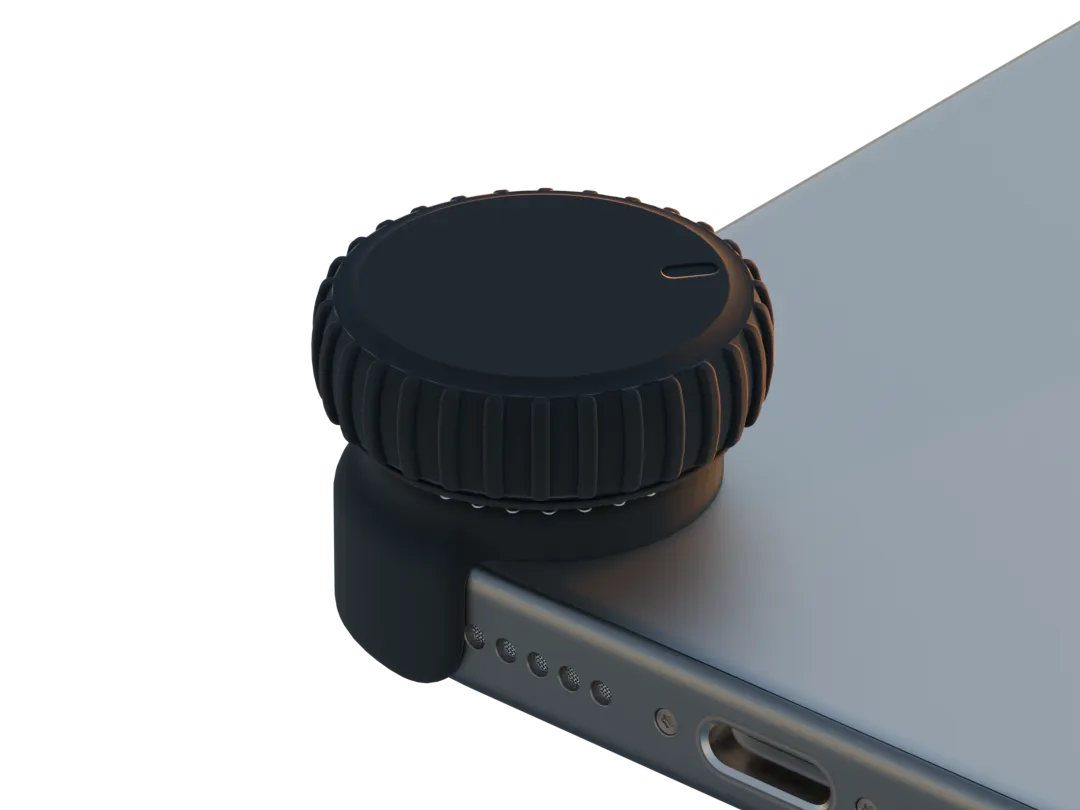
The Revolute is a scroll wheel/dial that aims to revolutionize the way we interact with complex software applications.
-
Revolute currently simulate keyboard inputs, consumer controlls, mouse inputs.
-
the actions and sensitivity of the wheel can be configured through the revolute configurator app that will be available for iOS, Macos and Windows devices that have bluetooth support.
-
Configuratios done on revolute is persistently stored on device, which means that revolute can work on any device with Bluetooth and HID support.
-
Revolute has a number of use cases and is not limited to: scrubbing through a timeline in a video editing app, changing the brush size in 3D/2D painting, smooth scrolling, volume controll, brightness control, media playback control, quickly pressing keys in short successions within games. if you get two you can bind each revolute axis to x and y of the cursor, making a etch a sketch
-
Gamepad emulation is currently in development, which will allow you to use revolute within a wide range of mobile and console games.
How the Revolute works
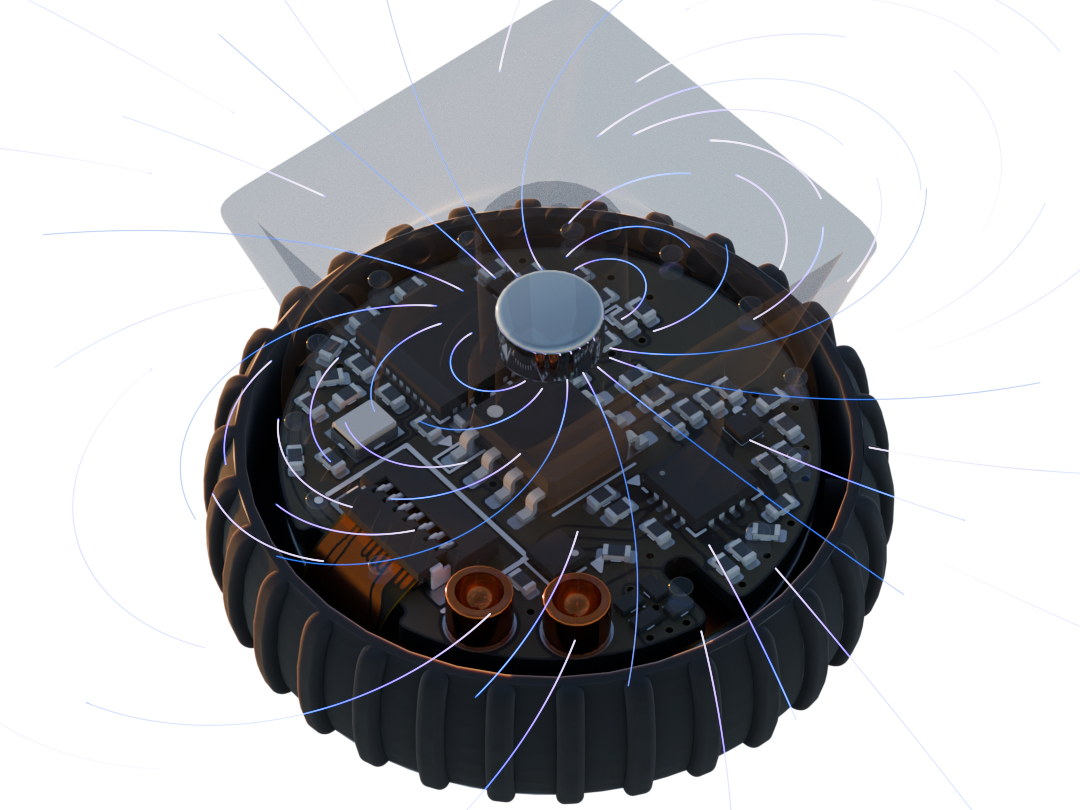
Rotational inputs
BLE connection
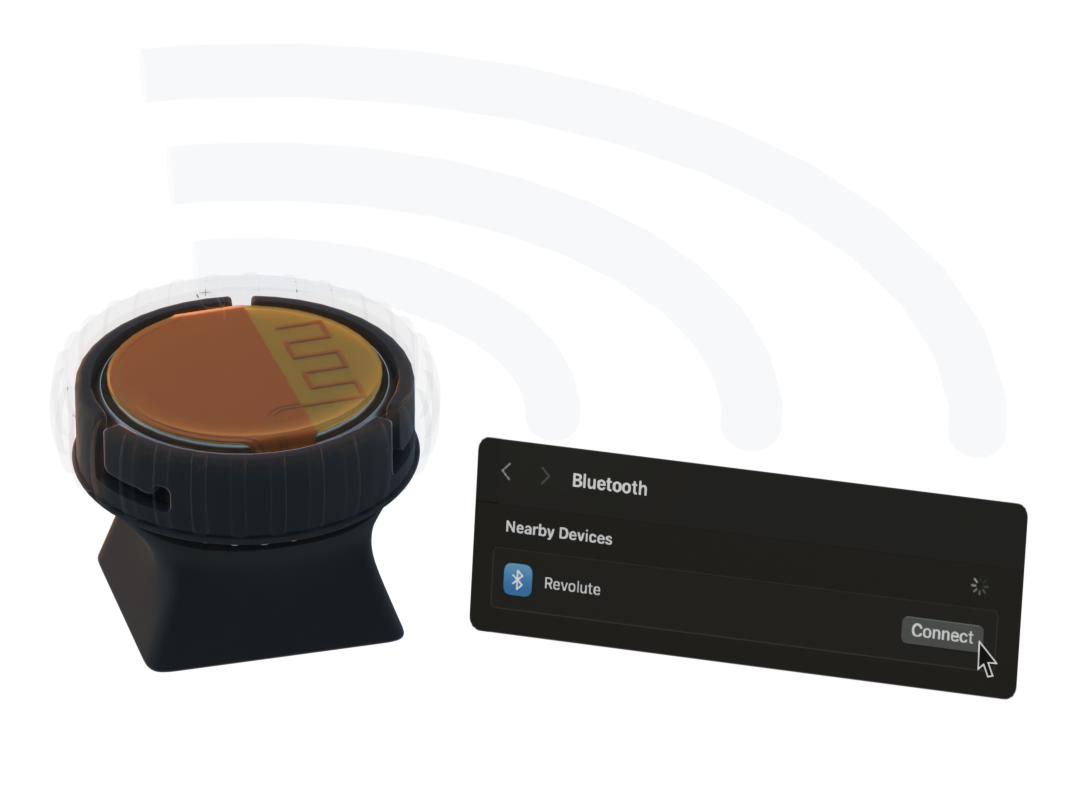
- Using BLE wireless connection we can have the Revolute connected to devices such as your computer, phone, or tablet using bluetooth.
- By using the nRF52833 SoC and Zephyr RTOS, the Revolute is designed to maximize its power efficiency for bluetooth functionalities.
Central button
- By pressing down on the Revolute, it powers on the device.
- After powering on the device, the button can also be configured to other actions based on your configurations
- Power it off by pressing and holding down on the button.
Configuration
- As mentioned before, the Revolute's functionalities can be configured through the Revolute Configuration app that is currently in development
- Once you have made your changes to our configurations, they are then sent to the Revolute over bluetooth and stored locally on the SoC. allowing you to use the same configurations across different devices.
Accessories
-
Revolute has a range of existing accessories that allow you to use it within different use cases
-
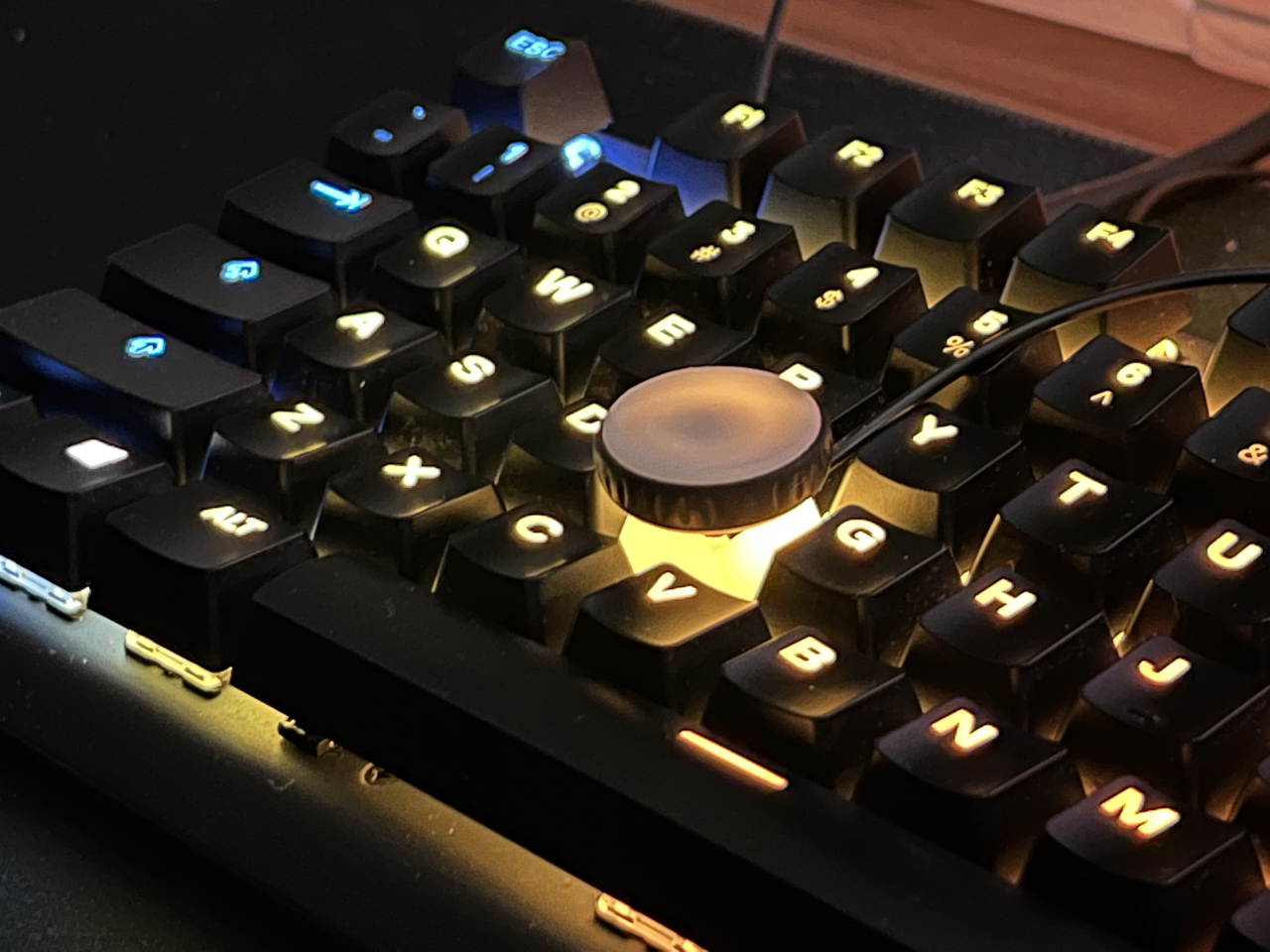
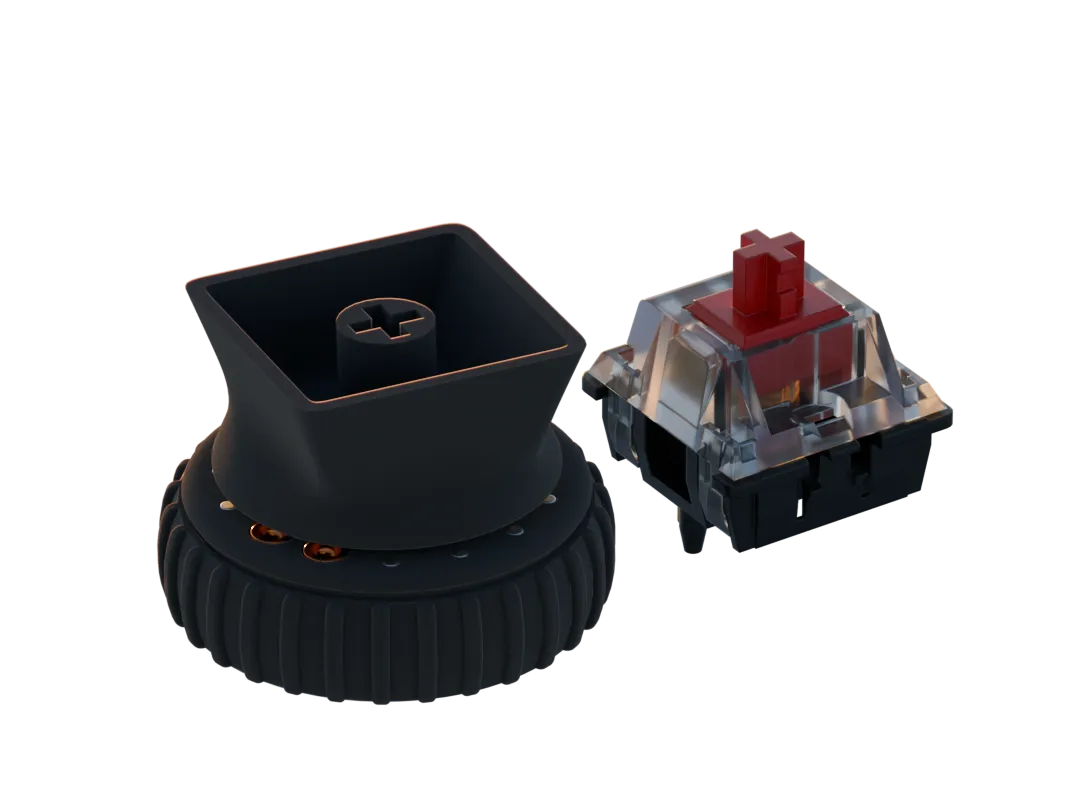
Key attachment
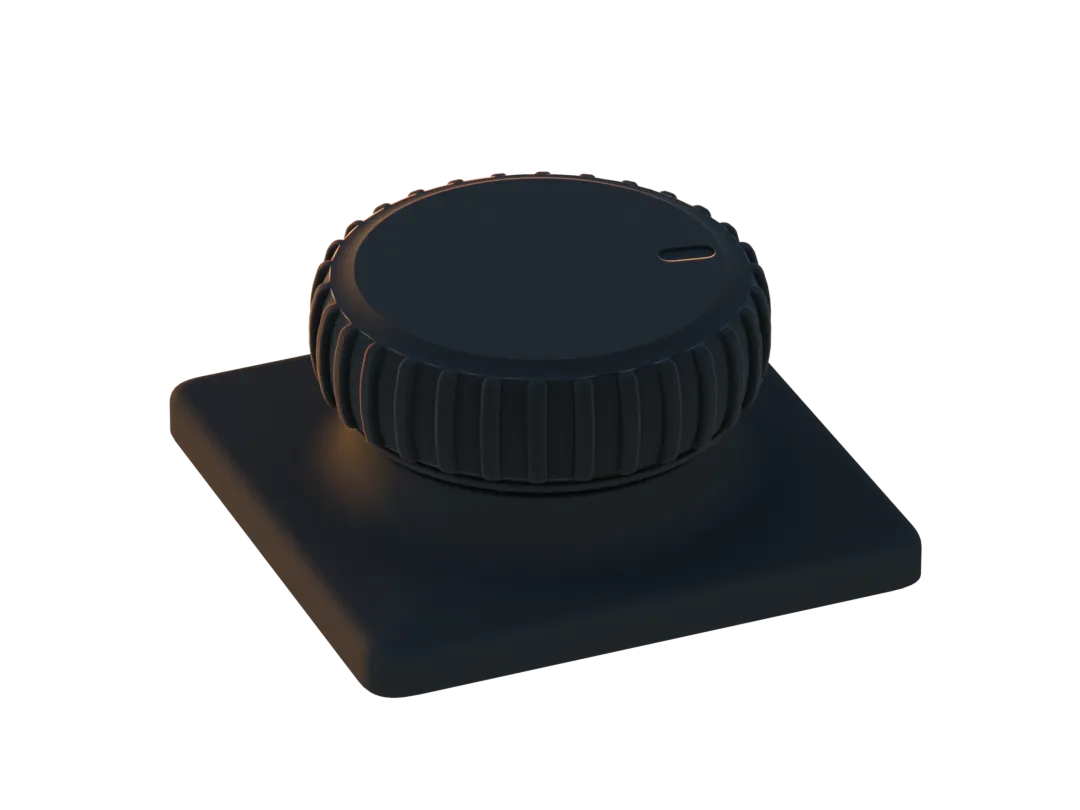
- Adhesive/magnetic attachment
- Phone attachment
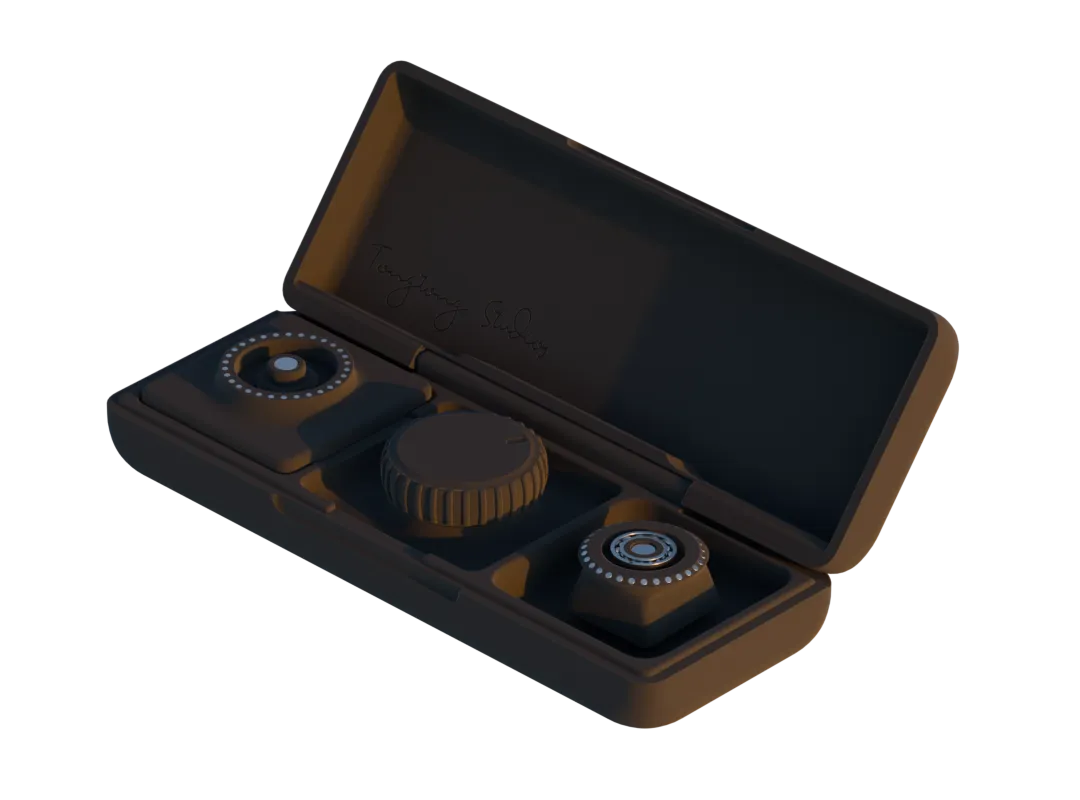
- Revo-Pod charges the revolute and is a place to store your attachments.
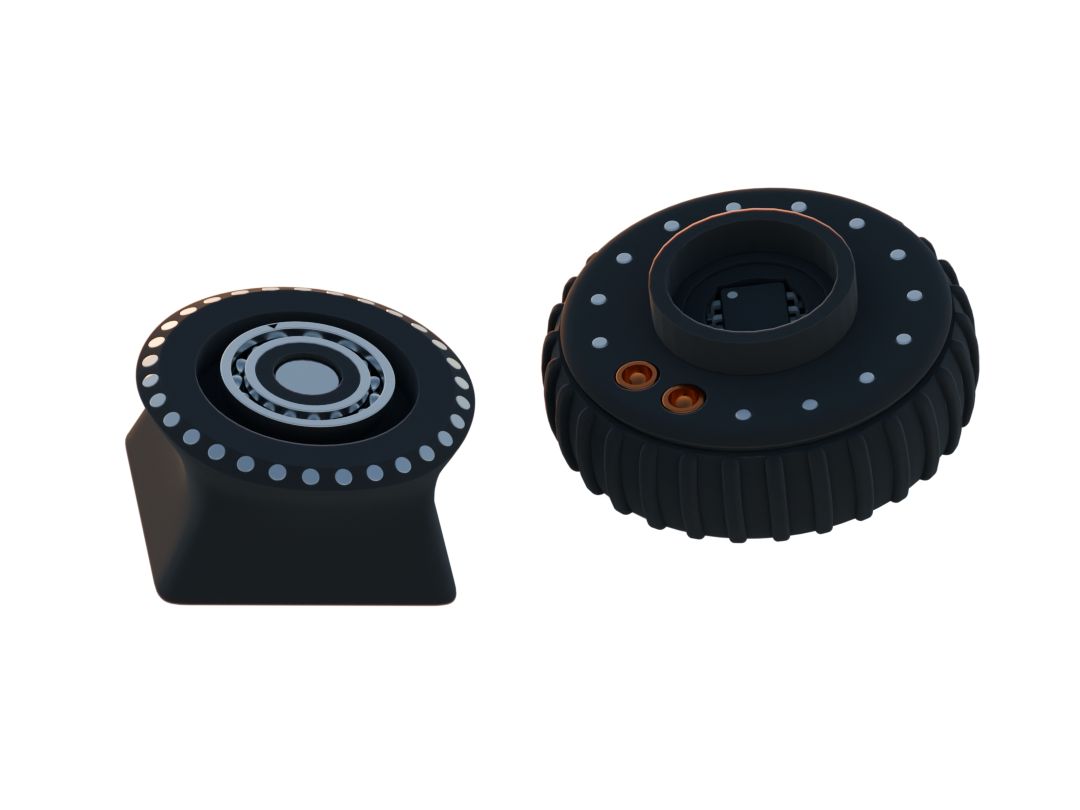
- The attachment can be hot swapped with a common bearing interface.
Charging and Battery Replacement
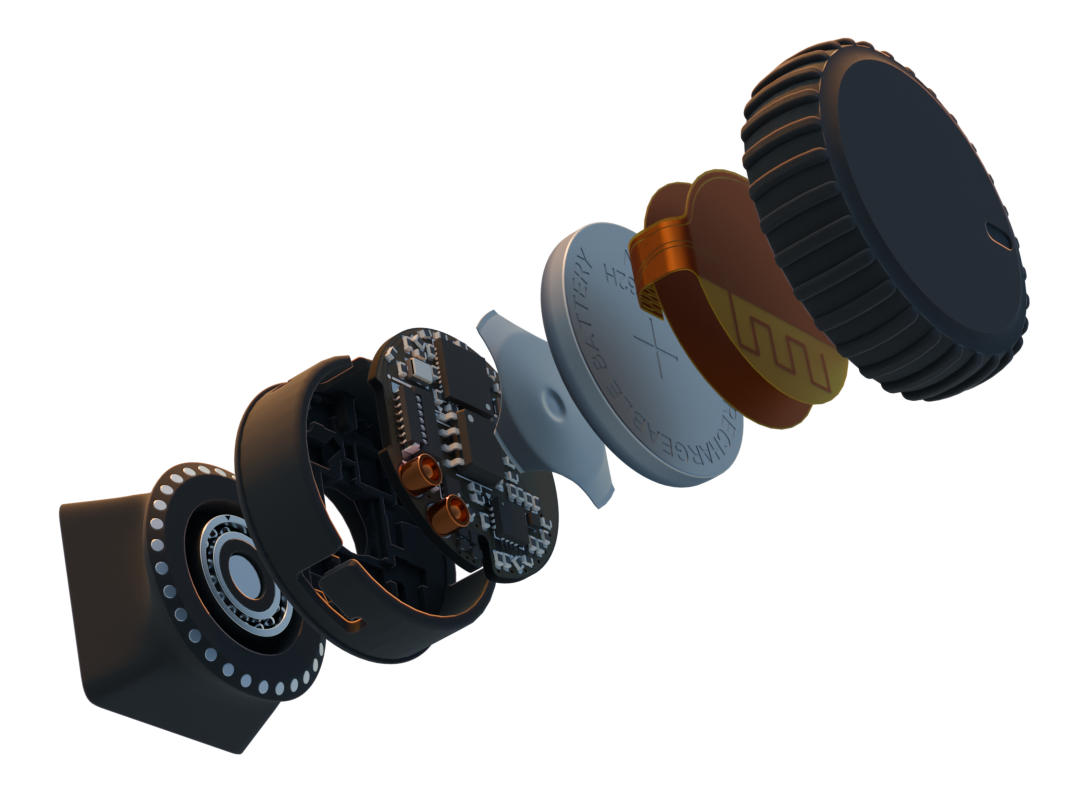
- For this device to be wireless, the Revolute is comprised of a 70Mah li-Ion rechargable coin cell battery (LIR2032H)
- The Revolute uses the BQ24075-RGT charger ic and BQ27441-G1 fuel gauge, both by Texas Instruments, for charging, monitoring, and managing the battery that powers the system.
- To charge the Revolute, simply take your Revopod and mount it in the pod and have the two pogopins aligned with the receptors on the wheel.
- To replace the battery, simply flip the Revolute over, press it down until you feel the central button being completely pressed down, and twist it clockwise and you should be able to have the entire Revolute disassembled. From there, simply place a new battery in and reverse the steps of how you disassembled it after your align the cap with the body chassis.
*Gyro mouse
- With the LSM6DS3 gyroscope accelerometer incorporated in on the Revolute, you can configure it to control the movements of your cursor by moving the Revolute around.
- This feature is still in development and will be finalized shortly in our next firmware updates
How this repo works
- PCB hardware files are in the folder /Hardware
- 3D printed part files are stored in the folder /3D Prints
- Latest firmware is hosted on the repo "revolute-firmware-ci"
- There is also a wired version of the revolute in this repo
Get your own Revolute
-
Revolute is still in development and will be ready soon
-
Feel free to DM us if you have any questions or requests
More from tongtongwang86/Revolute
11- 4 layers54 × 85.7 mm

- 4 layers54 × 85.7 mm

- 4 layers16.3 × 17.2 mm

- 4 layers18.9 × 16.5 mm

- 4 layers16.3 × 17.2 mm

- 4 layers60 × 37 mm

- 4 layers23.2 × 27 mm

- 4 layers18 × 11.2 mm

- 4 layers8.2 × 10.7 mm

- 2 layers18 × 49.9 mm

- 2 layers10.4 × 12.8 mm

Similar boards
- 2 layers37 × 19 mm

Passive rpi hub75-adapter
hzeller/rpi-rgb-led-matrix
Controlling up to three chains of 64x64, 32x32, 16x32 or similar RGB LED displays using Raspberry Pi GPIO
2 parts4.4kGPL-2.0 - 2 layers33 × 19 mm

- 2 layers

Diode template
adamws/kicad-kbplacer
KiCad plugin for automatic keyboard's key placement and routing
2 parts547GPL-3.0 - 2 layers20.3 × 15.2 mm

L0 button
Luos-io/luos_engine
Open-source and real-time orchestrator for cyber-physical-systems, to easily design, test and deploy embedded applications and digital twins.
2 parts546MIT - 2 layers35.1 × 46.8 mm

SDEX2M2 Breakout Board
NVNTLabs/switch2-SDEX2M2
Micro SD Express to M.2 NVME Adapter for Nintendo Switch 2
2 parts542GPL-3.0 - 2 layers59.3 × 36.6 mm

ExpansionBoardTemplate
BlueSCSI/BlueSCSI-v2
BlueSCSI v2/Ultra - an open source, open hardware, SCSI emulator using the Pi Pico PR2040 and Pico 2 RP2350
2 parts459GPL-3.0 - 2 layers

Alpha.9mm.wire
ohmtech-rdi/eurorack-blocks
Software to Hardware Prototyping for Eurorack using C++, Max/Gen~ or Faust
2 parts410 - 2 layers26.7 × 64 mm

Questions
How big is the Flex PCB?
It measures 17.6 × 9.4 mm and has 2 copper layers, 0.11 mm thick.
What parts does the Flex use?
2 parts. The full list of its parts is on this page, with links to each part's symbol and footprint where PCBKit's library has them.
Where can I download the Flex KiCad files?
From the tongtongwang86/Revolute repository on GitHub, at the commit this page was made from: the board is Hardware/Wireless/Revolutetestboard-backups/Revolutetestboard-2024-10-21_171348/flex.kicad_pcb and its schematic Hardware/Debugger/SWDProgrammer.kicad_sch. PCBKit opens the board in the browser, with nothing to install.
Can I use the Flex design in my own project?
Its repository states no licence, so its author keeps all rights: ask tongtongwang86 before reusing the design.