
4 layers234 × 84 mm
Main panel
google/mozc-devices
Circuit diagrams and firmware source code for Gboard DIY keyboards
234 parts3kApache-2.0

 tomkulich15/FantaPad
I am designing a compact macropad to streamline my video editing workflow. The centerpiece is a clickable rotary encoder that serves as a multi-functional control hub. Instead of using a separate key to switch modes, I will utilize the encoder's built-in push button.
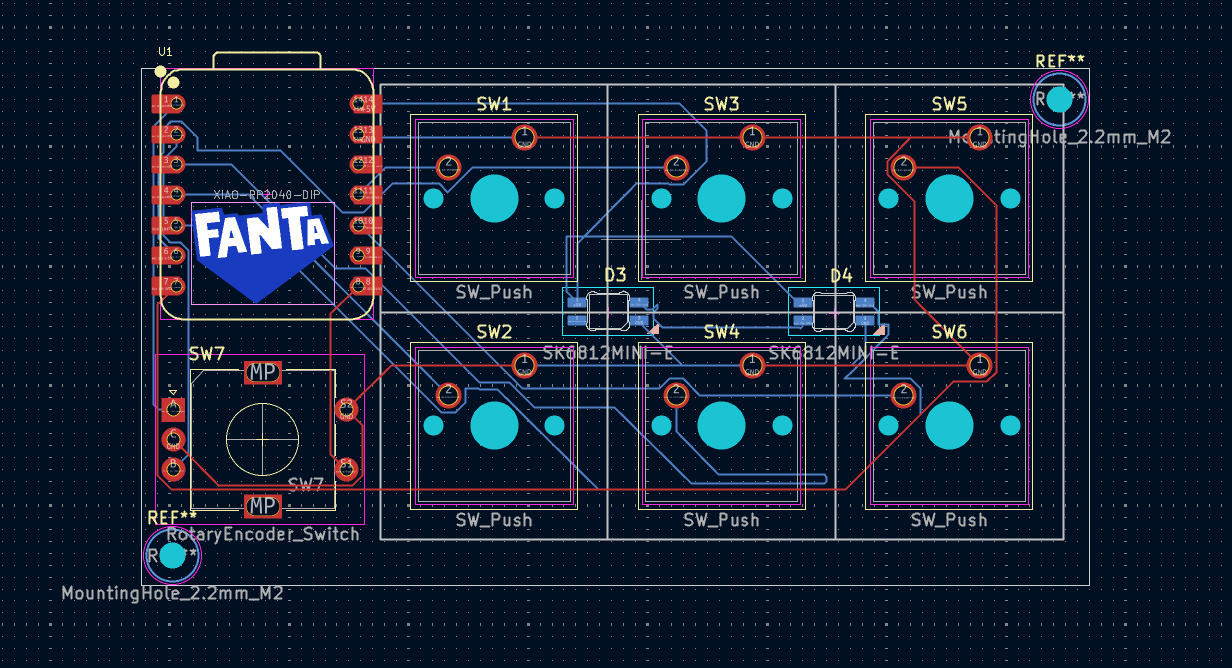
FantaPad is an open-source printed circuit board by tomkulich15, from the tomkulich15/FantaPad repository on GitHub. It is a 2-layer board of 79.4 × 43.3 mm with 12 parts on 16 nets, routed with 145 tracks and 0 vias.
It is built around the SK6812MINI-E. Its parts include 7 switches, 2 diodes and 1 IC. It belongs with the keyboards and input boards and the RP2040 boards of this library.
my surname is Fanta so i started thinking about the name of the name for the pad and for some reason I chose FantaPad i think its kinda funny
now let get to the Features of the FantaPad #Features it have 6x buttons 1x rotary encoder with push button The 6x bottons are for shortcuts like copy,paste,cut,delet and so on The rotary encoder is for volume and if you press it, it change layer Layer 1: volume layer 2: Zoom layer 3: Scrub mode The pad feature a RGB lighting
PCB Design:
The PCB was designed in KiCad
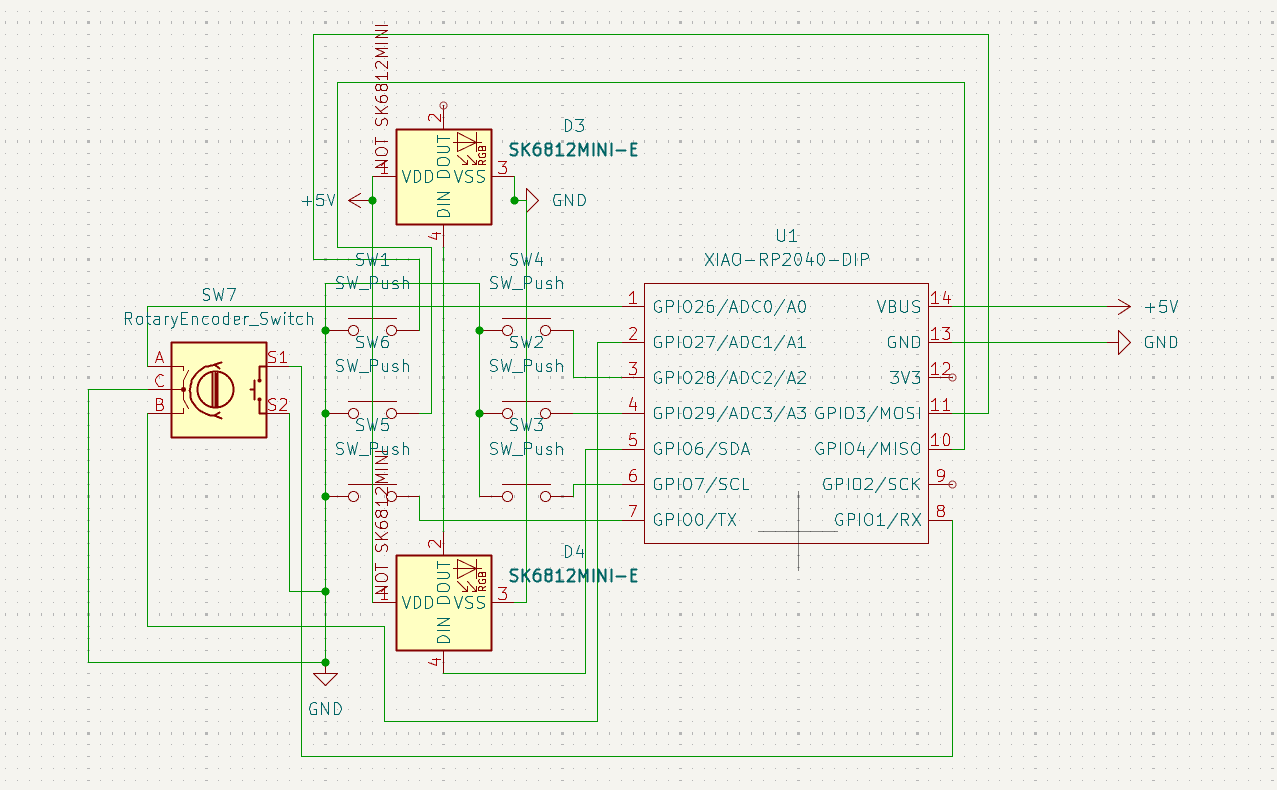
 Here is the Schematic Picture for the Pad
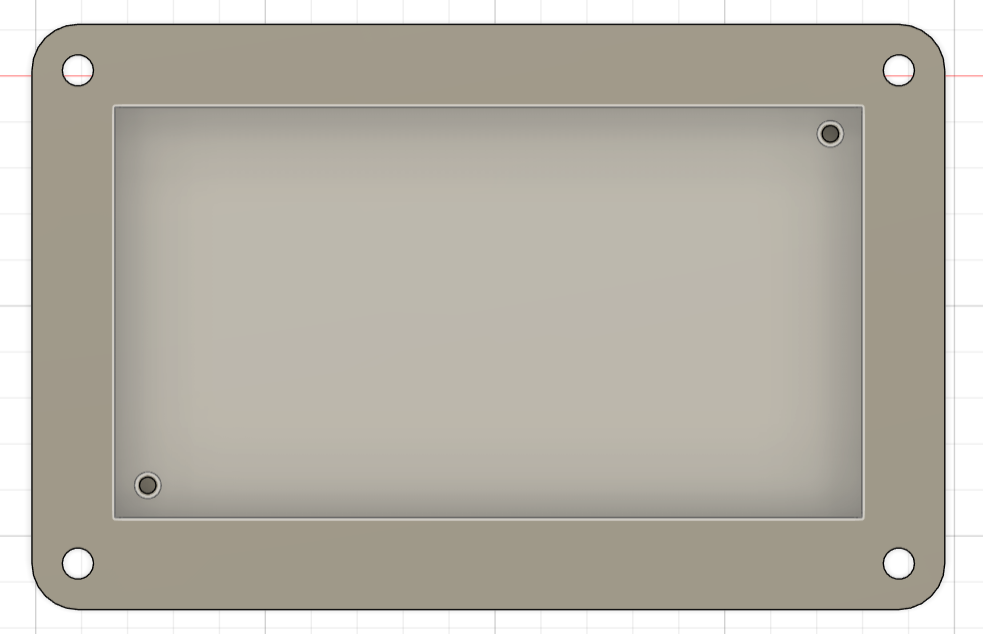
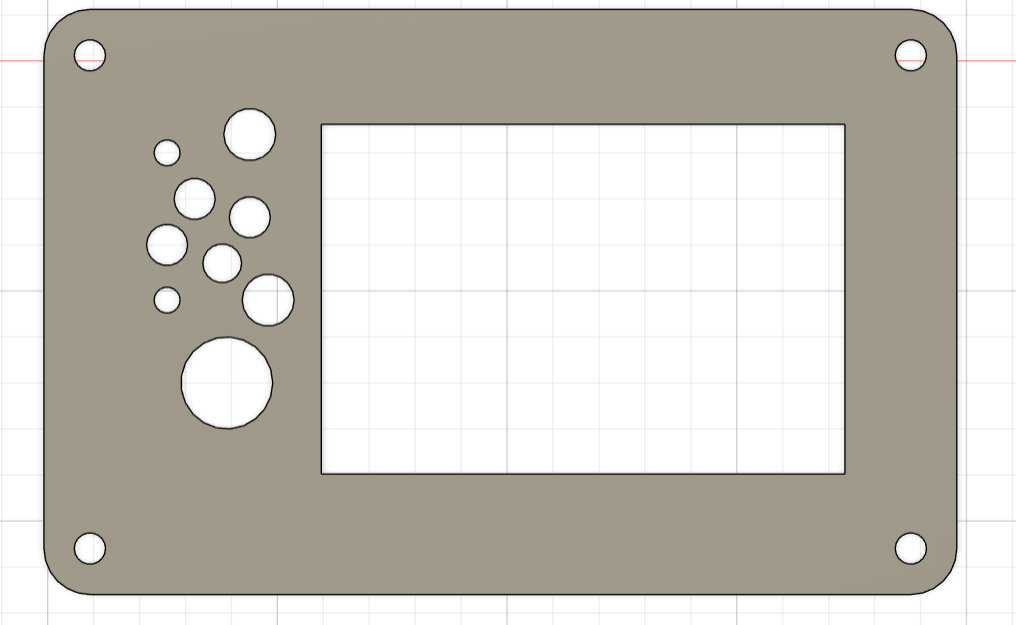
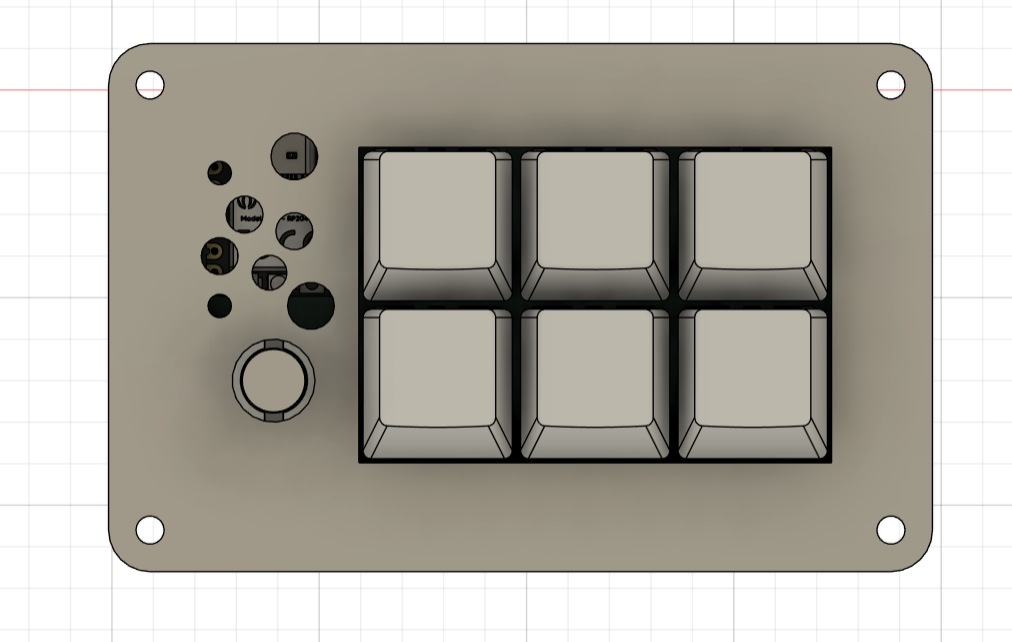
I will also put images of the 3D print files here:
Here is the down part:
 Here is the top part:
Here is in real life photo:
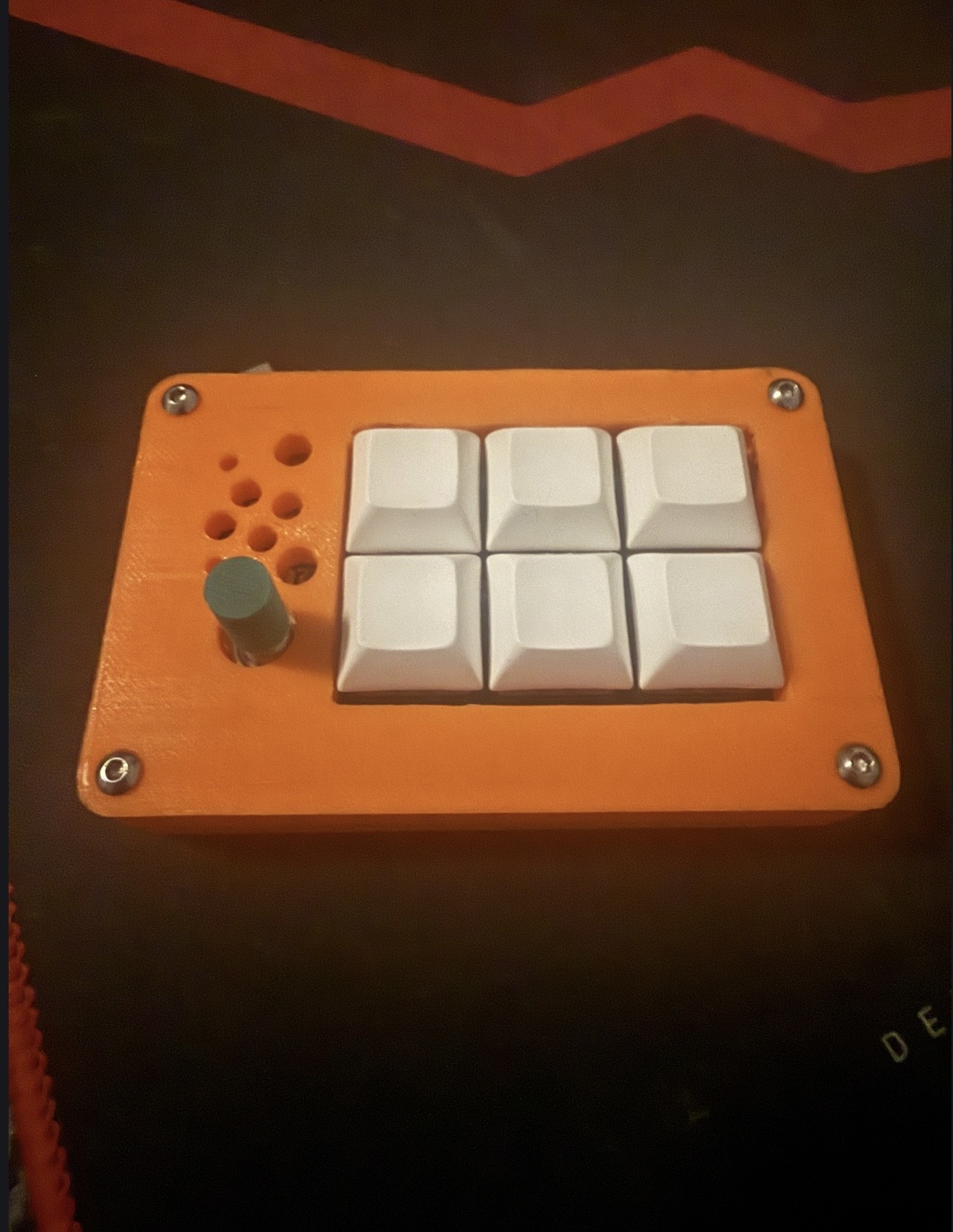
FantaPad Completed image:
Tutorial how to download the python to the board
Install CircuitPython:
Hold the BOOT button on the XIAO RP2040, plug it into your PC, and copy the .uf2 file to the RPI-RP2 drive.
Install KMK:
Download the KMK Firmware (https://github.com/KMKfw/kmk_firmware) and copy the kmk folder to the lib folder on your CIRCUITPY drive.
Upload Code:
Copy the provided code.py to the root of the CIRCUITPY drive.
| Qty | Value | Footprint | References |
|---|---|---|---|
| 6 | SW_Push | Button_Switch_Keyboard:SW_Cherry_MX_1.00u_PCB | SW1, SW2, SW3, SW4, SW5, SW6 |
| 2 | SK6812MINI-E | footprints:SK6812MINI-E_fixed | D3, D4 |
| 1 | RotaryEncoder_Switch | Rotary_Encoder:RotaryEncoder_Alps_EC11E-Switch_Vertical_H20mm | SW7 |
| 1 | XIAO-RP2040-DIP | OPL:XIAO-RP2040-DIP | U1 |
The 10 most common of 12 parts.
google/mozc-devices
Circuit diagrams and firmware source code for Gboard DIY keyboards

Bastardkb/Dilemma
The Dilemma is a vertical stagger low-profile keyboard with mods.

Pwnsat/FlatSat
Flatsat v1.0 is a hardware based platform for aerospace cybersecurity research

adamws/kicad-kbplacer
KiCad plugin for automatic keyboard's key placement and routing

imchipwood/dumbpad
Simple 4x4 numpad with rotary encoder. Powered by QMK via ATmega32u4 Pro Micro

makerforgetech/modular-biped
An open source framework for creating a bipedal modular companion robot.


It measures 79.4 × 43.3 mm and has 2 copper layers, 1.6 mm thick.
12 parts, built around the SK6812MINI-E. The full list of its parts is on this page, with links to each part's symbol and footprint where PCBKit's library has them.
From the tomkulich15/FantaPad repository on GitHub, at the commit this page was made from: the board is PCB/FantaPad.kicad_pcb and its schematic PCB/FantaPad.kicad_sch. PCBKit opens the board in the browser, with nothing to install.
Its repository states no licence, so its author keeps all rights: ask tomkulich15 before reusing the design.