4 layers
Hush main
Terryzhao-dev/Hush
Bluetooth dictation mic in an aluminium cup that keeps people nearby from hearing you (ESP32, KiCad, CadQuery)
108 parts

 Terryzhao-dev/Hush
Bluetooth dictation mic in an aluminium cup that keeps people nearby from hearing you (ESP32, KiCad, CadQuery)
Hush puck is an open-source printed circuit board by Terryzhao-dev, from the Terryzhao-dev/Hush repository on GitHub. It is a 2-layer board of 20 × 20 mm with 10 parts on 5 nets, routed with 66 tracks and 6 vias.
It is built around the SMD1206P150TF, SMF5.0A and USB4125-GF-A. Its parts include 2 capacitors, 2 resistors, 2 connectors, 1 diode and 1 fuse. It belongs with the radio and wireless boards and the ESP32 boards of this library.


A dictation mic you hold up to your mouth, built so the people around you can't hear what you're saying. It's an aluminium cup with a sealed acoustic chamber inside. It connects as a normal Bluetooth mic for Wispr Flow or any dictation app, and holds push-to-talk while it's against your face. There are no buttons or ports; it charges on a Qi puck.
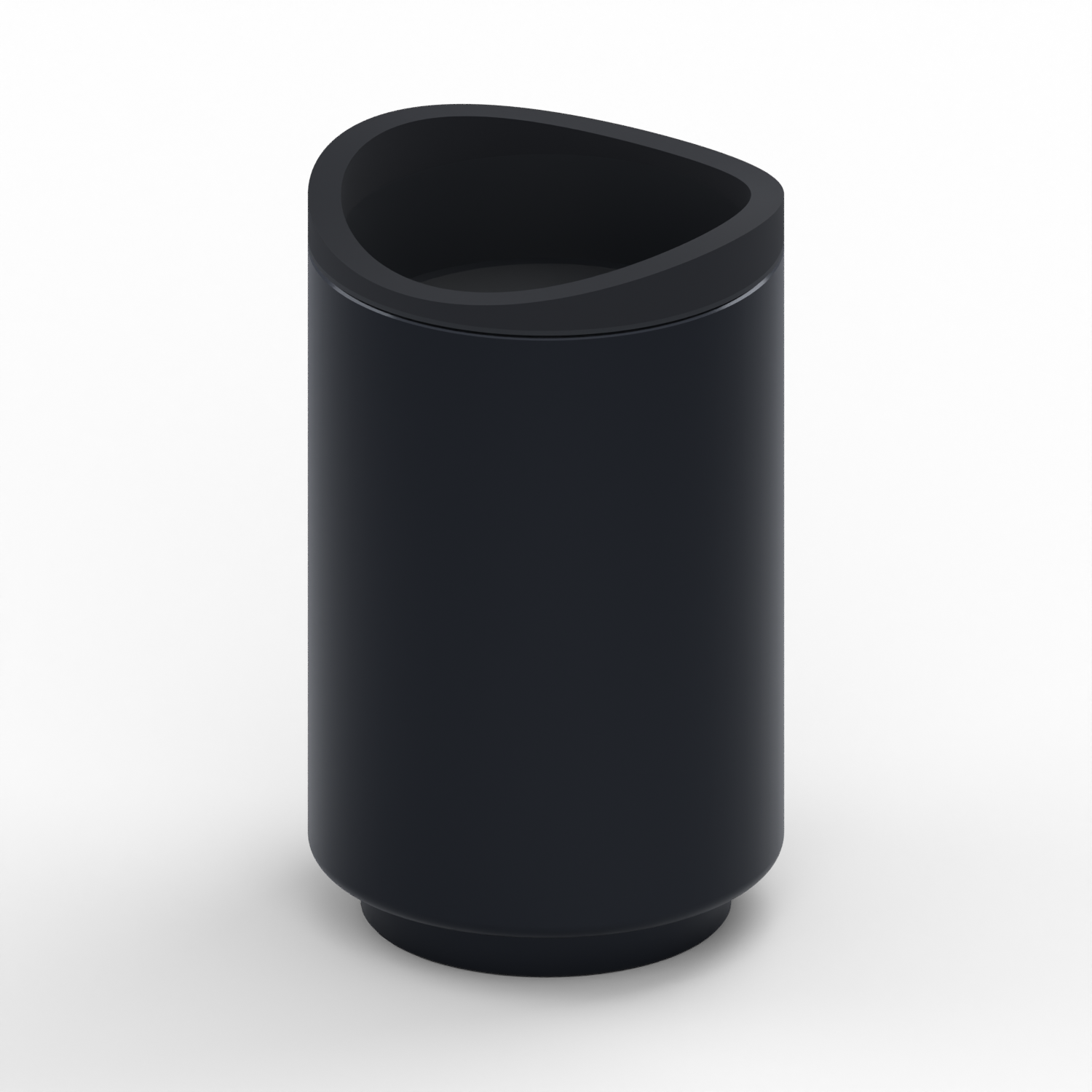
Dictation is faster than typing, but not something you can do in a library or an open office. Hush is my attempt at fixing that with hardware.
Status: design stage, nothing built yet. The exterior CAD is done, the charging puck PCB passes ERC and DRC and is ready to order, and the main board is about 95% routed. Next is printing the acoustic test rig to see if the privacy target holds up.
| Size | Ø72 x 110 mm, under 200 g |
| Body | Anodised aluminium (CNC), 3D-printed for the prototype |
| Privacy target | Normal speech at least 20 dB quieter at 1 m |
| Audio | Bluetooth HFP with mSBC (16 kHz), so it works as a mic on Mac, Windows, iPhone and Android |
| Push-to-talk | Bluetooth HID, holds Mouse5 while the cup is lifted and on your face |
| Chip | ESP32-WROOM-32UE |
| Sensors | 2x ICS-43434 mics, FDC1004 capacitive face sensing, LIS2DH12 accelerometer |
| Power | 1,900 mAh cell, BQ51050B Qi receiver, TPS63020 buck-boost, LC709203F fuel gauge |
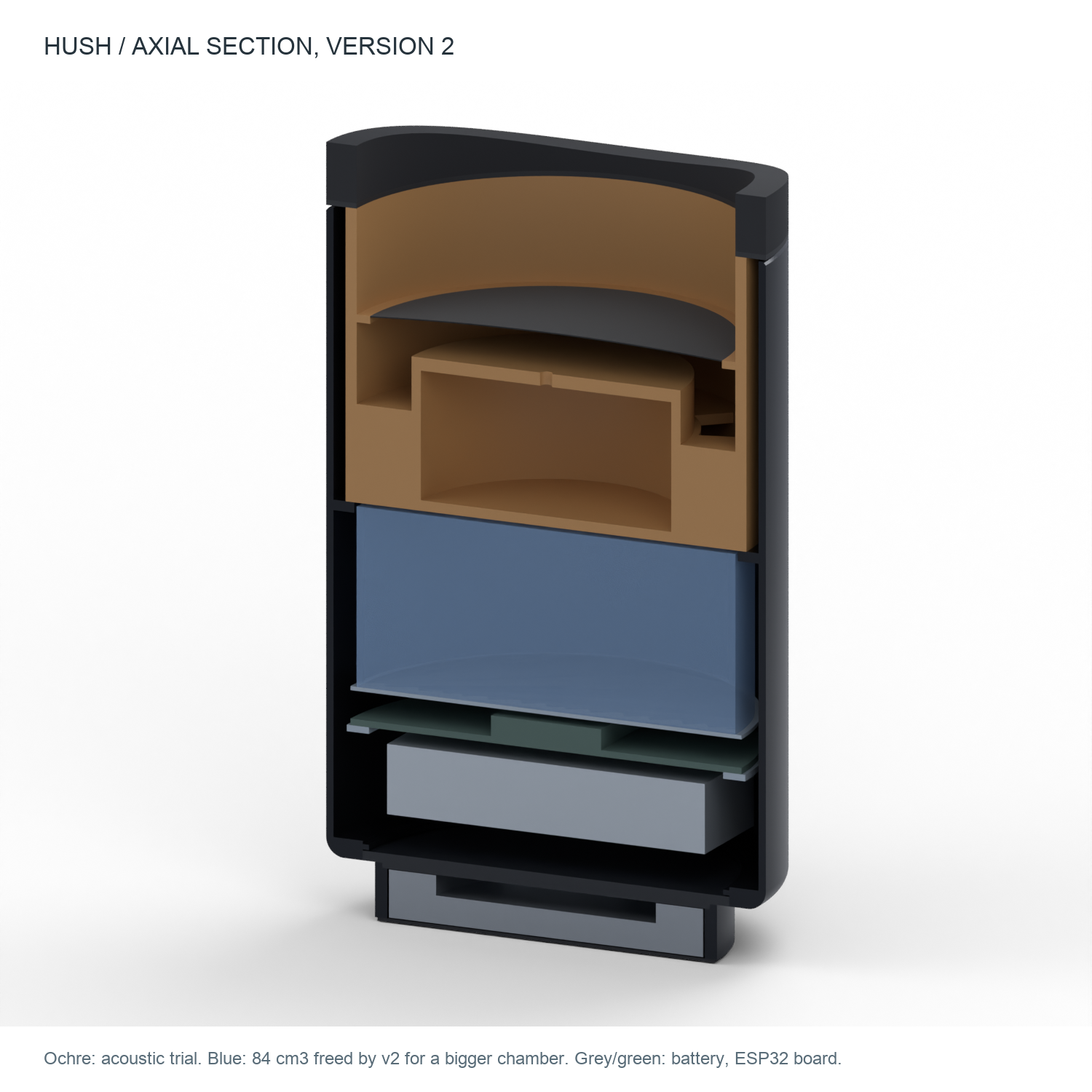
Once sound is out in the room, software can't take it back, so the privacy has to be physical. A silicone cushion seals around the mouth (even a 1% leak would cap privacy at 20 dB). Behind a fabric dome there's absorber material, plus Helmholtz resonators tuned to 300 to 3,000 Hz, where foam is weakest and most of what makes speech intelligible sits. Breath escapes through a long lined labyrinth, and the aluminium wall reflects the rest back inside. The mic sits about 2 cm from your lips, so it still gets a clean signal.
The KiCad schematics and layouts are generated from Python (design.py in each board folder), so every connection can be reviewed as code. One script runs the schematic, ERC, placement, the Freerouting autorouter and DRC, then writes Gerbers, the BOM and renders for JLCPCB.
pcb/hush_puck: USB-C to a 5 V Qi transmitter. 20 x 20 mm, 2 layers. Done.pcb/hush_main: ESP32, Qi charging, fuel gauge, accelerometer and buck-boost. Ø64 mm, 4 layers, 57 parts. About 95% routed.pcb/hush_ring: light ring, face sensing and the two mics. Schematic only; the layout waits on the acoustic insert.
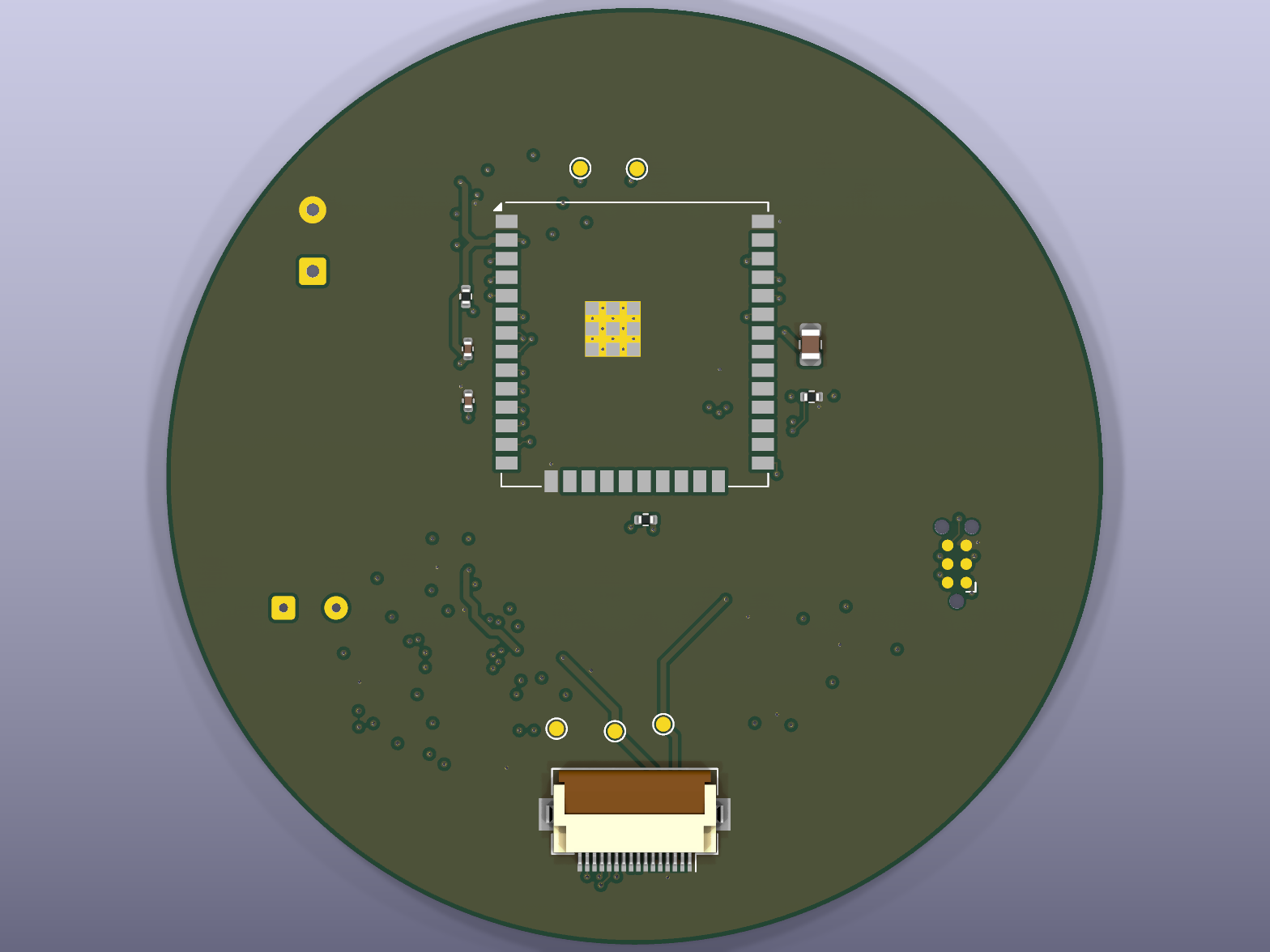
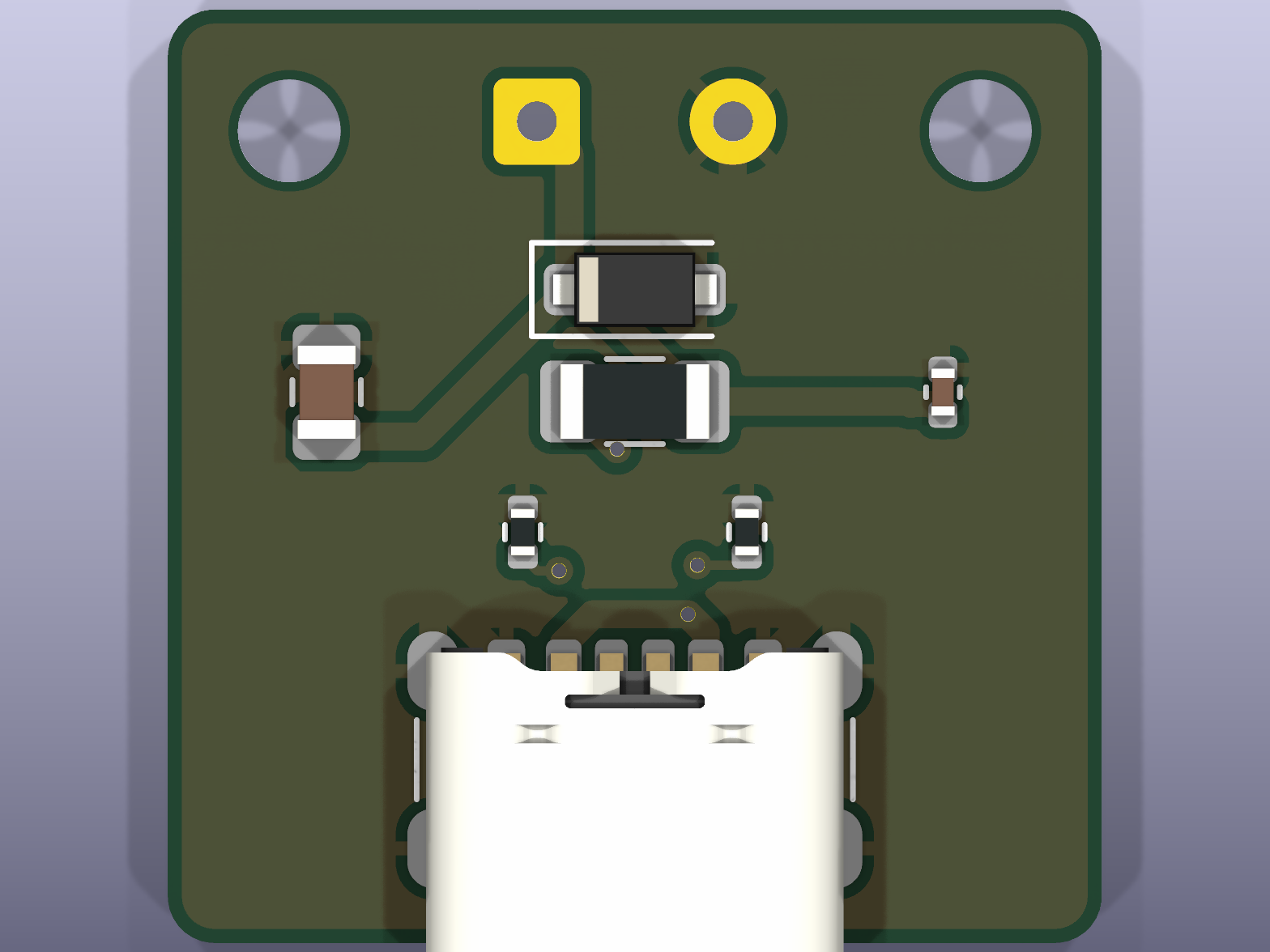
Parametric CadQuery scripts in cad/source build the cup and a separate test rig with no electronics in it; renders are done in Blender. They output STEP files for CNC, STL for printing and an 11-part print kit for the acoustic test (docs/acoustic-test.md).
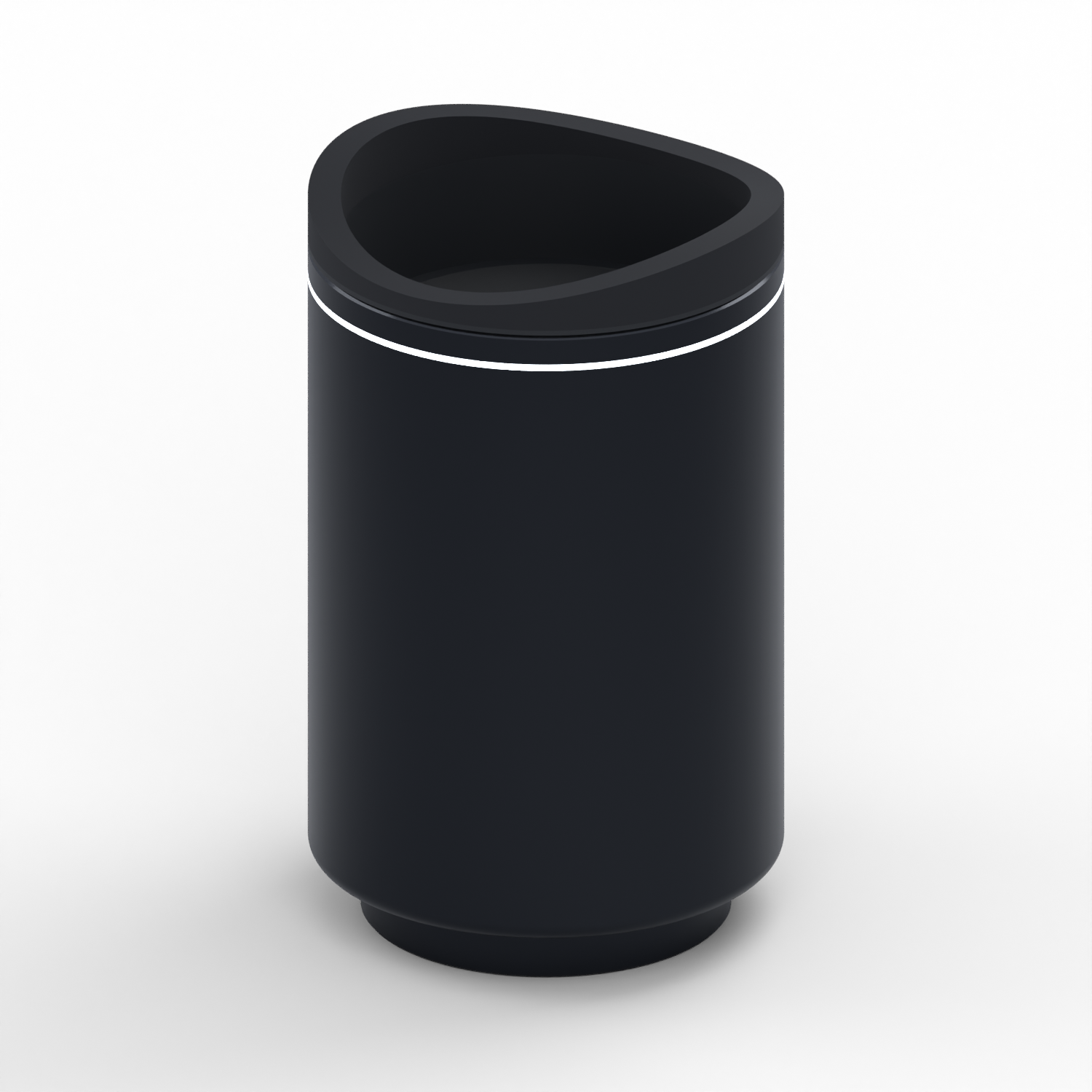
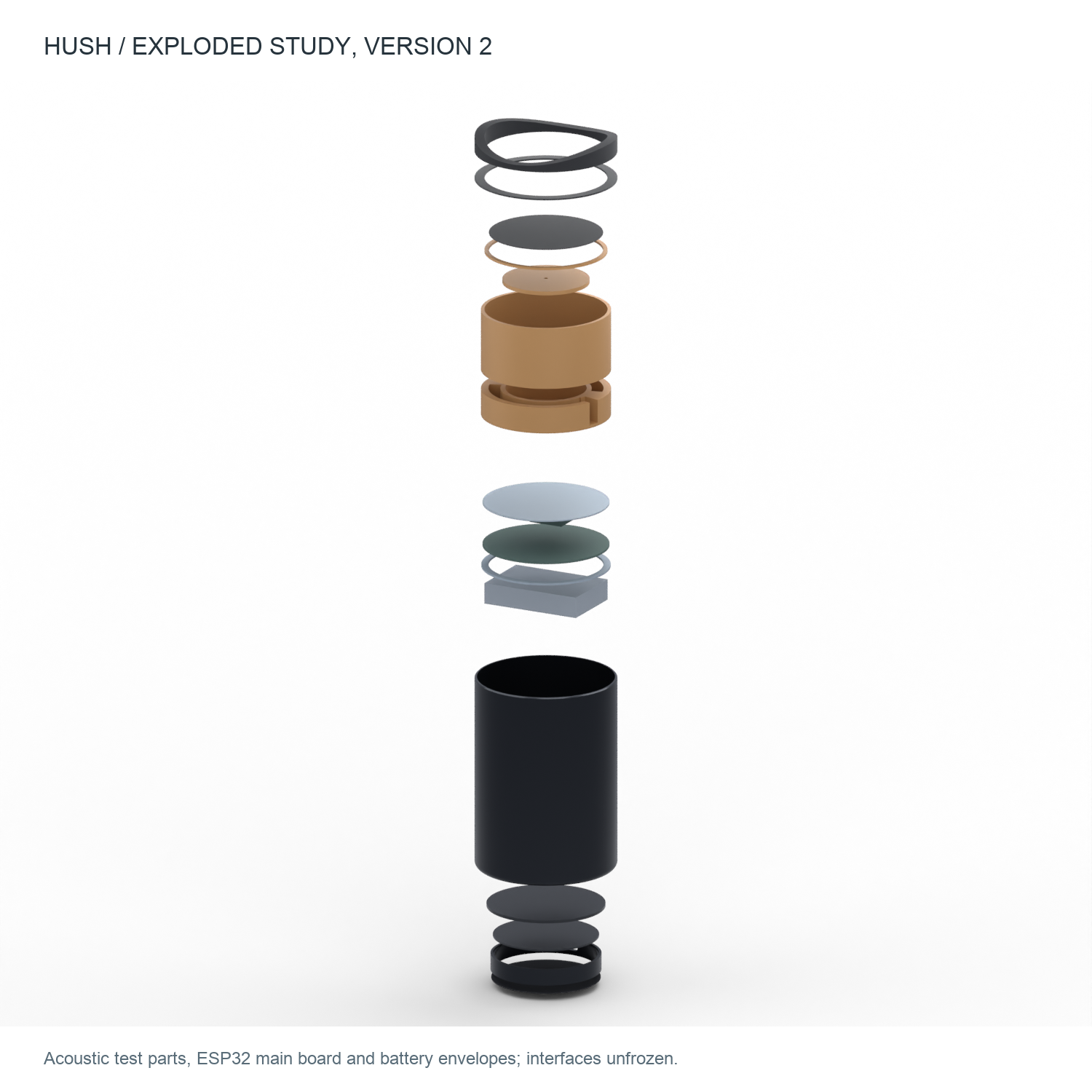
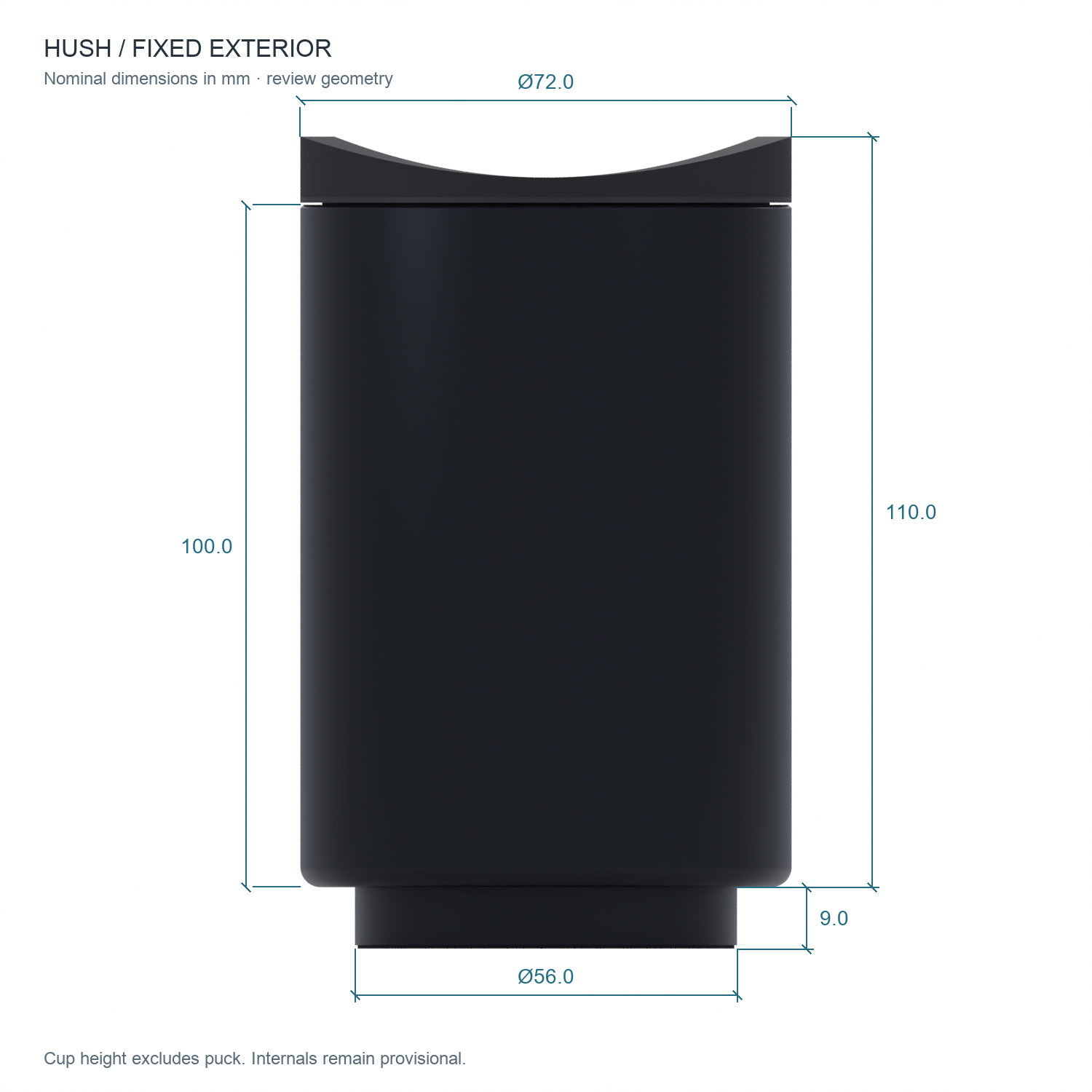
The first version ran speech-to-text (Moonshine) on an i.MX 8M Plus inside the cup and typed the result as a Bluetooth keyboard. When I worked out the power and heat (docs/architecture.md), it would sit at or above 43 °C against your face, last under two hours and weigh over 200 g. So v2 is just a mic, and the computer does the transcription. That also freed about 84 cm³ for a bigger acoustic chamber. The v1 board and CAD are in pcb/archive and cad/source/archive_v1, and firmware/bench is the speech model benchmark I wrote for it.
docs/decisions.md: every design decision and change, in orderdocs/architecture.md: power, thermal and mass calculationsdocs/research/: supplier, antenna and sourcing notesASTRA.md: the original design brief| Qty | Value | Footprint | References |
|---|---|---|---|
| 2 | 5.1k | Resistor_SMD:R_0402_1005Metric | R1, R2 |
| 2 | M2 | MountingHole:MountingHole_2.2mm_M2 | H1, H2 |
| 1 | 1.5A hold | Fuse:Fuse_1206_3216Metric | F1 |
| 1 | 100nF | Capacitor_SMD:C_0402_1005Metric | C2 |
| 1 | 10uF 25V | Capacitor_SMD:C_0805_2012Metric | C1 |
| 1 | SMF5.0A TVS | Diode_SMD:D_SOD-123F | D1 |
| 1 | To Qi TX module | Connector_Wire:SolderWire-0.25sqmm_1x02_P4.2mm_D0.65mm_OD1.7mm | J2 |
| 1 | USB4125-GF-A | Connector_USB:USB_C_Receptacle_GCT_USB4125-xx-x_6P_TopMnt_Horizontal | J1 |
Terryzhao-dev/Hush
Bluetooth dictation mic in an aluminium cup that keeps people nearby from hearing you (ESP32, KiCad, CadQuery)

Terryzhao-dev/Hush
Bluetooth dictation mic in an aluminium cup that keeps people nearby from hearing you (ESP32, KiCad, CadQuery)


Tinkerbug-Robotics/TinkerRocket
Model rocket flight computer, ground station, iOS app, and simulation

protolux-electronics/soleil_hardware
Hardware design files for Soleil, an open source power management and sleep control board for Raspberry Pi


LegendOfRock69/PS2-PSU
A power supply unit for an advanced trimmed SCPH-7900X Model Playstation 2 Slim

It measures 20 × 20 mm and has 2 copper layers, 1 mm thick.
10 parts, built around the SMD1206P150TF, SMF5.0A and USB4125-GF-A. The full list of its parts is on this page, with links to each part's symbol and footprint where PCBKit's library has them.
From the Terryzhao-dev/Hush repository on GitHub, at the commit this page was made from: the board is pcb/hush_puck/hush_puck.kicad_pcb and its schematic pcb/archive/hush_main_v1_ondevice/hush_main.kicad_sch. PCBKit opens the board in the browser, with nothing to install.
Its repository states no licence, so its author keeps all rights: ask Terryzhao-dev before reusing the design.