

2 layers88.9 × 88.4 mm
Minimalist flight-control toolkit for makers
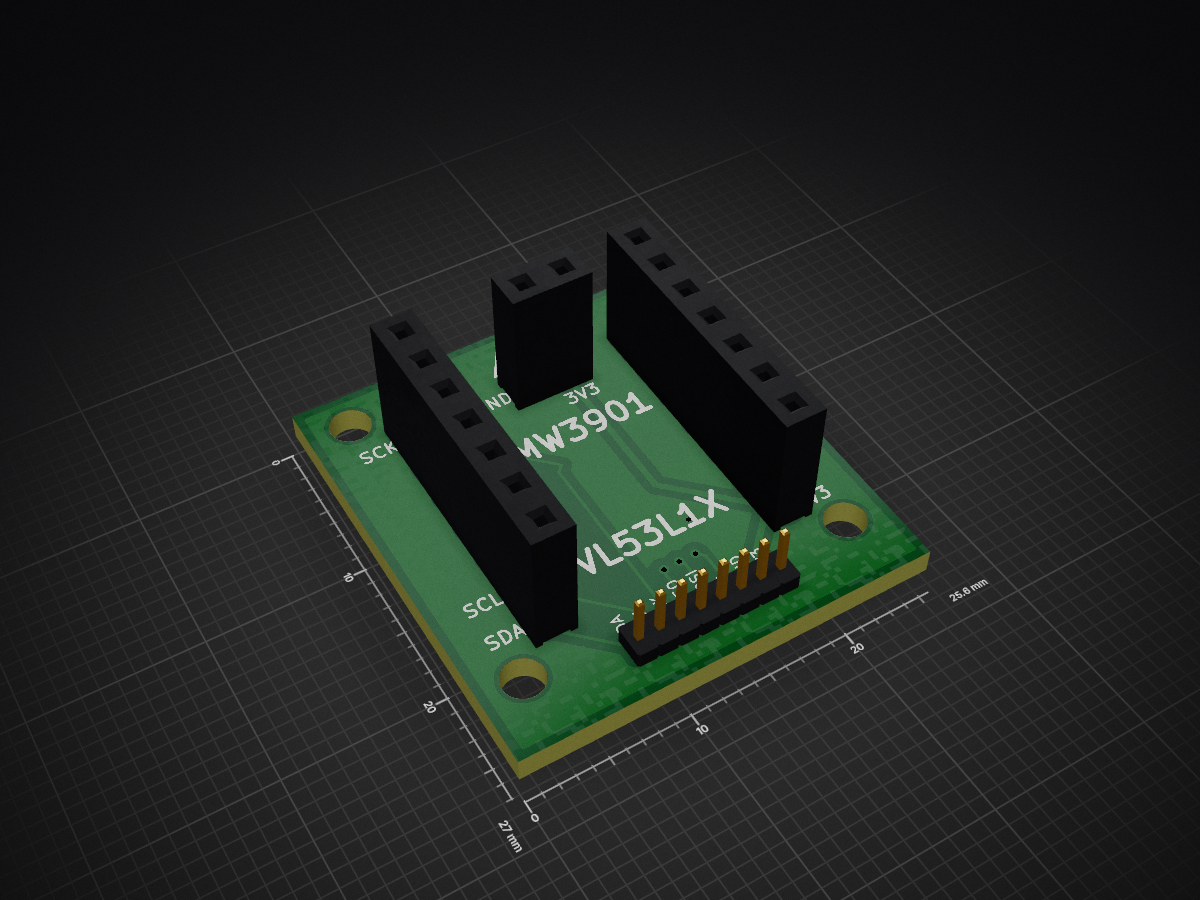
Hover is an open-source printed circuit board by simondlevy, from the simondlevy/Hackflight repository on GitHub, published under the GPL-3.0 licence. It is a 2-layer board of 25.6 × 27 mm with 9 parts on 14 nets, routed with 41 tracks and 4 vias.
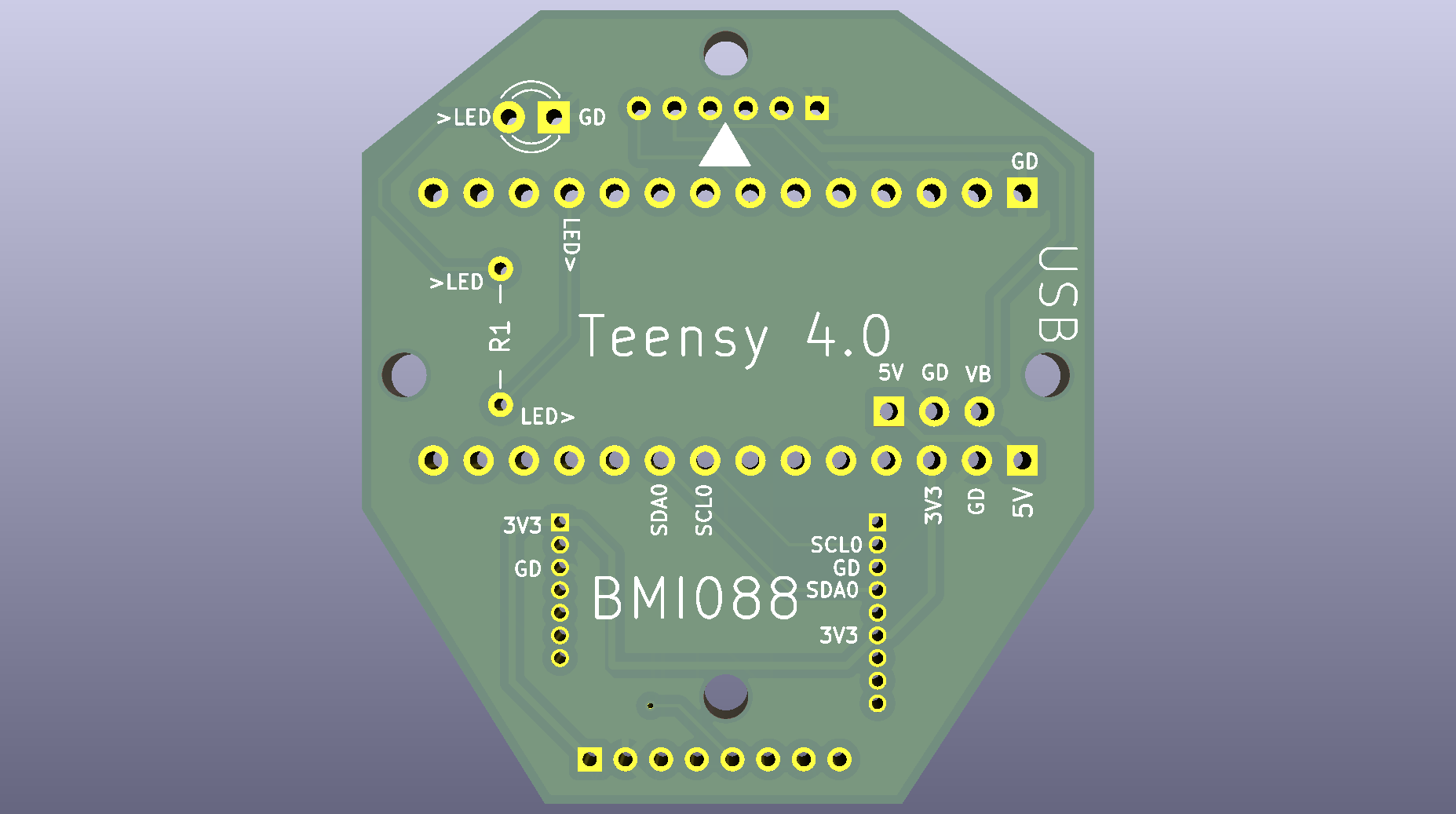
Before soldering on any of the components, you'll need to decide how you're going to mount the PCB to your airframe. I've also used VHB tape, which doesn't require screws, but for a cleaner build the PCB provides four mounting holes in the popular 26x26mm diamond configuration, for use with M2 nylon machine screws. You secure these screws temporarily with nuts before using a rubber grommit for vibration dampening.
Note: I recommend using Scotch tape to mask the pins you're not currently soldering, and doing a continuity check for bridges/shorts after each step:
Pololu 5V Step-Up/Step-Down Voltage Regulator S7V7F5, on bottom, using 1-2mm chisel/bevel tip.
28AWG silicone-insulated wire for hover-deck, protruding from bottom, using 0.2-0.8mm fine/conical tip.
SHUTTLE BOARD 3.0 BMI088, on top, using 0.2-0.8mm fine/conical tip. To avoid soldering a bridge (short circuit), you should solder only the six indicated pins (3V3, GND, SCL0, GD, SDA0, 3V3).
28AWG silicone-insulated wires to 4-in-1 ESC, protruding from bottom, using 0.2-0.8mm fine/conical tip. Most 4-in-1 ESCs come with this connector, or you can build one yourself using a kit like this.
220Ω resistor, on bottom, using 1-2mm chisel/bevel tip.
LED, on top, using 1-2mm chisel/bevel tip.
https://www.amazon.com/Breakaway-Headers-Connector-Breadboard-Electronic/dp/B0FLJVHSRN/
| Qty | Value | Footprint | References |
|---|---|---|---|
| 4 | MountingHole | MountingHole:MountingHole_2.5mm | H1, H2, H3, H4 |
| 2 | Conn_01x07_Socket | Connector_PinSocket_2.54mm:PinSocket_1x07_P2.54mm_Vertical | J1, J2 |
| 1 | Conn_01x02_Socket | Connector_PinSocket_2.54mm:PinSocket_1x02_P2.54mm_Vertical | J3 |
| 1 | Conn_01x08_Socket | Connector_PinHeader_1.27mm:PinHeader_1x08_P1.27mm_Vertical | J4 |
| 1 | LOGO | LOGO | G*** |
It measures 25.6 × 27 mm and has 2 copper layers, 1.6 mm thick.
9 parts. The full list of its parts is on this page, with links to each part's symbol and footprint where PCBKit's library has them.
From the simondlevy/Hackflight repository on GitHub, at the commit this page was made from: the board is kicad/hover/2s/hover.kicad_pcb. PCBKit opens the board in the browser, with nothing to install.
Its repository publishes it under the GPL-3.0 licence: you may reuse it on that licence's terms (keep the author's notice, and for a copyleft licence share your changes alike).


FrameworkComputer/ExpansionCards
Reference designs and documentation to create Expansion Cards for the Framework Laptop

VoronDesign/Voron-Hardware
Cool Hardware designed by the Voron Design group

hackclub/OnBoard
💡 Join 1,000 teenagers and make your first PCB with a $100 grant!


adamws/kicad-kbplacer
KiCad plugin for automatic keyboard's key placement and routing