

2 layers65 × 120 mm
Top
not-sample-text/Proiect-Licenta
This repository represents the final version submitted for my Bachelor's Thesis.
33 parts1

This repository represents the final version submitted for my Bachelor's Thesis.
Bottom is an open-source printed circuit board by not-sample-text, from the not-sample-text/Proiect-Licenta repository on GitHub. It is a 2-layer board of 65 × 120 mm with 52 parts on 55 nets, routed with 178 tracks and 134 vias.
It is built around the SK6812MINI-E. Its parts include 22 resistors, 12 capacitors, 10 diodes, 2 ICs and 1 connector.
This repository represents the final version submitted for my Bachelor's Thesis.
Active development for this project has moved to ApexPad. Please refer to the new repository for the most recent updates, bug fixes, and feature development.
The PROS3 Macropad is a versatile, open-source 12-key macropad built around the powerful ESP32-S3. Designed as a university thesis project, it features a rotary encoder, OLED display, RGB underglow, and a complete software ecosystem for deep customization.
A collection of renders showcasing the hardware.
| Top Plate | Top Plate (Angled) |
|---|---|
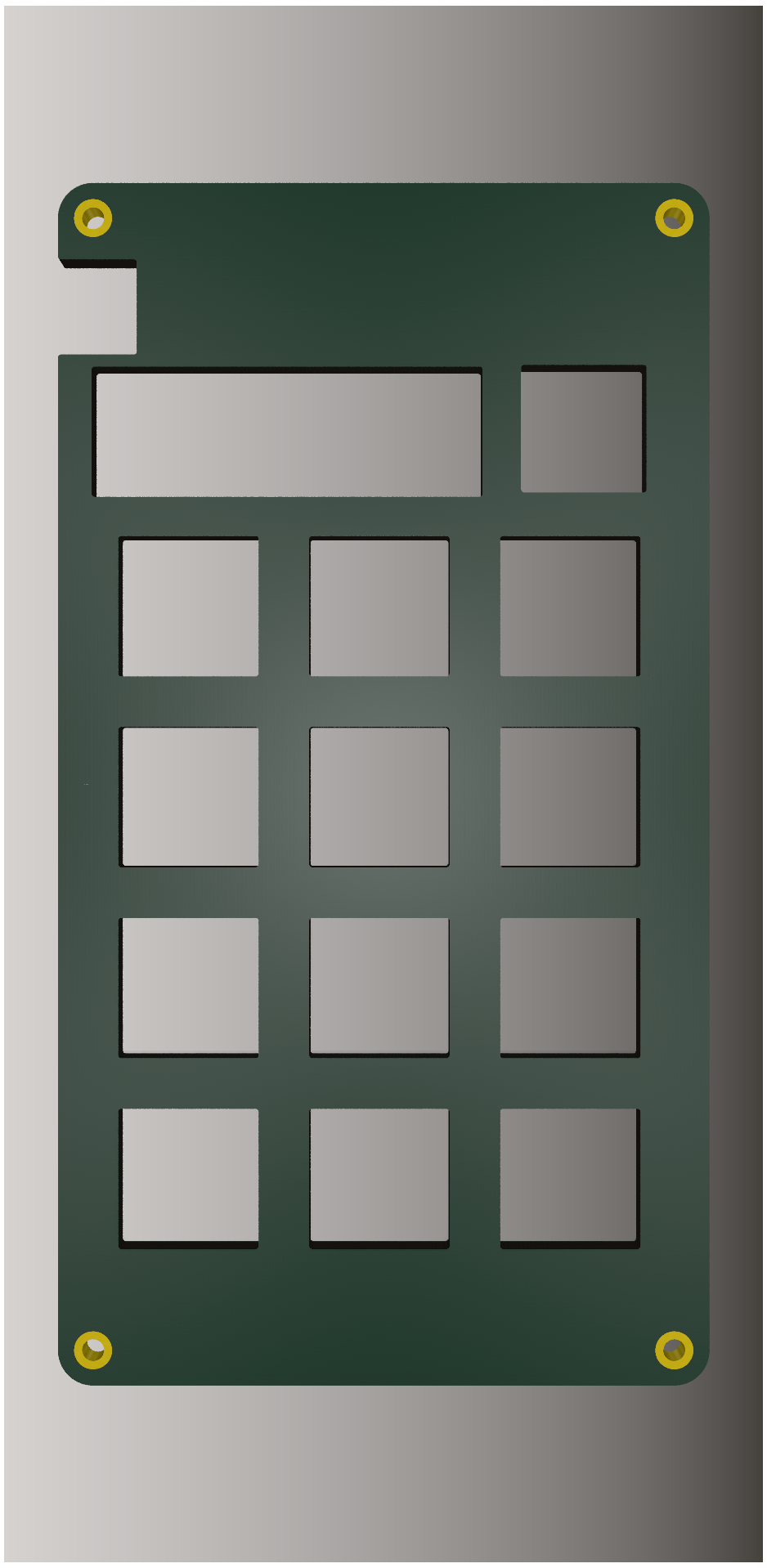 | 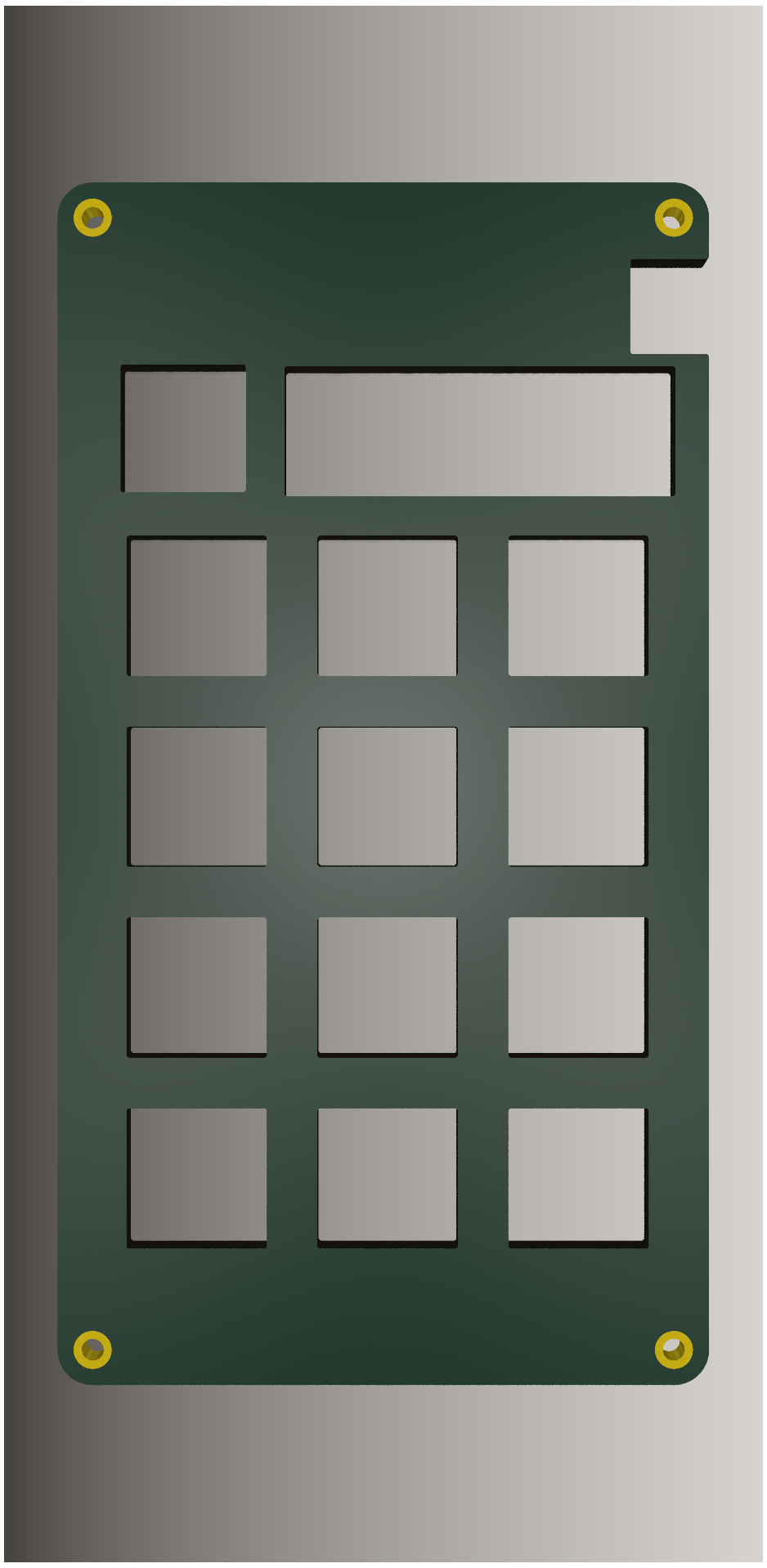 |
| Top View | Top (Angled) |
|---|---|
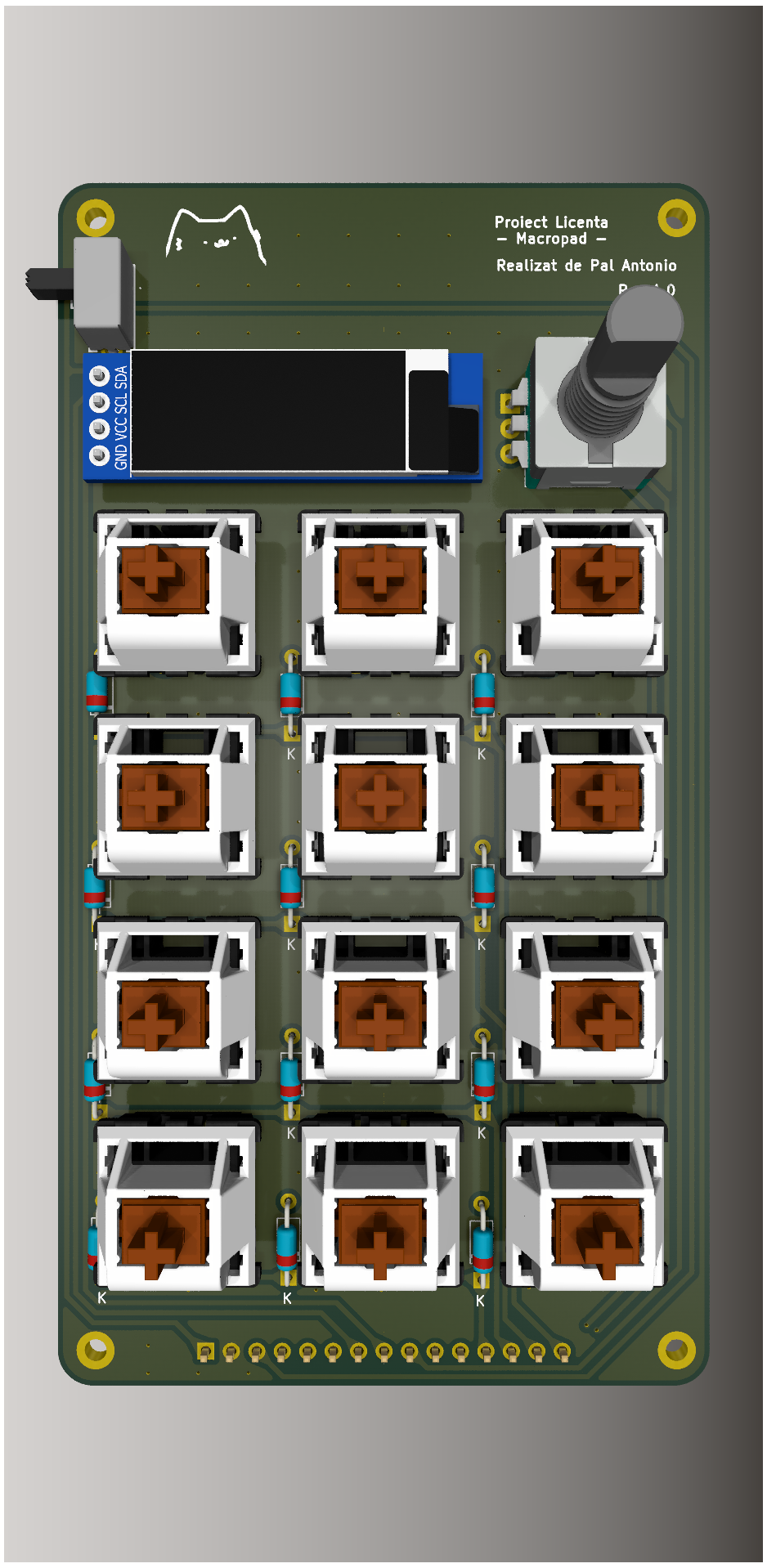 | 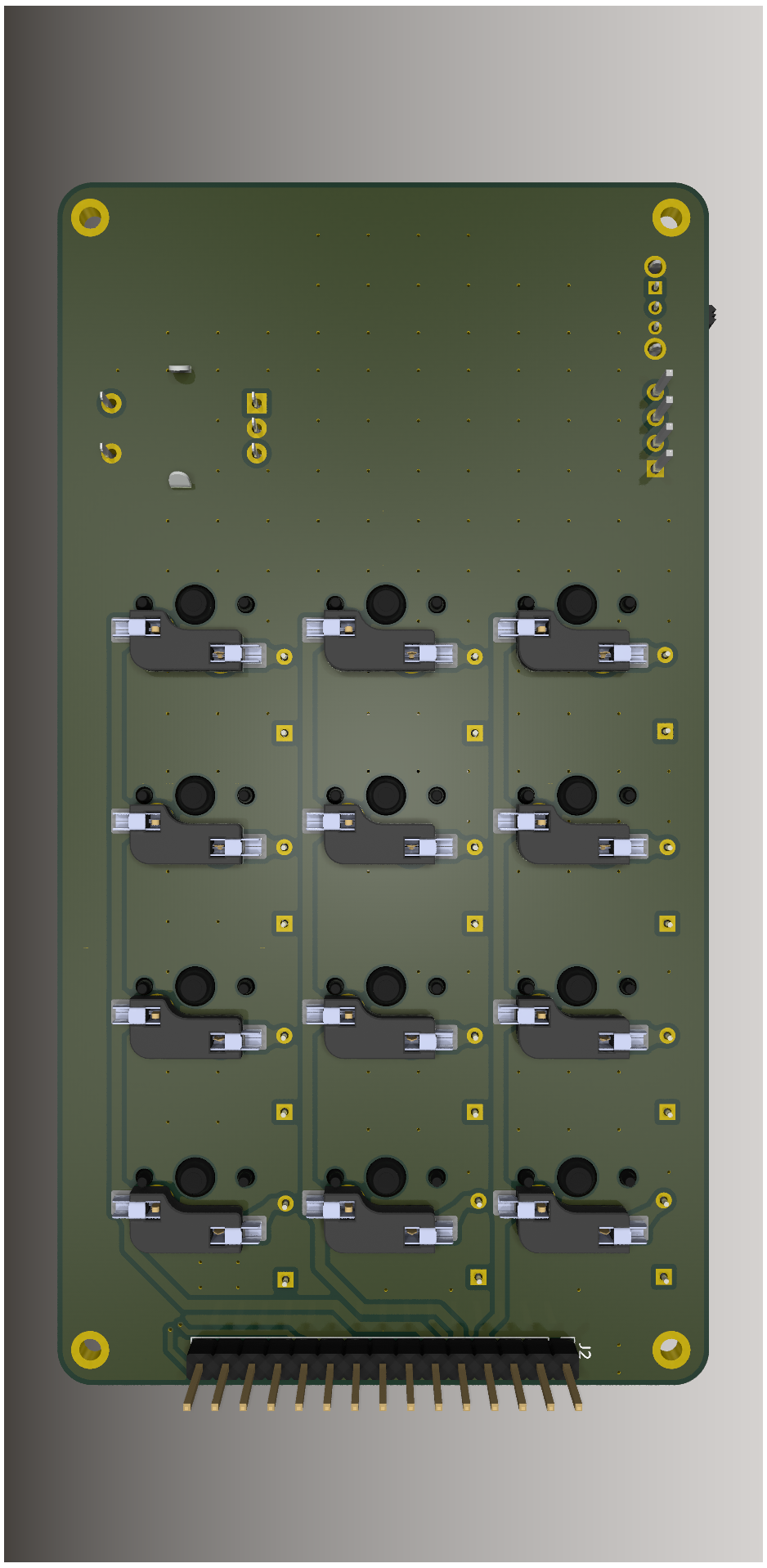 ! |
| Bottom Render | Bottom (Angled) |
|---|---|
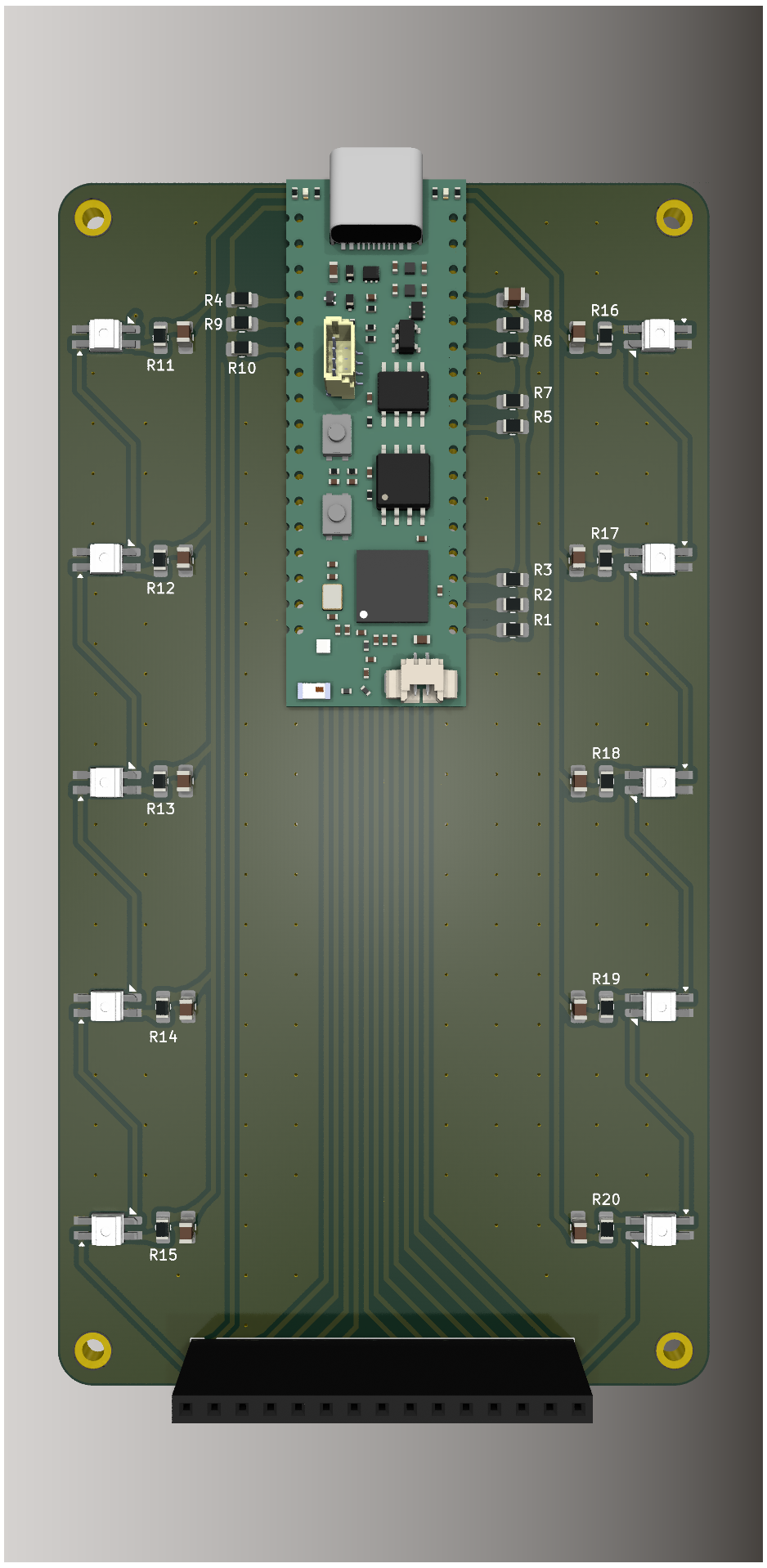 | 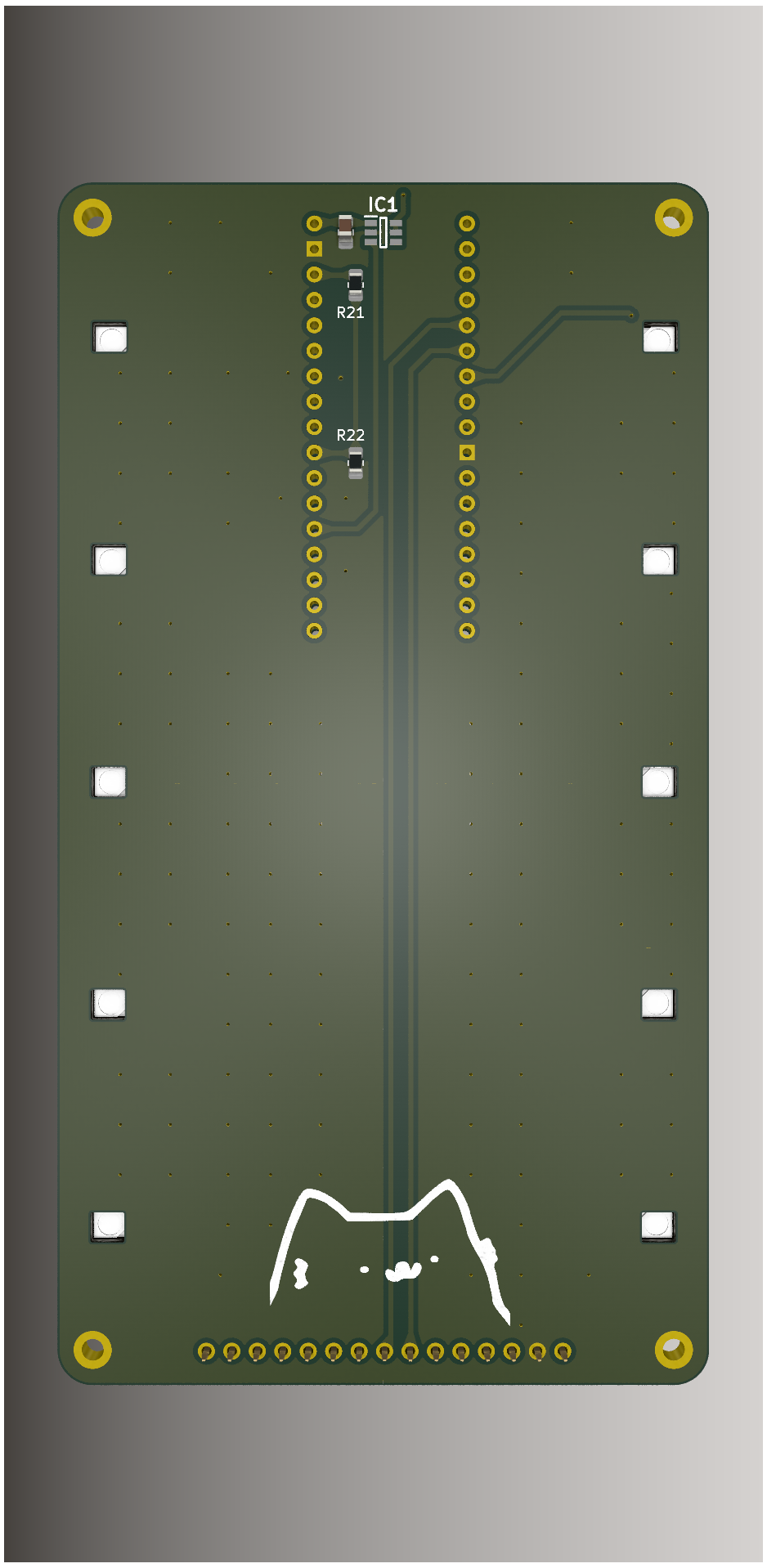 |
This repository contains the complete engineering files (hardware, firmware, and software) for a highly programmable macropad designed to streamline digital workflows.
The project is built on three pillars:
This architecture allows the macropad to go beyond simple keystrokes and act as a powerful automation tool.
For a complete technical deep-dive, please see the Full Technical Documentation. (Pentru documentația în limba română, consultați acest document).
hardware/ directory to fabricate the PCBs and source the components from the Bill of Materials.firmware/ directory to the ESP32-S3.config.json file to your Downloads folder.For a detailed, step-by-step guide, please refer to the Complete User Workflow section in the documentation.
This project was made possible by the following open-source projects and communities:
The hardware and software are provided as-is under a permissive license. This project includes components from third-party libraries which are subject to their own licenses. Please see the individual source files for more details.
| Qty | Value | Footprint | References |
|---|---|---|---|
| 12 | 0.1uF | Bottom-Footprints:C_0805_2012Metric_Pad1.18x1.45mm_HandSolder | C1, C2, C3, C4, C5, C6, C7, C8, C9, C10, C11, C12 |
| 12 | 10k | Bottom-Footprints:R_0805_2012Metric_Pad1.20x1.40mm_HandSolder | R1, R2, R3, R4, R5, R6, R7, R8, R9, R10, R21, R22 |
| 10 | 220 | Bottom-Footprints:R_0805_2012Metric_Pad1.20x1.40mm_HandSolder | R11, R12, R13, R14, R15, R16, R17, R18, R19, R20 |
| 10 | SK6812MINI | Bottom-Footprints:SK6812-MINI-E | D1, D2, D3, D4, D5, D6, D7, D8, D9, D10 |
| 4 | MountingHole_Pad | MountingHole:MountingHole_2.2mm_M2_DIN965_Pad | H1, H2, H3, H4 |
| 1 | Conn_01x15_Socket | Bottom-Footprints:PinSocket_1x15_P2.54mm_Vertical | J1 |
| 1 | LOGO | Bottom-Footprints:nubcat_24mm | G*** |
| 1 | TPS22918DBVR | Bottom-Footprints:SOT95P280X145-6N | IC1 |
| 1 | ~ | Bottom-Footprints:ProS3_TH | U1 |

google/mozc-devices
Circuit diagrams and firmware source code for Gboard DIY keyboards

Bastardkb/Dilemma
The Dilemma is a vertical stagger low-profile keyboard with mods.

Pwnsat/FlatSat
Flatsat v1.0 is a hardware based platform for aerospace cybersecurity research

adamws/kicad-kbplacer
KiCad plugin for automatic keyboard's key placement and routing

imchipwood/dumbpad
Simple 4x4 numpad with rotary encoder. Powered by QMK via ATmega32u4 Pro Micro

makerforgetech/modular-biped
An open source framework for creating a bipedal modular companion robot.


It measures 65 × 120 mm and has 2 copper layers, 1.6 mm thick.
52 parts, built around the SK6812MINI-E. The full list of its parts is on this page, with links to each part's symbol and footprint where PCBKit's library has them.
From the not-sample-text/Proiect-Licenta repository on GitHub, at the commit this page was made from: the board is hardware/pcb/bottom/bottom.kicad_pcb and its schematic hardware/pcb/bottom/bottom.kicad_sch. PCBKit opens the board in the browser, with nothing to install.
Its repository states no licence, so its author keeps all rights: ask not-sample-text before reusing the design.
