2 layers20.1 × 37.4 mm
BatteryCharger
Fangoboyo/carrie-shenzhen
An embedded audio-recording smart pen shaped like a carrot, featuring a custom pot docking station for charging and data transfer. Powered by the Luckfox Pico Mini B (RV1103).
24 parts

 KaliAssistant/Fox-Jack22
Portable social-engineering LAN tool for automated payloads and wired audits — based on Luckfox Pico Max
FOX JACK EXT BOARD TOP is an open-source printed circuit board by KaliAssistant, from the KaliAssistant/Fox-Jack repository on GitHub, published under the GPL-3.0 licence. It is a 2-layer board of 51 × 21 mm with 35 parts on 60 nets, routed with 186 tracks and 14 vias.
It is built around the ME2108A33PG, DW01A and TP4056-42-ESOP8, with the AO3401A, DS04-254-2-02BK-SMT and FS8205 among its other parts. Its parts include 9 resistors, 5 capacitors, 4 diodes, 2 ICs and 2 transistors.



Portable social-engineering LAN tool for automated payloads and wired audits — based on Luckfox Pico Max
Fox-Jack is a low-cost, DIY social engineering LAN implant inspired by the Hak5 SharkJack.
Designed for payload delivery, opportunistic wired auditing, and SE engagements, it features DIP-switch mode control, RGB LED feedback, and USB gadget interfaces — all powered by the Luckfox Pico Max (RV1106G3).
USB gadget function: RNDIS over USB
100 Mbps onboard GMAC Ethernet
Based on Luckfox Pico Max (RV1106G3)
Optional open-source extension board PCB:
Optional 3D printable cases
Rootfs: Buildroot
Boot: SD card
U-Boot: Luckfox official SDK
🧰 Luckfox Pico Official SDK
🔨 Image build scripts
🧱 3D-printable case designs
🗒 Optional extension board:
| Item | Qty | Link |
|---|---|---|
| Luckfox Pico MAX (256 MB RAM version only) | 1 | Amazon |
| M2x0.4 Heat-Set Thread Insert (D3×H2.5) | 2 | Amazon |
| M2x0.4 Heat-Set Thread Insert (D3×H2) | 2 | Amazon |
| M2x0.4 Ultra-Low Head Torx Screws (3mm) | 2 | Amazon |
| M2x0.4 Hex Socket Head Cap Screws (10mm) | 2 | Amazon |
| DIP Switch 1 Positions | 1 | Amazon |
| 302040 Lipo 3.7v battery | 1 | Amazon |
[!NOTE] 🔧 PCB & BOM: all files in the
pcb/directory
28 AWG electrical wire
Soldering tools:
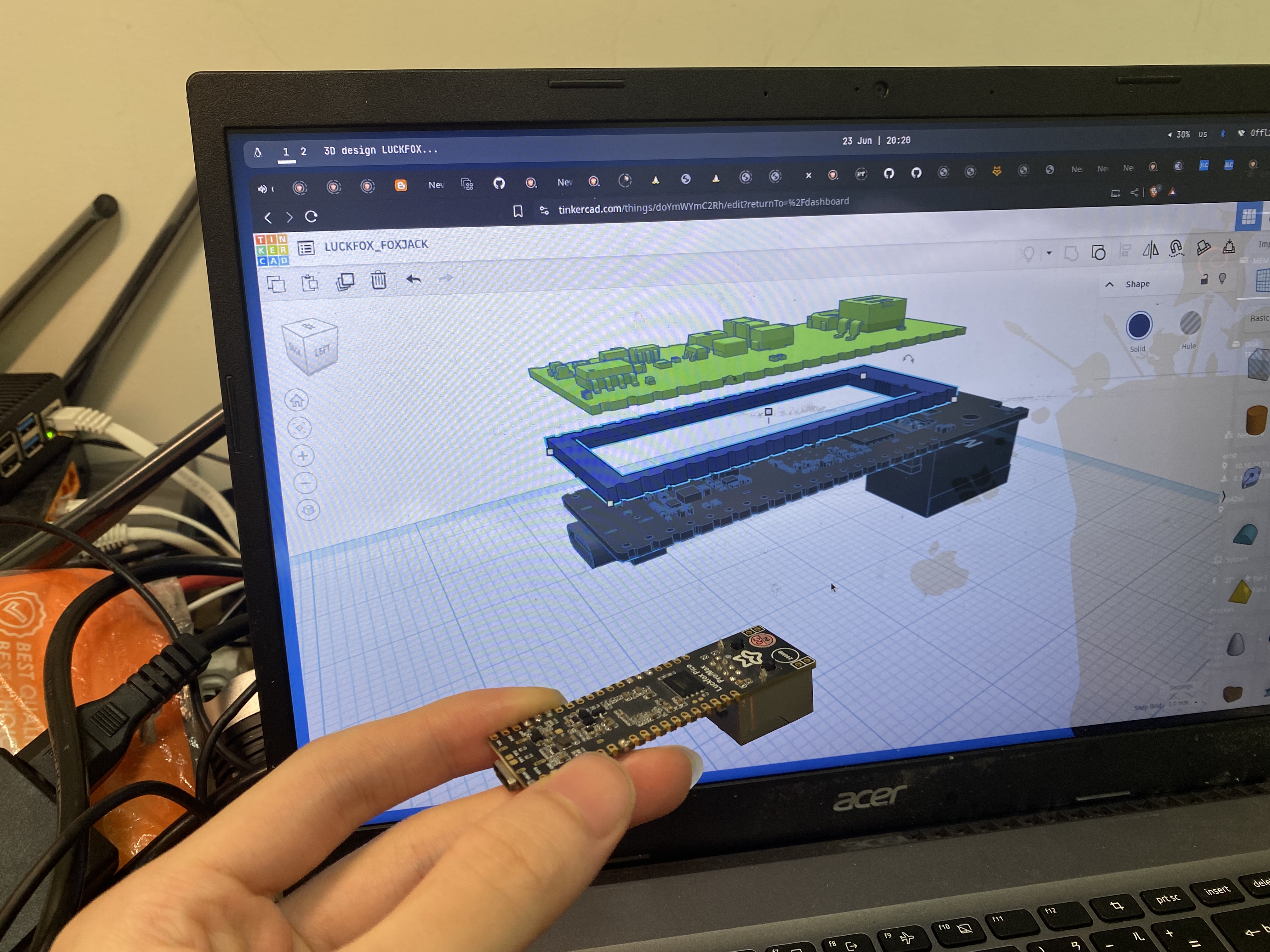
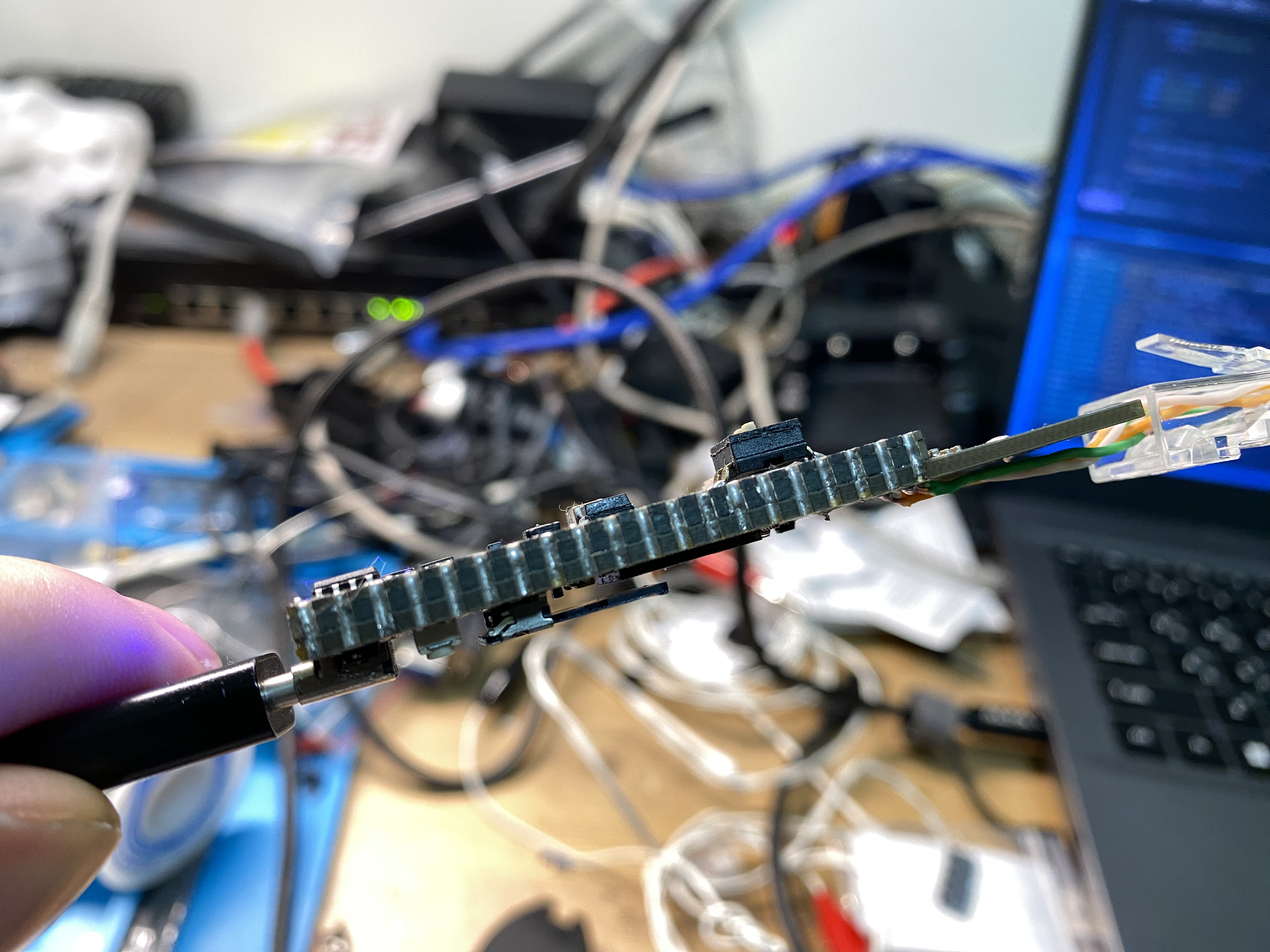
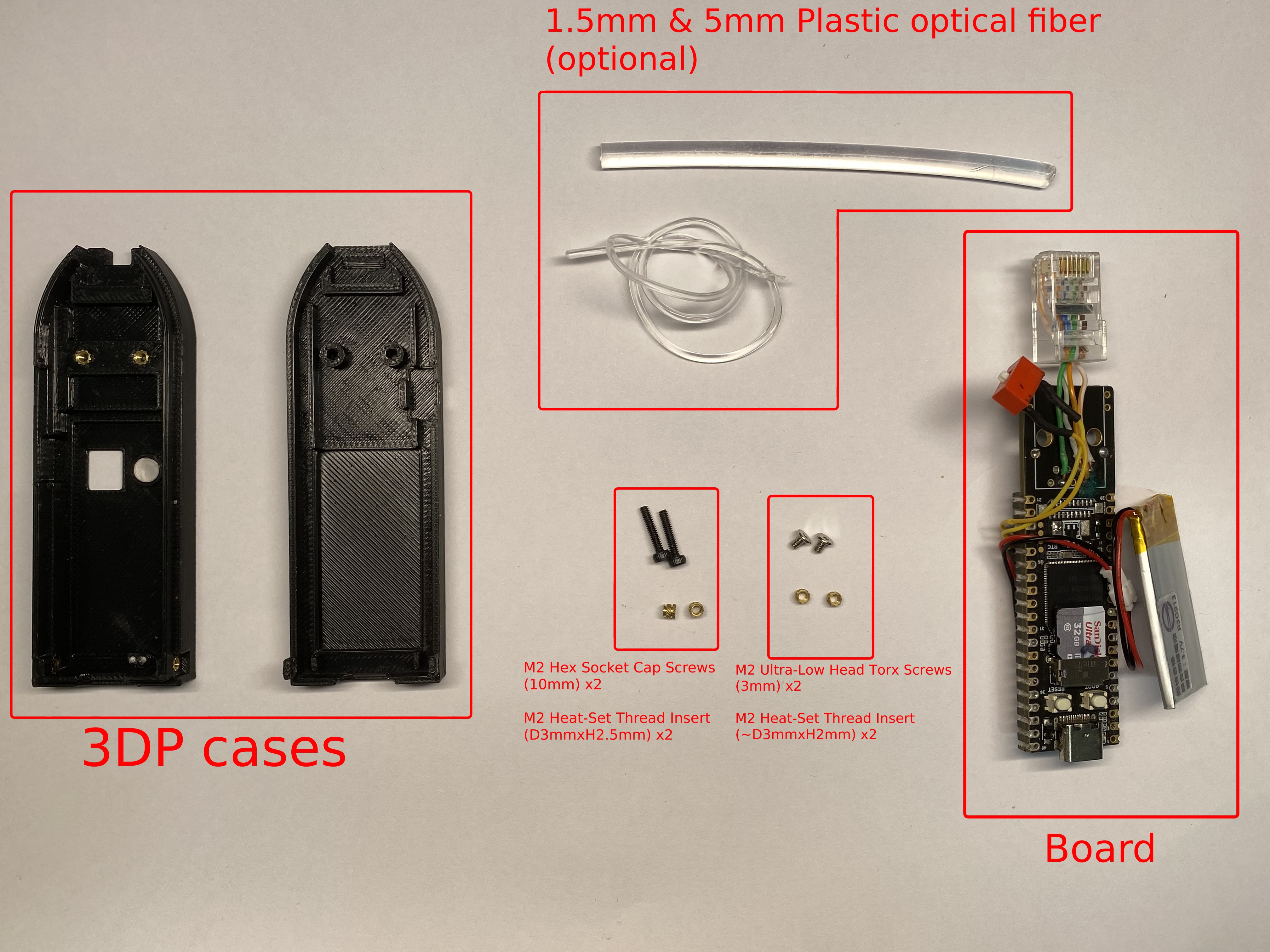
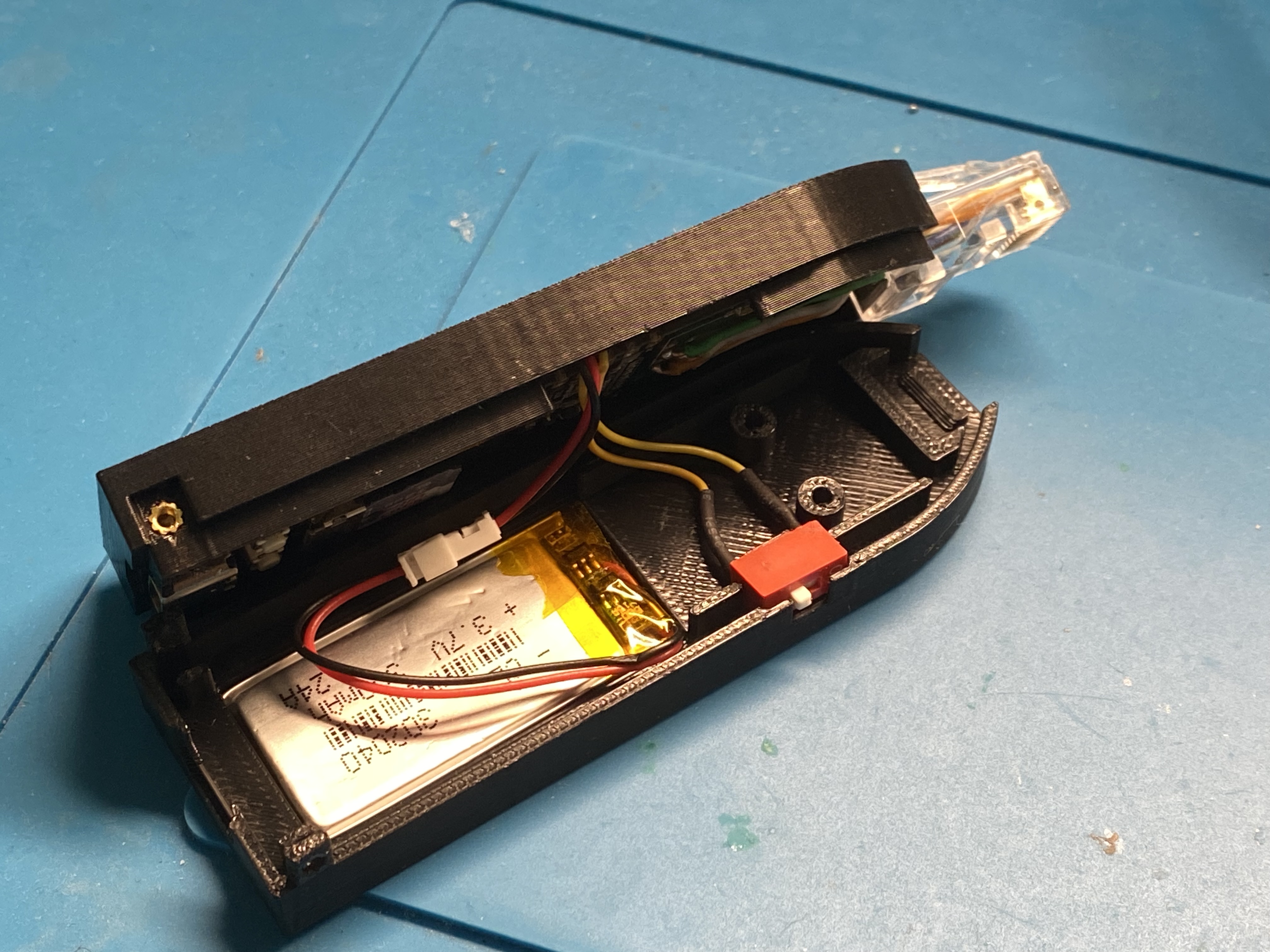
Create a Debian/Ubuntu/Kali (or other Debian-based) Linux environment (You can use a VM or physical machine — author uses a Debian laptop)
Install required dependencies:
sudo ./dep.sh
sudo apt update
sudo apt install -y docker.io kconfig-frontends make cmake automake autoconf libtool libtool-bin rsync
Clone the repository:
git clone https://github.com/KaliAssistant/Fox-Jack.gitNavigate into the repo:
cd Fox-JackRun the build script:
sudo ./build.sh allYou will see the SDK's lunch menu:
You're building on Linux
Lunch menu...pick the Luckfox Pico hardware version:
[4] RV1106_Luckfox_Pico_Pro_Max
...
Which would you like? [default: 0]: 4

Lunch menu...pick the boot medium:
[0] SD_CARD
Which would you like? [default: 0]: 0

Lunch menu...pick the system version:
[0] Buildroot
Which would you like? [default: 0]: 0
[!NOTE] ✅ Just enter
4 / 0 / 0— only Luckfox Pico Max is supported currently.
You can tweak build options using the following:
Buildroot menuconfig:
sudo ./build.sh luckfox buildrootconfig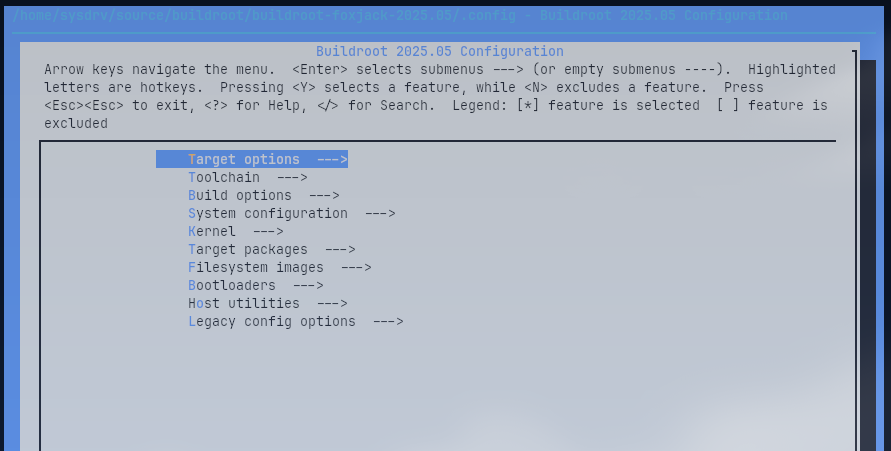
Kernel menuconfig:
sudo ./build.sh luckfox kernelconfig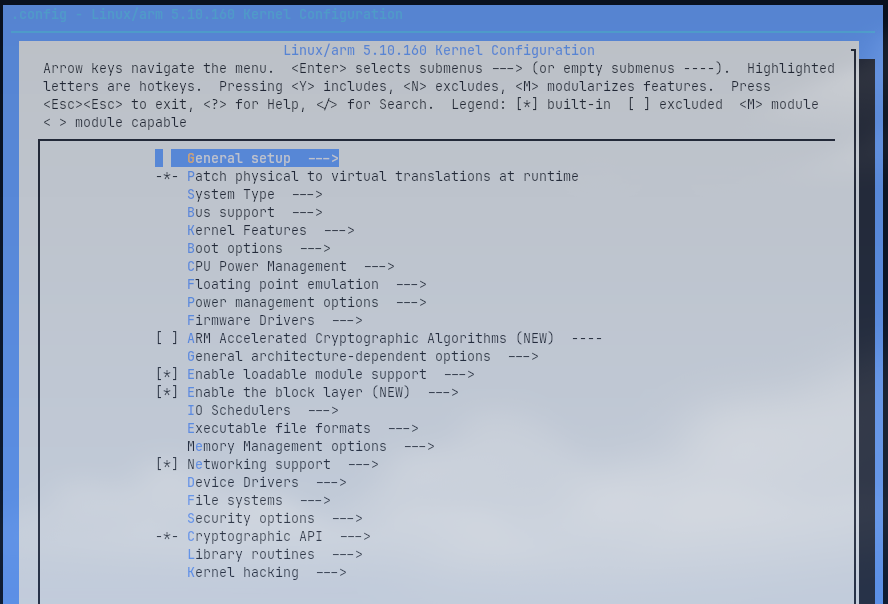
Foxjack extra config (e.g., SSH key, services):
sudo ./build.sh foxjackconfig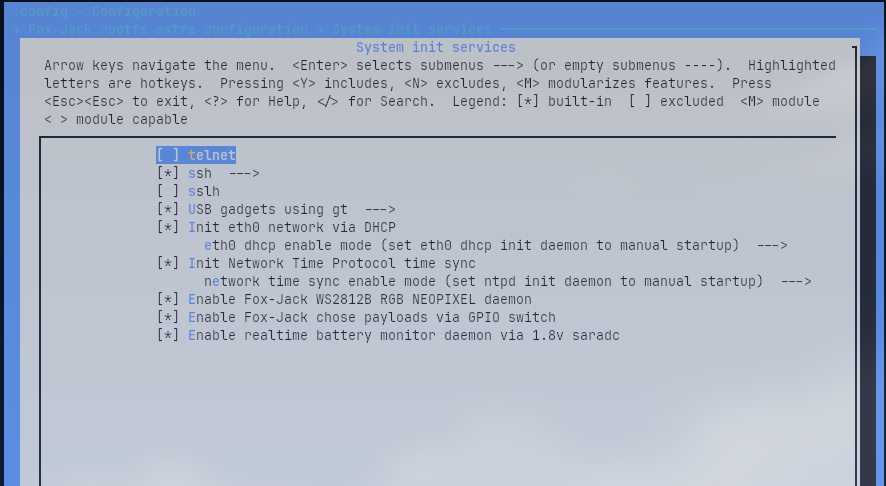
[!NOTE] Security Note: Default root password is
foxjack, but SSH password login is disabled (PermitRootLogin prohibit-password) for security. Add your public key viafoxjackconfig. If you need password login, modify/etc/ssh/sshd_configin rootfs manually.
To access via USB RNDIS, make sure your host PC has a static IP in the same subnet as defined in foxjackconfig.
Once the build is complete, flash the image:
sudo ./build.sh sdflashYou'll see:
WARNING: Check the SD card dev path! blkenvflash can overwrite your system drives!
Enter your SD card dev path (/dev/sxx)... >
[!WARNING] Be careful! Enter the correct SD card device path to avoid overwriting your OS drive.
Fox-Jack supports 4 modes, selected via a 2-position DIP switch:
| Mode | SW1 | SW2 | Description |
|---|---|---|---|
| 0 (debug) | 0 | 0 | Dev/debug mode |
| 1 | 1 | 0 | Payload 1 |
| 2 | 0 | 1 | Payload 2 |
| 3 | 1 | 1 | Payload 3 |
Read via GPIO:
#define SW1_PIN 67  // gpio2_a3_d (pin 27)
#define SW2_PIN 66 // gpio2_a2_d (pin 26)In debug mode (SW1=0, SW2=0):
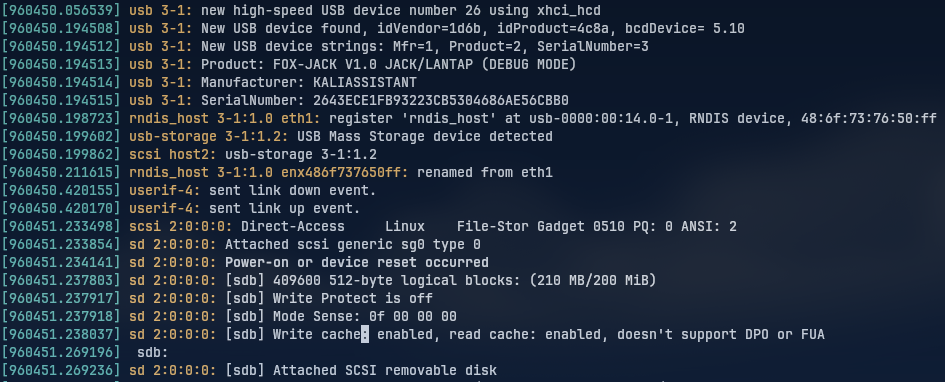
USB gadget provides RNDIS Ethernet + Mass Storage
Payloads can be edited directly from host PC
LOOT (results, passwords, hashes) is saved in:
<UMS>/loot/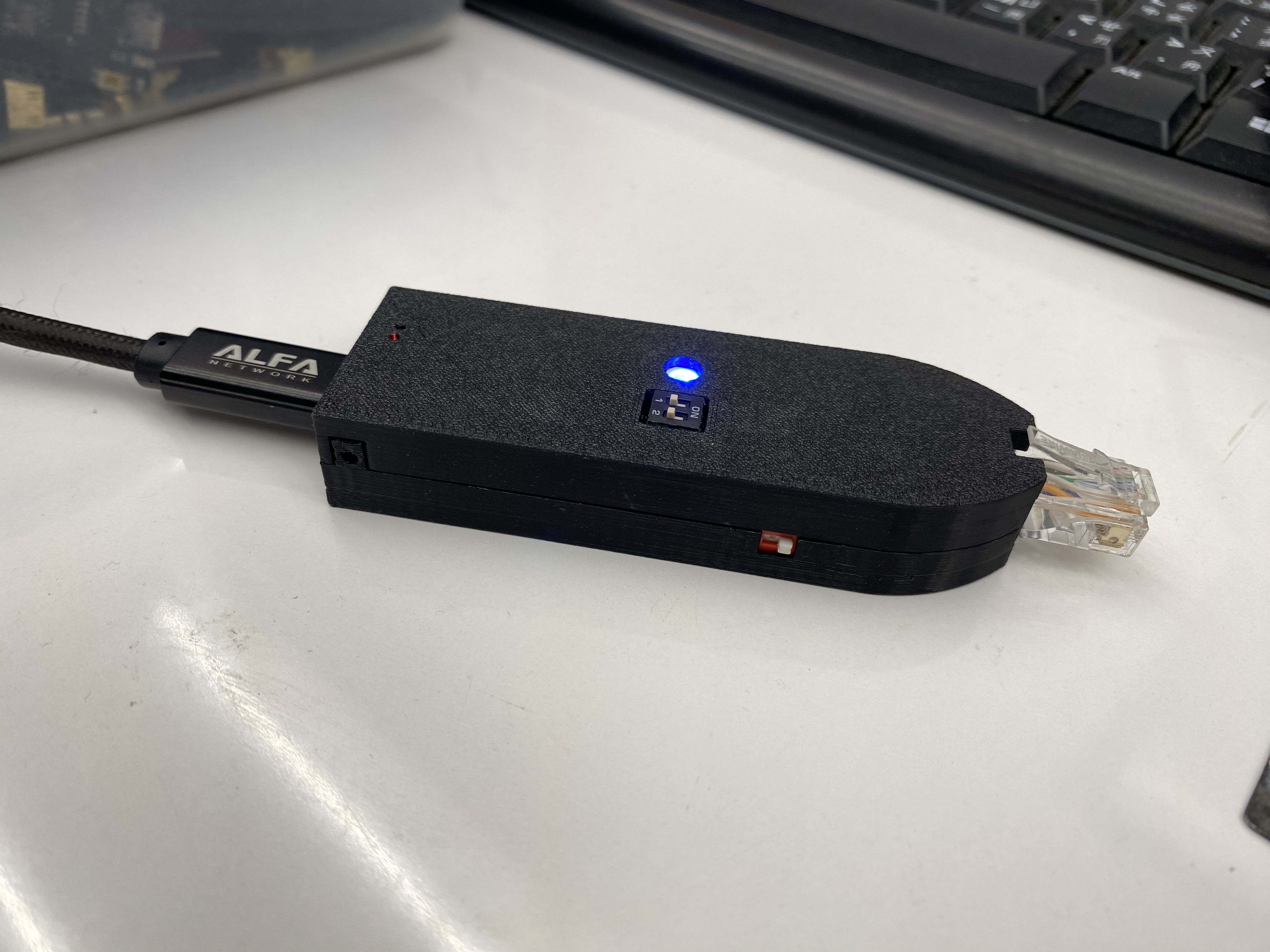
Payload filenames must follow this format:
E????-name.payloadE???? is a 4-digit payload ID (e.g., E0000)name is a short, descriptive labelExample:
E0000-arp-scan.payload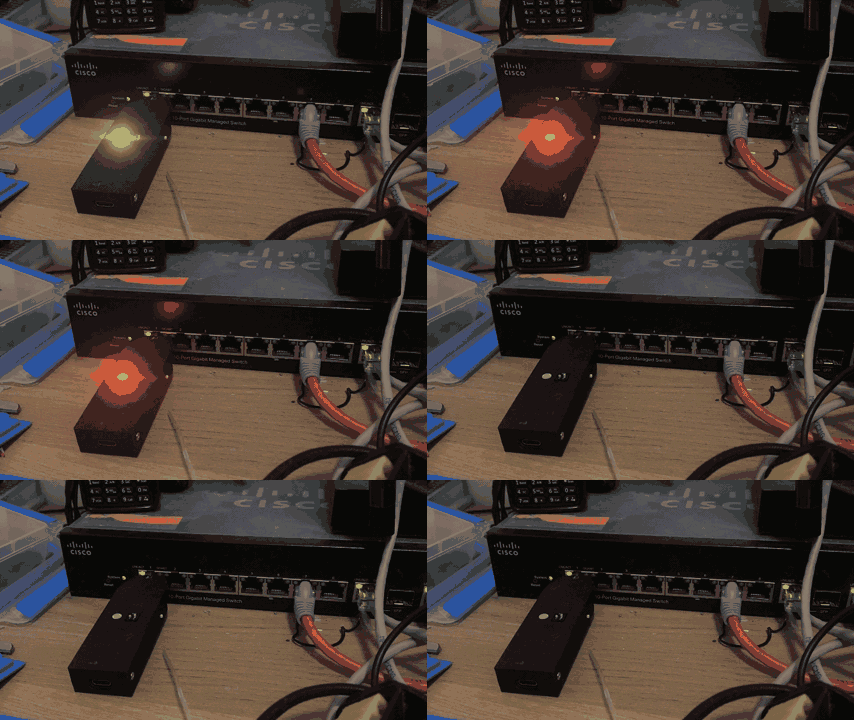
Fox-Jack is intended for authorized security testing, educational, and research purposes only.
Use of this device without explicit permission on networks or systems you do not own or have authorization to test is illegal and unethical.
The author and contributors are not responsible for any misuse or damage caused by this tool.
Please ensure you comply with all applicable laws and obtain proper consent before deployment.
Fox-Jack is open-source and released under the GNU General Public License v3.0 (GPLv3). You are free to use, modify, and redistribute under the terms of this license.
See the LICENSE file for full details.
| Qty | Value | Footprint | References |
|---|---|---|---|
| 2 | 0.1u | Capacitor_SMD:C_0402_1005Metric | C1, C3 |
| 2 | 10k | Resistor_SMD:R_0402_1005Metric | R7, R9 |
| 2 | 12uF | Capacitor_SMD:C_1210_3225Metric | C4, C5 |
| 2 | 1k | Resistor_SMD:R_0402_1005Metric | R1, R2 |
| 1 | 0R | LED_SMD:LED_0805_2012Metric | R6 |
| 1 | 100R | Resistor_SMD:R_0805_2012Metric | R5 |
| 1 | 10u | Capacitor_SMD:C_0603_1608Metric | C2 |
| 1 | 14k7 | Resistor_SMD:R_0402_1005Metric | R8 |
| 1 | 1k | Resistor_SMD:R_0603_1608Metric | R4 |
| 1 | 1k2 | LED_SMD:LED_0402_1005Metric | R3 |
| 1 | 22uH | Inductor_SMD:L_Changjiang_FNR3015S | L1 |
| 1 | AO3401A | Package_TO_SOT_SMD:SOT-23 | Q2 |
| 1 | B_STBY | LED_SMD:LED_0603_1608Metric | D1 |
| 1 | Conn_01x02 | BAT_PAD:BAT_PAD | BAT1 |
| 1 | DS04-254-2-02BK-SMT | ds04-254-2-02bk-smt:SW_DS04-254-2-02BK-SMT | S1 |
| 1 | DW01A | Package_TO_SOT_SMD:SOT-23-6 | U2 |
| 1 | FS8205 | fs8205:SOT95P280X145-6N | Q1 |
| 1 | LOGO | ICON:DEBIAN-ICON-FOOTPRINT_6x6 | G*** |
| 1 | LOGO | UUID:a5f2fb7f-b357-49fc-a0be-116864751376 | G*** |
| 1 | LOGO | ICON:KALILINUX-LOGO-FOOTPRINT_6x6 | G*** |
| 1 | LOGO | ICON:OSHW-ICON-FOOTPRINT_6x6 | G*** |
| 1 | LOGO | ICON:LUCKFOX_ICON_FOOTPRINT_6x6 | G*** |
| 1 | LOGO | ICON:GITHUB-ICON_6x6 | G*** |
| 1 | ME2108A33P | me2108a33p:CONV_ME2108A33P | PS1 |
| 1 | PICO_PIN_1-20 | Connector_PinHeader_2.54mm:PinHeader_1x20_P2.54mm_Vertical | J1 |
| 1 | PICO_PIN_21-40 | Connector_PinHeader_2.54mm:PinHeader_1x20_P2.54mm_Vertical | J4 |
| 1 | PWR_SW_PIN | Connector_PinHeader_2.54mm:PinHeader_1x02_P2.54mm_Vertical | PWR_SWC1 |
| 1 | R_CHG | LED_SMD:LED_0603_1608Metric | D2 |
| 1 | SS14 | Diode_SMD:D_SMA | D3 |
| 1 | TP4056-42-ESOP8 | Package_SO:SOIC-8-1EP_3.9x4.9mm_P1.27mm_EP2.41x3.3mm_ThermalVias | U1 |
| 1 | WS2812B | LED_SMD:LED_WS2812B_PLCC4_5.0x5.0mm_P3.2mm | D4 |
It measures 51 × 21 mm and has 2 copper layers, 0.8 mm thick.
35 parts, built around the ME2108A33PG, DW01A, TP4056-42-ESOP8 and AO3401A. The full list of its parts is on this page, with links to each part's symbol and footprint where PCBKit's library has them.
From the KaliAssistant/Fox-Jack repository on GitHub, at the commit this page was made from: the board is pcb/FOX-JACK_EXT_BOARD_TOP/FOX-JACK_EXT_BOARD_TOP.kicad_pcb and its schematic pcb/FOX-JACK_EXT_BOARD_TOP/FOX-JACK_EXT_BOARD_TOP.kicad_sch. PCBKit opens the board in the browser, with nothing to install.
Its repository publishes it under the GPL-3.0 licence: you may reuse it on that licence's terms (keep the author's notice, and for a copyleft licence share your changes alike).
Fangoboyo/carrie-shenzhen
An embedded audio-recording smart pen shaped like a carrot, featuring a custom pot docking station for charging and data transfer. Powered by the Luckfox Pico Mini B (RV1103).

mornepousse/Niphargus
Niphargus — a slim, indestructible wireless split keyboard. ESP32 + nRF24, wired fallback, and an emergency kit hidden behind the USB port. The successor to the Rouge-Gorge.

mornepousse/Conchodytes
Sleeper mouse: a wireless PMW3360 PCB inside a Logitech M100/M90 shell, talking to the same KaSe dongle as the Niphargus keyboard

louismomo66/field-eyes_pcb
Open fieldeyesv2.kicadpro in KiCad 9. The whole circuit is one flat schematic (fieldeyesv2.kicadsch): all 168 parts are on a single page, in four framed sections.


