Test board is an open-source printed circuit board by Guiimartinho, from the Guiimartinho/routeai repository on GitHub. It is a 2-layer board of 40 × 30 mm with 4 parts on 4 nets, routed with 4 tracks and 1 via.
It is built around the ATTINY85-15M. Its parts include 2 resistors, 1 capacitor and 1 IC. It belongs with the AVR (ATmega, ATtiny) boards of this library.
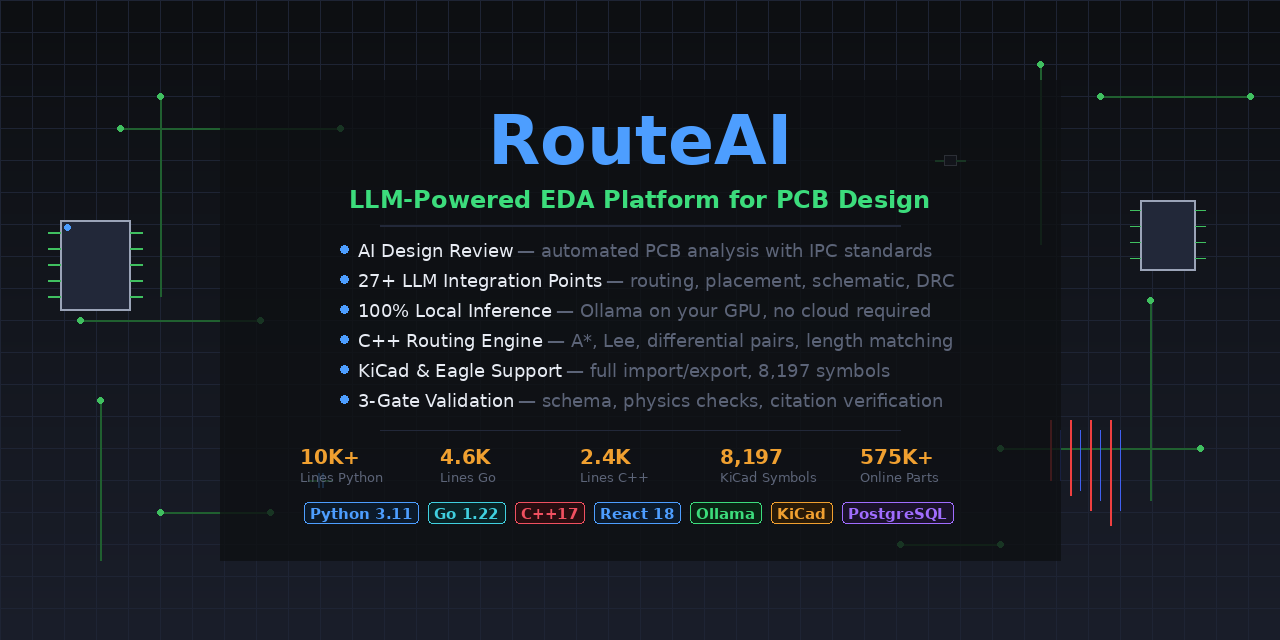
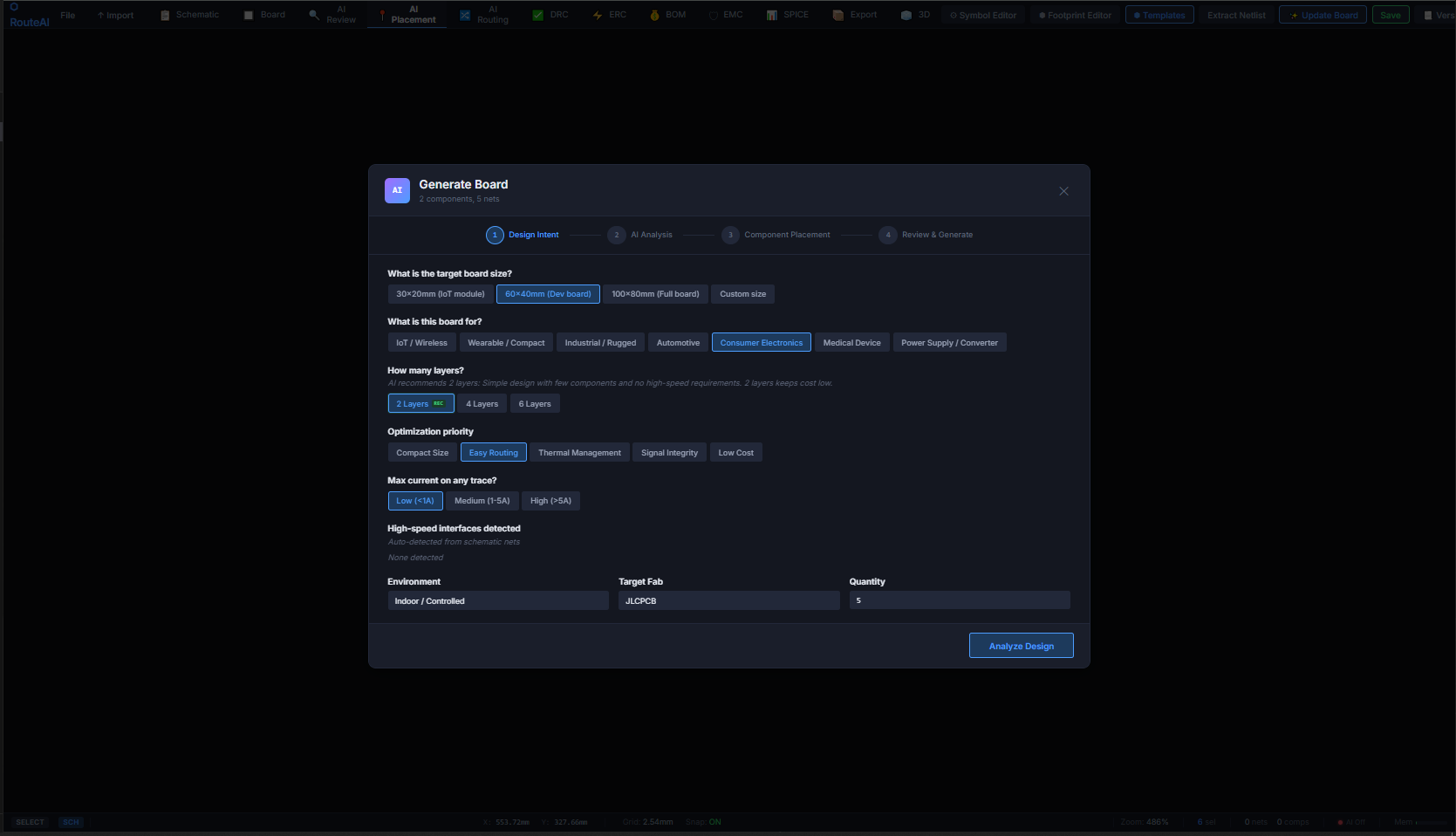
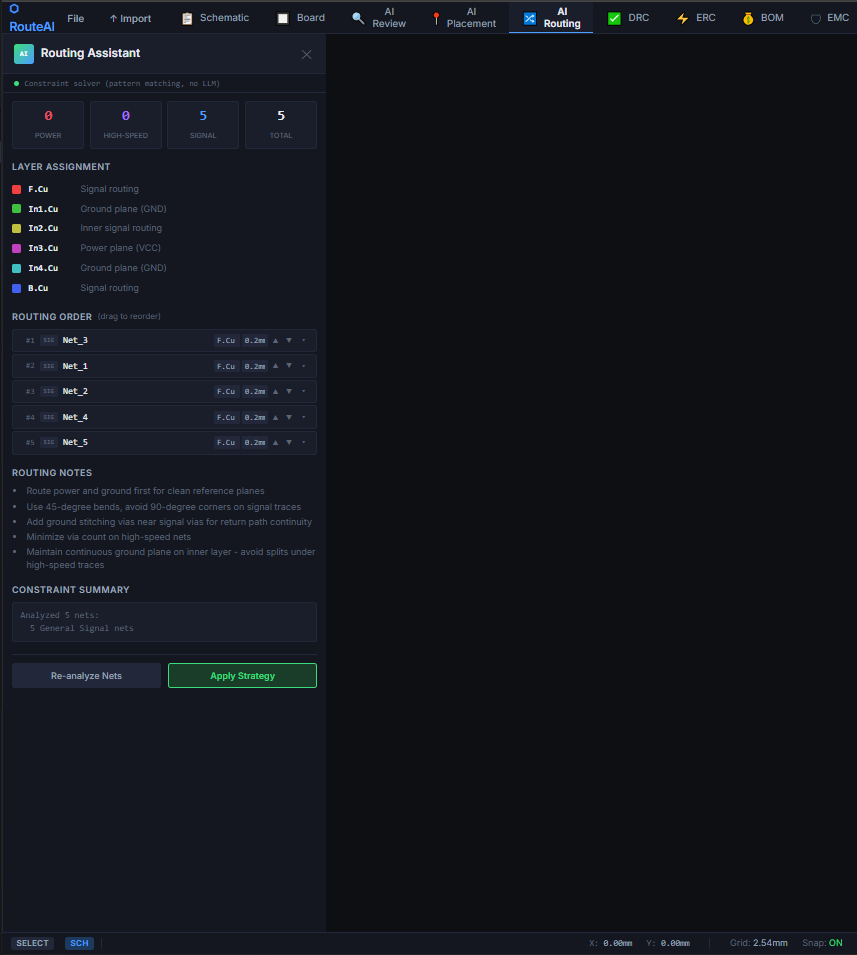
RouteAI is an intelligent EDA platform that combines large language models with deterministic solvers to automate and assist PCB (Printed Circuit Board) design workflows. It bridges the gap between human design intent and physical constraints by using LLMs for natural language understanding and expert-grade analysis, while relying on formal solvers for all geometric, electrical, and manufacturing computations.
Key Principle: LLMs handle intent interpretation and design review. Deterministic solvers handle all mathematical operations — coordinates, clearances, impedances, and routing are never generated by AI.
make dev              # Start development infrastructure
make dev-down         # Stop infrastructure services
make test             # Run all package tests
make test-core        # Test core package
make test-parsers     # Test parsers package
make test-intelligence# Test intelligence package
make test-solver      # Test solver package
make test-cli         # Test CLI package
make test-cov         # Run tests with coverage
make lint             # Run ruff + mypy on all packages
make lint-fix         # Auto-fix linting issues
make format           # Format code with ruff
make benchmark        # Run performance benchmarks
make clean            # Remove build artifacts
Code Quality
Tool
Purpose
Config
Ruff
Linting + formatting
ruff.toml
MyPy
Static type checking (strict)
mypy.ini
Pytest
Unit and integration tests
Per-package pyproject.toml
Google Test
C++ unit tests
packages/router/CMakeLists.txt
Coverage Targets
Package
Target
core
80%
parsers
80%
solver
70%
intelligence
60%
cli
80%
Building the C++ Router
bash
cd packages/router
mkdir build && cd build
conan install .. --build=missing
cmake .. -DCMAKE_BUILD_TYPE=Release
cmake --build . -j$(nproc)
Building the Desktop App
bash
cd app
npm install
npm run electron:build          # All platforms
npm run electron:build:win      # Windows
npm run electron:build:linux    # Linux
Building Installers
bash
# Build Windows installer (.exe)
./scripts/build-installer.sh windows

# Build Linux packages (AppImage + .deb)
./scripts/build-installer.sh linux

# Build all platforms
./scripts/build-installer.sh all
It measures 40 × 30 mm and has 2 copper layers, 1.6 mm thick.
What parts does the Test board use?
4 parts, built around the ATTINY85-15M. The full list of its parts is on this page, with links to each part's symbol and footprint where PCBKit's library has them.
Where can I download the Test board KiCad files?
From the Guiimartinho/routeai repository on GitHub, at the commit this page was made from: the board is data/reference_designs/test_board/test.kicad_pcb. PCBKit opens the board in the browser, with nothing to install.
Can I use the Test board design in my own project?
Its repository states no licence, so its author keeps all rights: ask Guiimartinho before reusing the design.


 Guiimartinho/routeai13