ScottoModules
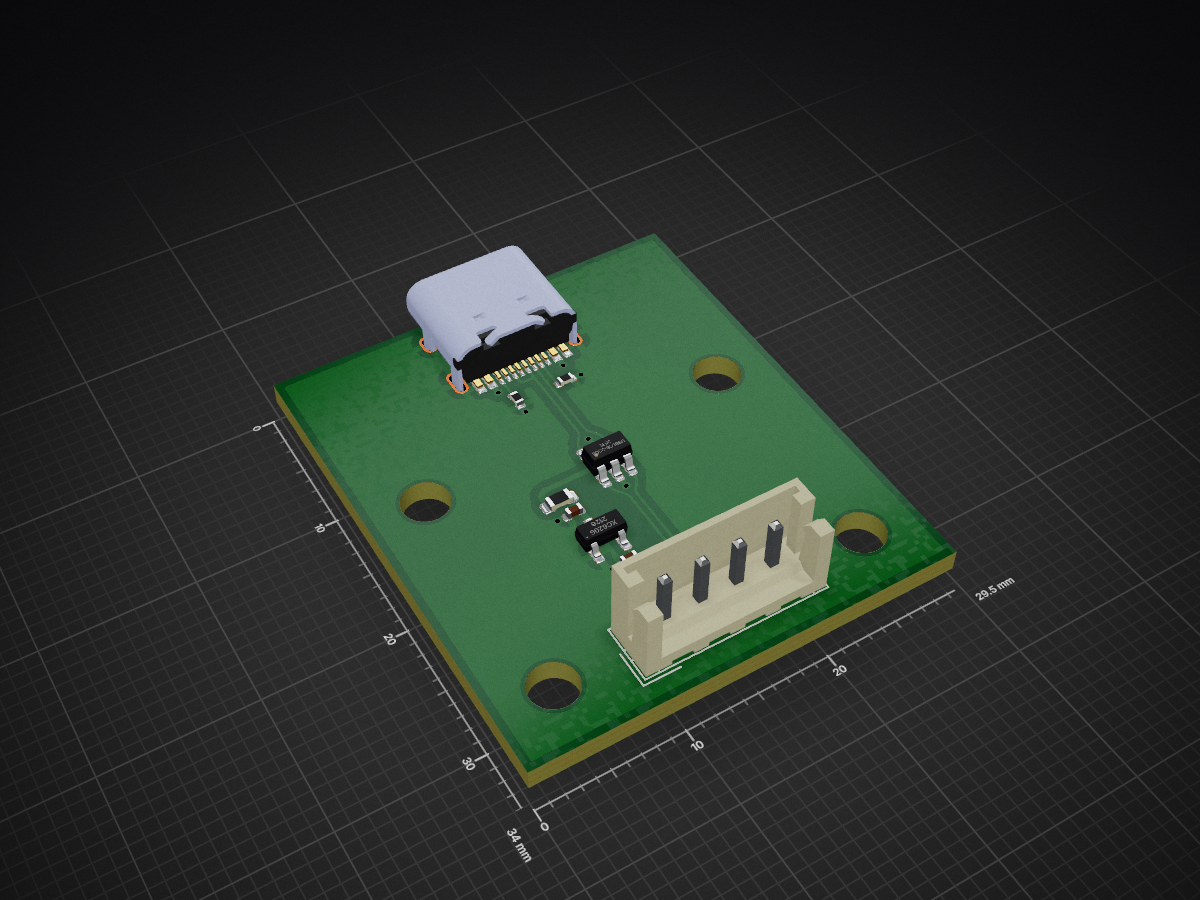
Two modules based on the STM32F072CBT6 to make integrated MCU PCBs simpler. They're designed to sit between 2 switches on an ortholinear or row-staggered keyboard, column-staggered will require some manual moving to get them to fit correctly.


Bill of Materials (BOM)
Usage
-
The project is setup as a Kicad template, first open Kicad and select "New Project from Template..." from the file menu.

-
Next click the folder icon and navigate to where you saved the ScottoModules/STM32F072CBT6 folder and open it.


-
Select ScottoModules (STM32) and click OK.

-
Name your project and save it somewhere.

-
You're now ready to start using ScottoModules!
Kicad Template Folder
Alternatively, you can save ScottoModules/STM32F072CBT6 to your Kicad templates folder and not have to manually load it each time.
- Mac - /Users/YOUR_USERNAME/Documents/KiCad/8.0/template/
- Windows - C:\Users\YOUR_USERNAME\Documents\KiCad\8.0\template\