4 layers299 × 127 mm

 eggsworks/le-colibri2
Le Colibri is a 30-key unibody split keyboard inspired by Le Chiffre and the Hummingbird.
Le colibri is an open-source printed circuit board by eggsworks, from the eggsworks/le-colibri repository on GitHub, published under the CERN-OHL-S-2.0 licence. It is a 2-layer board of 227.3 × 84.9 mm with 65 parts on 48 nets, routed with 319 tracks and 4 vias.
It is built around the CPG151101S11. Its parts include 30 diodes, 30 switches and 1 IC. It belongs with the RP2040 boards of this library.
Le Colibri is a 30-key unibody split keyboard inspired by Le Chiffre and the Hummingbird.
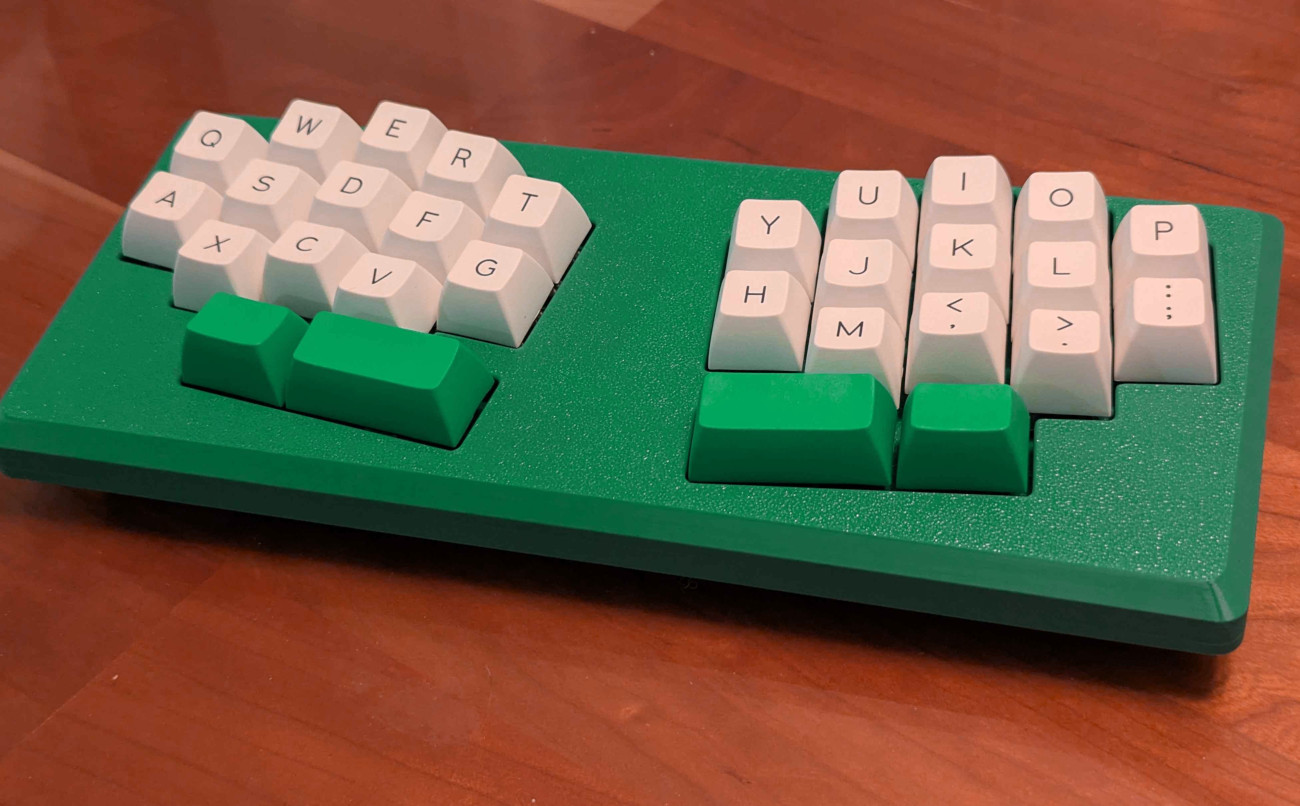
This keyboard came to me in a dream so I had to bring it into the waking world. It is not necessarily good. But here it is.
Why not just chiffchaff?
Like I said, this keyboard was designed in a dream. The dreamt keyboard was not chiffchaff but something much worse, which you see here.
Can I use a regular Chiffre case or PCB?
No, it is basically completely incompatible. See Case section below.
The switchplates are obviously incompatible with a normal Chiffre. The in-plane XIAO makes this keyboard incompatible with the bottom case. And the reduced number of keys would make it dumb to use the top, unless you like huge gaps. Custom case files can be found in case/.
Screw the switchplate into the case before putting any switches in it - the PCB blocks a couple of the holes.
The only support needed during printing is on the bottom case, near the outer edges of the screw holes.
Firmware is available in the eggsworks zmk-config repo.
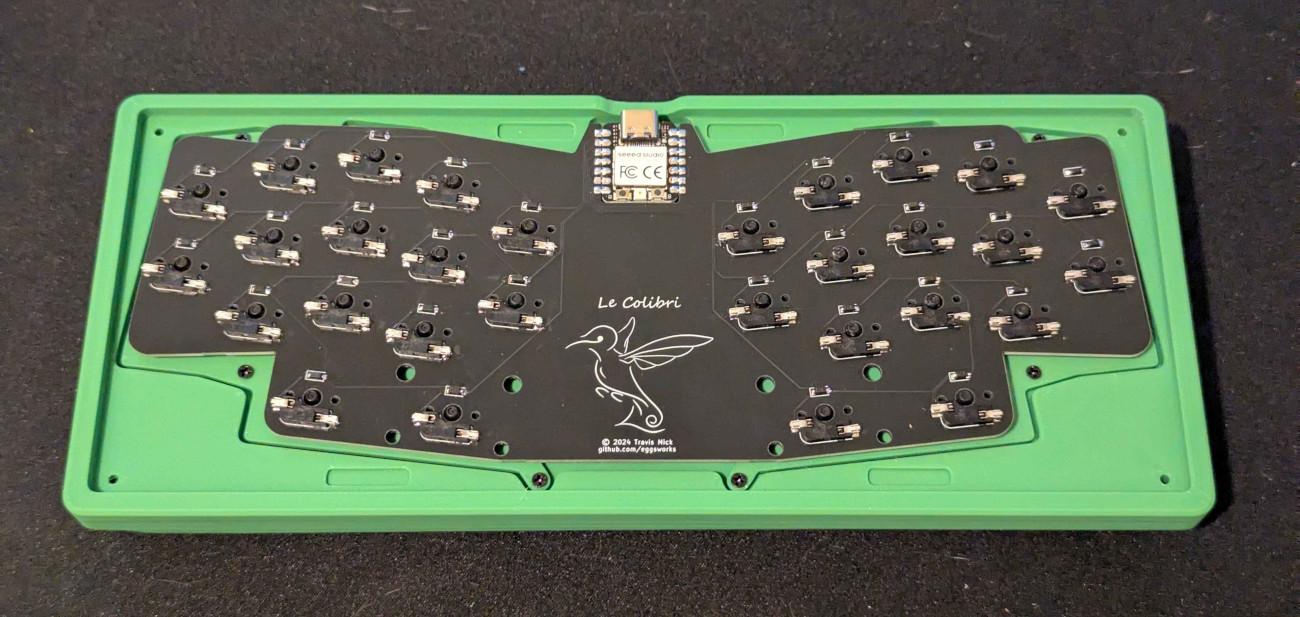
| Qty | Value | Footprint | References |
|---|---|---|---|
| 30 | 1N4148 | Library:D_SOD-123 | D1, D2, D10, D11, D12, D13, D14, D15, D16, D17, D18, D19, D20, D21, D22, D23 +14 |
| 30 | CPG151101S11 | Library:SW_MX_HS_CPG151101S11_1u | SW1, SW2, SW10, SW11, SW12, SW13, SW14, SW15, SW16, SW17, SW18, SW19, SW20, SW21, SW22, SW23 +14 |
| 2 | LOGO | LOGO | G***, G*** |
| 1 | Seeeduino Xiao rp2040 | PCM_marbastlib-xp-promicroish:Xiao_rp2040_ACH | U1 |
The 63 most common of 65 parts.
It measures 227.3 × 84.9 mm and has 2 copper layers, 1.6 mm thick.
65 parts, built around the CPG151101S11. The full list of its parts is on this page, with links to each part's symbol and footprint where PCBKit's library has them.
From the eggsworks/le-colibri repository on GitHub, at the commit this page was made from: the board is le-colibri/le-colibri.kicad_pcb and its schematic le-colibri/le-colibri.kicad_sch. PCBKit opens the board in the browser, with nothing to install.
Its repository publishes it under the CERN-OHL-S-2.0 licence: you may reuse it on that licence's terms (keep the author's notice, and for a copyleft licence share your changes alike).

Envious-Data/Env-KB60F
Another Custom Mechanical Keyboard... F stands for FOREHEAD!


Cimos/etchy
Fast, trustworthy PCB visual and geometric diff tool (Rust). Successor to gerber-diff.


ctrlShiftBryan/ogre-mono
Inventory of the Ogre keyboard repos plus KLE layout export
