2 layers243.9 × 136.5 mm
Barobord
sadekbaroudi/barobord
I have spent a lot of time and money designing prototypes, testing, developing, etc. Any contributions would be greatly appreciated!
157 parts57

 archerlepke/Kicad-Keyboard
Personal Project
Keyboard is an open-source printed circuit board by archerlepke, from the archerlepke/Kicad-Keyboard repository on GitHub. It is a 2-layer board of 304.8 × 100 mm with 156 parts on 109 nets, routed with 923 tracks and 70 vias.
It is built around the ATMEGA32U4-AU and PRTR5V0U2X. Its parts include 67 diodes, 67 switches, 8 capacitors, 6 resistors and 2 ICs. It belongs with the keyboards and input boards and the AVR (ATmega, ATtiny) boards of this library.


A custom mechanical keyboard designed from scratch in KiCad — schematic, PCB, and supporting files.
The goal of this repo is to document and archive my completed work on this project.
Manufacturing & Physical Assembly — The PCB design is complete and the board has been sent to manufacturing.
Future Plans:
The case for the keyboard has been designed and needs to be 3D printed.
SolidWorks renders of completed case & PCB:
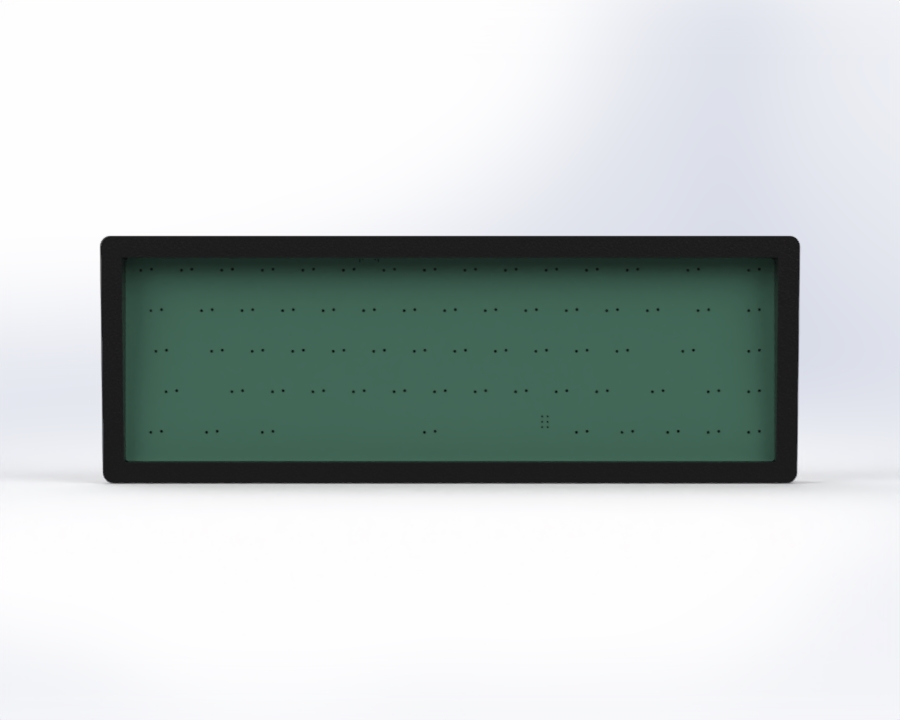
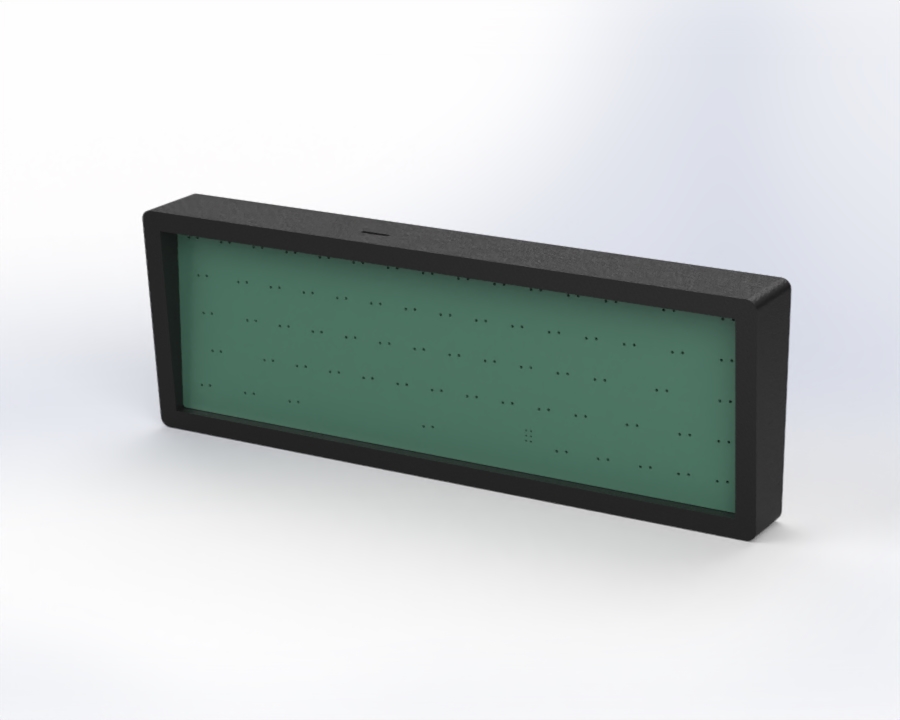
KiCad renders:
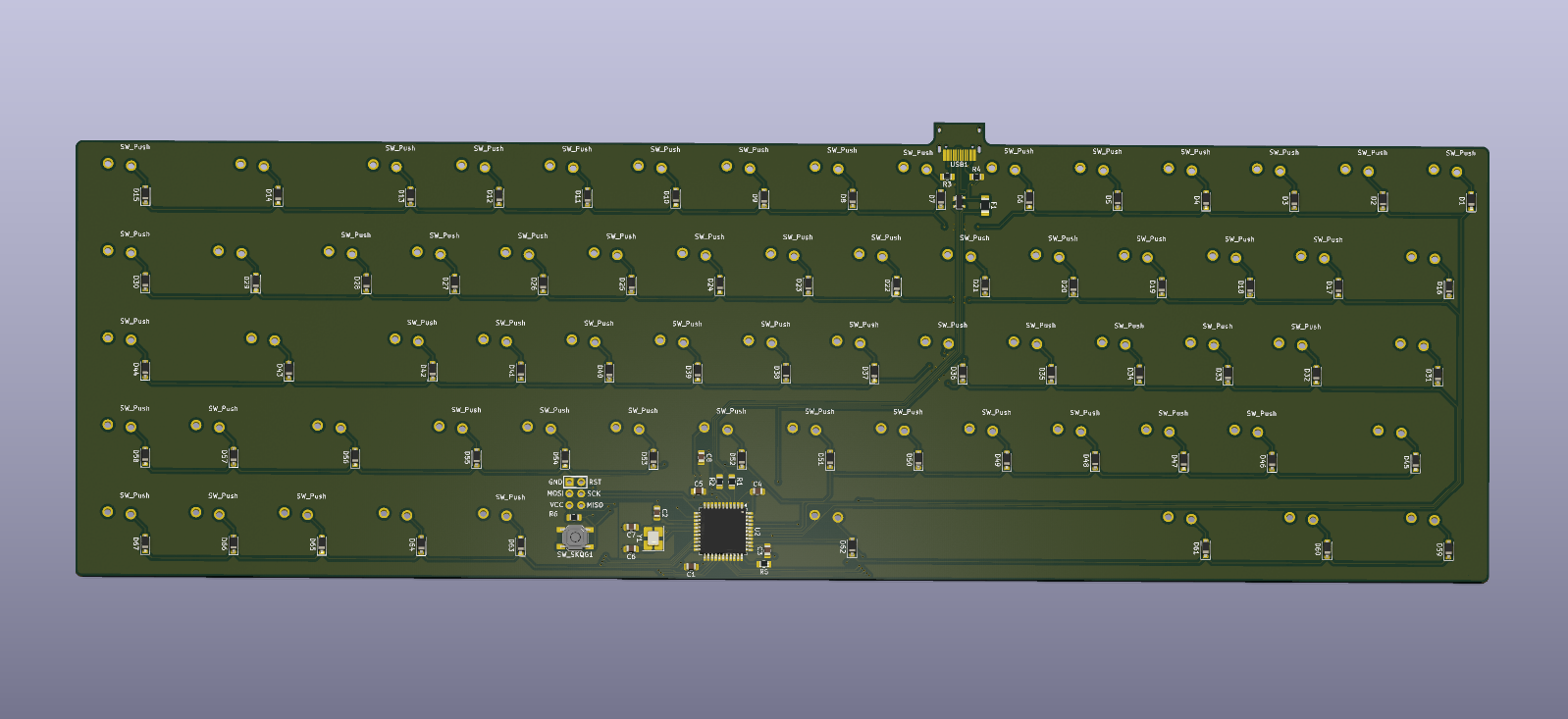
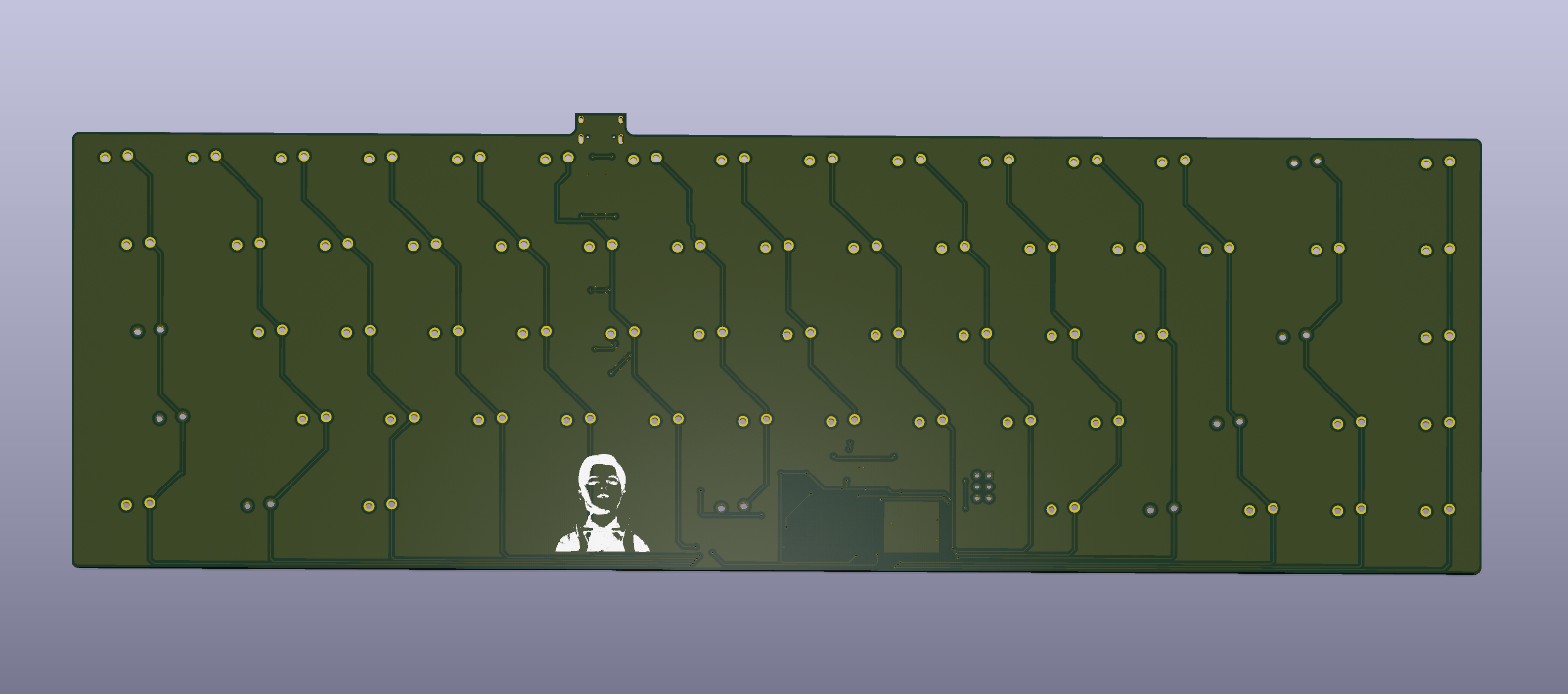
KiCad PCB editor view & schematic:
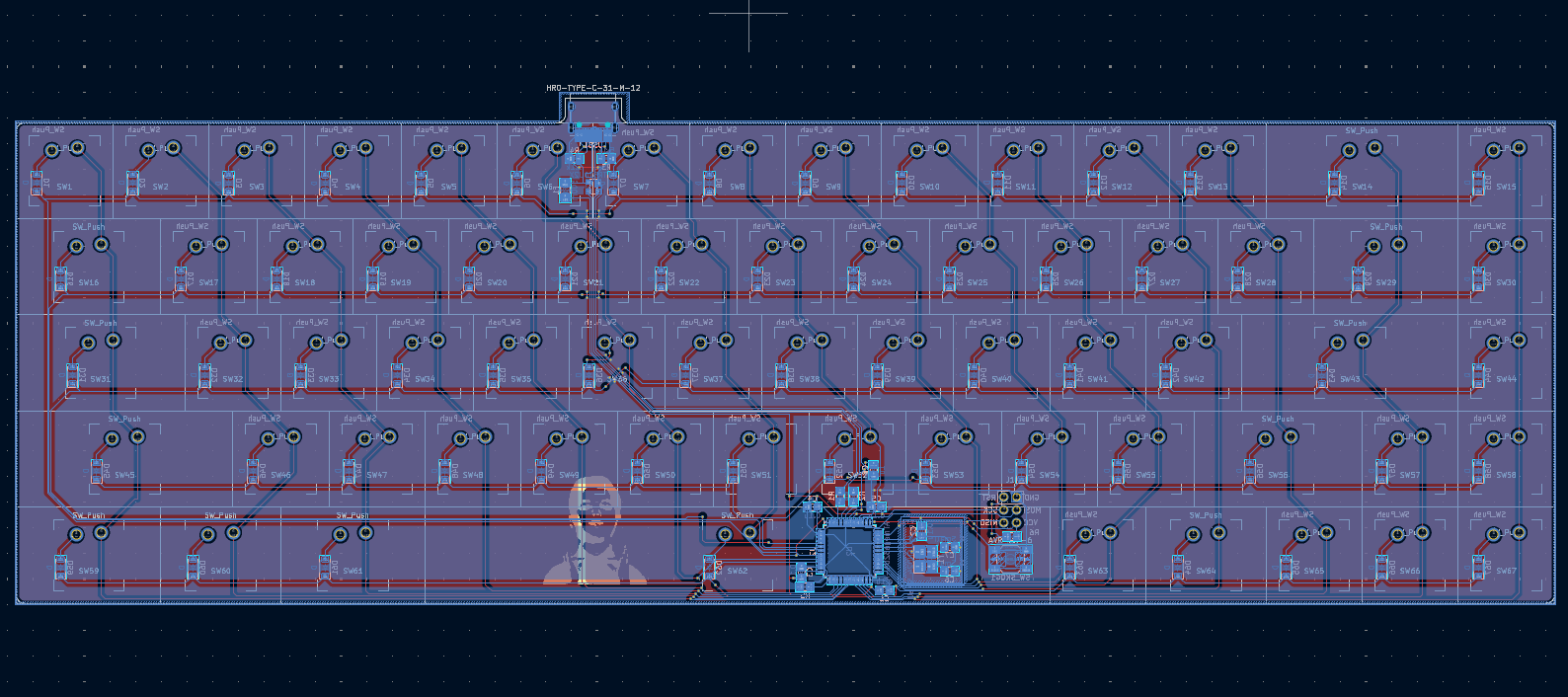
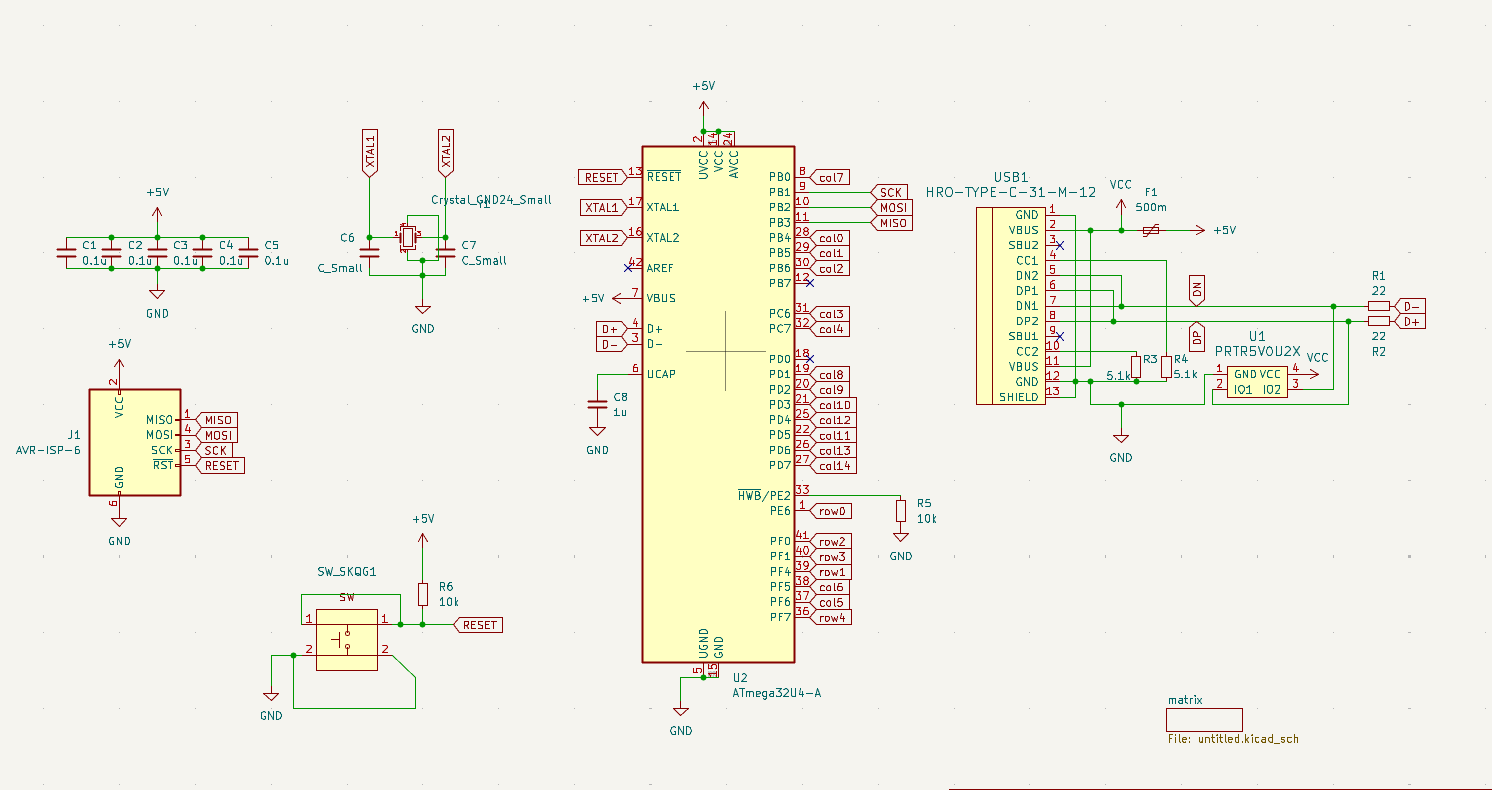
The goal of this build was to expand my electronics knowledge while physically creating a project I'd be proud of. This keyboard was designed following the excellent guide by Masterzen, Designing a keyboard from scratch.
Keyboard/      KiCad project — open Keyboard/Keyboard.kicad_pro
libraries/     All footprint & symbol libraries (bundled, project-relative paths)
production/    Gerbers, drill files, and BOM as sent to manufacturing
cad/           STEP export and SolidWorks files for the case
images/ Renders and screenshotsgit clone https://github.com/archerlepke/Kicad-Keyboard.gitOpen Keyboard/Keyboard.kicad_pro in KiCad (v7 or newer). All custom libraries are
included in the repo and referenced with project-relative paths, so no library
setup is required.
This is an ongoing project
| Qty | Value | Footprint | References |
|---|---|---|---|
| 67 | D | Diode_SMD:D_SOD-123 | D1, D2, D10, D11, D12, D13, D14, D15, D16, D17, D18, D19, D20, D21, D22, D23 +51 |
| 55 | SW_Push | ALPS:ALPS-1U | SW1, SW2, SW10, SW11, SW12, SW13, SW15, SW17, SW18, SW19, SW20, SW21, SW22, SW23, SW24, SW25 +39 |
| 5 | 0.1u | Capacitor_SMD:C_0805_2012Metric_Pad1.15x1.40mm_HandSolder | C1, C2, C3, C4, C5 |
| 4 | SW_Push | ALPS:ALPS-1.5U | SW16, SW29, SW59, SW61 |
| 2 | 10k | Resistor_SMD:R_0805_2012Metric_Pad1.15x1.40mm_HandSolder | R5, R6 |
| 2 | 22 | Resistor_SMD:R_0805_2012Metric_Pad1.15x1.40mm_HandSolder | R1, R2 |
| 2 | 5.1k | Resistor_SMD:R_0805_2012Metric_Pad1.15x1.40mm_HandSolder | R3, R4 |
| 2 | C_Small | Capacitor_SMD:C_0805_2012Metric_Pad1.15x1.40mm_HandSolder | C6, C7 |
| 2 | SW_Push | ALPS:ALPS-1.75U | SW31, SW56 |
| 2 | SW_Push | ALPS:ALPS-2.25U | SW43, SW45 |
| 2 | SW_Push | ALPS:ALPS-1.25U | SW60, SW64 |
| 1 | 1u | Capacitor_SMD:C_0805_2012Metric_Pad1.15x1.40mm_HandSolder | C8 |
| 1 | 500m | Fuse:Fuse_1206_3216Metric_Pad1.42x1.75mm_HandSolder | F1 |
| 1 | ATmega32U4-A | Package_QFP:TQFP-44_10x10mm_P0.8mm | U2 |
| 1 | AVR-ISP-6 | random-keyboard-parts:Reset_Pretty-Mask | J1 |
| 1 | Crystal_GND24_Small | Crystal:Crystal_SMD_3225-4Pin_3.2x2.5mm_HandSoldering | Y1 |
| 1 | HRO-TYPE-C-31-M-12 | Type-C:HRO-TYPE-C-31-M-12-HandSoldering | USB1 |
| 1 | PRTR5V0U2X | random-keyboard-parts:SOT143B | U1 |
| 1 | SW_Push | ALPS:ALPS-6.5U | SW62 |
| 1 | SW_Push | ALPS:ALPS-2U | SW14 |
| 1 | ~ | Button_Switch_SMD:SW_SPST_SKQG_WithStem | SW_SKQG1 |
The 155 most common of 156 parts.
sadekbaroudi/barobord
I have spent a lot of time and money designing prototypes, testing, developing, etc. Any contributions would be greatly appreciated!


markstory/ursa-minor-keyboard
Design and schematics for the ursaminor keyboard


makenova/reverie
a mini 1800 keyboard based on the Elongate, Clarabelle, and Garbage Truck Keyboards

makenova/micro_redox
A family of boards inspired by the microdox and ferris

It measures 304.8 × 100 mm and has 2 copper layers, 1.6 mm thick.
156 parts, built around the ATMEGA32U4-AU and PRTR5V0U2X. The full list of its parts is on this page, with links to each part's symbol and footprint where PCBKit's library has them.
From the archerlepke/Kicad-Keyboard repository on GitHub, at the commit this page was made from: the board is Keyboard/Keyboard.kicad_pcb and its schematic Keyboard/Keyboard.kicad_sch. PCBKit opens the board in the browser, with nothing to install.
Its repository states no licence, so its author keeps all rights: ask archerlepke before reusing the design.