4 layers353.9 × 122.8 mm
 RasmusKoit/pipar56
Pipar is a collection of keyboards
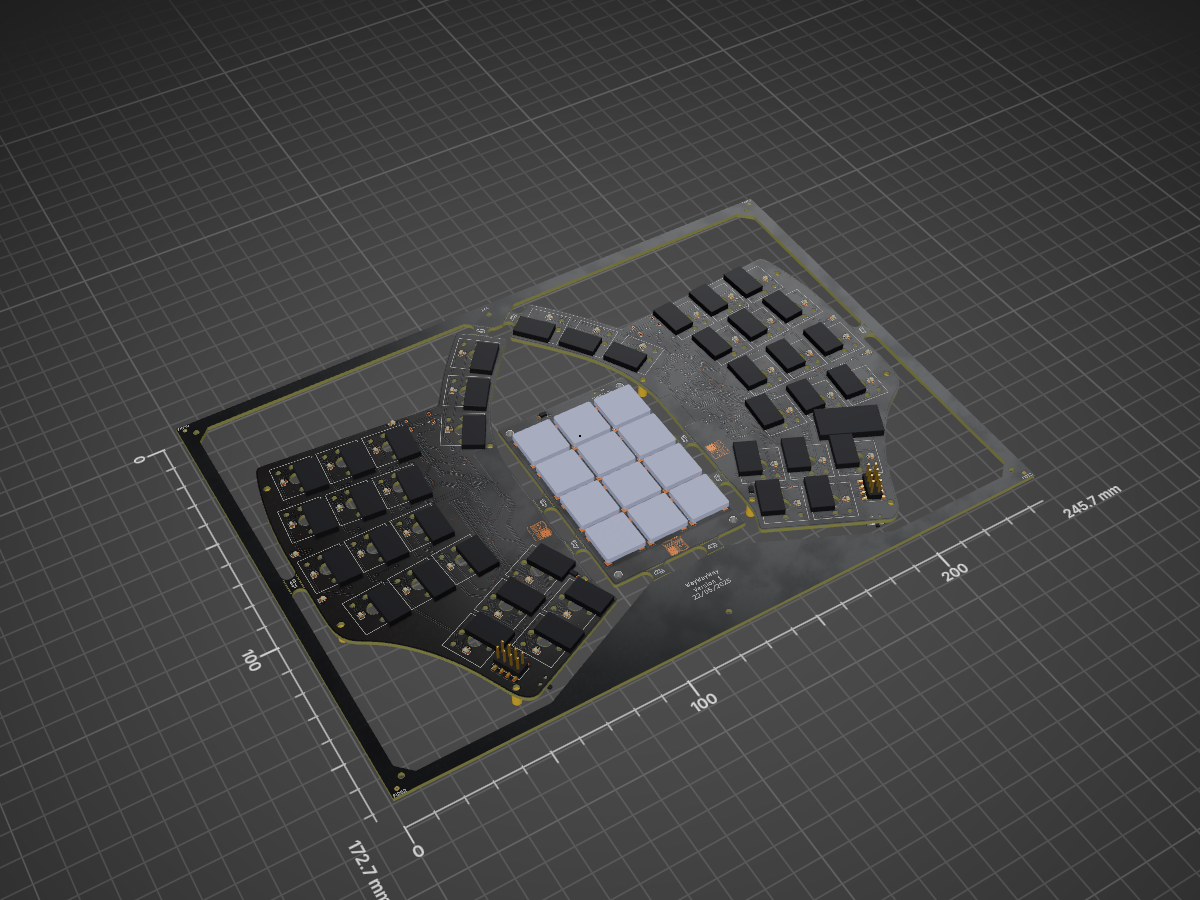
Pipar point is an open-source printed circuit board by RasmusKoit, from the RasmusKoit/pipar repository on GitHub, published under the CERN-OHL-S-2.0 licence. It is a 2-layer board of 245.7 × 172.6 mm with 466 parts on 328 nets, routed with 4,315 tracks and 826 vias.
It is built around the XC6220B331MR, AO3416 and B5819WT. Its parts include 112 diodes, 66 capacitors, 29 resistors, 15 ICs and 8 inductors. It belongs with the keyboards and input boards and the nRF52 and nRF5x boards of this library.


ZMK firmware for the Pipar PCBs.

Pipar is a collection of different keyboards and keypads that I have designed. Each PCB in the series has unique features tailored to different needs and preferences.
More information about Pipar Keyboards here https://pipar.koit.dev
The Pipar keyboards run ZMK firmware. Board definitions, custom drivers (LED indicators, caps-word events, a recovery watchdog), keymaps, and shields live in the zmk-keyboard-pipar ZMK module — included here as the zmk-keyboard-pipar submodule.
Build firmware locally with the build.sh helper (requires Docker):
git clone --recurse-submodules https://github.com/RasmusKoit/pipar.git
cd pipar
./build.sh right   # Pipar Point central half (with trackpoint)
./build.sh left    # Pipar Point peripheral half
./build.sh all     # every target
Firmware is written to .build/<target>/zephyr/zmk.uf2. Builds can also be run through the Build Pipar products GitHub Actions workflow.
PCB Files for each keyboard/project has been seperated into their own folders. The PCBs are designed in KiCad v9.x
Currently, the following PCBs are available:
[!TIP] Get your own Pipar & Sool from my Etsy Store.
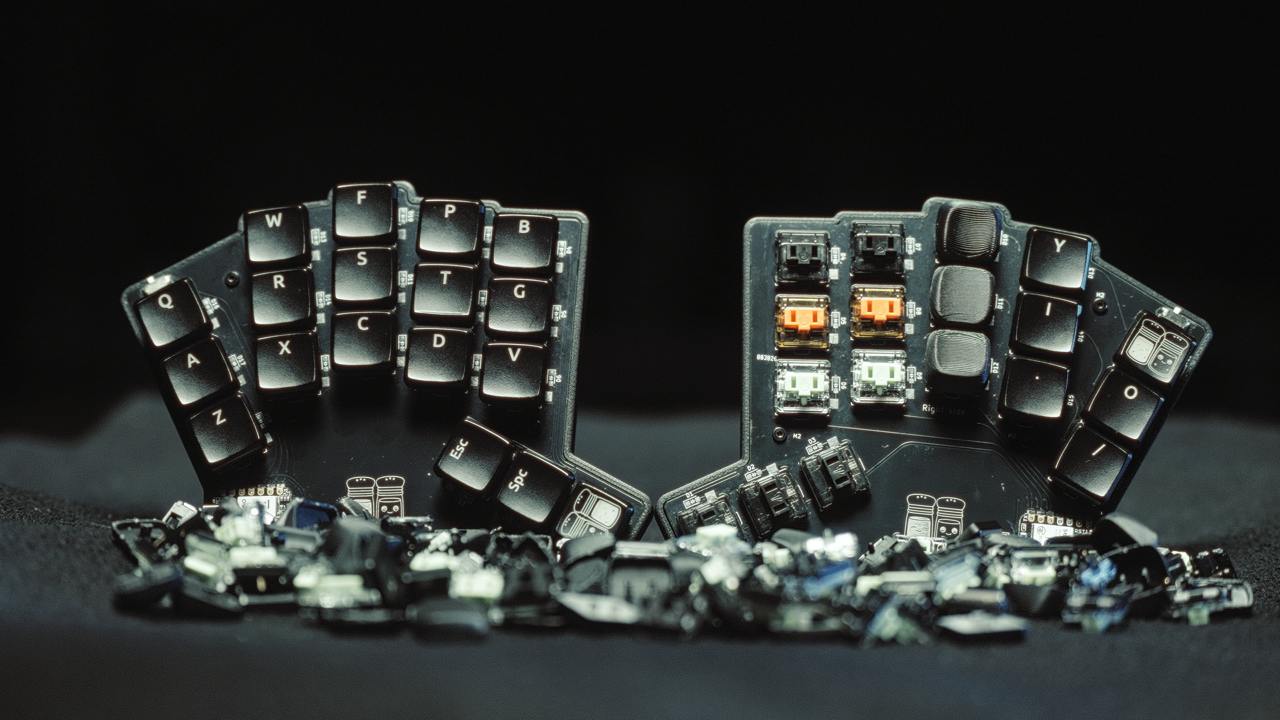
The Pipar ja Sool is a 36-key split wireless keyboard with a 3x5+3 layout with a dongle. It features:
Pictures from version V1
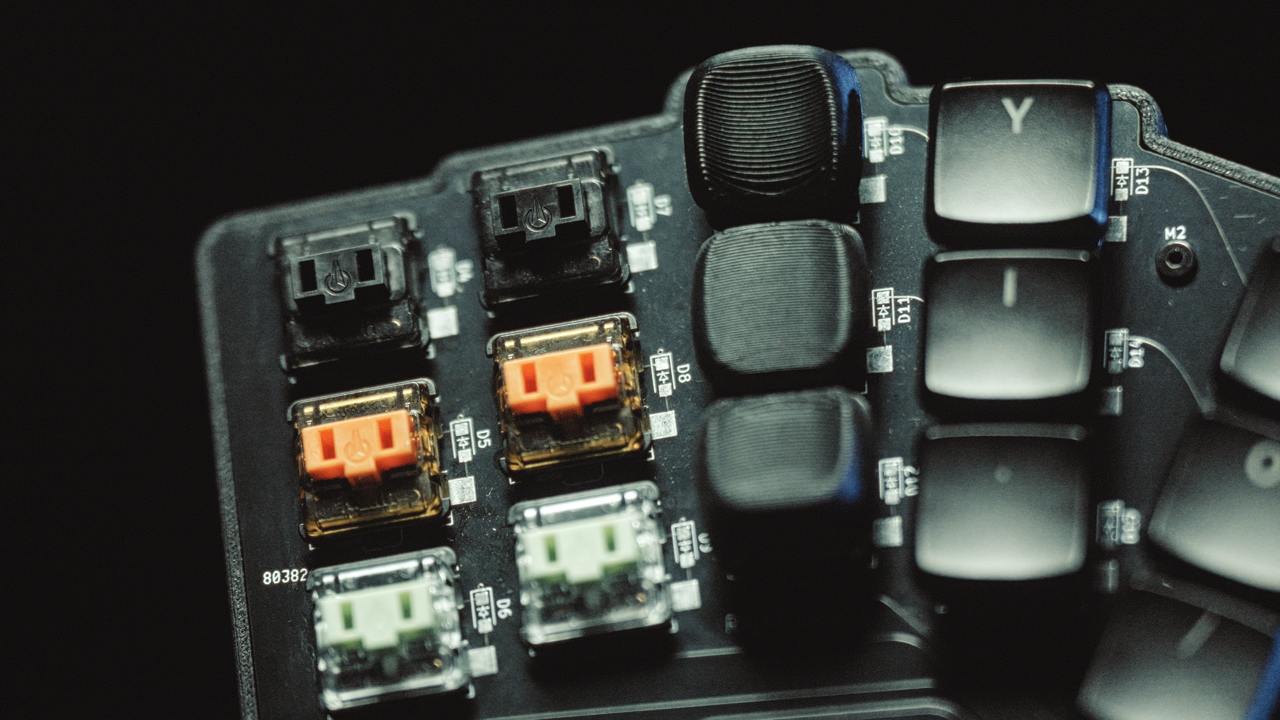
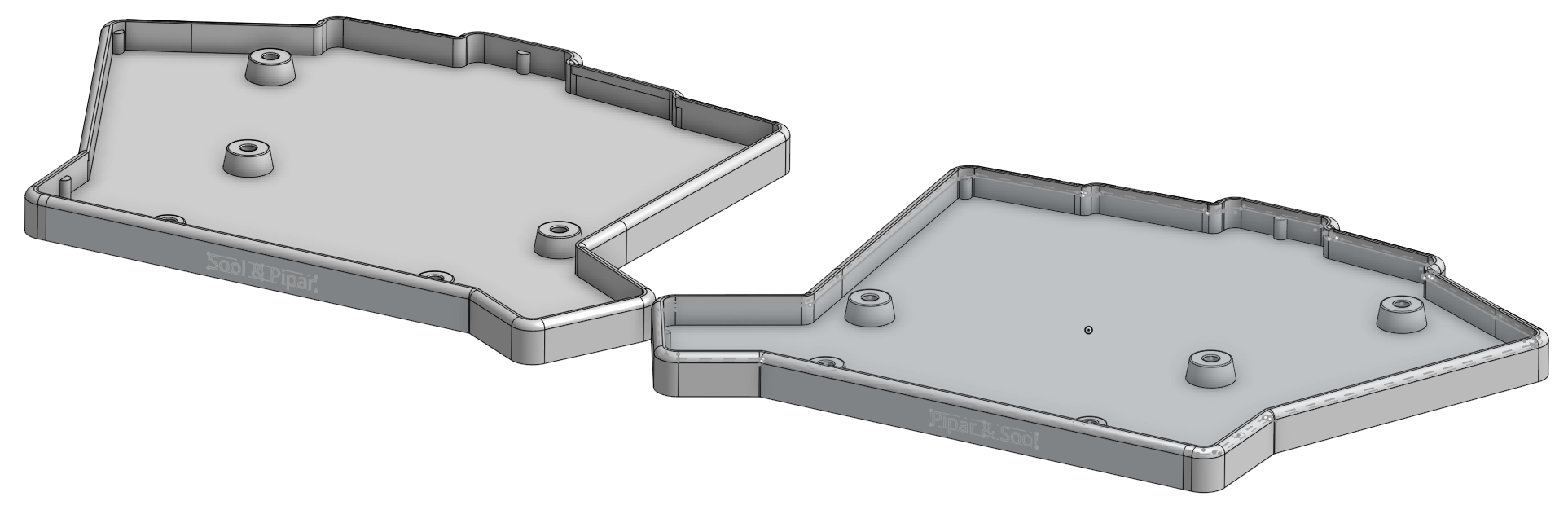
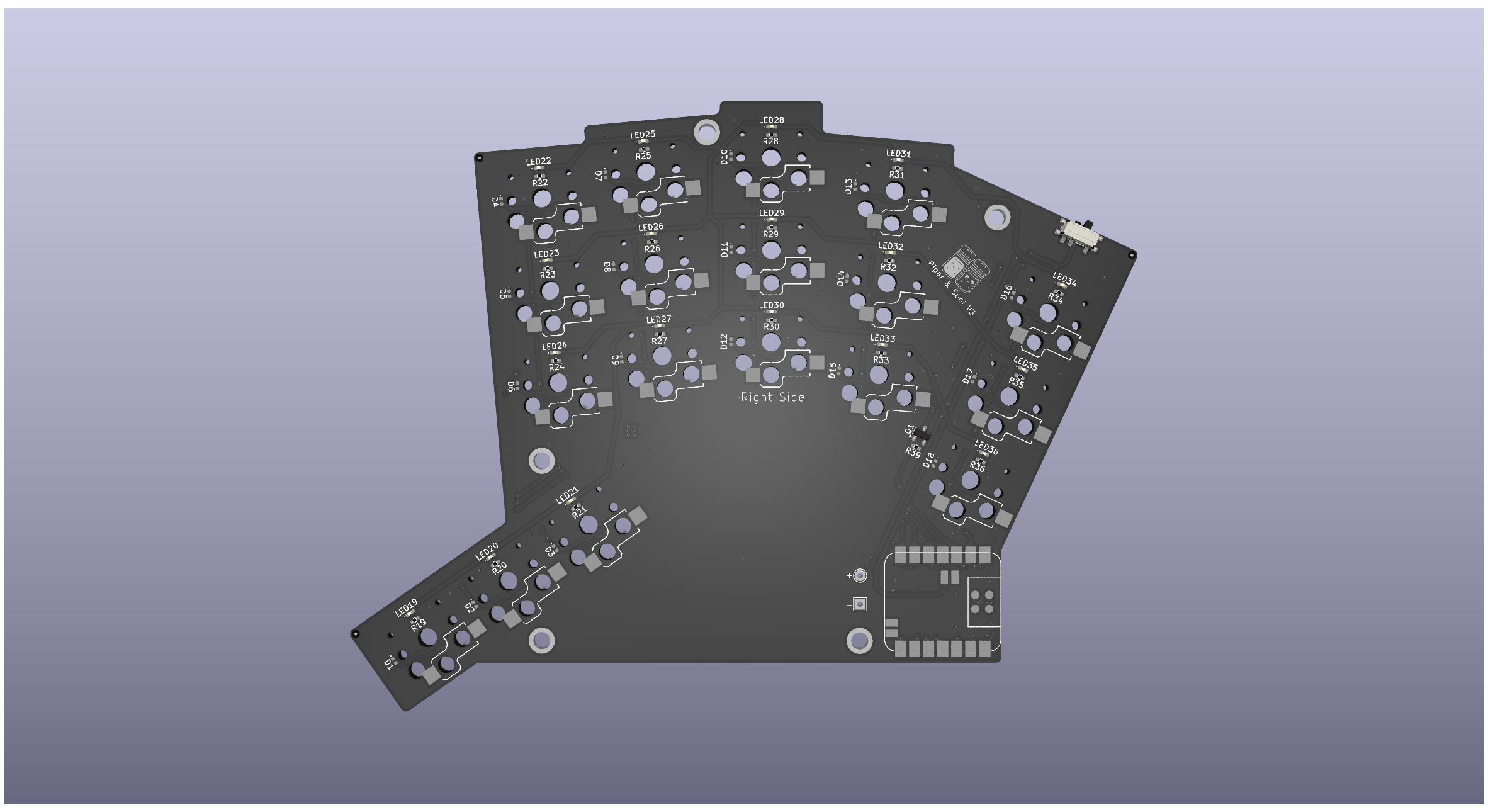
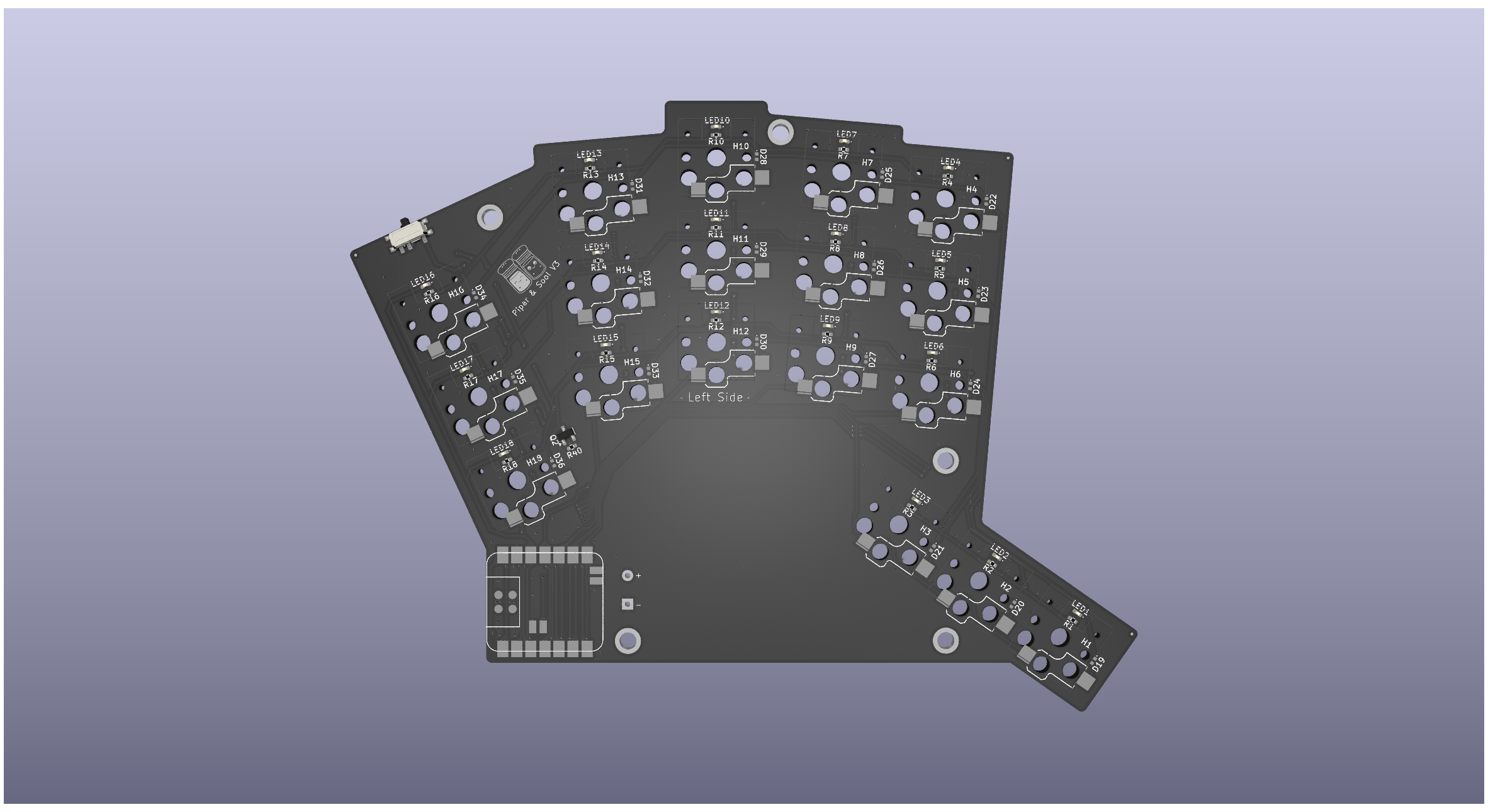
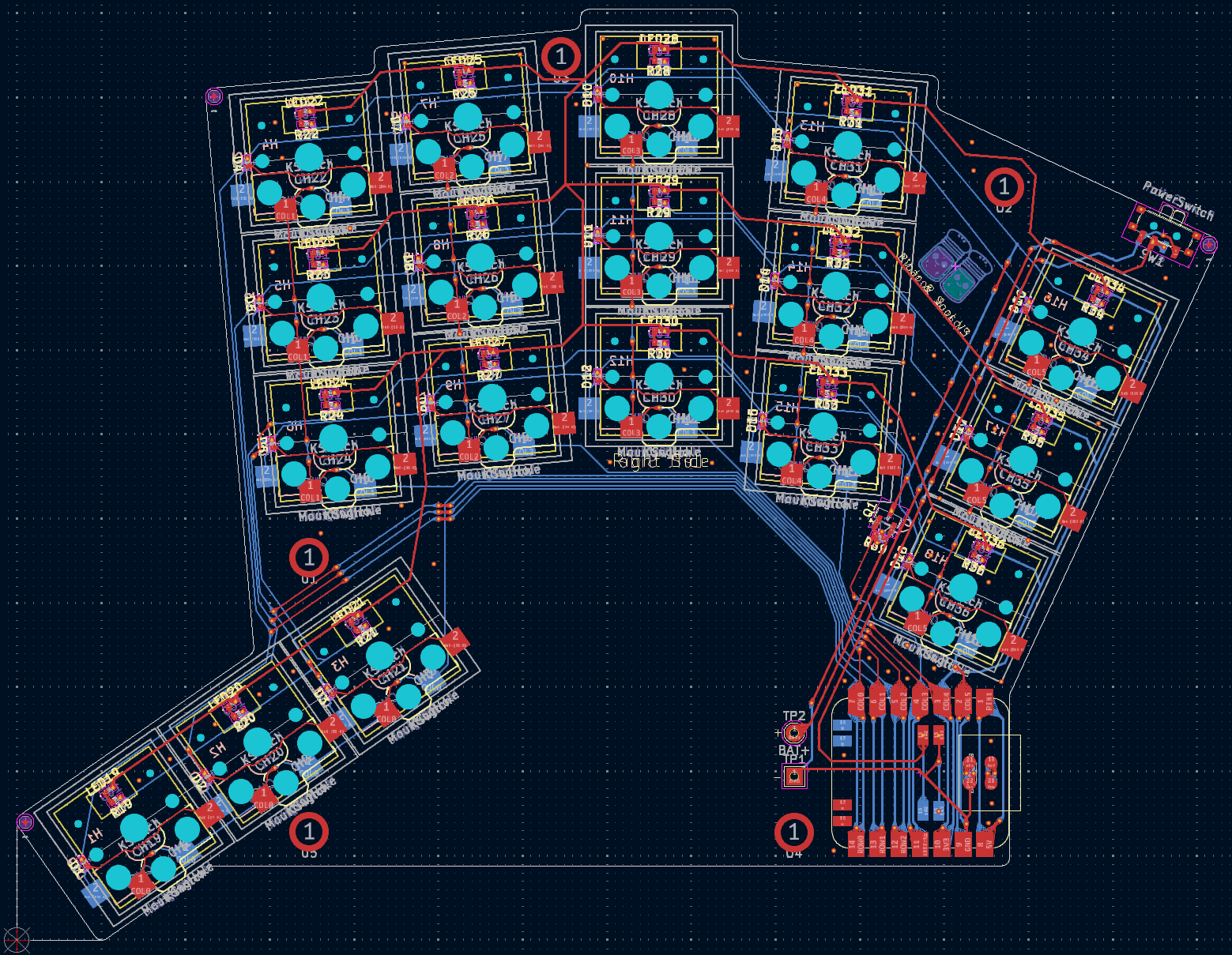
[!NOTE] The V3 design is compatible with the V2 case.
Changenotes:
V3 version has went with the route of using smaller components with the 0403/SOD-323 package for resistors and diodes. The design is also compatible with the V2 case, so the case can be used with the V3 PCB. V3 also has the added benefit of using solder nuts for mounting the PCB to the case, instead of just holes for M2 screws. This adds more possibilities for mounting the PCB to the case.
Consider supporting me by purchasing Pipar & Sool V3 Kit from my Etsy Store.
The components list is for V2 version of the Pipar & Sool which uses larger components in 0805/SOD-123 package. V3 version uses smaller components in 0403/SOD-323 package.
If you are interested in building the V2 version, here is a list of components you will need:

[!NOTE] I am happy to announce that for the Pipar Point project, I have partnered with PCBWay to provide the PCBs for the project. PCBWay is a professional PCB manufacturer with over 10 years of experience in the industry. They offer a wide range of services, including PCB manufacturing, PCB assembly, and PCB design. I am excited to be working with PCBWay on this project, and I am confident that they will deliver high-quality PCBs that meet my specifications.
Current PCB revision: v3.1 In regular use — firmware actively maintained.
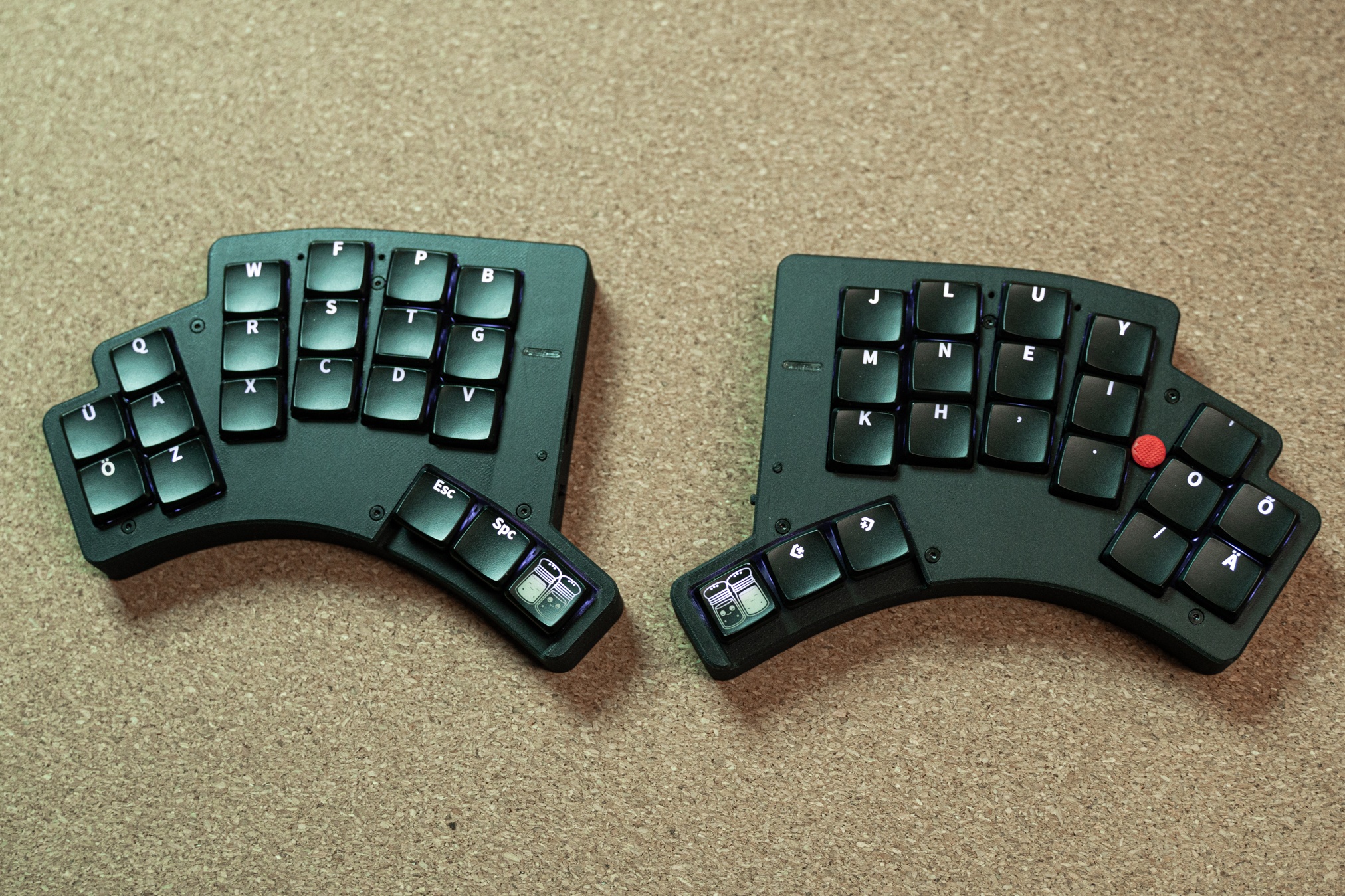
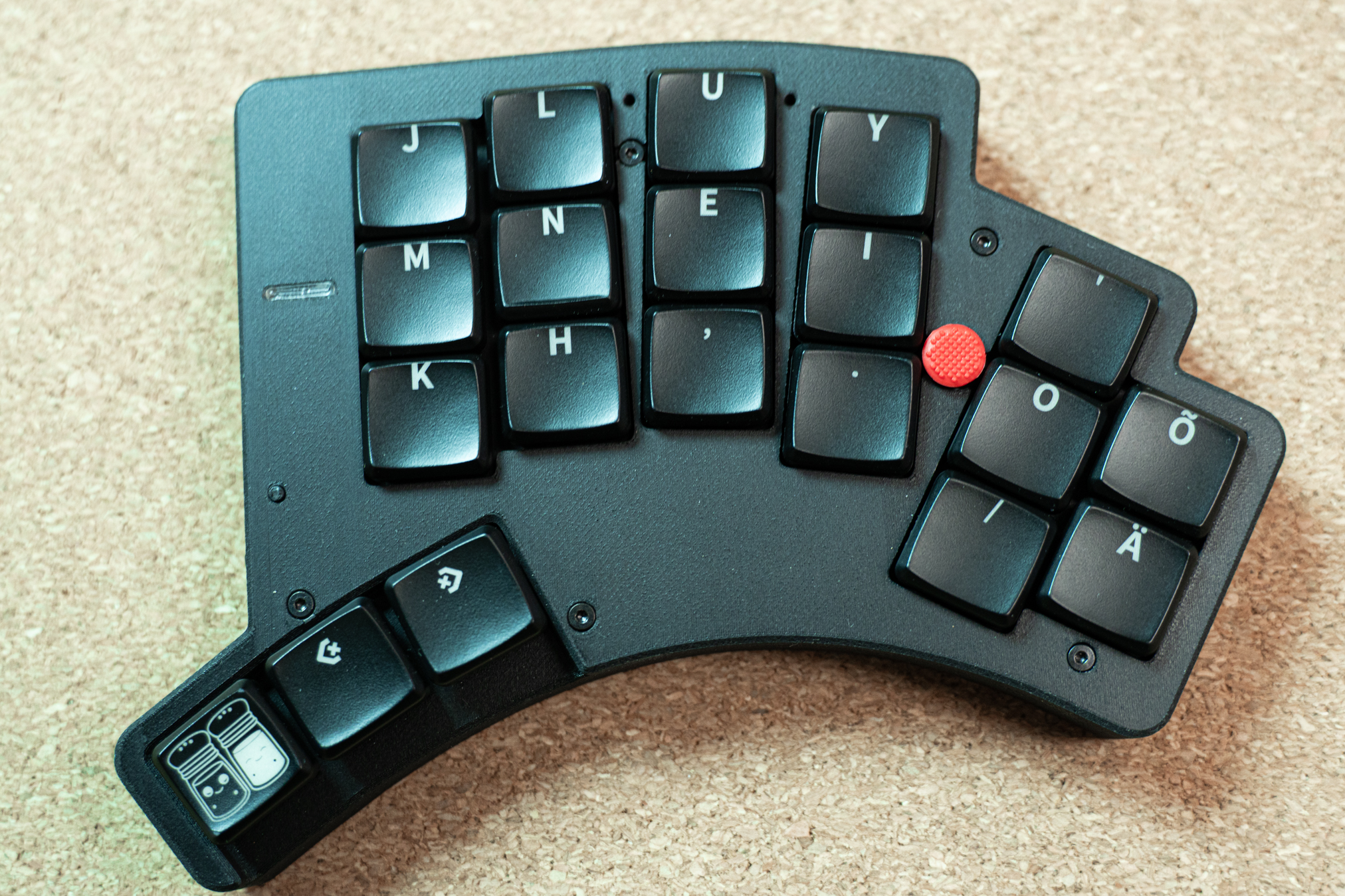
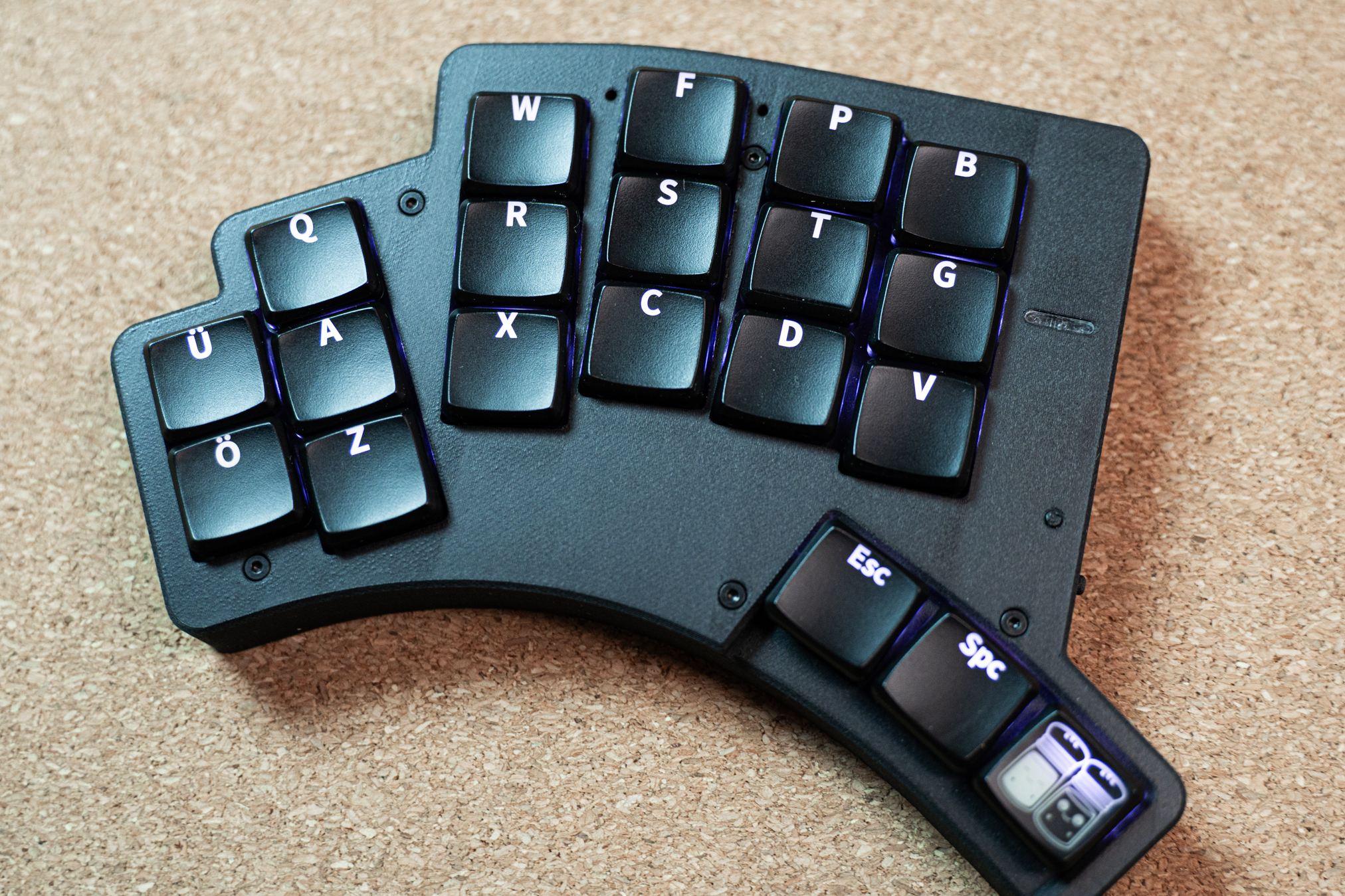
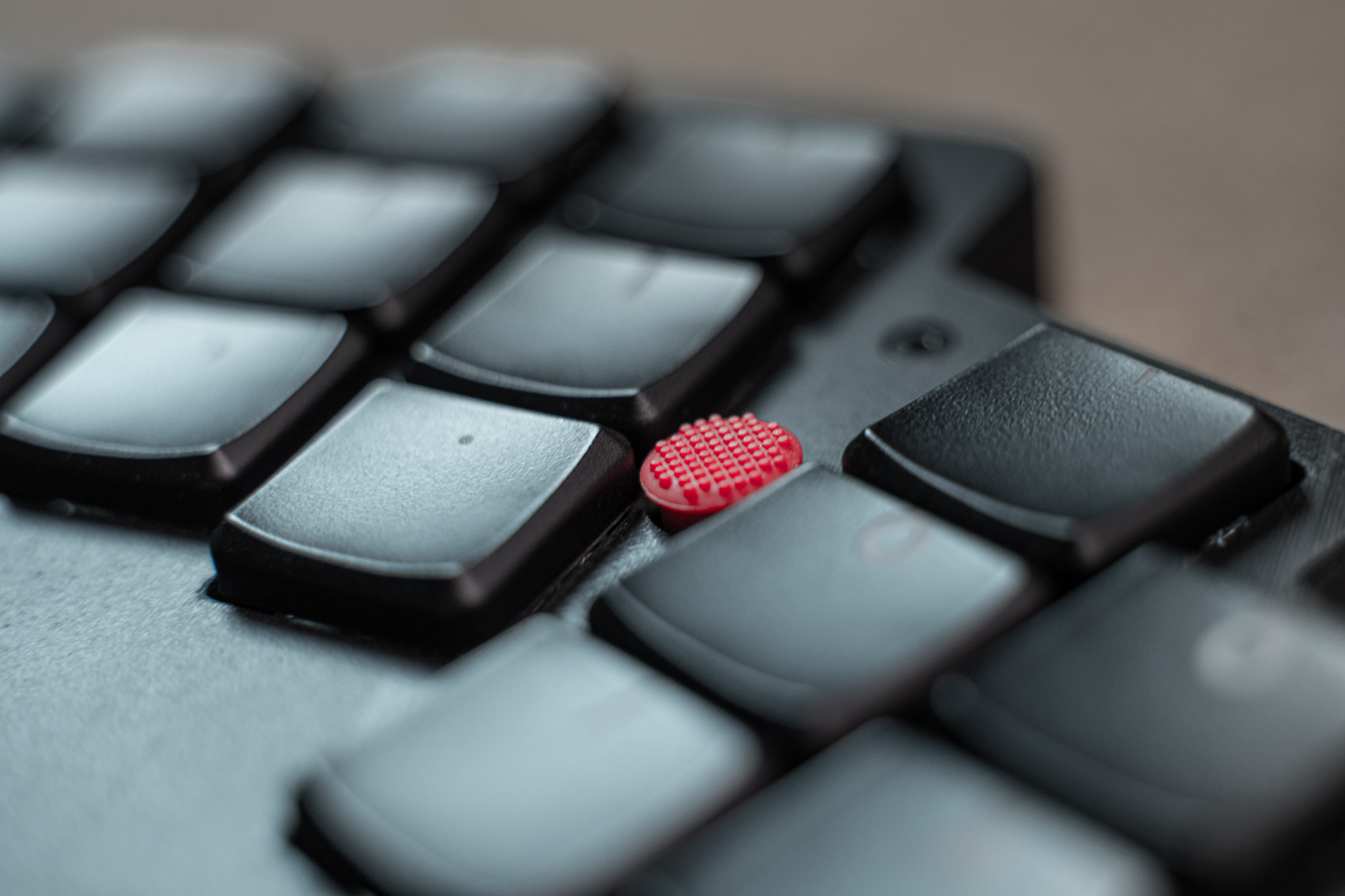
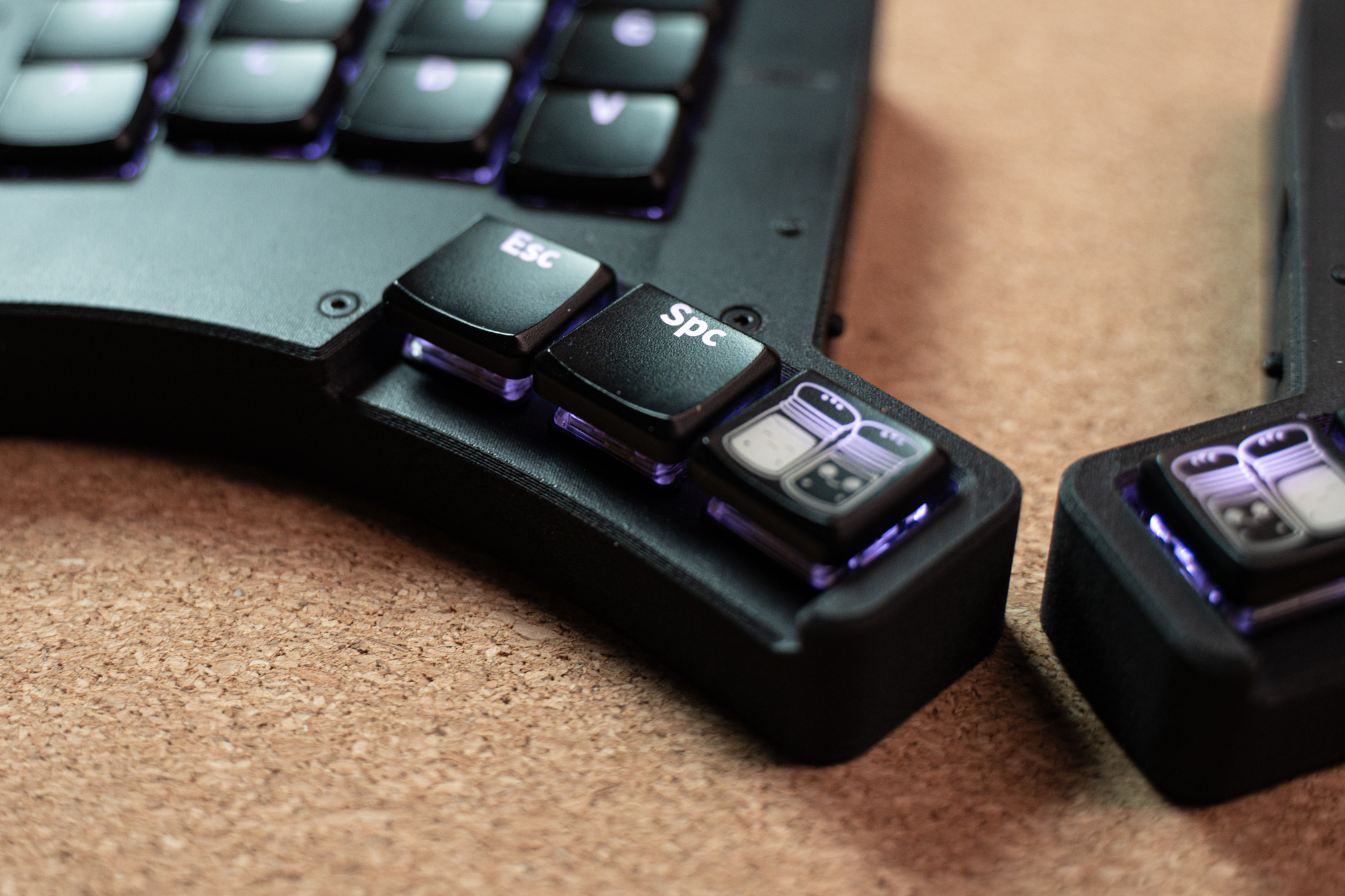
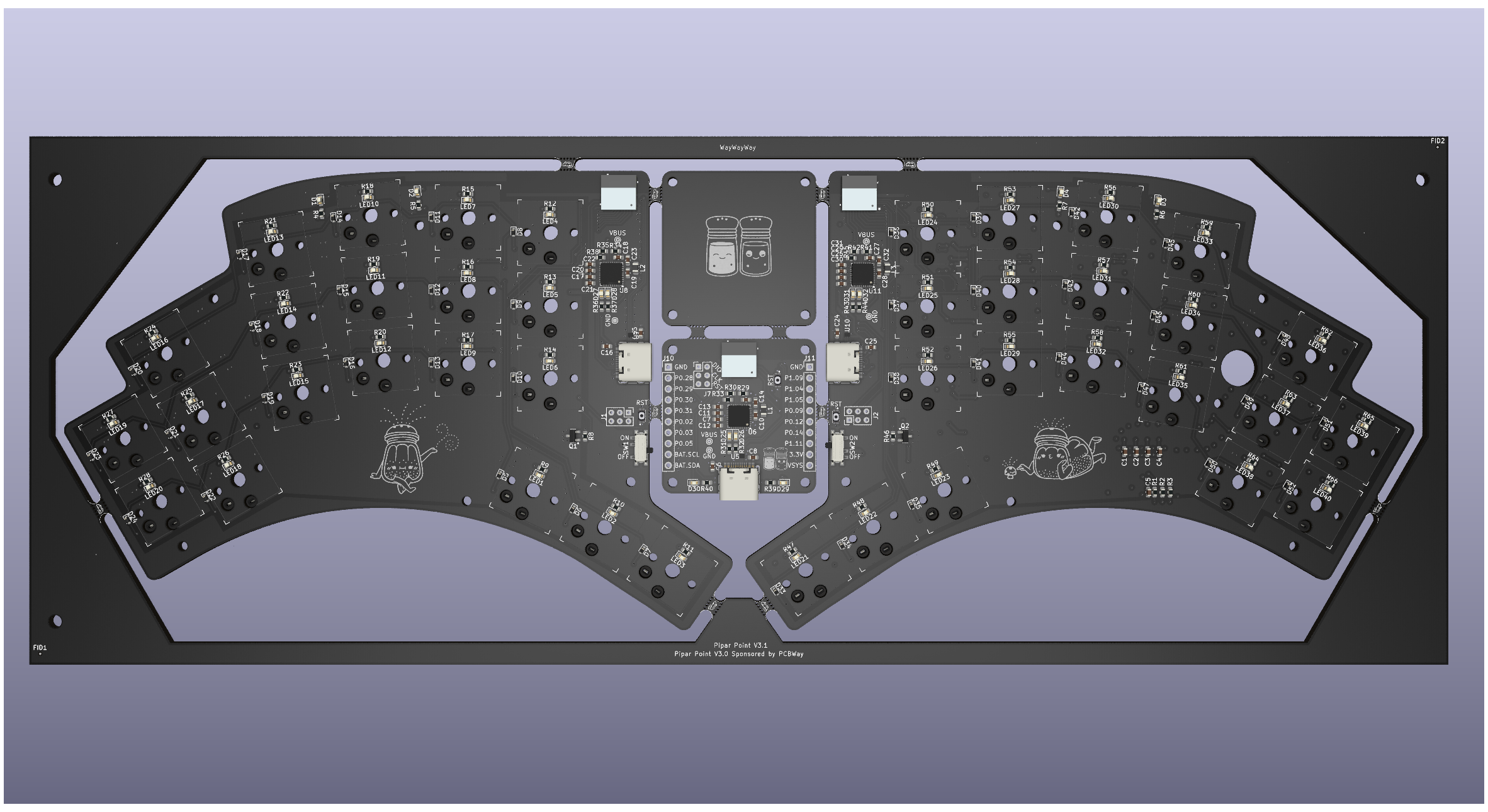
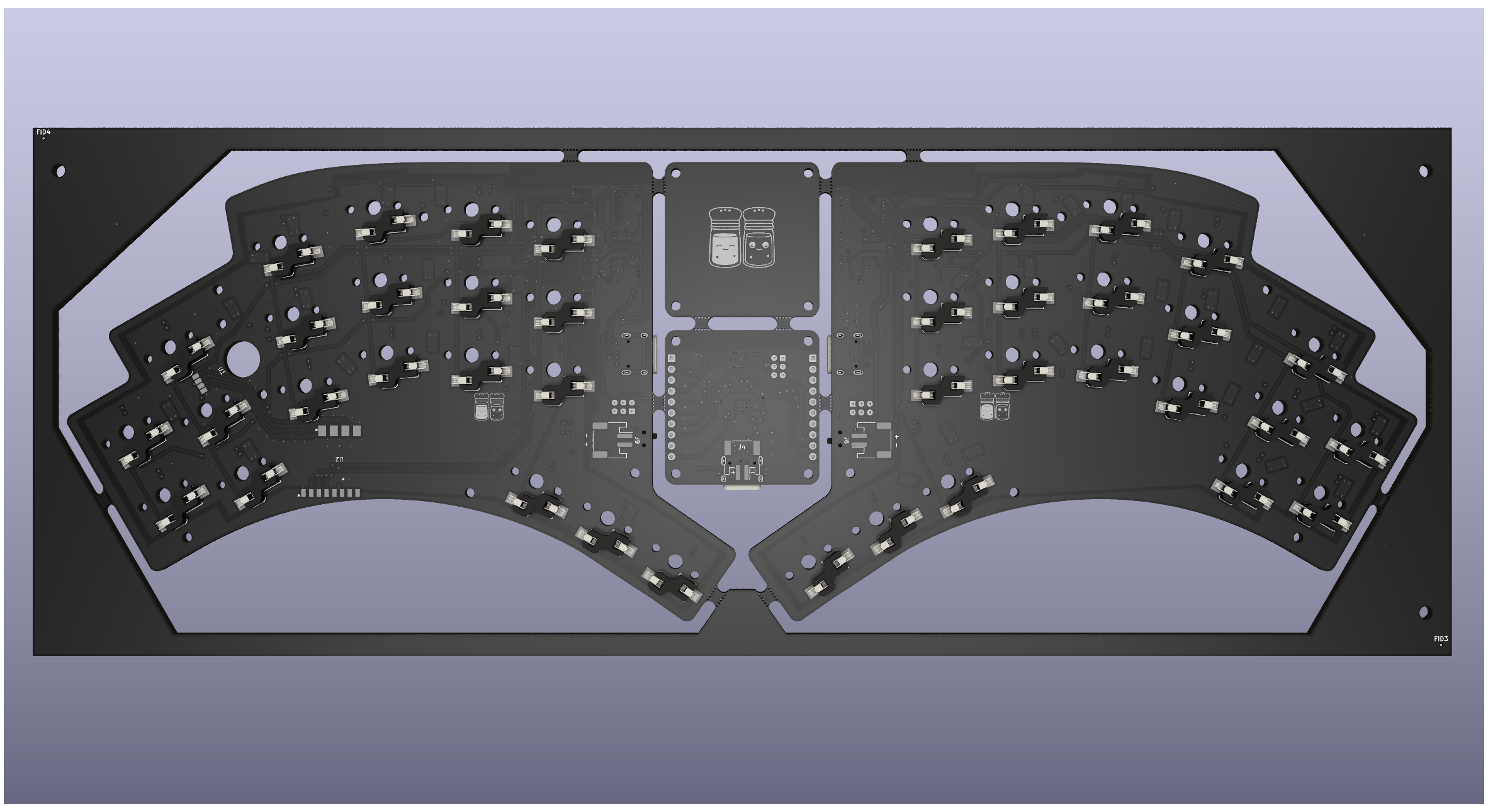
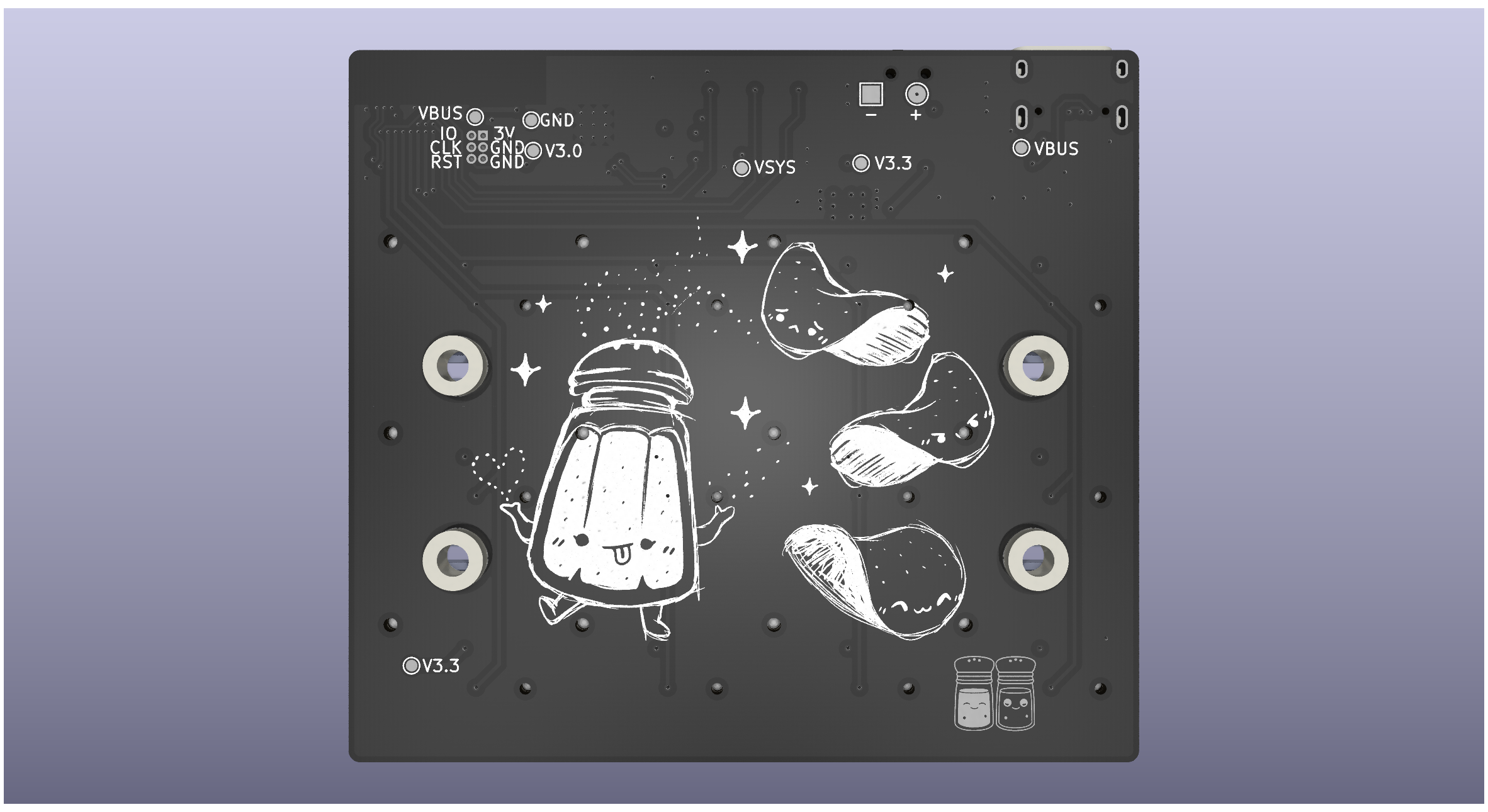
Idea was to iterate on the Pipar ja Sool design and add a trackpoint for mouse control. The design is still in the early stages and will be updated as the project progresses. Because of the trackpoint, LEDs and the battery size has been increased to 2500mAh to compensate for the power draw of the trackpoint and LEDs. With this design, I am aiming to challege myself to design a more complex PCB by using more components which will also be smaller in size. The design will also include a top plate to make the build more rigid and also to hide the trackpoint mounting cleaner.
I want to thank zhiayang/Mikoto and Hello9999901/laptop for making this project possible. Thank you Eden for helping me understand more about Zephyr and getting me started.
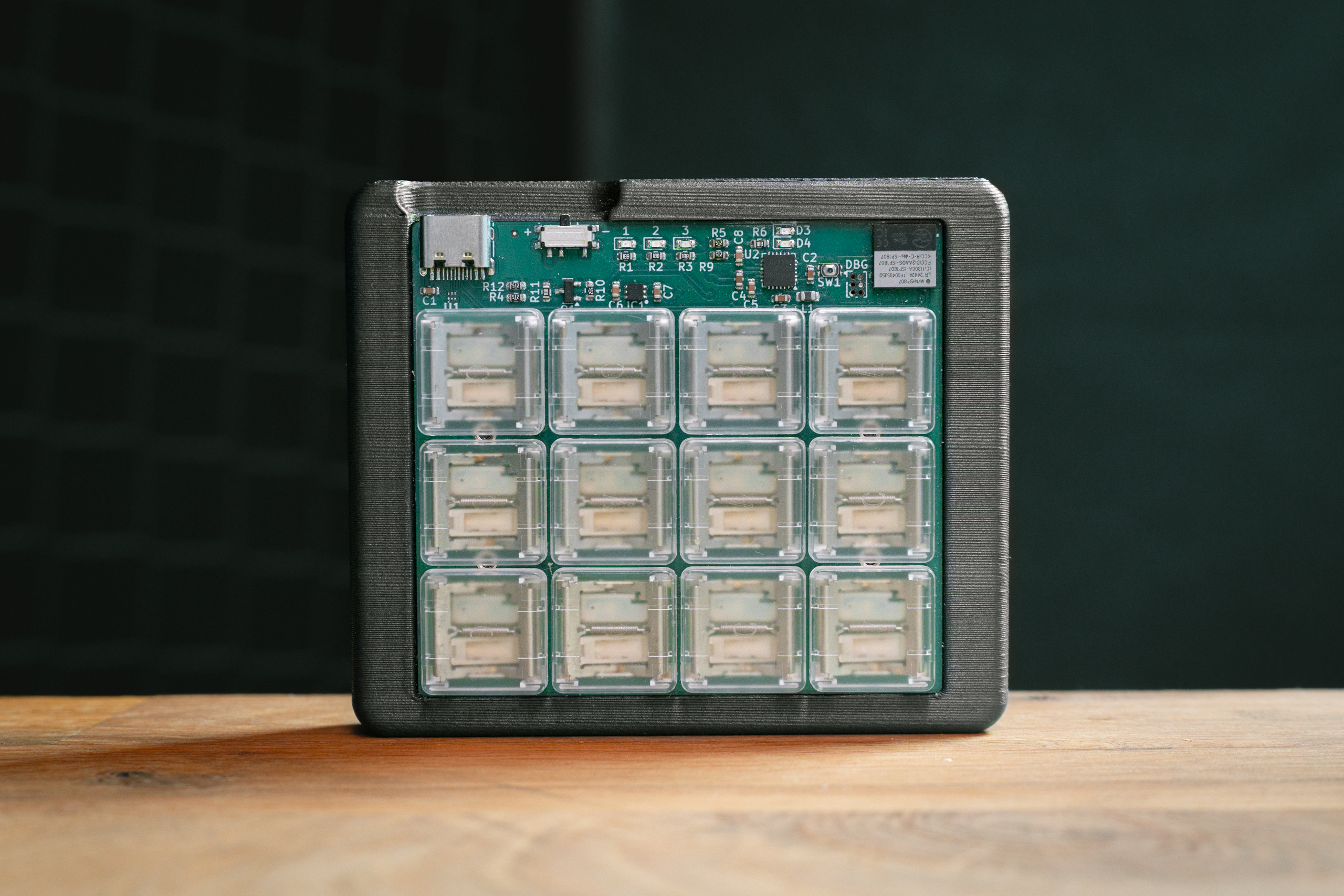
Pipar Chip is a 12-key wireless keypad with Kailh PG1316S switches and LEDs.
Pipar Chip features:
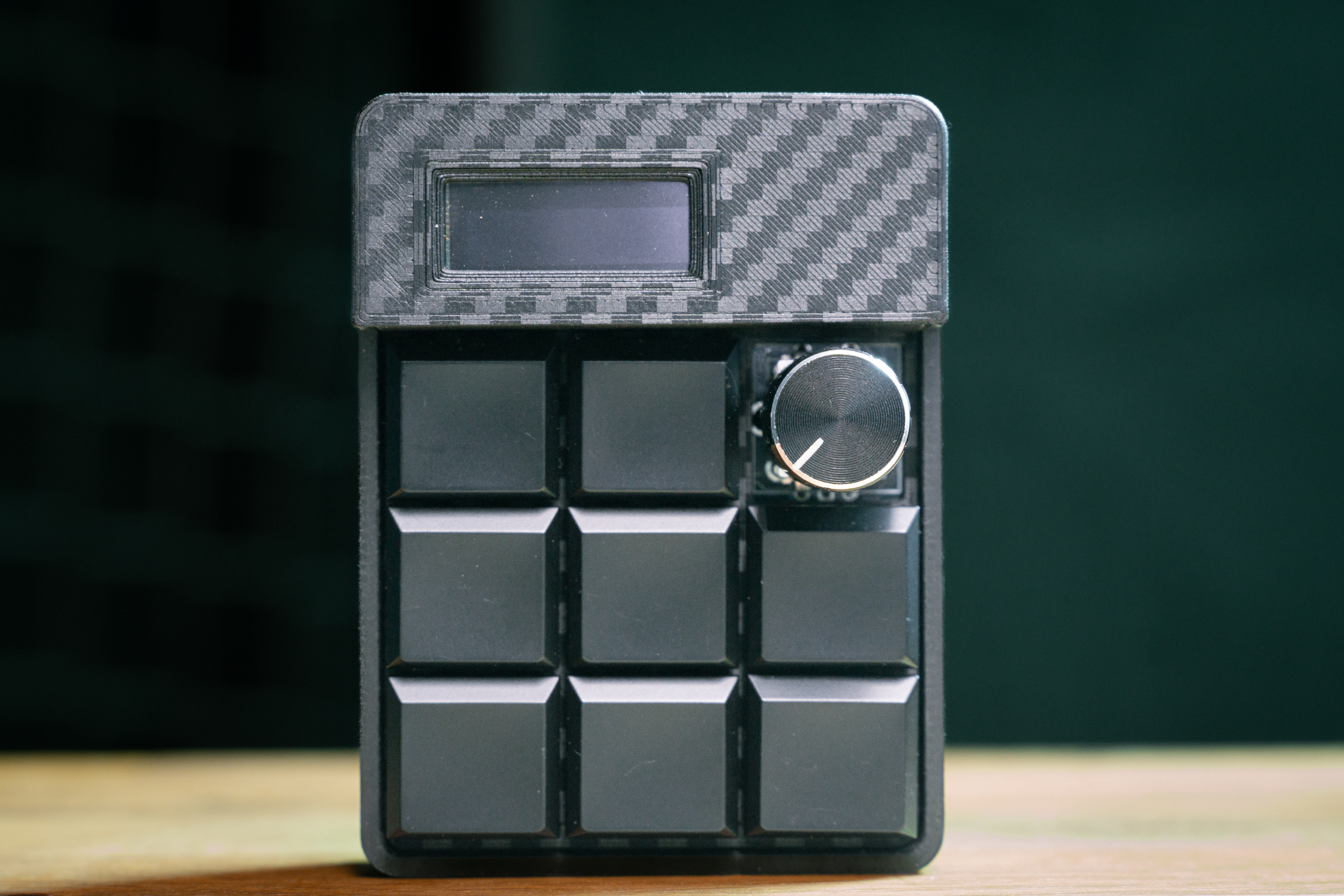
The Pipar Flake is an 8+1 key wireless keypad with a rotary encoder (optional) and a screen. It includes:
pcb/, build_guides/): CERN-OHL-S-2.0.
You can make, change and sell these boards. If you ship a modified version,
publish its full design under the same licence.config/, tests/, build.sh):
MIT, the same licence as ZMK. The ZMK module in
zmk-keyboard-pipar is MIT too.Third-party parts keep their own licences: the footprint libraries included as
submodules, vendor footprints and 3D models in pcb/Footprints-Symbols, and
any file with its own SPDX-License-Identifier header.
| Qty | Value | Footprint | References |
|---|---|---|---|
| 66 | R_Small | Resistor_SMD:R_0402_1005Metric | LR50, LR51, LR52, LR53, LR54, LR55, LR56, LR57, LR58, LR59, LR60, LR61, LR62, LR63, LR100, LR101 +50 |
| 52 | D_Small | Diode_SMD:D_SOD-523 | D54, D55, D56, D57, D102, D103, D104, D105, D106, D107, D108, D109, D110, D111, D112, D113 +36 |
| 52 | LED_Small | LED_SMD:LED_0603_1608Metric | LED50, LED51, LED52, LED53, LED54, LED55, LED56, LED57, LED58, LED59, LED60, LED61, LED62, LED63, LED100, LED101 +36 |
| 40 | KHS | Keyboard:Kailh_HS_Socket | KHS50, KHS51, KHS52, KHS53, KHS54, KHS55, KHS56, KHS57, KHS58, KHS59, KHS60, KHS61, KHS62, KHS63, KHS64, KHS65 +24 |
| 40 | SwitchHoles | Keyboard:SwitchHoles_Kailh_Choc_V1V2 | H72, H73, H74, H75, H100, H101, H102, H103, H104, H105, H106, H107, H108, H109, H110, H111 +24 |
| 14 | 4.7uF | Capacitor_SMD:C_0402_1005Metric | C70, C71, C76, C82, C85, C86, C88, C97, C98, C103, C109, C112, C113, C115 |
| 12 | KHS | Keyboard:CPG1316S01D02_mikeholscher | KHS90, KHS91, KHS92, KHS93, KHS94, KHS95, KHS96, KHS97, KHS98, KHS99, KHS100, KHS101 |
| 10 | 100nF | Capacitor_SMD:C_0402_1005Metric | C67, C77, C78, C80, C81, C94, C104, C105, C107, C108 |
| 10 | MountingHole | MountingHole:MountingHole_2.2mm_M2_DIN965 | H66, H67, H68, H69, H70, H112, H113, H114, H115, H116 |
| 10 | MouseBite | mouse-bite:mouse-bite-5mm-10mm | H50, H51, H52, H53, H54, H55, H56, H57, H58, H59 |
| 9 | C_Small | Capacitor_SMD:C_0402_1005Metric | C51, C53, C54, C55, C56, C57, C59, C60, C61 |
| 8 | 15pF | Capacitor_SMD:C_0402_1005Metric | C64, C65, C74, C75, C91, C92, C101, C102 |
| 8 | Fiducial | Fiducial:Fiducial_0.5mm_Mask1.5mm | FID50, FID51, FID52, FID53, FID54, FID55, FID56, FID57 |
| 6 | MountingHole | MountingHole:MountingHole_2.1mm | H60, H61, H62, H63, H64, H65 |
| 4 | 1.5k | Resistor_SMD:R_0402_1005Metric | R70, R71, R83, R84 |
| 4 | 10uH | Inductor_SMD:L_0603_1608Metric | L52, L53, L56, L57 |
| 4 | 1pF | Capacitor_SMD:C_0402_1005Metric | C63, C66, C90, C93 |
| 4 | 1uF | Capacitor_SMD:C_0402_1005Metric | C72, C83, C99, C110 |
| 4 | 2M | Resistor_SMD:R_0603_1608Metric | R67, R68, R80, R81 |
| 4 | 5.1k | Resistor_SMD:R_0402_1005Metric | R76, R77, R89, R90 |
| 4 | Logo | Art:Salt-smallest | H71, H117, H123, H123 |
| 4 | MountingHole | Keyboard:SMTSO_M2_C4_2+C2.7_1.5 | H118, H119, H120, H121 |
| 3 | 4.7k | Resistor_SMD:R_0402_1005Metric_Pad0.72x0.64mm_HandSolder | R73, R86, R92 |
| 3 | AO3416 N-channel MOSFET | Package_TO_SOT_SMD:SOT-23 | Q50, Q51, Q52 |
| 3 | Reset | Keyboard:SW4-SMD-2.8-2.6X1.6X0.53MM | SW51, SW53, SW54 |
| 3 | SW_SPST | Button_Switch_SMD:SW_SPDT_PCM12 | SW50, SW52, SW55 |
| 2 | 0R | Resistor_SMD:R_0402_1005Metric | R66, R79 |
| 2 | 1.5pF | Capacitor_SMD:C_0402_1005Metric | C62, C89 |
| 2 | 1000pF/NC | Capacitor_SMD:C_0402_1005Metric | C84, C111 |
| 2 | 100pF | Capacitor_SMD:C_0402_1005Metric | C68, C95 |
| 2 | 10M | Resistor_SMD:R_0402_1005Metric | R69, R82 |
| 2 | 10k | Resistor_SMD:R_0402_1005Metric | R74, R87 |
| 2 | 10nF | Capacitor_SMD:C_0402_1005Metric | C79, C106 |
| 2 | 10uF | Capacitor_SMD:C_0603_1608Metric | C87, C114 |
| 2 | 15nH | Inductor_SMD:L_0402_1005Metric | L51, L55 |
| 2 | 1M | Resistor_SMD:R_0402_1005Metric | R72, R85 |
| 2 | 1nF | Capacitor_SMD:C_0402_1005Metric | C69, C96 |
| 2 | 2M | Resistor_SMD:R_0402_1005Metric | R78, R91 |
| 2 | 3.9nH | Inductor_SMD:L_0402_1005Metric | L50, L54 |
| 2 | 32.768 kHz | Crystal:Crystal_SMD_2012-2Pin_2.0x1.2mm | Y52, Y54 |
| 2 | 32MHz | Crystal:Crystal_SMD_2016-4Pin_2.0x1.6mm | Y51, Y53 |
| 2 | 470 | Resistor_SMD:R_0402_1005Metric | R75, R88 |
| 2 | 47nF | Capacitor_SMD:C_0402_1005Metric | C73, C100 |
| 2 | Antenna | Mikoto:2.4GHz-meander-antenna-v2-right | AE50, AE52 |
| 2 | B5819WT | Diode_SMD:D_SOD-523 | D52, D96 |
| 2 | BAT GND | TestPoint:TestPoint_Pad_2.5x2.5mm | TP51, TP55 |
| 2 | BLUE | LED_SMD:LED_0603_1608Metric | D50, D94 |
| 2 | C | Capacitor_SMD:C_0805_2012Metric | C50, C58 |
| 2 | CAPS | LED_SMD:LED_0603_1608Metric | D51, D95 |
| 2 | CHG | LED_SMD:LED_0603_1608Metric | D53, D97 |
| 2 | Conn_02x04_Odd_Even | Connector_PinHeader_2.54mm:PinHeader_2x04_P2.54mm_Vertical_SMD | J51, J52 |
| 2 | ESDR0502NMUTAG | Mikoto:UDFN-6_1.2x1.0mm_P0.4mm | U57, U62 |
| 2 | MAX17048 | Package_DFN_QFN:TDFN-8-1EP_2x2mm_P0.5mm_EP0.8x1.2mm | U55, U60 |
| 2 | MCP73831-2-MC | Package_DFN_QFN:DFN-8-1EP_3x2mm_P0.5mm_EP1.7x1.4mm | U56, U61 |
| 2 | NetTie_2 | Mikoto:net-tie-2-tiny | NT50, NT51 |
| 2 | R_Small | Resistor_SMD:R_0603_1608Metric | R62, R63 |
| 2 | USB-C | Keyboard:USB_C_Receptacle_HRO_TYPE-C-31-M-16 | P50, P51 |
| 2 | VBAT | TestPoint:TestPoint_Pad_2.5x2.5mm | TP50, TP54 |
| 2 | W_GND | TestPoint:TestPoint_Pad_2.5x2.5mm | TP53, TP57 |
| 2 | W_VBUS | TestPoint:TestPoint_Pad_2.5x2.5mm | TP52, TP56 |
| 2 | XC6220B331MR | Package_TO_SOT_SMD:SOT-23-5 | U58, U63 |
| 2 | nRF52840 | Package_DFN_QFN:Nordic_AQFN-73-1EP_7x7mm_P0.5mm | U54, U59 |
| 1 | BAT | TestPoint:TestPoint_Pad_2.5x2.5mm | TP62 |
| 1 | C_Small | Capacitor_SMD:C_0603_1608Metric | C52 |
| 1 | Crystal_GND2 | Trackpoint:Crystal_SMD 3pin | Y50 |
| 1 | GND | TestPoint:TestPoint_Pad_2.5x2.5mm | TP61 |
| 1 | LOGO | LOGO | G*** |
| 1 | SCL | TestPoint:TestPoint_Pad_1.0x1.0mm | TP59 |
| 1 | SDA | TestPoint:TestPoint_Pad_1.0x1.0mm | TP60 |
| 1 | Seeeduino Xiao nRF52840 | Keyboard:XIAO-nRF52840-Sense-14P-2.54-21X17.8MM-noNFC | U64 |
| 1 | TX | TestPoint:TestPoint_Pad_1.0x1.0mm | TP58 |
| 1 | ~ | Package_SO:MSOP-8_3x3mm_P0.65mm | U51 |
| 1 | ~ | Trackpoint:Trackpointer_4pin | U52 |
| 1 | ~ | Trackpoint:Trackpoint_T460s_Stick | U53 |
| 1 | ~ | Trackpoint:SSOP-32_6.1x11mm_P0.65mm | U50 |


HandHeldLegend/GC-Ultimate
The 3D shell, buttons, and other associated models are licensed under a Creative Commons Attribution 4.0 International License .


HandHeldLegend/Open-GC-Ultimate
Fully open, bare-bones GC Ultimate PCB made for makers and indies.

BYU-I-eBadge/e-badge
A hackable eBadge platform for students — a customizable, programmable electronics badge designed for hands-on learning and creative exploration throughout their academic journey.


ansue1234/SML_SMA_Haptics
This repository contains all the code necessary for the two demostration for the SMA Haptics project--Painting Alignment and Object Detection.
It measures 245.7 × 172.6 mm and has 2 copper layers, 1.6 mm thick.
466 parts, built around the XC6220B331MR, AO3416 and B5819WT. The full list of its parts is on this page, with links to each part's symbol and footprint where PCBKit's library has them.
From the RasmusKoit/pipar repository on GitHub, at the commit this page was made from: the board is pcb/pipar_point_v2/pipar_point.kicad_pcb and its schematic pcb/pipar_chip/keymatrix.kicad_sch. PCBKit opens the board in the browser, with nothing to install.
Its repository publishes it under the CERN-OHL-S-2.0 licence: you may reuse it on that licence's terms (keep the author's notice, and for a copyleft licence share your changes alike).