
2 layers119.4 × 40.6 mm
Memory card usb interface stripboard
JiggleSoft/atari-2600-memory-card-tool
Atari 2600/7800 memory card (compatible with Atari 2600/7800 Save Key) tools.
11 parts4

 JiggleSoft/atari-2600-memory-card-tool4
Atari 2600/7800 memory card (compatible with Atari 2600/7800 Save Key) tools.
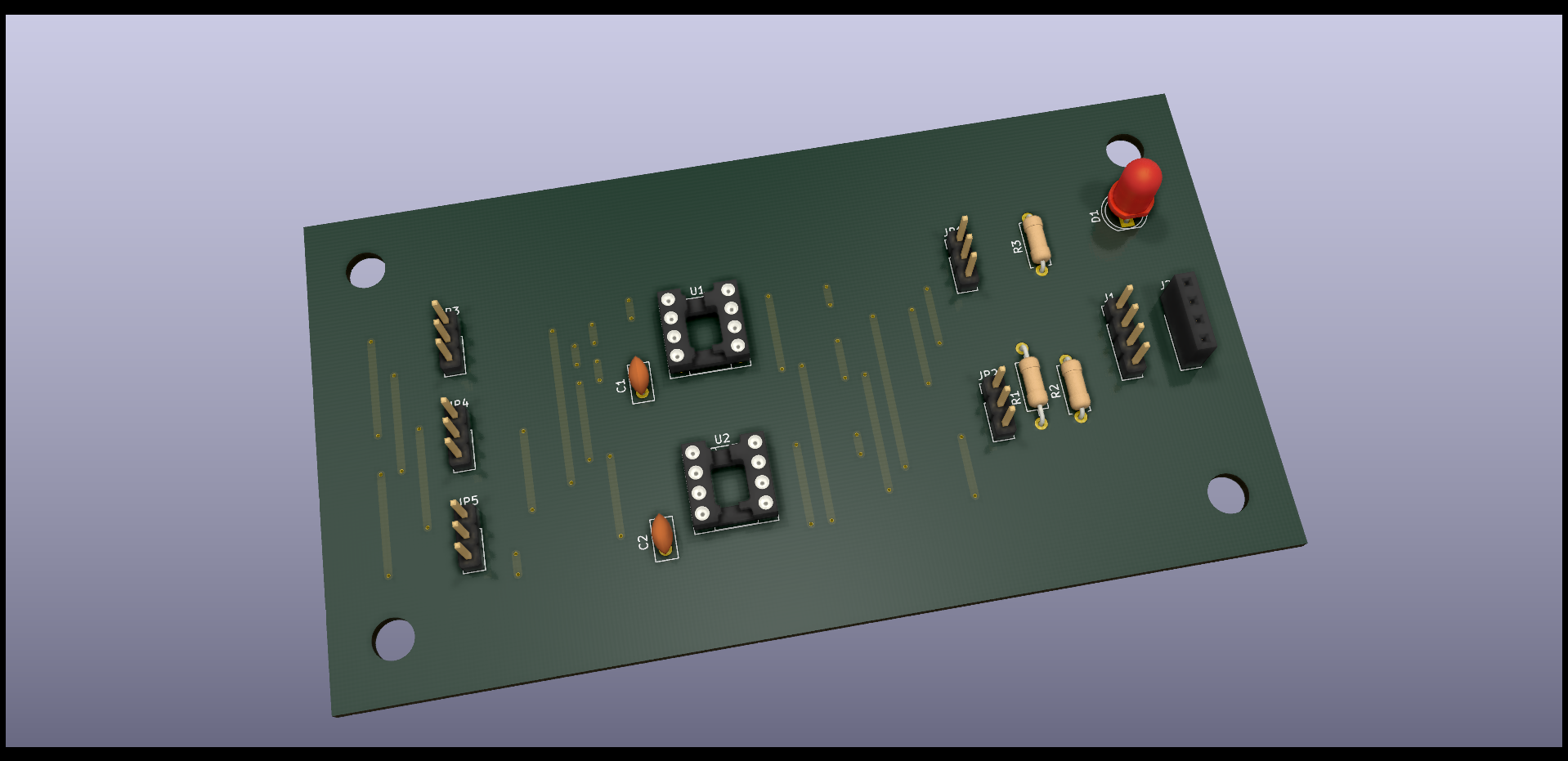
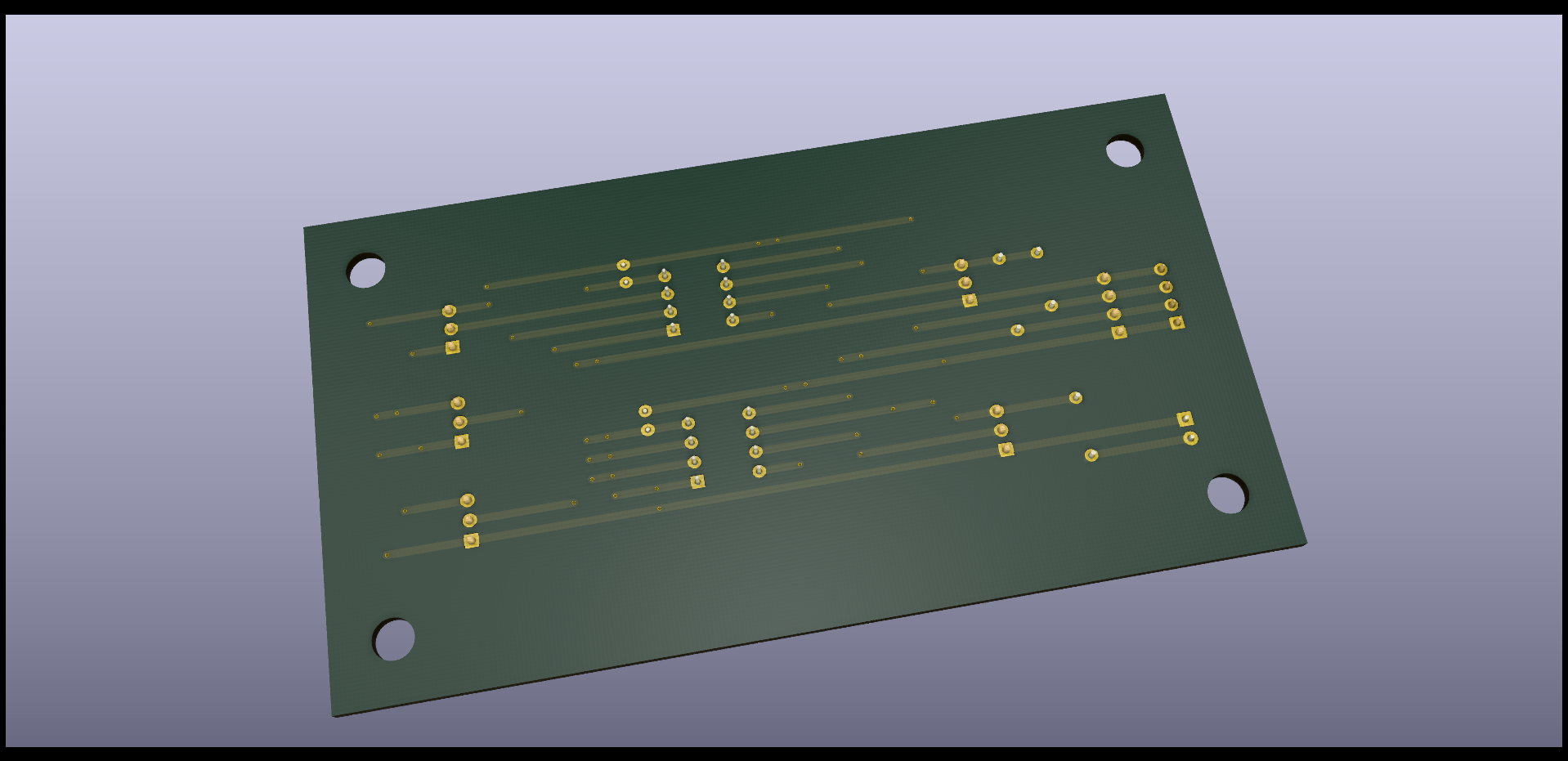
Savekey plus test device is an open-source printed circuit board by JiggleSoft, from the JiggleSoft/atari-2600-memory-card-tool repository on GitHub. It is a 2-layer board of 116.8 × 63.5 mm with 15 parts on 10 nets, routed with 83 tracks and 48 vias.
It is built around the 24LC256-I/P. Its parts include 3 resistors, 2 capacitors, 2 ICs, 2 connectors and 1 diode. It belongs with the retro computing and games boards of this library.
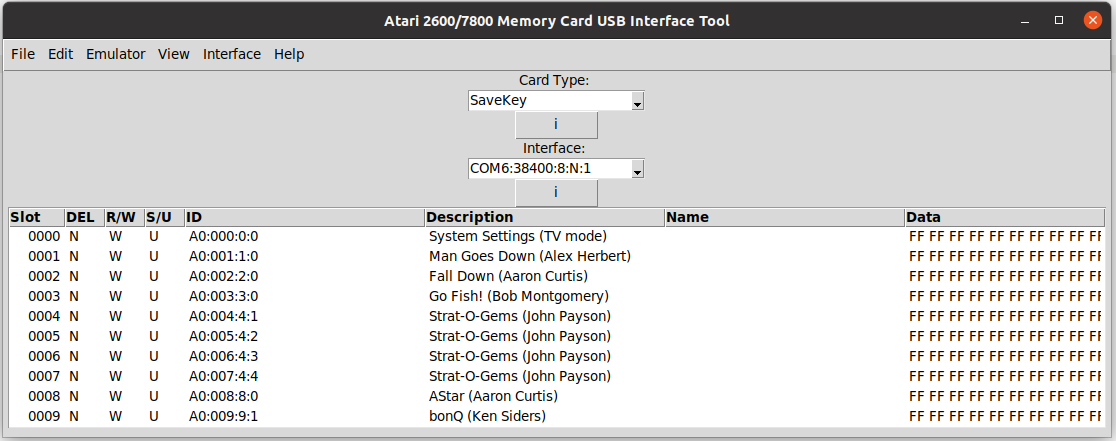
This repository contains the design and implementation details of a USB interface and software management tool for Atari 2600/7800 memory cards, namely the SaveKey and SaveKey+.
The aim of this project is to provide the cheapest and simplest complete management solution for Atari 2600/7800 memory cards (SaveKey) devices.
I am currently awaiting delivery of Microchip PIC MCU and Microchip Serial EEPROM integrated circuits, but there is a long lead time. In the meantime work will proceed on soldering a USB Interface Tool development stripboard PCB and a savekey plus test device stripboard PCB. Then software development will continue.
| Location | Description |
|---|---|
| memory-card-tool/hardware | USB interface's hardware design and implementation: Schematic, PCB, Notes. |
| memory-card-tool/firmware | USB interface's firmware source code. |
| memory-card-tool/software | Memory Card management tool software for Linux and Windows. |
| savekey-plus-test-device | SaveKey+ test device's hardware design and implementation: Schematic, PCB (stripboard), Notes. |
Note: that this repository will only be updated with content as specific milestones are reached. The development is in progress and currently housed in a separate private repository.
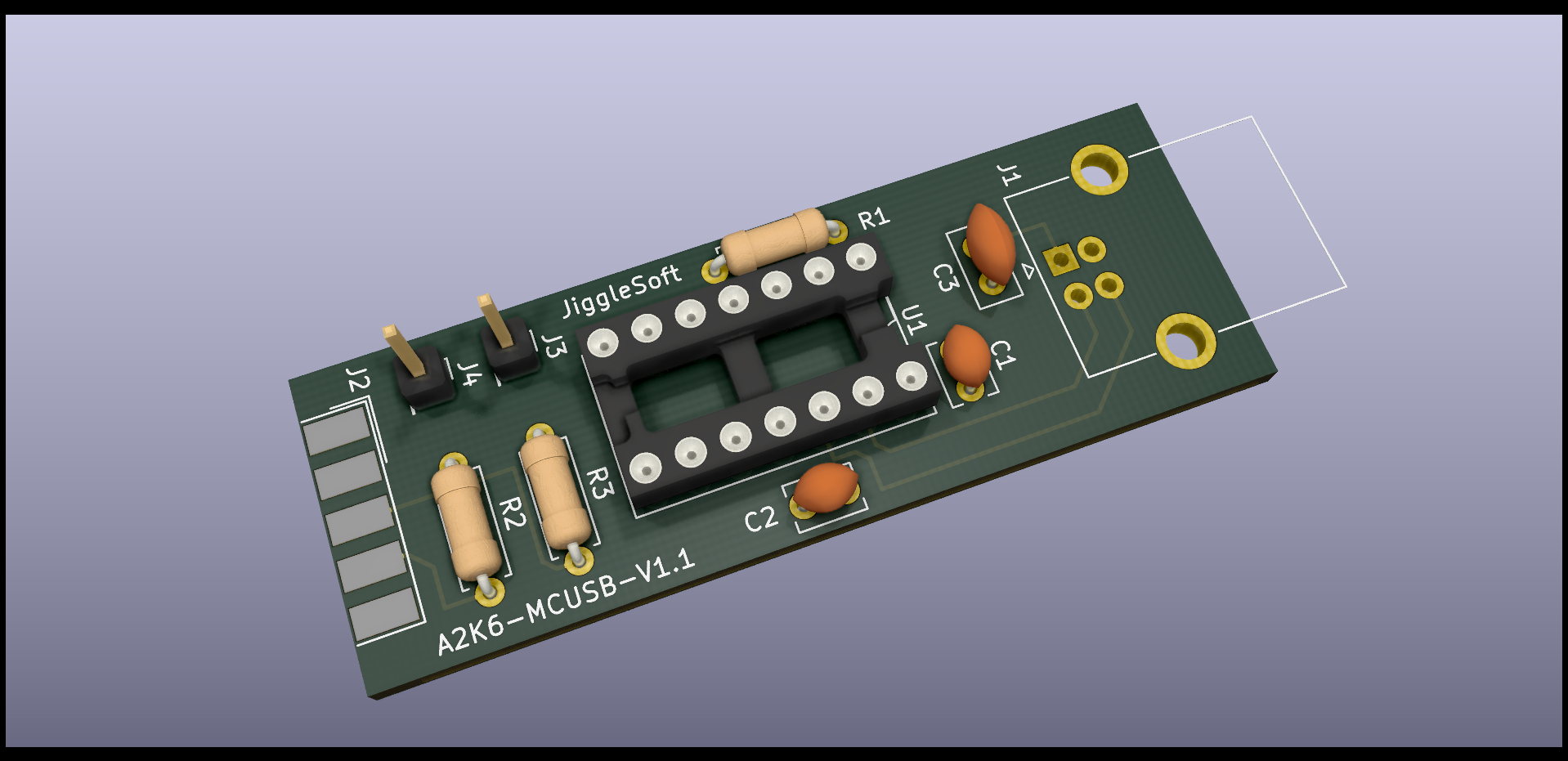
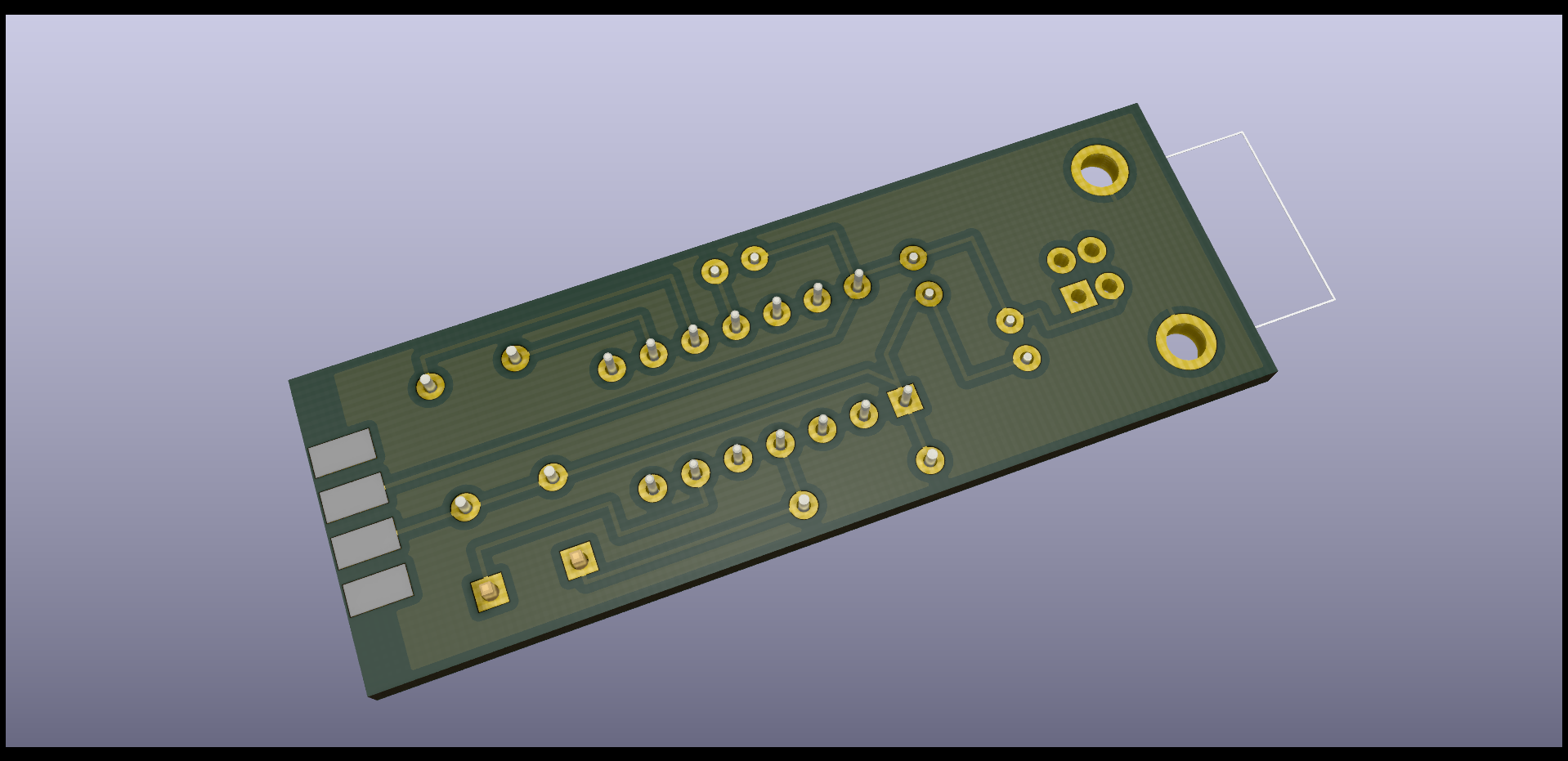
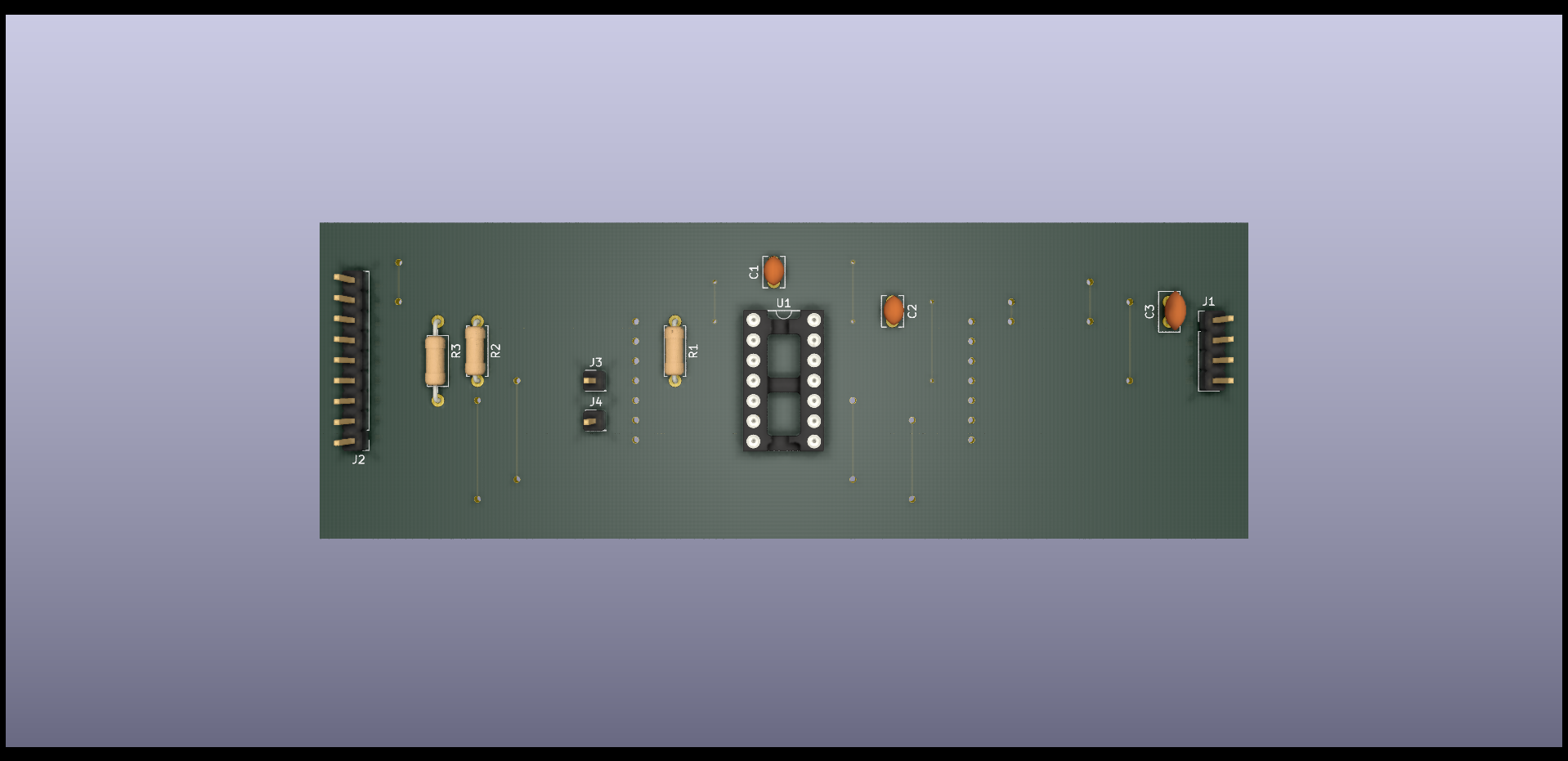
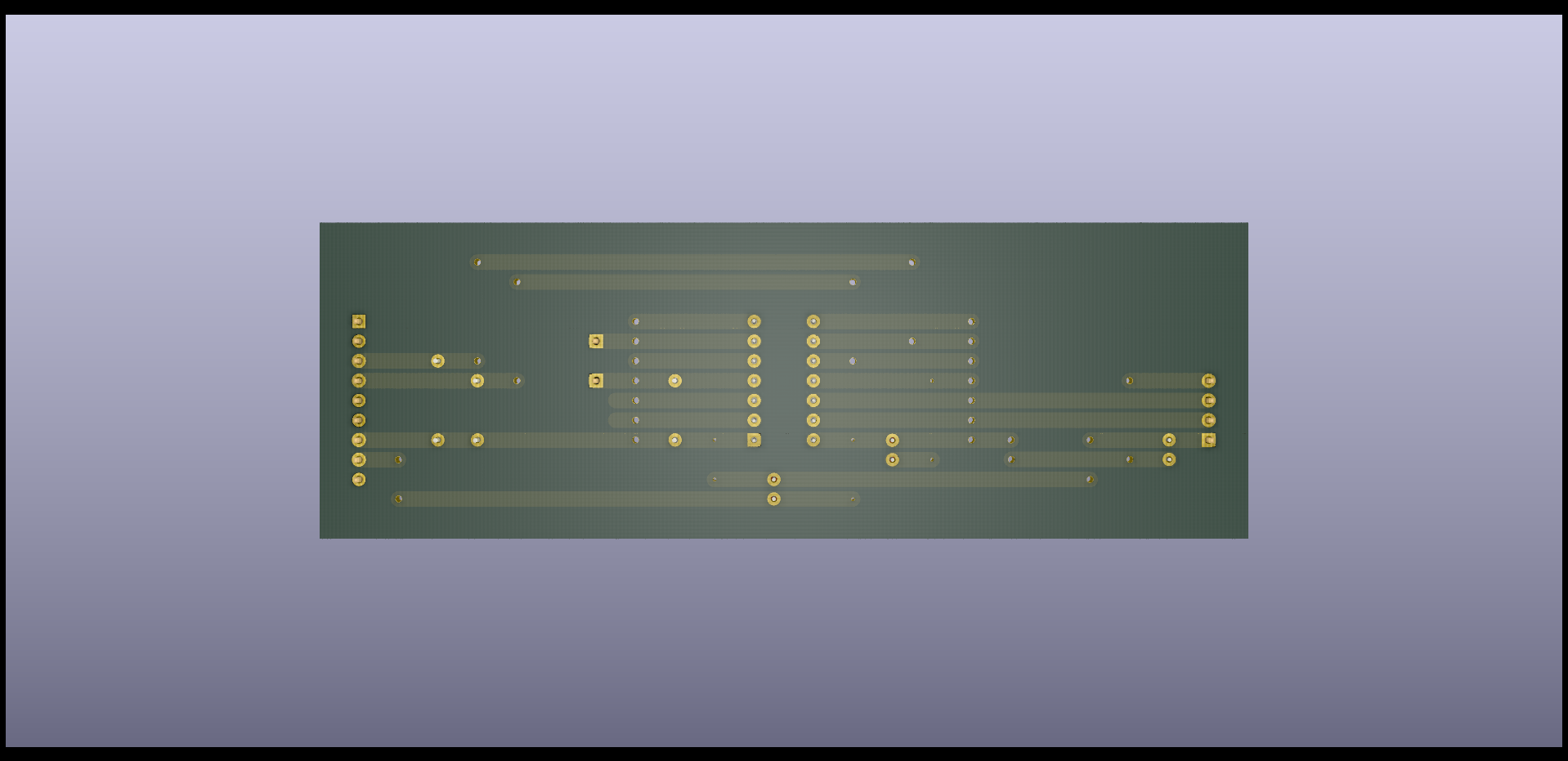
SaveKey Plus Test Device Schematic
Copyright (C) 2022 Justin Lane All rights reserved.
Note: A more applicable open license will be chosen in the future.
Please email atari2600@jigglesoft.co.uk regarding this repository.
| Qty | Value | Footprint | References |
|---|---|---|---|
| 5 | Jumper_3_Bridged12 | Connector_PinHeader_2.54mm:PinHeader_1x03_P2.54mm_Vertical | JP1, JP2, JP3, JP4, JP5 |
| 2 | 0.1uF | Capacitor_THT:C_Disc_D5.0mm_W2.5mm_P2.50mm | C1, C2 |
| 2 | 24LC256 | Package_DIP:DIP-8_W7.62mm_Socket | U1, U2 |
| 1 | 10K | Resistor_THT:R_Axial_DIN0207_L6.3mm_D2.5mm_P7.62mm_Horizontal | R2 |
| 1 | 10K | Resistor_THT:R_Axial_DIN0207_L6.3mm_D2.5mm_P10.16mm_Horizontal | R1 |
| 1 | 1K | Resistor_THT:R_Axial_DIN0207_L6.3mm_D2.5mm_P7.62mm_Horizontal | R3 |
| 1 | Conn_01x04_Female | Connector_PinSocket_2.54mm:PinSocket_1x04_P2.54mm_Vertical | J2 |
| 1 | Conn_01x04_Male | Connector_PinHeader_2.54mm:PinHeader_1x04_P2.54mm_Vertical | J1 |
| 1 | LED | LED_THT:LED_D5.0mm | D1 |
JiggleSoft/atari-2600-memory-card-tool
Atari 2600/7800 memory card (compatible with Atari 2600/7800 Save Key) tools.

JiggleSoft/atari-2600-memory-card-tool
Atari 2600/7800 memory card (compatible with Atari 2600/7800 Save Key) tools.


fjmilens3/cody-computer
Design files and source code for the Cody Computer.


tomkinsc/open-spectrometer
Code, mechanical designs, and electronic plans related to the OpenSpectrometer project.

Ashet-Technologies/Home-Computer
A retro-inspired home-computer project.

It measures 116.8 × 63.5 mm and has 2 copper layers, 1.6 mm thick.
15 parts, built around the 24LC256-I/P. The full list of its parts is on this page, with links to each part's symbol and footprint where PCBKit's library has them.
From the JiggleSoft/atari-2600-memory-card-tool repository on GitHub, at the commit this page was made from: the board is savekey-plus-test-device/hardware/kicad/savekey-plus-test-device/savekey-plus-test-device.kicad_pcb. PCBKit opens the board in the browser, with nothing to install.
Its repository states no licence, so its author keeps all rights: ask JiggleSoft before reusing the design.