
2 layers65 × 56.5 mm
SuperPower RPi KiCAD
SensorsIot/SuperPower
Here you should find the best power supplies for your low-power projects
122 parts600

 AerospaceVillage/avBadge_202028
Aerospace Village Badge 2020
Aerospace badge is an open-source printed circuit board by AerospaceVillage, from the AerospaceVillage/avBadge_2020 repository on GitHub. It is a 2-layer board of 134.3 × 140 mm with 20 parts on 17 nets, routed with 230 tracks and 11 vias.
It is built around the ATTINY85-20SU. Its parts include 7 connectors, 5 resistors, 5 diodes, 1 IC and 1 switch. It belongs with the lEDs and displays boards and the AVR (ATmega, ATtiny) boards of this library.
This resository is to document and capture all of the engineering and design work that went into creating the Aerospace Village Badge for 2020.
The badge is a multifunctional design that is part SWAG, part antenna, part low level protocol interaction. In keeping with the spirit of aviation everything is as small as possible and tries to use as much of the available resources as possible.
You can even use this airplane shaped badge as an anetenna to locate real airplanes transmitting ADS-B. Additionally, you can also use it to capture data from other freqenices (i.e. ACARS) using the built in SMA to wire terminal blocks. Why stop there? You can also interact with your preferred I2C device (bus pirate) and control each of the available lighting packages. Alternatively, you could just wear it and look cool.
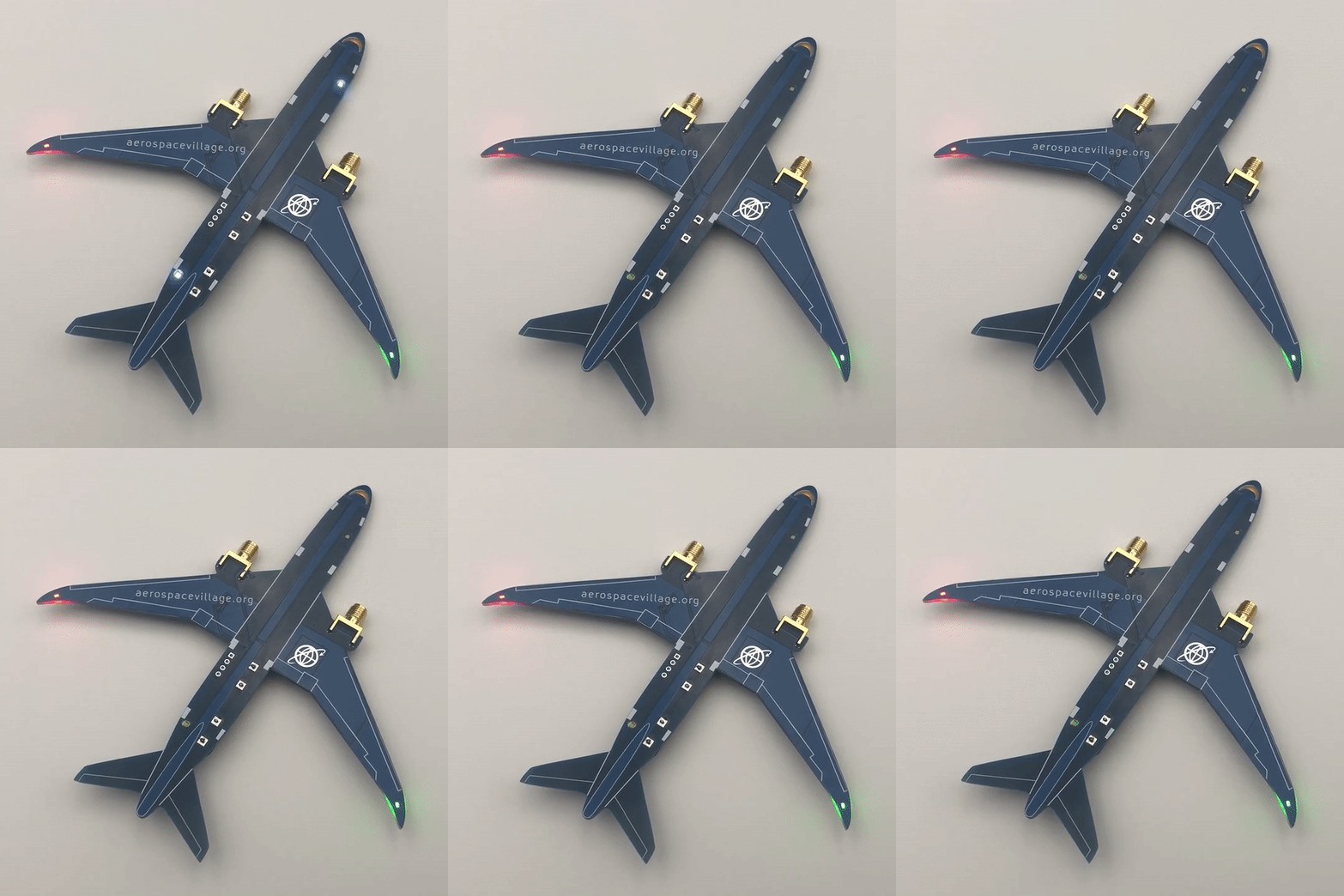
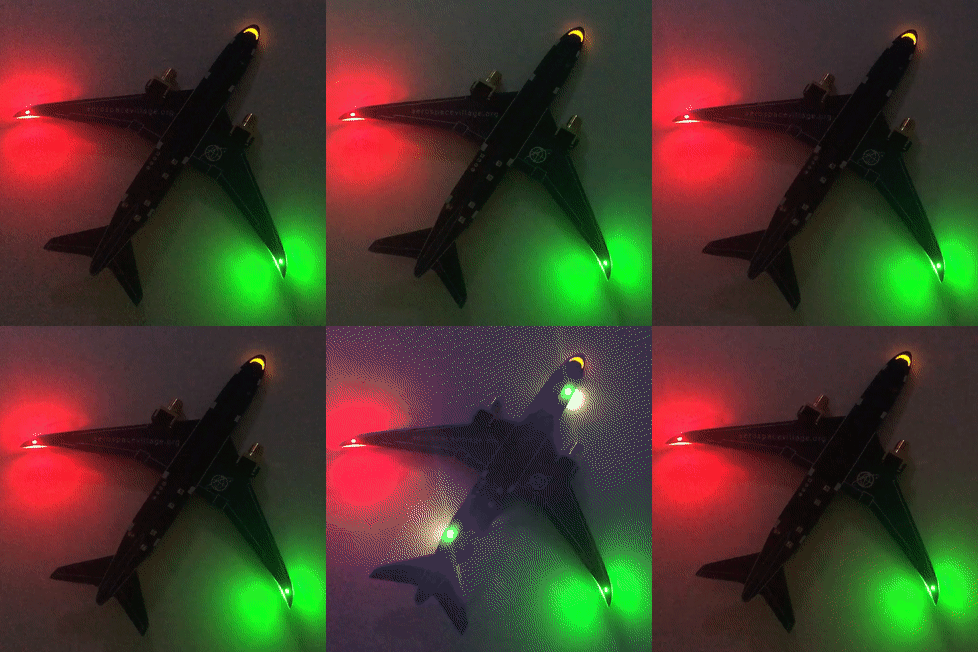
Instructions for assembing a kit can be found in the Document folder.
Using the Arduino IDE Add the correct Boards Manager URL:
- Under File->Preferences add the following URL http://drazzy.com/package_drazzy.com_index.json
- Then with the new Boards Maanger options select ATTinyCore
Steps:
- Programmer - USBTinyISP
- Clock 8MHZ
- Burn Bootloader
- Upload using programmersudo adduser <username> dialout
$ sudo chmod a+rw /dev/ttyACM0The ATtiny85 is programmed with the Sparkfun Tiny AVR Programmer using the SparkFun ISP Pogo Adapter
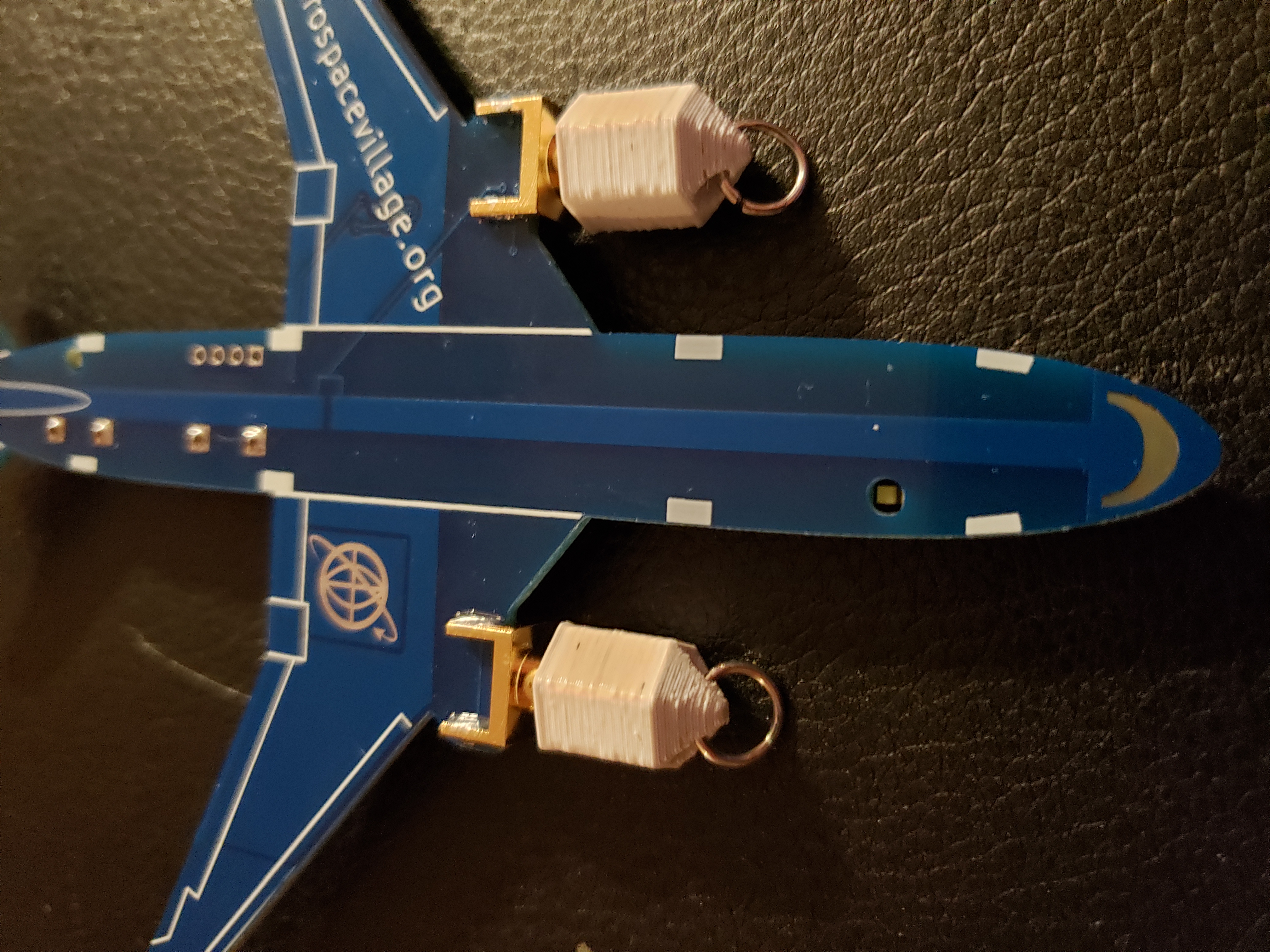
Check out the .stl files in the /sma lanyard folder that you can print to more easily turn the badge into a wearable lanyard.
| Qty | Value | Footprint | References |
|---|---|---|---|
| 5 | 330 | Resistor_SMD:R_1206_3216Metric | R1, R2, R3, R4, R5 |
| 2 | Conn_01x01_Male | aerospace_badge:wire_terminal_sr99s01 | J6, J7 |
| 2 | Conn_01x02 | aerospace_badge:linx_sma_jack_female_socket | J1, J2 |
| 2 | LED | aerospace_badge:led_in-s124ar | D4, D5 |
| 1 | ATtiny85-20SU | Package_SO:SOIJ-8_5.3x5.3mm_P1.27mm | U1 |
| 1 | Battery_Cell | Battery:BatteryHolder_Keystone_3034_1x20mm | BT1 |
| 1 | Conn_01x01_Male | aerospace_badge:badge_v02 | J8 |
| 1 | Conn_01x04 | Connector_PinHeader_2.54mm:PinHeader_1x04_P2.54mm_Vertical | J4 |
| 1 | Conn_02x03_Counter_Clockwise | aerospace_badge:isp_pad | J3 |
| 1 | LED | sunled:XZM2CRK45WT-9 | D3 |
| 1 | LED | sunled:XZMYK45WT-9 | D1 |
| 1 | LED | sunled:XZDGK45WT-9 | D2 |
| 1 | SW_SPDT | aerospace_badge:switch_JS202011SCQN | SW1 |
SensorsIot/SuperPower
Here you should find the best power supplies for your low-power projects

KivApple/dell-charger-emulator
Emulator of original Dell charger using ATTINY85


bwack/C64-Saver-bwack
C64 Saver v1 and v2 - Overvoltage protection for the C64 and its power brick.


valerionew/very-good-uc-doggos
A special graduation present for a special friend. Six microcontrollers in one devboard

spielhuus/LoRa-Environmental-Sensors
ATtiny85 based LoRa atmospheric sensor board with BME280

It measures 134.3 × 140 mm and has 2 copper layers, 1.6 mm thick.
20 parts, built around the ATTINY85-20SU. The full list of its parts is on this page, with links to each part's symbol and footprint where PCBKit's library has them.
From the AerospaceVillage/avBadge_2020 repository on GitHub, at the commit this page was made from: the board is kicad/aerospace_badge/aerospace_badge.kicad_pcb and its schematic kicad/aerospace_badge/aerospace_badge.kicad_sch. PCBKit opens the board in the browser, with nothing to install.
Its repository states no licence, so its author keeps all rights: ask AerospaceVillage before reusing the design.