2 layers30 × 65 mm

 younsj97/OpenCockpit77
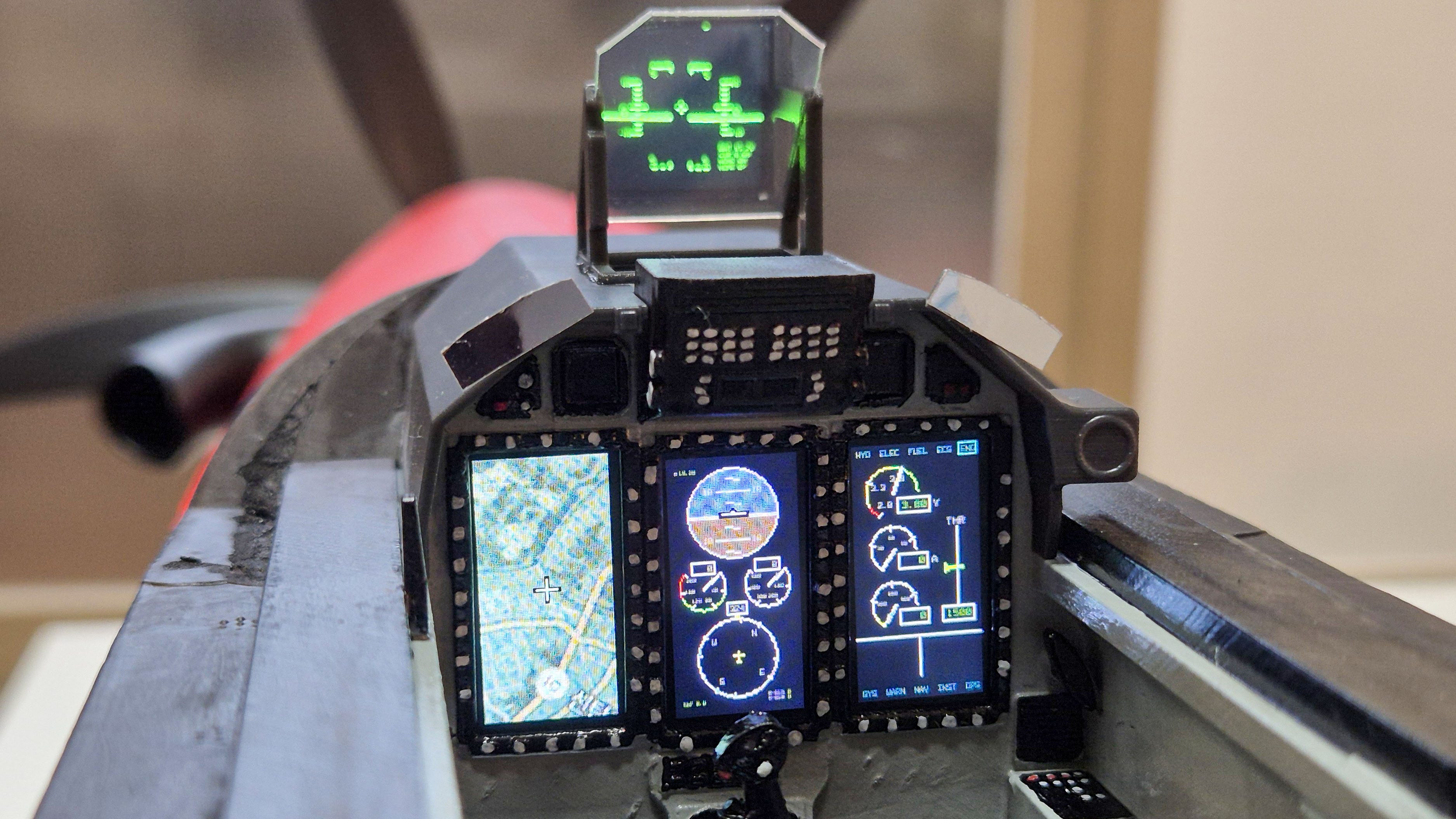
FPV cockpit display using Raspberry Pi
Display is an open-source printed circuit board by younsj97, from the younsj97/OpenCockpit repository on GitHub. It is a 2-layer board of 21 × 9 mm with 2 parts on 8 nets, routed with 22 tracks and 0 vias.
It belongs with the lEDs and displays boards of this library.
| Qty | Value | Footprint | References |
|---|---|---|---|
| 1 | Conn_01x08 | Connector_PinHeader_2.54mm:PinHeader_1x08_P2.54mm_Vertical | J1 |
| 1 | jst_1.25mm_8p | Custom:jst_1.25mm_8p | J2 |

hzeller/rpi-rgb-led-matrix
Controlling up to three chains of 64x64, 32x32, 16x32 or similar RGB LED displays using Raspberry Pi GPIO


adamws/kicad-kbplacer
KiCad plugin for automatic keyboard's key placement and routing

Luos-io/luos_engine
Open-source and real-time orchestrator for cyber-physical-systems, to easily design, test and deploy embedded applications and digital twins.

NVNTLabs/switch2-SDEX2M2
Micro SD Express to M.2 NVME Adapter for Nintendo Switch 2

BlueSCSI/BlueSCSI-v2
BlueSCSI v2/Ultra - an open source, open hardware, SCSI emulator using the Pi Pico PR2040 and Pico 2 RP2350

ohmtech-rdi/eurorack-blocks
Software to Hardware Prototyping for Eurorack using C++, Max/Gen~ or Faust

It measures 21 × 9 mm and has 2 copper layers, 1.6 mm thick.
2 parts. The full list of its parts is on this page, with links to each part's symbol and footprint where PCBKit's library has them.
From the younsj97/OpenCockpit repository on GitHub, at the commit this page was made from: the board is HW/PCB/Display/Display.kicad_pcb and its schematic HW/PCB/Display/Display.kicad_sch. PCBKit opens the board in the browser, with nothing to install.
Its repository states no licence, so its author keeps all rights: ask younsj97 before reusing the design.