2 layers21 × 9 mm

 younsj97/OpenCockpit77
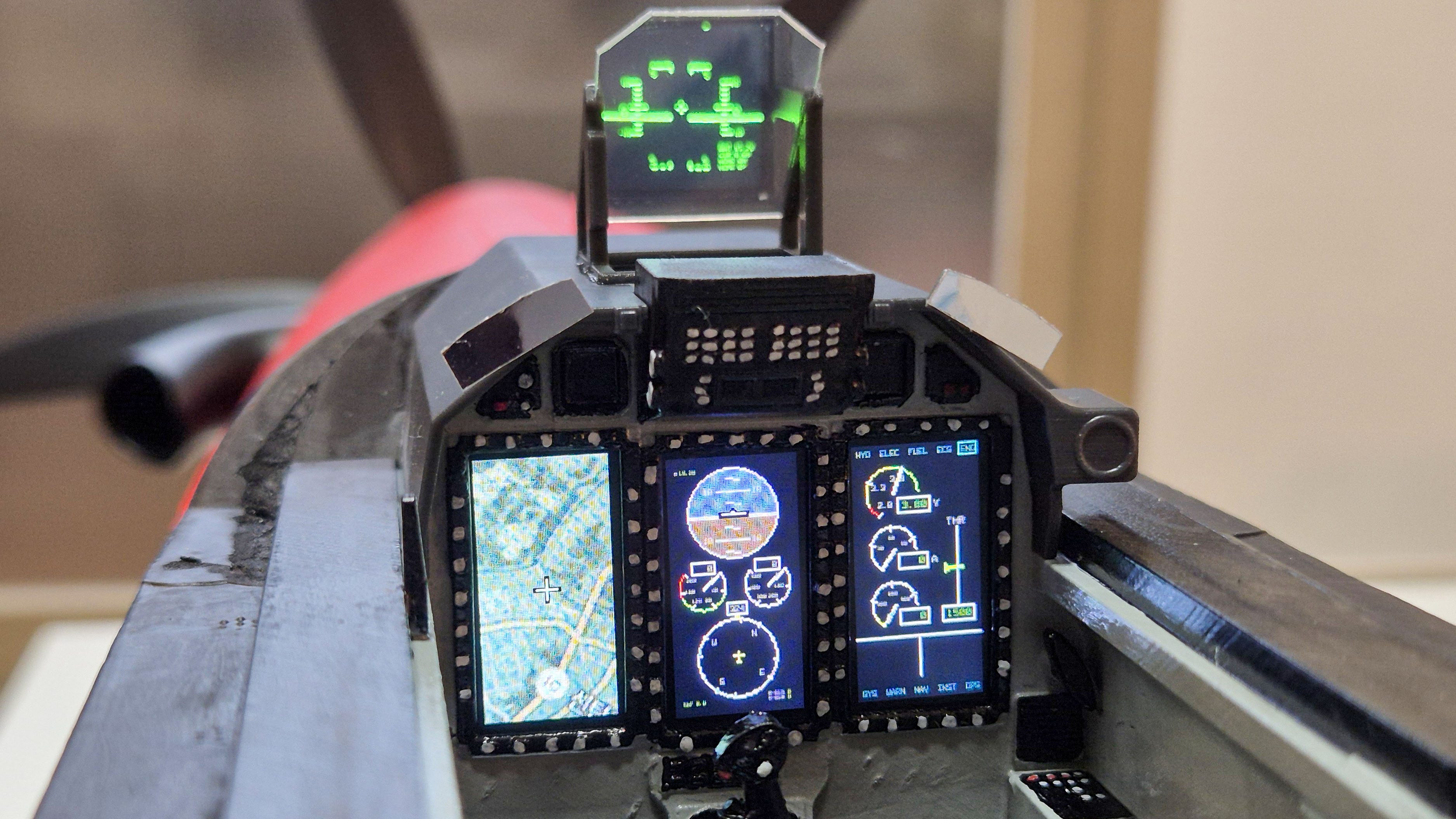
FPV cockpit display using Raspberry Pi
OpenCockpit is an open-source printed circuit board by younsj97, from the younsj97/OpenCockpit repository on GitHub. It is a 2-layer board of 30 × 65 mm with 11 parts on 40 nets, routed with 125 tracks and 2 vias.
It belongs with the lEDs and displays boards of this library.
| Qty | Value | Footprint | References |
|---|---|---|---|
| 4 | MountingHole | MountingHole:MountingHole_2.2mm_M2 | H1, H2, H3, H4 |
| 4 | jst_1.25mm_8p | Custom:jst_1.25mm_8p | J2, J3, J4, J5 |
| 1 | Conn_02x20_Odd_Even | Connector_PinSocket_2.54mm:PinSocket_2x20_P2.54mm_Vertical | J1 |
| 1 | jst_1.25mm_2p | Custom:jst_1.25mm_2p | J7 |
| 1 | jst_1.25mm_4p | Custom:jst_1.25mm_4p | J6 |

google/mozc-devices
Circuit diagrams and firmware source code for Gboard DIY keyboards


FrameworkComputer/ExpansionCards
Reference designs and documentation to create Expansion Cards for the Framework Laptop

hoglet67/RGBtoHDMI
Bare-metal Raspberry Pi project that provides pixel-perfect sampling of Retro Computer RGB/YUV video and conversion to HDMI

hackclub/OnBoard
💡 Join 1,000 teenagers and make your first PCB with a $100 grant!


tardate/LittleArduinoProjects
a collection of "Little Electronic & Arduino Projects", most involving electronics or an Arduino in one way or another!

basilfx/TRADFRI-Hacking
Hacking IKEA TRÅDFRI products, such as light bulbs, window blinds and other accessories.
It measures 30 × 65 mm and has 2 copper layers, 1.6 mm thick.
11 parts. The full list of its parts is on this page, with links to each part's symbol and footprint where PCBKit's library has them.
From the younsj97/OpenCockpit repository on GitHub, at the commit this page was made from: the board is HW/PCB/Main/Main.kicad_pcb and its schematic HW/PCB/Display/Display.kicad_sch. PCBKit opens the board in the browser, with nothing to install.
Its repository states no licence, so its author keeps all rights: ask younsj97 before reusing the design.