2 layers127 × 101.6 mm

 sonatine726/zakojifarm_iotfieldsensor
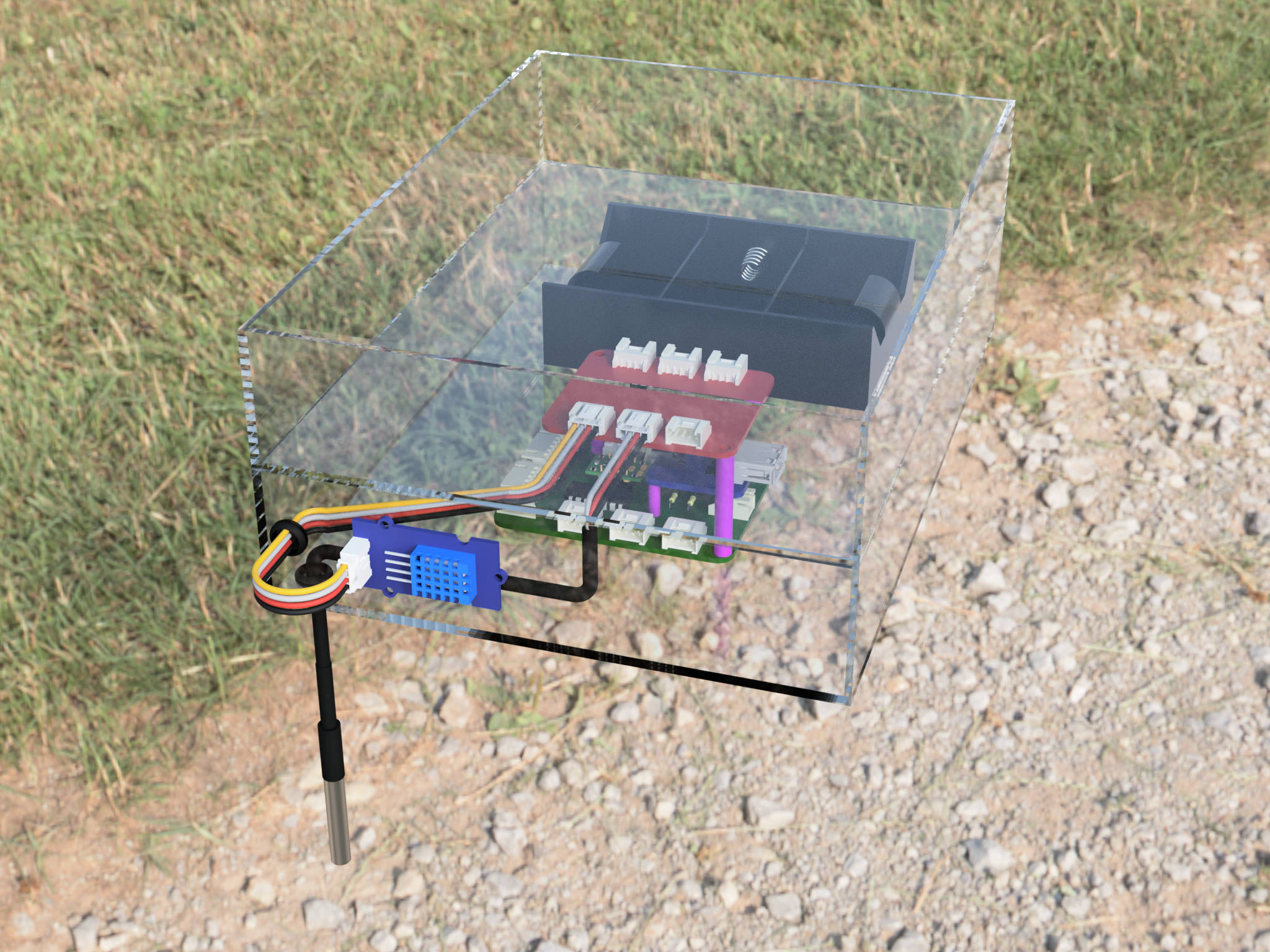
座光寺農園の田んぼの環境センシングIoT機器
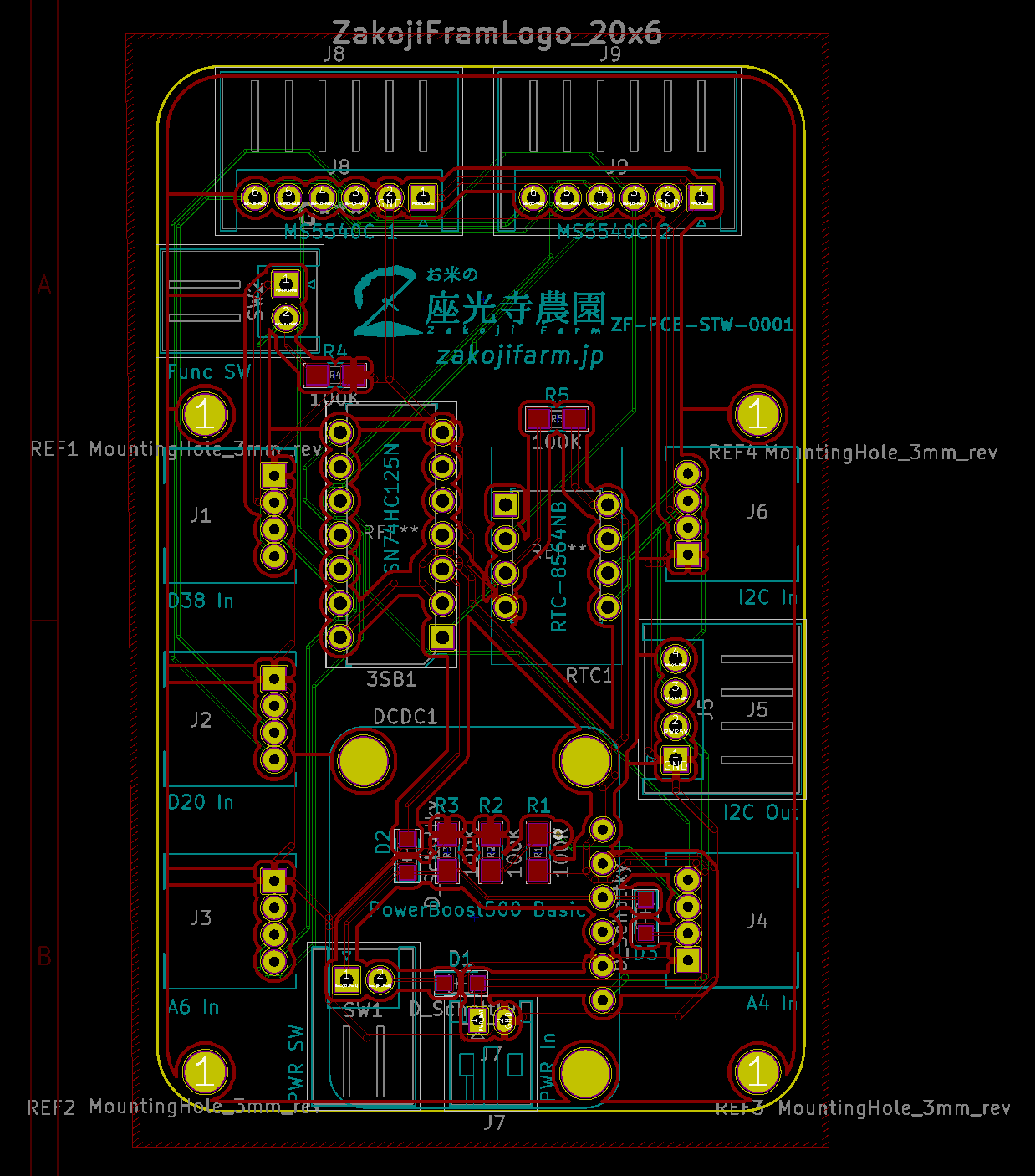
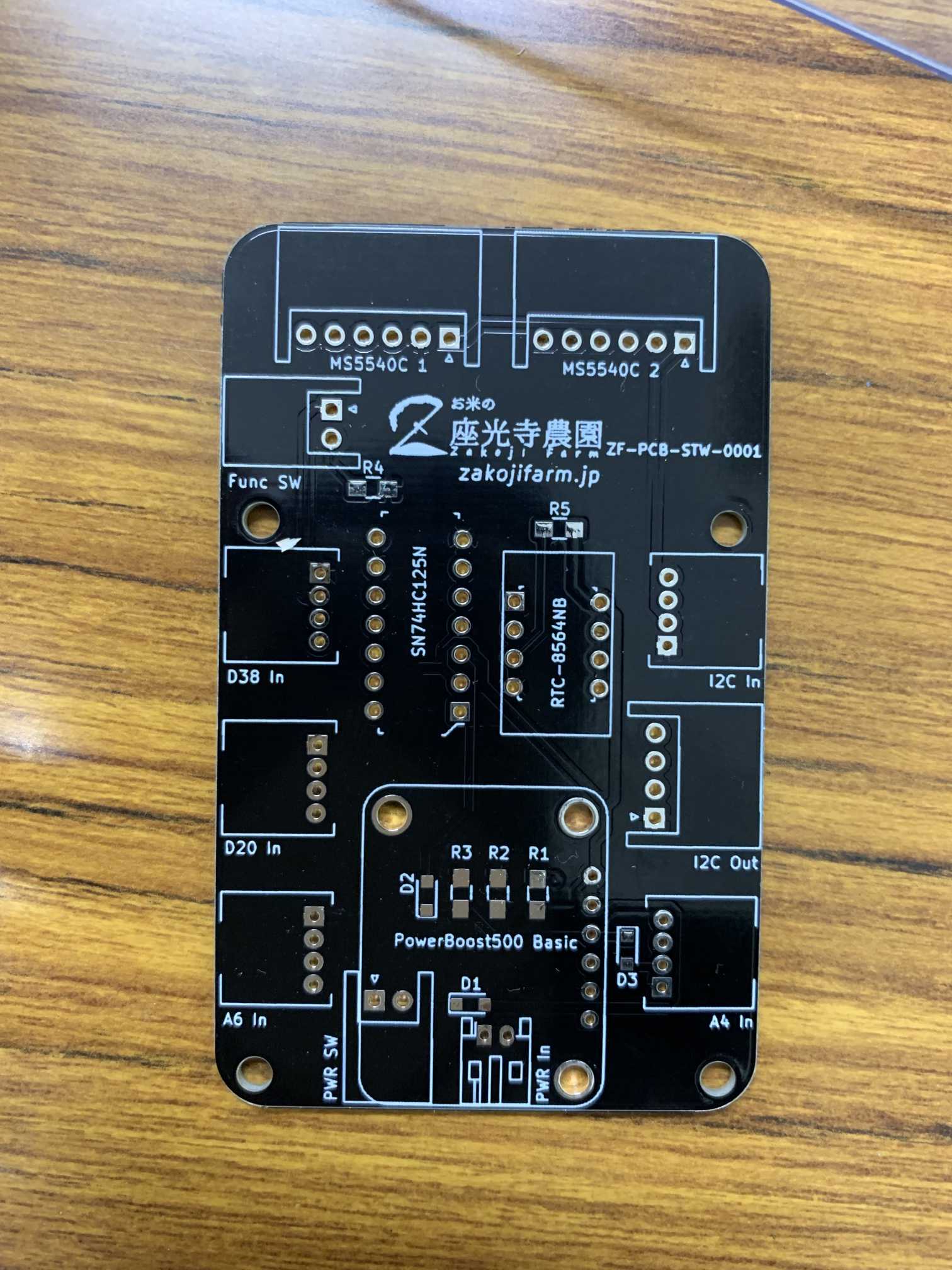
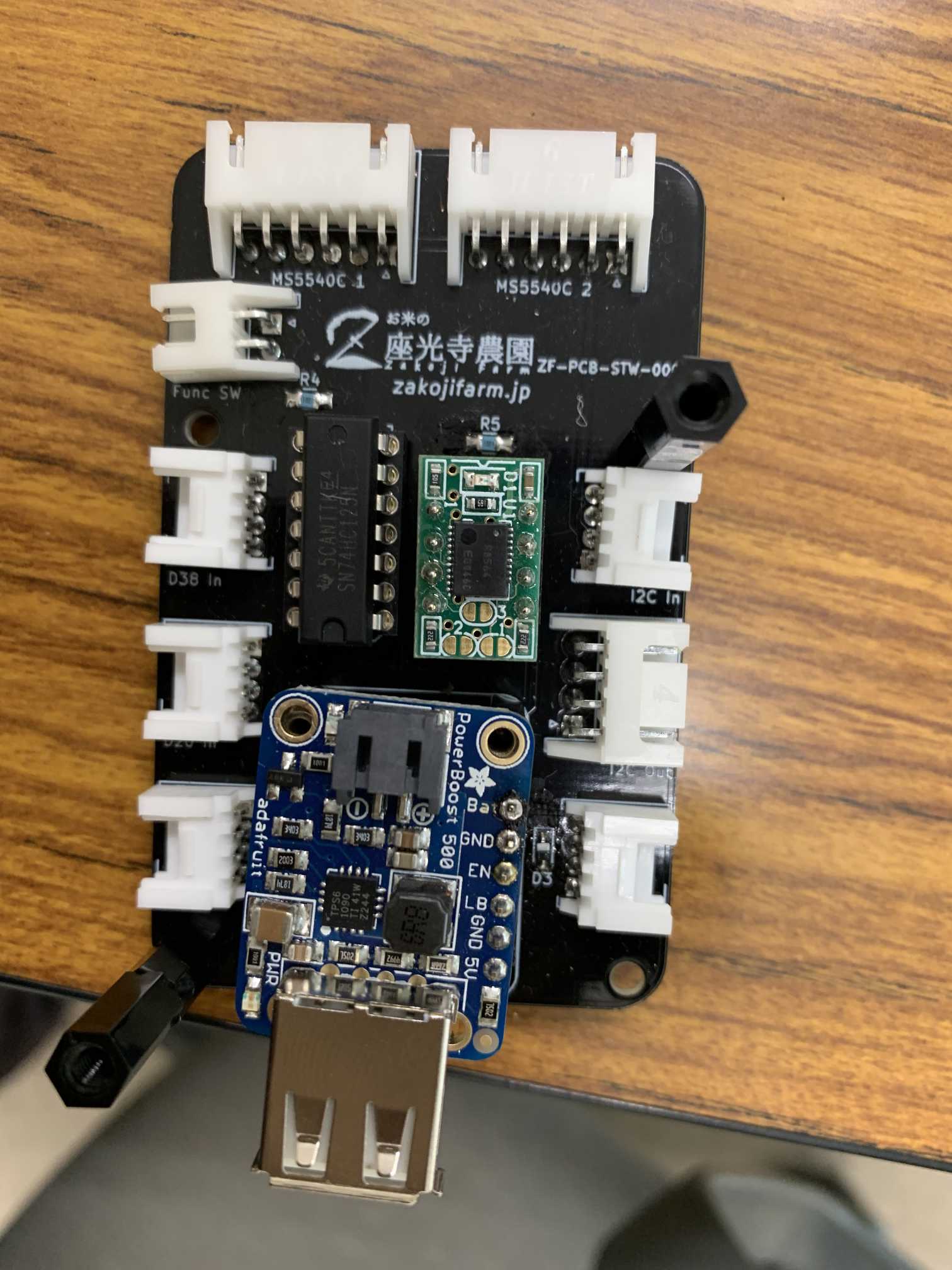
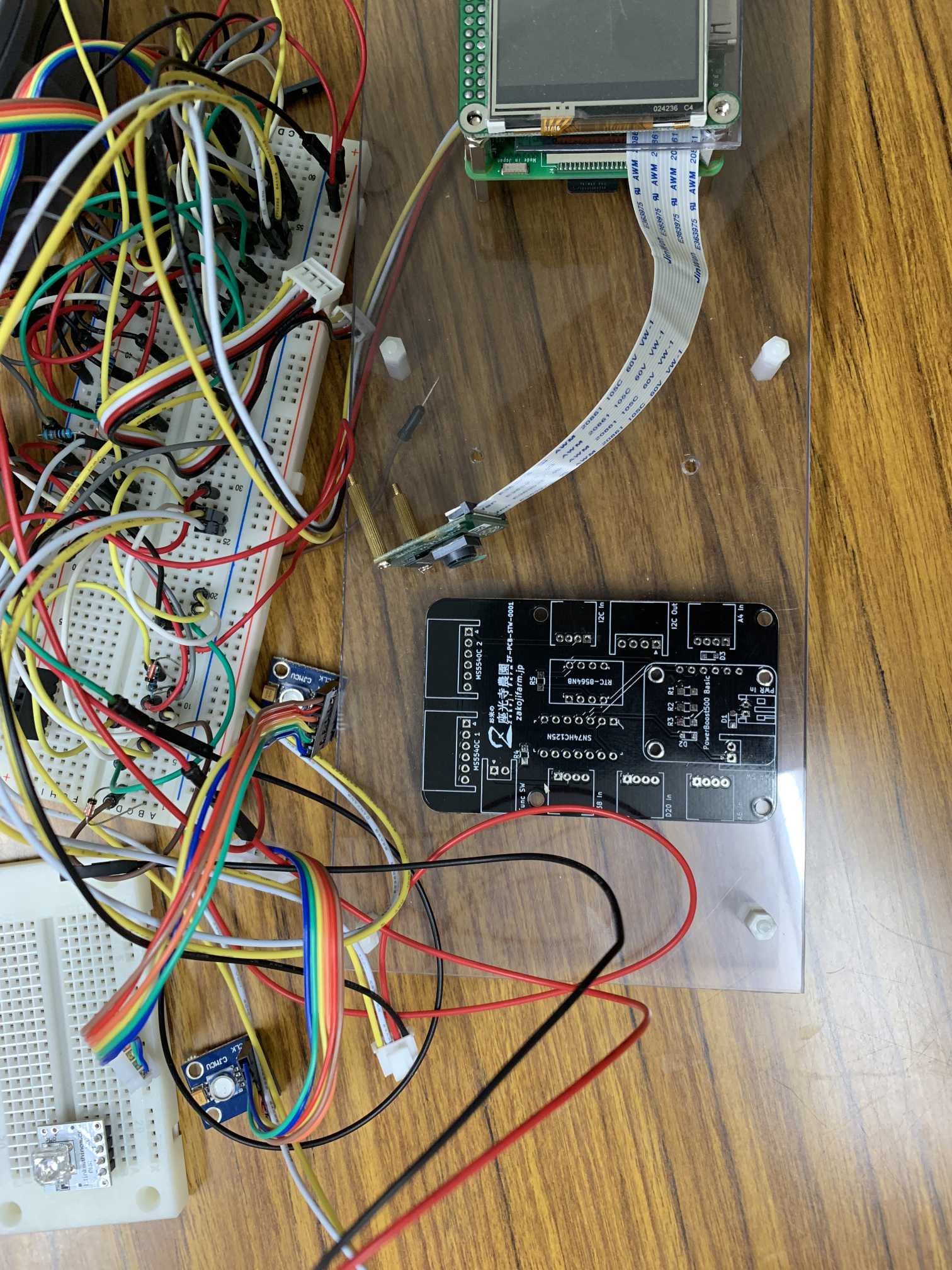
SensorToAmbient is an open-source printed circuit board by sonatine726, from the sonatine726/zakojifarm_iotfieldsensor repository on GitHub. It is a 2-layer board of 48.1 × 77.7 mm with 27 parts on 30 nets, routed with 244 tracks and 1 via.
It is built around the SN74HC125N and RTC-8564NB. Its parts include 9 connectors, 5 resistors, 3 diodes and 2 switches.

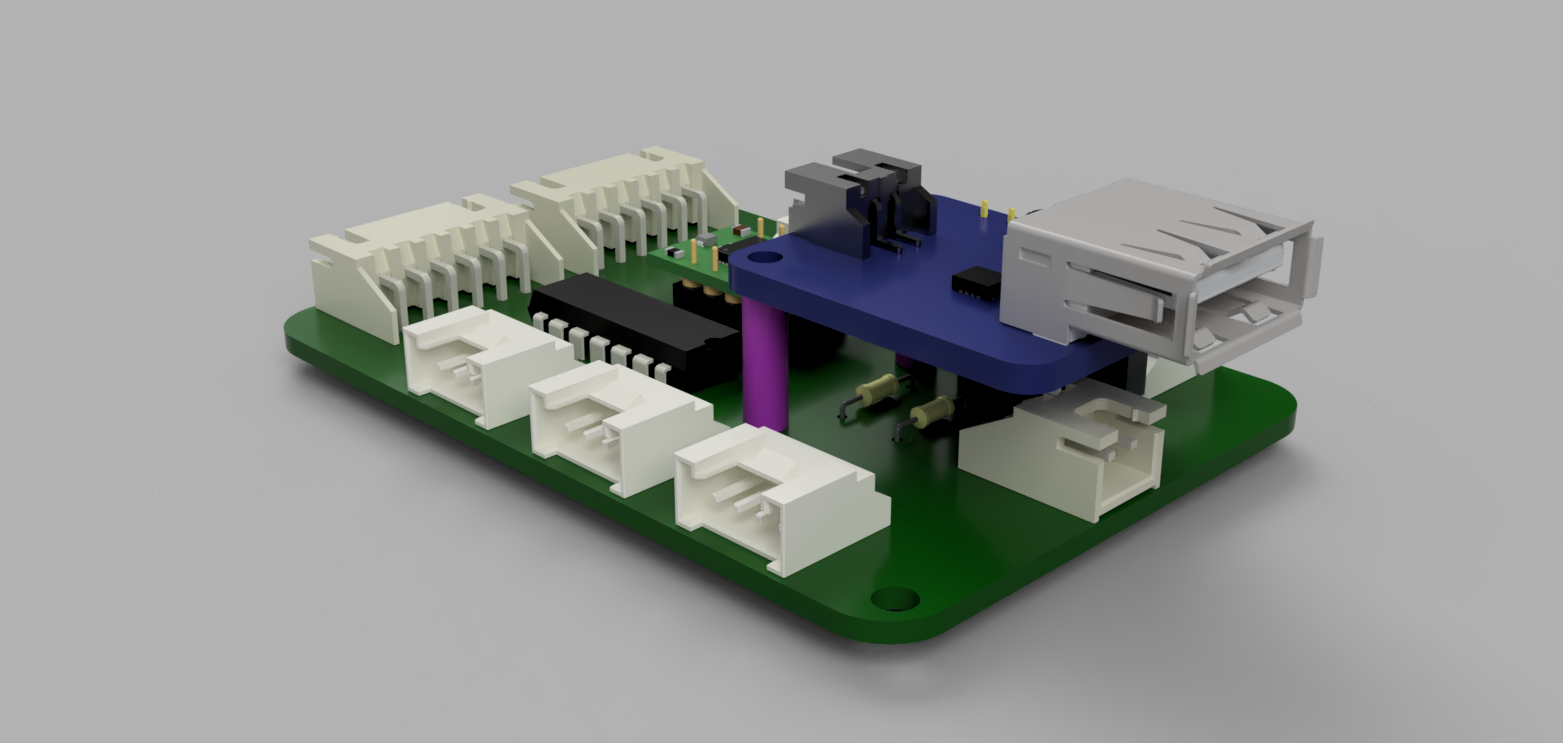
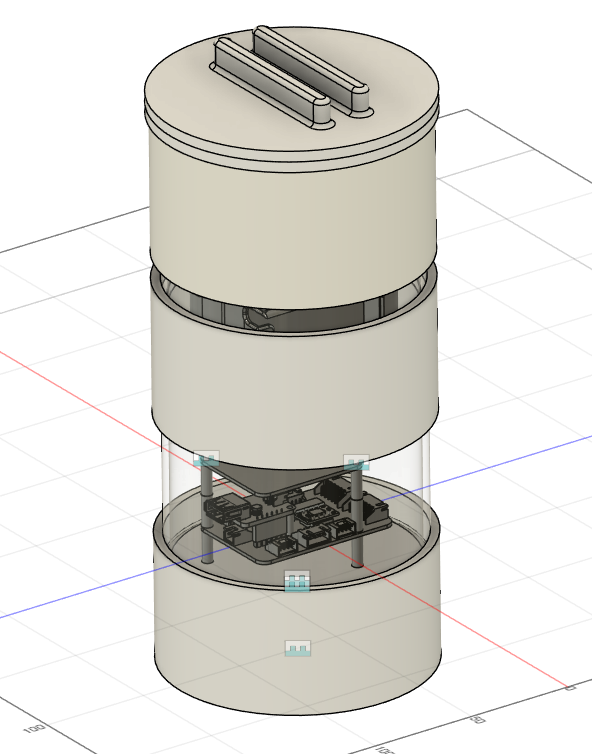
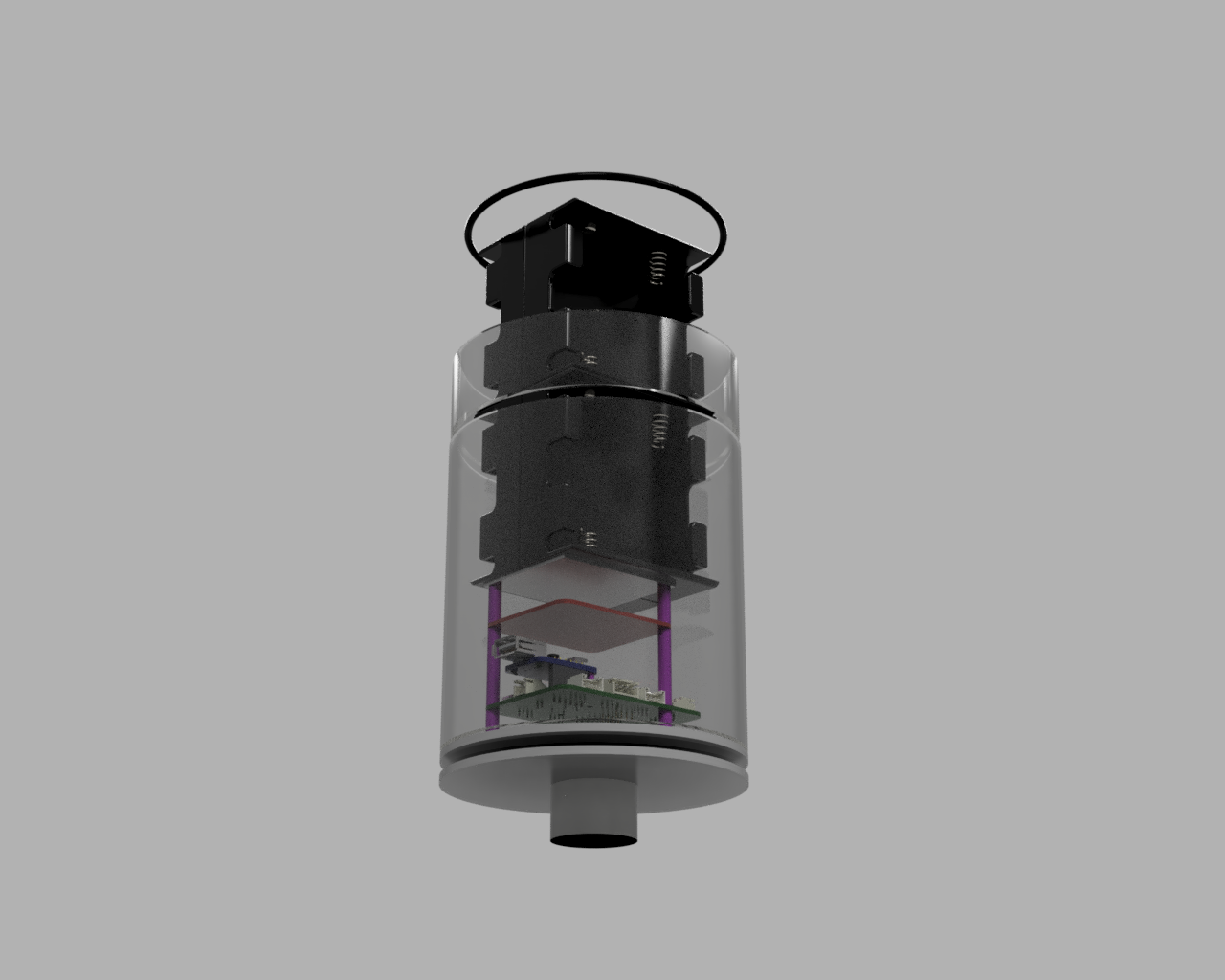
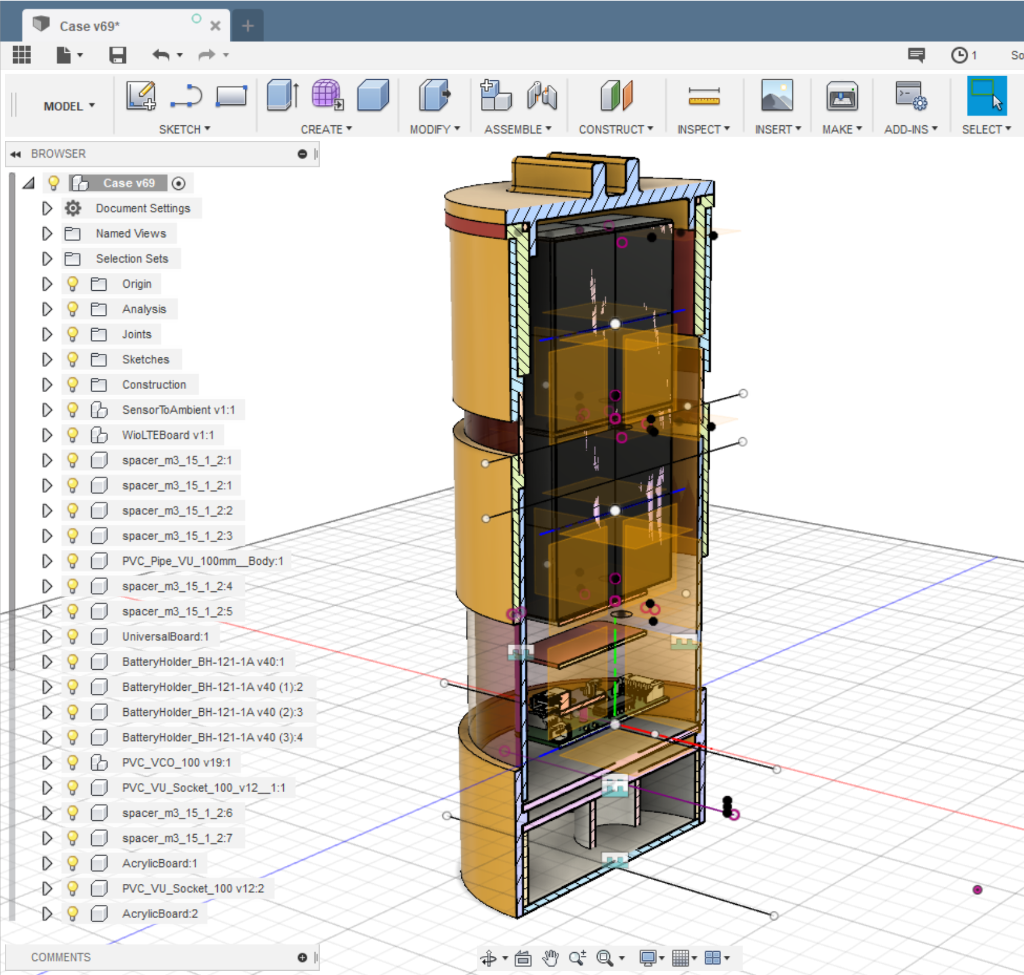
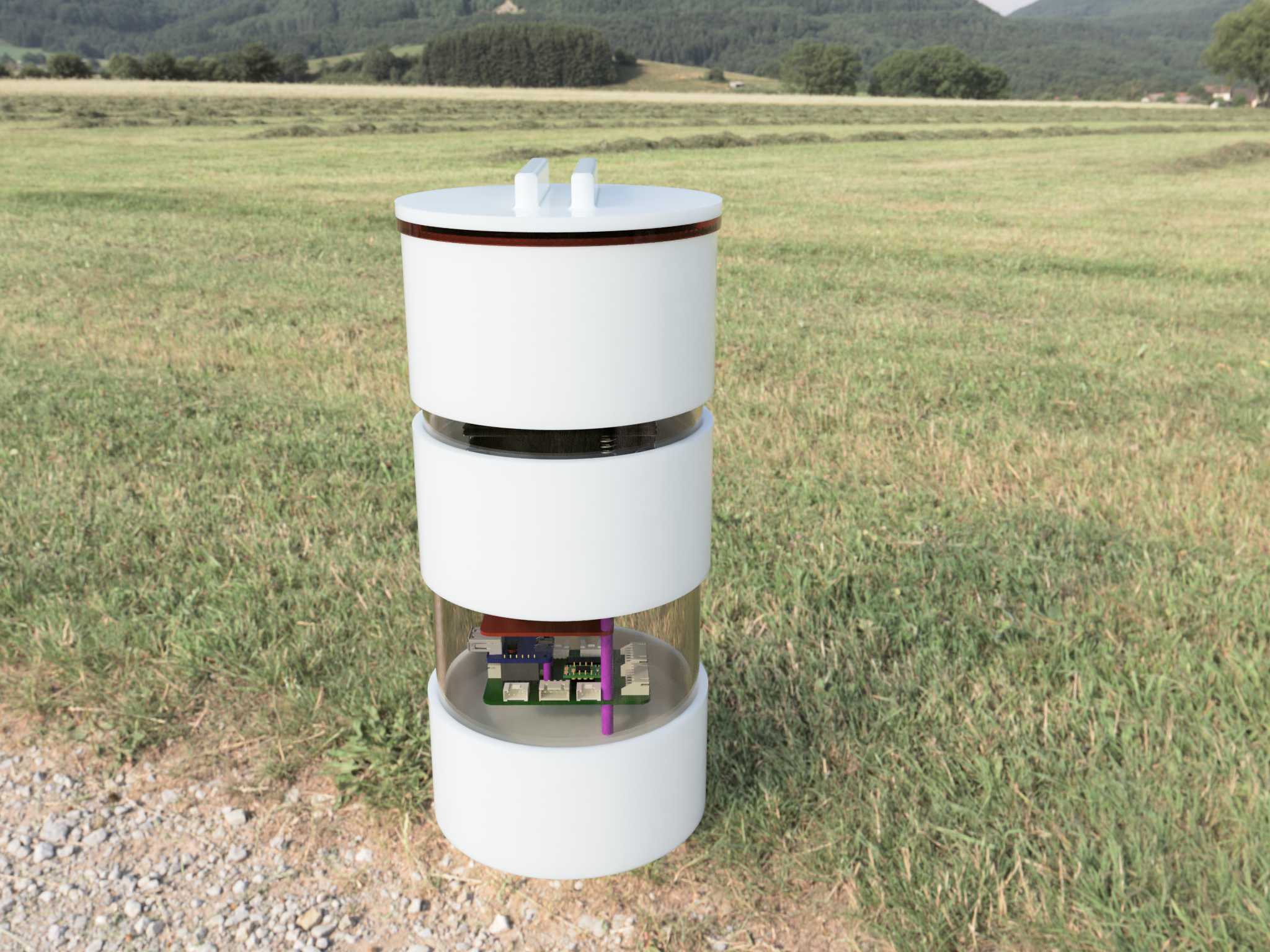
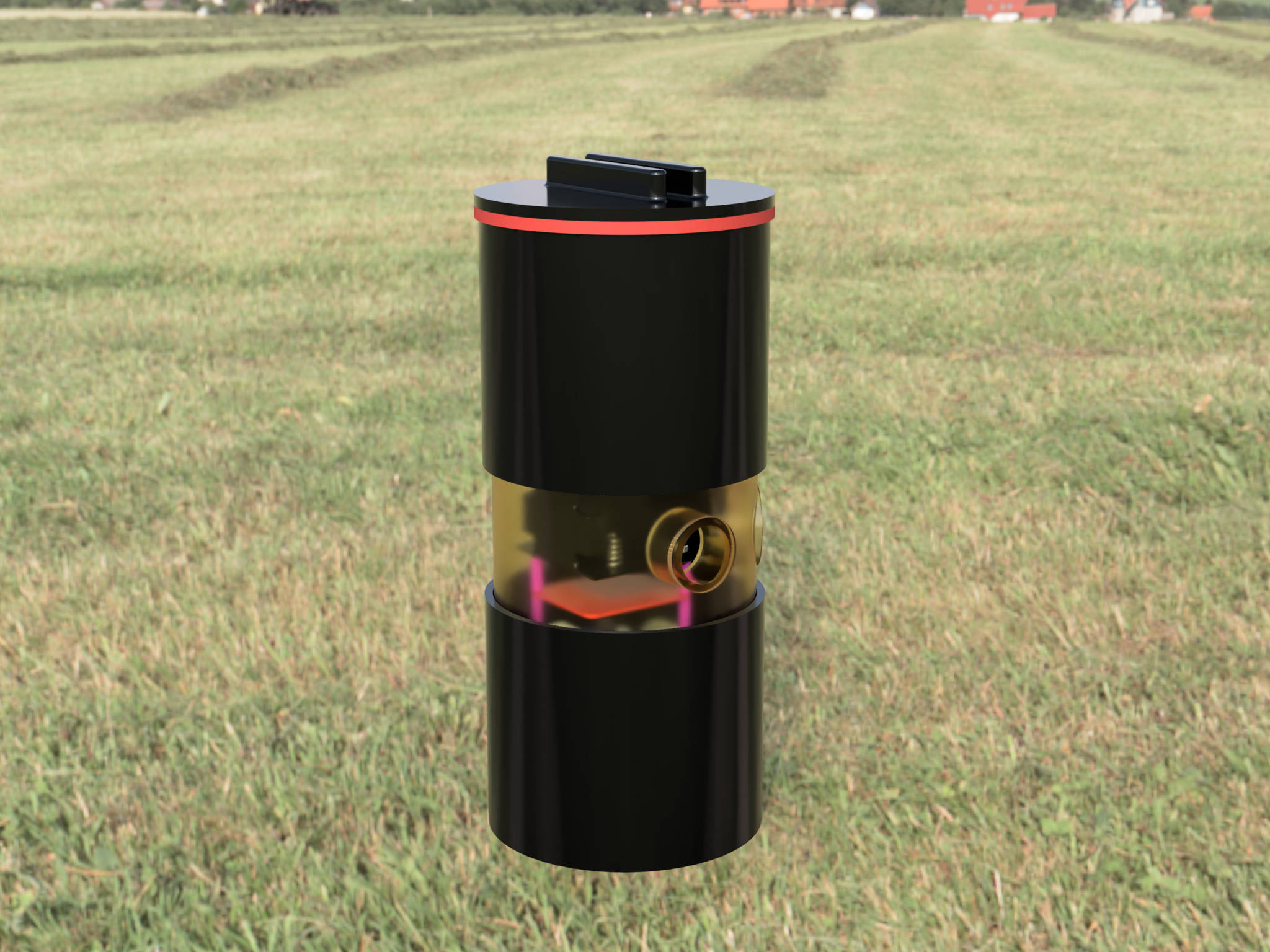
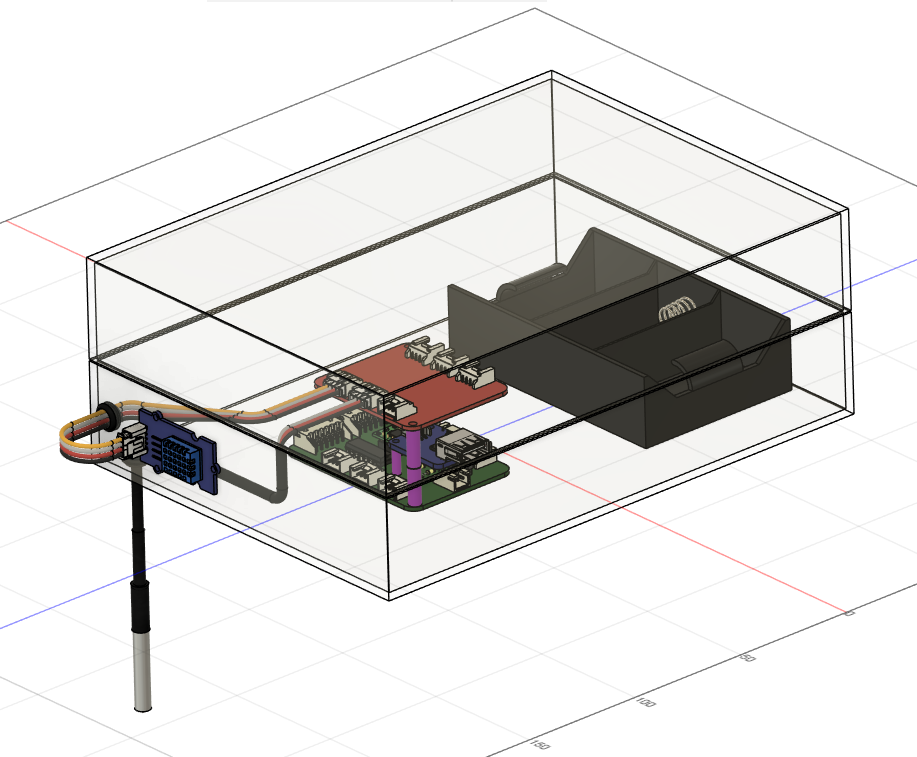
CADデータは Fusion360で作成。保管はFusion Team のクラウドストレージを使用する。 それ以外のデータは本リポジトリに保管。
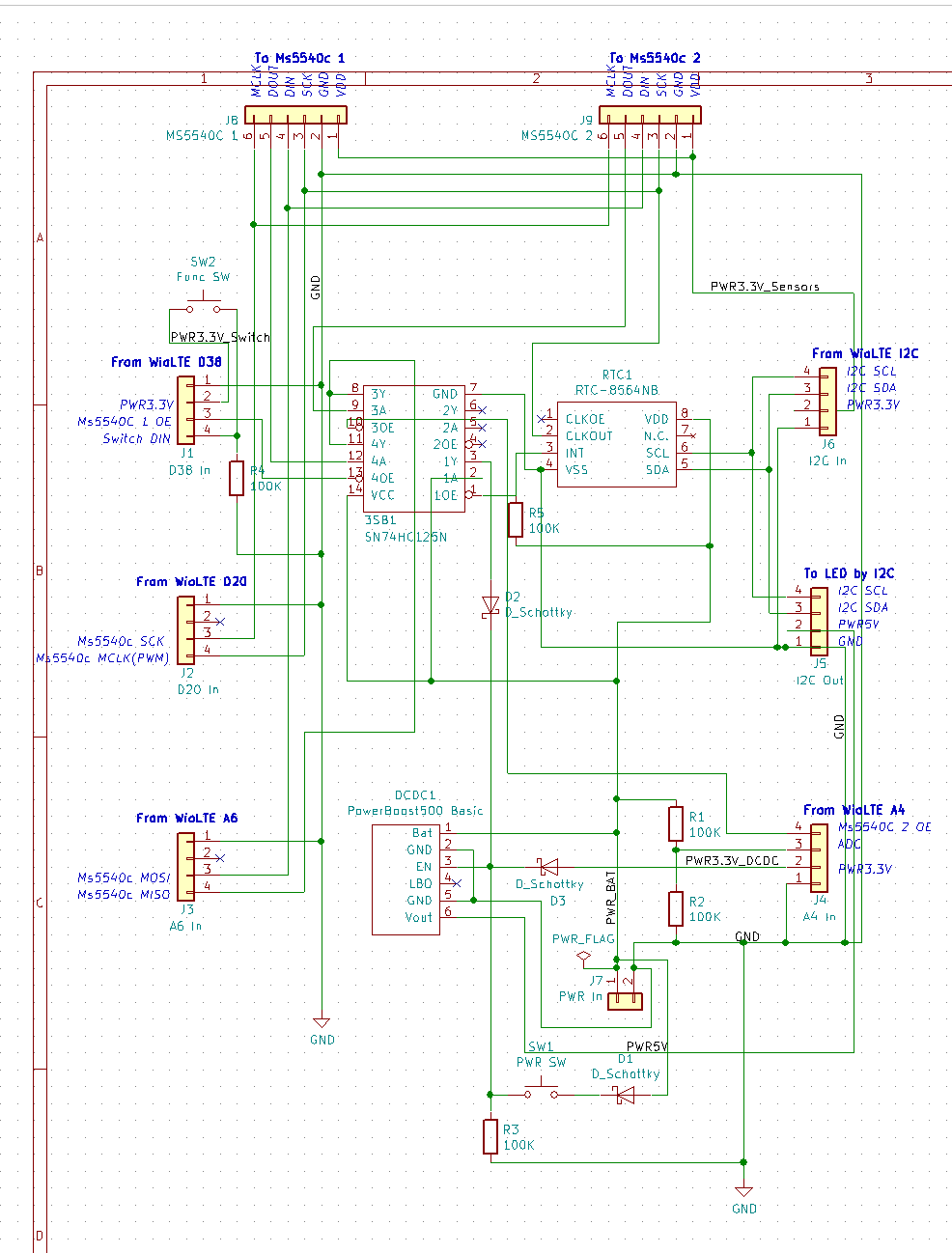
基板データはKiCadで作成。保管は本リポジトリ。
Pcbディレクトリ: 各基板のKiCadデータ
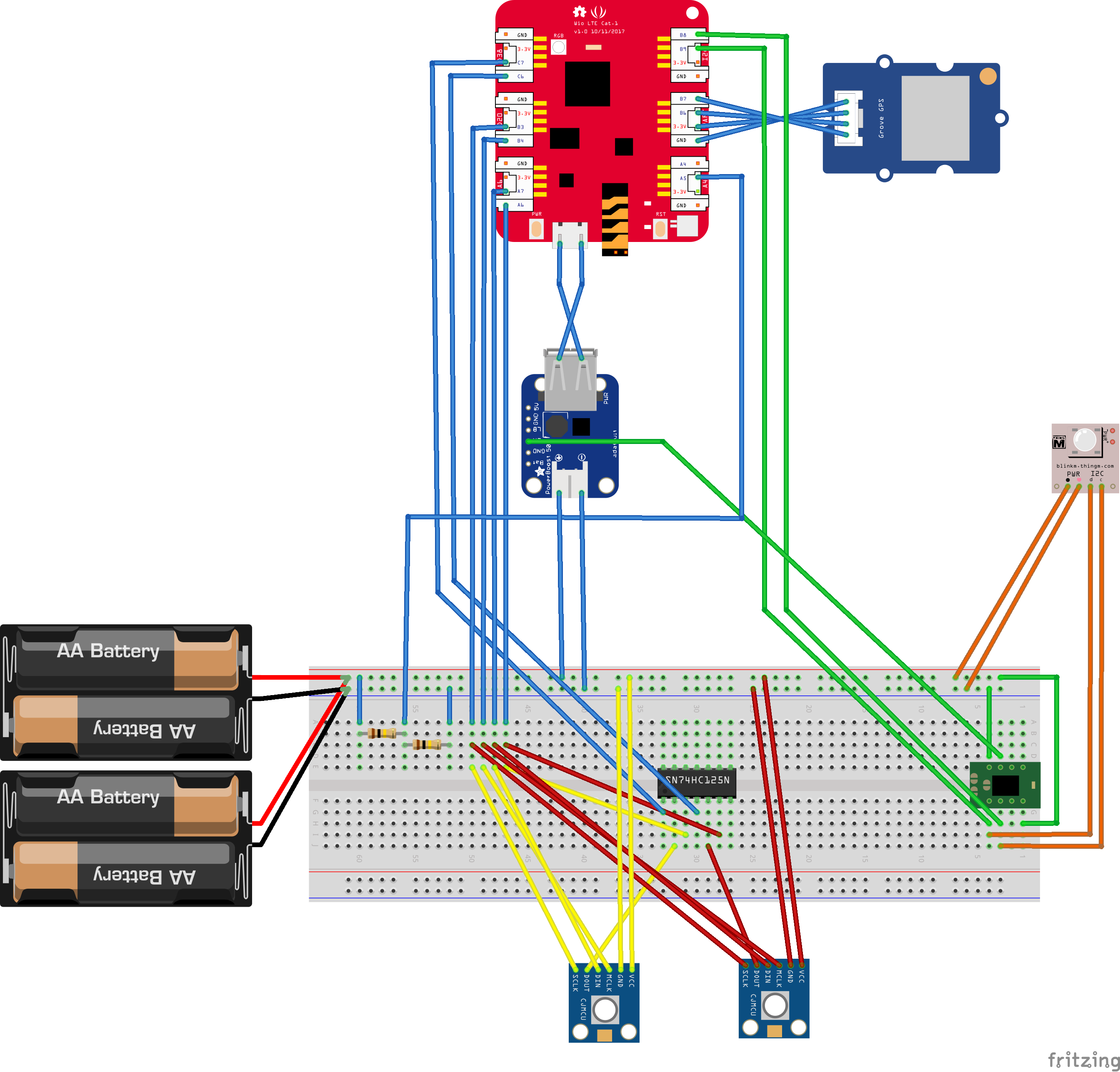
Fritzingディレクトリ: 試作用のFritzingデータ
本リポジトリに保管。
WEBサービスごとに専用のリポジトリを作って保管
アプリケーションごとに専用のリポジトリを作って保管

| Qty | Value | Footprint | References |
|---|---|---|---|
| 5 | 100K | Resistors_SMD:R_0805_HandSoldering | R1, R2, R3, R4, R5 |
| 4 | MountingHole_3mm_rev | SensorToAmbient:MountingHole_3mm_rev | REF1, REF2, REF3, REF4 |
| 3 | D_Schottky | Diodes_SMD:D_SOD-323_HandSoldering | D1, D2, D3 |
| 1 | A4 In | SensorToAmbient:Grove_2mm_4pin_angle2 | J4 |
| 1 | A6 In | SensorToAmbient:Grove_2mm_4pin_angle2 | J3 |
| 1 | D20 In | SensorToAmbient:Grove_2mm_4pin_angle2 | J2 |
| 1 | D38 In | SensorToAmbient:Grove_2mm_4pin_angle2 | J1 |
| 1 | Func SW | Connectors_JST:JST_XH_S02B-XH-A_02x2.50mm_Angled | SW2 |
| 1 | I2C In | SensorToAmbient:Grove_2mm_4pin_angle2 | J6 |
| 1 | I2C Out | Connectors_JST:JST_XH_S04B-XH-A_04x2.50mm_Angled | J5 |
| 1 | MS5540C 1 | Connectors_JST:JST_XH_S06B-XH-A_06x2.50mm_Angled | J8 |
| 1 | MS5540C 2 | Connectors_JST:JST_XH_S06B-XH-A_06x2.50mm_Angled | J9 |
| 1 | PWR In | Connectors_JST:JST_PH_S2B-PH-K_02x2.00mm_Angled | J7 |
| 1 | PWR SW | Connectors_JST:JST_XH_S02B-XH-A_02x2.50mm_Angled | SW1 |
| 1 | PowerBoost500 Basic | SensorToAmbient:DCDC_PowerBoost500 | DCDC1 |
| 1 | RTC-8564NB | SensorToAmbient:RTC-8564NB_Akiduki | RTC1 |
| 1 | SN74HC125N | digikey-footprints:DIP-14_W3mm | 3SB1 |
| 1 | ZakojiFramLogo_20x6 | SensorToAmbient:ZakojiFramLogo_20x6 | G*** |

AsherNoble/trueskate-ai-hardware
Hand-control layer for TrueSkate-AI: the agent sends touch gestures, a robotic finger performs them. Teensy 4.1 + SimpleFOC firmware, Python host.

millimeter-wave-lab/RFSoC-MINI-2SB-Receiver
Simulink models for Digital Sideband Separation on RFSoC 4x2


hackclub/OnBoard
💡 Join 1,000 teenagers and make your first PCB with a $100 grant!


It measures 48.1 × 77.7 mm and has 2 copper layers, 1.6 mm thick.
27 parts, built around the SN74HC125N and RTC-8564NB. The full list of its parts is on this page, with links to each part's symbol and footprint where PCBKit's library has them.
From the sonatine726/zakojifarm_iotfieldsensor repository on GitHub, at the commit this page was made from: the board is Pcb/SensorToAmbient/SensorToAmbient.kicad_pcb. PCBKit opens the board in the browser, with nothing to install.
Its repository states no licence, so its author keeps all rights: ask sonatine726 before reusing the design.