
2 layers45.7 × 31.8 mm
LEDx16 board
tardate/LittleArduinoProjects
a collection of "Little Electronic & Arduino Projects", most involving electronics or an Arduino in one way or another!
36 parts803MIT

 sephynox/simple-counter-rs
A complete embedded device example in Rust using an Arduino, KiCad, and Fusion360.
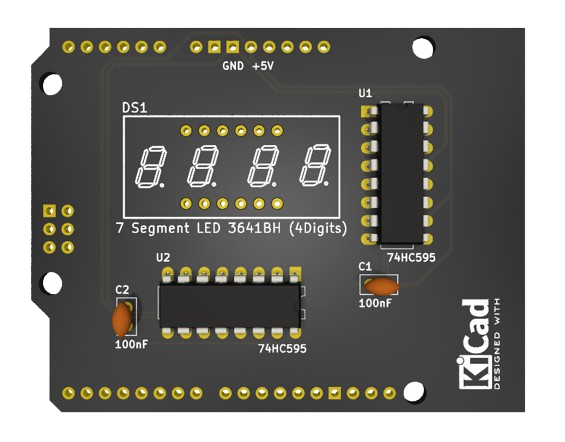
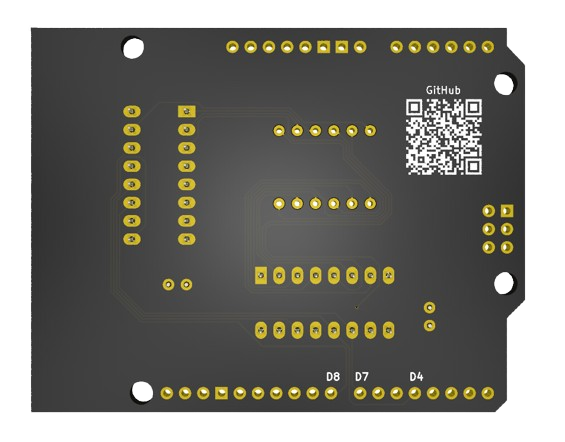
Simple counter is an open-source printed circuit board by sephynox, from the sephynox/simple-counter-rs repository on GitHub, published under the MIT licence. It is a 2-layer board of 68.8 × 53.6 mm with 8 parts on 55 nets, routed with 222 tracks and 1 via.
It is built around the 74HC595. Its parts include 2 capacitors and 2 ICs. It belongs with the AVR (ATmega, ATtiny) boards of this library.
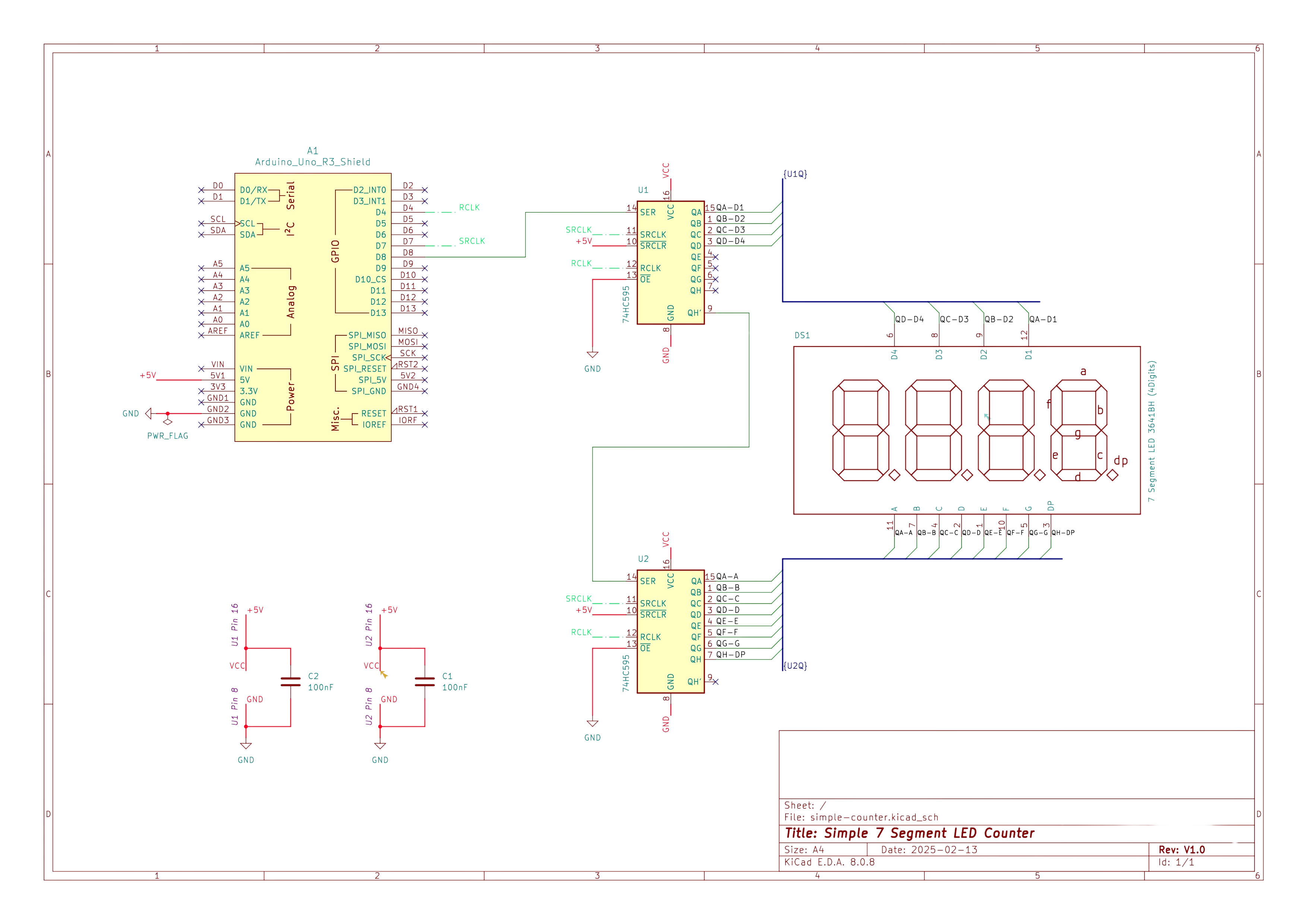
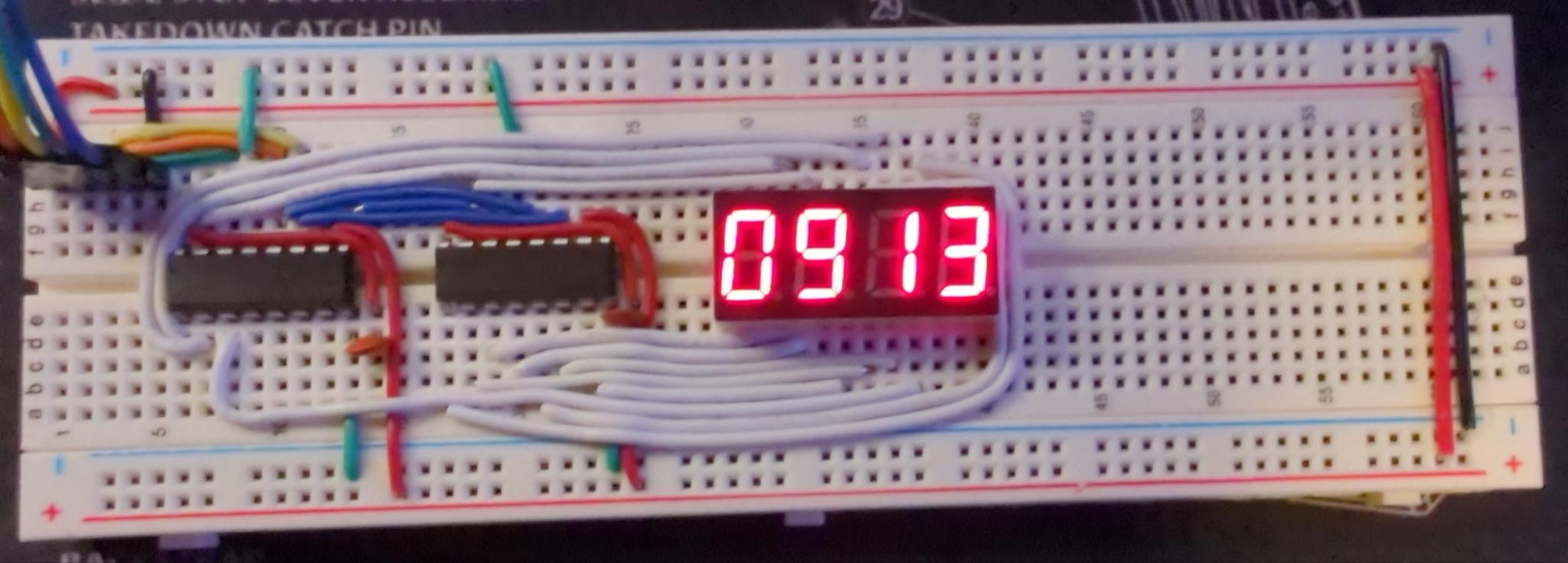
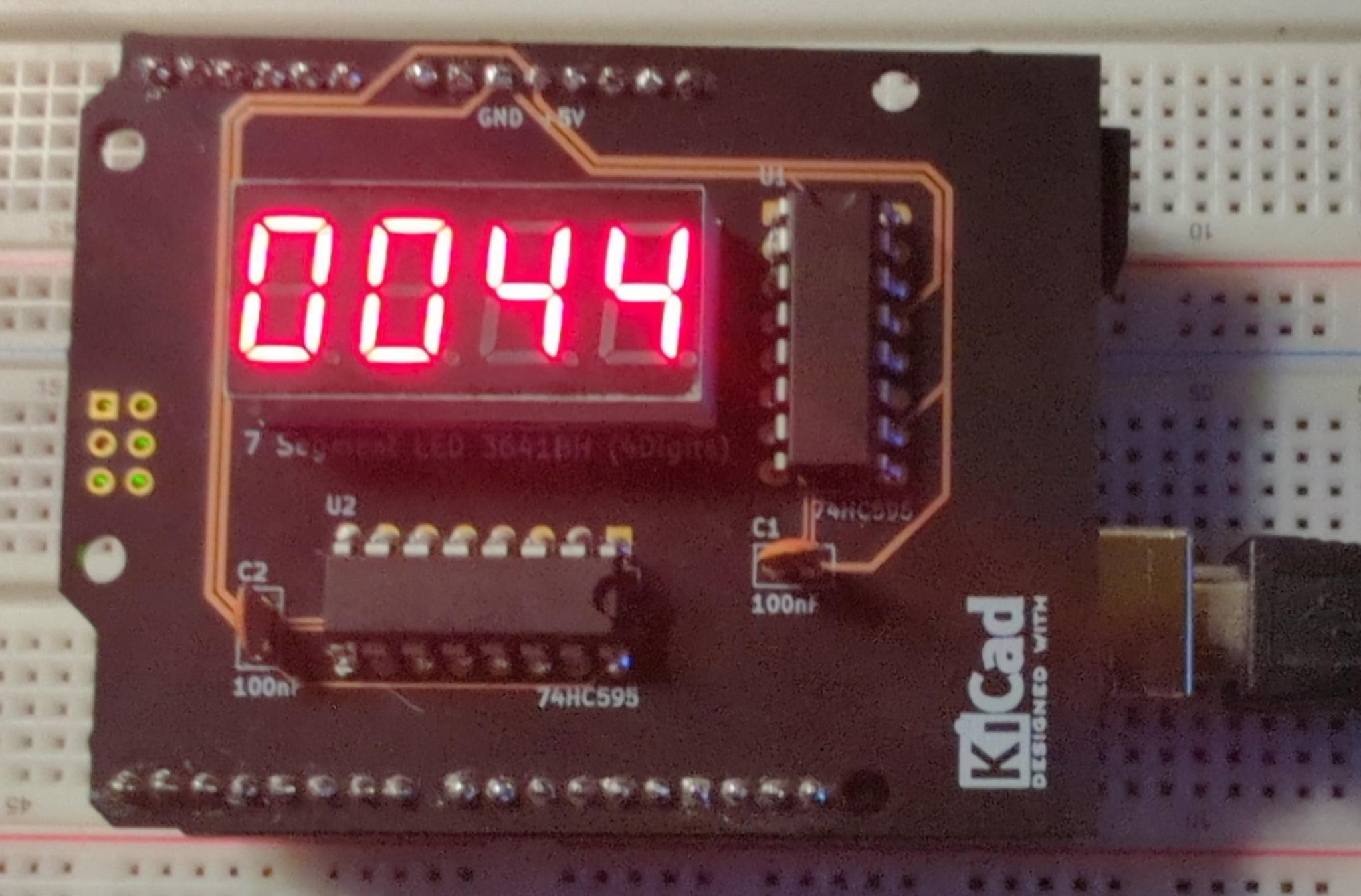
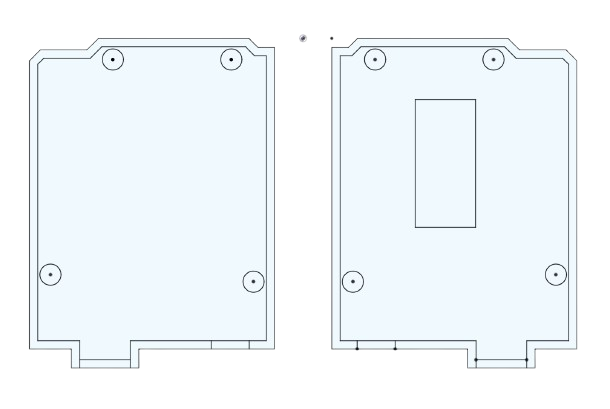
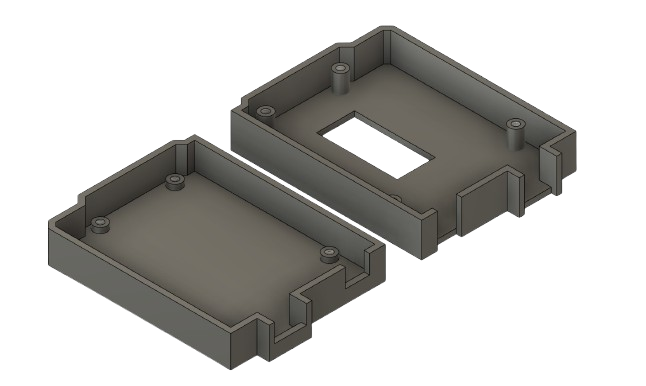
A Rust-based PlatformIO Arduino project for controlling a 4-digit 7-segment display with incrementing counter functionality. The purpose of this project is to develop a simple PCB, software, and case design as a template for developing hardware devices from ideation to production.
cargo install cargo-piorustup override set nightly
rustup target add avr-unknown-gnu-atmega328sudo apt-get install -y gcc-avr binutils-avr avr-libcsudo apt-get install -y python3-venv # If not already installed
cargo install cargo-pioClone the repository:
git clone https://github.com/sephynox/simple-counter-rs
cd simple-counter-rs
Build the project:
cargo pio buildFlash the firmware to your Arduino Uno:
cargo pio exec -- run --target uploadcargo pio new --board uno your-project-nameThis project is licensed under the MIT License - see the LICENSE file for details.
| Qty | Value | Footprint | References |
|---|---|---|---|
| 2 | 100nF | Capacitor_THT:C_Disc_D5.0mm_W2.5mm_P2.50mm | C1, C2 |
| 2 | 74HC595 | Package_DIP:DIP-16_W7.62mm_LongPads | U1, U2 |
| 1 | 7 Segment LED 3641BH (4Digits) | Imported:LEDSEG_0.36_4 | DS1 |
| 1 | Arduino_Uno_R3_Shield | Imported:Arduino_Uno_R3_Shield_TW | A1 |
| 1 | GitHub | Imported:simple-counter-rs-qr | Graphic_QR |
| 1 | KiCad-Logo2_5mm_SilkScreen | Symbol:KiCad-Logo2_5mm_SilkScreen | Graphic_KiCad |
tardate/LittleArduinoProjects
a collection of "Little Electronic & Arduino Projects", most involving electronics or an Arduino in one way or another!

ChrisChrisLoLo/beyblock20
The magnetic, modular, 20-key macropad that can join together to form an ortholinear board

slu4coder/Minimal-64x4-Home-Computer
My DIY TTL home computer with VGA and PS/2 and 4x the processing power of a Commodore C64 or Apple II.

electroniceel/protoboard
Advanced protoboard layout with 1.27mm pitch for smd parts

TobleMiner/DC-UPS
A small DC UPS, designed to keep small appliances like consumer network equipment running during power outages


It measures 68.8 × 53.6 mm and has 2 copper layers, 1.6 mm thick.
8 parts, built around the 74HC595. The full list of its parts is on this page, with links to each part's symbol and footprint where PCBKit's library has them.
From the sephynox/simple-counter-rs repository on GitHub, at the commit this page was made from: the board is schematic/simple-counter.kicad_pcb and its schematic schematic/simple-counter.kicad_sch. PCBKit opens the board in the browser, with nothing to install.
Its repository publishes it under the MIT licence: you may reuse it on that licence's terms (keep the author's notice, and for a copyleft licence share your changes alike).