
2 layers285 × 94.6 mm

USB HID keyboard firmware for tinygo
Wiokey is an open-source printed circuit board by sago35, from the sago35/tinygo-keyboard repository on GitHub, published under the MIT licence. It is a 2-layer board of 126 × 57 mm with 16 parts on 46 nets, routed with 365 tracks and 32 vias.
Its parts include 6 diodes, 6 switches and 2 ICs. It belongs with the keyboards and input boards and the RP2040, nRF52 and nRF5x and SAM D and SAM boards of this library.
The API is not yet fixed.
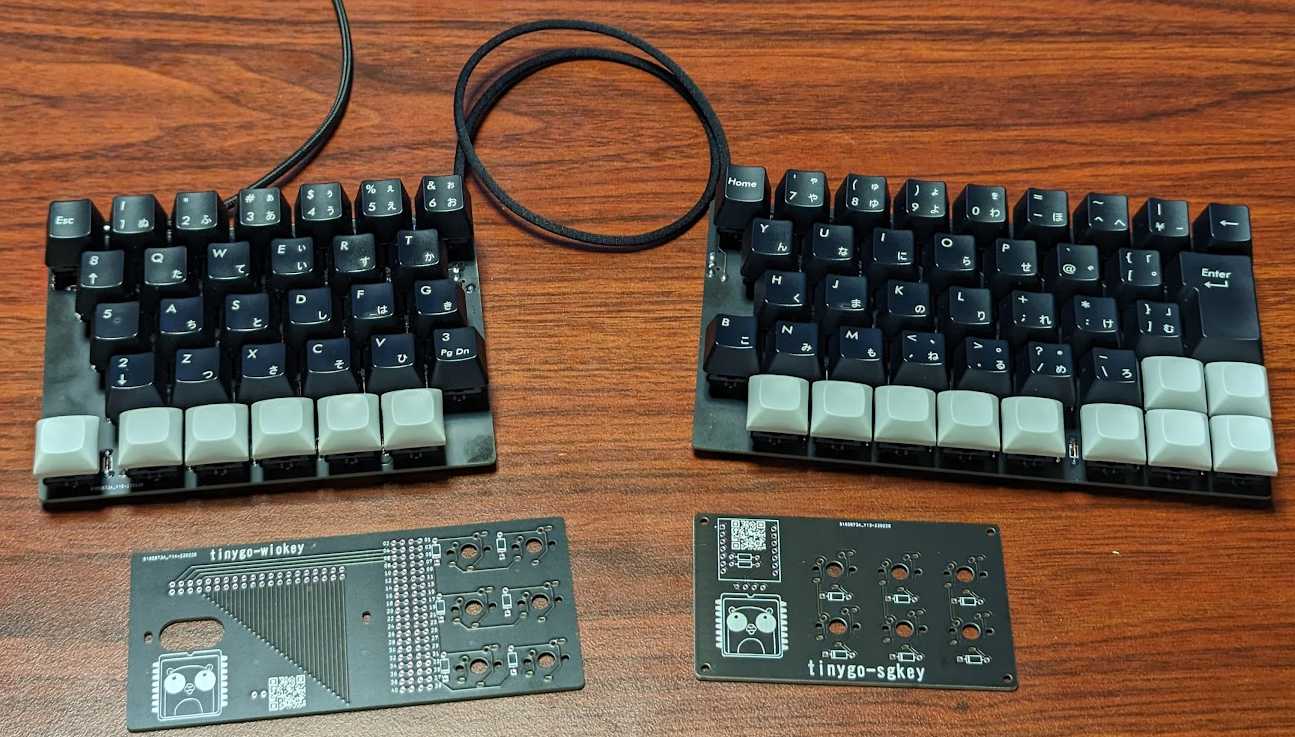
The following are supported.
The following microcontrollers are supported.
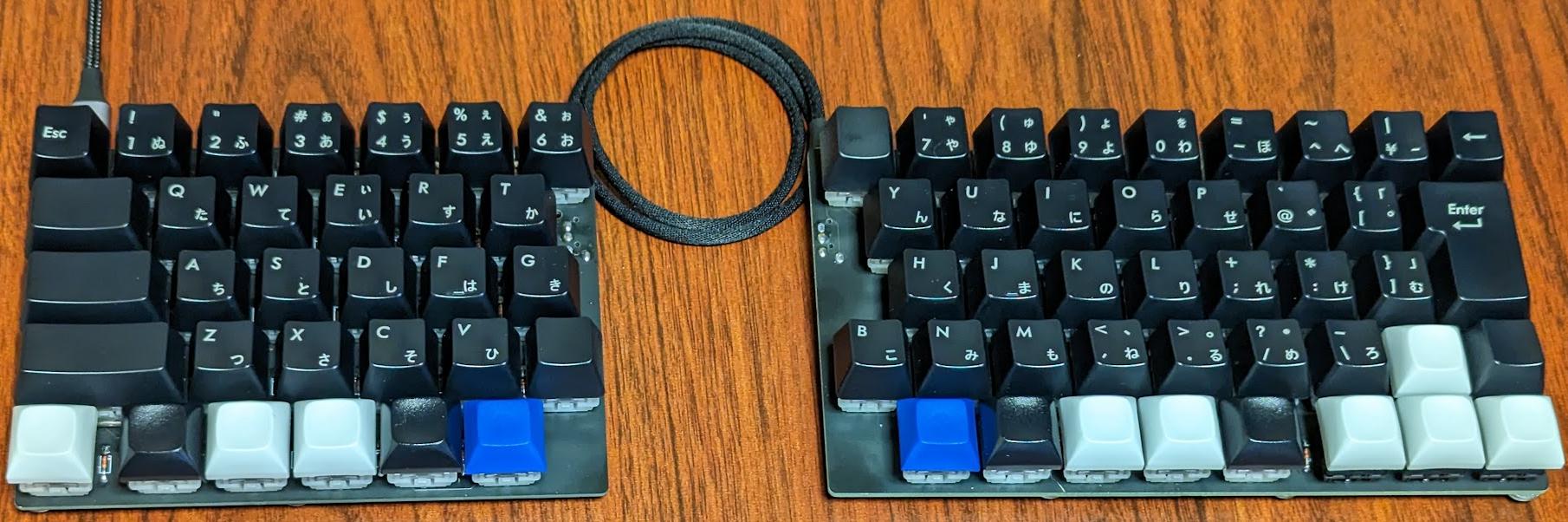
# sgkb-0.4.0
$ tinygo flash --target xiao-rp2040 --size short --stack-size 8kb ./targets/sgkb/left/
$ tinygo flash --target xiao-rp2040 --size short --stack-size 8kb ./targets/sgkb/right/

# sgkb-0.3.0 or before
$ tinygo flash --target xiao-rp2040 --size short --stack-size 8kb ./targets/sgkb/left-0.3.0/
$ tinygo flash --target xiao-rp2040 --size short --stack-size 8kb ./targets/sgkb/right/| name | amount |
|---|---|
| Cherry MX / Kailh Choc V1 | 72 |
| key cap (1u) | 68 |
| key cap (1.5u) | 1 |
| key cap (1.75u) | 1 |
| key cap (2u) | 1 |
| key cap (ISO-ENTER) | 1 |
| Stabilizer (2u) | 2 |
| diode 1N4148 | 72 |
| xiao-rp2040 | 2 |
| pin header 1x7 | 4 |
| TRRS connector | 2 |
| TRRS cable | 1 |
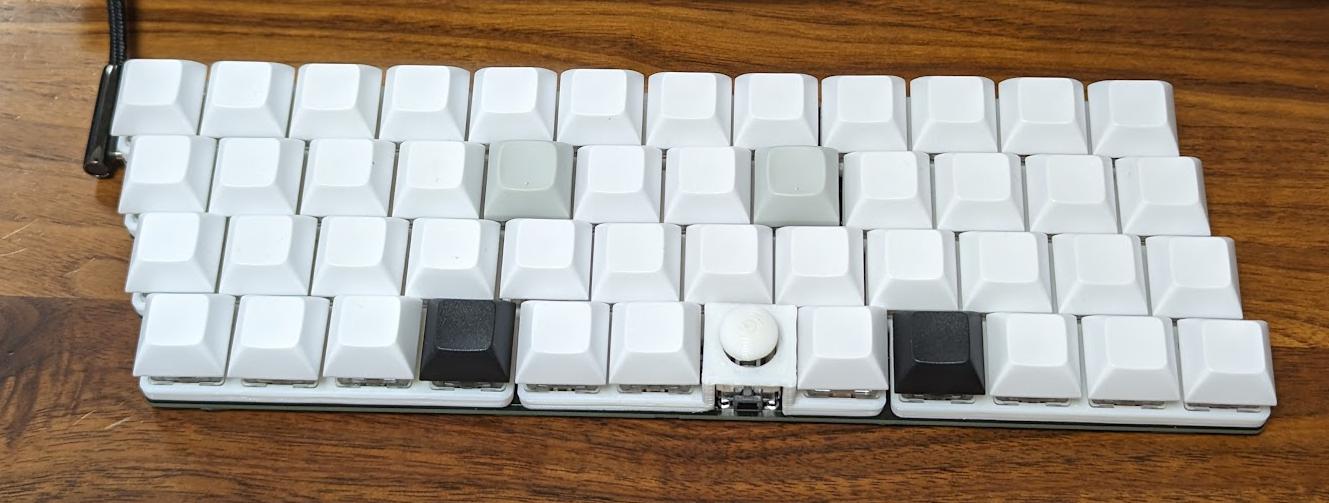
tinygo flash --target xiao --size short --stack-size 8kb ./targets/sg48key/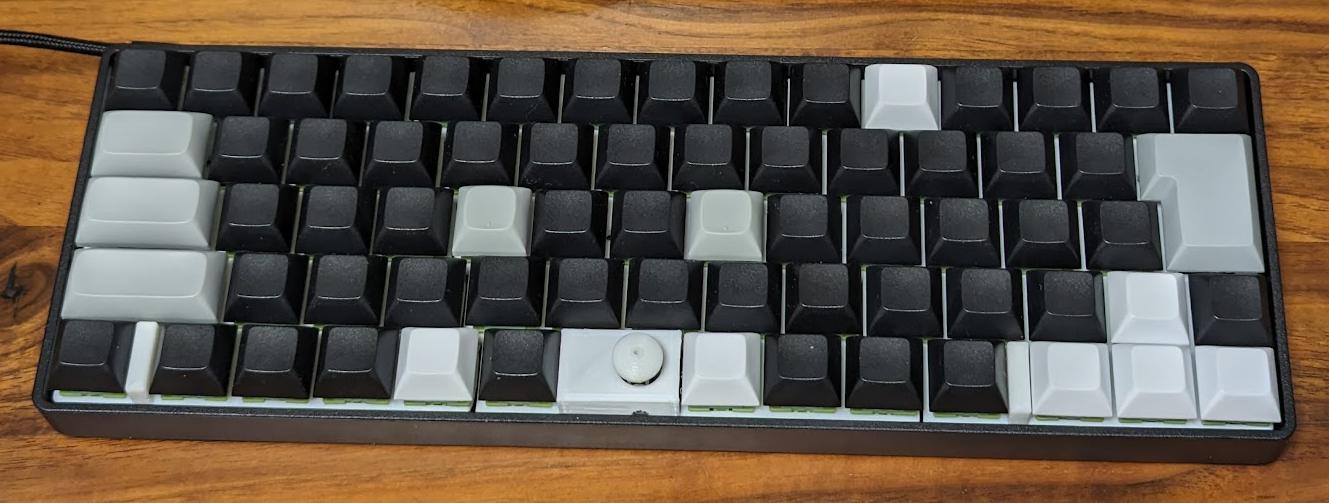
tinygo flash --target waveshare-rp2040-zero --size short --stack-size 8kb ./targets/sgh60/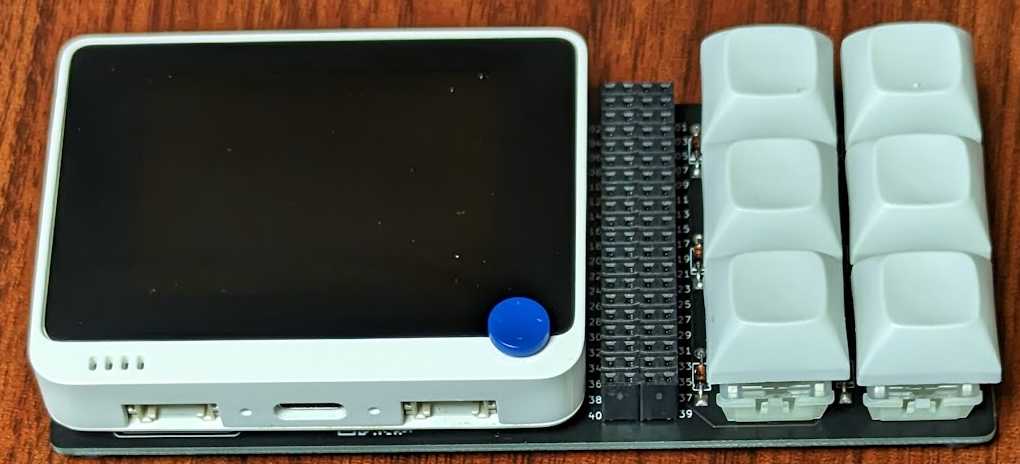
$ tinygo flash --target wioterminal --size short --stack-size 8kb ./targets/wiokey/| name | amount |
|---|---|
| Cherry MX / Kailh Choc V1 | 6 |
| key cap | 6 |
| diode 1N4148 | 6 |
| wioterminal | 1 |
| pin socket 2x20 | 2 |
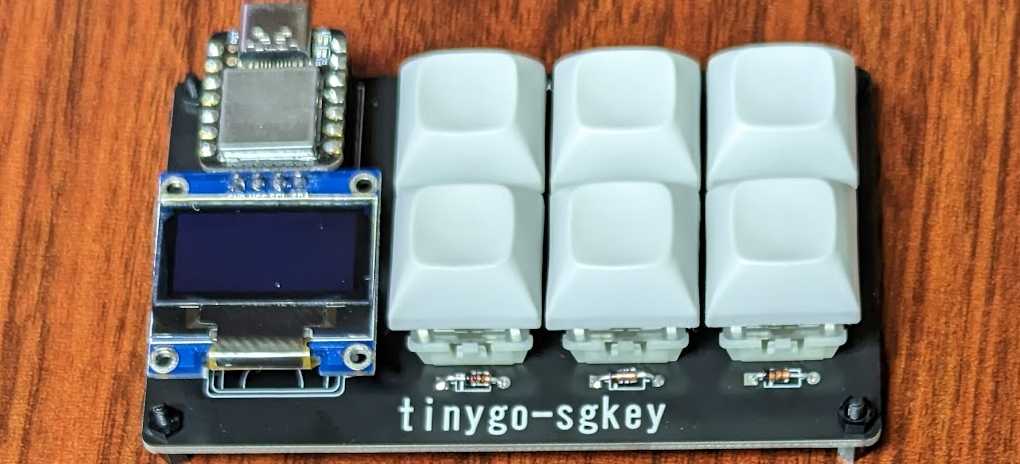
$ tinygo flash --target xiao-rp2040 --size short --stack-size 8kb ./targets/sgkey/| name | amount |
|---|---|
| Cherry MX / Kailh Choc V1 | 6 |
| key cap | 6 |
| diode 1N4148 | 6 |
| xiao-rp2040 | 1 |
| i2c ssd1306 | 1 |
| register 10k ohm | 2 |
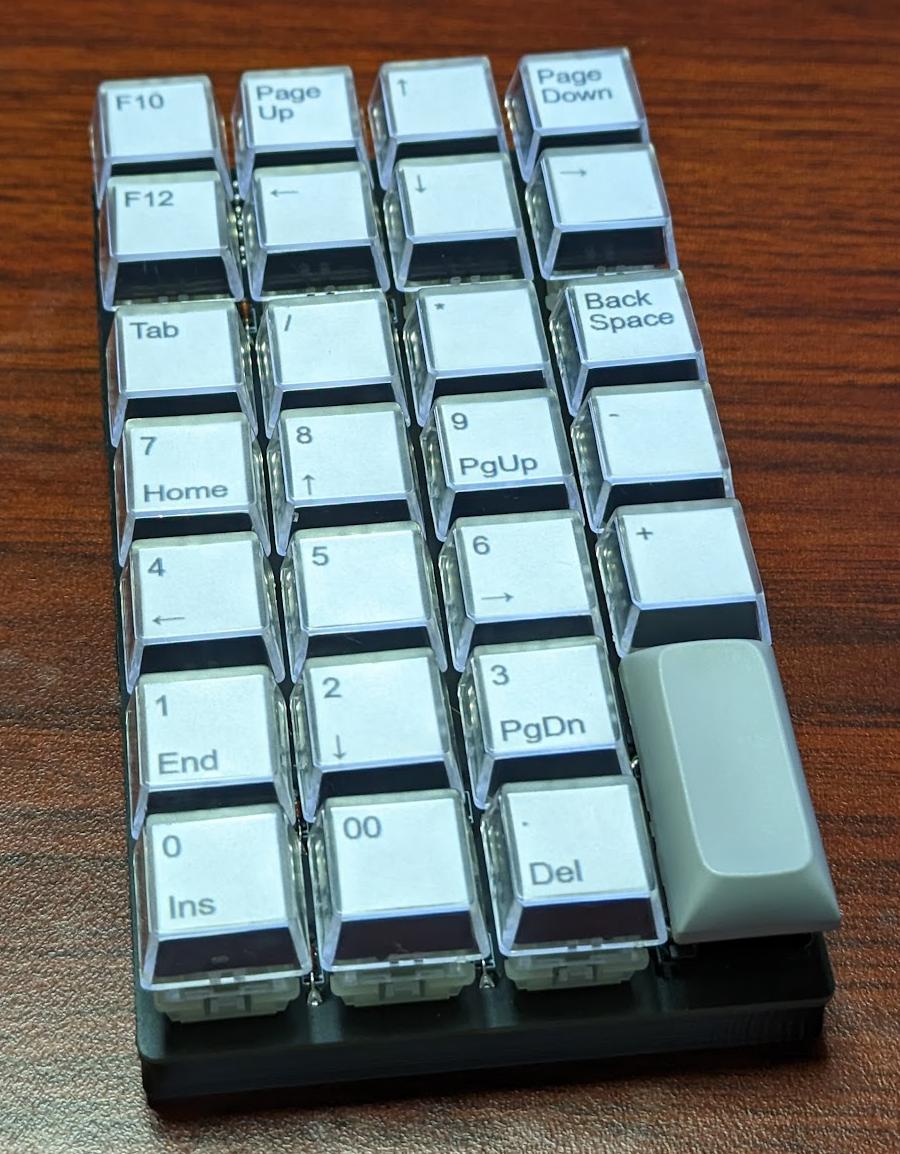
$ tinygo flash --target xiao-rp2040 --size short --stack-size 8kb ./targets/fric10key/| name | amount |
|---|---|
| Cherry MX / Kailh Choc V1 | 27 |
| key cap (1u) | 26 |
| key cap (2u) | 1 |
| Stabilizer (2u) | 1 |
| diode 1N4148 | 27 |
| xiao-rp2040 | 1 |
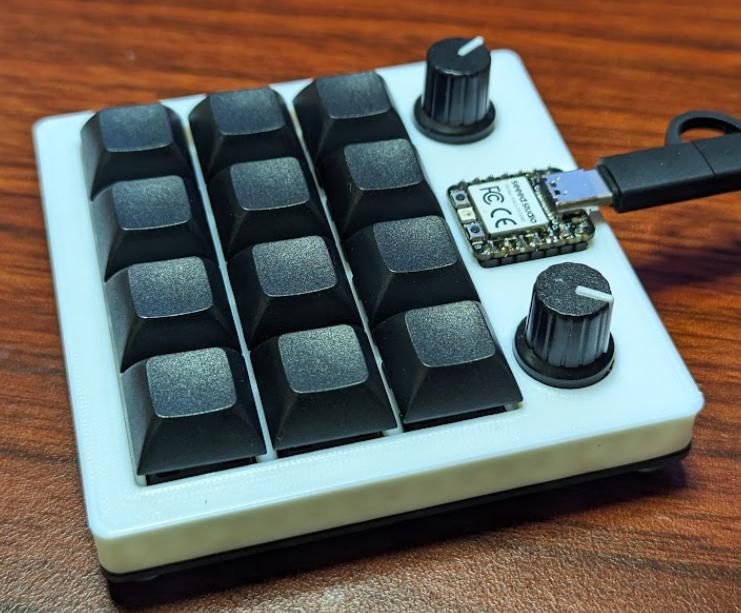
$ tinygo flash --target xiao-rp2040 --size short --stack-size 8kb ./targets/xiao-kb01/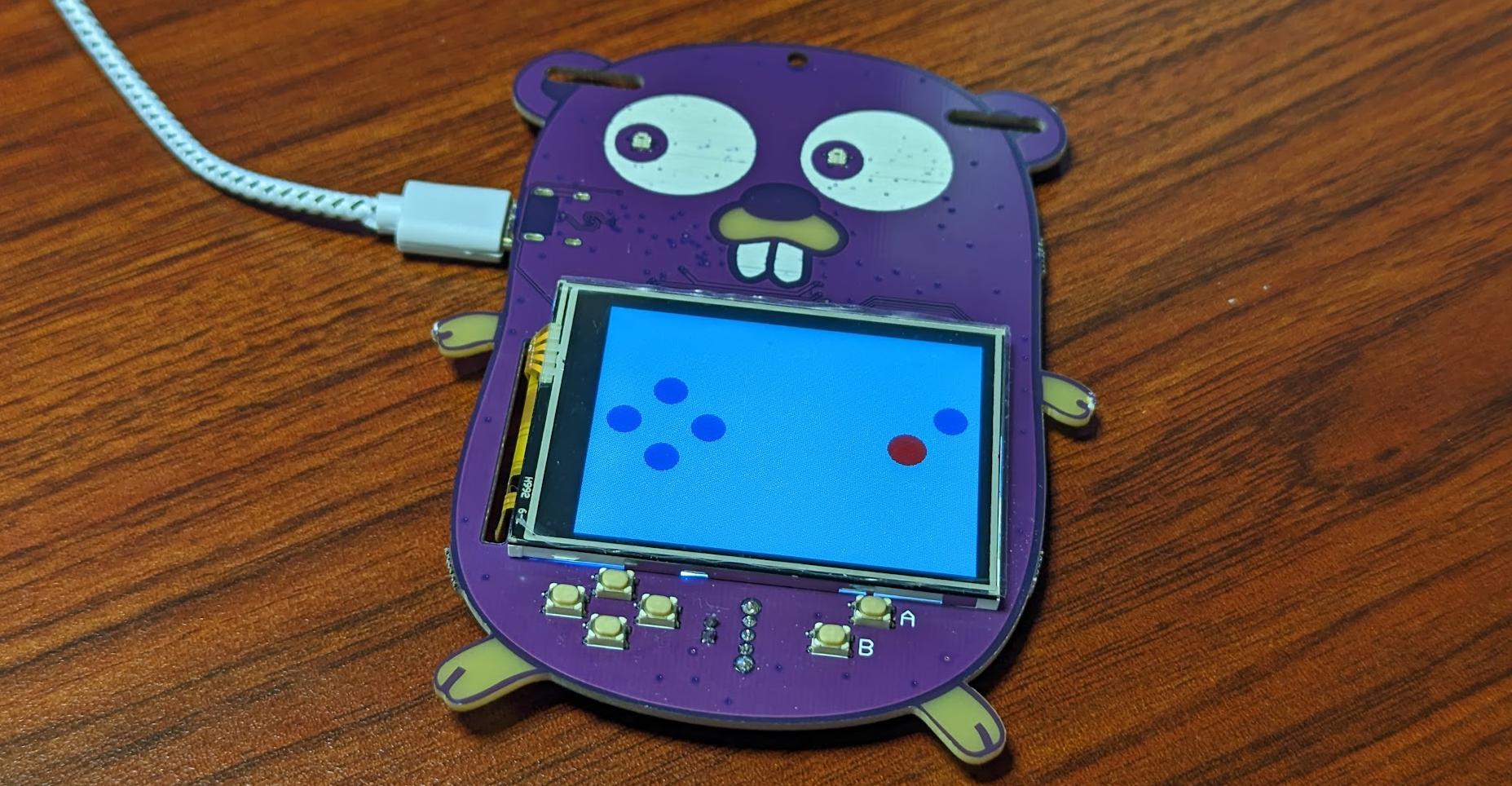
$ tinygo flash --target gopher-badge --size short --stack-size 8kb ./targets/gopher-badge/$ tinygo flash --target gobadge --size short --stack-size 8kb ./targets/gobadge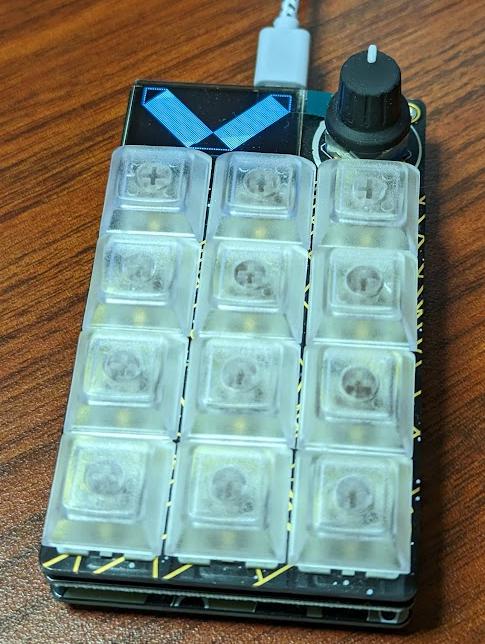
$ tinygo flash --target macropad-rp2040 --size short --stack-size 8kb ./targets/macropad-rp2040/Set the key with the key code of 0x7C03, and then press it.
Then a reset will restore the default keymap.
See #8.
Restore default keymap each time it is reset by specifying --tags reset_to_default.
Note that in this setting, any changes made from Vial or other sources will immediately revert to the original setting.
$ tinygo flash --target wioterminal --size short --tags reset_to_default ./targets/wiokey--stack-size 8kb settings is required.Restore default keymap procedure.MIT
| Qty | Value | Footprint | References |
|---|---|---|---|
| 6 | 1N4148 | Diode_THT:D_DO-35_SOD27_P7.62mm_Horizontal | D1, D2, D3, D4, D5, D6 |
| 6 | SW_PUSH | foostan/kbd:CherryMX_ChocV2_1u | SW1, SW2, SW3, SW4, SW5, SW6 |
| 2 | LOGO | snapeda/xiao:tinygo-keyboard-qr | G***, G*** |
| 1 | WT Header | snapeda/xiao:wio_terminal_header_2x20x2 | U2 |
| 1 | Wio Terminal | snapeda/xiao:wio_terminal | U1 |


google/mozc-devices
Circuit diagrams and firmware source code for Gboard DIY keyboards

conorpp/u2f-zero
U2F USB token optimized for physical security, affordability, and style

rusefi/rusefi
rusefi - GPL internal combustion engine control unit

VoronDesign/Voron-Hardware
Cool Hardware designed by the Voron Design group

hoglet67/RGBtoHDMI
Bare-metal Raspberry Pi project that provides pixel-perfect sampling of Retro Computer RGB/YUV video and conversion to HDMI

hackclub/OnBoard
💡 Join 1,000 teenagers and make your first PCB with a $100 grant!


It measures 126 × 57 mm and has 2 copper layers, 1.6 mm thick.
16 parts. The full list of its parts is on this page, with links to each part's symbol and footprint where PCBKit's library has them.
From the sago35/tinygo-keyboard repository on GitHub, at the commit this page was made from: the board is kicad/wiokey/wiokey/wiokey.kicad_pcb and its schematic kicad/fric10key/fric10key/fric10key.kicad_sch. PCBKit opens the board in the browser, with nothing to install.
Its repository publishes it under the MIT licence: you may reuse it on that licence's terms (keep the author's notice, and for a copyleft licence share your changes alike).