2 layers187.2 × 26.6 mm

 Nibell/Keyboards
To get started, clone the repository to your local machine:
Micropad4x4 is an open-source printed circuit board by Nibell, from the Nibell/Keyboards repository on GitHub. It is a 2-layer board of 235.4 × 182 mm with 50 parts on 59 nets, routed with 79 tracks and 0 vias.
Its parts include 16 diodes, 16 switches and 1 IC. It belongs with the RP2040 boards of this library.
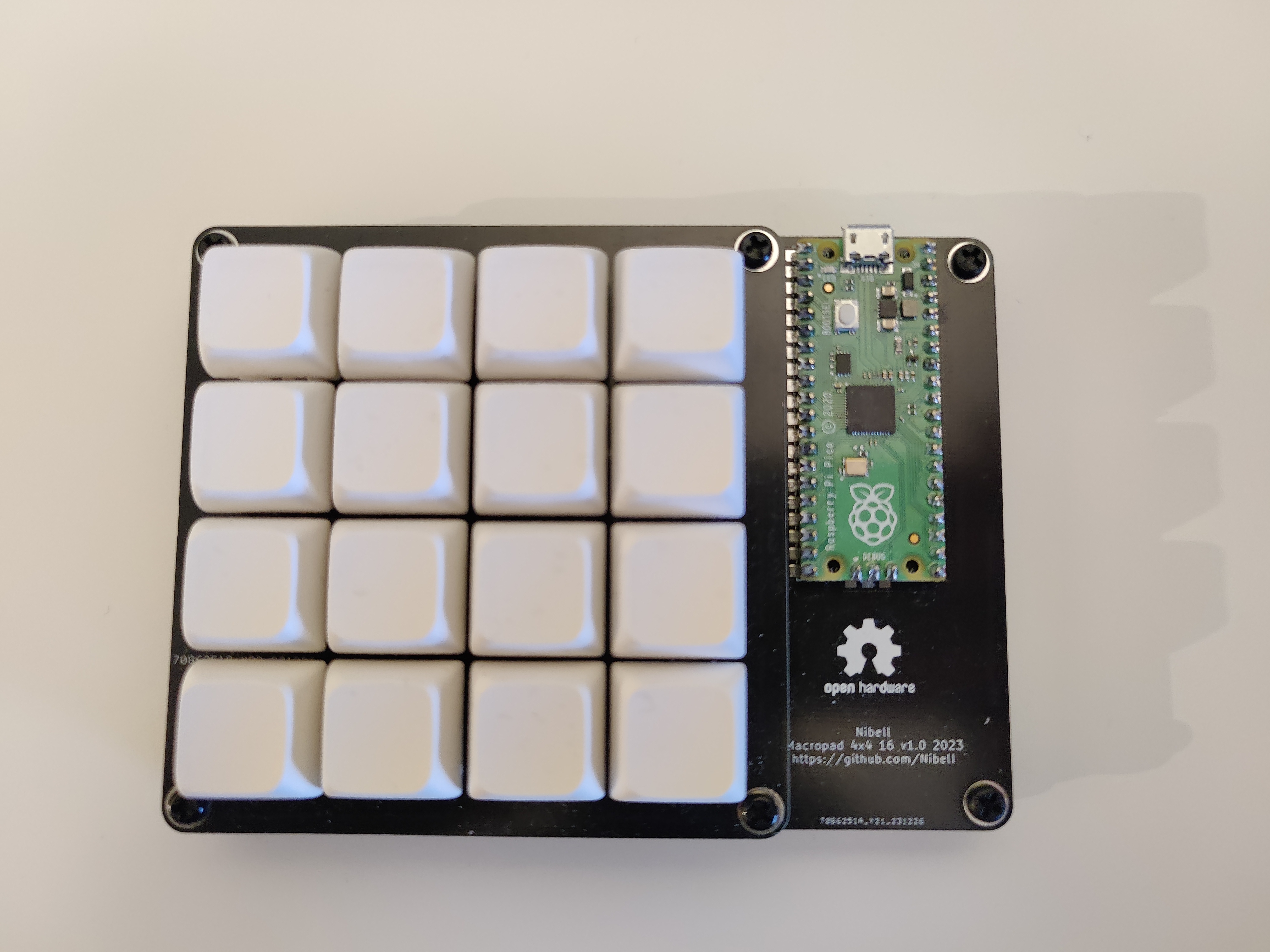
~: Contains the PCB design files for the Micropad 4x4.Production: Gerber and production files.Images: Renderings and photos of the completed macropad.To get started, clone the repository to your local machine:
git clone https://github.com/Nibell/Keyboards.git
cd Keyboards/micropad4x4You’ll need:
Install QMK Firmware.
Build and flash the firmware for your microcontroller:
qmk compile -kb nibell/micropad4x4 -km default
qmk flash -kb nibell/micropad4x4 -km default| Qty | Value | Footprint | References |
|---|---|---|---|
| 16 | Diode | Components:Diode_DO-35 | D1, D2, D3, D4, D5, D6, D7, D8, D9, D10, D11, D12, D13, D14, D15, D16 |
| 16 | Keyswitch | MX:MX_PCB_1.00u | S1, S2, S3, S4, S5, S6, S7, S8, S9, S10, S11, S12, S13, S14, S15, S16 |
| 1 | Raspberry_Pi_Pico | MCU:Raspberry_Pi_Pico | U1 |
The 33 most common of 50 parts.
It measures 235.4 × 182 mm and has 2 copper layers, 1.6 mm thick.
50 parts. The full list of its parts is on this page, with links to each part's symbol and footprint where PCBKit's library has them.
From the Nibell/Keyboards repository on GitHub, at the commit this page was made from: the board is micropad4x4/micropad4x4.kicad_pcb and its schematic micropad4x4/micropad4x4.kicad_sch. PCBKit opens the board in the browser, with nothing to install.
Its repository states no licence, so its author keeps all rights: ask Nibell before reusing the design.


hackclub/OnBoard
💡 Join 1,000 teenagers and make your first PCB with a $100 grant!

dmcke5/NucDeck
The Open Source DIY Handheld Gaming PC!


roarfred/AmsToMqttBridge
Minimalistic system to read AMS/HAN data from electrical meter