2 layers79.9 × 28.4 mm

 nabeellagi/MeowHub
Customizable USB HUB! Cat shaped PCB and Enclosure! Go make it yourself.
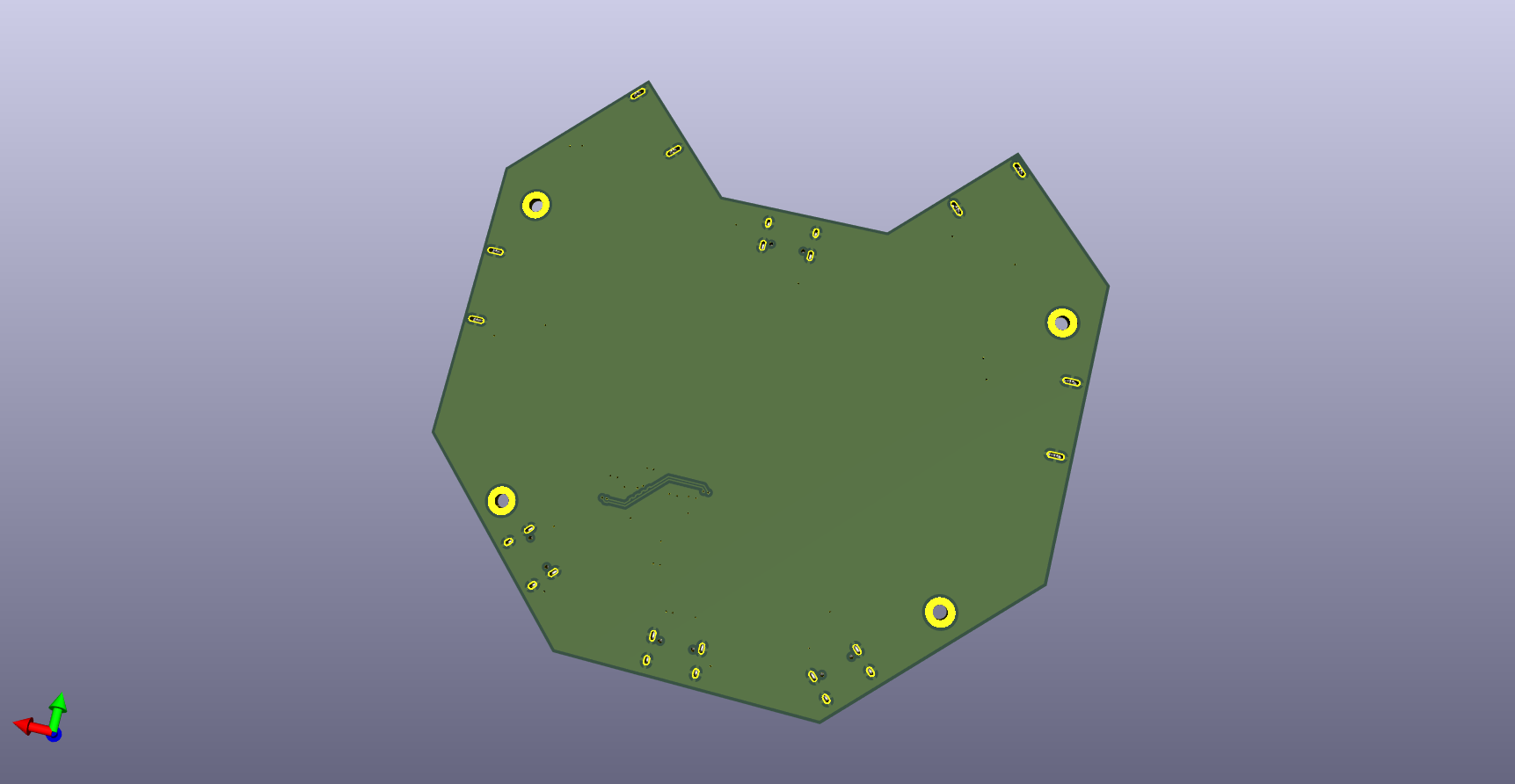
MeowHub is an open-source printed circuit board by nabeellagi, from the nabeellagi/MeowHub repository on GitHub. It is a 2-layer board of 109.1 × 103.2 mm with 60 parts on 50 nets, routed with 470 tracks and 38 vias.
It is built around the SL2.1S and 19-217/BHC-ZL1M2RY/3T. Its parts include 20 capacitors, 16 resistors, 8 diodes and 2 ICs. It belongs with the interfaces and adapters boards of this library.


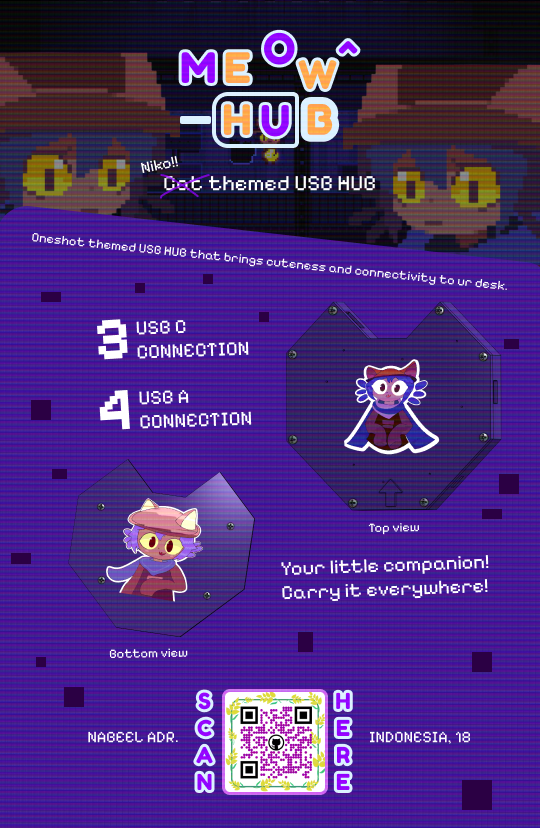
A compact, carryable USB hub with a cat-shaped PCB and enclosure — purple, portable, and Oneshot-themed. MeowHub gives you 3 USB-C and 4 USB-A downstream ports! Small enough to put in your bag! Two Niko stickers (the cat looking character from the indie game Oneshot) sit on the top and bottom of the enclosure, for more cuteness.
So basically I accidentally broke my 7-port USB hub; that's the first reason. But second, as a part of my early attempts at making KiCad and Onshape projects, I wanted to make a simple project that would teach me a lot of the basics of electronics!
These are all the components that go into one MeowHub unit.
| Item | Description | Qty | Unit Price (USD) | Total (USD) | Link |
|---|---|---|---|---|---|
| 100nF Capacitor | C1, C10, C12, C3, C6, C8 | 6 | $0.0023 | $0.0138 | JLCPCB |
| 330Ω Resistor | R9-R16 | 8 | $0.0012 | $0.0096 | JLCPCB |
| 5.1KΩ Resistor | R1-R8 | 8 | $0.0009 | $0.0072 | JLCPCB |
| TYPE-C 16PIN 2MD | USB-C ports (upstream + downstream) | 4 | $0.0736 | $0.2944 | JLCPCB |
| 1uF Capacitor | C2, C4, C5, C7, C9, C11, C13-C20 | 14 | $0.0069 | $0.0966 | JLCPCB |
| USB-A TH 10.0 QHHTZB6.3 | USB-A downstream ports | 4 | $0.0662 | $0.2648 | JLCPCB |
| SL2.1S | USB hub controller chip | 2 | $0.2506 | $0.5012 | JLCPCB |
| 19-217/BHC-ZL1M2RY/3T | LEDs for connection indicator | 8 | $0.0215 | $0.1720 | JLCPCB |
| PCB | Engineering fee + board | 1 | $4.30 | $4.30 | JLCPCB |
| PCBA | Assembly cost (excl. components) per board | 1 | $10.375 | $10.375 | JLCPCB |
| M2.5x8mm Screws | Attaching the enclosure and PCB | 12 | $0.051 | $0.612 | Tokopedia |
Estimated total (with tax): ~$16.65 per unit
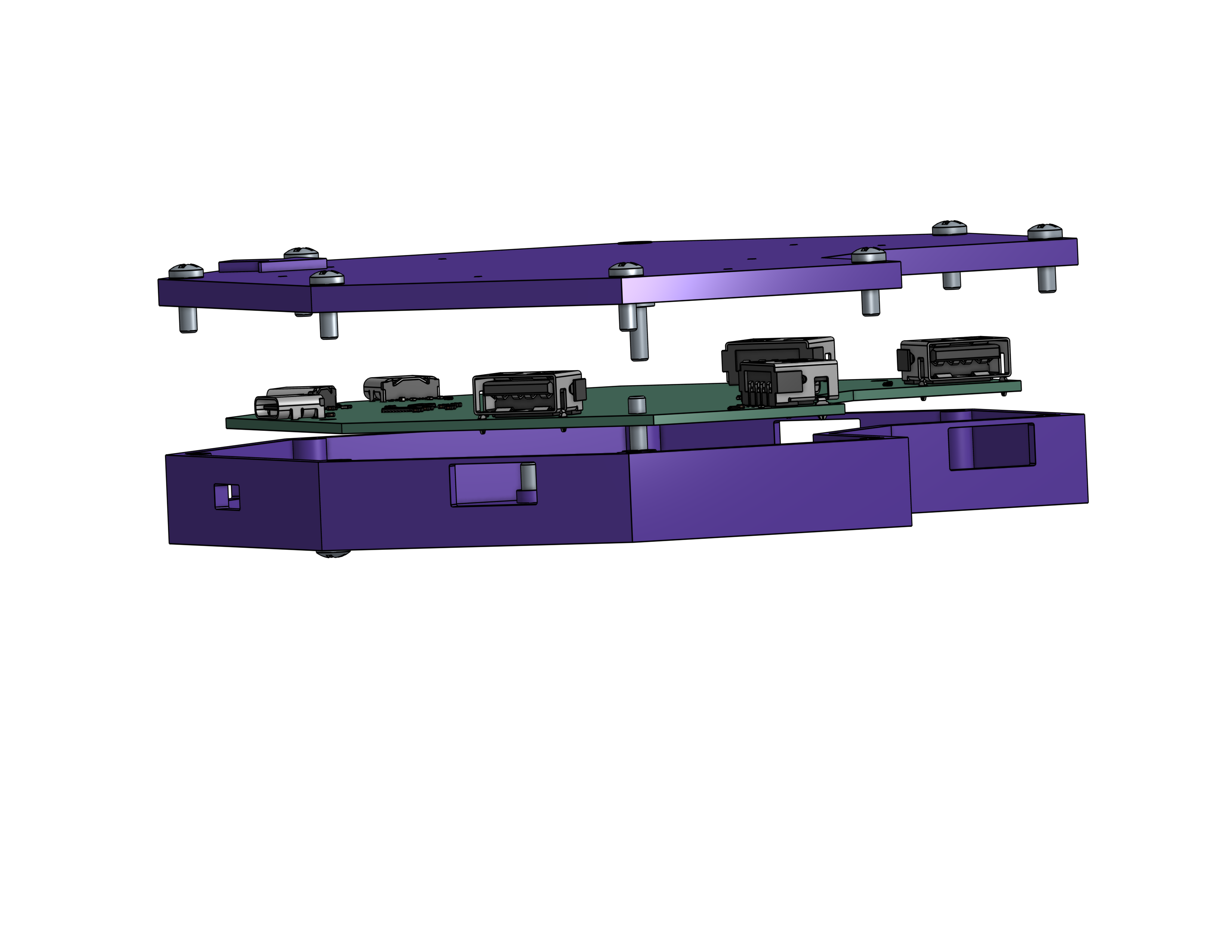
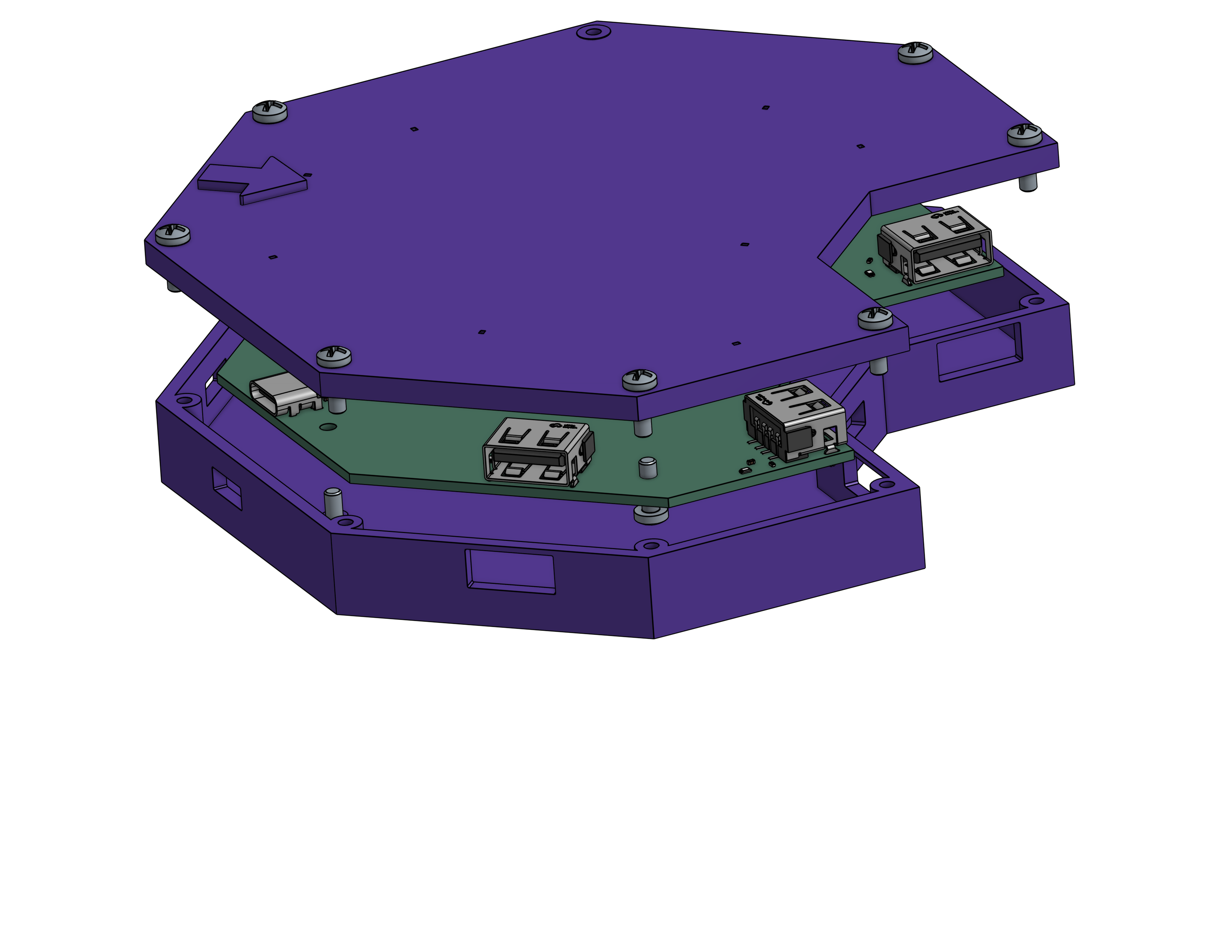
Assembly is simple:
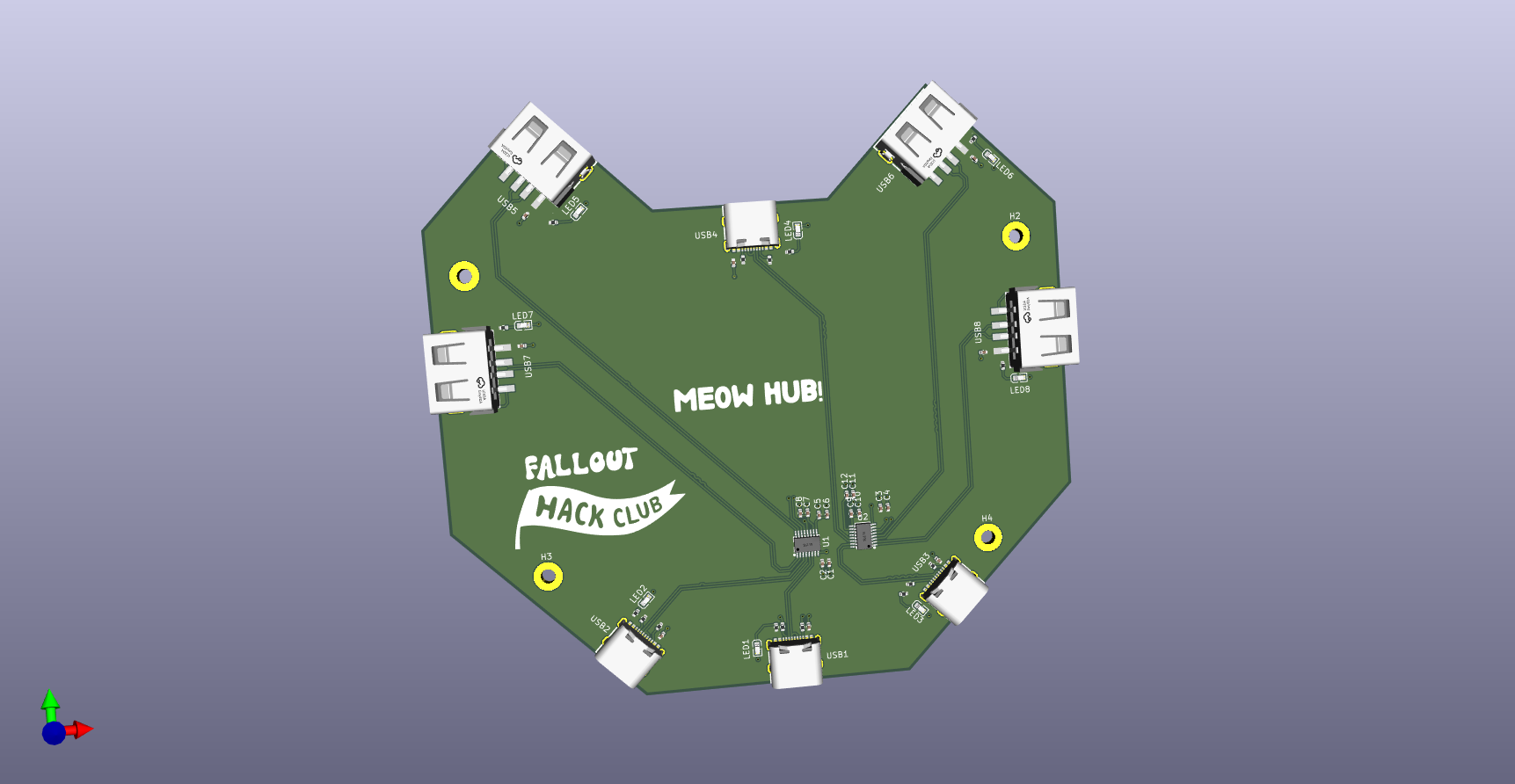
The board was designed in KiCad. The PCB source files are included in this repo:
PCB/PCB.kicad_pcb — Board layoutPCB/PCB.kicad_sch — SchematicDesigned in Onshape.
This project was submitted to the Fallout Hackathon. Thanks for reading this long readme!
| Qty | Value | Footprint | References |
|---|---|---|---|
| 14 | 1uF | Capacitor_SMD:C_0402_1005Metric | C2, C4, C5, C7, C9, C11, C13, C14, C15, C16, C17, C18, C19, C20 |
| 8 | 19-217/BHC-ZL1M2RY/3T | easyeda2kicad:LED0603-FD_BLUE | LED1, LED2, LED3, LED4, LED5, LED6, LED7, LED8 |
| 8 | 330 | Resistor_SMD:R_0402_1005Metric | R9, R10, R11, R12, R13, R14, R15, R16 |
| 8 | 5.1K | Resistor_SMD:R_0402_1005Metric | R1, R2, R3, R4, R5, R6, R7, R8 |
| 6 | 100nF | Capacitor_SMD:C_0402_1005Metric | C1, C3, C6, C8, C10, C12 |
| 4 | 10.0 QHHTZB6.3 | easyeda2kicad:USB-A-TH_10.0QHHTZB6.3 | USB5, USB6, USB7, USB8 |
| 4 | MountingHole | MountingHole:MountingHole_2.5mm_Pad | H1, H2, H3, H4 |
| 4 | TYPE-C 16PIN 2MD | easyeda2kicad:USB-C-SMD_TYPE-C-16PIN-2MD-073 | USB1, USB2, USB3, USB4 |
| 2 | LOGO | LOGO | G***, G*** |
| 2 | SL2.1S | easyeda2kicad:SSOP-16_L4.6-W2.6-P0.53-LS4.0-BL | U1, U2 |


Lumethra/Auth75
This is a 75% keyboard with a fingerprint sensor. What? A fingerprint sensor in a keyboard? Yes, you've heard it right! This keyboard includes a working fingerprint sensor.

Lumethra/CADPad
SHHH, this is a gift, dont spoiler it, SHHHH. But what exactly is this?? Good question. Its a keyboard. Again. Wait, what does again mean, well its my second one. My Auth75 was my first one. Back to what this is.


DZ392/pcb-project
This is a small 4-port USB hub built into a butterfly-shaped PCB. Instead of using a cable like most USB hubs, it plugs directly into the side of a laptop.


It measures 109.1 × 103.2 mm and has 2 copper layers, 1.6 mm thick.
60 parts, built around the SL2.1S and 19-217/BHC-ZL1M2RY/3T. The full list of its parts is on this page, with links to each part's symbol and footprint where PCBKit's library has them.
From the nabeellagi/MeowHub repository on GitHub, at the commit this page was made from: the board is PCB/PCB.kicad_pcb and its schematic PCB/PCB.kicad_sch. PCBKit opens the board in the browser, with nothing to install.
Its repository states no licence, so its author keeps all rights: ask nabeellagi before reusing the design.