2 layers187.2 × 26.6 mm

 mylestunglee/articulation8013
A hobby keyboard
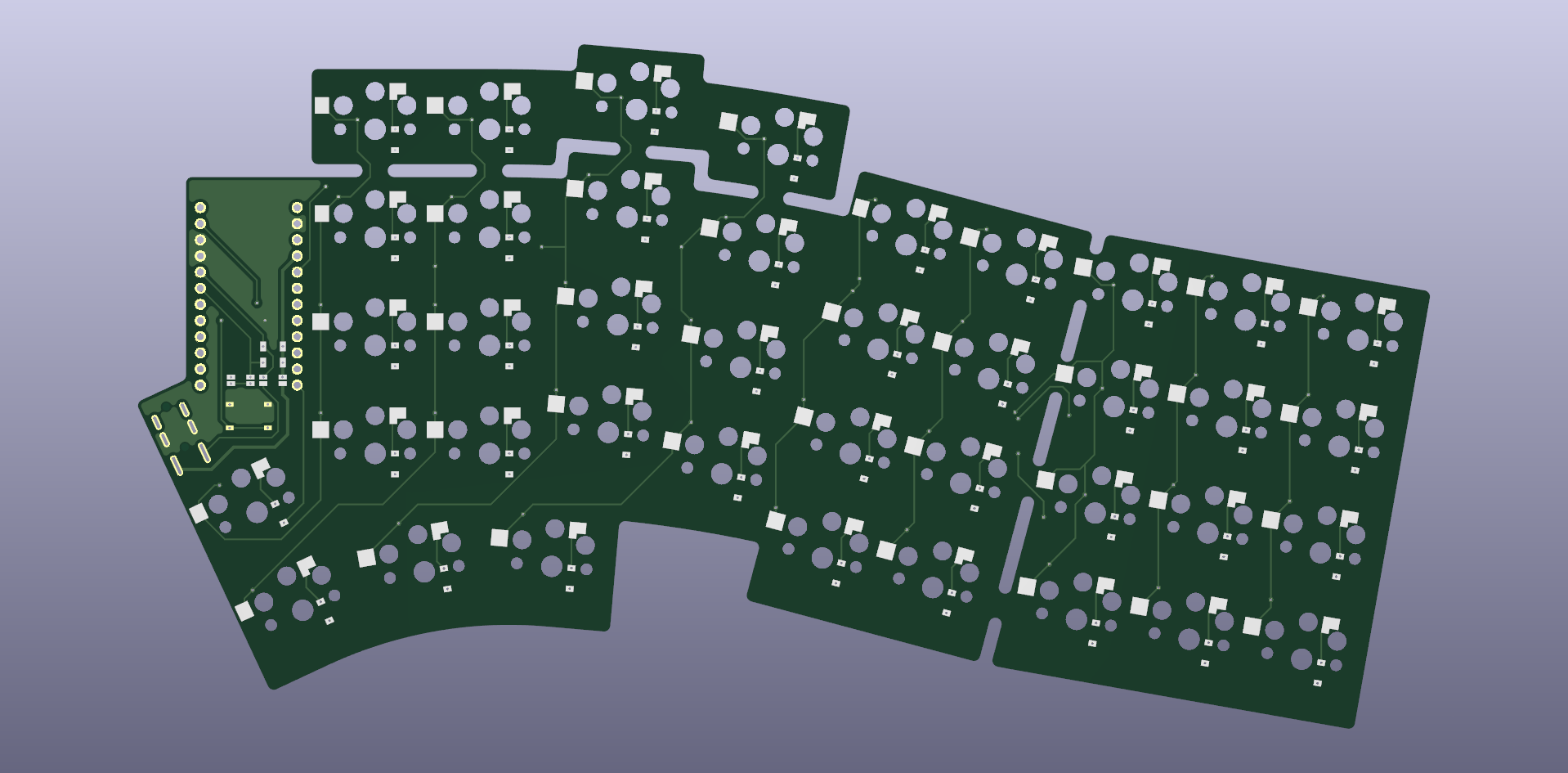
Keyboard is an open-source printed circuit board by mylestunglee, from the mylestunglee/articulation80 repository on GitHub. It is a 2-layer board of 203.3 × 107.6 mm with 50 parts on 65 nets, routed with 770 tracks and 53 vias.
Its parts include 40 switches, 2 resistors, 1 IC and 1 connector. It belongs with the keyboards and input boards and the AVR (ATmega, ATtiny) boards of this library.
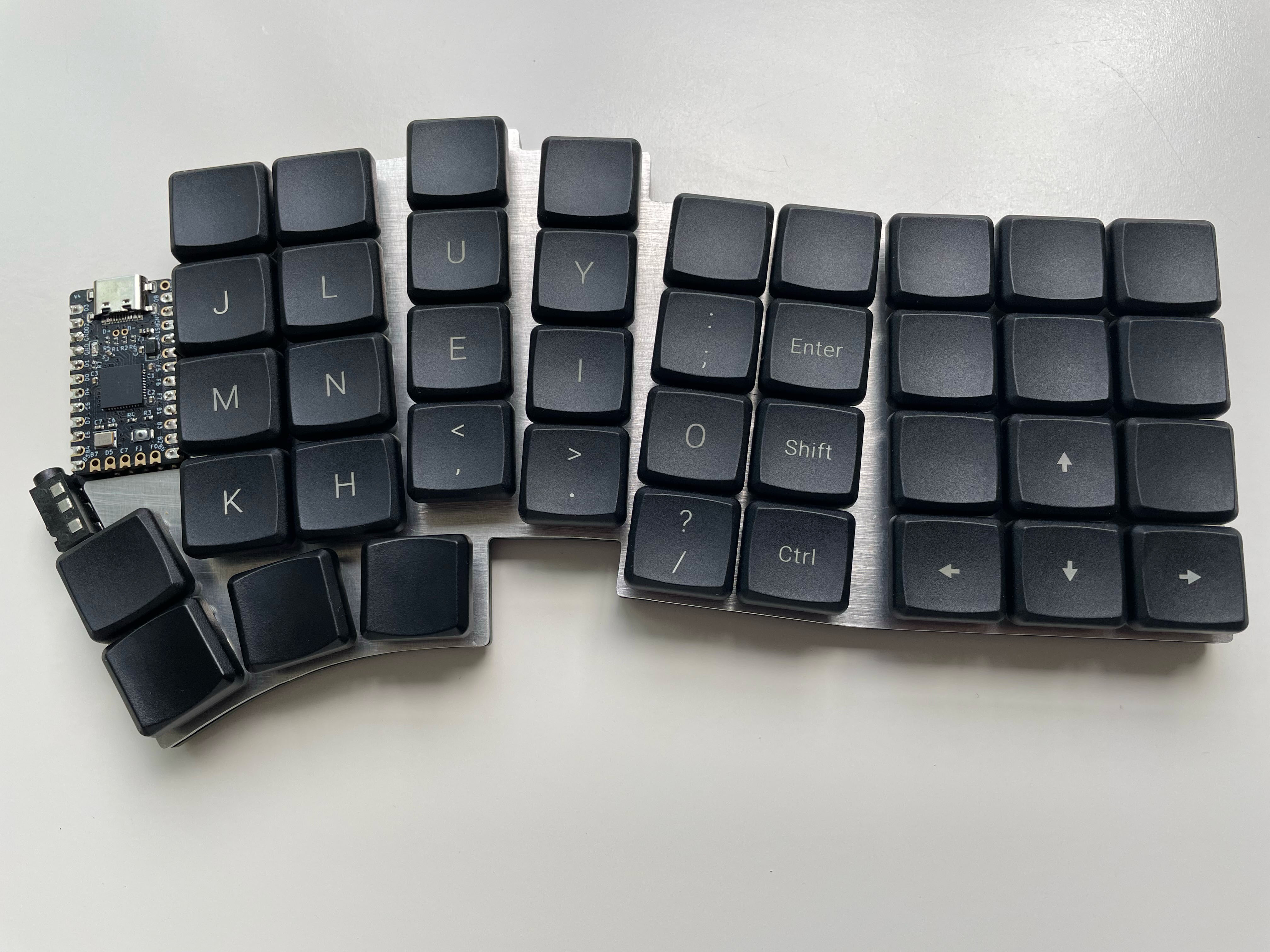
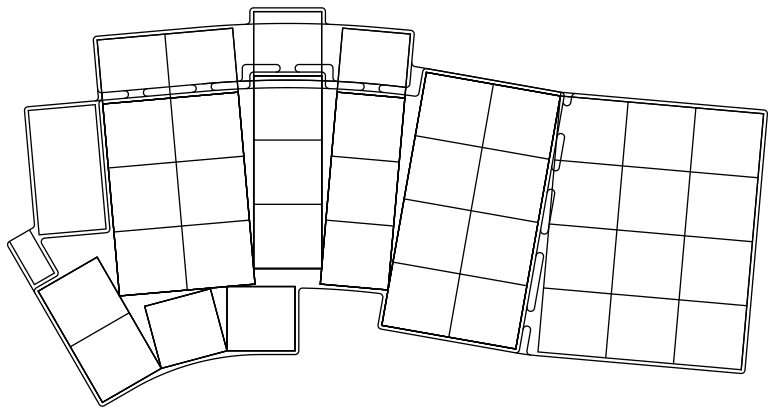
The articulation80 keyboard is a split keyboard with 4x9 column splayed keys and 4 thumb keys. The name is inspired from articulated buses, where this keyboard has many connected blocks.
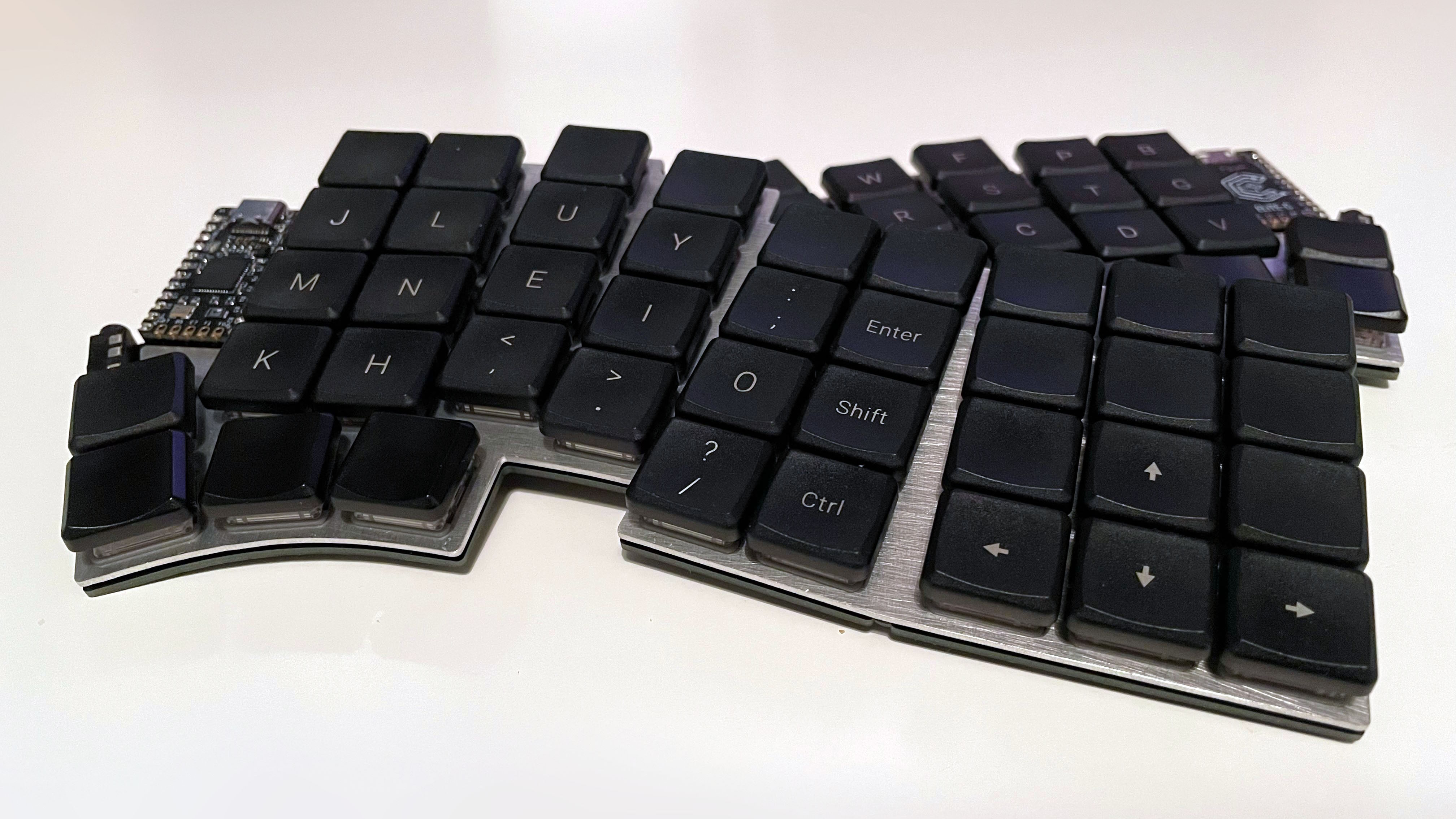
It features:
I took inspiration from many keyboards:
| Name | Description |
|---|---|
pcb | KiCad 7 project with symbol diagrams, footprints and 3D models included |
layout.FCStd | FreeCad layout file outlining PCB and plate edges |
articulation80 | QMK files for firmware |
scripts/info_json_matrix
Generates info.json layout data for QMK by running python generate_layout.py layout.csv. layout.csv maps the visual key position with the pin row and column.
scripts/verify_geometry
Translates points generated by FreeCad into KiCad. export_points.py is a script intended to run inside FreeCad to export all points into a text file, called geometry.txt. update_geometry_markers.py uses geometry.txt to aid the correct placement of components on the PCB and edges by placing dummy components as markers. Using the snap tool in KiCad, one can construct the edge by connecting markers. remove_geometry_markers.py removes these markers. Perhaps there is a more efficient way to make FreeCad and KiCad work together with existing plugins.
After soldering, copy the articulation80 sub-directory into qmk_firmware/keyboards. Flash with:
qmk flash -kb articulation80 -km default -bl dfu-split-leftReplace left with right as necessary. This command assumes the Elite-C has been soldered using I2C. If not, change the bootloader in the command and in the info.json file.
This build is very similar to existing keyboards. Please refer to the inspired keyboards for full instructions.
| Name | Count | Remarks |
|---|---|---|
| PCB | 2 | |
| Plate | 2 | Ensure left and right are cut as required |
| Controller | 2 | A Pro Micro-compatible controller |
| TRRS jack | 2 | PJ-320A, ensure pins are through-hole |
| TRRS cable | 1 | Also called a 4-pin 3.5mm audio auxiliary cable |
| Reset button | 2 | Optional, PTS526 SM15 SMTR2 LFS recommended |
| Resistors | 2 | Optional, for I2C connection, RC1206FR-074K7 |
| Diode | 80* | SMD only, 1N4148W-TP, SOD-123 recommended |
| Hot swap key sockets | 80* | CPG135001S30 |
| Key Switch | 80* | |
| Key Cap | 80* | Ideally 6 key caps for thumbs |
| Hot swap controller sockets | 4 | Optional, 315-43-112-41-003000 or higher profile. |
| Hot swap pins | 48 | Optional, 3320-0-00-15-00-00-03-0 |
| Rubber feet | 12 | Can have more for stability, 6 recommended minimum for each side. SJ-5302 CLEAR recommended. |
*Adjust for number of keys desired.
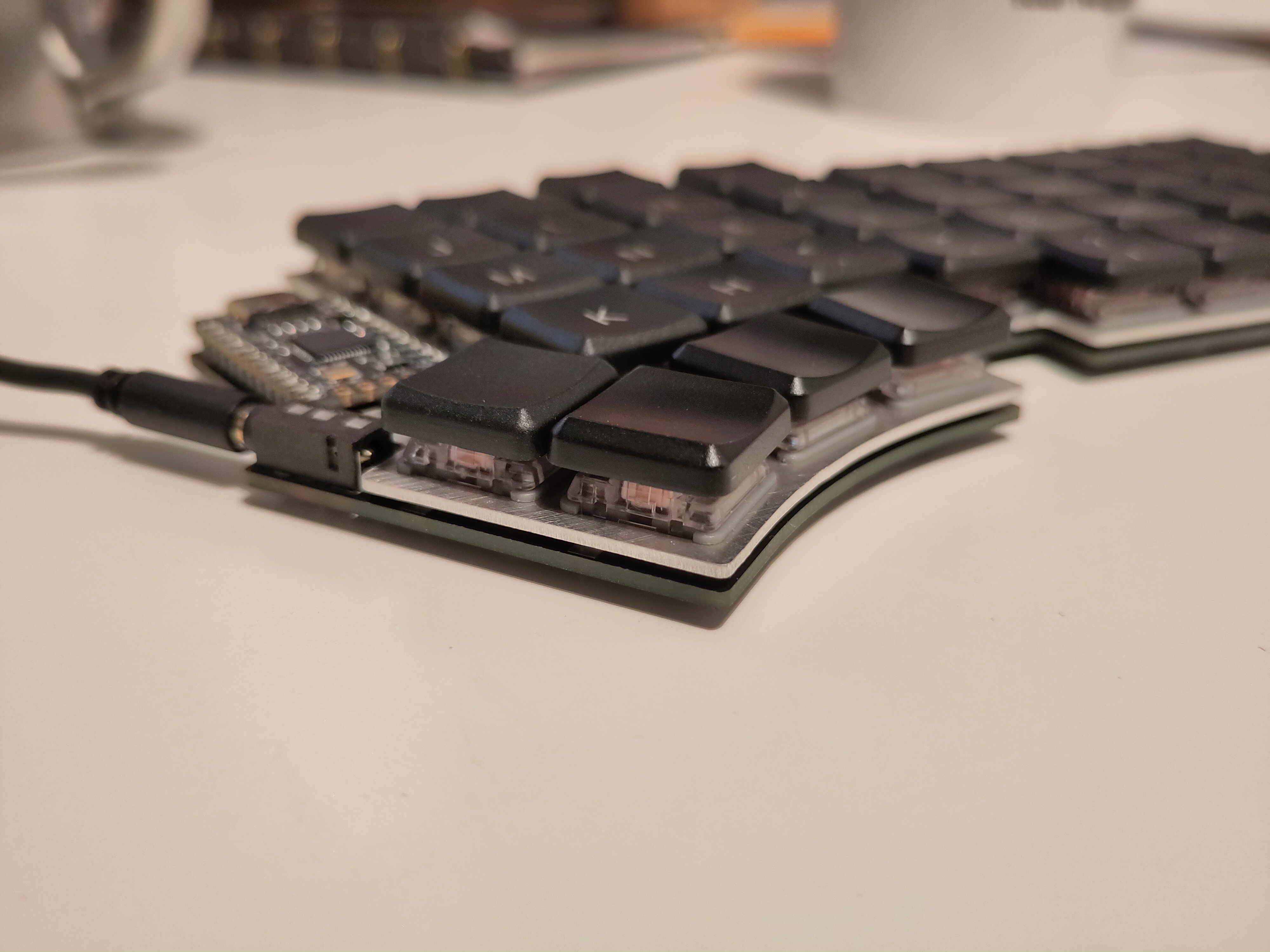
See the documentation on QMK for how to solder the resistors. To minimise the complexity of the PCB, the left side controller is soldered upside down. There are four pads which connect the controller to the TRRS jack, these are intended to be soldered on the back side of the keyboard. From left to right with the back side facing up, if using serial connection, solder pads 1 and 4, otherwise if using I2C, solder 2, 3 and 4.
Featuring MBK and MCC POM keycaps.
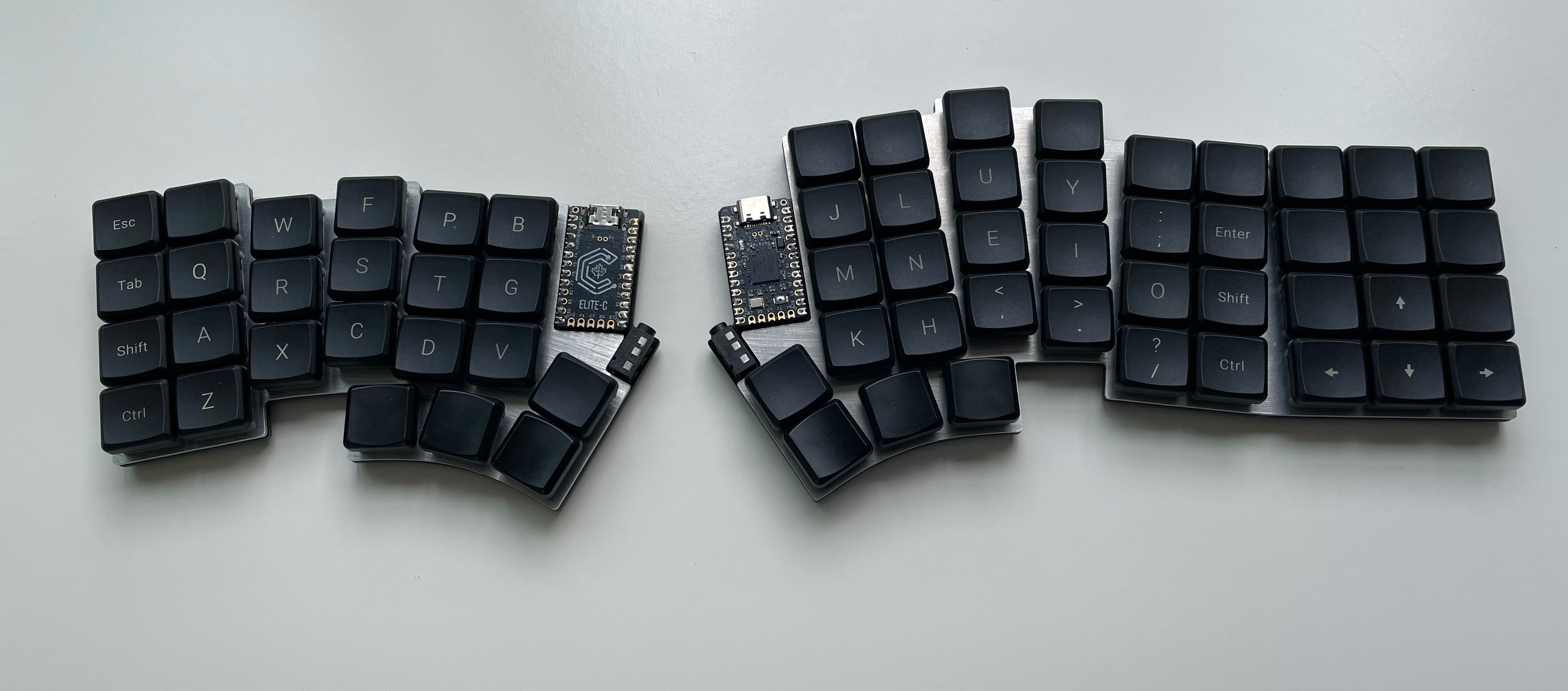
| Qty | Value | Footprint | References |
|---|---|---|---|
| 25 | Key | keyboard:Key | SW01, SW02, SW11, SW12, SW13, SW16, SW17, SW20, SW21, SW22, SW23, SW24, SW26, SW27, SW30, SW31 +9 |
| 10 | Key | keyboard:KeyRight | SW03, SW15, SW18, SW25, SW28, SW35, SW38, SW43, SW45, SW48 |
| 5 | Key | keyboard:KeyLeft | SW00, SW10, SW14, SW40, SW41 |
| 2 | JumperSplit | keyboard:Jumper | JP1, JP2 |
| 2 | JumperSplit | keyboard:JumperSplit | JP3, JP4 |
| 2 | R | keyboard:SDR18 | R1, R2 |
| 1 | PTS526 | keyboard:PTS526 | SW_RST1 |
| 1 | ProMicro | keyboard:ProMicro | U1 |
| 1 | RightPlate | keyboard:RightPlate | H1 |
| 1 | TRRS | keyboard:PJ-320A | J1 |


hackclub/OnBoard
💡 Join 1,000 teenagers and make your first PCB with a $100 grant!

dmcke5/NucDeck
The Open Source DIY Handheld Gaming PC!


roarfred/AmsToMqttBridge
Minimalistic system to read AMS/HAN data from electrical meter
It measures 203.3 × 107.6 mm and has 2 copper layers, 1.6 mm thick.
50 parts. The full list of its parts is on this page, with links to each part's symbol and footprint where PCBKit's library has them.
From the mylestunglee/articulation80 repository on GitHub, at the commit this page was made from: the board is pcb/keyboard.kicad_pcb and its schematic pcb/keyboard.kicad_sch. PCBKit opens the board in the browser, with nothing to install.
Its repository states no licence, so its author keeps all rights: ask mylestunglee before reusing the design.