2 layers
Indicator driver
virtualagc/agc_hardware
Schematics and board layouts for an Apollo Guidance Computer replica
176 parts118MIT

 mihranrazaa/Kunji-patol
I can't add the video on readme as it the file is big.. i have added it in the assets folder.. But here is the GDrive link Link
Kunji patol kicad is an open-source printed circuit board by mihranrazaa, from the mihranrazaa/Kunji-patol repository on GitHub, published under the GPL-3.0 licence. It is a 2-layer board of 330.1 × 165 mm with 176 parts on 127 nets, routed with 2,496 tracks and 72 vias.
Its parts include 88 switches, 84 diodes and 2 ICs. It belongs with the RP2040 boards of this library.
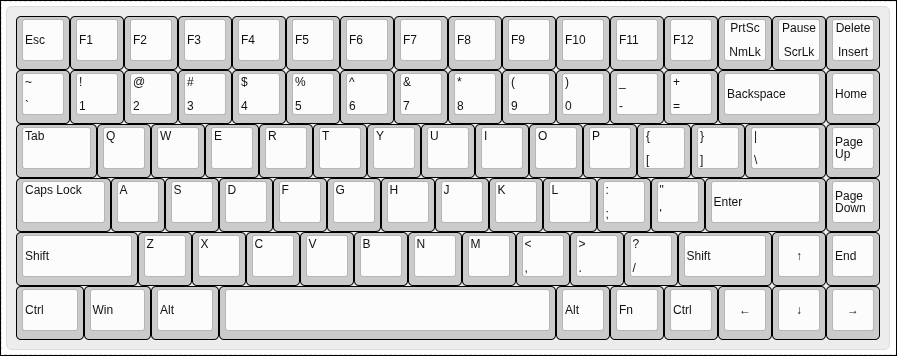
a 75%% keyboard design, it is based on RP2040 plus with a type C port which came in-built with the MCU, there total of 87 MX switches with 5 Stabilizers. A complete keyboard :).
I can't add the video on readme as it the file is big.. i have added it in the assets folder.. But here is the GDrive link Link
The keyboard is designed to be sleek and plane it has RP2040 plus as the MCU and Cherry MX Brown Switches for the keys which are used for versatile purposes (that's what i saw at least). The main firmware is KMK based and the Firmware has already been released, you can find that in the Firmware and Production folder, I hate using different cables so having type c inbuilt in the RP2040 plus is a win-win. I tried to built a unique design but routing diodes was hell, at the end the pcb looks very good in black color, hope you like my project :).
The files for the PCB and Schematics are available in the Kicad folder and gerber files are added in the Production folder..
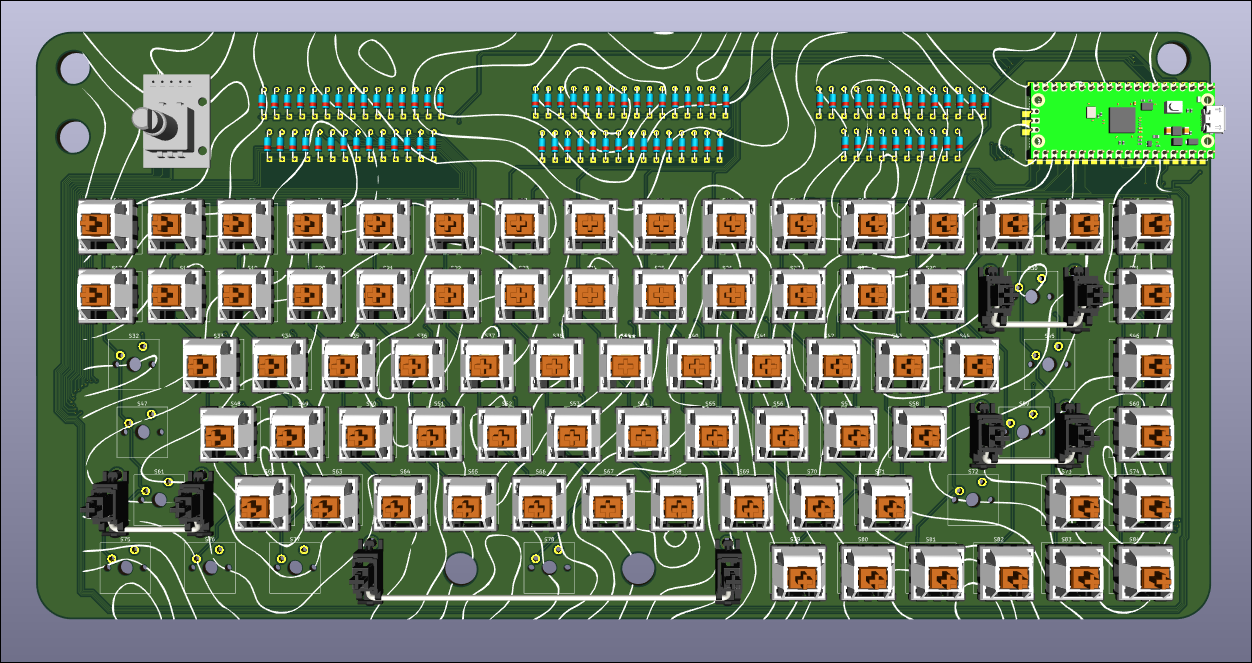
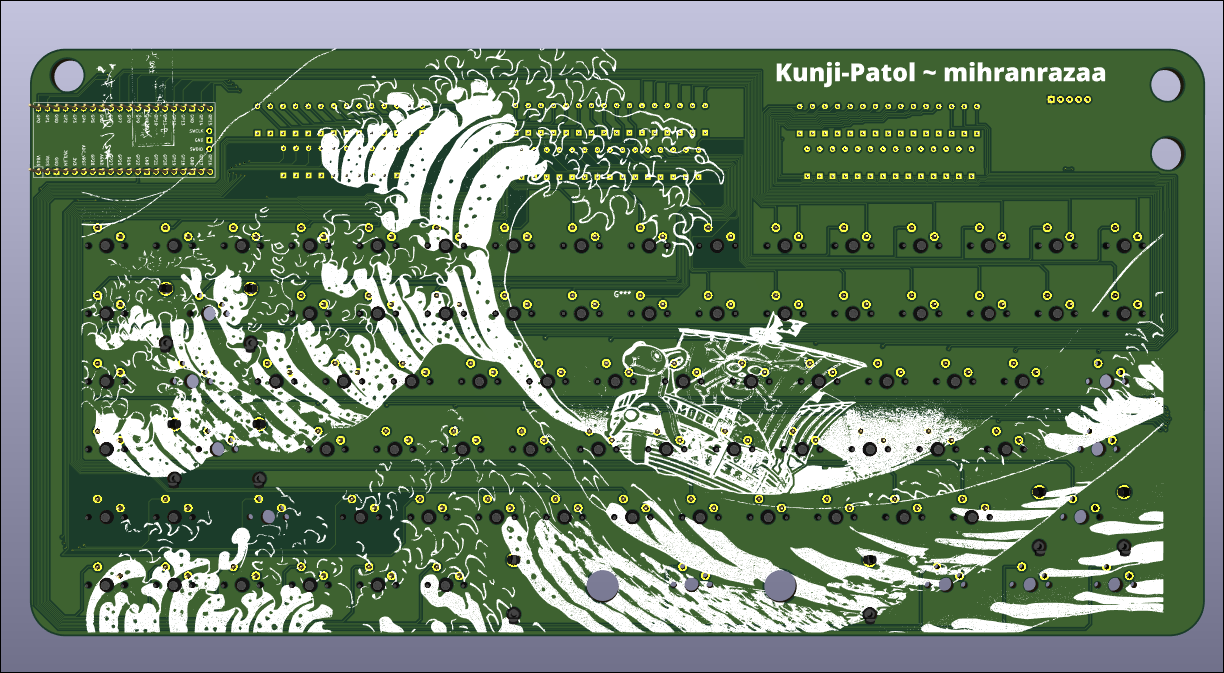
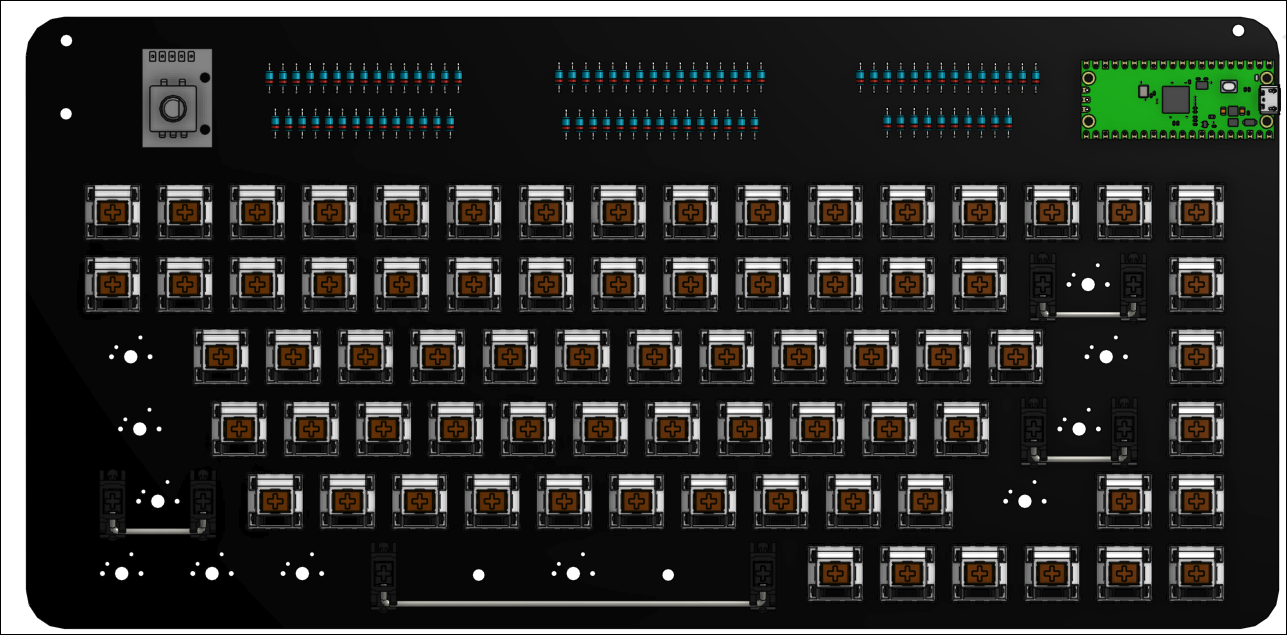
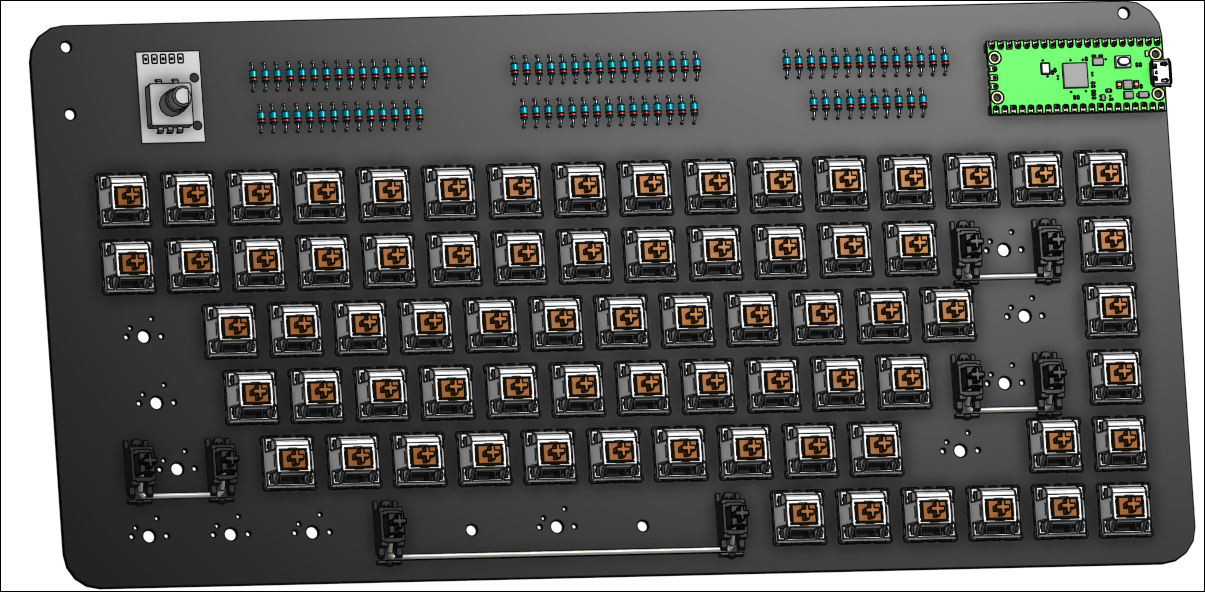
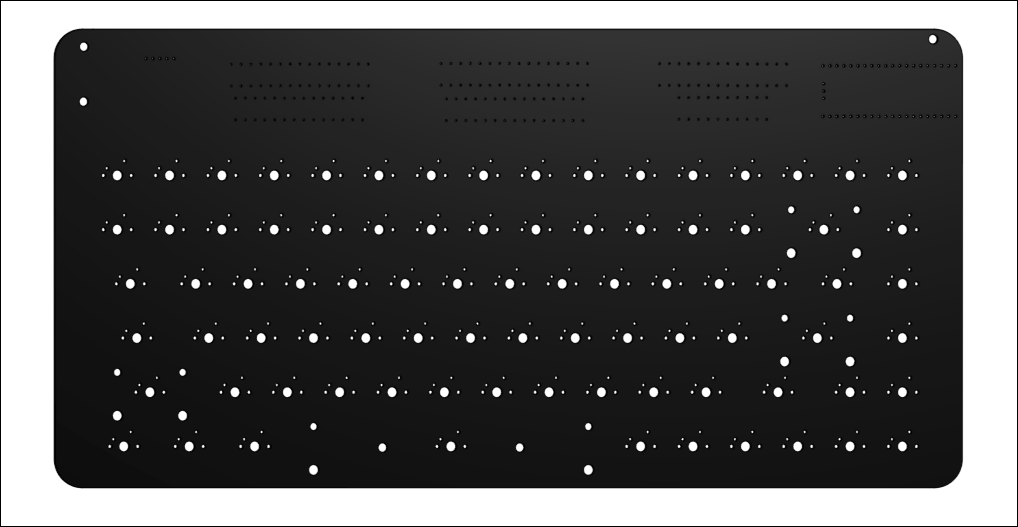
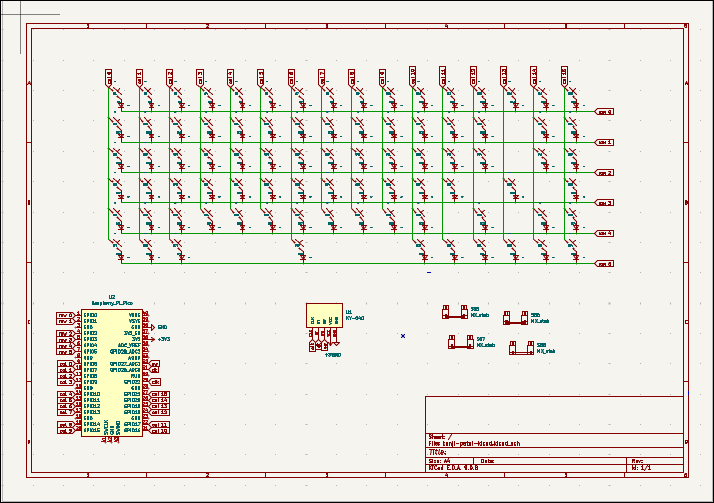
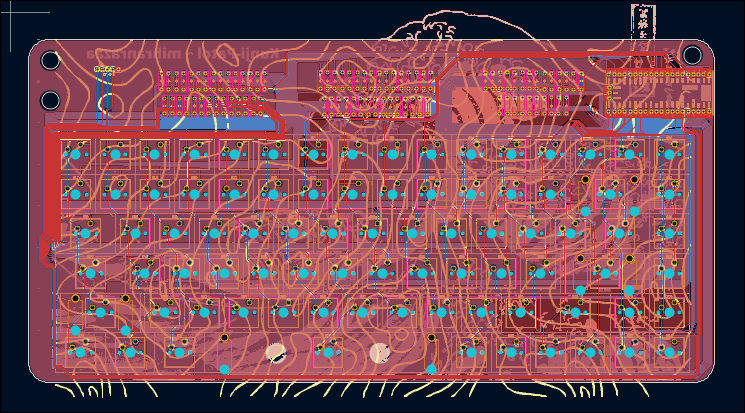
The files for case and plate cover are available in CAD folder and in production folder, you can also but acrylic sheet for the transparent plate.
Onshape Link - Here
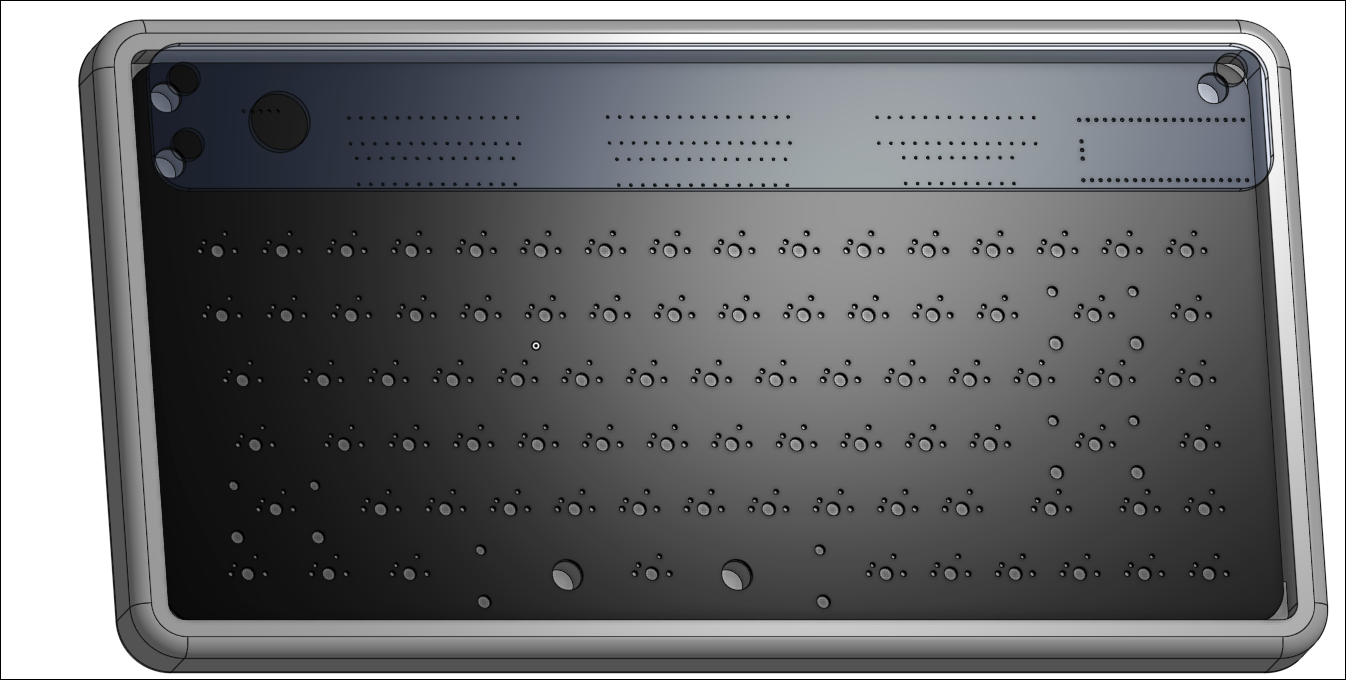
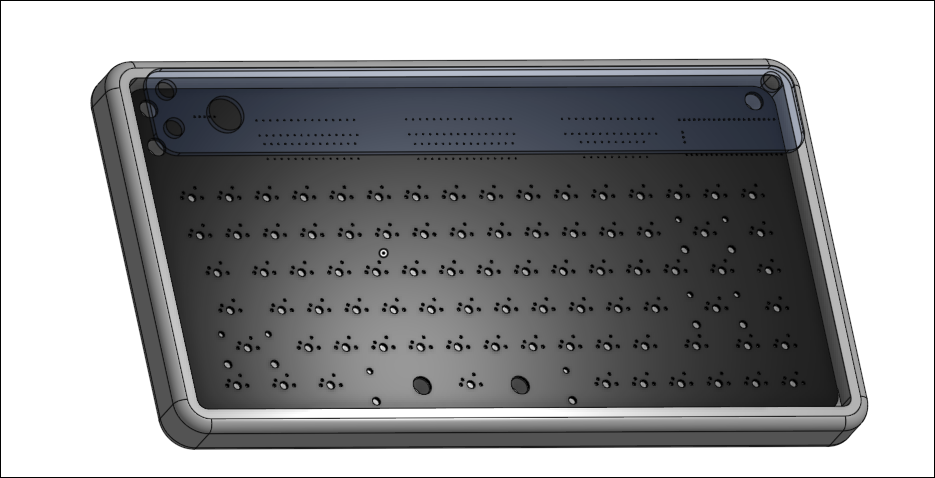

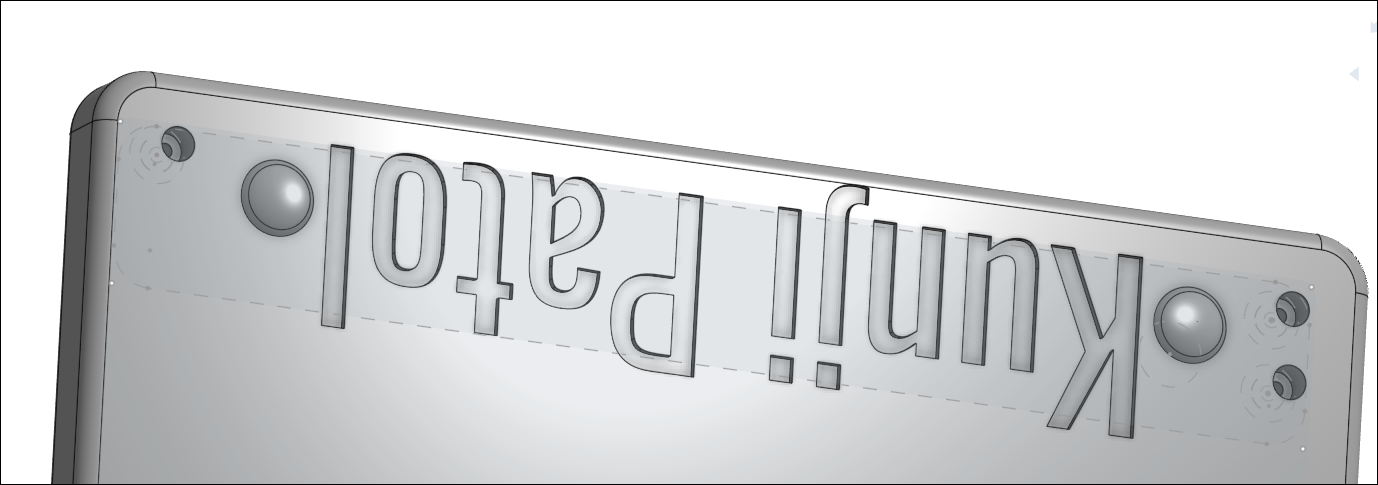
NEW VERSION CAD
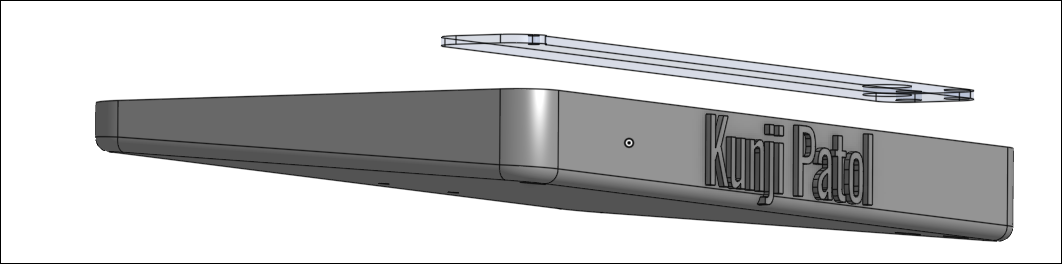
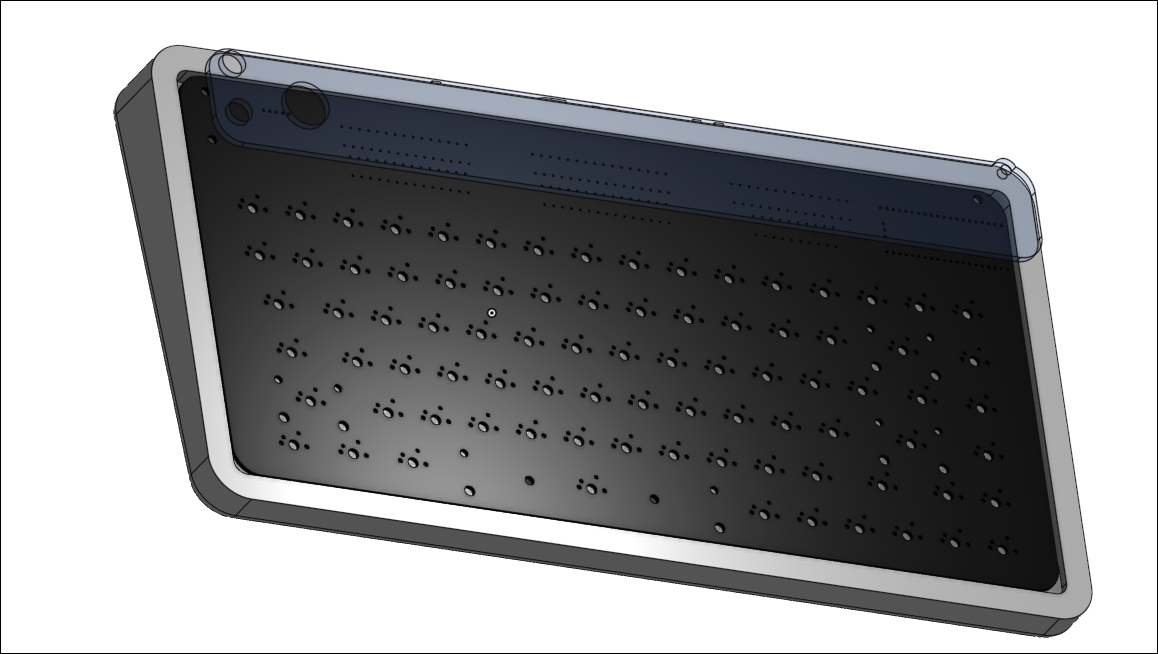
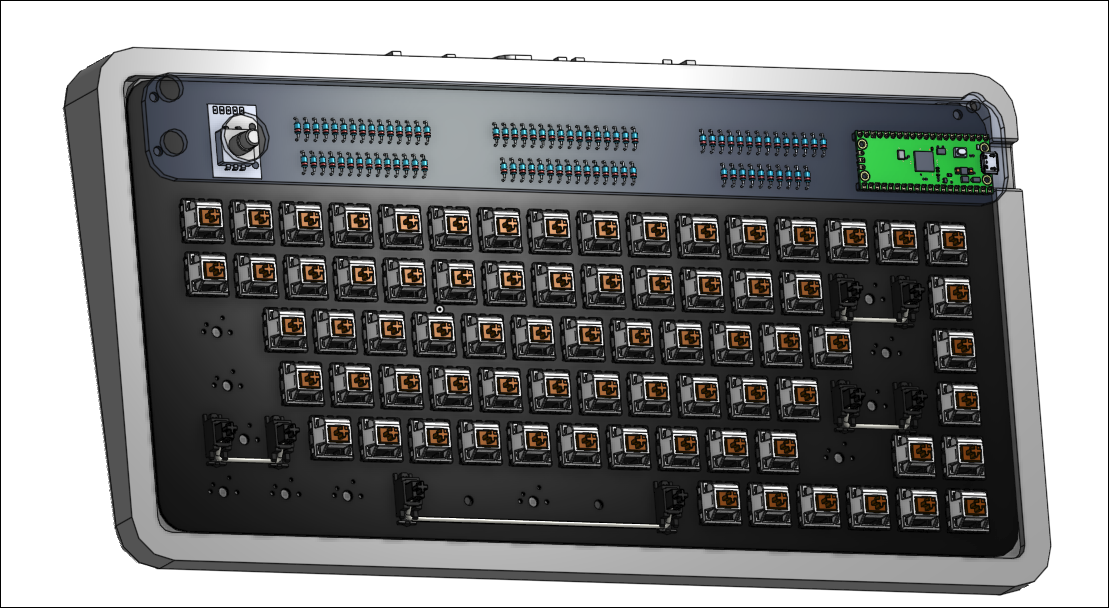
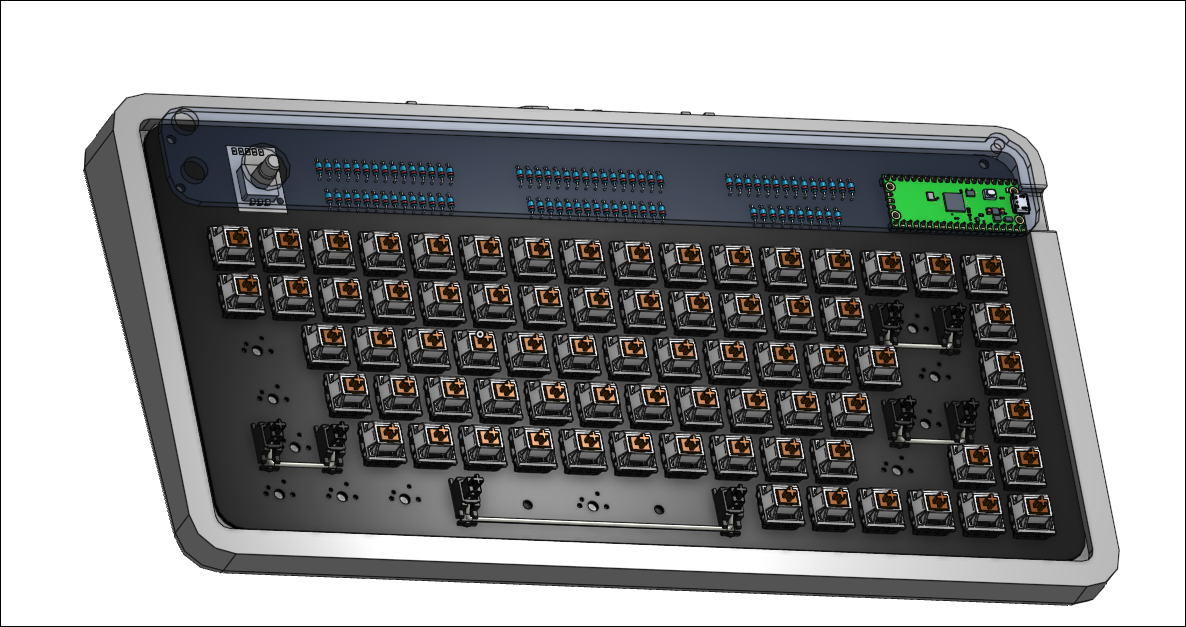
Zine PDF is available in Production
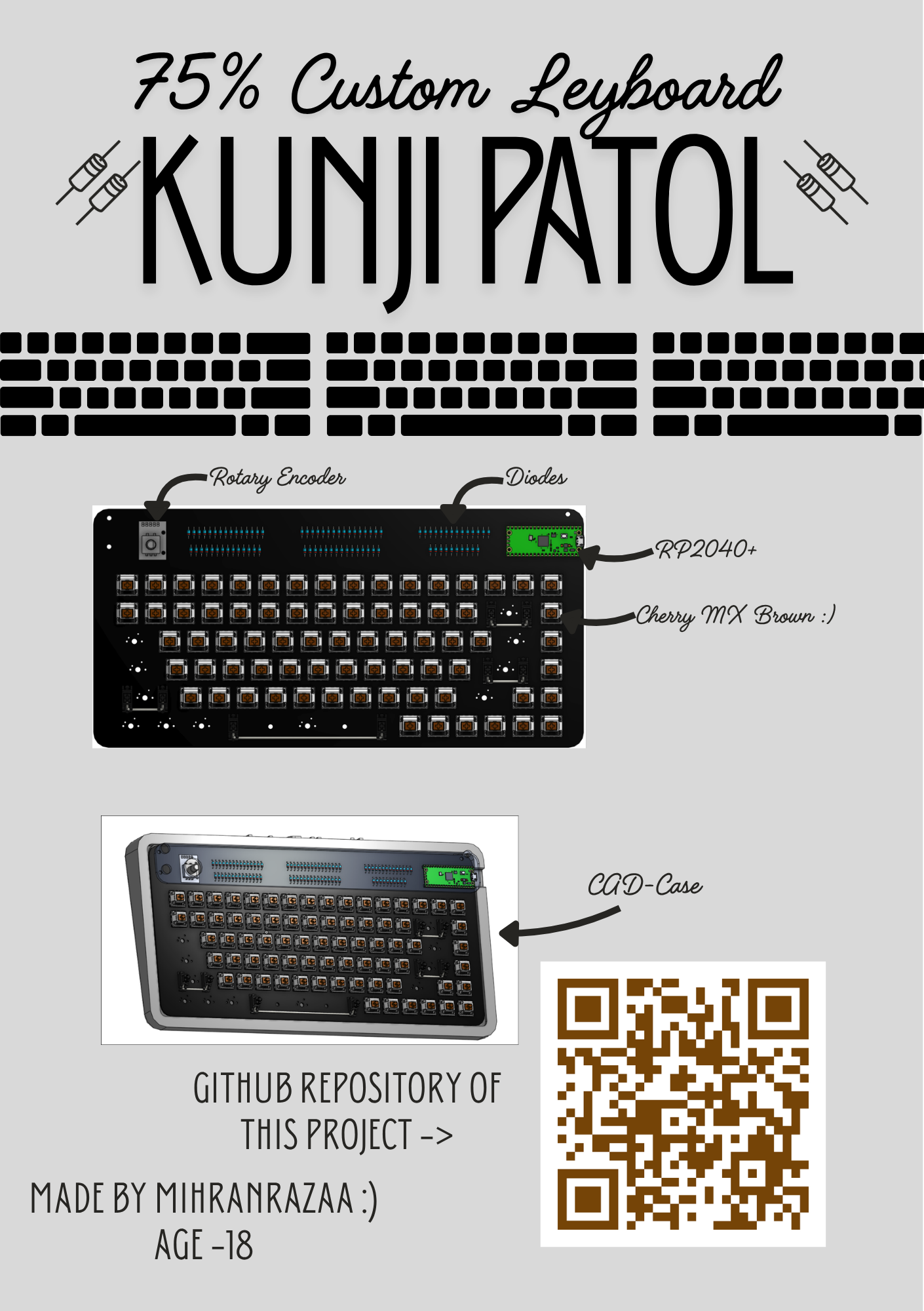
I saw a similar design somewhere and i really liked it + i wanted a keyboard, so I built one for myself!
I is very easy just solder all the components and upload the KMK firmware on the mcu and it should work if everything is done correctly!. You can read the KMK documentation for detailed info on flashing, it is very easy to follow.
| Component | Quantity | Note | Price | Link |
|---|---|---|---|---|
| Akko Yello creamy | 2 | Found a good website!! | 25USD | Available |
| Grey Keycaps set | 1 | Good Asthetics are important I will keep the body grey :) | 16USD | Available |
| Stabilizer set | 1 | PCB Mounted Stabs | 17USD | Available |
| Case & PCB | 1 | This is the cheapest i could find | 63USD | https://robu.in/ |
| TOTAL | 70USD (needed) |
*I have some parts already + M3 screws and heatset inserts are not included as i already have them, one pack of each is more then enough. I just need Pcb and Stabilizers :)
made with <3 by mihranrazaa
BYEEE
| Qty | Value | Footprint | References |
|---|---|---|---|
| 84 | ~ | ScottoKeebs_Components:Diode_DO-35 | D1, D2, D10, D11, D12, D13, D14, D15, D16, D17, D18, D19, D20, D21, D22, D23 +68 |
| 73 | ~ | ScottoKeebs_MX:MX_PCB_1.00u | S1, S2, S10, S11, S12, S13, S14, S15, S16, S17, S18, S19, S20, S21, S22, S23 +57 |
| 3 | MX_stab | PCM_marbastlib-mx:STAB_MX_P_2u | S86, S87, S88 |
| 3 | ~ | ScottoKeebs_MX:MX_PCB_1.25u | S75, S76, S77 |
| 2 | LOGO | LOGO | G***, G*** |
| 2 | ~ | ScottoKeebs_MX:MX_PCB_1.50u | S32, S45 |
| 2 | ~ | ScottoKeebs_MX:MX_PCB_1.75u | S47, S72 |
| 2 | ~ | ScottoKeebs_MX:MX_PCB_2.25u | S59, S61 |
| 1 | KY-040 | ky040:KY-040-PORT | U1 |
| 1 | MX_stab | PCM_marbastlib-mx:STAB_MX_P_6.25u | S85 |
| 1 | Raspberry_Pi_Pico | ScottoKeebs_MCU:Raspberry_Pi_Pico | U2 |
| 1 | ~ | ScottoKeebs_MX:MX_PCB_6.25u | S78 |
| 1 | ~ | ScottoKeebs_MX:MX_PCB_2.00u | S30 |
virtualagc/agc_hardware
Schematics and board layouts for an Apollo Guidance Computer replica


DreaM117er/Prime52
a split keyboard equipped with joy-con joystick, rotray encoder ec-11 and mouse wheel.

sandman21vs/SandKrux
Placa de desenvolvimento baseada no chip K210, com entradas para touch, câmera e LCD grande, criada especificamente para rodar o firmware Krux.

Acmex2564/Z31-DigiDash
Reverse Engineering of the 300zx (Z31) Digital Cluster & Design of replacement PCBs


OpenA3XX/opena3xx-panel-design
OpenA3XX: Panels, 3D Printed Components & Reference Archive

DAlexis/caustic-lasertag-system
Caustic project is a full-featured indoor and outdoor lasertag system
It measures 330.1 × 165 mm and has 2 copper layers, 1.6 mm thick.
176 parts. The full list of its parts is on this page, with links to each part's symbol and footprint where PCBKit's library has them.
From the mihranrazaa/Kunji-patol repository on GitHub, at the commit this page was made from: the board is KICAD/kunji-patol-kicad.kicad_pcb and its schematic KICAD/kunji-patol-kicad.kicad_sch. PCBKit opens the board in the browser, with nothing to install.
Its repository publishes it under the GPL-3.0 licence: you may reuse it on that licence's terms (keep the author's notice, and for a copyleft licence share your changes alike).