2 layers40 × 30 mm

 mignon-p/A2JoystickAdapter8
A simple board to connect a 16-pin Apple II joystick to the 9-pin connector on the back of Apple IIe and later computers.
Joystick is an open-source printed circuit board by mignon-p, from the mignon-p/A2JoystickAdapter repository on GitHub, published under the CC-BY-SA-4.0 licence. It is a 2-layer board of 29.8 × 33.7 mm with 3 parts on 10 nets, routed with 27 tracks and 0 vias.
It belongs with the keyboards and input boards of this library.
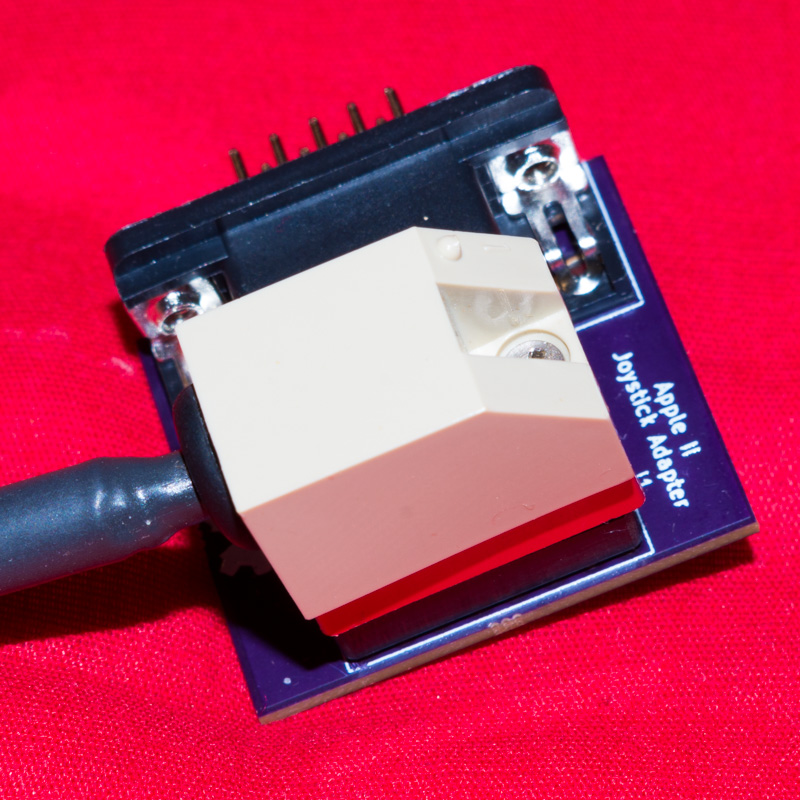
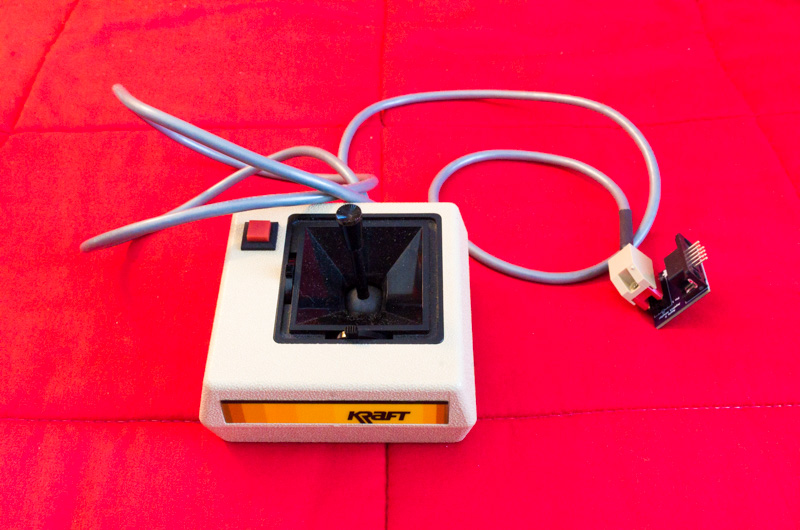
This small board lets you plug a 16-pin joystick into the external 9-pin joystick port on the Apple IIe. Although the Apple IIe has an internal 16-pin joystick port, I found that the connector on my joystick was too big to fit through any of the holes on the back of the IIe. So, I created this adapter to let me plug it in externally.
This adapter could also be useful for the Apple IIc, which does not have a 16-pin joystick port at all, although I have not tested it on a IIc.
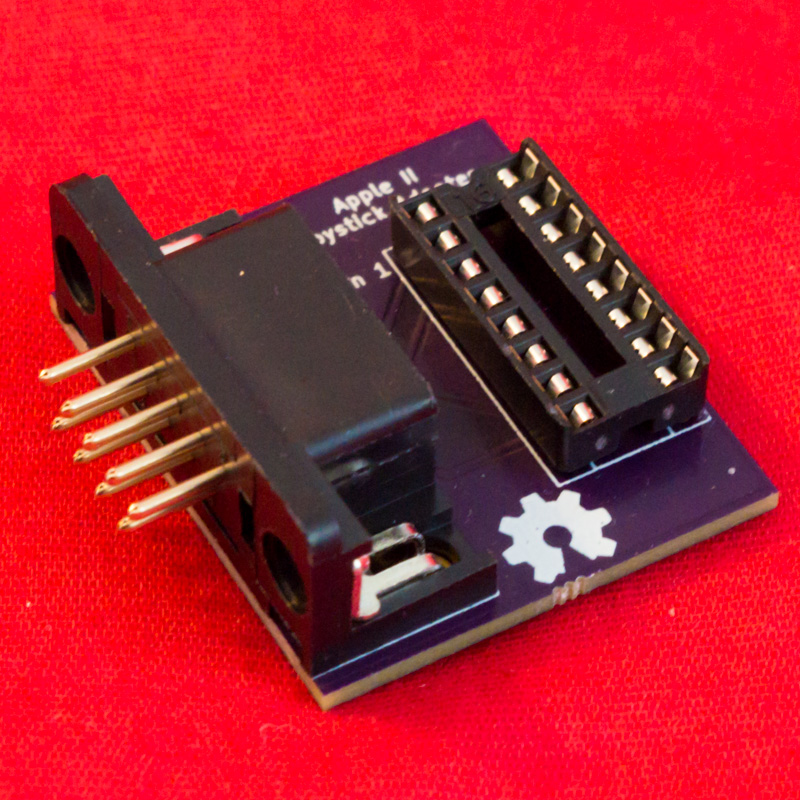
I found it necessary to remove the hex screws from the DE-9 connector, because they prevented it from mating with the connector on the Apple IIe.
You can order this board directly from OSH Park without needing to upload anything.
If you want to modify the design, the source is provided in KiCad format.
This project is licensed under CC-BY-SA 4.0.
The symbol and footprint for the DE-9 connector are from the official KiCad 5 library (CC-BY-SA 4.0 with exception).
| Qty | Value | Footprint | References |
|---|---|---|---|
| 1 | Conn_02x08_Counter_Clockwise | Housings_DIP:DIP-16_W7.62mm_Socket | J1 |
| 1 | DE9_Male_MountingHoles | footprints:DSUB-9_Male_Horizontal_P2.77x2.84mm_EdgePinOffset7.70mm_Housed_MountingHolesOffset9.12mm | J2 |
The 2 most common of 3 parts.
It measures 29.8 × 33.7 mm and has 2 copper layers, 1.6 mm thick.
3 parts. The full list of its parts is on this page, with links to each part's symbol and footprint where PCBKit's library has them.
From the mignon-p/A2JoystickAdapter repository on GitHub, at the commit this page was made from: the board is Joystick.kicad_pcb. PCBKit opens the board in the browser, with nothing to install.
Its repository publishes it under the CC-BY-SA-4.0 licence: you may reuse it on that licence's terms (keep the author's notice, and for a copyleft licence share your changes alike).

hzeller/rpi-rgb-led-matrix
Controlling up to three chains of 64x64, 32x32, 16x32 or similar RGB LED displays using Raspberry Pi GPIO


atopile/atopile
Design circuit boards with code! ✨ Get software-like design reuse 🚀, validation, version control and collaboration in hardware; starting with electronics ⚡️


hackclub/sprig
🍃 Learn to code by making games in a JavaScript web-based game editor.