
2 layers77 × 37 mm

 MalphasWats/Mage6
Mage is my handheld ATTiny85 gaming project
ArchMage is an open-source printed circuit board by MalphasWats, from the MalphasWats/Mage repository on GitHub. It is a 2-layer board of 15.5 × 21 mm with 3 parts on 11 nets.
It is built around the ATMEGA1284P-AU. Its parts include 2 connectors and 1 IC. It belongs with the AVR (ATmega, ATtiny) boards of this library.
Mage is my handheld ATTiny85 gaming project.
I've had this project bouncing around in my head for probably about 3 years now. Initially, I wasn't sure I could get an ATTiny85 to drive an OLED, but then a little while ago I worked out how I could use a set of 8x8 tiles and an index map to keep the SRAM requirements down.
After some furious breadboarding I produced a simple prototype which I transferred to protoboard
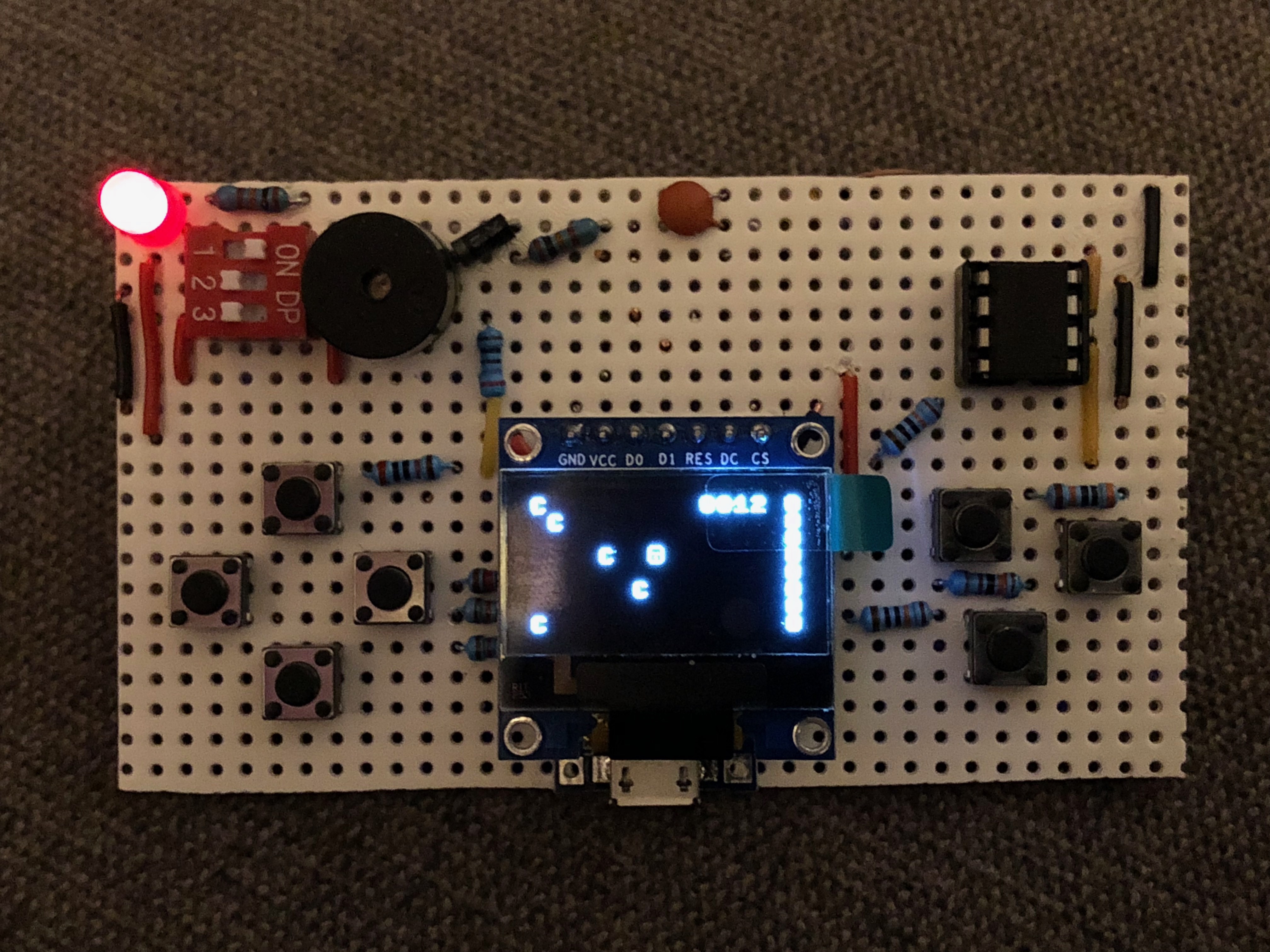
This turned out to be an immensely frustrating exercise. I thought I would be happy with a simple little protoboard device that I could make a little case for with acrylic or my 3D printer. I was wrong - this thing only worked for about 30 seconds at a time before one connection or other wobbled and broke. The screen was really flaky and I nearly got put off entirely.
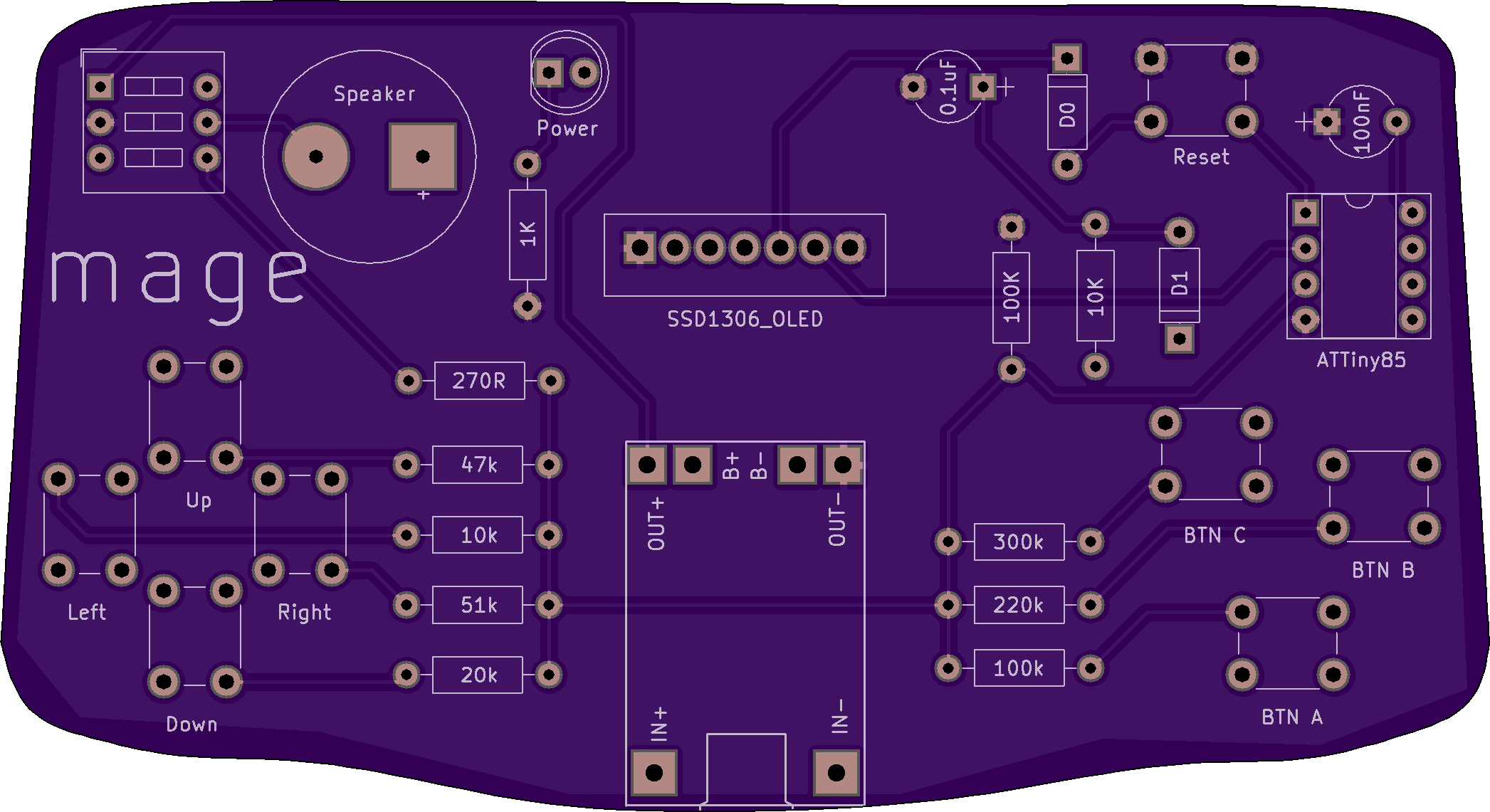
Enter KiCAD - I vaguely remembered a Hackaday series on making a PCB in everything. I downloaded KiCAD and promptly wept for a few days. The learning curve on creating a PCB, not just from scratch, but with absolutely no idea how to even use the software was steep. But after a few days, I took another stab and came up with something not half bad. In the end, one of the hardest parts was getting a board outline imported from a vector app - I used a photo of a GameBoy Advance and drew around it!
I sent the files off to OSH Park and waited.
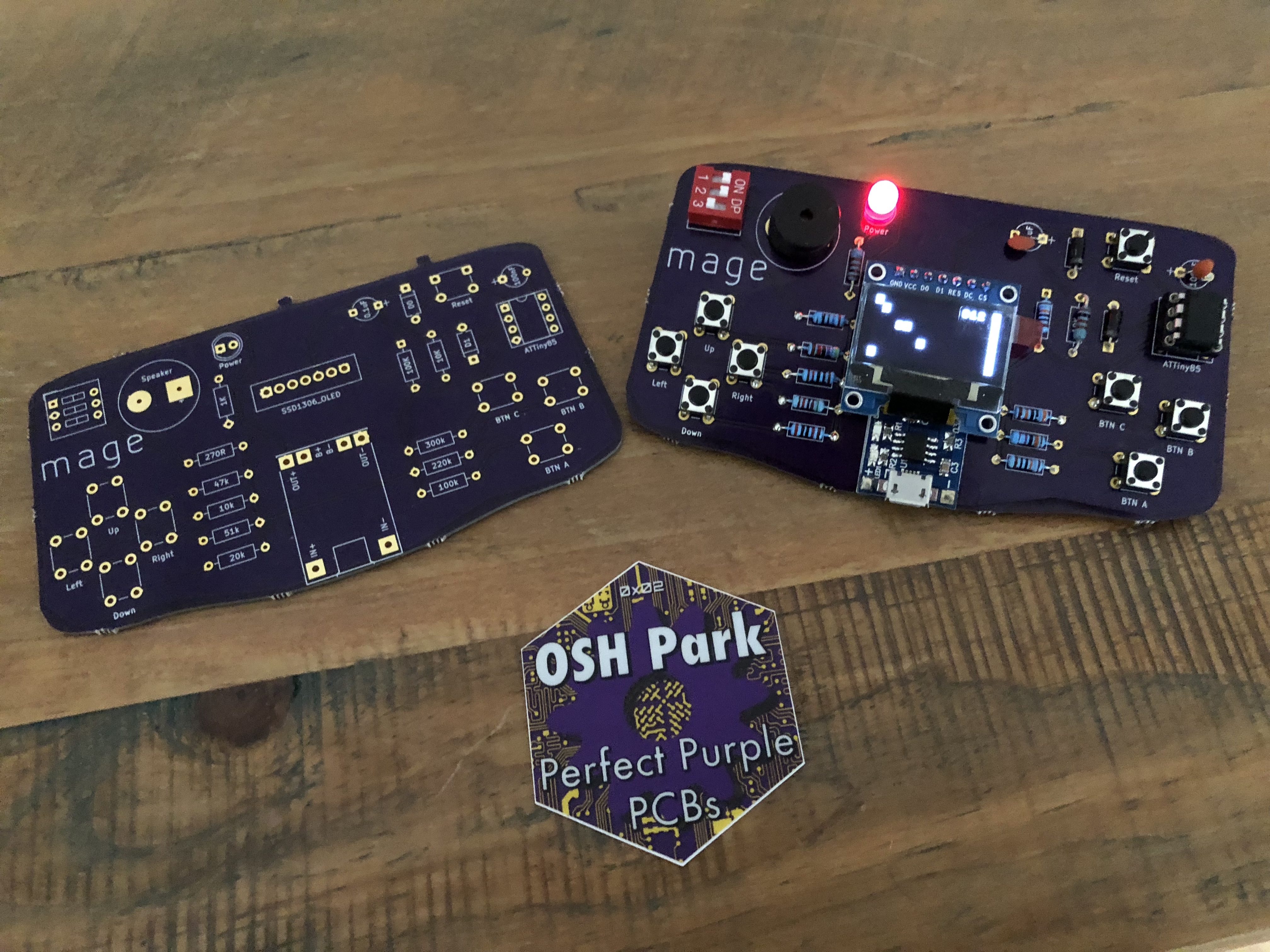
I was so very pleased with what I'd created, I immediately set off to create a demo game - that's the game contained in this repository. My ambitions grew a little faster than my knowledge of C and I've almost squeezed as much as possible out of the ATTiny85, which is quite satisfying.
The board itself wasn't quite what I had imagined way back when I first had the idea - I'd seen things like the Gamebuino, which are really neat (and small). So I fired up KiCAD again and had another crack.
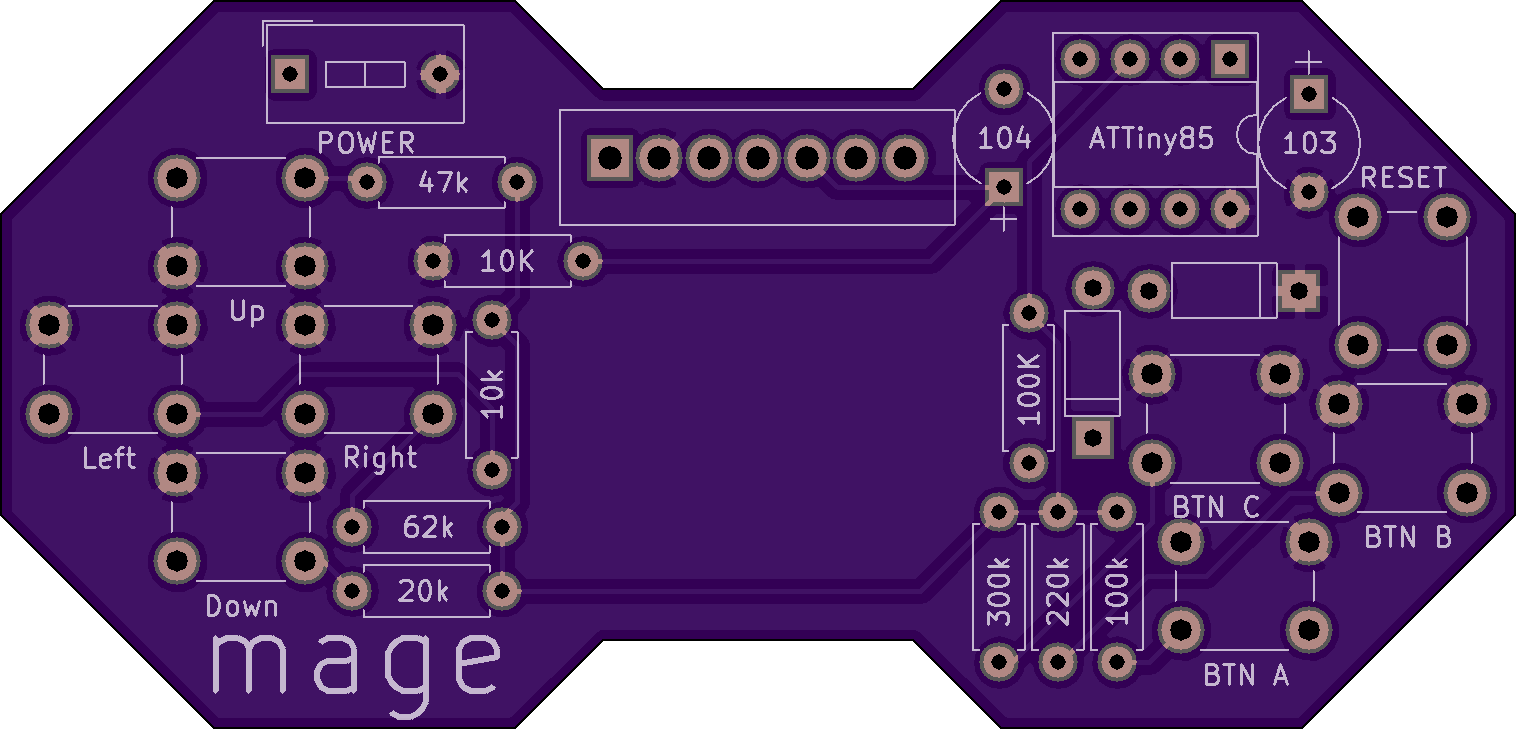
The second revision was much smaller - I used OpenSCAD to design the outline (3 octagons and a rectangle), which imported straight into KiCAD without any issue. The whole thing is smaller and I decided to use a CR2032 cell to power it, instead of the 3.7v Lipo & charger that I originally put on the board.
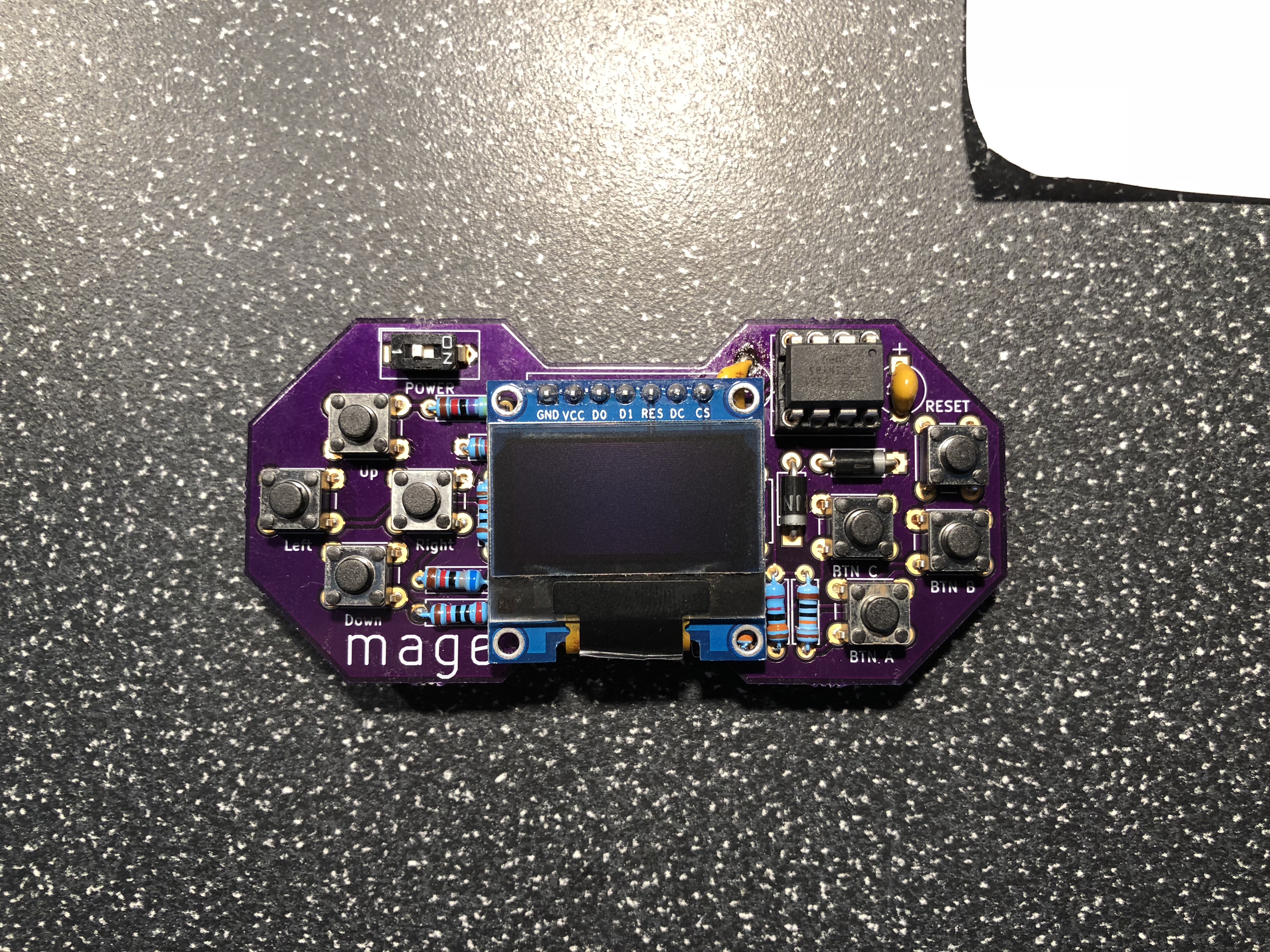
There were a few small issues, my first effort at soldering one nuked some of the traces and it took me a while to realise what had caused the problems. I also discovered that the springiness of the battery clip was too much for the small solder pads I'd defined and the battery clip pinged off taking the copper pad with it!
I'm not entirely sure why it still works, but after a bit of hot glue action, the board was working again! I wasn't happy with the layout - the screen overlapped awkwardly and the CR2023 was nice, but didn't actually make it any thinner or smaller than a Lipo, so I returned to the drawing board and produced a Final Version for which I am currently awaiting delivery.
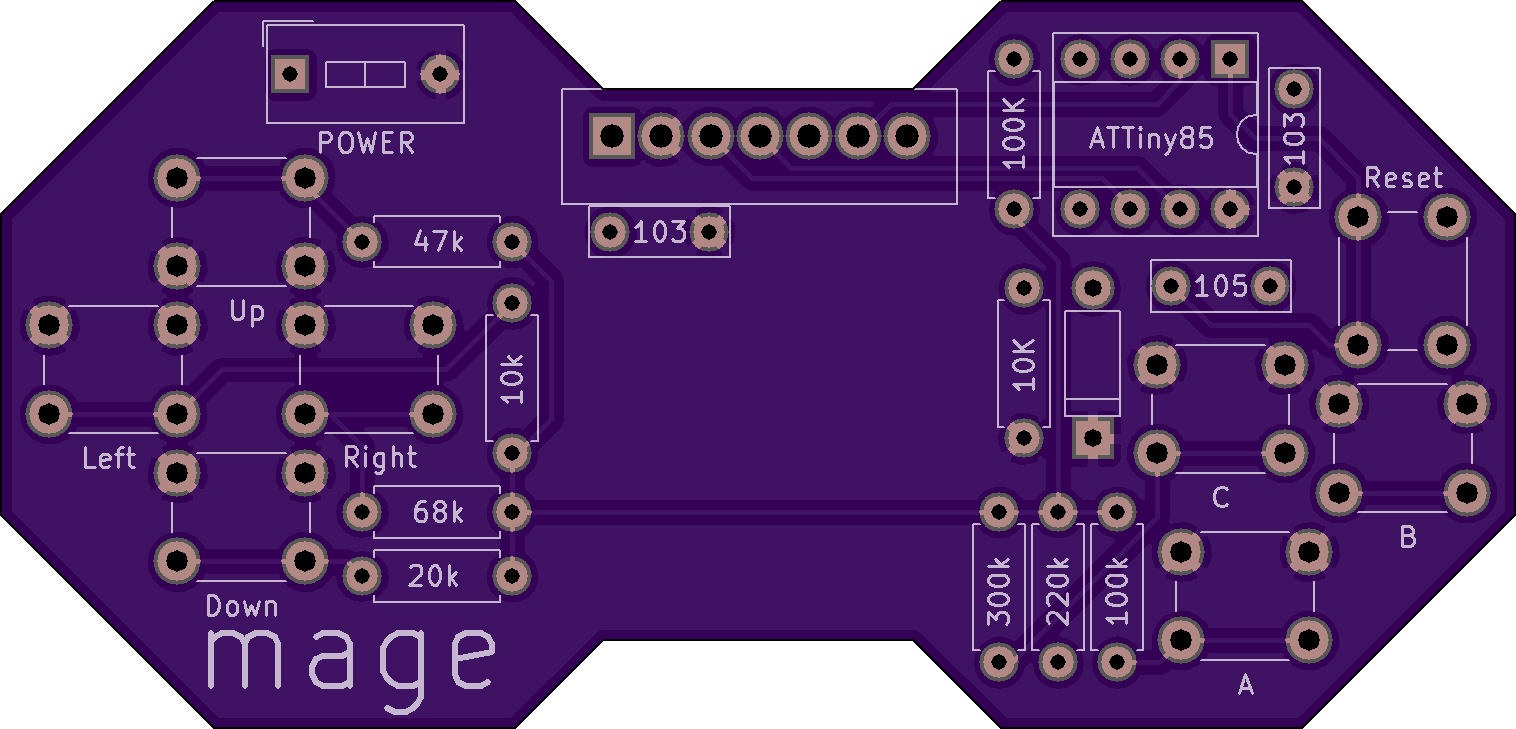
| Qty | Value | Footprint | References |
|---|---|---|---|
| 1 | ATmega1284P-AU | Housings_QFP:TQFP-44_10x10mm_Pitch0.8mm | U1 |
| 1 | DIP8 | Housings_DIP:DIP-8_W7.62mm | J2 |
| 1 | ISP | Pin_Headers:Pin_Header_Straight_2x03_Pitch2.54mm | J1 |
It measures 15.5 × 21 mm and has 2 copper layers, 1.6 mm thick.
3 parts, built around the ATMEGA1284P-AU. The full list of its parts is on this page, with links to each part's symbol and footprint where PCBKit's library has them.
From the MalphasWats/Mage repository on GitHub, at the commit this page was made from: the board is board/upgrade/ArchMage.kicad_pcb. PCBKit opens the board in the browser, with nothing to install.
Its repository states no licence, so its author keeps all rights: ask MalphasWats before reusing the design.


jp112sdl/HB-Dis-EP-42BW
4.2" ePaper Display mit 10 Tasterkanälen für Homematic

FUEL4EP/HomeAutomation
Home Automation repository of FUEL4EP

NarodniySputnik/Gladiolus-1
Gladiolus-1 - автономный модуль для приема и передачи изображений в формате SSTV (Slow Scan TeleVision) на малом космическом аппарате (МКА) формата CubeSat

UniversalScientificTechnologies/SPACEDOS02
Solid-state PIN diode dosimeter for manned spacecraft. Liulin detector replacement.

mlab-modules/BATDATUNIT01
Multiple parallel Li-ion 18650 battery cell module with BMS and data storage with MCU control.

pandemiaplan/OP-Vent
A Simple, Open-Source Ventilator using a Proportional Solenoid Valve

UniversalScientificTechnologies/SPACEDOS01
Silicon diode dosimeter optimized for spacecraft dosimetry