2 layers172 × 152.9 mm

 Mallo321123/Scroll-Wheel6
A big high resolution Scroll wheel
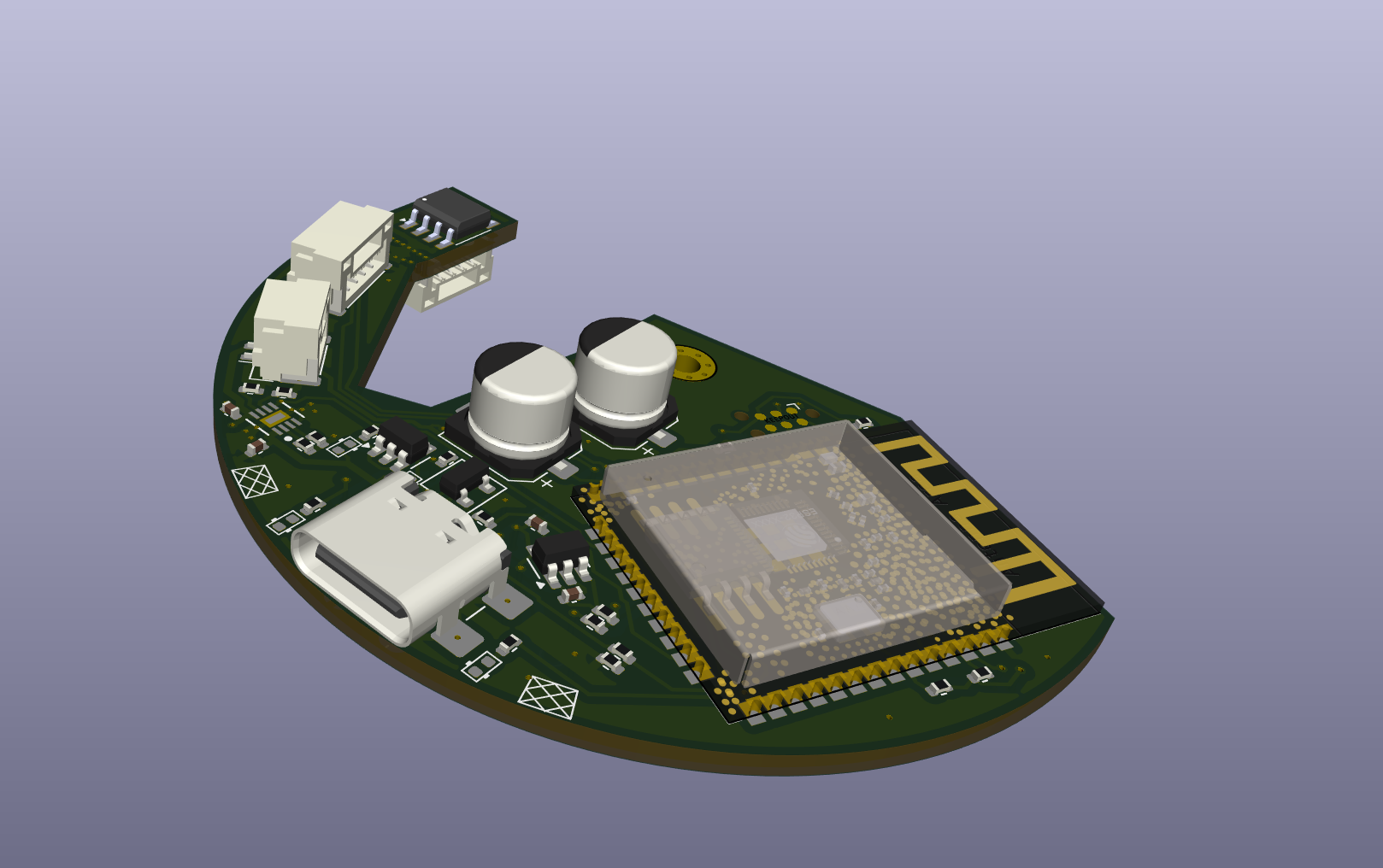
Scroll Wheel is an open-source printed circuit board by Mallo321123, from the Mallo321123/Scroll-Wheel repository on GitHub, published under the Apache-2.0 licence. It is a 2-layer board of 40.2 × 59.8 mm with 47 parts on 55 nets, routed with 399 tracks and 112 vias.
It is built around the MIC5504-3.3YM5, BC847 and FDC6318P. Its parts include 19 resistors, 7 capacitors, 5 connectors, 4 ICs and 4 diodes. It belongs with the ESP32 boards of this library.


A large, high-resolution scroll wheel inspired by Engineer Bo's YouTube video.
⚠️ Early Development Phase
This project is still under development. Use at your own risk.
The entire functionality is now handled by a single ESP32 microcontroller using BLE HID (Human Interface Device) mode.
✅ This simplifies the setup significantly and increases compatibility across Linux, Windows, and macOS.
| Part | Quantity |
|---|---|
| Main PCB (pre-soldered) | 1 |
| Bearing (65×85×10 mm) | 1 |
| JST GH Cable Kit | 1 set |
| Cylinder Magnets (3×12 mm) | 7 |
| 3D-Printed Parts | 3 |
| S3P2 NiMH Battery Pack | 1 |
| M2×5 Screws | 5 |
Factory bearings may feel stiff due to thick grease. Here's how to optimize smoothness:
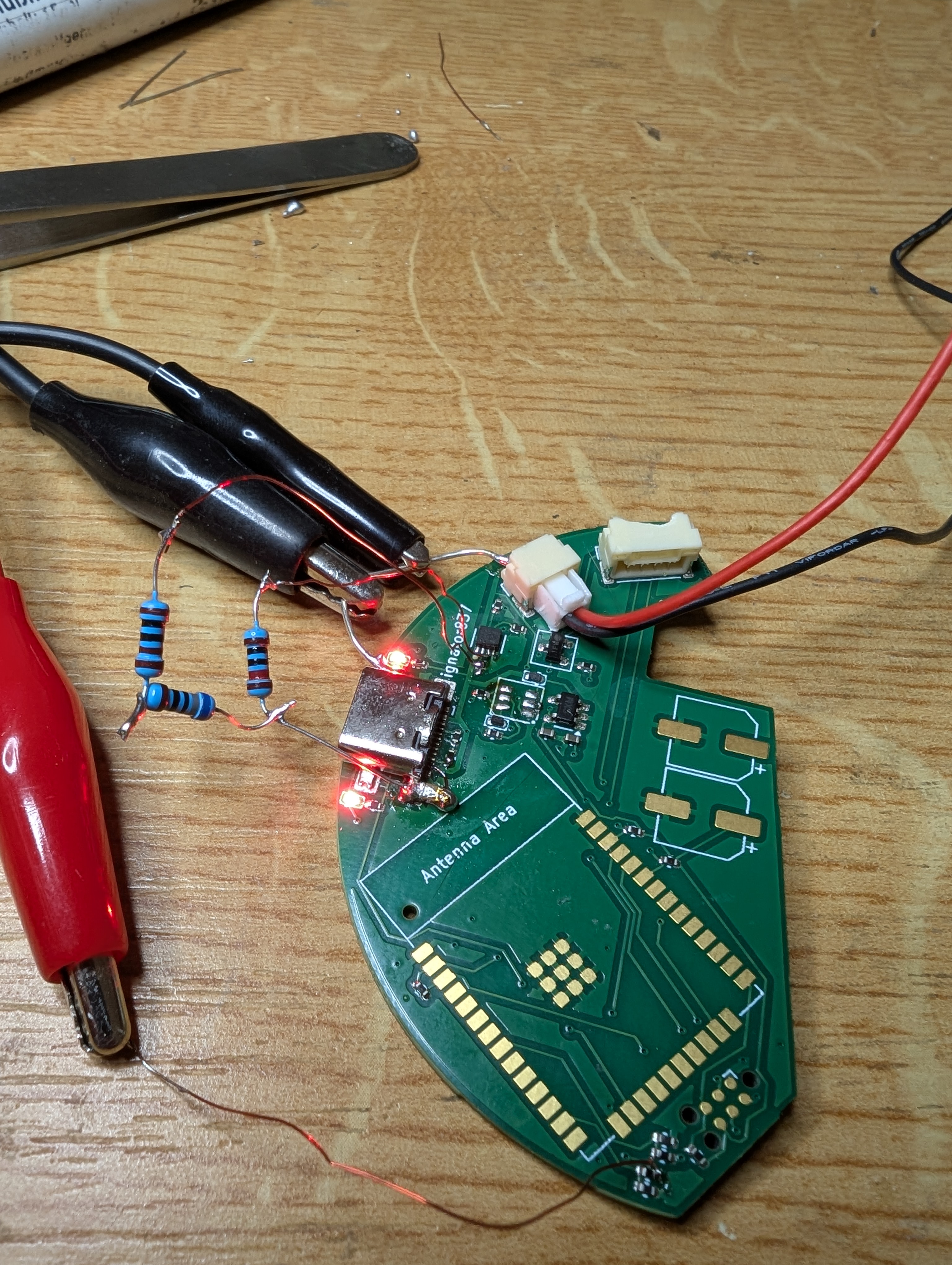
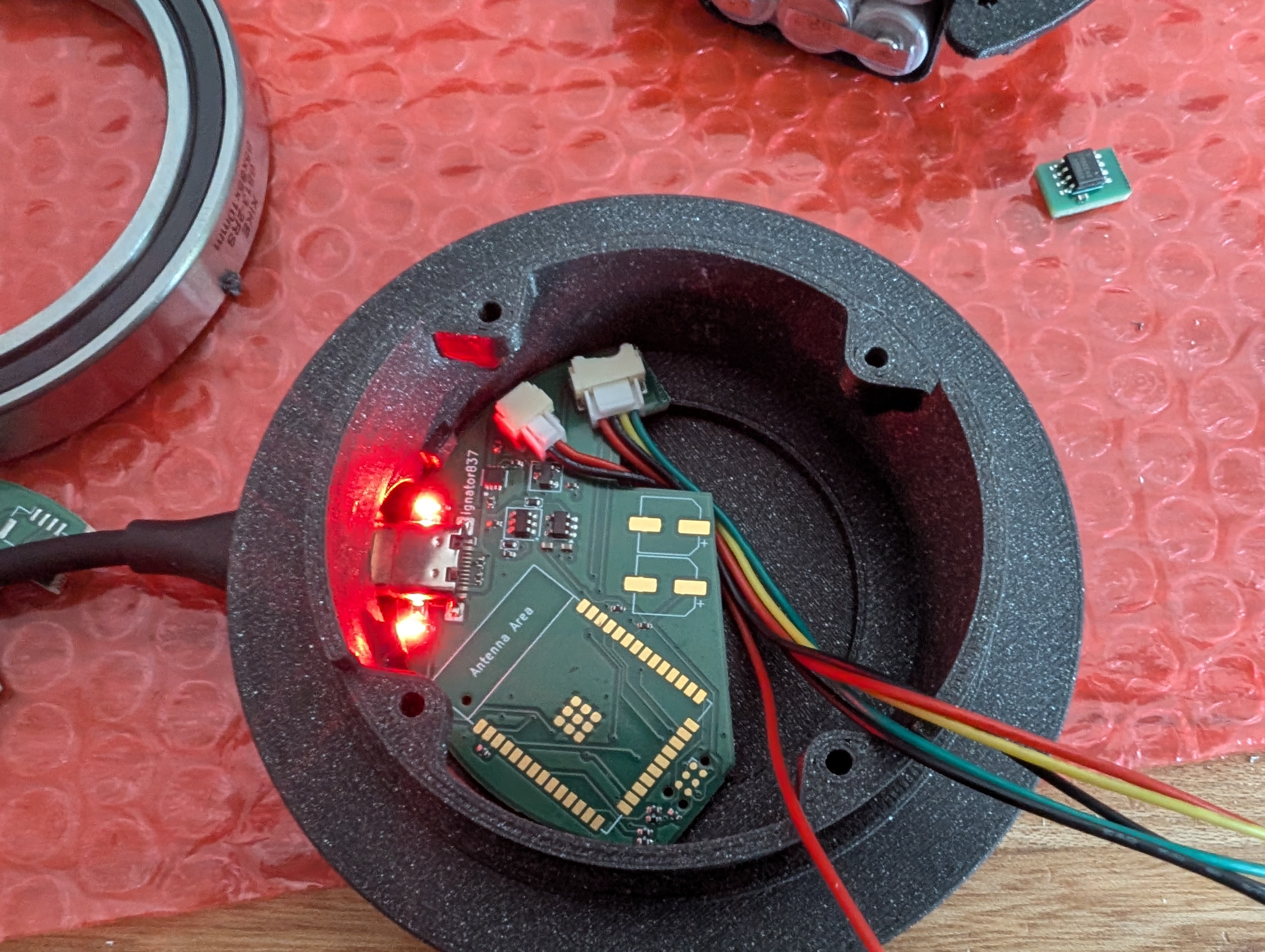
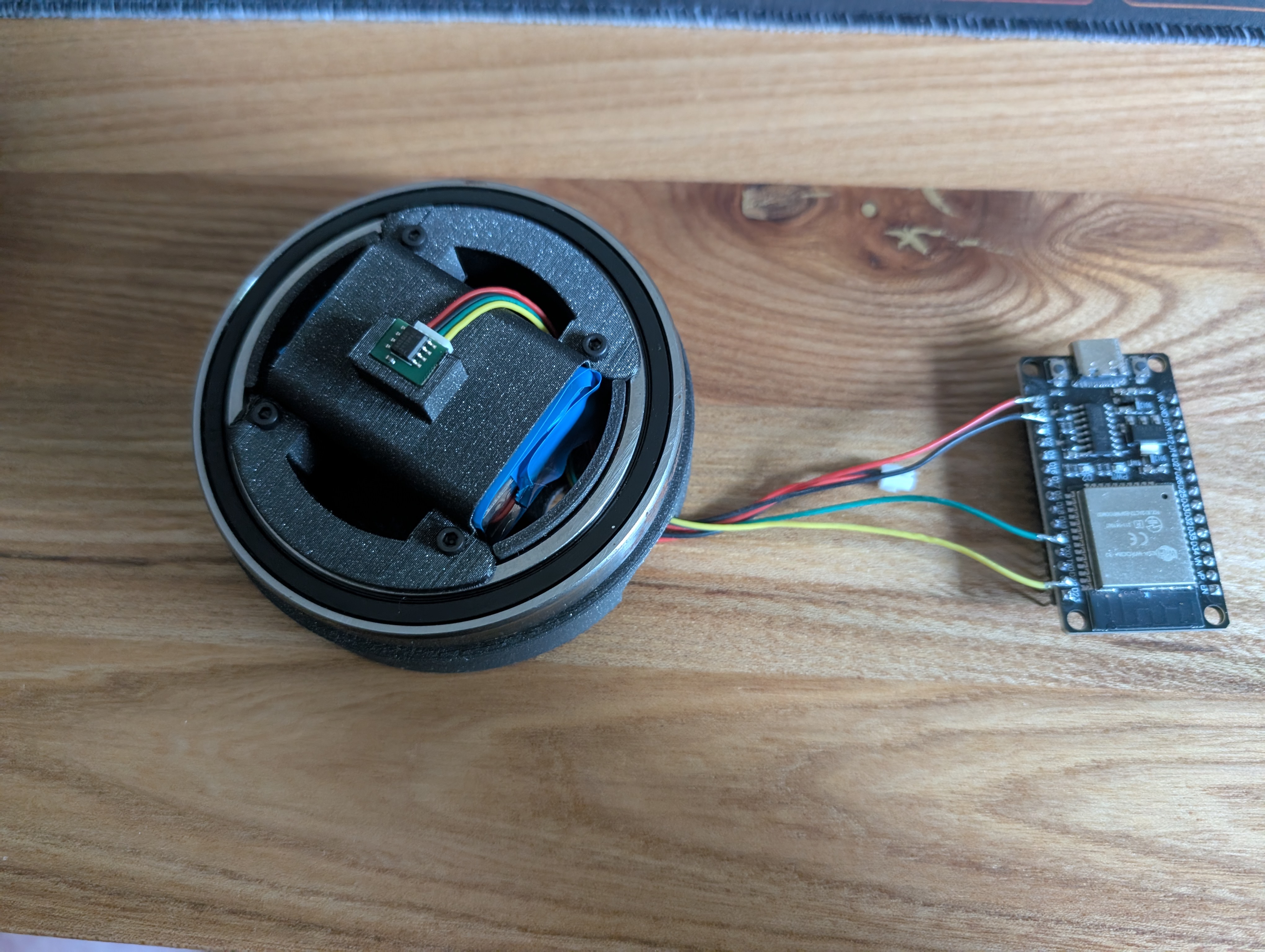
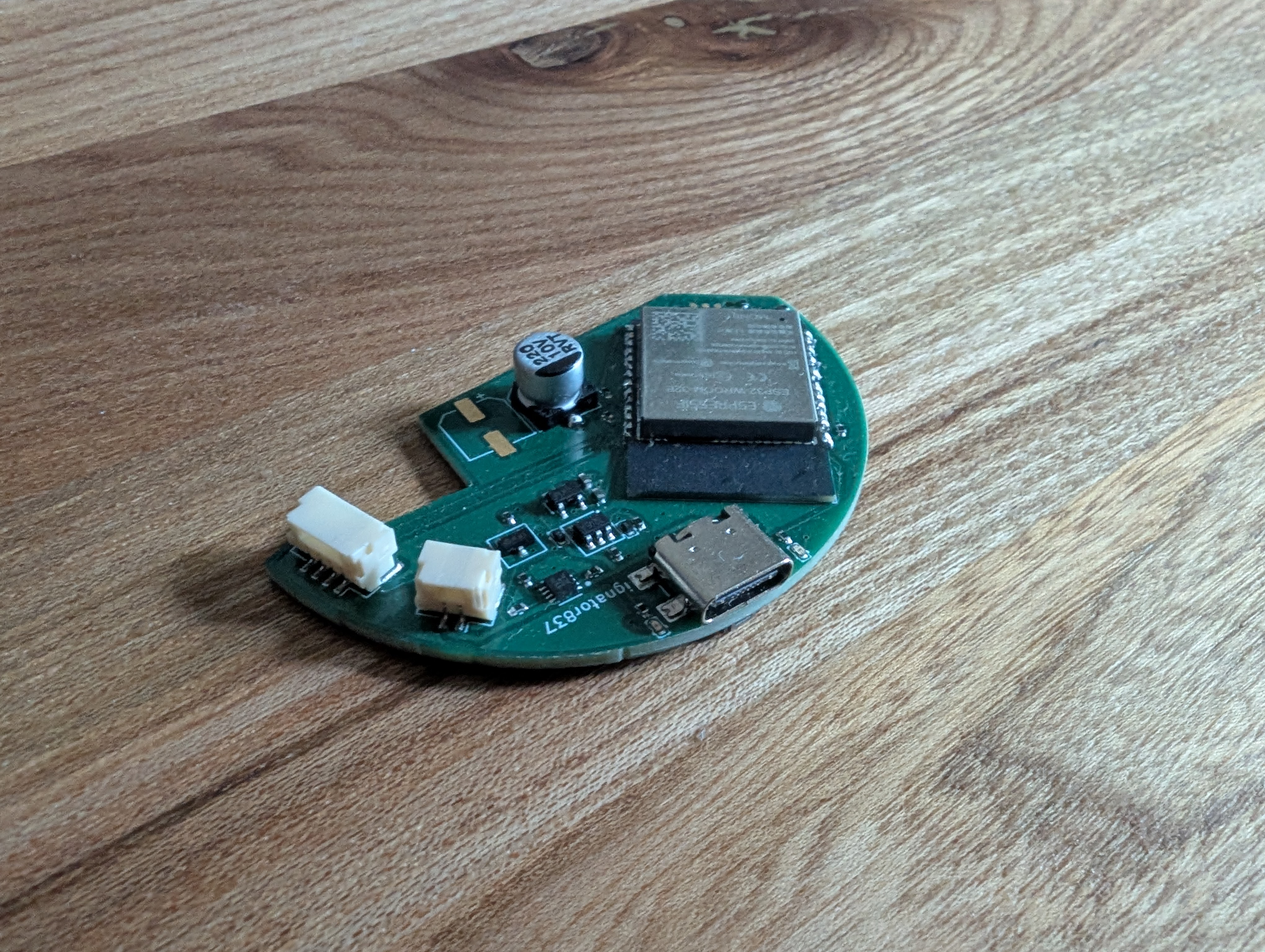
Pull requests, suggestions, and feedback are always welcome — feel free to get involved and help improve the project!
Prototyping and hardware development can get expensive quickly, so if you’d like to support the project financially:


Every bit helps keep the ideas (and soldering irons) running!
Credits to T-vk for creating the ESP32 BLE Mouse Library
| Qty | Value | Footprint | References |
|---|---|---|---|
| 11 | 5.1k | Resistor_SMD:R_0402_1005Metric | R3, R12, R13, R14, R15, R16, R21, R22, R24, R26, R28 |
| 5 | 22uF | Capacitor_SMD:C_0402_1005Metric | C1, C3, C9, C10, C11 |
| 2 | 100uF | Capacitor_SMD:CP_Elec_6.3x5.4 | C5, C7 |
| 2 | 150 | Resistor_SMD:R_0402_1005Metric | R1, R2 |
| 2 | 2.7k | Resistor_SMD:R_0402_1005Metric | R8, R9 |
| 2 | D | PCM_Diode_SMD_AKL:D_0402_1005Metric | D3, D5 |
| 2 | LED | PCM_Diode_SMD_AKL:D_0402_1005Metric | D2, D6 |
| 1 | 1M | Resistor_SMD:R_0402_1005Metric | R31 |
| 1 | 24k | Resistor_SMD:R_0402_1005Metric | R18 |
| 1 | 27k | Resistor_SMD:R_0402_1005Metric | R20 |
| 1 | 3.3V | TestPoint:TestPoint_Pad_D1.0mm | TP3 |
| 1 | 680 | Resistor_SMD:R_0402_1005Metric | R17 |
| 1 | AS5600 | AS5600:AS5600 | U7 |
| 1 | BC847 | PCM_Package_TO_SOT_SMD_AKL:SOT-23 | Q2 |
| 1 | BQ25172DSGR | BQ25172:DSG0008A-IPC_A | U2 |
| 1 | Conn_01x02_Pin | Connector_JST:JST_GH_SM02B-GHS-TB_1x02-1MP_P1.25mm_Horizontal | J3 |
| 1 | Connector Encoder | Connector_JST:JST_GH_SM04B-GHS-TB_1x04-1MP_P1.25mm_Horizontal | J4 |
| 1 | Connector controller | Connector_JST:JST_GH_SM04B-GHS-TB_1x04-1MP_P1.25mm_Horizontal | J5 |
| 1 | ESP32-WROOM-E | PCM_Espressif:ESP32-WROOM-32E | U1 |
| 1 | FDC6318P | Package_TO_SOT_SMD:SOT-23-6 | Q3 |
| 1 | GND | TestPoint:TestPoint_Pad_D1.0mm | TP2 |
| 1 | MIC5504-3.3YM5 | Package_TO_SOT_SMD:SOT-23-5 | U6 |
| 1 | SW_Push | Button_Switch_SMD:SW_Push_SPST_NO_Alps_SKRK | SW1 |
| 1 | State | TestPoint:TestPoint_Pad_D1.0mm | TP5 |
| 1 | TC2030 | Connector:Tag-Connect_TC2030-IDC-NL_2x03_P1.27mm_Vertical | J1 |
| 1 | USB_C_Receptacle_USB3.1_16P | Connector_USB:USB_C_Receptacle_GCT_USB4110 | J2 |
| 1 | VDC | TestPoint:TestPoint_Pad_D1.0mm | TP1 |
The 46 most common of 47 parts.
It measures 40.2 × 59.8 mm and has 2 copper layers, 1.6 mm thick.
47 parts, built around the MIC5504-3.3YM5, BC847 and FDC6318P. The full list of its parts is on this page, with links to each part's symbol and footprint where PCBKit's library has them.
From the Mallo321123/Scroll-Wheel repository on GitHub, at the commit this page was made from: the board is PCB/Scroll Wheel.kicad_pcb and its schematic PCB/Scroll Wheel.kicad_sch. PCBKit opens the board in the browser, with nothing to install.
Its repository publishes it under the Apache-2.0 licence: you may reuse it on that licence's terms (keep the author's notice, and for a copyleft licence share your changes alike).

tmk/USB2USB_Converter
USB to USB keyboard protocol converter supported by TMK keyboard firmware

kiu/lofence
LoFence is a LoRaWAN capable IoT electric fence monitoring system running on the The Things Network.


nkrackow/SingularitySurfer-FPGA-Lock-In-Amplifier
Repository for the development of an FPGA based DSP Lock-In Amplifier

AndersBNielsen/PhaseLatchMini
High-rate continuous streaming of interleaved dual ADC (I/Q) samples over USB Full‑Speed (FS) using only the built‑in CDC class on an STM32F103C8 ("Blue Pill" style) board.

Badbird5907/thermal-camera
My design of a cheap and affordable thermal camera

felixheld/qspimux
QSPI flash multiplexer - connect a SPI NOR flash to either an embedded system or a programmer for remote firmware tests