2 layers140.5 × 30 mm
Type e
google/mozc-devices
Circuit diagrams and firmware source code for Gboard DIY keyboards
16 parts3kApache-2.0

 kuna/museoncon
Muse-On game controller from HELL
Museon is an open-source printed circuit board by kuna, from the kuna/museoncon repository on GitHub. It is a 2-layer board of 90 × 70 mm with 16 parts on 38 nets, routed with 89 tracks and 0 vias.
Its parts include 9 connectors and 2 resistors. It belongs with the keyboards and input boards and the RP2040 boards of this library.
A revival of muse-on controller to a fully functional IIDX gamepad with LED equipped.
Composed of:
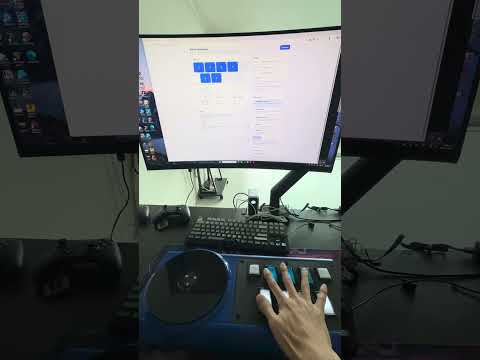
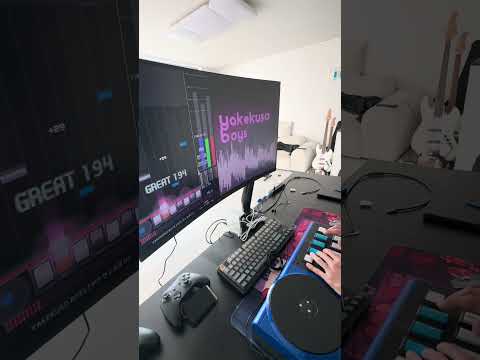
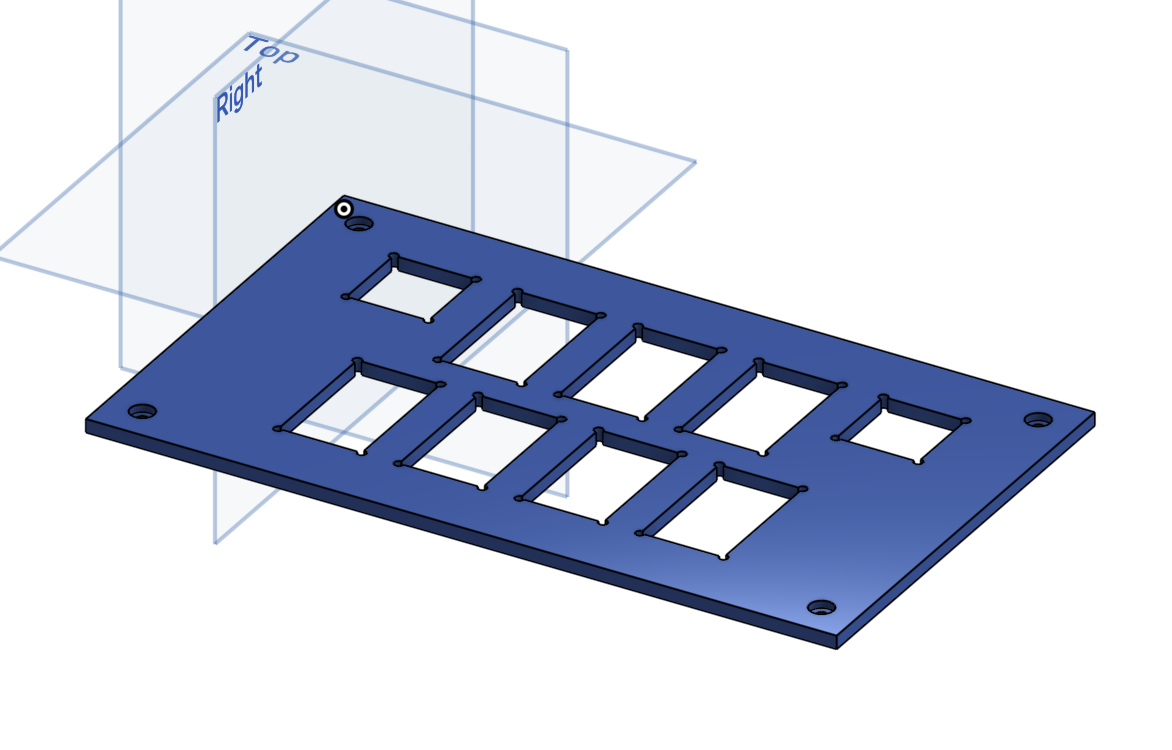
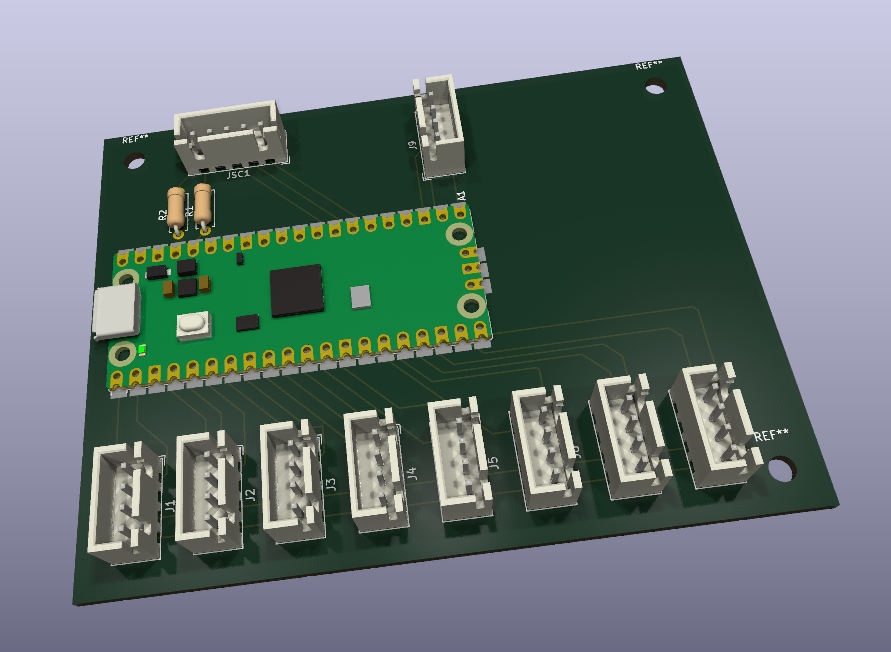
configurator/index.html changes the output mode and shows live input:
buttons before and after debounce, turntable position, sensor levels, and
invalid quadrature steps.
Pick the gamepad mode for the game, since each game reads the turntable differently:
| Game | Mode |
|---|---|
| beatoraja (analog scratch off, the default) | GAMEPAD · beatoraja |
| LR2 | GAMEPAD · LR2 |
| INFINITAS, or beatoraja with analog scratch on | GAMEPAD · INFINITAS |
Open the file directly in Chrome or Edge on a desktop (Web Serial is not available in Firefox or Safari), plug in the controller, and press Connect. No server or install is needed. The protocol is documented in firmware/README.md.
With several controllers plugged in, the page connects to the first free
one. To pick another, press Disconnect, then Connect and choose its port.
The browser lists ports only by name (e.g. COM5), so press "Blink LEDs"
to see which controller you got. Each tab holds one controller, so you can
also open one tab per controller.
| Qty | Value | Footprint | References |
|---|---|---|---|
| 9 | Conn_01x04_MountingPin | Connector_JST:JST_XH_B4B-XH-A_1x04_P2.50mm_Vertical | J1, J2, J3, J4, J5, J6, J7, J8, J9 |
| 2 | R | Resistor_THT:R_Axial_DIN0207_L6.3mm_D2.5mm_P7.62mm_Horizontal | R1, R2 |
| 1 | Conn_01x05_MountingPin | Connector_JST:JST_XH_B5B-XH-A_1x05_P2.50mm_Vertical | JSC1 |
| 1 | RaspberryPi_Pico | Module:RaspberryPi_Pico_SMD_HandSolder | A1 |
The 13 most common of 16 parts.
It measures 90 × 70 mm and has 2 copper layers, 1.6 mm thick.
16 parts. The full list of its parts is on this page, with links to each part's symbol and footprint where PCBKit's library has them.
From the kuna/museoncon repository on GitHub, at the commit this page was made from: the board is circuit/museon.kicad_pcb and its schematic circuit/museon.kicad_sch. PCBKit opens the board in the browser, with nothing to install.
Its repository states no licence, so its author keeps all rights: ask kuna before reusing the design.
google/mozc-devices
Circuit diagrams and firmware source code for Gboard DIY keyboards

conorpp/u2f-zero
U2F USB token optimized for physical security, affordability, and style

rusefi/rusefi
rusefi - GPL internal combustion engine control unit

VoronDesign/Voron-Hardware
Cool Hardware designed by the Voron Design group

hoglet67/RGBtoHDMI
Bare-metal Raspberry Pi project that provides pixel-perfect sampling of Retro Computer RGB/YUV video and conversion to HDMI

hackclub/OnBoard
💡 Join 1,000 teenagers and make your first PCB with a $100 grant!

