


2 layers94.6 × 46.1 mm

kicadStepUp: ECAD to MCAD FreeCAD WorkBench
Demo is an open-source printed circuit board by easyw, from the easyw/kicadStepUpMod repository on GitHub. It is a 2-layer board of 21.1 × 26.9 mm with 16 parts on 6 nets, routed with 65 tracks and 6 vias.
It is built around the BS170. Its parts include 4 capacitors, 4 resistors, 1 IC, 1 diode and 1 transistor.



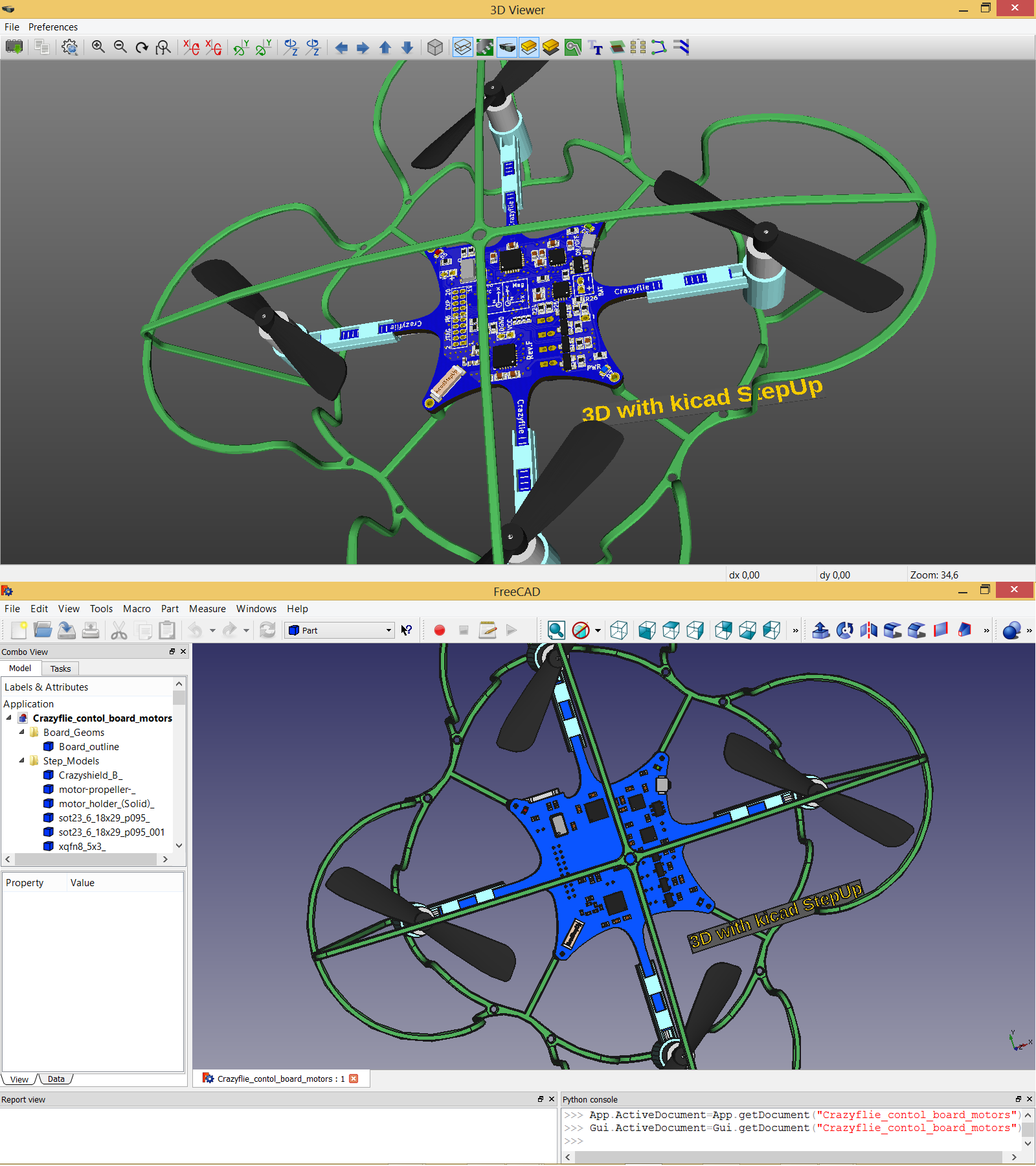
KiCad StepUp tools are a FreeCAD Macro and a FreeCAD WorkBench to help in Mechanical Collaboration between KiCad EDA and FreeCAD or a Mechanical CAD.
KiCad StepUp features:
Please see KiCad Info forum or FreeCAD forum to discuss or report issues regarding this Addon.
Download and install your corresponding version of FreeCAD from Download page and either install
automatically using the FreeCAD Add-on Manager (bundled in to FreeCAD under Tools Menu) (*) There is a known issue in FreeCAD Addons Manager on Linux
manually by copying the kicadStepUpMod folder to the Mod sub-directory of the FreeCAD application
manually by following the standard installation FreeCAD Installing more workbenches
ECAD-MCAD-collaboration: Complex Edge Sketch to PCB

ECAD-MCAD-collaboration: Push&Pull Edge to PCB
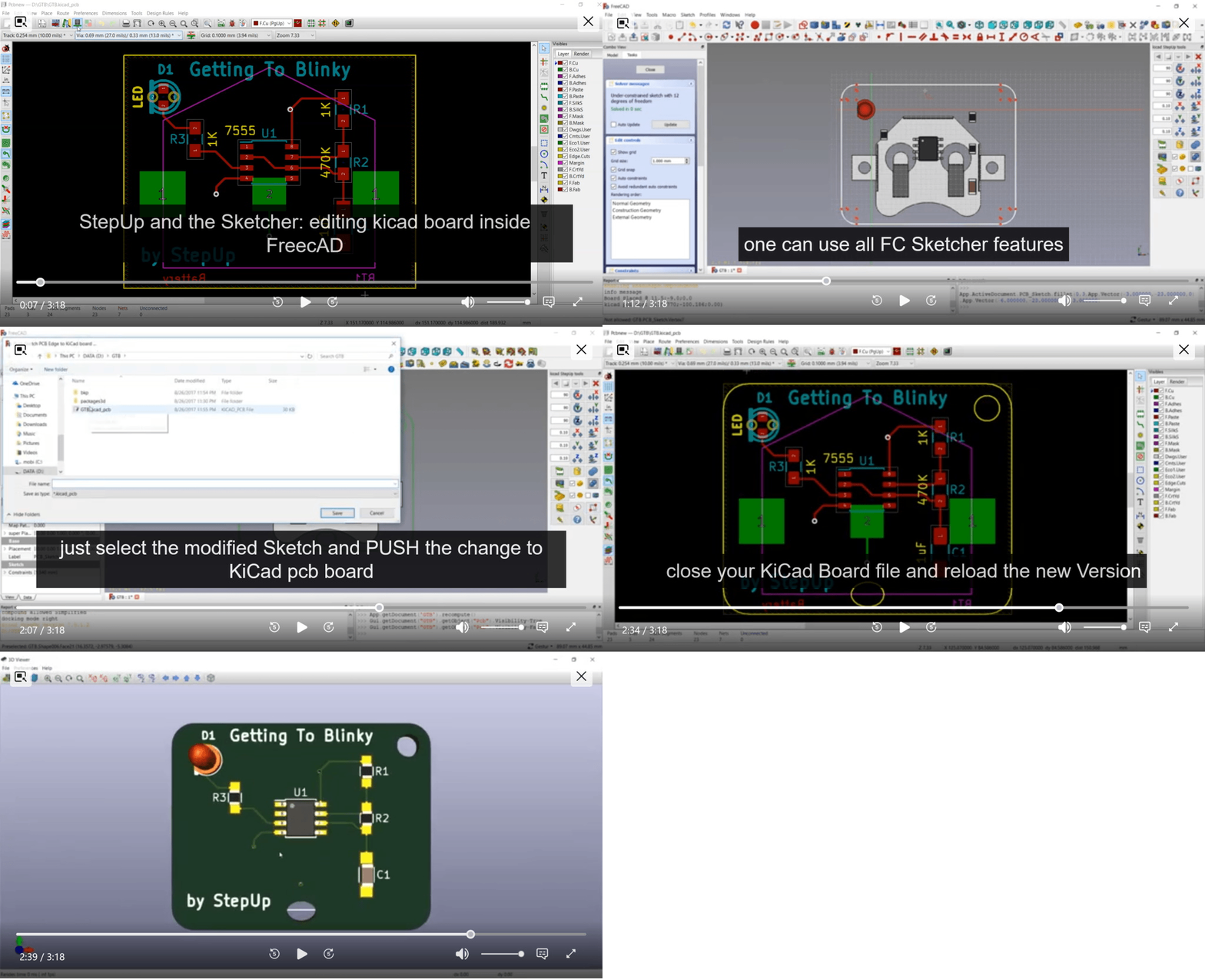
ECAD MCAD Synchronization: Push & Pull model placement in 3D environment

ECAD-MCAD-collaboration: Footprint in FreeCAD

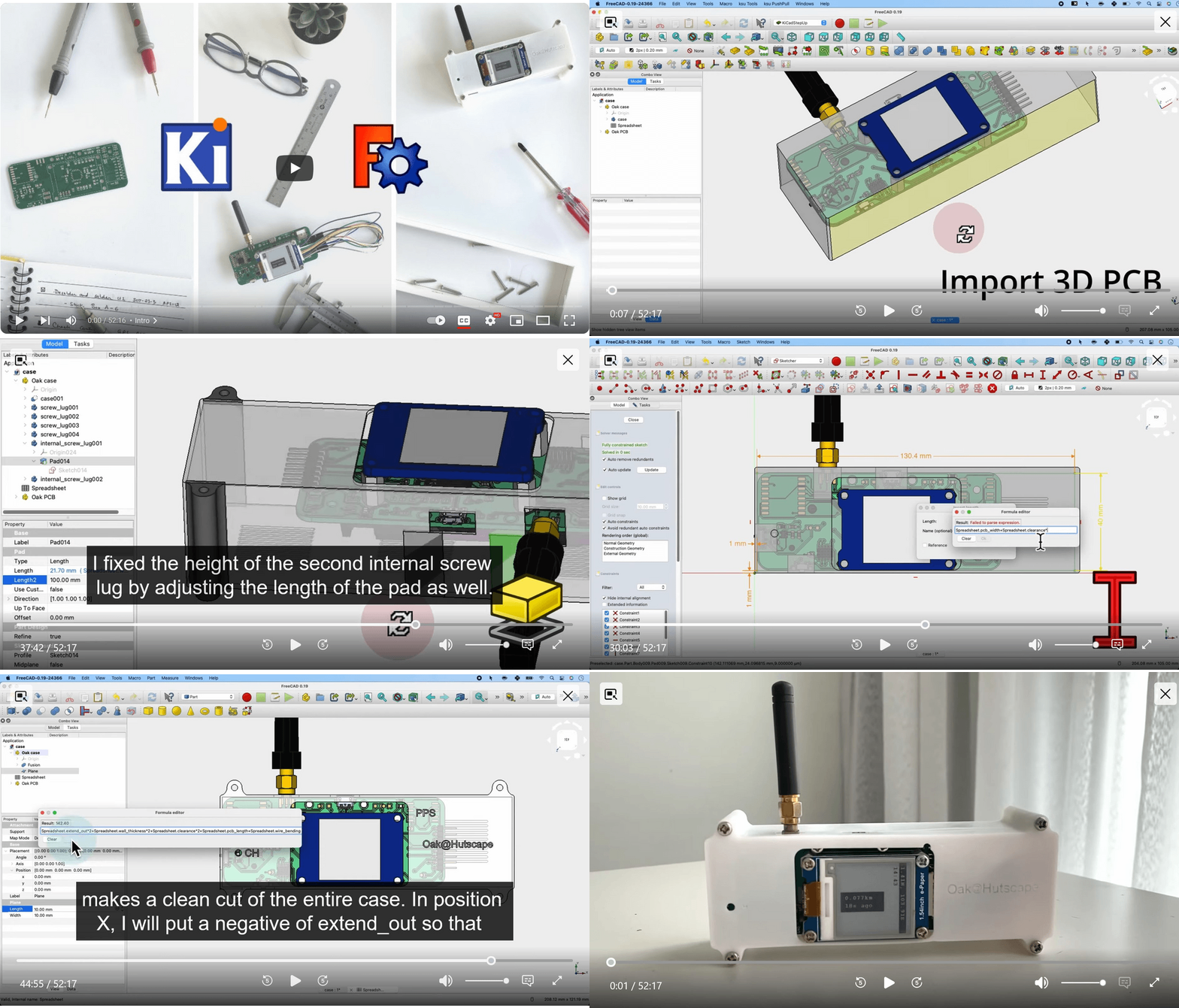
ECAD-MCAD-collaboration: FreeCAD + KiCAD complete walkthrough design
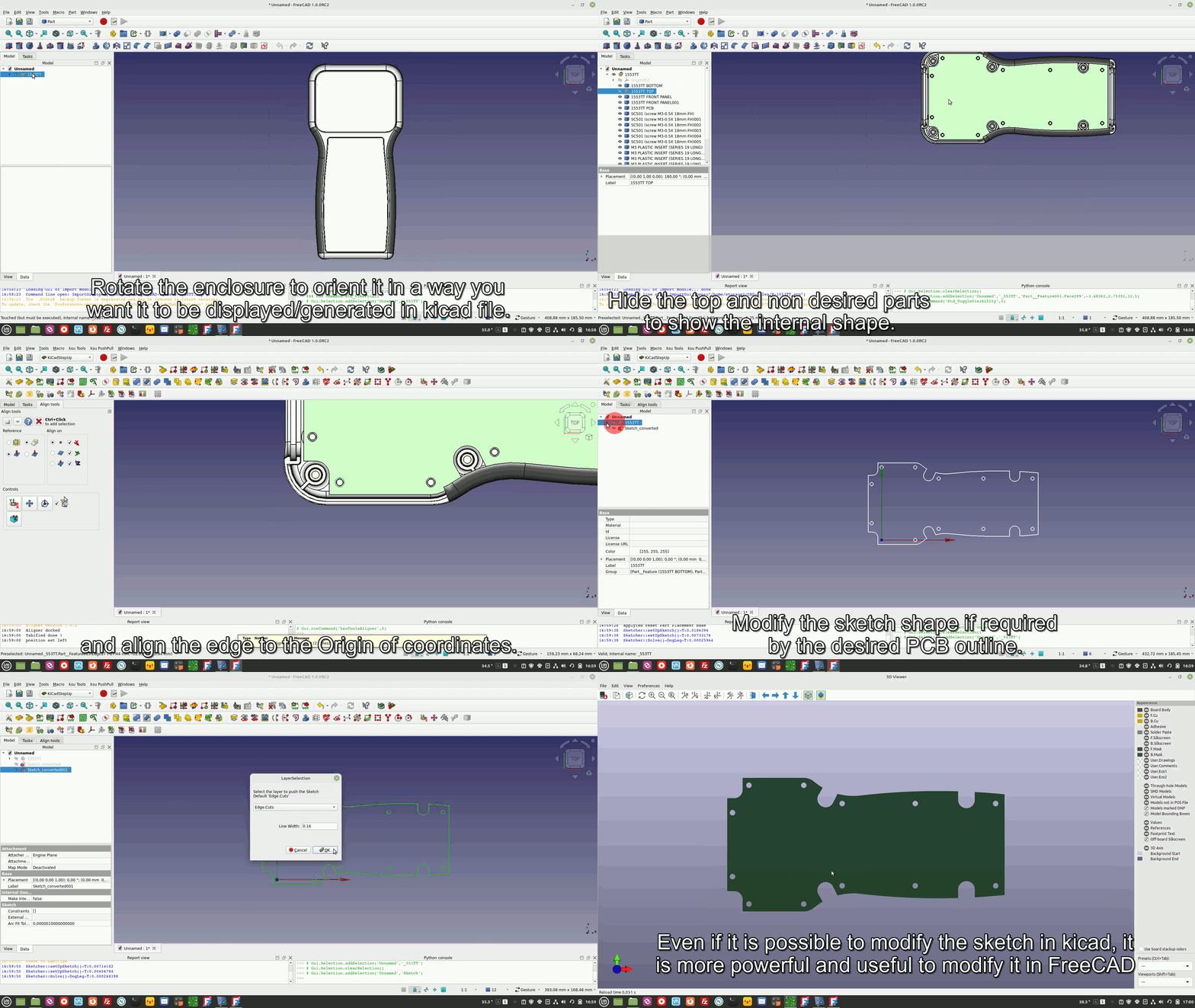
ECAD-MCAD-collaboration: Designing a Complex PCB Edge from a 3D model Enclosure
FreeCAD 0.19, 0.20, 0.21, 0.22, 1.0
KiCAD 5.1, 6.x, 7.x, 8.x, 9.x, 10.x
KiCAD 10.99 nigthly (partially supported)
on Linux FreeCAD Snap and Flatpak you may need to use 'mount bind' to have access to KiCad 3D models path
on Linux FreeCAD Addons may fail to install (FC >= 1.0.1)
GNU AFFERO GENERAL PUBLIC LICENSE
:no_entry_sign: AI-generated contributions are not accepted. All Pull Requests and issues must be written genuinely by the contributor. :no_entry:We do not accept content (code, comments, commit messages, issue or PR descriptions, documentation, etc.) that is generated by :robot:AI tools. Such contributions will be rejected.
| Qty | Value | Footprint | References |
|---|---|---|---|
| 2 | 100N | cap_0603 | C3, C8 |
| 2 | 470 | r_0603 | R1, R4 |
| 2 | 47u | c_tant_D | C1, C6 |
| 2 | LOGO | LOGO | G***, G*** |
| 1 | 12K | r_0603 | R3 |
| 1 | 1K | r_0603 | R6 |
| 1 | 1N4148 | sod80c | D1 |
| 1 | 7805-DPAK | d-pak | U2 |
| 1 | Alim | SIL-2 | J1 |
| 1 | BS170 | SOT23-GSD | Q1 |
| 1 | RED | Led_0603 | LD1 |
| 1 | VAL** | hole_3mm5 | hole_3mm5 |
It measures 21.1 × 26.9 mm and has 2 copper layers, 1.6 mm thick.
16 parts, built around the BS170. The full list of its parts is on this page, with links to each part's symbol and footprint where PCBKit's library has them.
From the easyw/kicadStepUpMod repository on GitHub, at the commit this page was made from: the board is demo/demo.kicad_pcb and its schematic demo/KSU_FFC_Stiffener_Example/KSU_FFC_Stiffener_Example.kicad_sch. PCBKit opens the board in the browser, with nothing to install.
Its repository states no licence, so its author keeps all rights: ask easyw before reusing the design.


pablozg/freeds
Derivador de energía solar excedente creado por Pablo Zerón, Diseño PCB por Amcalo, Tester original por Aeizoon, Wiki por Zoilo Mora

PhysicsDptAngers/polyUAnalog
Open source, analog and polyphonic synthesizer


DRWJSCHMIDT/T41
This is the repository for the officially released V10, V11, and V12 versions of the T41 Software Defined Transceiver hardware and kits.

sffubs/dactyl_manuform_gimbal
Instrutions and designs for building the dactyl-manuform-gimbal keyboard
