2 layers99 × 56 mm
Orange juice board
jeji/orange_juice_2
For Orange Pi zero 2 with klipper and more advance feature
56 parts5

 jeji/orange_juice13
A orange pi zero shield board for 3D printer with klipper features
Orange juice board is an open-source printed circuit board by jeji, from the jeji/orange_juice repository on GitHub, published under the GPL-3.0 licence. It is a 2-layer board of 85 × 56 mm with 56 parts on 56 nets, routed with 372 tracks and 28 vias.
It is built around the TPS5430DDA, USBLC6-2SC6 and AO3400A, with the B340A and SMAJ24A among its other parts. Its parts include 14 resistors, 14 connectors, 6 diodes, 4 capacitors and 3 ICs. It belongs with the robots and motor control boards of this library.


youtube: https://www.youtube.com/channel/UChTFW-Y9eg54AaTY_yama7A
bilibili:https://b23.tv/pqzW2up
2022/10/09: v0.8 Reverse the polarity to match the common wire setup
2022/02/06: v0.7 bate release version, passed function and stable test
香橙派Zero2版本
Version for Orange Pi Zero2 \
TODO:
我并不是专业的电子工程师,设计本项目只是为了好玩和方便DIY Voron 3D打印机
你将自行承担由此带来的所有风险
社区有诸多反馈香橙派zero的CPU温度过高,所以在使用中请加强散热
本项目为基于GPL3.0的开源项目,欢迎魔改。如果你有更好的改进也请务必与我分享
(!) 请特别注意文章中加粗和带"(!)"部分的内容
I'm not prefesstional electronic engineer, I designed this for fun and convenience while DIY my Voron printer
You will take it as your own risk for any potential damages
Overheat issue is being reported for OrangePi Zero H2+ CPU, hence a proper cooling fan even with cooling fin is strongly recommended
This project is based GPL3.0 license, you are free to modify it to yourown version. Please do share the joy with me if you did that
(!) Please pay attention for the bold and with "(!)" content
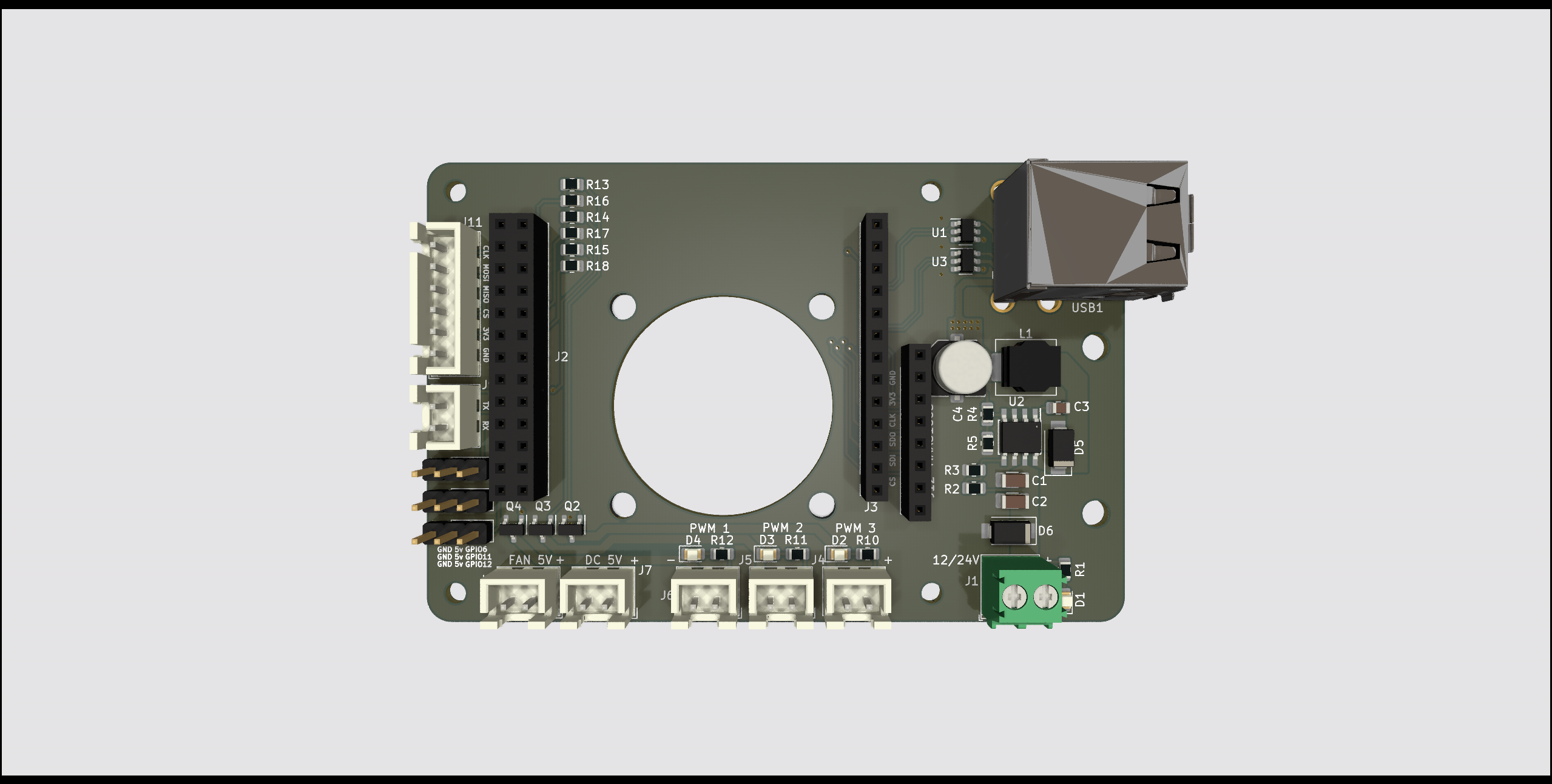
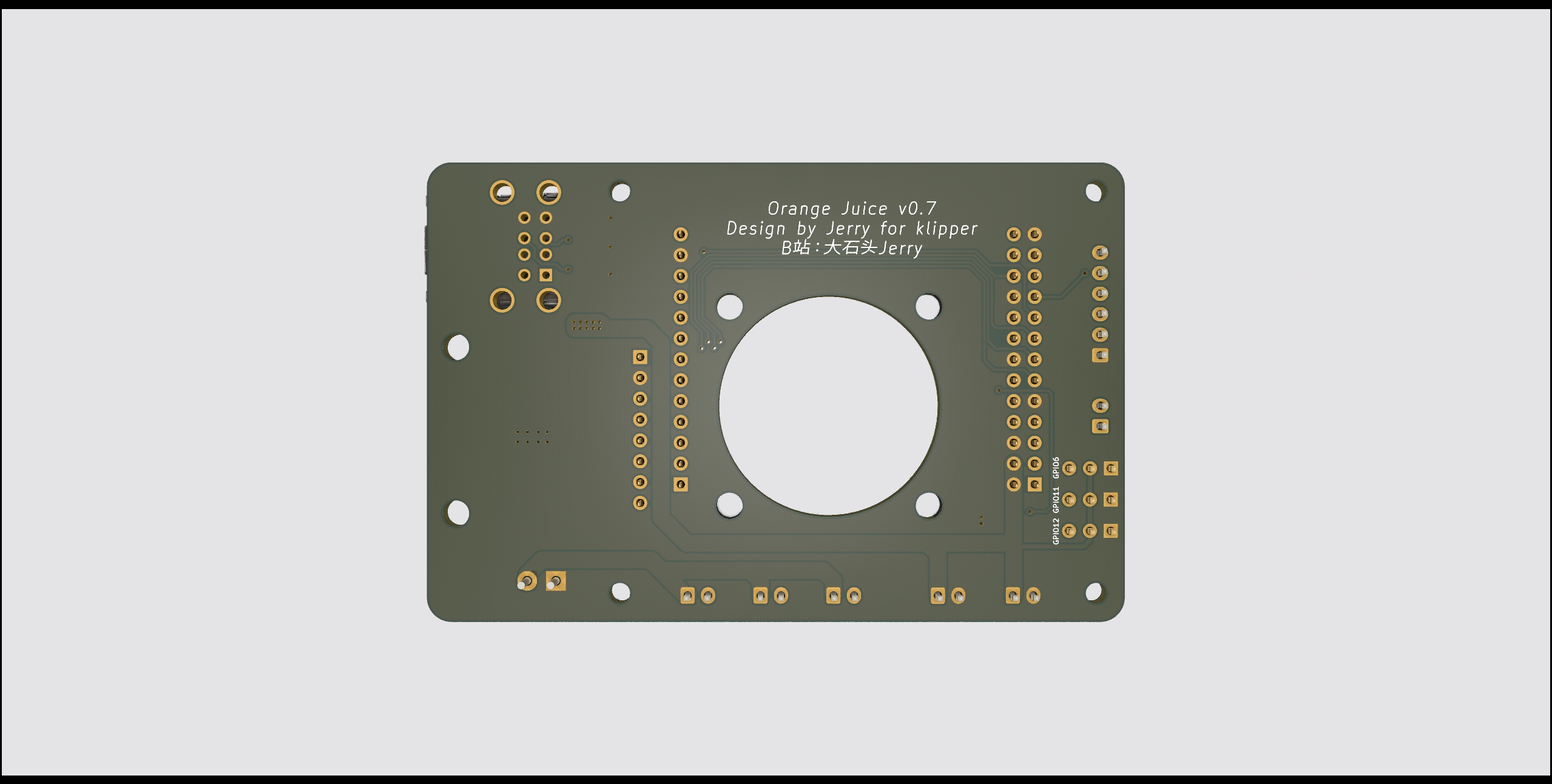
受全球芯片短缺情况影响,树莓派价格涨到了离谱的位置。 所以香橙派zero成了一个很好的替代品。120元左右的512MB版本可以满足做为klipper宿主的所有需求,甚至有点性能过剩。
klipper有诸多独特的功能需要使用到gpio针脚,每次都用排母端子去连接非常的不方便。在使用扩展板后不仅方便了许多,且可以得到额外的功能:
Due to current chipset shortage sitatuion, raspberry pi price increase to an unreasonable level. Hence OrangePi Zero become a good alternative. A 25 dollars 512MB ram version meets all the requirments I need as a klipper host for my Voron V0.1, and actually even little bit over kill.
Klipper has some advance features which need connect to gpio pins, it's not that convenience to use a pin header to connect gpio pin every time. Instead of that, with this board, it provides easier connection and more useful features:
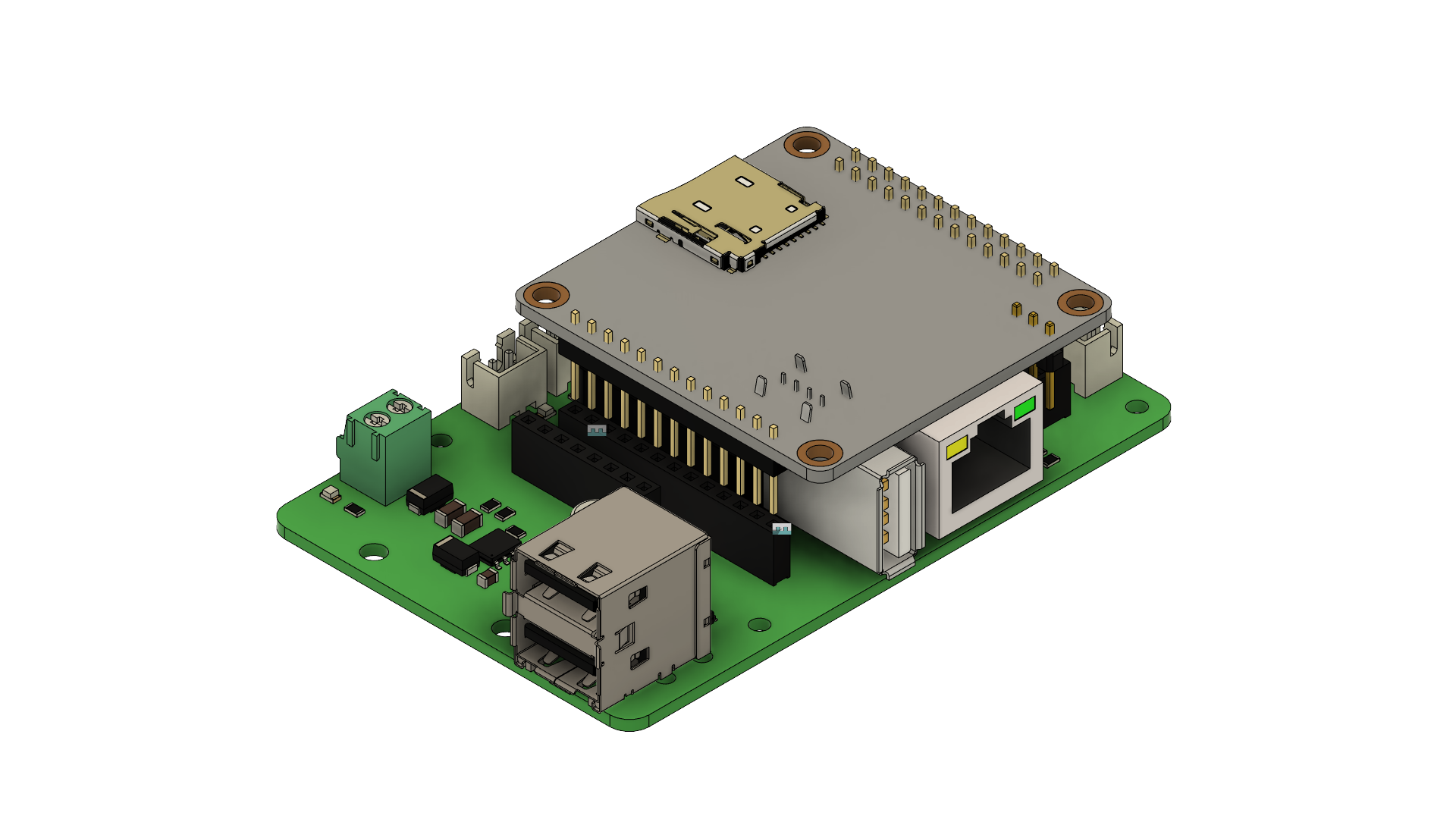
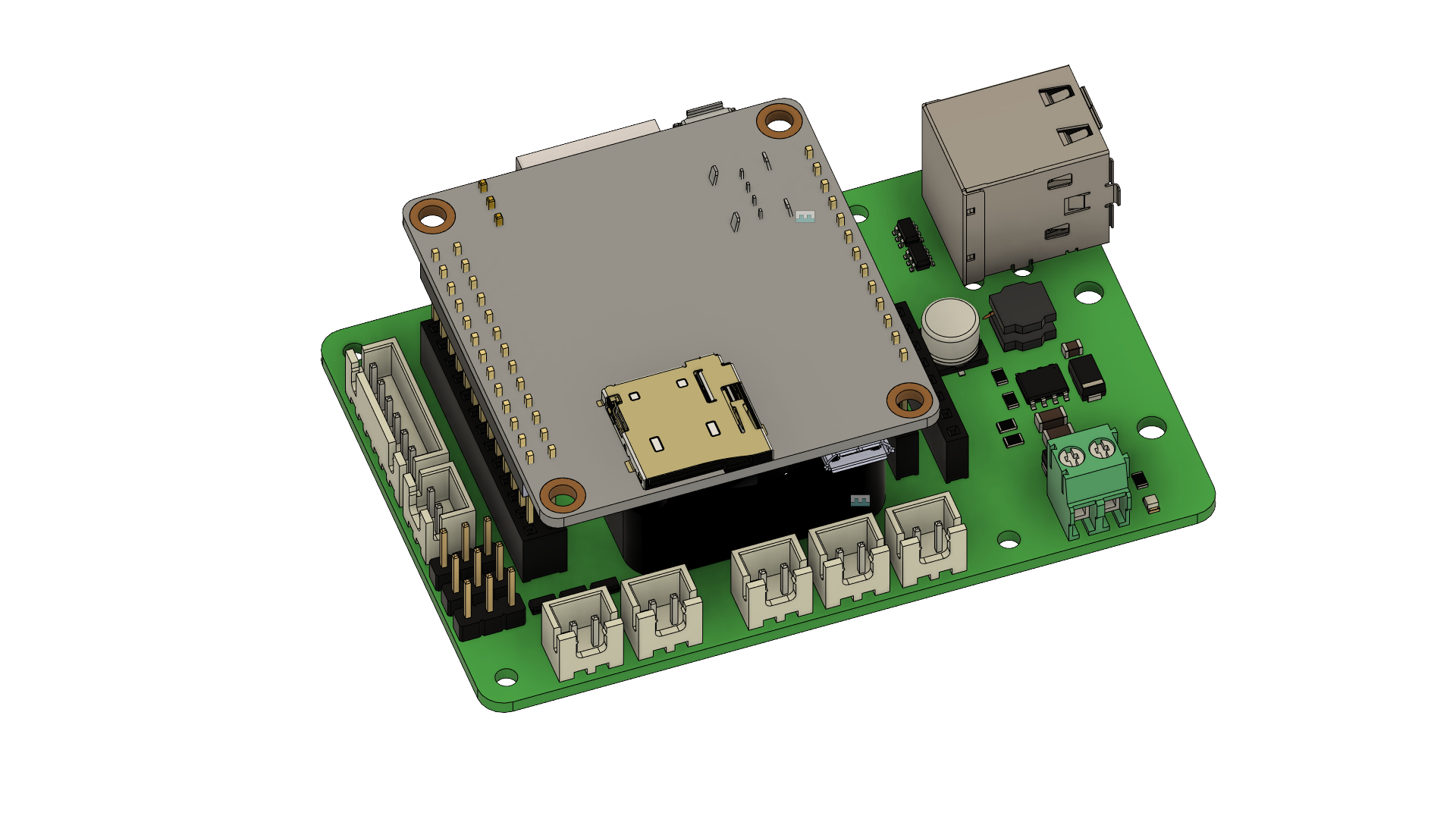
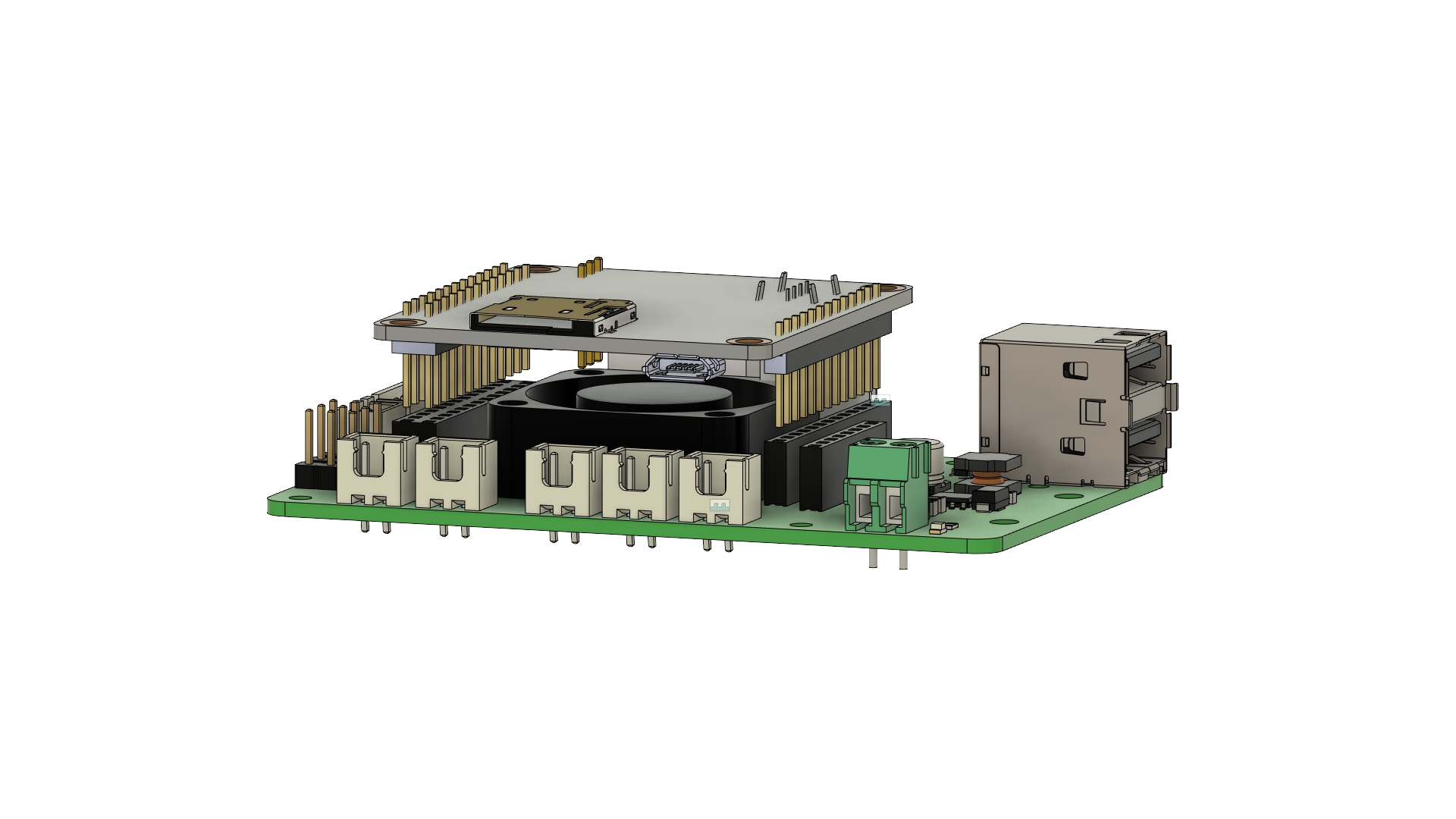
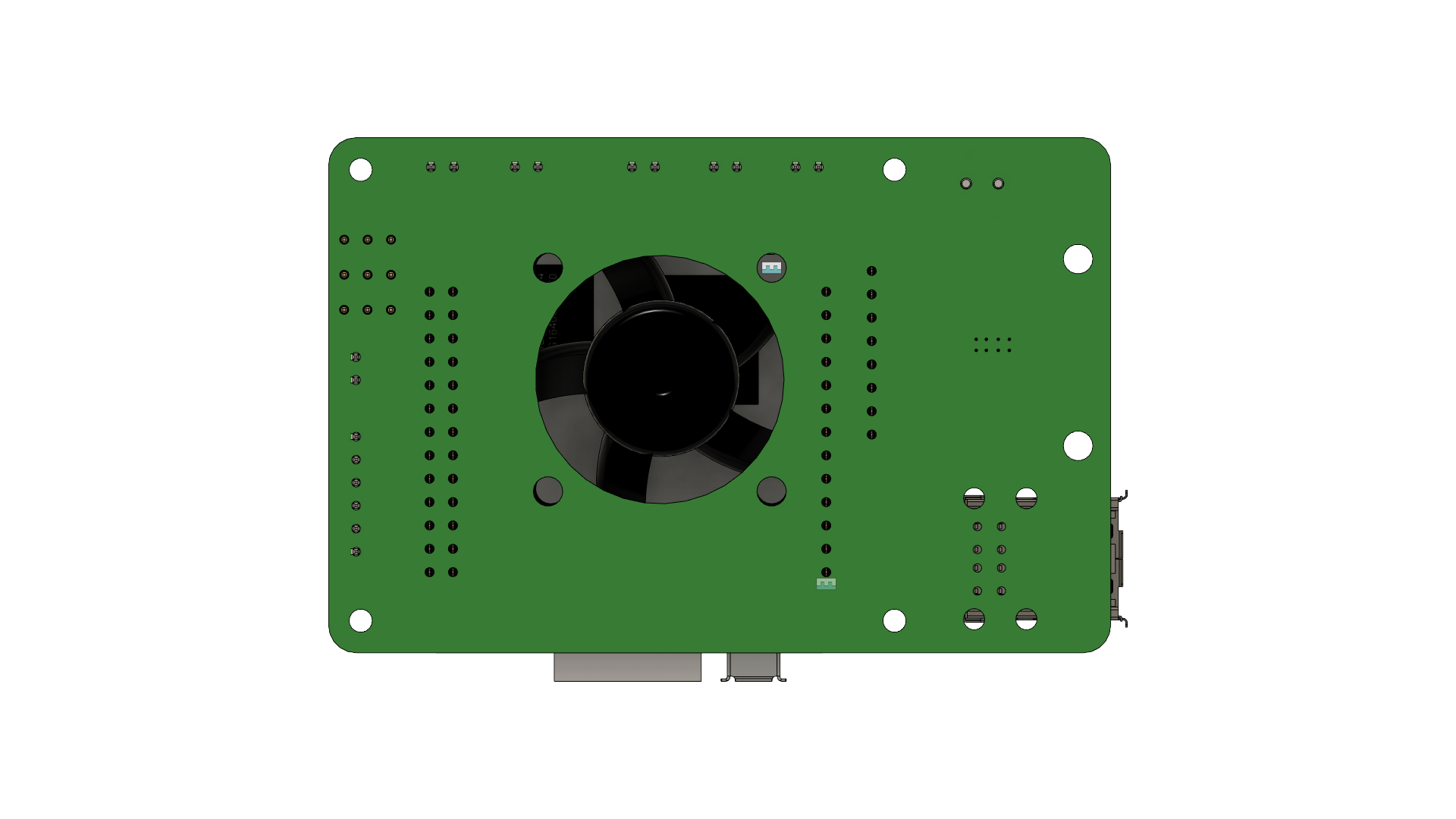
PCB打板:gerber文件
BOM:电子元件BOM
PCB board:gerber file
BOM:iBOM
请参考config目录下的orange_juice.cfg文件
orange_juice.cfg under config folder for you reference
(!) 以下配置依赖香橙派已经被正确配置成klipper客户端,并且香橙派配置名为"opi"
具体方法请参考 https://www.klipper3d.org/RPi_microcontroller.html
(!) Following configuration is assuming that your pi has been config as a klipper client already with name "opi"
If not, please refer to https://www.klipper3d.org/RPi_microcontroller.html
ADXL345配置
ADXL345 configuration
[adxl345]
cs_pin: opi:gpio13
spi_bus: spidev1.0

[resonance_tester]
accel_chip: adxl345
probe_points: 60,60,20 #测试点,需要更改为你机器热床中心点,依次为x,y,zMAX31865配置如下,(!) 你还需要在本节或者其他文件里定义挤出机其他配置
MAX31865 config, (!) you have to define other extruder value seperately
[extruder]
sensor_type: MAX31865
sensor_pin: opi:gpio1
spi_software_sclk_pin: opi:gpio2
spi_software_mosi_pin: opi:gpio0
spi_software_miso_pin: opi:gpio3
rtd_nominal_r: 100
rtd_reference_r: 430
rtd_num_of_wires: 2
rtd_use_50Hz_filter: True
PWM接口配置
PWM Port configuration
下为PWM控制的输出插座,对应插槽PWM1 ~ PWM3
(!) 请注意,由于香橙派内核原因,PWM2和PWM3从系统加电启动到klipper正式运行前,默认为高电平,即为打开状态。待klipper正式运行后恢复设置状态
PWM control input-voltage output slot
(!) Pay attention, because of the linux kernel complied by Orange Pi, the PMW2 and PWM3 is on HIGH (ON) from the power on till klipper start functioning
[fan_generic PWM1_Fan]
pin: opi:gpio10
max_power: 1
shutdown_speed: 0
cycle_time: 0.01
#hardware_pwm:
kick_start_time: 0.5
off_below: 0.1
#enable_pin:
#   See the "fan" section for a description of the above parameters.

[fan_generic PWM2_Fan]
pin: opi:gpio18
max_power: 1
shutdown_speed: 0
cycle_time: 0.01
#hardware_pwm:
kick_start_time: 0.5
off_below: 0.1
#enable_pin:
#   See the "fan" section for a description of the above parameters.

[fan_generic PWM3_Fan]
pin: opi:gpio19| Qty | Value | Footprint | References |
|---|---|---|---|
| 4 | 4k7 | Resistor_SMD:R_0805_2012Metric | R4, R7, R7, R10 |
| 4 | MH_Board | MountingHole:MountingHole_2.5mm | , , , |
| 4 | MH_FAN | MountingHole:MountingHole_3.2mm_M3 | H5, H6, H7, H8 |
| 3 | 100 | Resistor_SMD:R_0805_2012Metric | R5, R8, R14 |
| 3 | 10k | Resistor_SMD:R_0805_2012Metric | R6, R9, R15 |
| 3 | AO3400A | Package_TO_SOT_SMD:SOT-23 | Q2, Q3, Q4 |
| 2 | 10uF | Capacitor_SMD:C_1206_3216Metric | C1, C2 |
| 2 | MH_MAX31865 | MountingHole:MountingHole_3.2mm_M3 | H9, H10 |
| 2 | PWM2_STATUS | LED_SMD:LED_0805_2012Metric | D3, D3 |
| 2 | USBLC6-2SC6 | Package_TO_SOT_SMD:SOT-23-6 | U1, U3 |
| 1 | 100K | Resistor_SMD:R_0805_2012Metric | R2 |
| 1 | 10K | Resistor_SMD:R_0805_2012Metric | R4 |
| 1 | 10nF | Capacitor_SMD:C_0805_2012Metric | C3 |
| 1 | 220uF | Capacitor_SMD:C_Elec_6.3x5.4 | C4 |
| 1 | 22uH | Inductor_SMD:L_Abracon_ASPI-0630LR | L1 |
| 1 | 25K5 | Resistor_SMD:R_0805_2012Metric | R3 |
| 1 | 3.24K | Resistor_SMD:R_0805_2012Metric | R5 |
| 1 | B340A | Diode_SMD:D_SMA | D5 |
| 1 | CONN_ADXL345 | Connector_JST:JST_XH_B6B-XH-A_1x06_P2.50mm_Vertical | J3 |
| 1 | CONN_UART | Connector_JST:JST_XH_B2B-XH-A_1x02_P2.50mm_Vertical | J11 |
| 1 | Conn_01x08 | Connector_PinSocket_2.54mm:PinSocket_1x08_P2.54mm_Vertical | J12 |
| 1 | DC_INPUT | TerminalBlock_Phoenix:TerminalBlock_Phoenix_PT-1,5-2-3.5-H_1x02_P3.50mm_Horizontal | J2 |
| 1 | FAN_5v | Connector_JST:JST_XH_B2B-XH-A_1x02_P2.50mm_Vertical | J8 |
| 1 | GPIO11_Head | Connector_PinHeader_2.54mm:PinHeader_1x03_P2.54mm_Vertical | J14 |
| 1 | GPIO12_Head | Connector_PinHeader_2.54mm:PinHeader_1x03_P2.54mm_Vertical | J10 |
| 1 | GPIO6_Head | Connector_PinHeader_2.54mm:PinHeader_1x03_P2.54mm_Vertical | J13 |
| 1 | OrangePi Zero Function Interface | Connector_PinSocket_2.54mm:PinSocket_1x13_P2.54mm_Vertical | J7 |
| 1 | OrangePi Zero GPIO PINs | Connector_PinSocket_2.54mm:PinSocket_2x13_P2.54mm_Vertical | J4 |
| 1 | PWM1_STATUS | LED_SMD:LED_0805_2012Metric | D2 |
| 1 | PWM3_STATUS | LED_SMD:LED_0805_2012Metric | D4 |
| 1 | PWM_OUT1 | Connector_JST:JST_XH_B2B-XH-A_1x02_P2.50mm_Vertical | J10 |
| 1 | PWM_OUT2 | Connector_JST:JST_XH_B2B-XH-A_1x02_P2.50mm_Vertical | J12 |
| 1 | PWM_OUT3 | Connector_JST:JST_XH_B2B-XH-A_1x02_P2.50mm_Vertical | J15 |
| 1 | PWR_5v | Connector_JST:JST_XH_B2B-XH-A_1x02_P2.50mm_Vertical | J9 |
| 1 | SMAJ24A | Diode_SMD:D_SMA | D6 |
| 1 | TPS5430DDA | Package_SO:TI_SO-PowerPAD-8_ThermalVias | U2 |
| 1 | USB_A_Port_x2 | Connector_USB:USB_A_Wuerth_61400826021_Horizontal_Stacked | USB1 |
jeji/orange_juice_2
For Orange Pi zero 2 with klipper and more advance feature

shyver/CM4-Edge-AI-Carrier
A ruggedized, 6-layer High-Density Interconnect (HDI) carrier board designed to commercialize Raspberry Pi CM4 prototypes into deployable industrial AI products.

durveshpathak1989/kicad-local-agent
Free local Ollama agent for generating and validating KiCad project files

xmyoot/esp32-media-carrier
ESP32 multimedia carrier board with 7–24 V DC buck regulator, 3.2 W Class-D I2S audio amp, WS2812 LED ring driver, and SPI TFT display header


Alia5/PiCCANTE
PiCCANTE is a powerful tool for exploring and reversing CAN busses of vehicles, based on Raspberry Pi Pico (any model)

CuriousMotor/Onyx-Stepper-Motherboard
The successor of the iconic Arduino-CNC-shield
It measures 85 × 56 mm and has 2 copper layers, 1.6 mm thick.
56 parts, built around the TPS5430DDA, USBLC6-2SC6, AO3400A and B340A. The full list of its parts is on this page, with links to each part's symbol and footprint where PCBKit's library has them.
From the jeji/orange_juice repository on GitHub, at the commit this page was made from: the board is kicad/orange_juice_board.kicad_pcb and its schematic kicad/orange_juice_board.kicad_sch. PCBKit opens the board in the browser, with nothing to install.
Its repository publishes it under the GPL-3.0 licence: you may reuse it on that licence's terms (keep the author's notice, and for a copyleft licence share your changes alike).