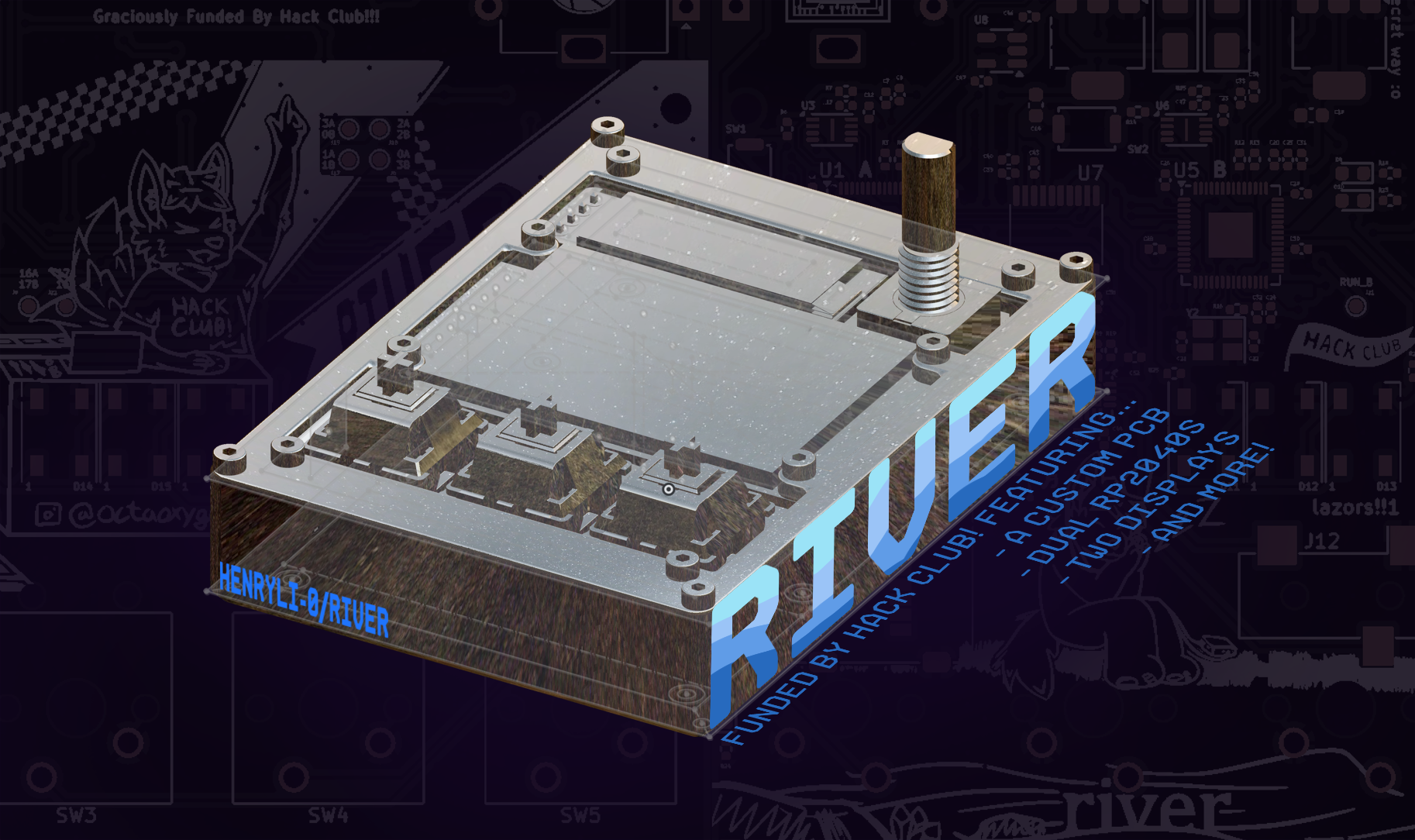
2 layers134.3 × 80.6 mm

 HenryLi-0/river
a quick stepping stone
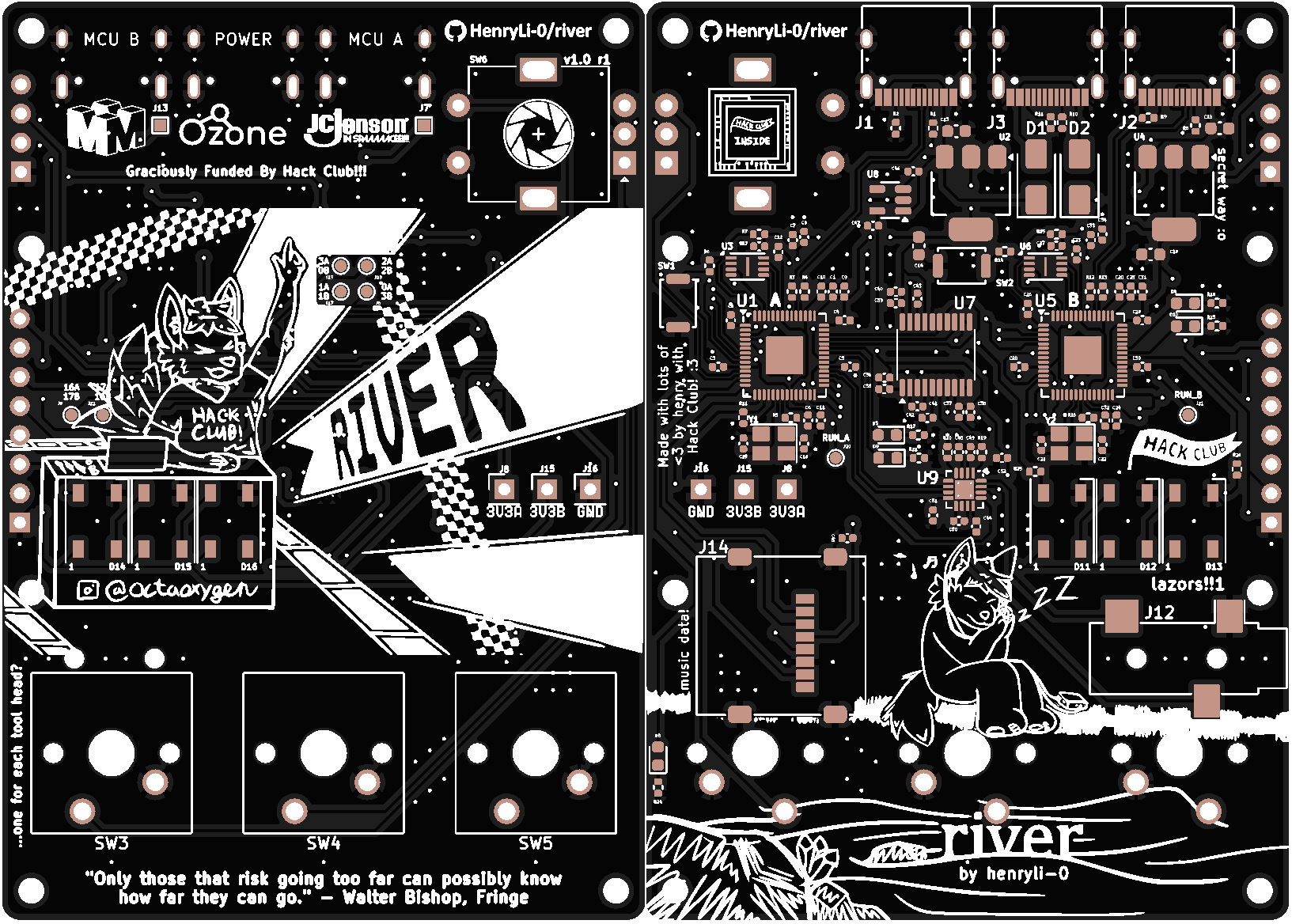
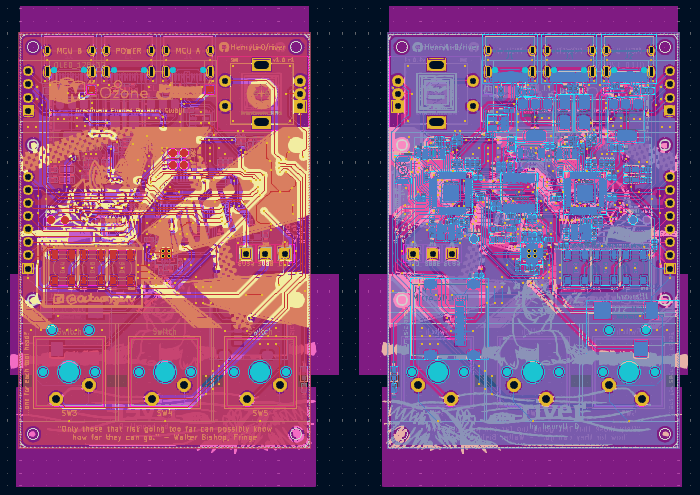
River is an open-source printed circuit board by HenryLi-0, from the HenryLi-0/river repository on GitHub, published under the CERN-OHL-S-2.0 licence. It is a 2-layer board of 56 × 80 mm with 138 parts on 139 nets, routed with 1,227 tracks and 247 vias.
It is built around the RP2040, TPA6132A2RTE and PCM5101APW, with the SS14 among its other parts. Its parts include 52 capacitors, 26 resistors, 20 connectors, 13 diodes and 9 ICs. It belongs with the RP2040 boards of this library.


All designs are open source! Hardware licensed under CERN OHL S v2.
a quick stepping stone
A couple of months ago, after listening to archived music on the Internet Archive with Webamp, I thought the graphics on the right side (powered by Milkdrop) were pretty cool. I've always liked how Geometry Dash levels typically have well synced gameplay, since it's just so satisfying. Additionally, I also dislike how everything is switching to streamsing services (both because of the subscription model and more importantly the amount of cellular data it uses lol), so I basically wanted to bring music-synced graphics onto a portable offline device!
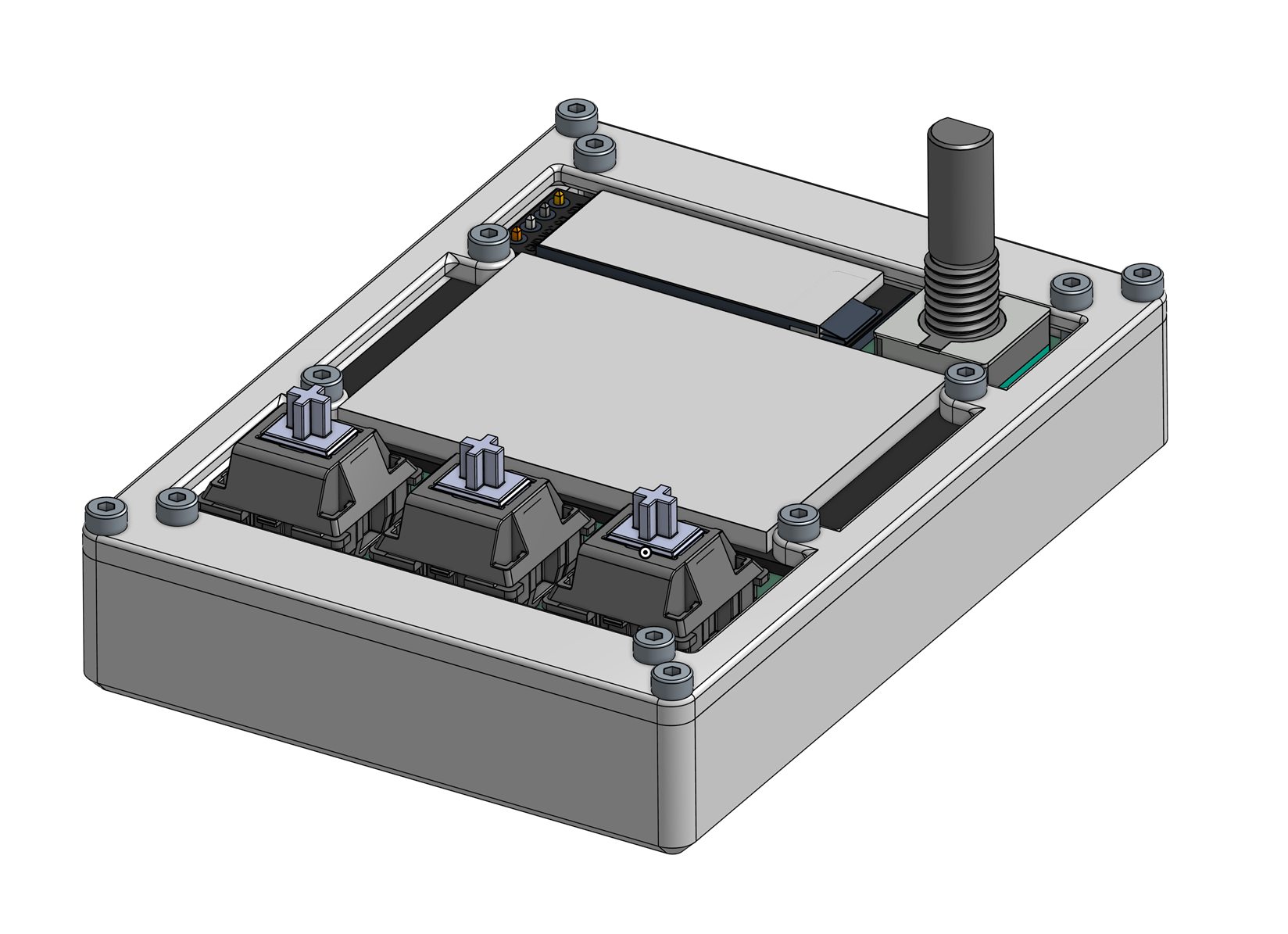
So, River is a relatively small PCB, hosting a dual RP2040 setup, each having custom firmware! The first one handles all the user controls, file loading, and the audio jack, while the second handles the display math, communicating with the first RP2040 by SPI and UART. Through this (rather unconventional) setup, audio can play continously while the second RP2040 works on more taxing graphics using the Pico SDK for C, with the second RP2040 basically just doing the graphics. It does this by having a PCM5101A and a TPA6132A2RTE into a TRS audio jack!
In retrospect, this project wasn't exactly a quick stepping stone (as in, it took over fifty hours of development), but it sure did review many topics surrounding PCB design with KiCAD, building on to what I learned from Hackpad and Raven! Originally, this was in case fermion would require a custom PCB, but who knows if it'll need one in the end. Anyways, working on River did teach a lot, as well as letting me have fun creating art for it!
Huge thanks to this guide from Blueprint and this documentation from Raspberry Pi for valuable information on RP2040 wiring design. Thanks!
Assembly
Note: This list was made in mid-September 2026. Depending on a ton of factors, this price may change over time, so these prices may be different! Multiple parts are sourced by me (since I have a bunch of extra parts laying around), so it will likely cost a bit more. Currently, shipping and tax estimates are included (to NYC), check out the updatelogs whenever construction occurs to find the actual price it resulted in!
Here's the original Google Sheets BOM, color coded too! (It'll also be more updated, but I'll try to sync this one too!)
| Part | Price | Link |
|---|---|---|
| Board PCB (PCBA) | $84.61 | JLCPCB |
| M2 Screws (16mm, 50pcs) | $1.41 | AliExpress |
| 128x32 OLED Display (White, 1pc) | $2.44 | AliExpress |
| 128x160 TFT Display (1.8 inch TFT) | $4.06 | AliExpress |
| WS2812B LEDs (3) | $0.00 | Anywhere |
| Micro SD Card (1) | $0.00 | Anywhere |
| EC11 Rotary Encoder (1) | $0.00 | Anywhere |
| Cherry MX Switch (3) | $0.00 | Anywhere |
| Estimated Shipping (JLCPCB to NYC) | $11.05 | JLCPCB |
| Estimated Shipping (AliExpress to NYC) | $0.00 | AliExpress |
| Buffer | $5.00 | |
| TOTAL | $108.57 |
| Qty | Value | Footprint | References |
|---|---|---|---|
| 22 | 0.1uF | Capacitor_SMD:C_0402_1005Metric | C2, C3, C11, C12, C17, C23, C24, C26, C27, C28, C29, C30, C31, C32, C33, C34 +6 |
| 10 | 1uF | Capacitor_SMD:C_0402_1005Metric | C1, C10, C20, C25, C45, C46, C47, C49, C50, C51 |
| 10 | LOGO | LOGO | G***, G***, G***, G***, G***, G***, G***, G***, G***, G*** |
| 8 | Conn_01x01 | TestPoint:TestPoint_Pad_D1.0mm | J6, J9, J17, J18, J19, J20, J21, J22 |
| 7 | 330 | Resistor_SMD:R_0402_1005Metric | R17, R18, R22, R23, R24, R25, R26 |
| 6 | 5.1K | Resistor_SMD:R_0402_1005Metric | R1, R2, R8, R9, R10, R11 |
| 6 | LED_WS2812B | ScottoKeebs_Components:LED_WS2812B | D11, D12, D13, D14, D15, D16 |
| 5 | LED | LED_SMD:LED_0603_1608Metric | D3, D4, D5, D9, D10 |
| 4 | 100nF | Capacitor_SMD:C_0402_1005Metric | C36, C38, C40, C43 |
| 4 | 10uF | Capacitor_SMD:C_0603_1608Metric | C13, C14, C18, C19 |
| 4 | 10uF | Capacitor_SMD:C_0402_1005Metric | C35, C37, C39, C48 |
| 4 | 1K | Resistor_SMD:R_0402_1005Metric | R5, R6, R14, R16 |
| 4 | 2.2uF | Capacitor_SMD:C_0402_1005Metric | C41, C42, C44, C52 |
| 4 | 27 | Resistor_SMD:R_0402_1005Metric | R3, R4, R12, R13 |
| 4 | 33pF | Capacitor_SMD:C_0402_1005Metric | C15, C16, C21, C22 |
| 3 | Conn_01x01 | Connector_PinHeader_2.54mm:PinHeader_1x01_P2.54mm_Vertical | J8, J15, J16 |
| 3 | Switch | Button_Switch_Keyboard:SW_Cherry_MX_1.00u_PCB | SW3, SW4, SW5 |
| 2 | 10K | Resistor_SMD:R_0402_1005Metric | R7, R15 |
| 2 | 12MHz | Crystal:Crystal_SMD_3225-4Pin_3.2x2.5mm | Y1, Y2 |
| 2 | 470 | Resistor_SMD:R_0402_1005Metric | R19, R20 |
| 2 | Conn_01x01 | TestPoint:TestPoint_Pad_1.0x1.0mm | J7, J13 |
| 2 | NCP1117-3.3_SOT223 | Package_TO_SOT_SMD:SOT-223-3_TabPin2 | U2, U4 |
| 2 | RP2040 | Package_DFN_QFN:QFN-56-1EP_7x7mm_P0.4mm_EP3.2x3.2mm | U1, U5 |
| 2 | SS14 | Diode_SMD:D_SMA | D1, D2 |
| 2 | SW_Push | Button_Switch_SMD:SW_Push_SPST_NO_Alps_SKRK | SW1, SW2 |
| 2 | W25Q16JVZPIQ TR | Package_SON:Winbond_USON-8-1EP_3x2mm_P0.5mm_EP0.2x1.6mm | U3, U6 |
| 1 | (A) USB_C_Receptacle_USB2.0_14P | Connector_USB:USB_C_Receptacle_HRO_TYPE-C-31-M-12 | J1 |
| 1 | (B) USB_C_Receptacle_USB2.0_14P | Connector_USB:USB_C_Receptacle_HRO_TYPE-C-31-M-12 | J2 |
| 1 | (C) USB_C_Receptacle_USB2.0_14P | Connector_USB:USB_C_Receptacle_HRO_TYPE-C-31-M-12 | J3 |
| 1 | AudioJack3 | Connector_Audio:Jack_3.5mm_CUI_SJ-3523-SMT_Horizontal | J12 |
| 1 | DNF | Resistor_SMD:R_0402_1005Metric | R21 |
| 1 | LCD_128x160 | Library:LCD_128x160 | J11 |
| 1 | Micro_SD_Card | Connector_Card:microSD_HC_Molex_47219-2001 | J14 |
| 1 | OLED_128x32 | ScottoKeebs_Components:OLED_128x32 | J10 |
| 1 | PCM5101A | Package_SO:TSSOP-20_4.4x6.5mm_P0.65mm | U7 |
| 1 | RotaryEncoder_Switch | Rotary_Encoder:RotaryEncoder_Alps_EC11E-Switch_Vertical_H20mm | SW6 |
| 1 | TLV70033_SOT23-5 | Package_TO_SOT_SMD:SOT-23-5 | U8 |
| 1 | TPA6132A2RTE | Package_DFN_QFN:WQFN-16-1EP_3x3mm_P0.5mm_EP1.6x1.6mm_ThermalVias | U9 |
It measures 56 × 80 mm and has 2 copper layers, 1.6 mm thick.
138 parts, built around the RP2040, TPA6132A2RTE, PCM5101APW and SS14. The full list of its parts is on this page, with links to each part's symbol and footprint where PCBKit's library has them.
From the HenryLi-0/river repository on GitHub, at the commit this page was made from: the board is pcb/board/board.kicad_pcb and its schematic pcb/board/board.kicad_sch. PCBKit opens the board in the browser, with nothing to install.
Its repository publishes it under the CERN-OHL-S-2.0 licence: you may reuse it on that licence's terms (keep the author's notice, and for a copyleft licence share your changes alike).


CedarGroveStudios/PCB_PCM510xA_I2S_DAC
An I2S stereo audio DAC with an internal master clock PLL and a charge pump for direct-coupled ground-centered audio output.


