2 layers100 × 70 mm
Sensor node
epim/circsim
Post-routed PCB+Schematic circuit simulator. Because I have trust issues.
94 partsMIT

 epim/circsim
Post-routed PCB+Schematic circuit simulator. Because I have trust issues.
First light is an open-source printed circuit board by epim, from the epim/circsim repository on GitHub, published under the MIT licence. It is a 2-layer board of 40 × 28 mm with 2 parts on 3 nets, routed with 1 track and 0 vias.
Its parts include 1 resistor and 1 diode.
Simulate and audit any routed KiCad board. circsim is a desktop app (Windows / macOS / Linux) that opens a routed KiCad board (.kicad_pcb), rebuilds the circuit from the copper, renders it in 3D, and runs an interactive SPICE bench on it: apply power, turn a knob, probe nets on the physical board. A read-only Board Critic audits the layout for fabrication risks. You get both before you pay for fabrication.
Open the board and press Energize. You do not assign Sim.* fields first, and the bundled model library matches parts by part number, value, and footprint, flagging the ones it cannot match instead of guessing. circsim is fully offline, MIT-licensed, and never modifies your design files.
Documentation: epim.github.io/circsim. It has the install guide, the First Light tutorial, task how-tos, and the full reference.
Download: latest release (Windows .exe, macOS .dmg x2, Linux .AppImage / .deb).
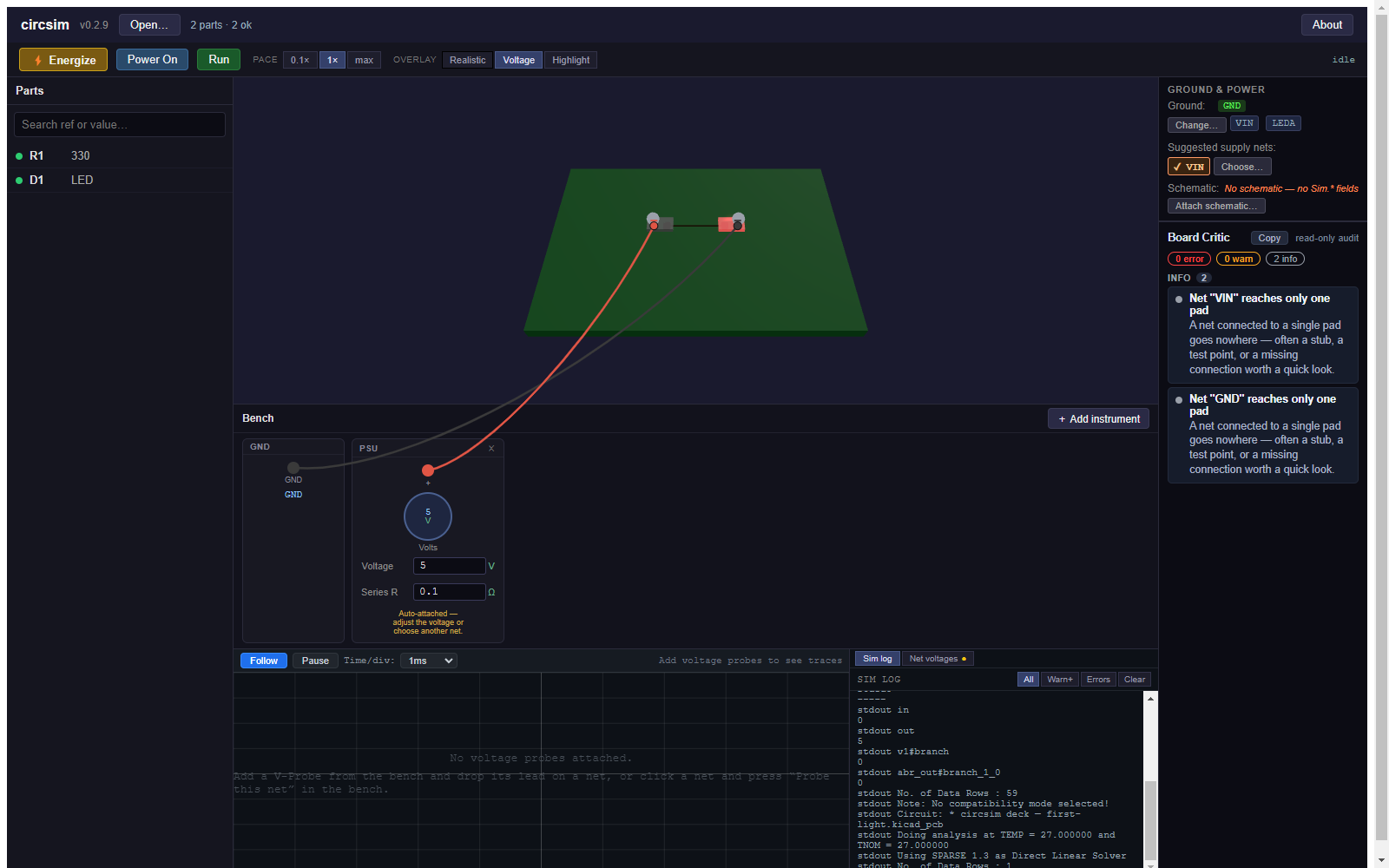
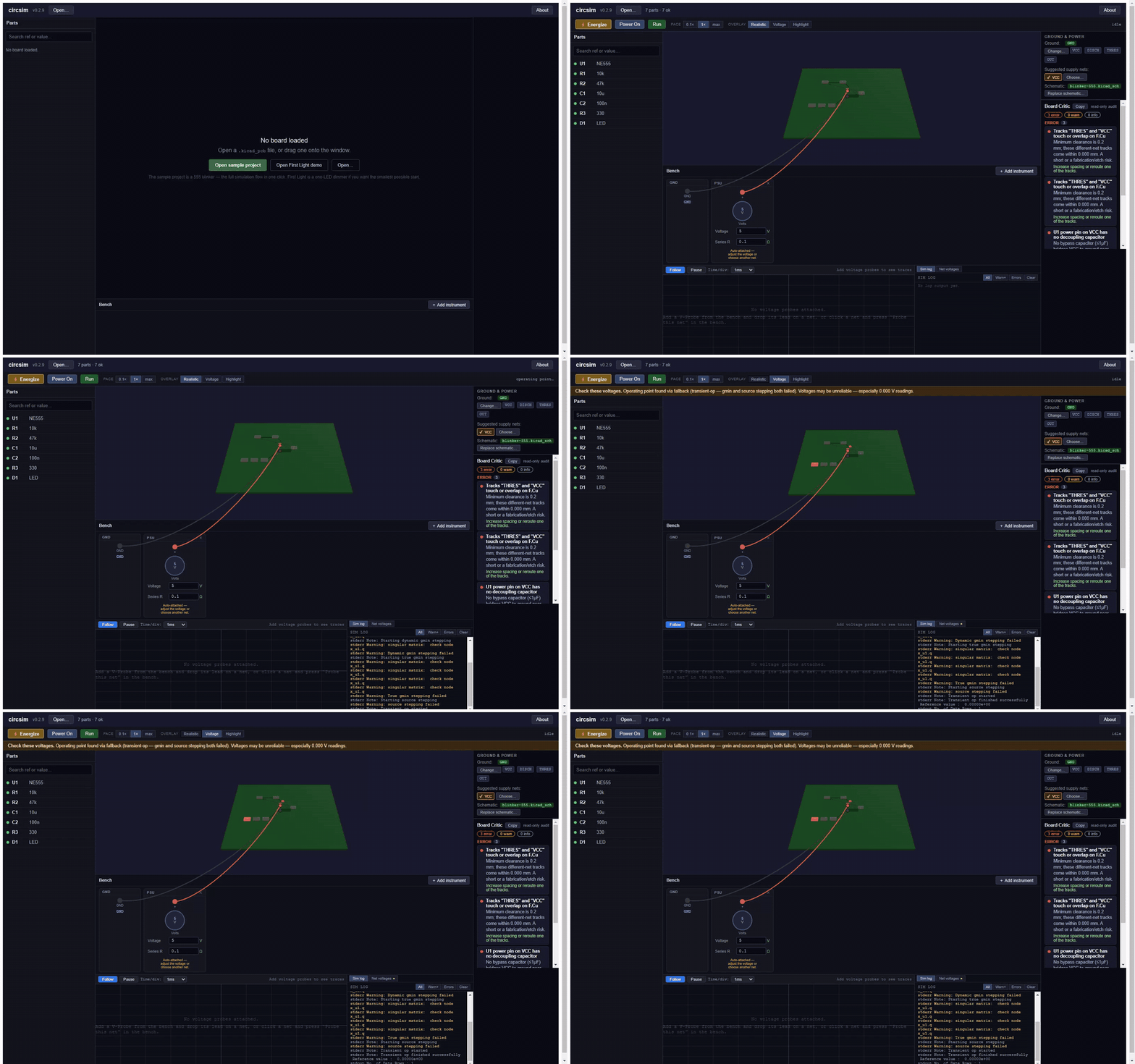
More screenshots, and what circsim reads out of sixteen KiCad-written boards from KiCad 6 through 10, are in the gallery.
.kicad_pcb, KiCad 6 to 10. The board can come from your own KiCad project, a contractor, or an autorouter such as Quilter that returns a KiCad board; circsim has no Quilter-specific code. The supported files page lists the KiCad-written boards behind the version range, including the one it rejects..kicad_sch next to the board with the same name and circsim attaches it on open. Its Sim.* fields are the first model source and its pin names settle diode and LED polarity. Only the root sheet is read, so parts on hierarchical sub-sheets get neither. A BOM CSV pins down exact parts.Powered by ngspice 46, bundled per platform and run crash-isolated in a separate process. Nothing to install; no network calls, ever, and the app enforces it by cancelling any request that is not a local file.
npm install
npm run fetch:ngspice   # download the bundled SPICE engine for your platform
npm run dev             # run the app in dev mode
npm test                # vitest unit + integration suite
npm run typecheck       # tsconfig.node.json + tsconfig.web.json (what CI runs)
npm run test:e2e        # Playwright E2E (requires npm run build first)
npm run build           # build the app
npm run package         # produce installers for the current platform
Architecture: Electron + TypeScript + React (panels) + imperative Three.js/WebGL2 (3D viewport) + zustand (state). The framework-free src/core/ layer (KiCad parsing, netlist extraction, model resolution, SPICE-deck generation, the Board Critic) is fully unit-tested without Electron. See the architecture reference.
The docs site is a VitePress project under website/, deployed to GitHub Pages by .github/workflows/docs.yml on every push touching website/. To work on it:
cd website && npm install && npm run docs:devThe page the app opens from its About dialog and fidelity banner is rendered from website/docs/concepts/fidelity.md. After editing that page, run npm run docs:fidelity and commit the regenerated docs/what-circsim-can-tell-you.html; a unit test fails when the two drift.
MIT. circsim bundles ngspice (BSD-style) and an in-house SPICE model library written from datasheet parameters; it never bundles vendor SPICE models or KiCad's share-alike 3D assets. See docs/licensing.md and the in-app About dialog for full provenance.
| Qty | Value | Footprint | References |
|---|---|---|---|
| 1 | 330 | Resistor_SMD:R_0805_2012Metric | R1 |
| 1 | LED | LED_SMD:LED_0805_2012Metric | D1 |
It measures 40 × 28 mm and has 2 copper layers, 1.6 mm thick.
2 parts. The full list of its parts is on this page, with links to each part's symbol and footprint where PCBKit's library has them.
From the epim/circsim repository on GitHub, at the commit this page was made from: the board is resources/sample/first-light.kicad_pcb and its schematic fixtures/fixture-555.kicad_sch. PCBKit opens the board in the browser, with nothing to install.
Its repository publishes it under the MIT licence: you may reuse it on that licence's terms (keep the author's notice, and for a copyleft licence share your changes alike).
epim/circsim
Post-routed PCB+Schematic circuit simulator. Because I have trust issues.

epim/circsim
Post-routed PCB+Schematic circuit simulator. Because I have trust issues.

hzeller/rpi-rgb-led-matrix
Controlling up to three chains of 64x64, 32x32, 16x32 or similar RGB LED displays using Raspberry Pi GPIO


adamws/kicad-kbplacer
KiCad plugin for automatic keyboard's key placement and routing

Luos-io/luos_engine
Open-source and real-time orchestrator for cyber-physical-systems, to easily design, test and deploy embedded applications and digital twins.

NVNTLabs/switch2-SDEX2M2
Micro SD Express to M.2 NVME Adapter for Nintendo Switch 2

BlueSCSI/BlueSCSI-v2
BlueSCSI v2/Ultra - an open source, open hardware, SCSI emulator using the Pi Pico PR2040 and Pico 2 RP2350

ohmtech-rdi/eurorack-blocks
Software to Hardware Prototyping for Eurorack using C++, Max/Gen~ or Faust
