4 layers41.2 × 80 mm

 doug-harriman/E-Display
Electronic display for calendars, weather, etc.
XIAO ePaper Display Board EE04 V1.2 is an open-source printed circuit board by doug-harriman, from the doug-harriman/E-Display repository on GitHub, published under the MIT licence. It is a 2-layer board of 41.2 × 80 mm with 176 parts on 128 nets, routed with 1,244 tracks and 464 vias.
It is built around the TPS22916CYFPR, ETA3410D2I-T and GT30L32S4W, with the ME2805A293XG, TLV75801PDBVR-MS and TVS0500DRVR among its other parts. Its parts include 71 capacitors, 49 resistors, 10 ICs, 9 diodes and 6 inductors. It belongs with the lEDs and displays boards and the NXP (LPC, Kinetis, i.MX RT) boards of this library.


Updated: 2026-02-01
Image server for remote electronic displays such as a Kindle.
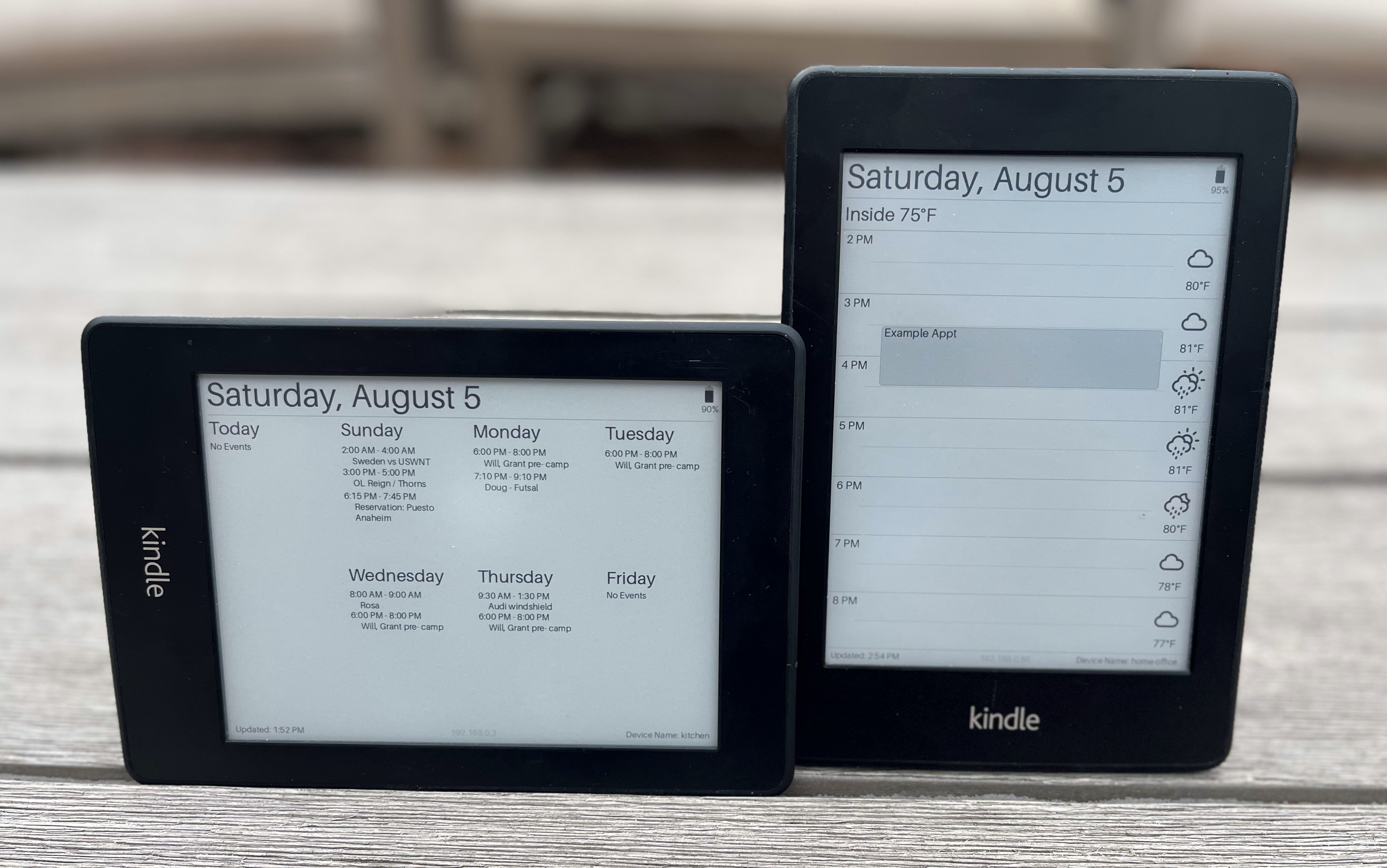
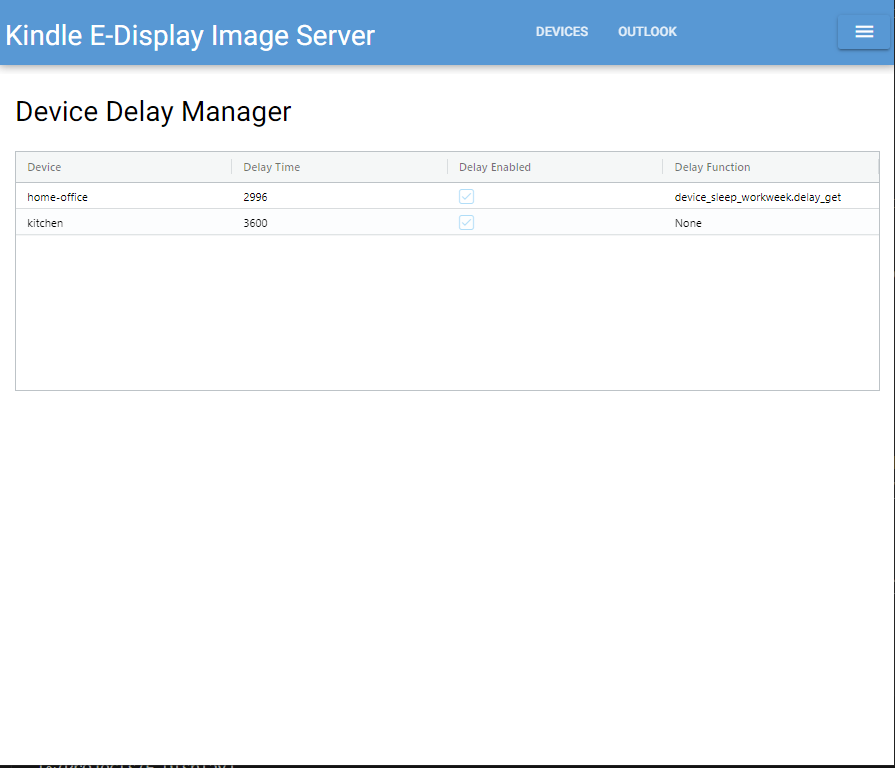
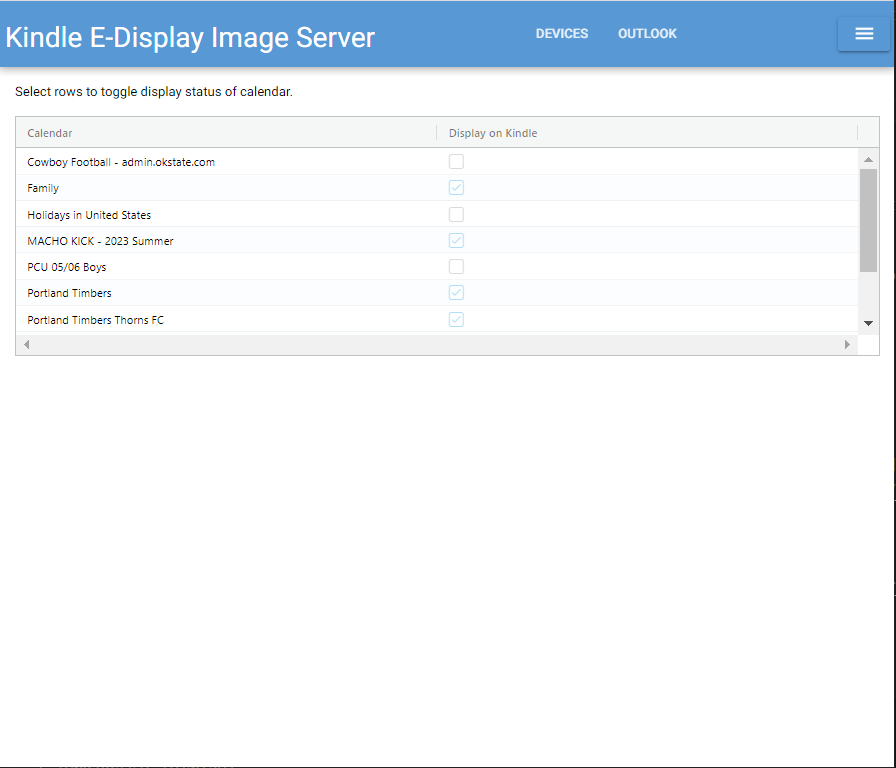
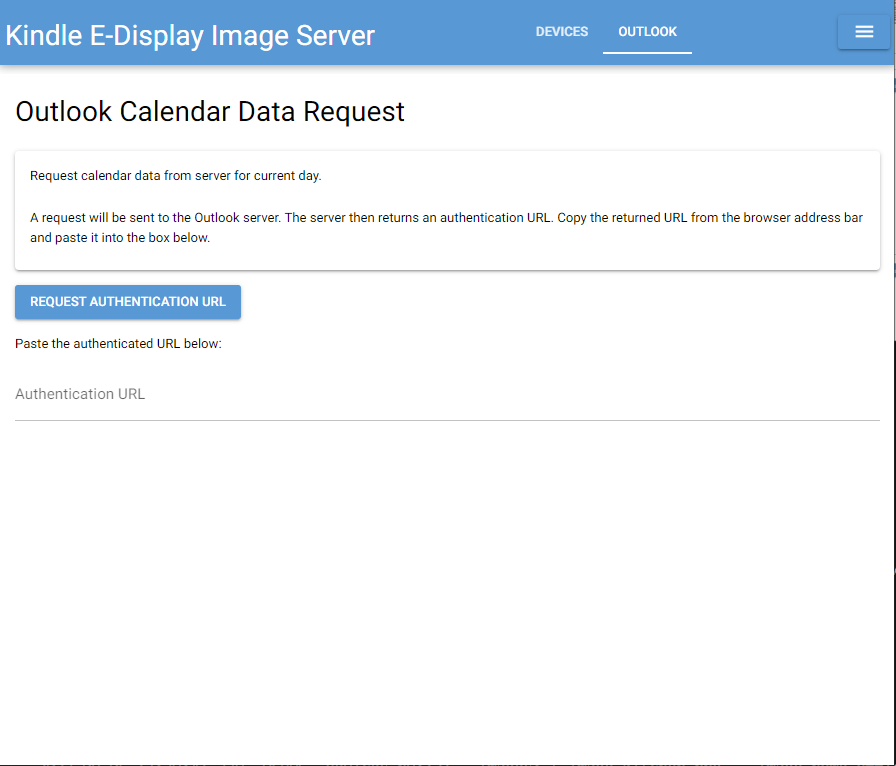
The image below shows my two devices, one displaying my work calendar in a portrait orientation, the other displaying the family calendar for the week in landscape.
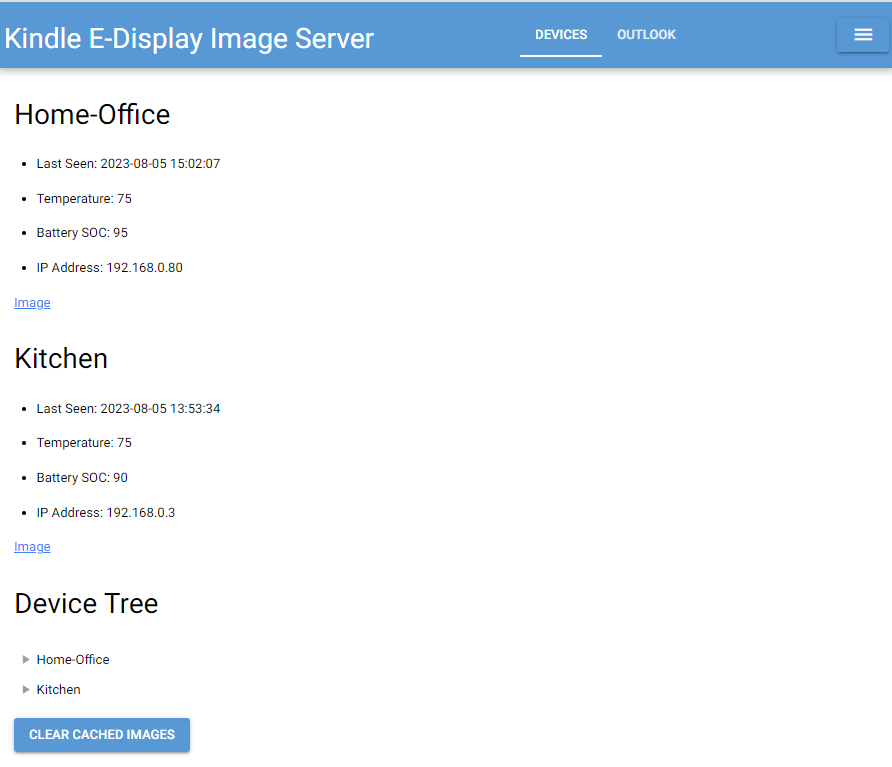
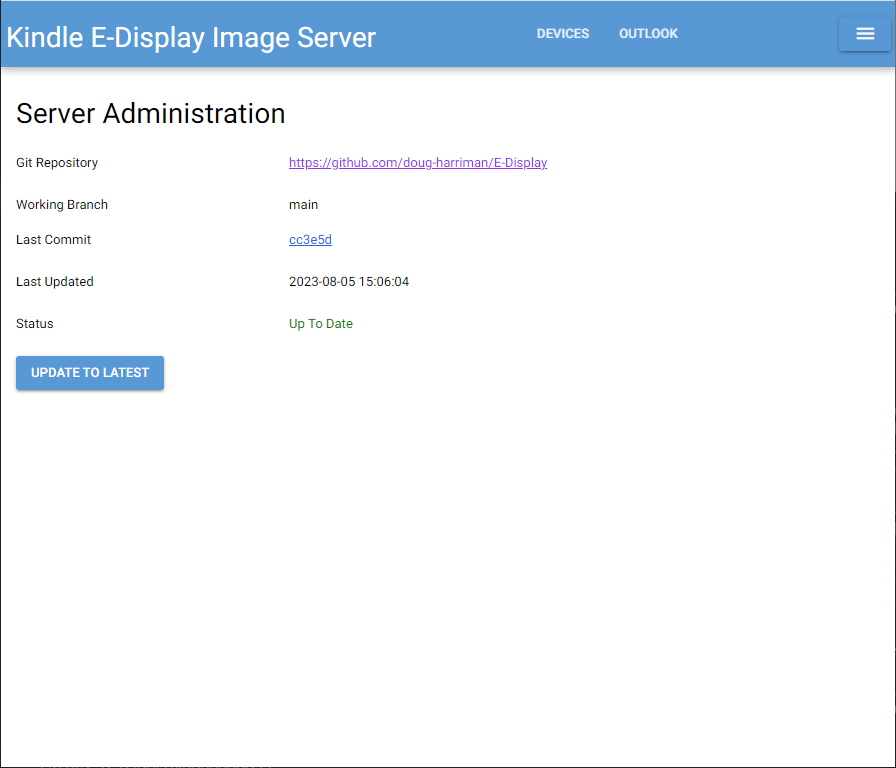
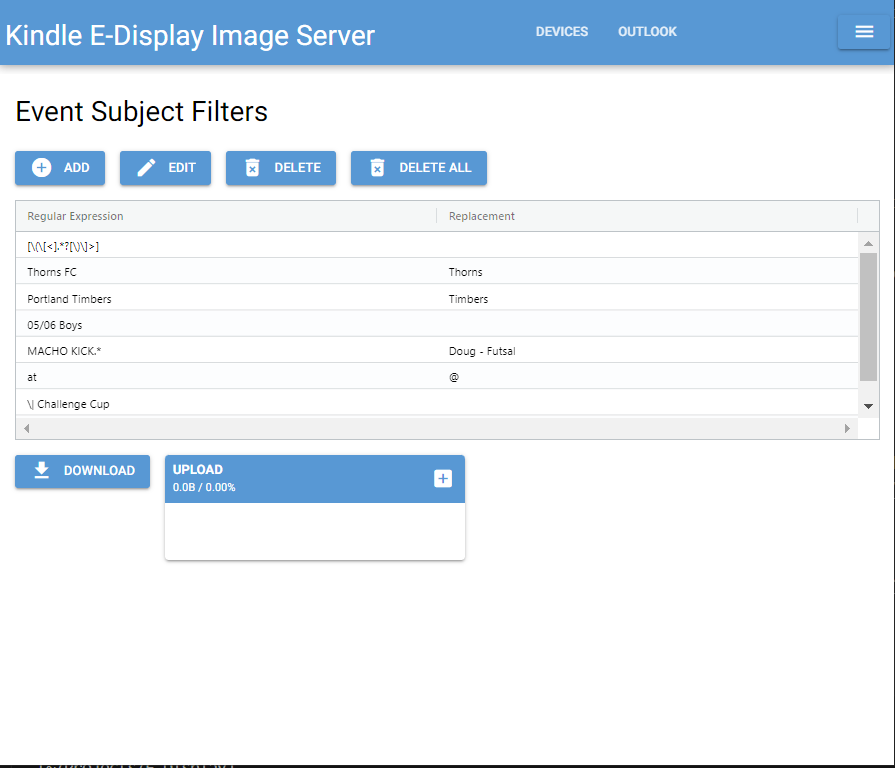
| Server Pages | ||
|---|---|---|
 |  |  |
 |  |  |
This project was motivated by two desires:
I know there's a lot of stuff here that could be greatly improved. Please submit pull requests if you'd like to help.
There are many impressive projects out there that do similar things. They've both inspired this project and provided great references for technical implementations. Some great projects to check out:
git pull from direcltly from web server.The server should be set up and running before setting up the devices. The devices will expect the server to be available so that they can pull images from it.
Installation and configuration for the server are covered in the Server documentation.
Installation and configuration for using Kindle Paperwhite devices for an E-Display are covered in the Kindle documentation.
| Qty | Value | Footprint | References |
|---|---|---|---|
| 17 | 10uF | Capacitor:C0805 | C2, C3, C4, C6, C10, C11, C12, C13, C14, C15, C40, C41, C42, C43, C60, C89 +1 |
| 15 | 100nF | Capacitor:C0402 | C33, C44, C49, C50, C51, C53, C54, C55, C56, C58, C63, C66, C79, C96, C98 |
| 15 | 1uF | Capacitor:C0402 | C18, C19, C20, C21, C22, C23, C26, C27, C28, C32, C39, C46, C47, C48, C59 |
| 14 | 10K | Resistor:R0402 | R13, R28, R29, R31, R35, R36, R37, R38, R39, R41, R47, R48, R59, R61 |
| 12 | Test Point | Misc:TP-D45MIL | TP3, TP4, TP5, TP6, TP7, TP8, TP21, TP24, TP25, TP26, TP49, TP50 |
| 9 | 4.7uF | Capacitor:C0805 | C1, C5, C8, C24, C25, C29, C30, C31, C94 |
| 8 | 100K | Resistor:R0402 | R23, R25, R26, R27, R40, R42, R43, R60 |
| 6 | 0R | Resistor:R0603 | R5, R8, R11, R14, R15, R32 |
| 4 | EL-4501V | Switch:SW3-DIP-SIDE-4.5X4.5X5.5MM | SW2, SW3, SW4, SW5 |
| 4 | MBR0530 | Diode:SOD-123 | D1, D2, D3, D4 |
| 3 | 0R | Resistor:R0402 | R9, R10, R64 |
| 3 | 100nF | Capacitor:C0603 | C57, C68, C69 |
| 3 | 1M | Resistor:R0402 | R1, R2, R34 |
| 3 | 4.7K | Resistor:R0402 | R33, R113, R137 |
| 3 | TPD1E10B06DPYR | Diode:ESD-0402 | D6, D8, D9 |
| 2 | 0.22R | Resistor:R0805 | R4, R6 |
| 2 | 10uH | Inductor:L0603 | L3, L6 |
| 2 | 10uH | Inductor:L5040S | L4, L5 |
| 2 | 1K | Resistor:R0402 | R16, R45 |
| 2 | 22uF | Capacitor:C0805 | C61, C97 |
| 2 | 300pF | Capacitor:C0402 | C64, C65 |
| 2 | 470nF | Capacitor:C0603 | C9, C17 |
| 2 | 47uF | Capacitor:C0805 | C7, C34 |
| 2 | CJ3407 | Mosfet:SOT23 | Q3, Q6 |
| 2 | TPS22916CYFPR | Ic:WLCSP4-0.4-0.77X0.77X0.33MM | U16, U17 |
| 1 | 0.47R | Resistor:R0603 | R3 |
| 1 | 0.47uH | Inductor:L0805 | L2 |
| 1 | 1R | Resistor:R0805 | R7 |
| 1 | 1UH | Inductor:INT2-SMD-4.2X4.4X1.8MM | L1 |
| 1 | 1nF | Capacitor:C0402 | C62 |
| 1 | 2.2R | Resistor:R0603 | R46 |
| 1 | 2.2uF | Capacitor:C0805 | C16 |
| 1 | 20K | Resistor:R0402 | R12 |
| 1 | 22K | Resistor:R0402 | R24 |
| 1 | 22pF | Capacitor:C0402 | C45 |
| 1 | 2A | Fuse:F1210 | F1 |
| 1 | 3.3K | Resistor:R0402 | R30 |
| 1 | 47nF | Capacitor:C0402 | C67 |
| 1 | 51K | Resistor:R0402 | R44 |
| 1 | A2001WF-02A | Connector:JST2+2P_2.0_PH_S2B-PH-SM4-TB_1x02-1MP_Horizontal | J3 |
| 1 | CHW05200-501TAPE-2W | Connector:FPC50-0.5-28.6X4.9X2MM | J1 |
| 1 | CJ2101 | Mosfet:SOT-323 | Q2 |
| 1 | CJ2324 | Mosfet:SOT23 | Q1 |
| 1 | ETA3410D2I-T | Ic:DFN8G-0.5-2X2MM | U2 |
| 1 | FPC 24P TOP contact | Connector:FPC24-0.5-15.5X4.9X2MM | J2 |
| 1 | GT30L32S4W | Ic:SOP8-1.27-5.2X5.2x2.16MM | U6 |
| 1 | Green | Diode:LED2-0.6X1.7MM | D5 |
| 1 | LBSS138WT1G | Mosfet:SOT-323 | Q4 |
| 1 | LOGO | Logo:LOGO-SEEED-NEW-2_1X19.1MM | G*** |
| 1 | LOGO | Logo:LOGO-SEEED-NEW-3X30MM | G*** |
| 1 | ME2805A293XG | Ic:SOT-23 | U4 |
| 1 | MK-22D18 G3 | Switch:SW6-2CH-2.54-9X3.5X3.5 | SW1 |
| 1 | NCP15XH103F03RC | Resistor:R0402 | R17 |
| 1 | NTC | Misc:TP-D45MIL | NTC_IN2 |
| 1 | PH-2.54-3A-PW | Connector:H3-2.54-90D | J5 |
| 1 | SMF5.0CA | Diode:SOD-123 | D7 |
| 1 | ST-PH-254-0087-1*2P | Connector:H2P-2.54-65_40MIL | J4 |
| 1 | SY6974B | Ic:QFN24G-0.5-4X4MM | U12 |
| 1 | TLV75801PDBVR | Ic:SOT-23-5 | U8 |
| 1 | TVS0500DRVR | Diode:WSON7-0.65-2X2X0.8MM | U7 |
| 1 | XIAO-HALF-HOLE-33P | Seeed_Studio_XIAO_Series:XIAO-ESP32-S3-Plus-SMD | U3 |
| 1 | ZB25VQ32DSJG | Ic:SOIC8-1.27-5.3X5.3MM | U5 |


Brazil-L/Lumeward-OpenSource
Open-source Lumeward firmware and development tools

Kilan777/HomeDeck
Jarvis HomeDeck: a Raspberry Pi CM4 carrier board and voice-assistant software for a 7-inch smart display (KiCad hardware, generated from Python, plus the Python/JS assistant)


Seeed-Studio/OSHW-reCamera-Series
reCamera is a series of open-source AI cameras.

dognotdog/smol_servo
circuitry and software for controlling NEMA17 size brushless motors and stepper motors as servos.
It measures 41.2 × 80 mm and has 2 copper layers, 1.6 mm thick.
176 parts, built around the TPS22916CYFPR, ETA3410D2I-T, GT30L32S4W and ME2805A293XG. The full list of its parts is on this page, with links to each part's symbol and footprint where PCBKit's library has them.
From the doug-harriman/E-Display repository on GitHub, at the commit this page was made from: the board is trmnl-7.5in-diy-kit/doc/XIAO-ePaper-Display-Board-EE04-v1.2-kicad/XIAO ePaper Display Board EE04_V1.2.kicad_pcb and its schematic trmnl-7.5in-diy-kit/doc/XIAO-ePaper-Display-Board-EE04-v1.2-kicad/01 Descriptions.kicad_sch. PCBKit opens the board in the browser, with nothing to install.
Its repository publishes it under the MIT licence: you may reuse it on that licence's terms (keep the author's notice, and for a copyleft licence share your changes alike).