Skip to the content
2 layers21 × 45 mmThumb cluster, the printed circuit board in 3D

Thumb cluster

dlip/harite-v296

To make your own, follow the build guide

Size
21 × 45 mm
Copper layers
2
Thickness
1.6 mm
Parts
17
Nets
22
Pads
86
Tracks, vias
117, 11
Routed
Yes
KiCad
KiCad 8.99 (file 20240108)
Created
28 Nov 2024
Updated
23 Jun 2025

Overview

Thumb cluster is an open-source printed circuit board by dlip, from the dlip/harite-v2 repository on GitHub, published under the GPL-3.0 licence. It is a 2-layer board of 21 × 45 mm with 17 parts on 22 nets, routed with 117 tracks and 11 vias.

It is built around the SKRHADE010 and 59453-081110EDHLF. Its parts include 10 diodes, 2 switches and 1 connector.

Main components

2

README

README.md

Harite v2 Directional keyboard

Vertical Harite Horizontal Harite

All the features of Harite v1 plus:

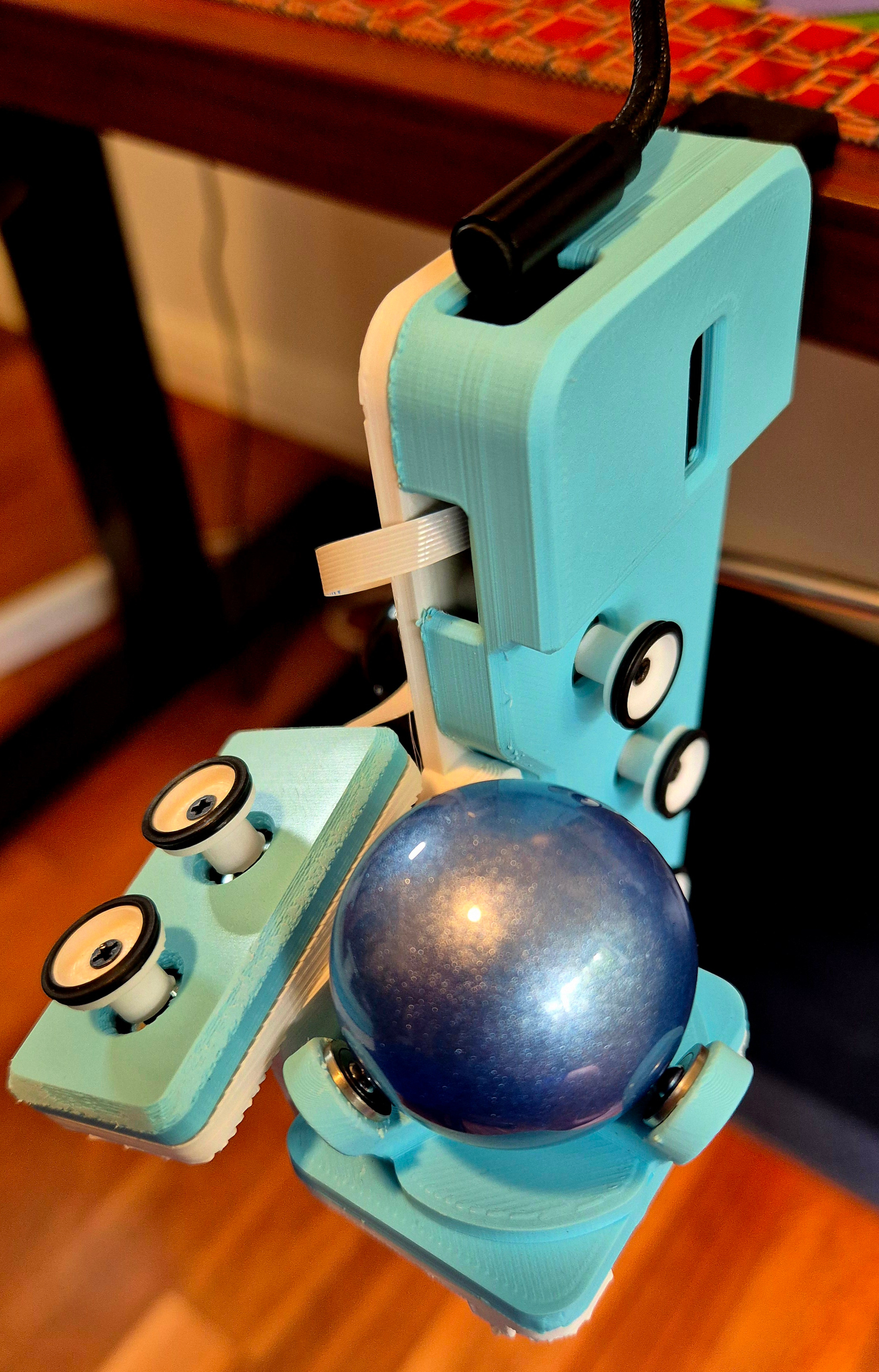
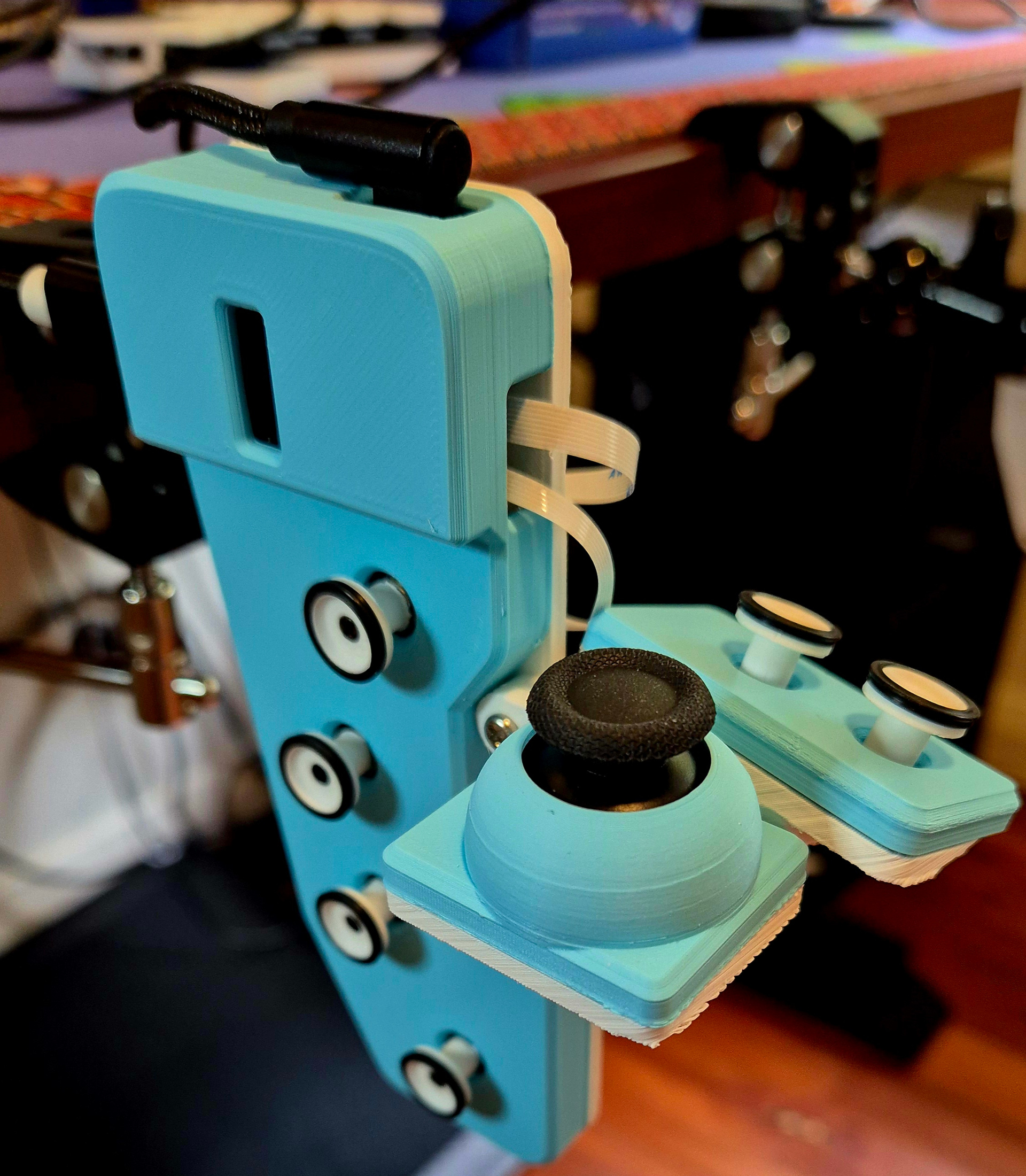
  • A modular thumb cluster which allows for various devices including thumbsticks, trackballs, trackpads and extra 5 way switches
  • 1/4-20 camera mount compatible nuts for flexible tenting orientations
  • 3D models created using FreeCAD to avoid proprietary software use

To make your own, follow the build guide

Gallery

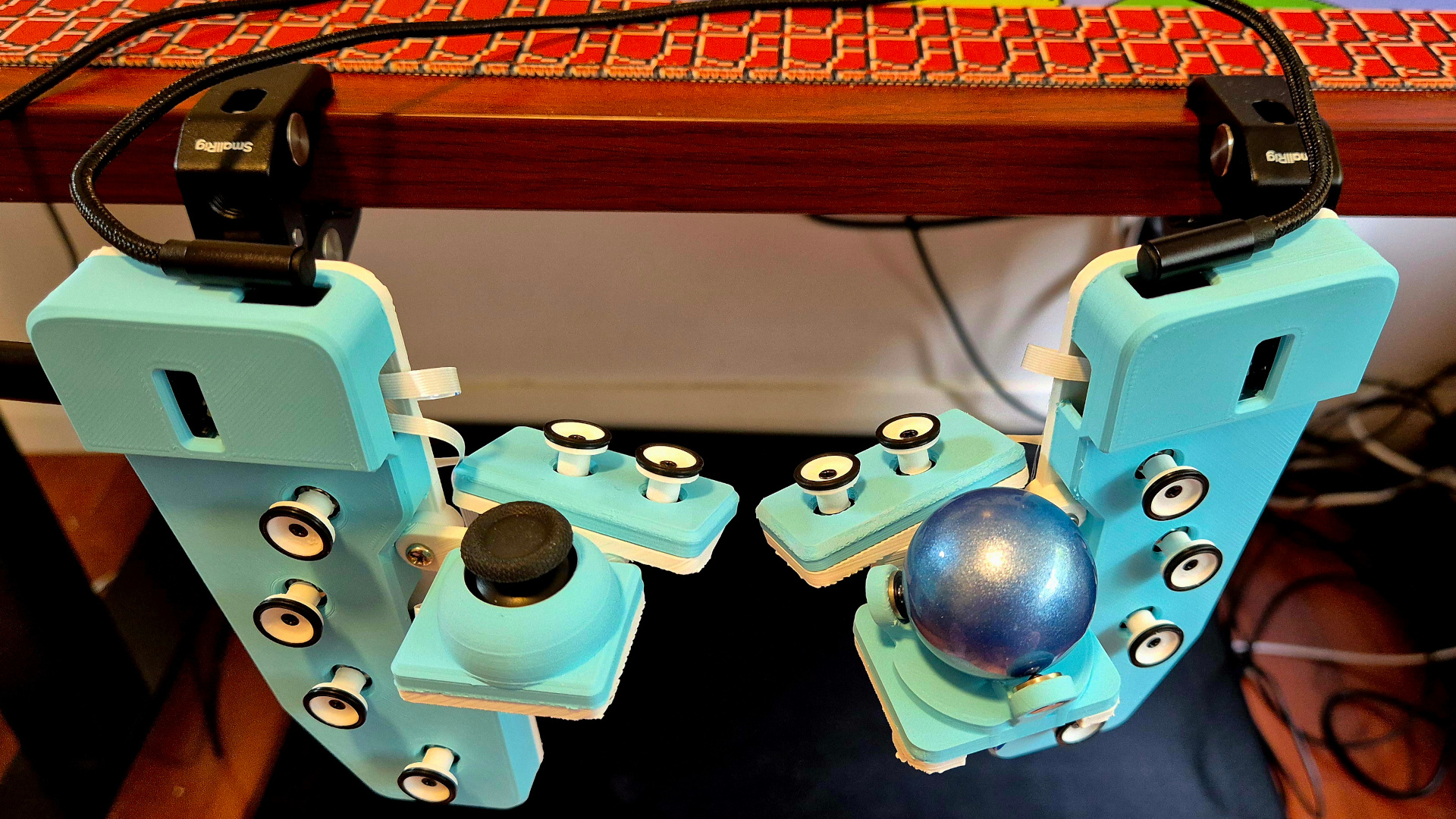
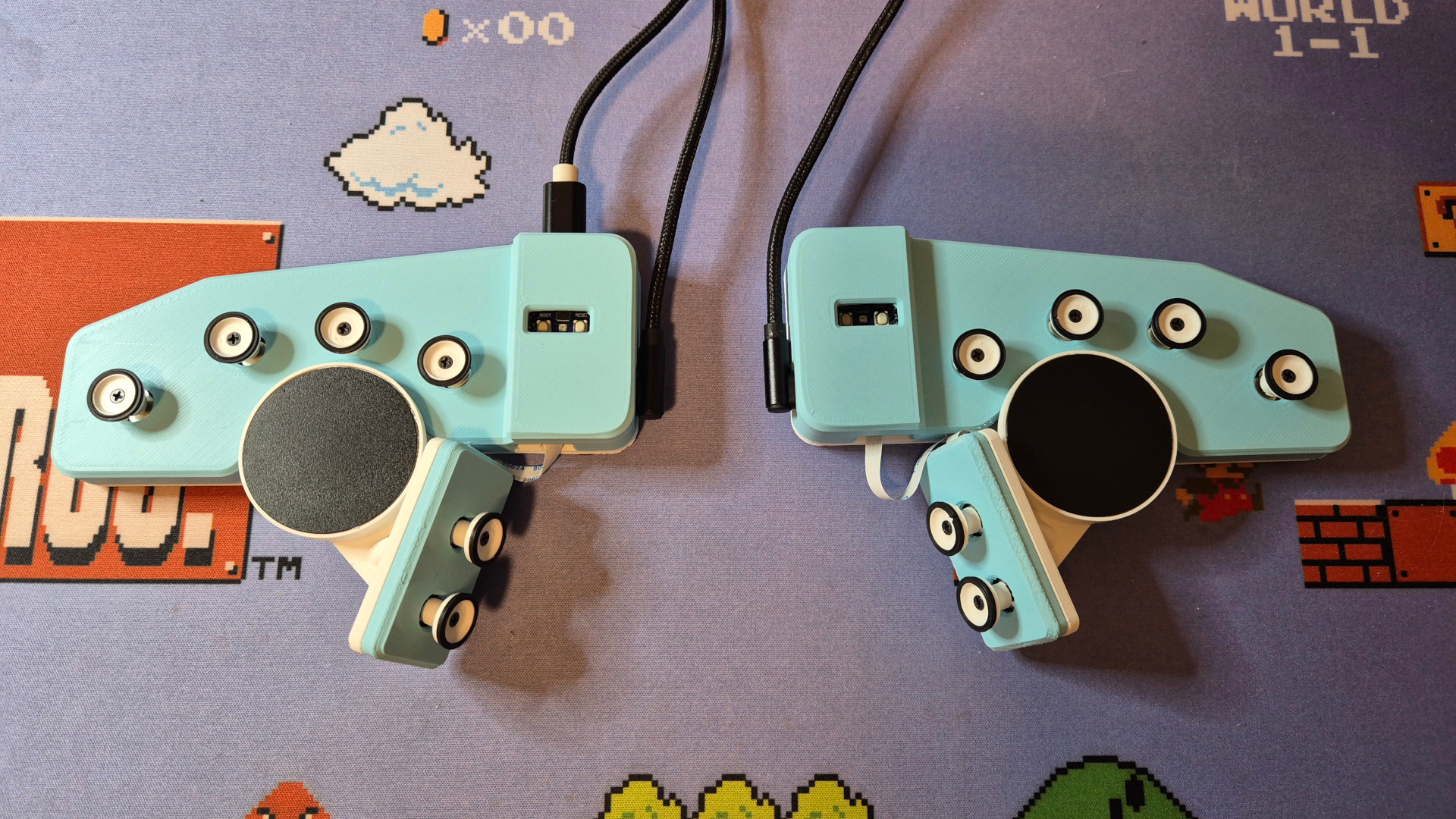
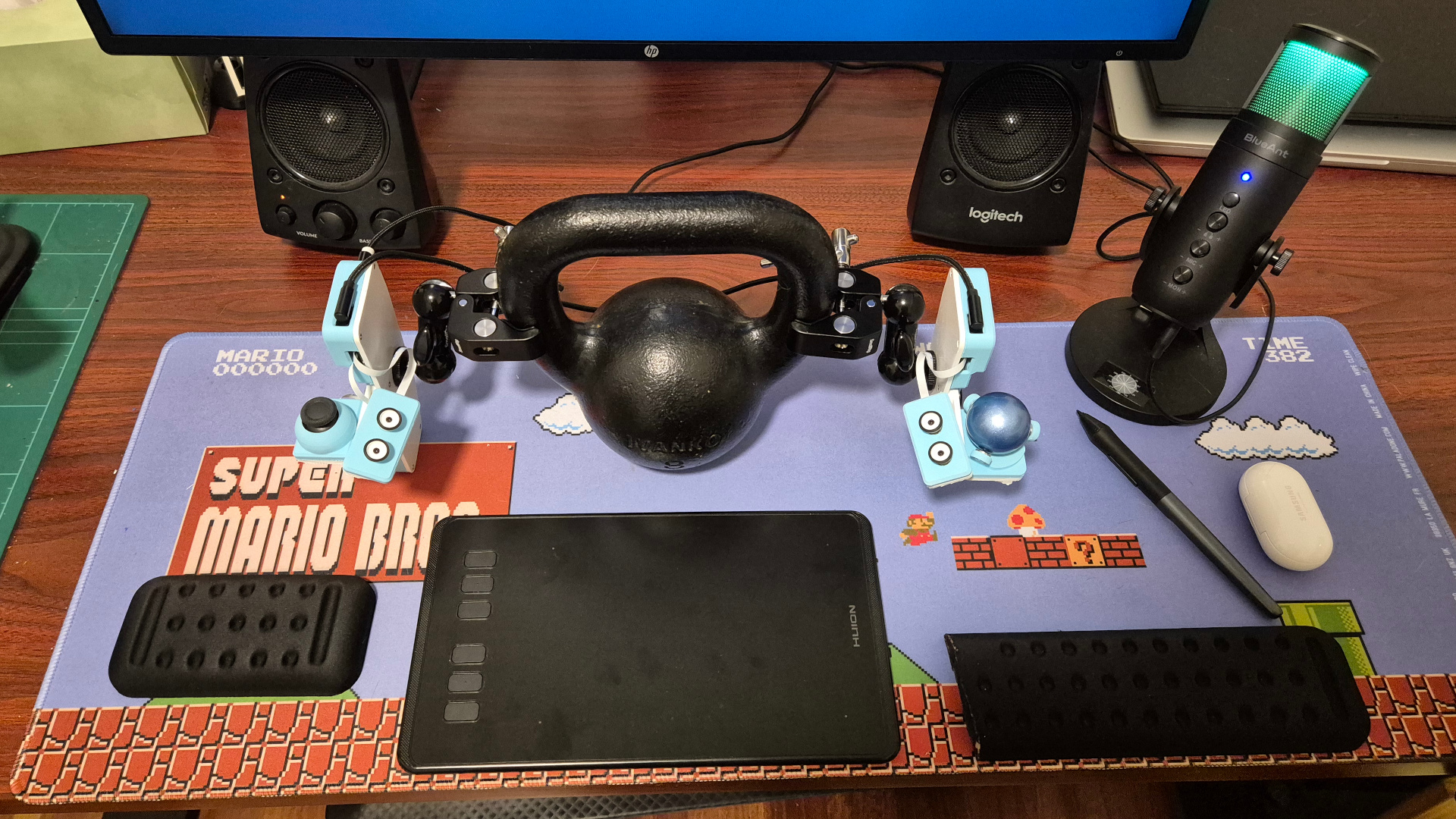
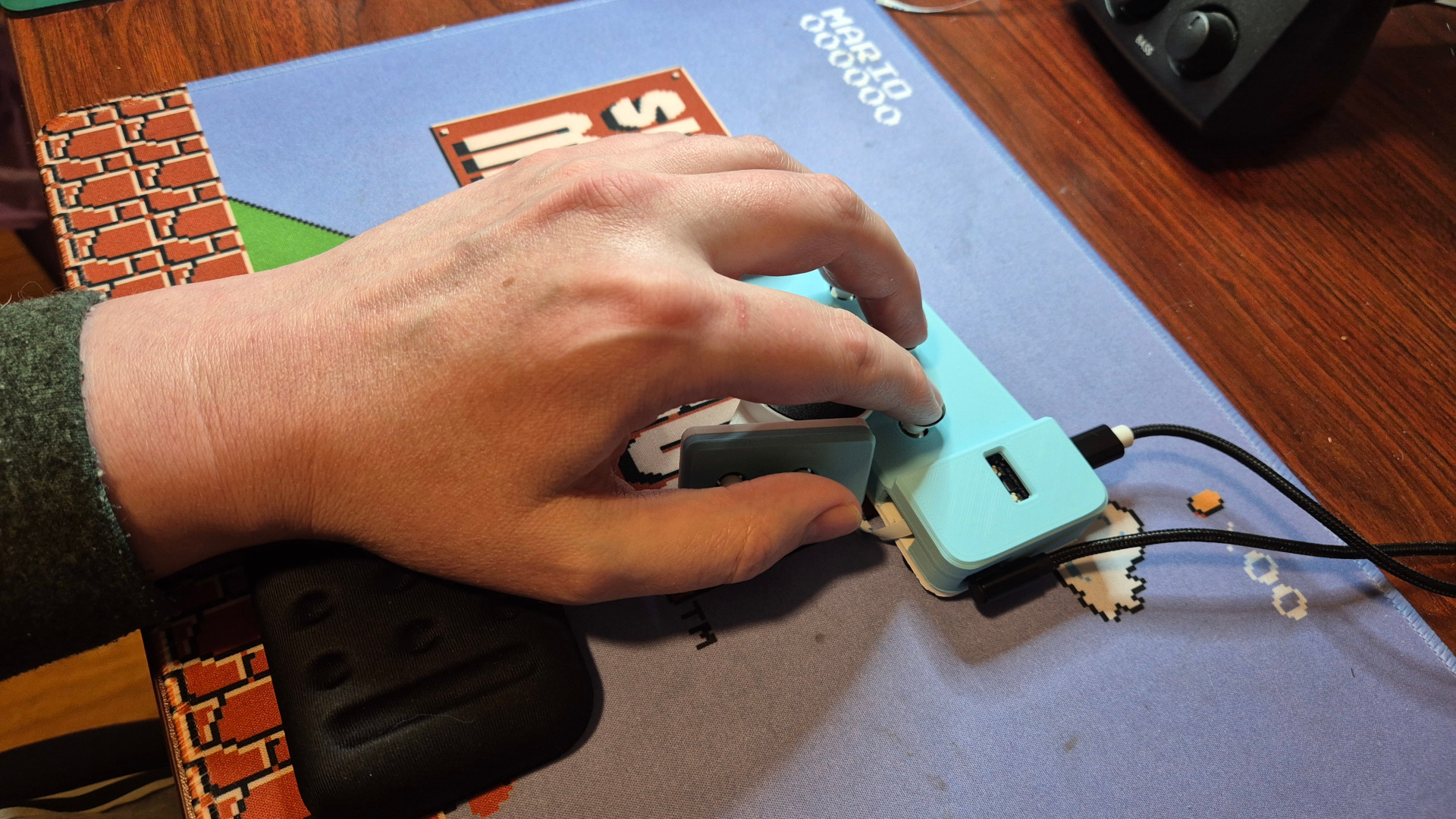
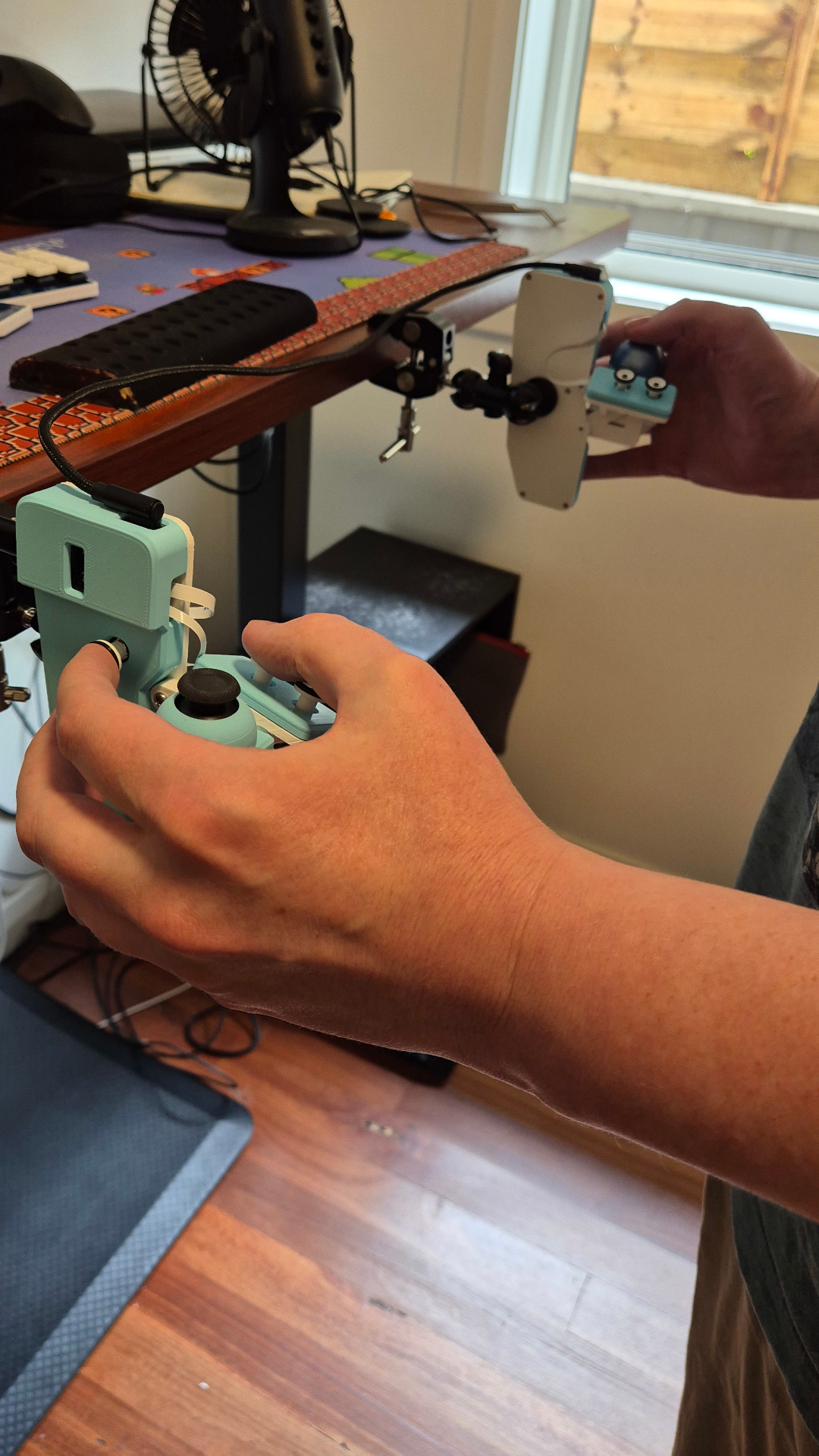
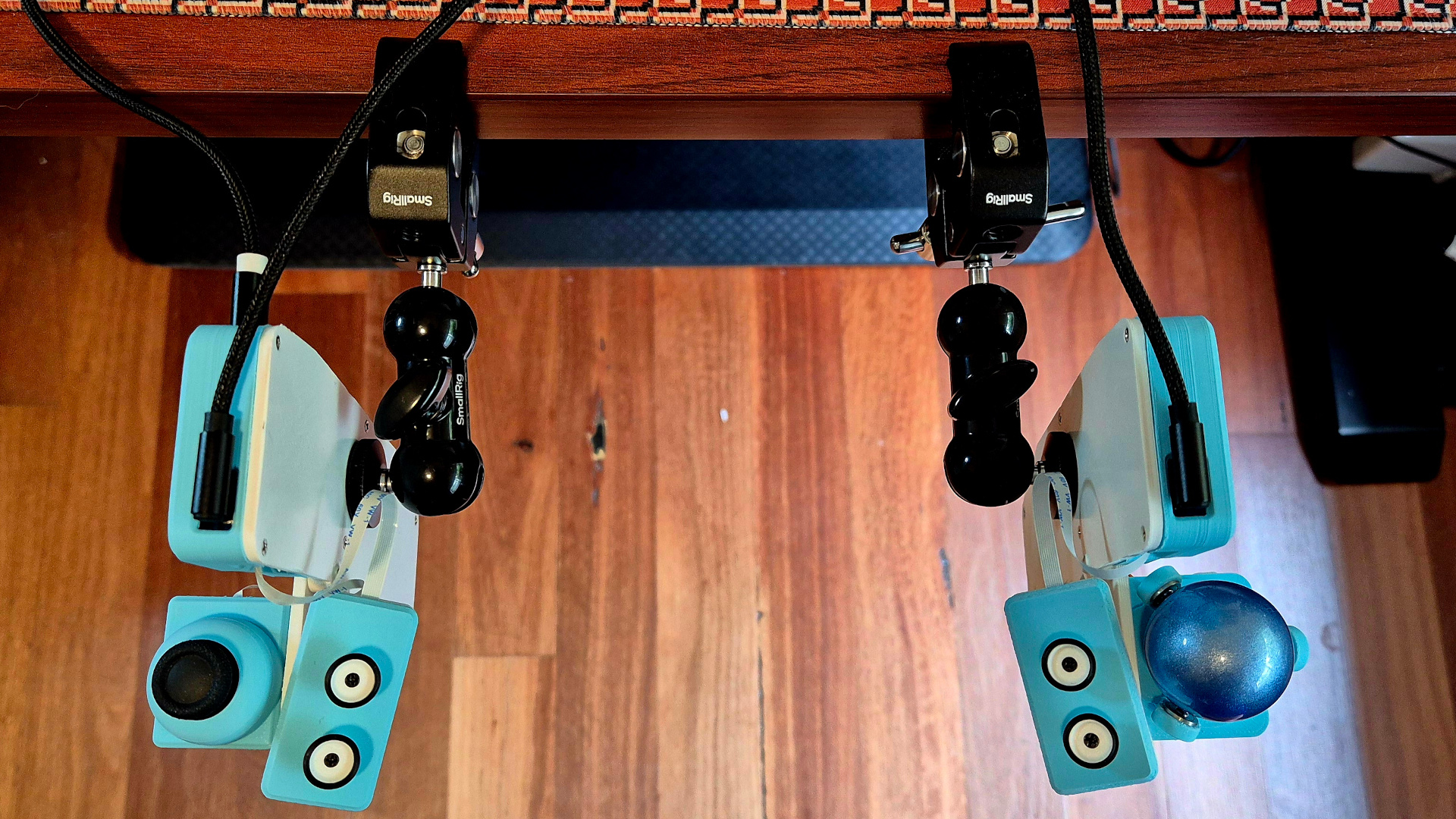
Usage demo Top down Left close up Right close up Kettlebell desktop mode 😂 Vertical Harite in use

Typing video

YouTube video of playing Doom with Harite v2

Parts

17
QtyValueFootprintReferences
10DScottoKeebs_Components:Diode_SOD-123D19, D20, D21, D22, D23, D24, D27, D28, D29, D30
4Mounting_Holefootprints:MountingHole_2.2mm_M2_Pad_ViaH1, H2, H3, H4
2SKRHADE010footprints:SKRHADE010S5, S6
159453-081110EDHLFfootprints:AMPHENOL_59453-081110EDHLFJ4

More from dlip/harite-v2

3
  • 2 layers126 × 47.8 mmLeft, the printed circuit board in 3D

    Left

    dlip/harite-v2

    To make your own, follow the build guide
    36 parts96GPL-3.0
  • 2 layers126 × 47.9 mmRight, the printed circuit board in 3D

    Right

    dlip/harite-v2

    To make your own, follow the build guide
    36 parts96GPL-3.0
  • 2 layers25.4 × 31.8 mmThumbstick breakout, the printed circuit board in 3D

    Thumbstick breakout

    dlip/harite-v2

    To make your own, follow the build guide
    6 parts96GPL-3.0

Similar boards

  • 4 layers81.2 × 81.2 mmView base, the printed circuit board in 3D

    View base

    SeedLabs-it/smartknob-hardware

    PCB and CAD files for smartknob devkit

    259 parts47
  • 2 layers233.6 × 56.6 mmPods panel, the printed circuit board in 3D

    Pods panel

    ToyotaInfoTech/RAMN

    RAMN (Resistant Automotive Miniature Network), a miniature CAN/CAN-FD testbed of 4 Electronic Control Units.

    191 parts285
  • 2 layers258.2 × 91.6 mmHarite, the printed circuit board in 3D

    Harite

    dlip/harite

    Harite 5-way Switch Keyboard

    78 parts68GPL-3.0
  • 2 layers16.5 × 18.5 mmSkrhade singlepcb, the printed circuit board in 3D

    Skrhade singlepcb

    jonboh/skrhade_singlepcb

    These switches can be acquired in Mouser and probably other electronic component stores.

    12 partsGPL-3.0
  • 2 layers50 × 35 mmServo power, the printed circuit board in 3D

    Servo power

    earthtojake/text-to-cad

    Design physical products with AI

    17 parts26kMIT
  • 2 layers139.7 × 62.2 mmBreakout 60pin EEC IV, the printed circuit board in 3D

    Breakout 60pin EEC IV

    rusefi/rusefi

    rusefi - GPL internal combustion engine control unit

    17 parts1.2k
  • 2 layers29.2 × 55.9 mmDeniseadapter, the printed circuit board in 3D

    Deniseadapter

    hoglet67/RGBtoHDMI

    Bare-metal Raspberry Pi project that provides pixel-perfect sampling of Retro Computer RGB/YUV video and conversion to HDMI

    17 parts1kGPL-3.0
  • 2 layers24.5 × 36.5 mmCluster, the printed circuit board in 3D

    Cluster

    JesusFreke/lalboard

    A 3D-printed keyboard inspired by the DataHand

    17 parts993

Questions

How big is the Thumb cluster PCB?

It measures 21 × 45 mm and has 2 copper layers, 1.6 mm thick.

What parts does the Thumb cluster use?

17 parts, built around the SKRHADE010 and 59453-081110EDHLF. The full list of its parts is on this page, with links to each part's symbol and footprint where PCBKit's library has them.

Where can I download the Thumb cluster KiCad files?

From the dlip/harite-v2 repository on GitHub, at the commit this page was made from: the board is kicad/thumb-cluster/thumb-cluster.kicad_pcb and its schematic kicad/left/left.kicad_sch. PCBKit opens the board in the browser, with nothing to install.

Can I use the Thumb cluster design in my own project?

Its repository publishes it under the GPL-3.0 licence: you may reuse it on that licence's terms (keep the author's notice, and for a copyleft licence share your changes alike).