2 layers29 × 36 mm
Flux Capacitor Micro Pin Badge
hojadurdy/Flux_Capacitor_Micro
A tiny (36mm x 29mm) pin badge and keychain PCB version of Flux Capacitor featuring 25 animated LEDs that animate to create the “fluxxing” effect.
48 parts6

 curiousmindsdev/Flux_Condenser27
Cool PCB badge with animated LEDs.
Flux Condenser is an open-source printed circuit board by curiousmindsdev, from the curiousmindsdev/Flux_Condenser repository on GitHub, published under the GPL-3.0 licence. It is a 2-layer board of 25.5 × 35 mm with 40 parts on 22 nets, routed with 376 tracks and 16 vias.
It is built around the ATTINY816-MN, CR2032 and TL 8. Its parts include 24 diodes, 2 resistors, 2 switches, 1 capacitor and 1 IC. It belongs with the lEDs and displays boards and the AVR (ATmega, ATtiny) boards of this library.


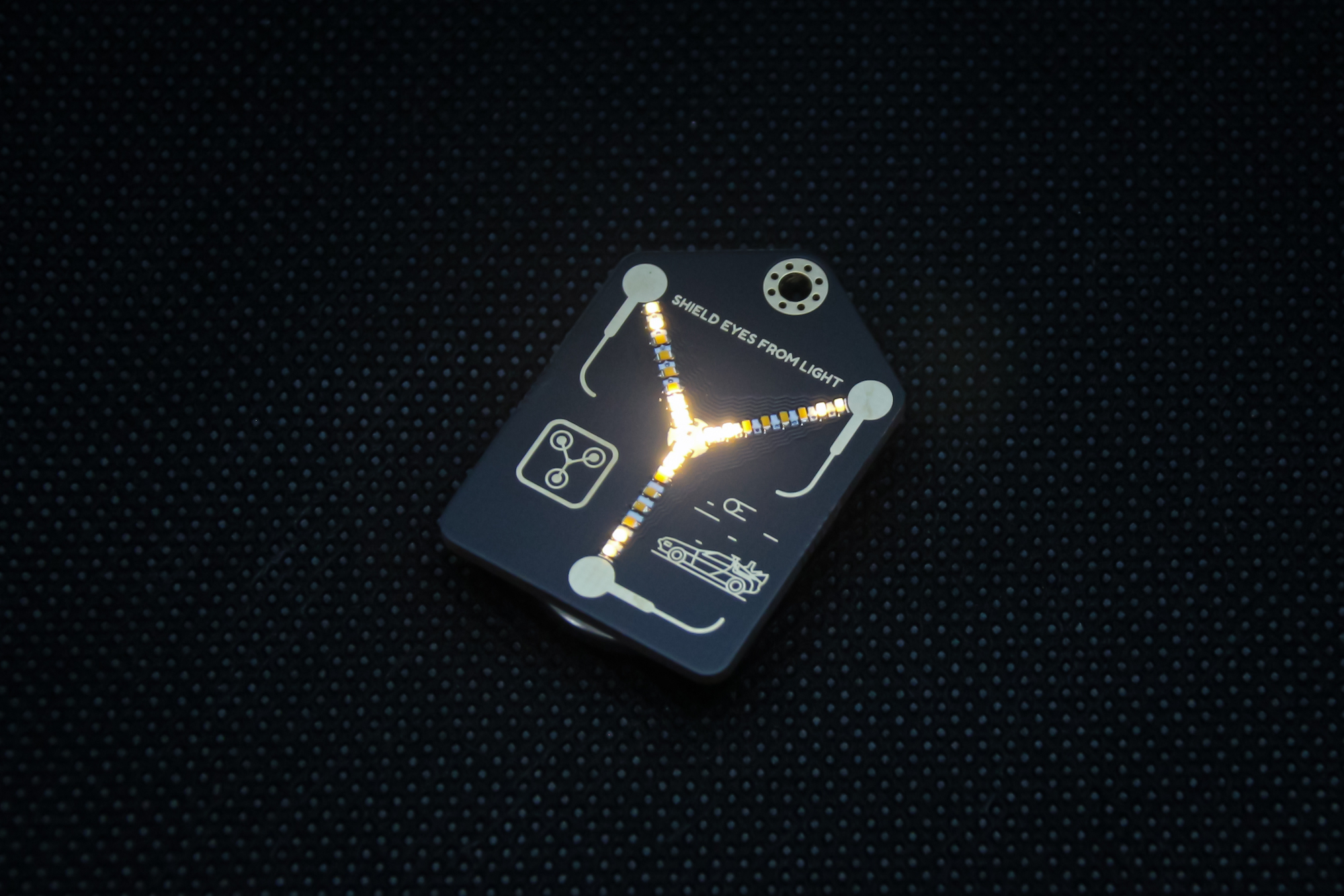
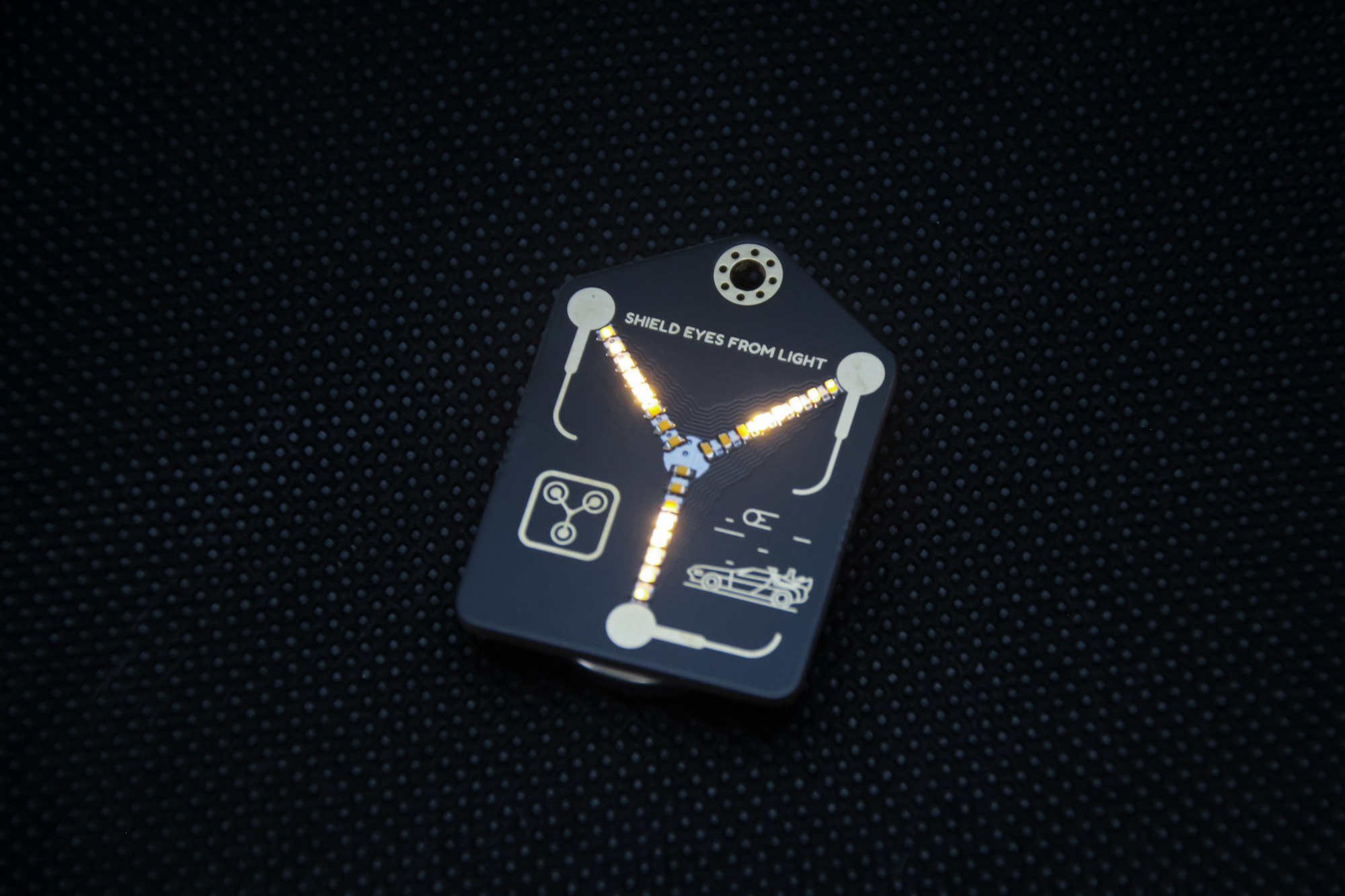
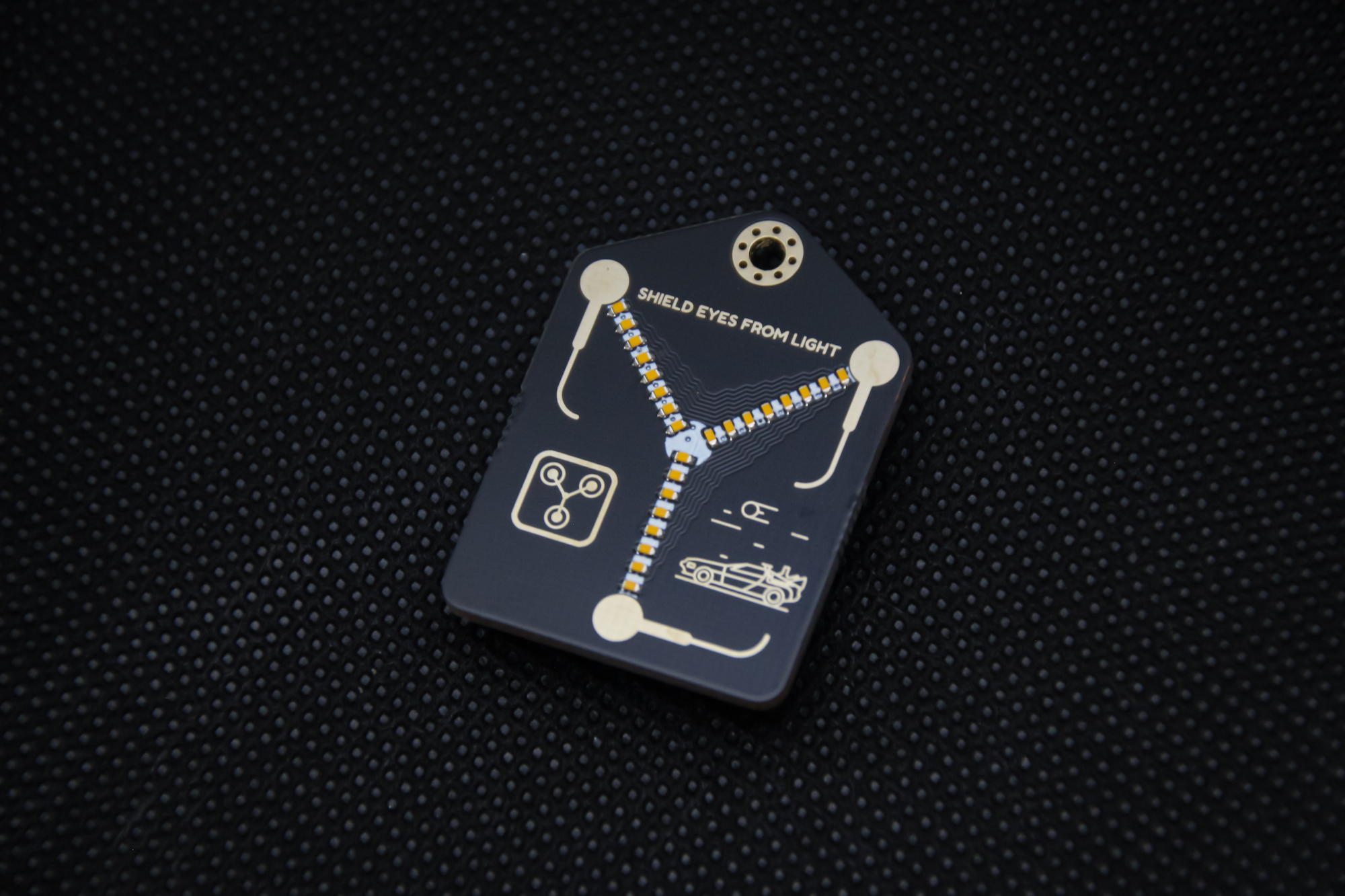
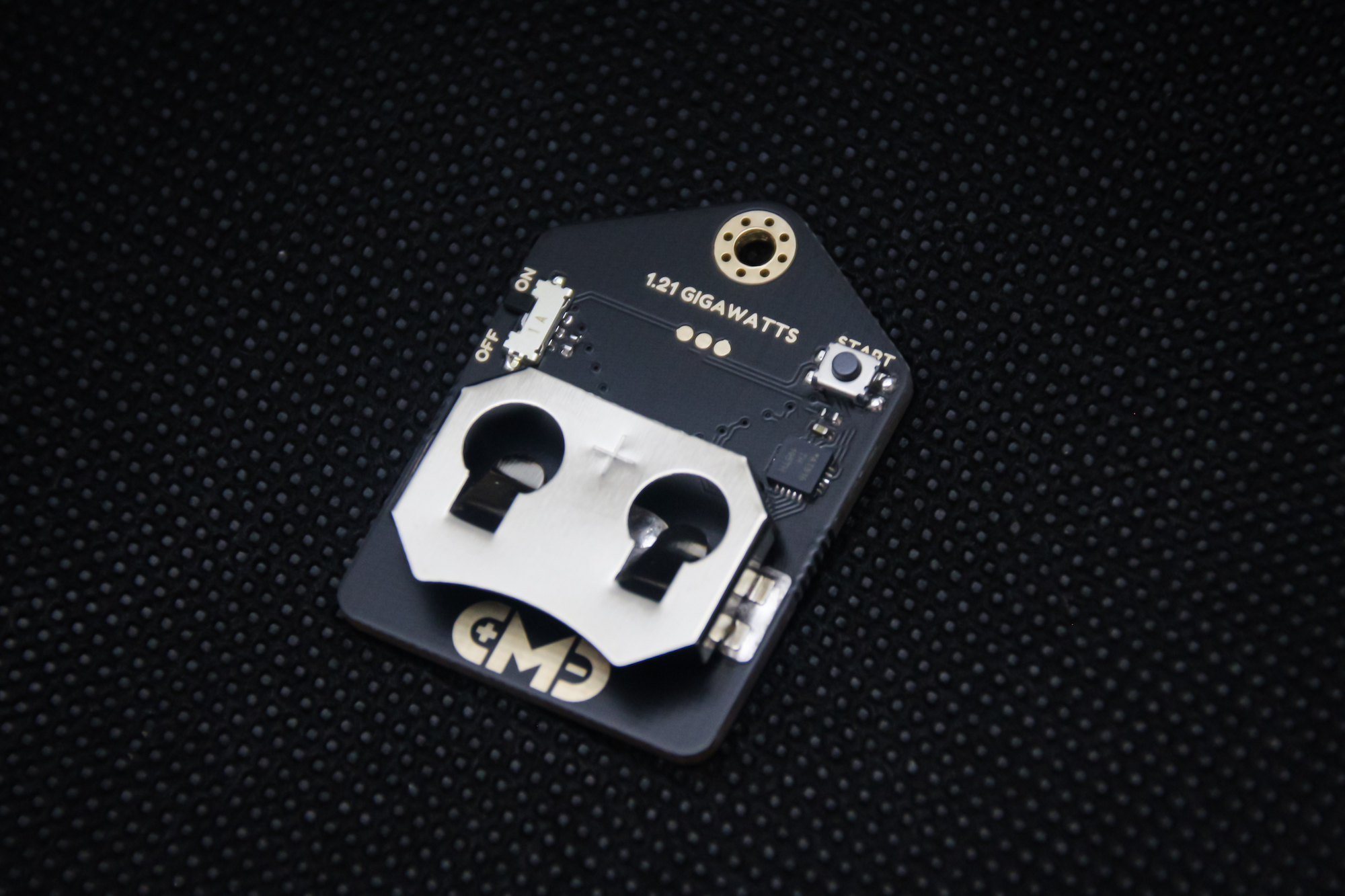
A tiny (35mm x 25mm) PCB badge featuring 24 LEDs that animate to create the “fluxxing” effect. It’s 100% decorative, it doesn’t actually let you travel through time when worn around the neck.
It is controlled by a Microchip ATtiny816 microcontroller. Thankfully this board has a much lower power requirement than the silkscreen indicates on the back, and skips along, sipping power from the single CR2032/LIR2032 coin cell battery (instead of plutonium or a lightning strike), slipped into the rear mounted coin cell holder.
Thanks to Microchip’s latest ATtiny816 microcontroller now I can dim the LEDs with 8 individual PWM pins. Users can now change the animation type, animation speed, and LED brightness. There are 2 animation types (multi beam and single beam), 2 animation speeds (slow and fast), 4 LED brightness levels (100%, 75%, 50% and 25%). Power consumption is drastically lowered. At full brightness it draws 2.3mA and at 25% brightness it draws 1.1mA of current from the battery. Also front of the Flux Condenser is now much cleaner. Most of the via drill holes are gone.
CR2032 (Non-Rechargeable) with average of 210mAh battery capacity.
LIR2032 (Rechargeable) with average of 40mAh battery capacity.
To set your desired animation, speed and LED brightness, you have to start flux condenser with configuration interface. In order to do that, you have to turn off your flux condenser. While holding the “Start” button on the back turn the flux condenser on. Now you should see configuration interface. Some of the LEDs should be on and some off according to your configuration. LEDs on each row of all columns, starting from outer to inner are paralleled.
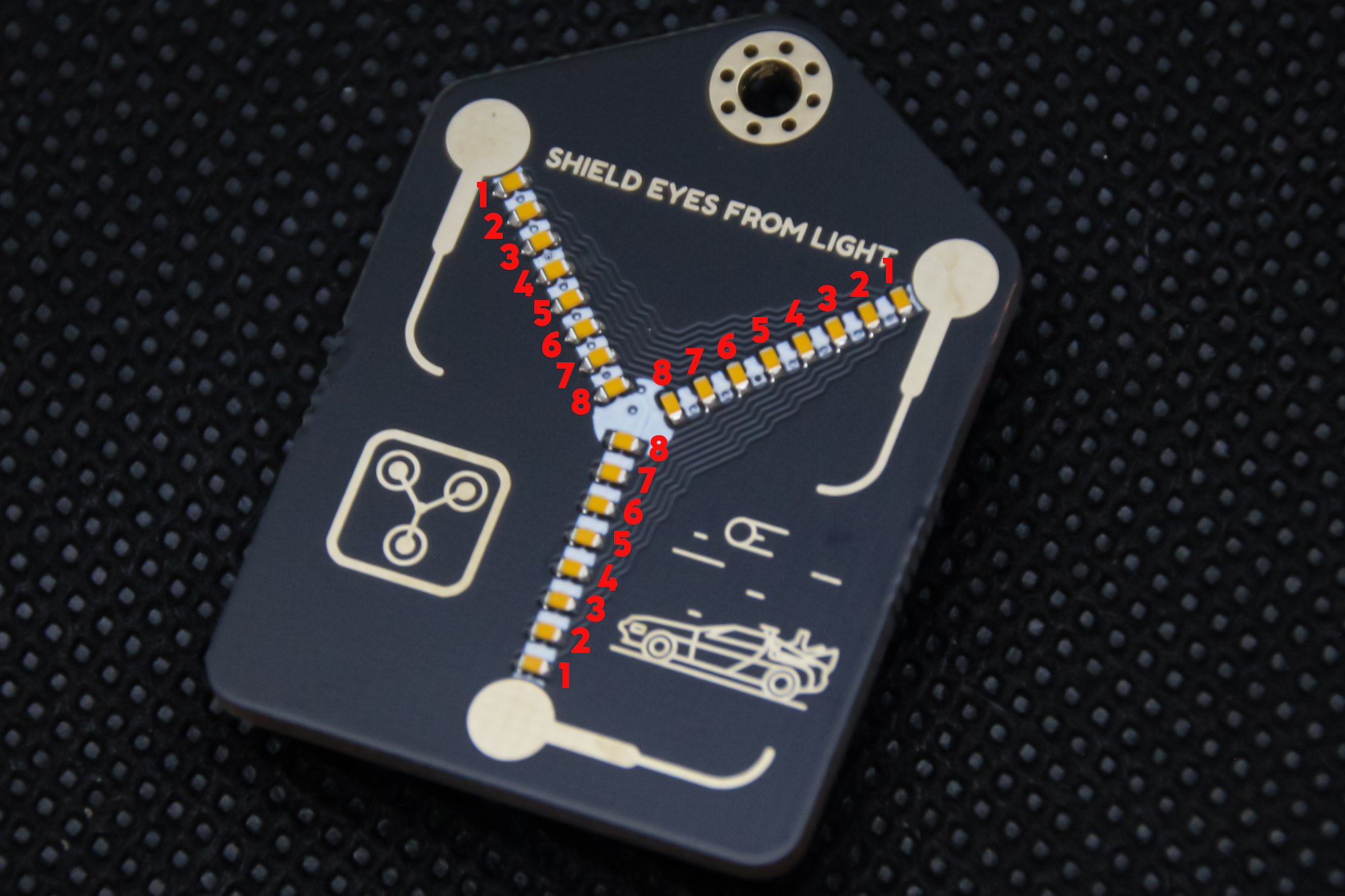 Each LED number from photo shown above represents different setting.
To choose your preference just hold the start button. All the LEDs should turn off and after a second starting from LED1 each individual LED gets lit. Hold the start until the LED that represents your preferred setting is lit, then release the button. Now your new configuration is set. To see it in more detail check out the video below.
https://www.youtube.com/watch?v=2X2gqoI-mSA


| Qty | Value | Footprint | References |
|---|---|---|---|
| 5 | G*** | svg2mod | svg2mod, svg2mod, svg2mod, svg2mod, svg2mod |
| 1 | 100nF | HDMod_Capacitor_SMD:C_0402_1005Metric | C1 |
| 1 | 10K | HDMod_Resistor_SMD:R_0402_1005Metric | R1 |
| 1 | 510 | HDMod_Resistor_SMD:R_0402_1005Metric | R2 |
| 1 | ATtiny816-M | HDMod_DFN_QFN:VQFN-20-1EP_3x3mm_P0.4mm_EP1.7x1.7mm | U1 |
| 1 | BM1 | HDMod_LED_SMD:LED_0402_1005Metric | D21 |
| 1 | BM2 | HDMod_LED_SMD:LED_0402_1005Metric | D22 |
| 1 | BM3 | HDMod_LED_SMD:LED_0402_1005Metric | D23 |
| 1 | BM4 | HDMod_LED_SMD:LED_0402_1005Metric | D24 |
| 1 | BM5 | HDMod_LED_SMD:LED_0402_1005Metric | D25 |
| 1 | BM6 | HDMod_LED_SMD:LED_0402_1005Metric | D26 |
| 1 | BM7 | HDMod_LED_SMD:LED_0402_1005Metric | D27 |
| 1 | BM8 | HDMod_LED_SMD:LED_0402_1005Metric | D28 |
| 1 | Button | HDMod_Switch_SMD:SW_Push_KH | SW2 |
| 1 | CR2032 | HDMod_Battery_Holder_SMD:CR2032_Metal_Battery_Holder | BT1 |
| 1 | LOGO | Footprints:DeLorean(F_SM) | G*** |
| 1 | LOGO | Footprints:Flux_Capacitor(F_SM) | G*** |
| 1 | On/Off | HDMod_Switch_SMD:SSAJ120100 | SW1 |
| 1 | TL1 | HDMod_LED_SMD:LED_0402_1005Metric | D11 |
| 1 | TL2 | HDMod_LED_SMD:LED_0402_1005Metric | D12 |
| 1 | TL3 | HDMod_LED_SMD:LED_0402_1005Metric | D13 |
| 1 | TL4 | HDMod_LED_SMD:LED_0402_1005Metric | D14 |
| 1 | TL5 | HDMod_LED_SMD:LED_0402_1005Metric | D15 |
| 1 | TL6 | HDMod_LED_SMD:LED_0402_1005Metric | D16 |
| 1 | TL7 | HDMod_LED_SMD:LED_0402_1005Metric | D17 |
| 1 | TL8 | HDMod_LED_SMD:LED_0402_1005Metric | D18 |
| 1 | TR1 | HDMod_LED_SMD:LED_0402_1005Metric | D31 |
| 1 | TR2 | HDMod_LED_SMD:LED_0402_1005Metric | D32 |
| 1 | TR3 | HDMod_LED_SMD:LED_0402_1005Metric | D33 |
| 1 | TR4 | HDMod_LED_SMD:LED_0402_1005Metric | D34 |
| 1 | TR5 | HDMod_LED_SMD:LED_0402_1005Metric | D35 |
| 1 | TR6 | HDMod_LED_SMD:LED_0402_1005Metric | D36 |
| 1 | TR7 | HDMod_LED_SMD:LED_0402_1005Metric | D37 |
| 1 | TR8 | HDMod_LED_SMD:LED_0402_1005Metric | D38 |
| 1 | UPDI_PAD | HDMod_Testing_and_Programming_PAD:PogoPad_1x03_P1.27mm | J1 |
The 39 most common of 40 parts.
It measures 25.5 × 35 mm and has 2 copper layers, 1.6 mm thick.
40 parts, built around the ATTINY816-MN, CR2032 and TL 8. The full list of its parts is on this page, with links to each part's symbol and footprint where PCBKit's library has them.
From the curiousmindsdev/Flux_Condenser repository on GitHub, at the commit this page was made from: the board is Flux Condenser.kicad_pcb and its schematic Flux Condenser.kicad_sch. PCBKit opens the board in the browser, with nothing to install.
Its repository publishes it under the GPL-3.0 licence: you may reuse it on that licence's terms (keep the author's notice, and for a copyleft licence share your changes alike).
hojadurdy/Flux_Capacitor_Micro
A tiny (36mm x 29mm) pin badge and keychain PCB version of Flux Capacitor featuring 25 animated LEDs that animate to create the “fluxxing” effect.


SMalasGit/2s-BMS
A repository for a 2s lithium ion BMS that utilizes the BQ28Z620. This IC is an all-in-one chip that features battery protection, cell balancing, battery charging, battery current and voltage monitoring, and gas gauging…


