
2 layers99.2 × 100 mm

 cheyao/comu35
A bare-metal RISC-V board that fits inside your USB connector
Comu is an open-source printed circuit board by cheyao, from the cheyao/comu repository on GitHub. It is a 2-layer board of 9.4 × 13 mm with 19 parts on 21 nets, routed with 69 tracks and 14 vias.
It is built around the CH32V203F8U6. Its parts include 3 capacitors, 2 resistors, 2 ICs, 2 diodes and 1 connector. It belongs with the RISC-V boards of this library.
A bite-sized CH32V203 board that fits inside your USB port.
Intrested? Get one on Crowd Supply!
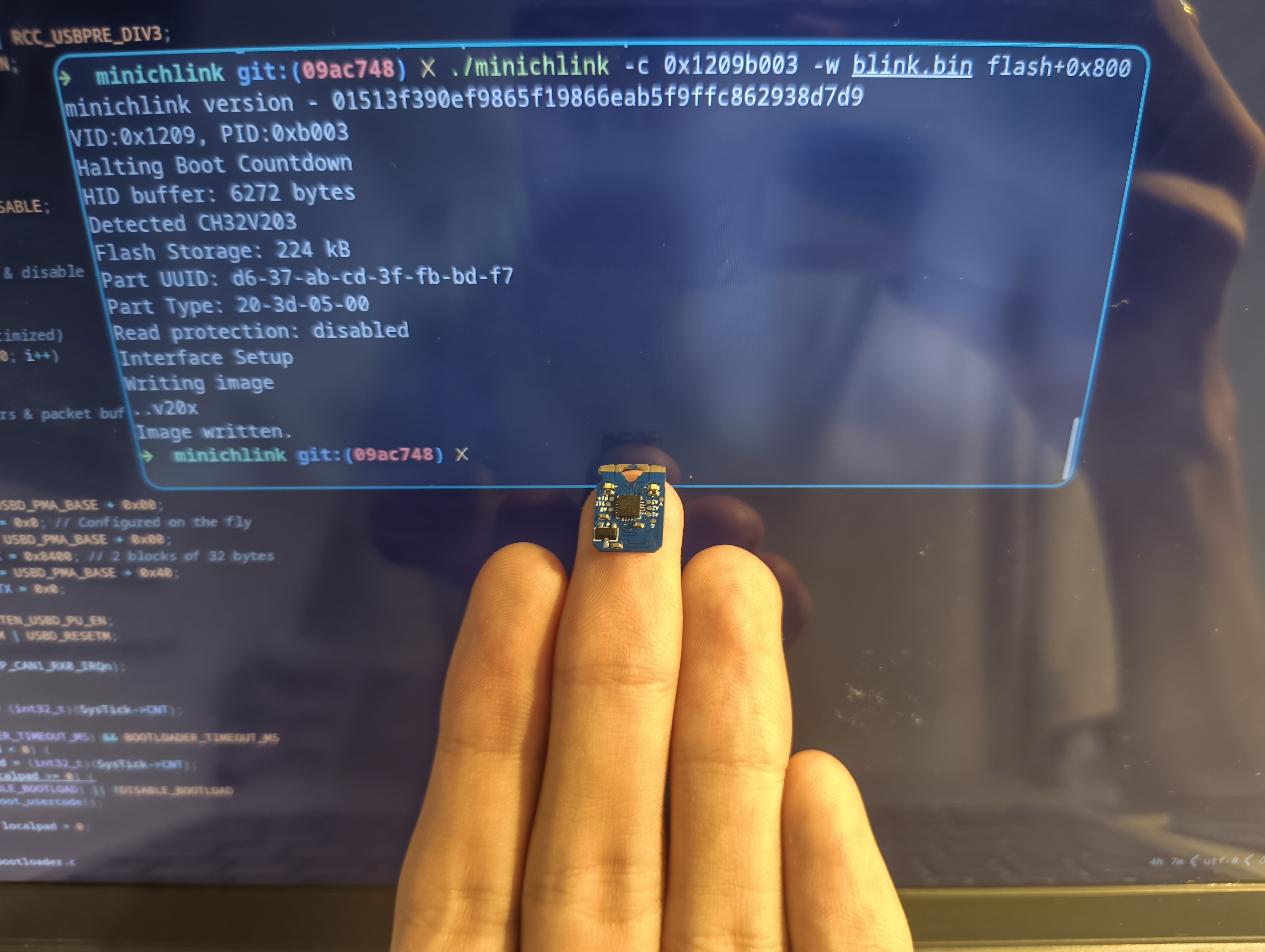
Comu is a tiny CH32V203 RISC-V computer that fits inside a USB port. It is user programmable, fitted with a custom bootloader, has four captive touch buttons and two LEDs. The board is supported by ch32fun, allowing easy and lightweight RISC-V bare-metal development.
The CH32V203 is equipped with 248KB of Flash and 20KB of SRAM, more than enough for most embedded applications. The chip also has a wide array of peripherals, including DMA and a 12bit ADC, allowing for a wide variety of uses. The board also exposes 6 GPIO pins via testpoints, allowing it to be embedded on custom boards for further use.
It can also easily act as a USB HID device, allowing portable key injections to avoid repetitive typing. With it 4 captive buttons, you can make it into a sliding volume adjuster, computer sleep trigger, screen capture device and more!
Using bare-metal programming in C/C++, the RISC-V program created for this chip contains 0 bloat. The minimal size of a blinky is only 40 bytes, compared to 324KB on Arduino Pico or 12KB with Pico SDK. The CH32V203 RM contains all information needed to use the MCU, from register descriptions to memory layout.
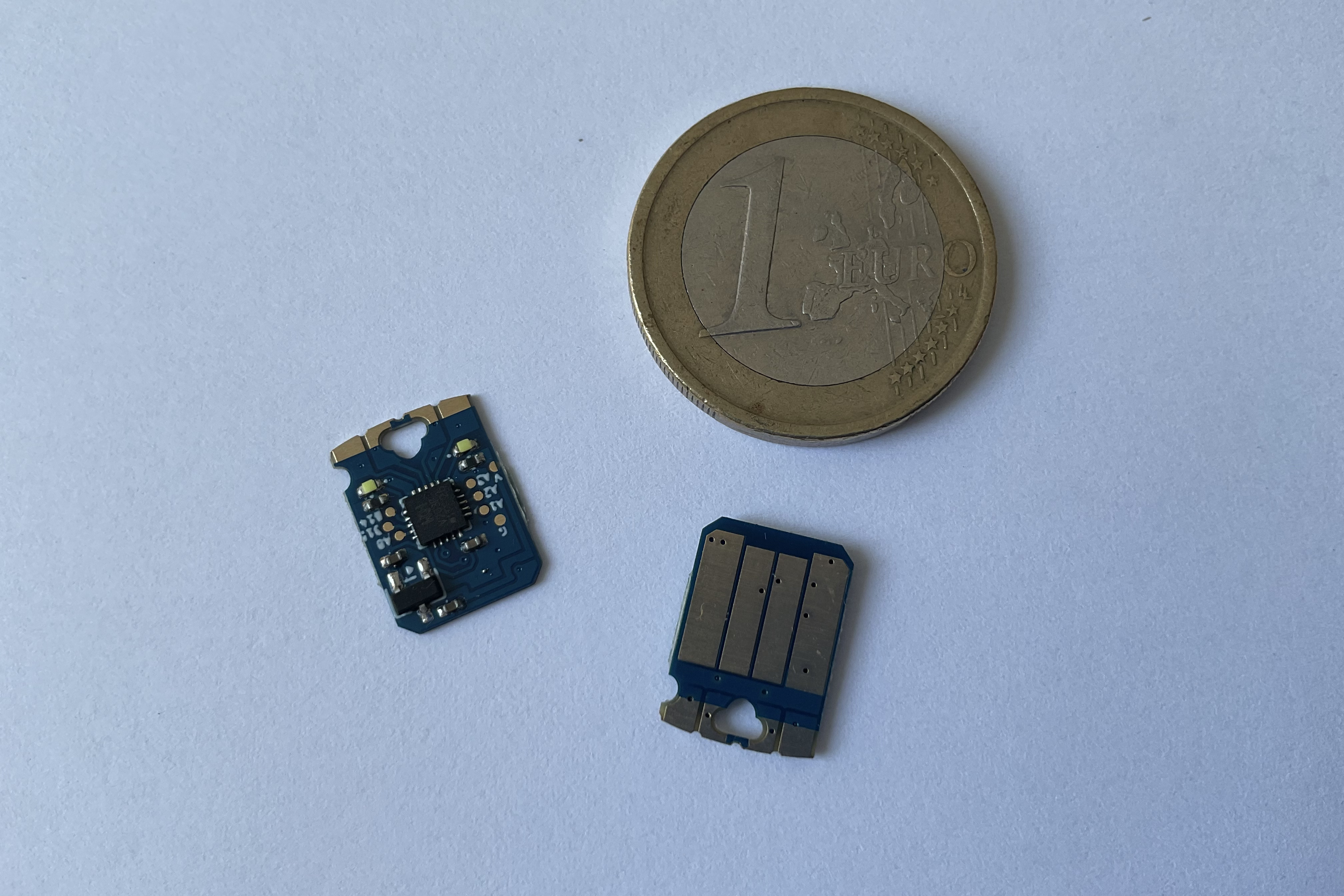
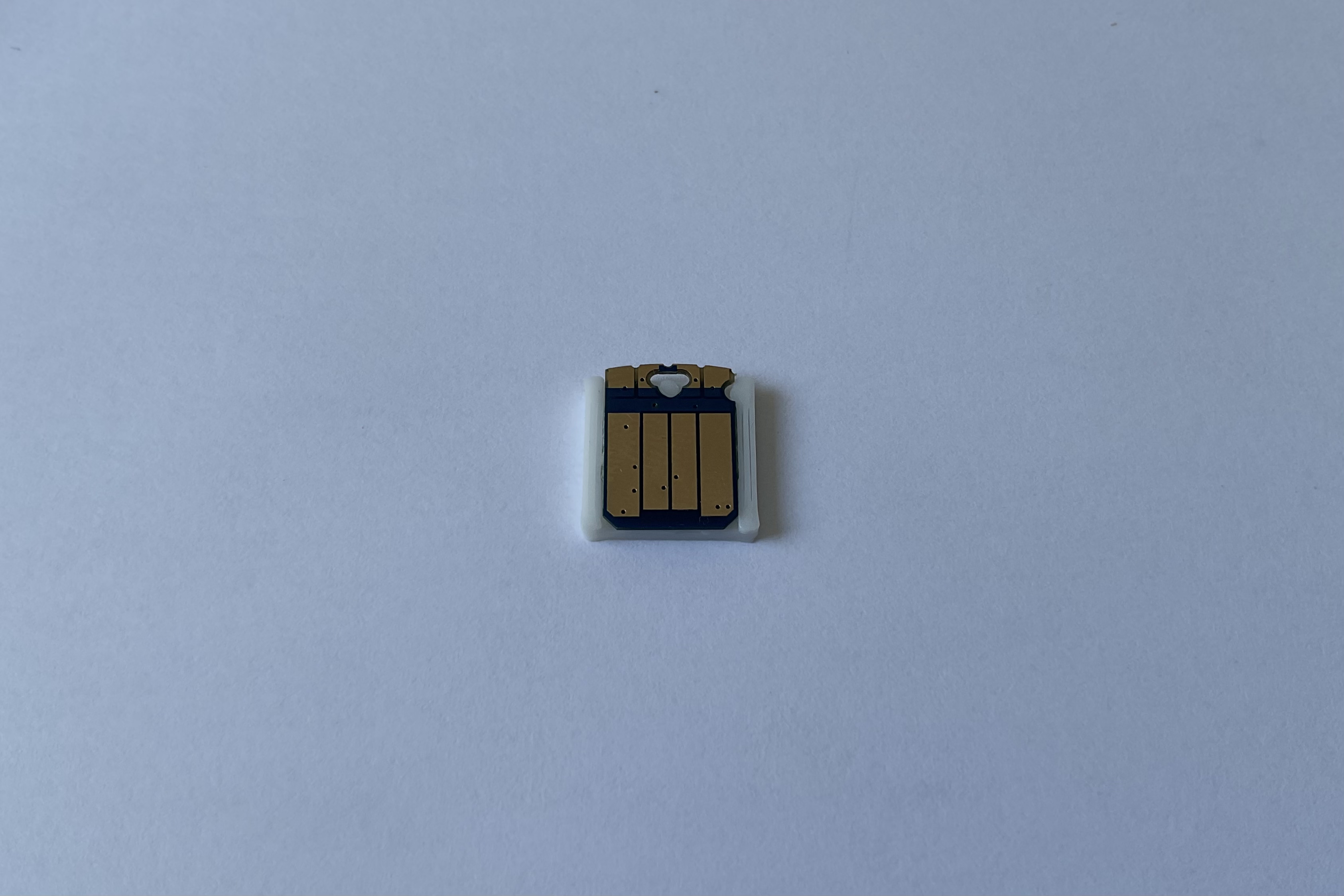
The board is also very lightweight, weighing merely 0.4g (0.2g without case). Measuring a mere 13x9.4mm, it occupies nearly no space.
Even in such constrained space, the board still boasts rich peripherals. You can directly access 2 white LEDs and 4 captive buttons. The captive buttons are double-sided edge-plated, ensuring accurate touch sensing. It is also easy to use thanks to the CH32V203's touchkey peripheral, directly handling all the troublesome parts of touch sensing. (Example in examples/touch folder).
The CH32V203 is perfect for USB packet exploring. Its bare and well-documented USBD peripheral allows you to manipulate raw packets, while taking care of troublesome parts such as transaction handling. You can directly pair this with usbmon on Wireshark to explore how USB transactions work.
The board comes pre-programmed with a sleek custom USB bootloader to compensate for the lack of a BOOT0 button and the large size of the official bootloader. The custom bootloader is only 2KiB in size, freeing up the 28KiB of boot flash for user use.
The bootloader is also completely open source; check out its source code in the bootloader folder. The only quirk is that the programs must be linked to 0x800 and flashed to 0x800, but that is taken care by the provided Makefile in the examples folder.
No worries! The CH32V203 is also supported by a wide array of tools: Rust via ch32-hal, Arduino via arduino_core_ch32, or normal WCH-HAL via Mounriver Studio II.
USB communication can be completely handled by libraries such as tinyusb or ch32fun's usbd lib. All raw peripherals can also be hidden by Mounriver's HAL.
There are tons of examples in the examples folder on this repo, and also compatible with the examples in ch32fun.
Dependencies: Make, riscv64-gcc, libusb (Checkout dependency list here)
Clone this respository and pull the submodules:
$ git clone https://github.com/cheyao/comu
$ cd comu
$ git submodule update --init --recursive
Go into the examples folder and build an example:
$ cd examples/blink
$ make
Now, the example should be built. When you insert your Comu into your USB port, it should stay in the bootloader for the first 5 seconds. You can then re-run make flash to flash the binary onto the chip!
Now you can make your applications! I recommend starting off by copying an example, as you need to flash to address flash+0x800 to avoid overwriting the custom bootloader.
If the flashing isn't working, please read through this wiki for operating system setup, and try re-building minichnlink. (I've submitted a few new patches for the ch32v203 flashing a week ago)
They will be shortly availiable on Crowd Supply!
Form factor credit goes to tomu.
| Qty | Value | Footprint | References |
|---|---|---|---|
| 8 | TestPoint | ch32:TestPoint_Pad_D0.6mm | TP1, TP2, TP3, TP4, TP5, TP6, TP7, TP8 |
| 2 | 1k | Resistor_SMD:R_0402_1005Metric | R1, R2 |
| 2 | 1uF | Capacitor_SMD:C_0402_1005Metric | C1, C2 |
| 2 | LED | LED_SMD:LED_0402_1005Metric | D1, D2 |
| 1 | 100nF | Capacitor_SMD:C_0402_1005Metric | C3 |
| 1 | Button solder mask removal | usb-pcb:soldermask-removal | XX1 |
| 1 | CH32V203F8U6 | Package_DFN_QFN:QFN-20-1EP_3x3mm_P0.4mm_EP1.65x1.65mm | U1 |
| 1 | USB_A_Embedded | ch32:USB_A_Connector_PCB | J1 |
| 1 | XC6206PxxxMR | Package_TO_SOT_SMD:SOT-23-3 | U2 |
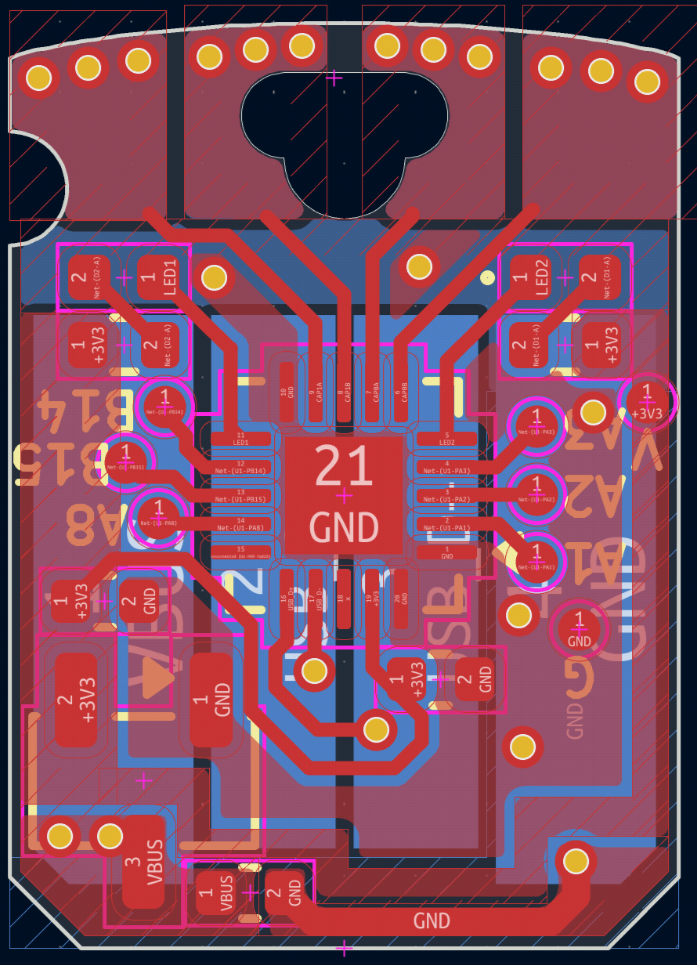
It measures 9.4 × 13 mm and has 2 copper layers, 0.6 mm thick.
19 parts, built around the CH32V203F8U6. The full list of its parts is on this page, with links to each part's symbol and footprint where PCBKit's library has them.
From the cheyao/comu repository on GitHub, at the commit this page was made from: the board is hardware/comu.kicad_pcb and its schematic hardware/comu.kicad_sch. PCBKit opens the board in the browser, with nothing to install.
Its repository states no licence, so its author keeps all rights: ask cheyao before reusing the design.

mcqn/bike-head
Making your bike more fun (if that's possible) by giving it a head

cnlohr/cnhardware
My dumping grounds for all my kicad projects and random hardware bringup.


hackclub/OnBoard
💡 Join 1,000 teenagers and make your first PCB with a $100 grant!

polpo/picogus
Emulation of ISA sound cards and CD-ROM on Raspberry Pi Pico (GUS, SB/Adlib, MPU-401, Tandy, CMS, Panasonic CD-ROM) with USB mouse/joystick support


nkitanov/iaq_board
IAQ Board is a DIY (Do-It-Yourself) device for measuring internal air quality
