2 layers162.2 × 126.5 mm
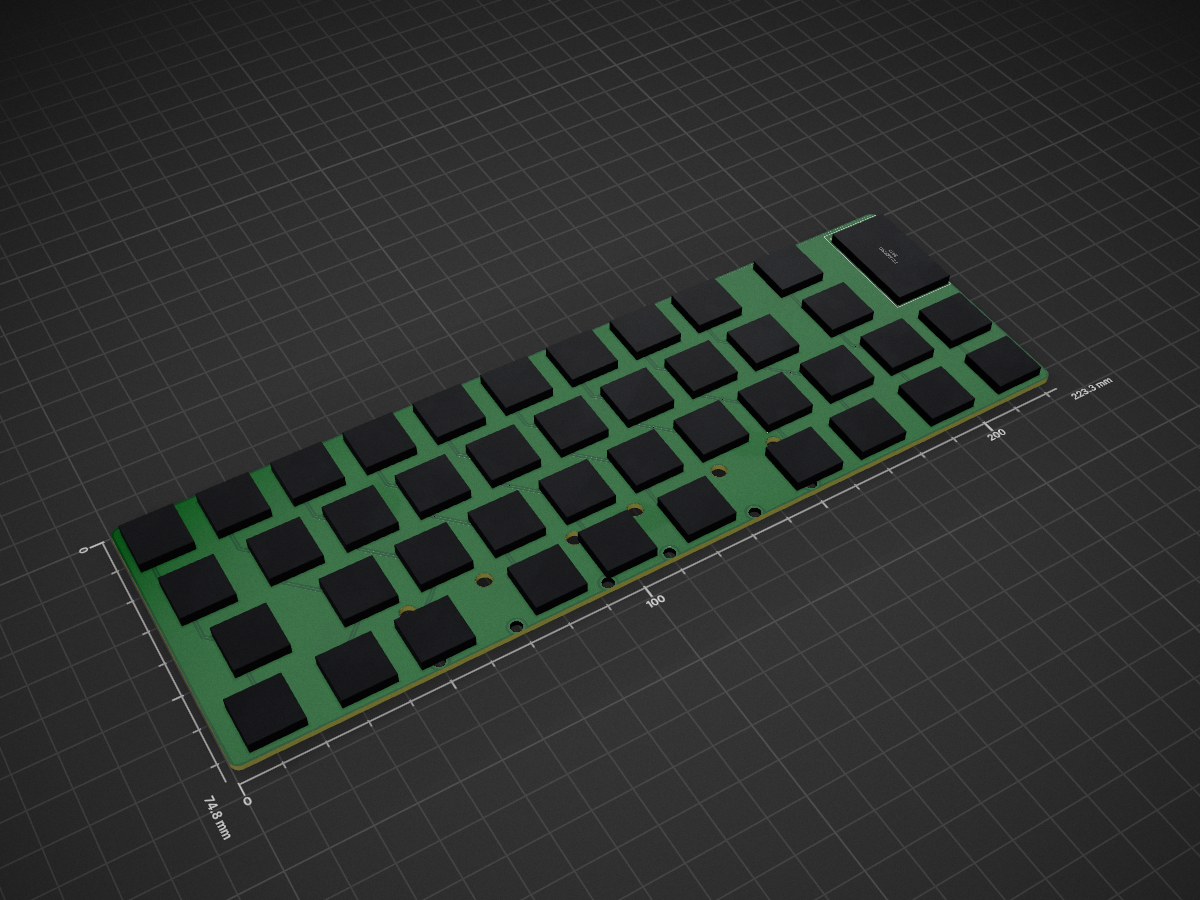
 AronTech1/Creating-a-Keyboard-PCB-with-Diodes
mechanical keyboard PCB with Cherry MX style switches, using a standard diode matrix and a Pro Micro controller
Creating a Keyboard PCB with Diodes is an open-source printed circuit board by AronTech1, from the AronTech1/Creating-a-Keyboard-PCB-with-Diodes repository on GitHub. It is a 2-layer board of 223.3 × 74.7 mm with 86 parts on 65 nets, routed with 305 tracks and 10 vias.
Its parts include 41 diodes, 3 switches and 1 IC. It belongs with the keyboards and input boards and the AVR (ATmega, ATtiny) boards of this library.
Mechanical keyboard PCB with Cherry MX style switches, using a standard diode matrix and a Pro Micro controller
| Qty | Value | Footprint | References |
|---|---|---|---|
| 41 | D_Small | Diode_SMD:D_SOD-123 | D1, D2, D10, D11, D12, D13, D14, D15, D16, D17, D18, D19, D20, D21, D22, D23 +25 |
| 35 | MX_SW_solder | PCM_marbastlib-mx:SW_MX_1u | MX1, MX2, MX12, MX13, MX14, MX15, MX16, MX17, MX18, MX19, MX22, MX23, MX24, MX25, MX26, MX27 +19 |
| 3 | MX_SW_solder | PCM_marbastlib-mx:SW_MX_1.25u | MX11, MX31, MX39 |
| 2 | MX_SW_solder | PCM_marbastlib-mx:SW_MX_1.75u | MX10, MX21 |
| 1 | MX_SW_solder | PCM_marbastlib-mx:SW_MX_1.5u | MX20 |
| 1 | MX_stab | PCM_marbastlib-mx:STAB_MX_P_2u | S1 |
| 1 | MX_stab | PCM_marbastlib-mx:STAB_MX_P_2.25u | S2 |
| 1 | MX_stab | PCM_marbastlib-mx:STAB_MX_P_6.25u | S3 |
| 1 | ProMicro | PCM_marbastlib-xp-promicroish:ProMicro_USBup | U1 |

MKesenheimer/fault-injection-library
Python library to perform fault-injection attacks on microcontrollers


cnlohr/cnhardware
My dumping grounds for all my kicad projects and random hardware bringup.

AudioMorphology/Europi
Opensource sequencer software for Raspberry Pi equipped with Eurorack-compatible hardware


It measures 223.3 × 74.7 mm and has 2 copper layers, 1.6 mm thick.
86 parts. The full list of its parts is on this page, with links to each part's symbol and footprint where PCBKit's library has them.
From the AronTech1/Creating-a-Keyboard-PCB-with-Diodes repository on GitHub, at the commit this page was made from: the board is Creating a Keyboard PCB with Diodes.kicad_pcb and its schematic Creating a Keyboard PCB with Diodes.kicad_sch. PCBKit opens the board in the browser, with nothing to install.
Its repository states no licence, so its author keeps all rights: ask AronTech1 before reusing the design.