
2 layers24.1 × 36.2 mm
Esp32miniBT
asterics/esp32_mouse_keyboard
ESP32 implementation for HID over GATT Keyboard and Mouse (Bluetooth Low Energy). Including serial API for external modules (similar to Adafruit EZKey HID)
28 parts911GPL-3.0

 aadriien/ESP32-lightsaber1
Introducing... a homemade lightsaber, powered by an ESP32 microcontroller!
ESP32-lightsaber KiCad is an open-source printed circuit board by aadriien, from the aadriien/ESP32-lightsaber repository on GitHub. It is a 2-layer board with 4 parts on 37 nets, routed with 42 tracks and 0 vias.
It is built around the ESP32-WROOM-32. It belongs with the ESP32 boards of this library.
Introducing... a homemade lightsaber, powered by an ESP32 microcontroller!
This project is still a work in progress, so please hang tight while I get things going.
Start by clicking the joystick. This will activate the lightsaber with a cool sound effect (lightspeed)!
Maneuver the joystick to move between colors. Once you've found a color you like, hold that spot / angle, and click the joystick as you would a button. Keep your ears open for a themed sound corresponding to that specific color!
To change the blade's hue, angle the joystick button, give it another click, and you'll have returned to "color selection mode".
When you're ready to deactivate the lightsaber, simply click the joystick again and watch as the lights recede. Listen closely for a message as you go!
playsound libraryPyObjC to run efficiently⭐️ Lightsaber (de)activation: Exciting visual effects with sequential LEDs.
🎨 Customizable saber blade: Highly flexible color wheel selection via joystick.
🔒 Color locking ability: Option to hold selected color in place with joystick button.
🎵 Themed sound effects: Music and phrases to match colors and saber (de)activation.
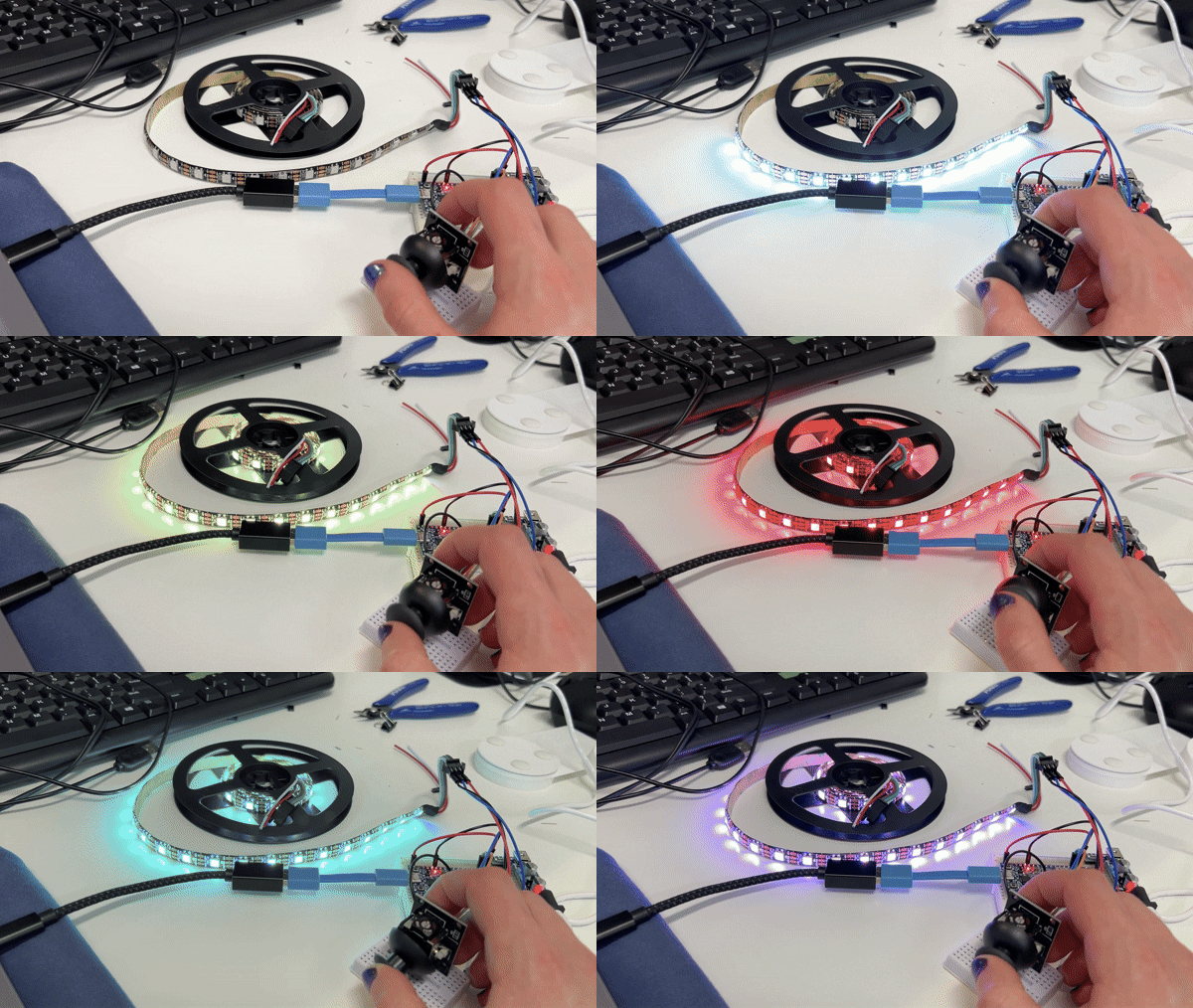
| 🎮 Wiring View | 🌈 Lightsaber LED Strip | 🔌 Wiring Above |
|---|---|---|
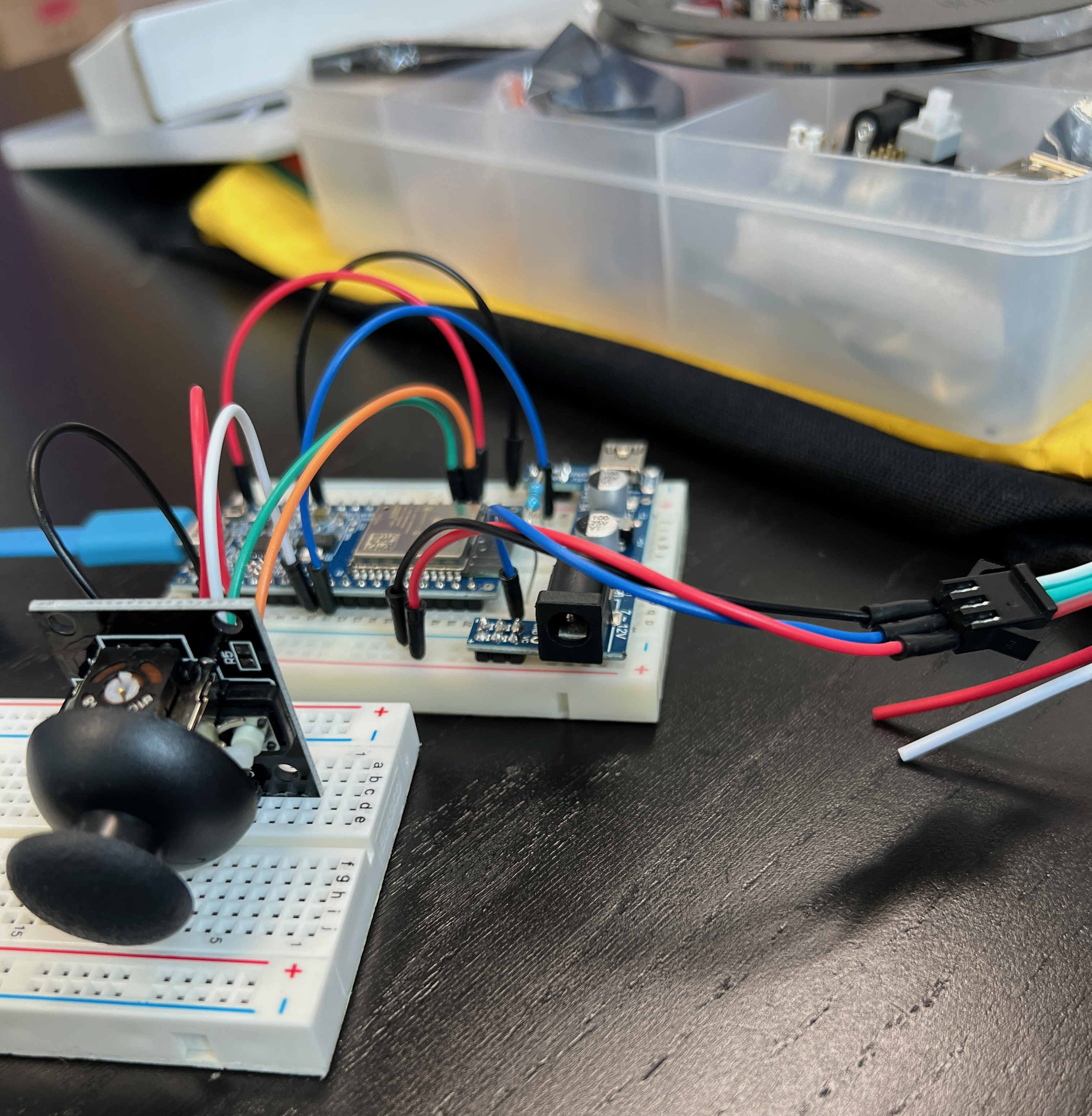 | 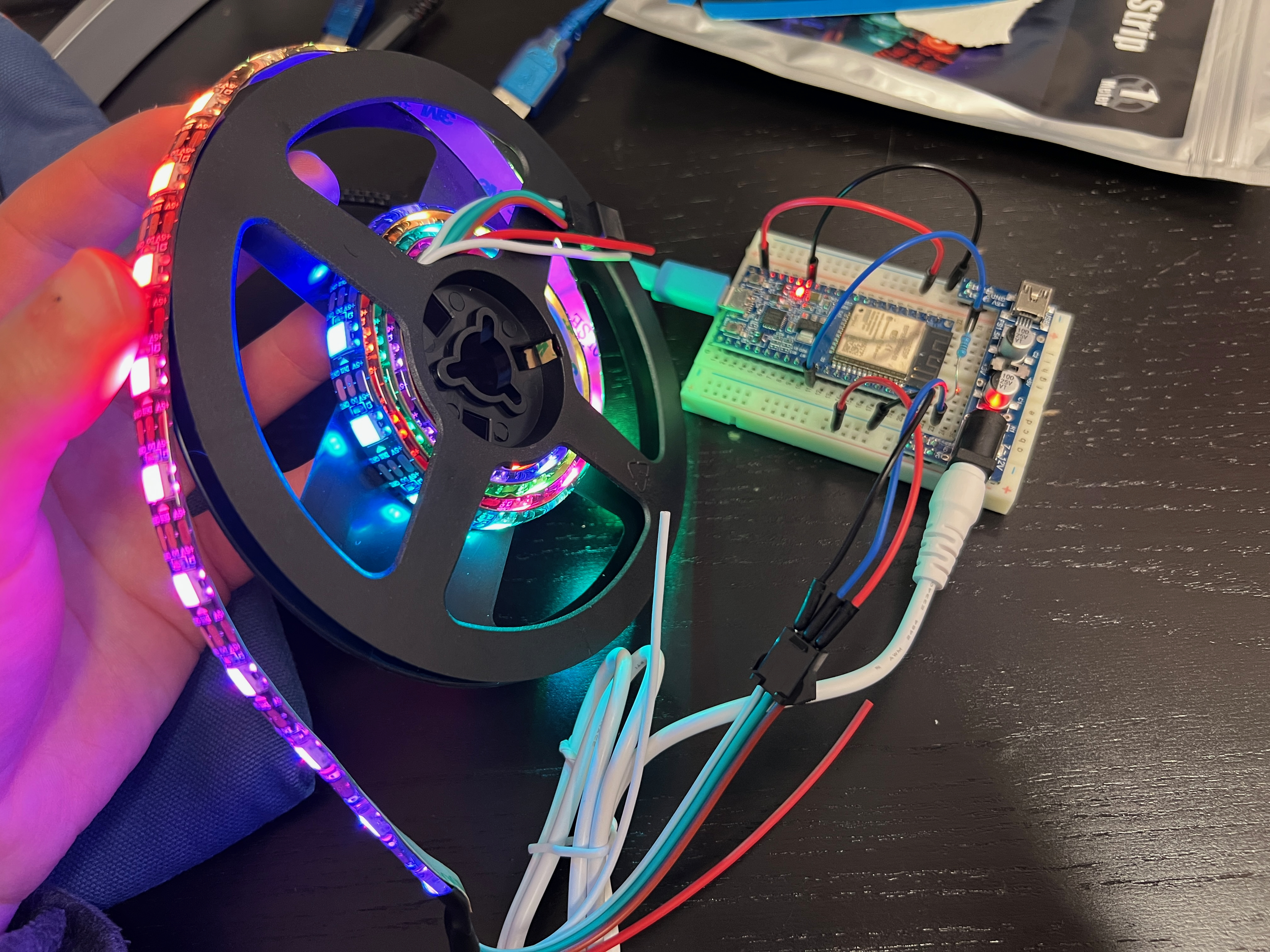 | 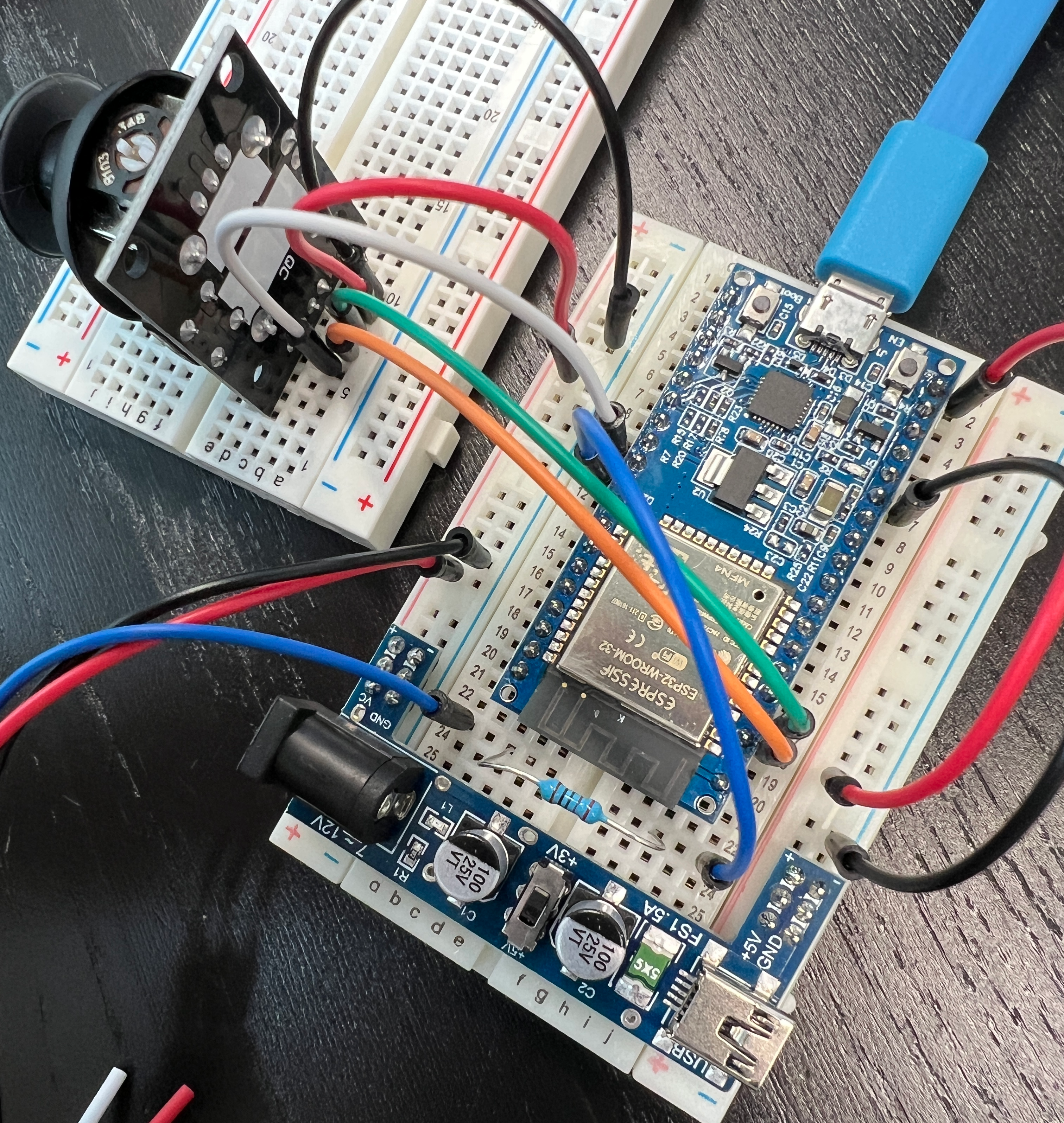 |
| Qty | Value | Footprint | References |
|---|---|---|---|
| 1 | Conn_01x03 | Connector_PinHeader_2.54mm:PinHeader_1x03_P2.54mm_Vertical | J2 |
| 1 | Conn_01x05 | Connector_PinHeader_2.54mm:PinHeader_1x05_P2.54mm_Vertical | J1 |
| 1 | ESP32-WROOM-32 | RF_Module:ESP32-WROOM-32 | MICROCONTROLLER1 |
| 1 | R | Resistor_SMD:R_0805_2012Metric | RESISTOR1 |
asterics/esp32_mouse_keyboard
ESP32 implementation for HID over GATT Keyboard and Mouse (Bluetooth Low Energy). Including serial API for external modules (similar to Adafruit EZKey HID)


Bellafaire/ESP32-Smart-Watch
An open source smartwatch based on the ESP32 compatible with the Arduino IDE.


likeablob/slow-movie-player-7c
Yet another "Slow Movie Player" implementation with 7-color E-Paper module and ESP32.

JSnowden33/Wii-Bluetooth-Replacement
This project is a full replacement for the Nintendo Wii's Bluetooth module. Emulation of the Bluetooth module is performed on the PIC32 based on rnconrad's emulator, while controller connectivity on the ESP32 is based…
4 parts, built around the ESP32-WROOM-32. The full list of its parts is on this page, with links to each part's symbol and footprint where PCBKit's library has them.
From the aadriien/ESP32-lightsaber repository on GitHub, at the commit this page was made from: the board is ESP32-lightsaber-KiCad/ESP32-lightsaber-KiCad.kicad_pcb and its schematic ESP32-lightsaber-KiCad/ESP32-lightsaber-KiCad.kicad_sch. PCBKit opens the board in the browser, with nothing to install.
Its repository states no licence, so its author keeps all rights: ask aadriien before reusing the design.