2 layers131.2 × 132.5 mm

 FIXMBR/ErgoTravelXT130
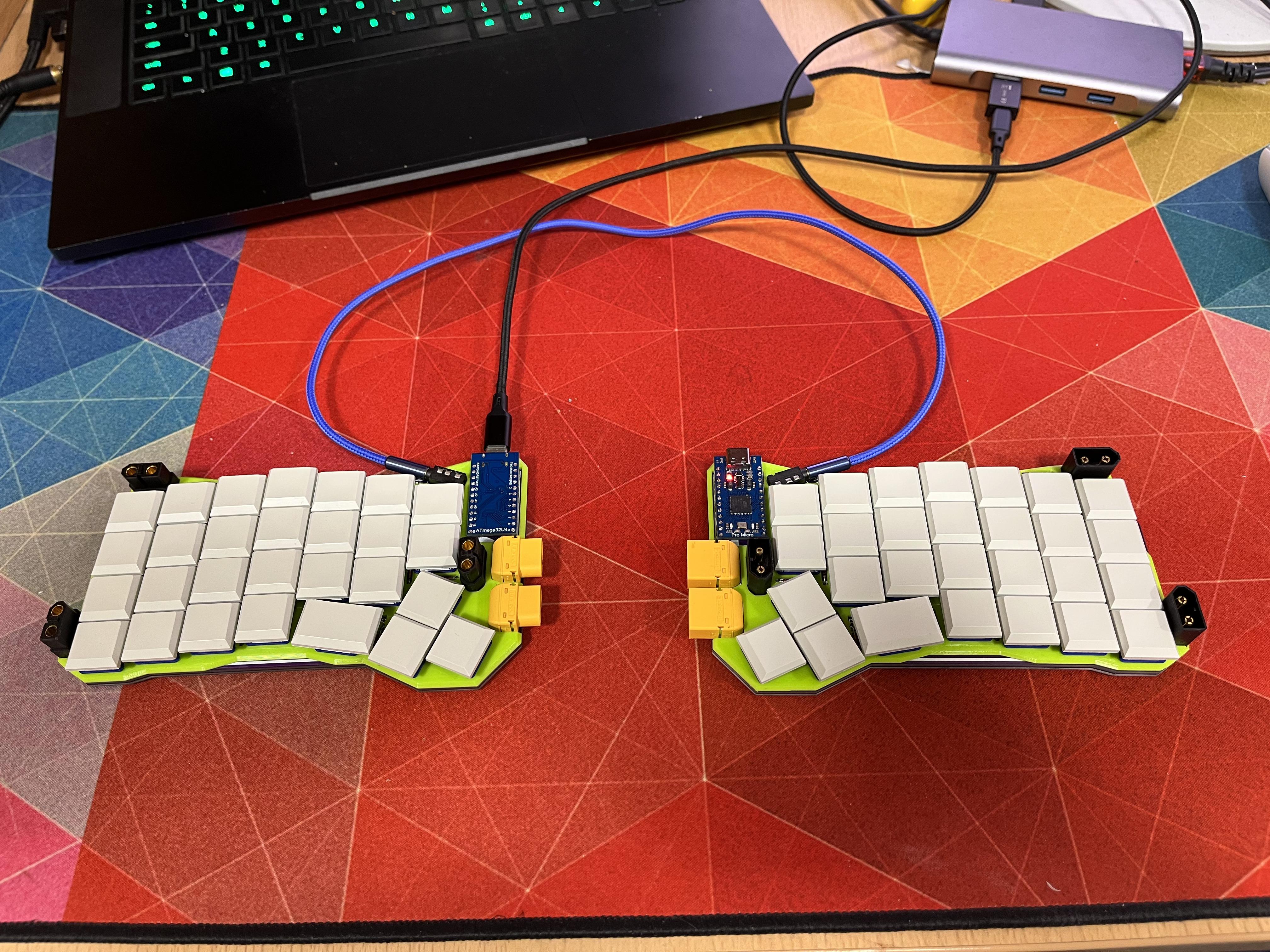
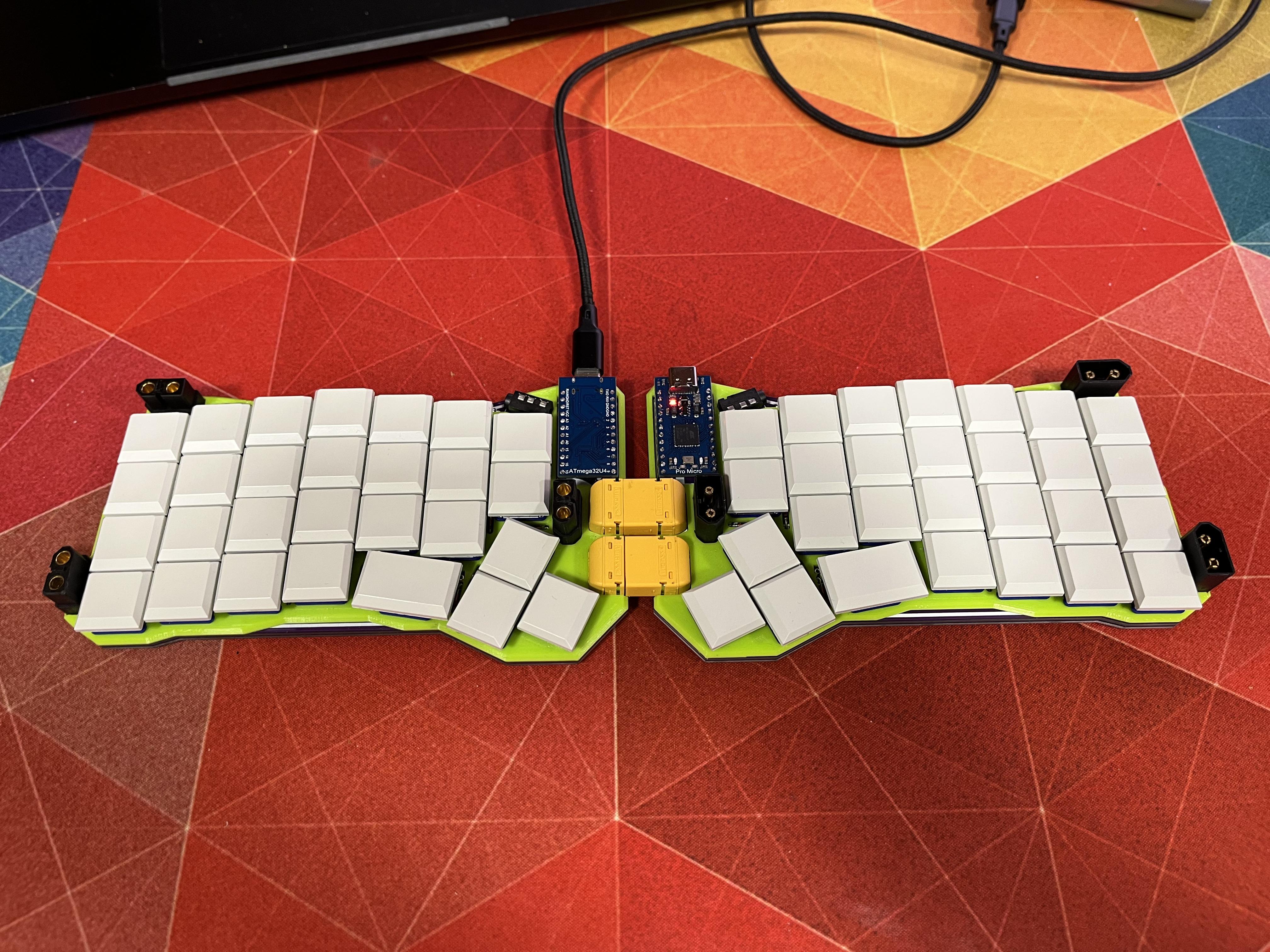
Portable, low profile keyboard with extra XT60s.
ErgoTravel is an open-source printed circuit board by FIXMBR, from the FIXMBR/ErgoTravelXT repository on GitHub, published under the GPL-3.0 licence. It is a 2-layer board of 157 × 90 mm with 73 parts on 55 nets, routed with 559 tracks and 47 vias.
Its parts include 29 switches, 28 diodes, 5 connectors, 2 resistors and 1 IC. It belongs with the keyboards and input boards and the AVR (ATmega, ATtiny) boards of this library.
Portable, low profile keyboard with extra XT60s.
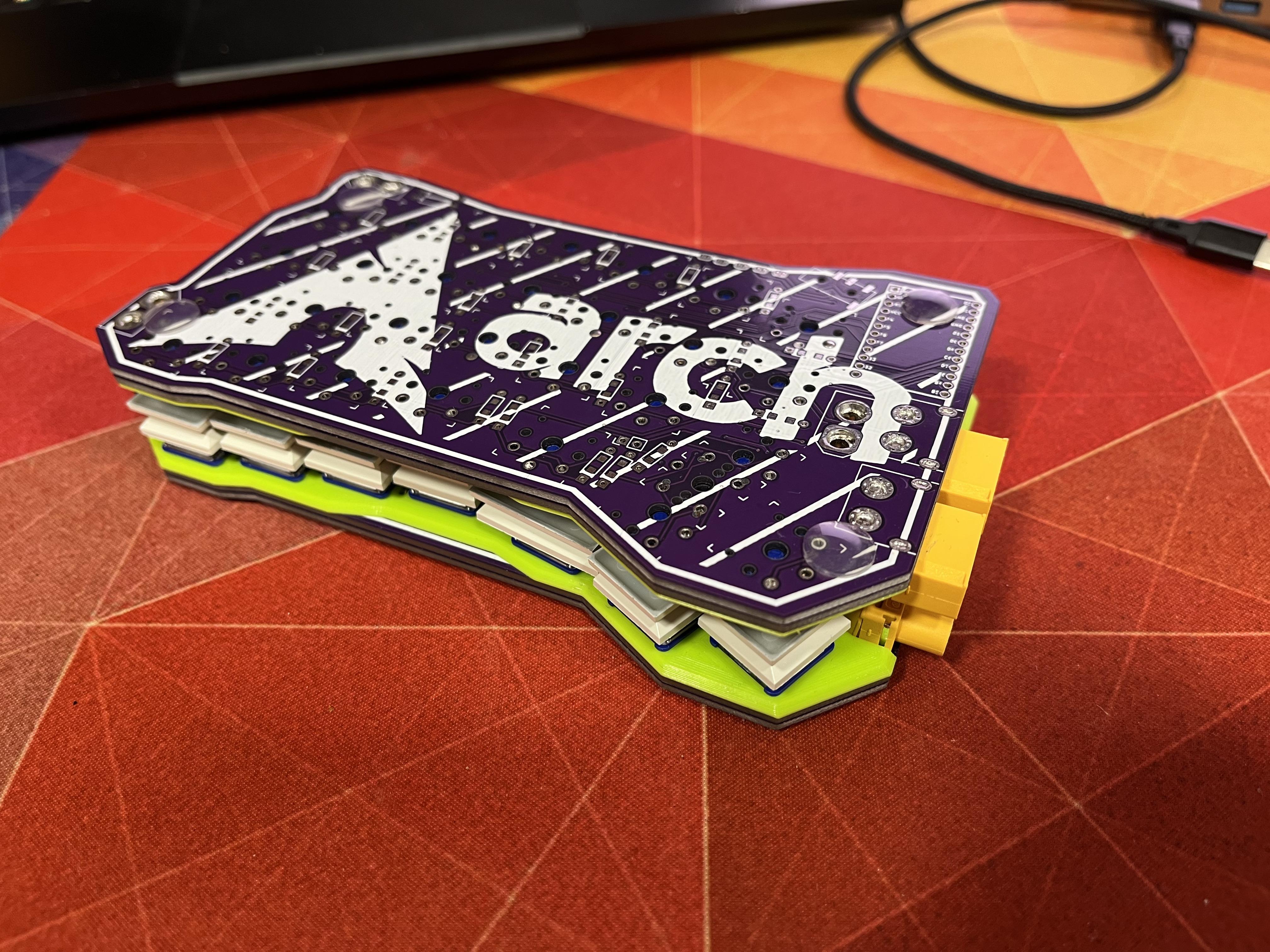
Based on original ErgoTravel by jpconstantineau here
Changes from the original ErgoTravel.
See issues below.
Build process is pretty similiar to original ErgoTravel.
Also please use I2C, it's based.
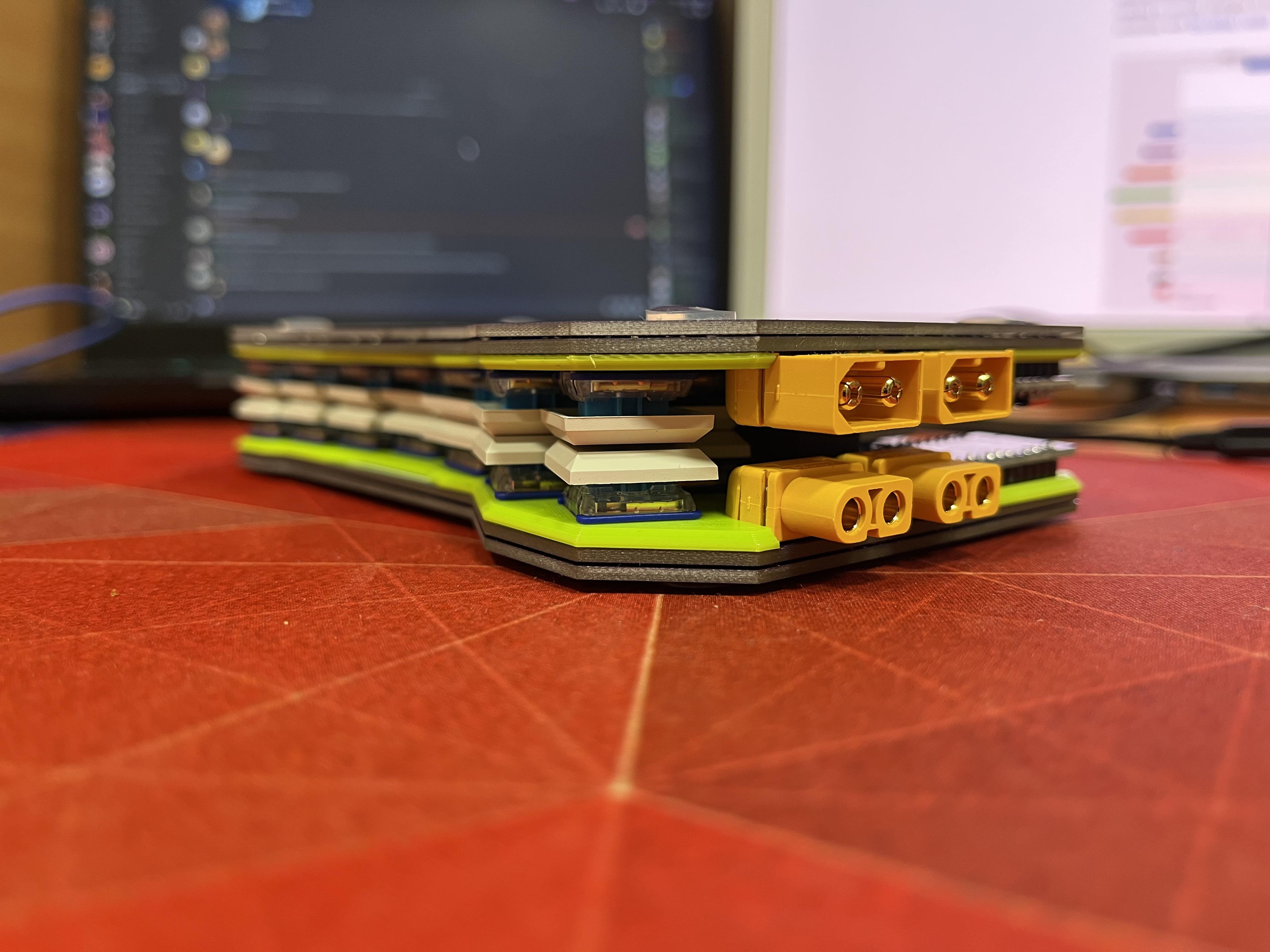
You will need three pairs of standard XT60s and two pairs of right angle XT60s (XT60PW). Before soldering them you will probably have to cut those metal contacts in half, without doing that, they won't fit.
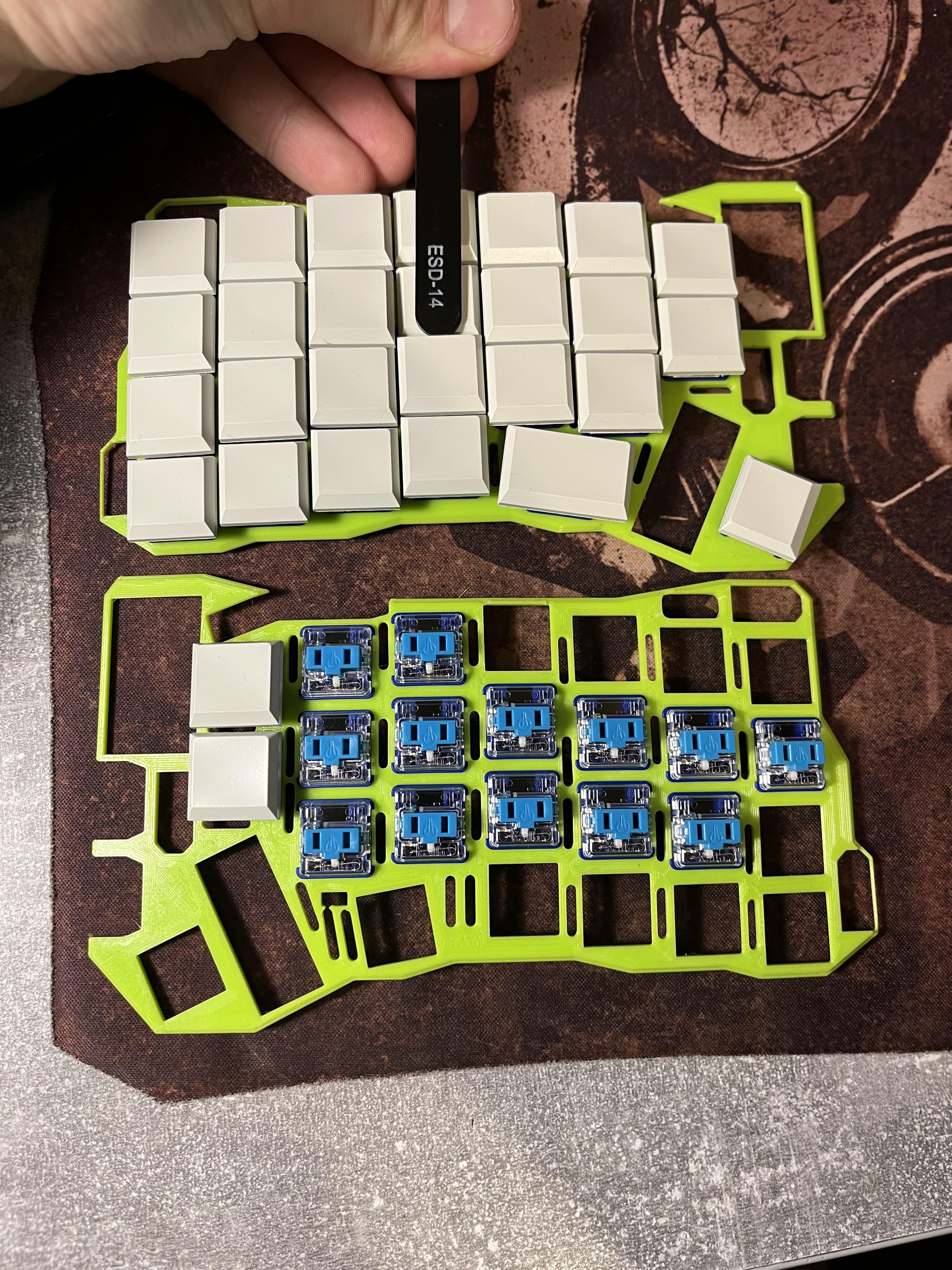
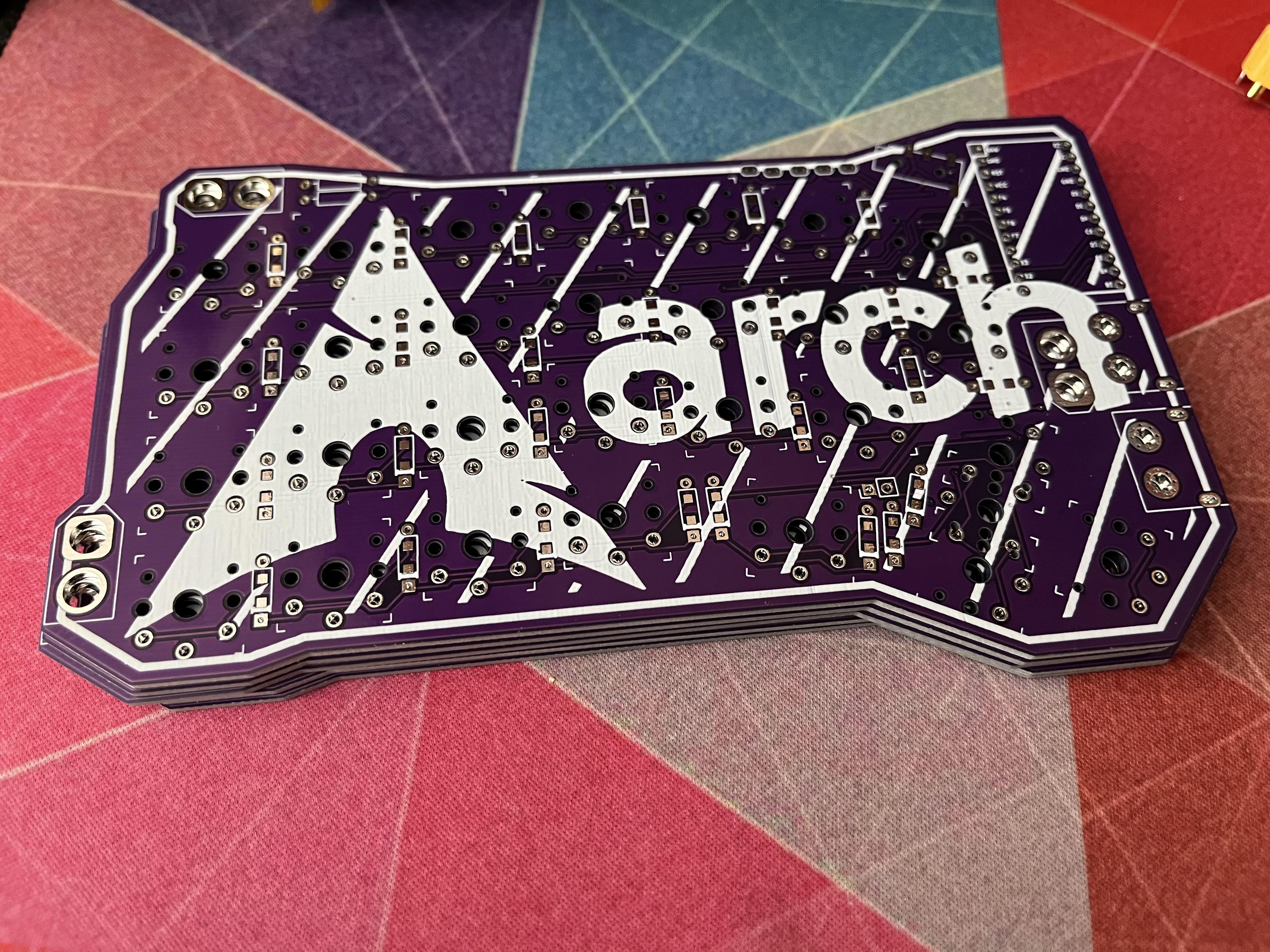
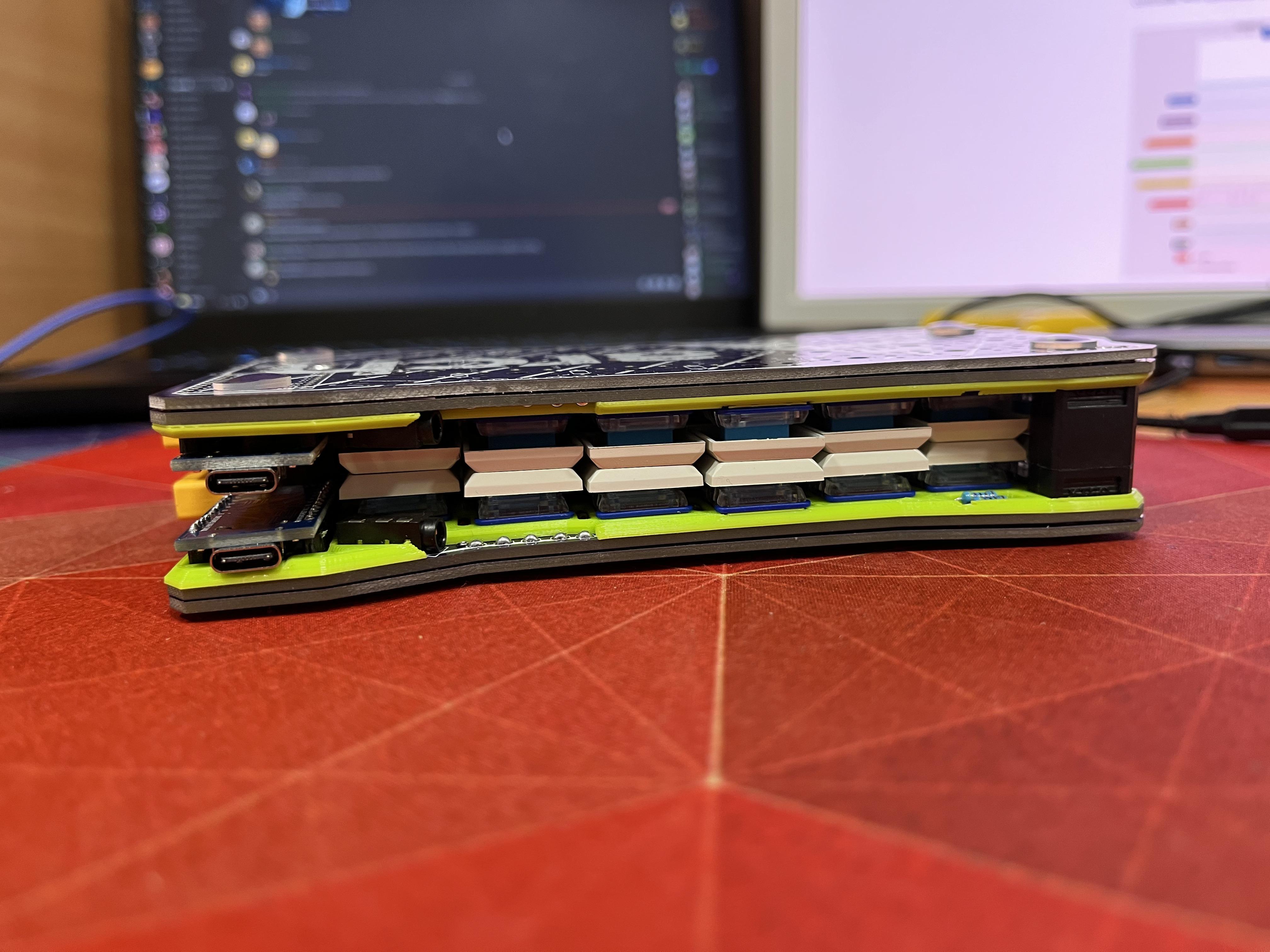
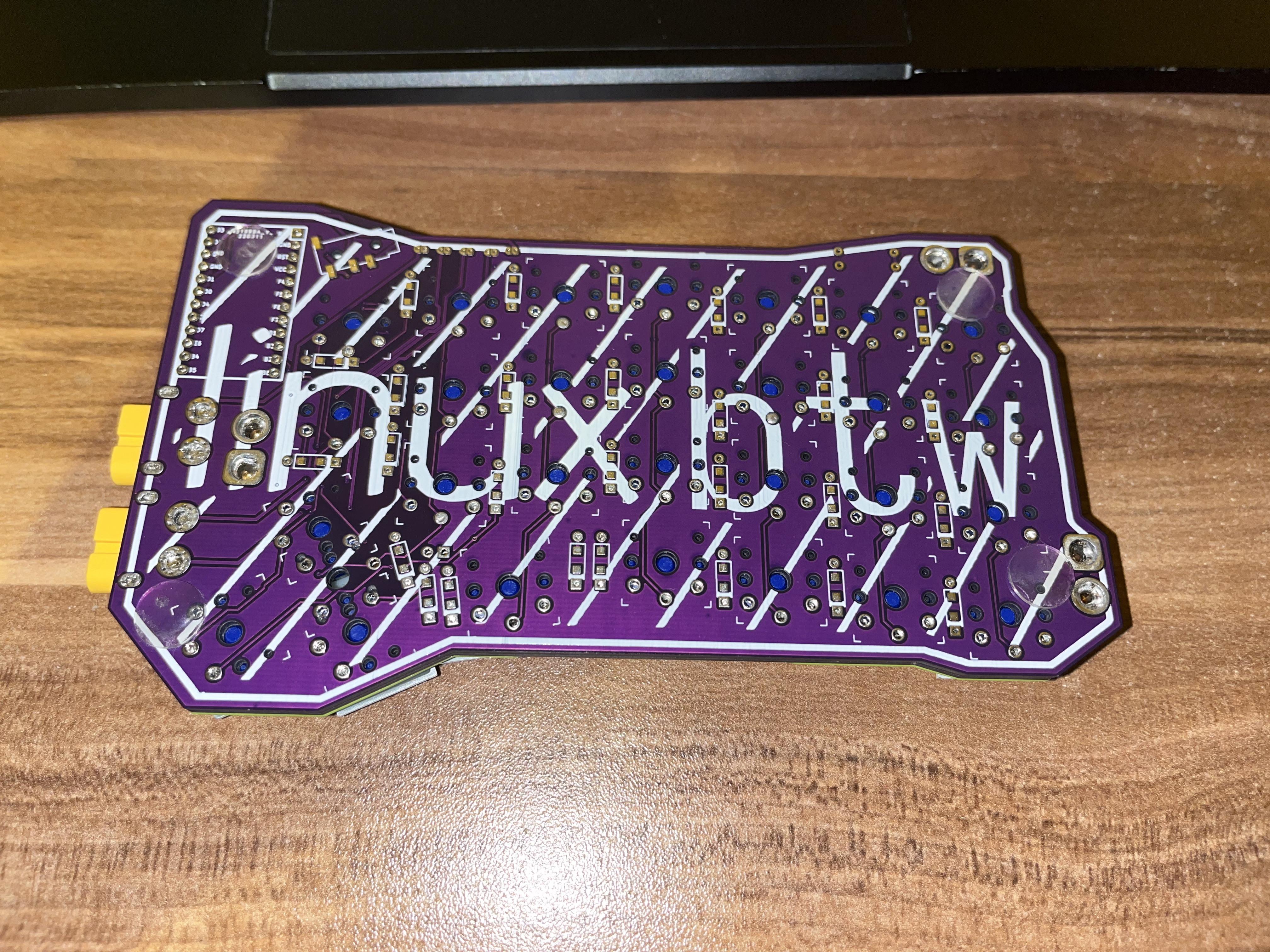
The "case" consists of a 3d printed top plate (available in 3Dmodels directory), and an extra PCB, that you solder at the end after testing everything. Disassembly can be really difficult, you don't want to deal with that. As the minimal order quantity from JLCPCB is 5pcs it's enough for two actual PCBs and two bottom plates, with one pcb extra. When it comes to soldering the bottom plates, I soldered them in the place where XT60s are and in the middle of the board for extra rigidity.
3D printed case I used turned out to be a bit too tight and the keyboard ended up being a bit banana-like, due to insufficient tolerances. In the file in this repo I added extra spacing, so it should be fine, but if you see that the top plate with switches inserted in it bends, add more spacing and re-print.
Using a PCB as a keyboard case/bottom plate is risky because you can create a short by placing it on something conductive. You should add some rubber feet and preferably add a conformal coating to the board (and desoldering it will be a pain.)
Also no Arch Linux logo in the included files, I don't want to deal with copyright
Code folder includes modified ErgoTravel qmk firmware. It supports the extra key, thats on the ErgoTravelXT.

| Qty | Value | Footprint | References |
|---|---|---|---|
| 29 | KEYSW | keyswitches:SW_PG1350_reversible | K1, K2, K10, K11, K12, K13, K14, K15, K16, K17, K18, K19, K20, K21, K22, K23 +13 |
| 28 | D | footprints:D_SOD123_axial-dual | D1, D2, D10, D11, D12, D13, D14, D15, D16, D17, D18, D19, D20, D21, D22, D23 +12 |
| 5 | SOLDER_JUMPER | Switches:SolderJumper-Double-2_P1.3mm_Open_RoundedPad1.0x1.5mm | SJ1, SJ2, SJ3, SJ4, SJ5 |
| 2 | 4.7k | Resistors_THT:R_Axial_DIN0207_L6.3mm_D2.5mm_P10.16mm_Horizontal | R1, R2 |
| 2 | Audio-Jack-4 | Connectors:PJ320D_3.5mm_Jack | J2, J3 |
| 2 | Conn_01x02 | keyswitches:XT60PW | J1, J4 |
| 1 | Conn_01x02 | Pin_Headers:Pin_Header_Straight_1x02_Pitch2.54mm | J13 |
| 1 | ProMicro | footprints:Pro_Micro | U1 |
The 70 most common of 73 parts.


hackclub/OnBoard
💡 Join 1,000 teenagers and make your first PCB with a $100 grant!


eddyem/stm32samples
Code samples and ready projects based on bare-metal STM32


rheslip/2HPico-Eurorack-Module-Hardware
2HP Eurorack module based on Raspberry Pi Pico 2
It measures 157 × 90 mm and has 2 copper layers, 1.6 mm thick.
73 parts. The full list of its parts is on this page, with links to each part's symbol and footprint where PCBKit's library has them.
From the FIXMBR/ErgoTravelXT repository on GitHub, at the commit this page was made from: the board is ErgoTravel.kicad_pcb and its schematic ErgoTravel.kicad_sch. PCBKit opens the board in the browser, with nothing to install.
Its repository publishes it under the GPL-3.0 licence: you may reuse it on that licence's terms (keep the author's notice, and for a copyleft licence share your changes alike).