Description
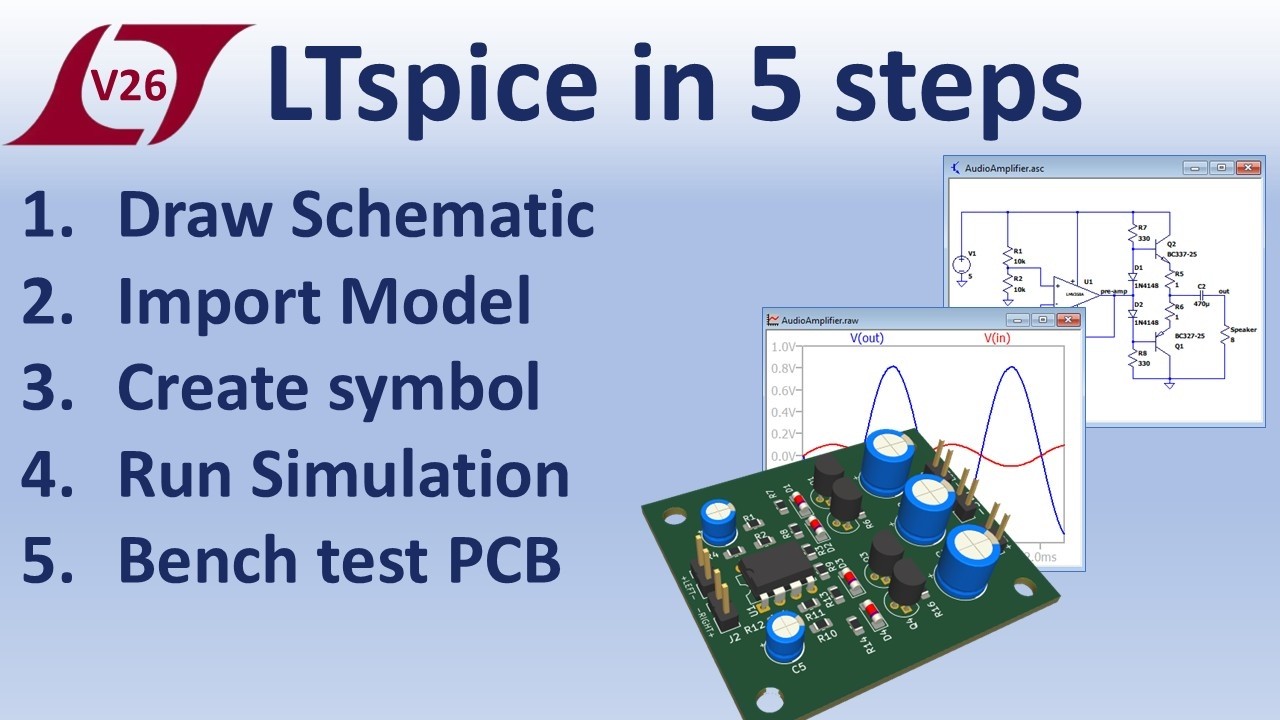
In this step-by-step video tutorial, you will learn how to simulate electronic circuits in LTspice using a USB-powered audio amplifier as a practical example!
We cover everything from drawing the schematic to importing third-party SPICE models & analyzing waveforms.
At the end of the video we will build the amplifier and test the actual physical hardware on the bench.
Download the USB Stereo PCB used for the tutorial at PCBWay:

Watch the YouTube video, it will guide you through the process step by step:
Download LTspice Simulator:
https://www.analog.com/en/resources/design-tools-and-calculators/ltspice-simulator.html
Content in this GitHub repository:
LTspice simulation files
The simulation file, schematic symbol and Spice model files.
Unzip and double click the amplifier.asc file to open it in LTspice
PCB Gerber files for the Amplifier
Send this zip file to your PCB manufacturer to directly order the Amplifier PCB's
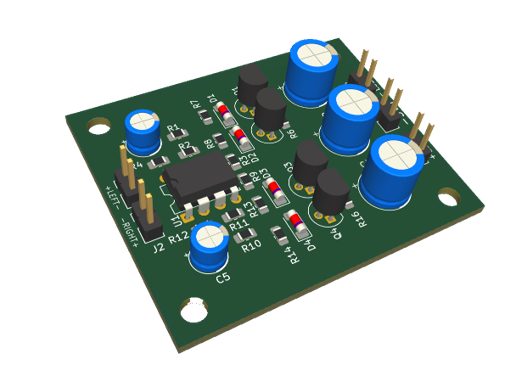
PCB_Material_BOM_Audio_amplifier
Material BOM to build the amplifier
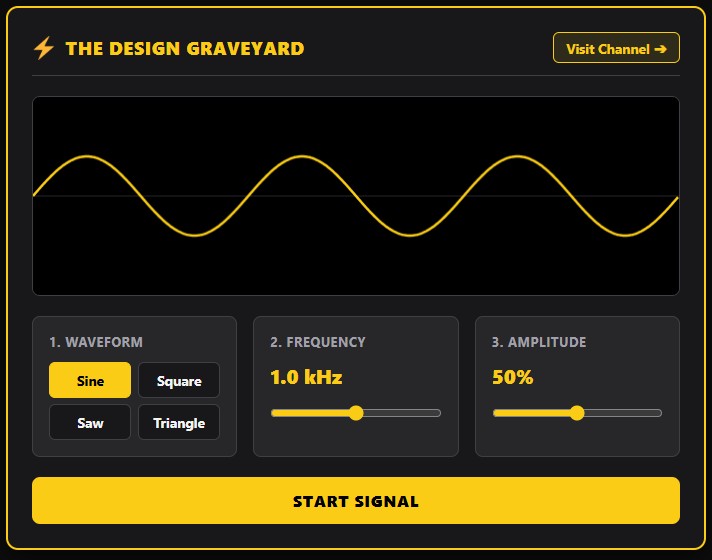
HTML_Signal_Generator
Single file offline signal generator used in this tutorial. (AI generated tool)
Download "HTML_Signal_Generator.html" and open in your browser.
PCB_KiCAD_Files_Audio_amplifier
The PCB files made in KiCAD 10 in case you want to re-use or edit them.
The folder also contains a pdf schematic and a 3D PCB render (png)


