Blog ·
An open toolchain repository
Sergey Alekseev
PCBKit builds a board’s firmware in the browser. The page downloads a compiler in WebAssembly, compiles the sketch and runs it on a model of the chip, with no build server. For RISC-V, Arm and the ESP32 the compiler is Clang, under the Apache licence. For the Arduino boards it is GCC, because that’s what the Arduino IDE uses and the whole point was to build a sketch exactly as the IDE does.
GCC is GPL-3.0. When a page hands you a compiled GCC, that is distributing it and the GPL asks for the corresponding source to come with it. I didn’t want this to be a zip somewhere that nobody can rebuild. So there is a public repository: github.com/pcbkit-io/toolchain.
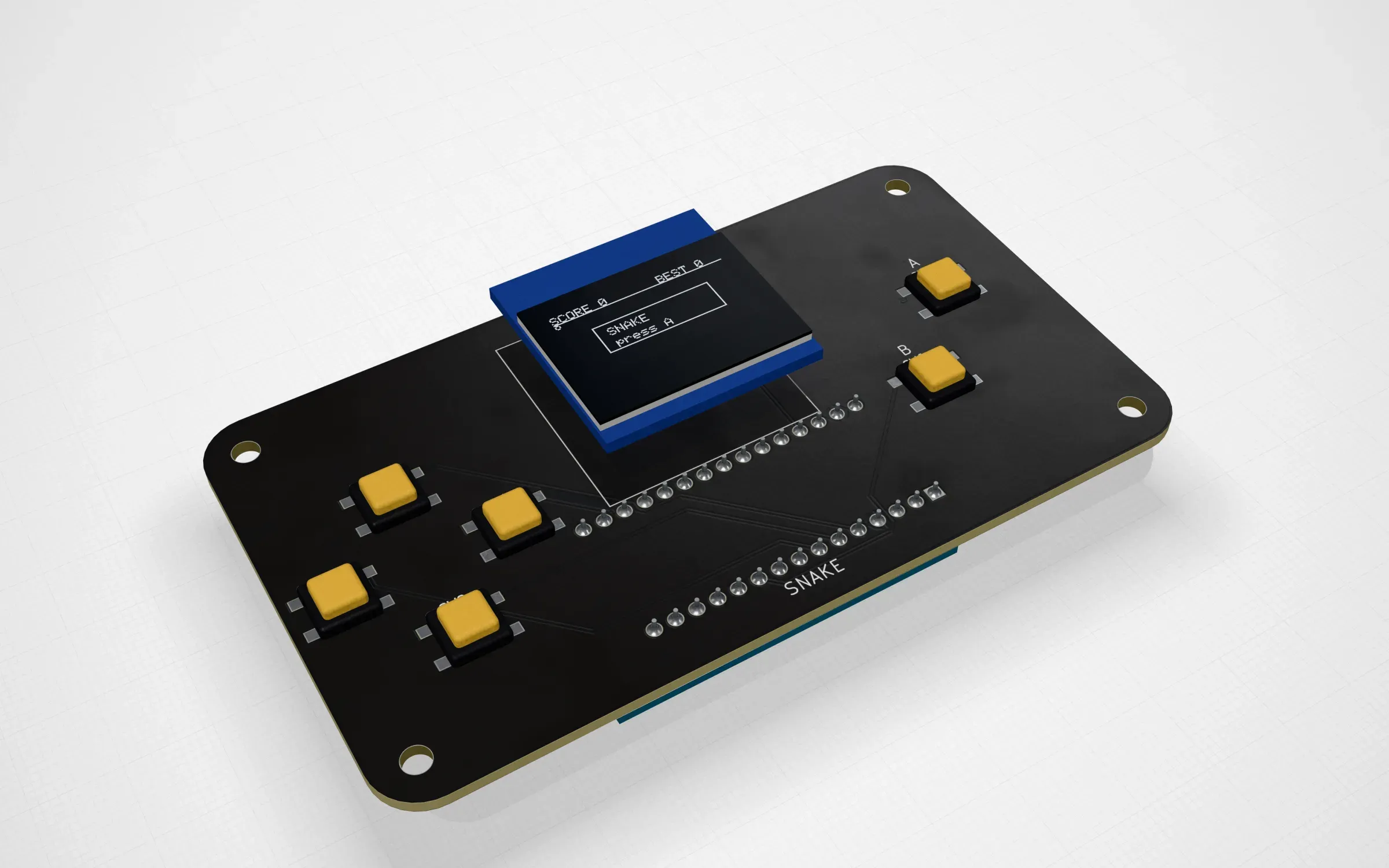
snake: one of the twelve Arduino boards whose sketches this toolchain builds in the page.
What is in it
At the time of writing it has one folder, avr/, for the profile avr-gcc-15.2.0-pcbkit-2. That is avr-gcc
15.2.0 (cc1 and cc1plus), binutils 2.45 (as, ld and objcopy) and avr-libc 2.2.1 in
WebAssembly for the ATmega328P and ATmega168P (the Uno, the Nano and the Pro Mini), C and C++,
linked with libgcc, libc and libm. On top of that, the Arduino platform: ArduinoCore-avr 1.8.8 and
the libraries Wire, SPI, EEPROM, SoftwareSerial, Servo, LiquidCrystal, Adafruit GFX, BusIO, SSD1306,
SHT31, NeoPixel, Sensirion Core and SCD4x and LedControl, compiled as the Arduino IDE compiles them,
plus Arduino’s ctags for the sketch preprocessor.
The folder is three files:
Dockerfile: the build environment, the Emscripten 4.0.22 image pinned by its digest (for arm64 and amd64) with the host tools GCC’s build needs. Nothing from the image is shipped.sources.txt: every source archive by name, the address its project publishes it at and its SHA-256. There are 18: GCC, binutils, GMP, MPFR, MPC, avr-libc, ArduinoCore-avr, ten libraries at their tagged releases and ctags.build.sh: one script that downloads those archives, refuses any whose hash differs and builds everything from them.
The build goes in seven steps. First binutils, GCC and avr-libc are built natively for AVR, only
to compile the target’s libraries (libgcc, libc, libm, each device’s start-up object) and the
linker scripts. Then GMP, MPFR and MPC go to WebAssembly and cc1 and cc1plus are built from the
same GCC source against them. Then as, ld and objcopy from the same binutils source. Then
the sysroot the WebAssembly tools read. Then the Arduino platform: the core and each library
compiled with the IDE’s platform.txt flags for a Nano, for each of the two chips. Then Arduino’s
ctags to WebAssembly. And last the licence texts of every source.
The output ends with manifest.txt: every file built, with its size and SHA-256. PCBKit pins
those hashes in its own code and the page checks each file’s size and hash before using it. A
release of the repository is named after the profile and carries the files the app serves, the
manifest, the source archives exactly as their projects publish them and their licence texts. The
app fetches the compiler from library.pcbkit.io/toolchains/<profile>/ only when a board needs
it and those are the same files as in the release.
Reproducible, mostly
A clean rebuild of the WebAssembly tools reproduces cc1, as, ld and objcopy byte for byte.
The script tries hard for that: inputs pinned by hash, the environment pinned by digest,
deterministic archives and library sources sorted in a fixed order before they are compiled. That
is what is measured so far. I haven’t checked cc1plus, ctags and the sysroot the same way, so I
won’t claim them.
Licences, honoured
Each piece keeps its own licence and the release carries its text: GCC and binutils GPL-3.0-or-later (libgcc with the GCC Runtime Library Exception, which is what lets your compiled sketch be yours), GMP, MPFR and MPC LGPL-3.0-or-later, avr-libc BSD-3-Clause, ArduinoCore-avr, Servo and LiquidCrystal LGPL-2.1-or-later, Adafruit GFX, SSD1306 and SHT31 BSD, BusIO and LedControl MIT, NeoPixel LGPL-3.0, Sensirion’s libraries BSD-3-Clause and ctags GPL-2.0.
The rule we keep in PCBKit’s own repository is simple: GPL toolchains, their sources and the packages made from them stay outside it. They are built and published in their own repository and the app loads them as data.
What failed on the way
- GCC’s driver
fork()s andexec()scc1,asandldand a browser can’t do either. So the driver is not shipped: the page runs the programs themselves and chains them. - The first
cc1plusimported__syscall_socket, because the C++ modules mapper (libcody) can use sockets and the page’s import guard refused it.-DCODY_NETWORKING=0keeps it off sockets. - Some auxiliary GCC tools need things Emscripten doesn’t have (
gcov-toolwantsftw), so they fail to build and are not shipped. - The SDK archive the page reads was 61 MB with avr-libc for every AVR. Keeping the two chips we model, plus the Arduino tree, brought it to 9.75 MB.
- There is no LTO: Arduino links with
-flto, the browser links withldalone. The code is a little larger and behaves the same.
The other compilers
Two more compilers run in the page. They are not in this repository: their licence asks for notices rather than sources and the app serves the notices with them.
Clang/LLD 19.1.7 for RISC-V and Cortex-M, profile clang-19.1.7-pcbkit-4, with picolibc 1.8.10
as the C library. clang.wasm is 59,716,241 bytes and lld.wasm 36,159,112.
Espressif’s Clang/LLD 22.1.4 for the ESP32-S3, profile esp-clang-22.1.4-pcbkit-1, also with
picolibc 1.8.10. clang.wasm is 59,353,847 bytes and lld.wasm 35,815,296. Espressif’s LLVM was
built with both the Xtensa and the RISC-V targets, so one clang.wasm can compile for the
ESP32-S3 and the ESP32-C3. Today the C3 board still builds with the shared Clang 19 profile. A
second clean build of this compiler from a fresh clone (1,095 s in all on our dev host) produced
byte-identical clang.js, clang.wasm, lld.js and lld.wasm. Why Espressif’s fork and not
upstream LLVM is a story of its own, in
an earlier post.
Both are under the Apache License 2.0 with LLVM exception and picolibc under BSD-style licences. They are built by recipes in PCBKit’s repository (tools/machine/) and served with their notices
(NOTICE.json).
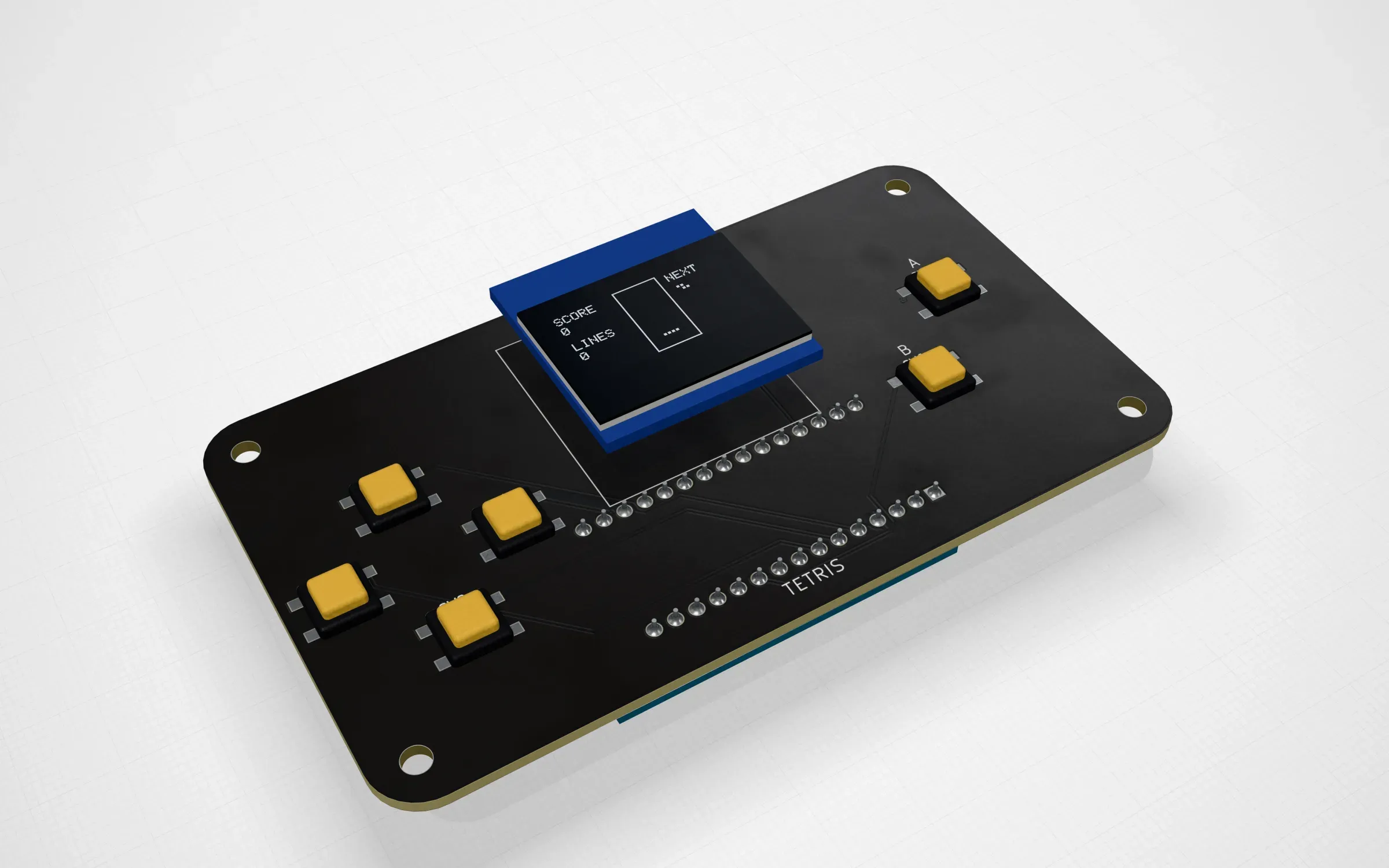
tetris: falling blocks on the same pocket console, compiled by the same avr-gcc in the page.
How fast
All of these were measured on our dev host (AWS Graviton, 32 threads), so take them as server numbers, not phone numbers.
| What | Where | Time |
|---|---|---|
| A C lab program, AVR | Node, the page’s own compile() |
1.0 to 1.7 s |
| A sketch with Servo, SSD1306 and SHT31 | Node, the page’s own compile() |
1.3 s |
| The weather station sketch (11 stages) | Node, the page’s own compile() |
1.7 s |
| The Xtensa judge program, Espressif’s clang | WebAssembly under Node | 2.2 s (about 0.3 s of it loading) |
| The same, native Espressif clang | native | 0.11 s |
Its link, lld.wasm |
WebAssembly under Node | 217 ms |
| Doom, each of the eleven handheld boards | headless Chromium, in the page (dev-profile build) | 5.0 to 8.3 s |
The WebAssembly clang is about twenty times slower than the native one on the same file. It matters less than it sounds: an Arduino sketch builds in under two seconds and the Doom builds, much bigger programs, in under ten.
What is not done
The repository has the AVR toolchain only. The Clang recipes live in PCBKit’s own repository and the Espressif compiler’s SDK covers the ESP32-S3. Byte-for-byte reproducibility is measured for four AVR tools and the Espressif compiler, not for everything. And the browser link of the Espressif compiler is deterministic and correct but not byte-identical to the native link of the same objects (sections land in a different order), which we still have to understand before images can be compared across the two paths.
The repository is github.com/pcbkit-io/toolchain, the boards it builds are in github.com/pcbkit-io/boards and all twelve Arduino boards open at app.pcbkit.io/?category=arduino.