16 layers38.1 × 38.1 mm
Adafruit 2 axis joystick breakout board with mounting holes joystick
oomlout/oomlout_oomp_project_bot_v_2
7 parts

 yunho-c/robohacks-26-testbed
Click here to purchase one from the Adafruit shop
Joystick is an open-source printed circuit board by yunho-c, from the yunho-c/robohacks-26-testbed repository on GitHub. It is a 16-layer board of 38.1 × 38.1 mm with 7 parts on 5 nets, routed with 25 tracks and 0 vias.
It belongs with the keyboards and input boards of this library.
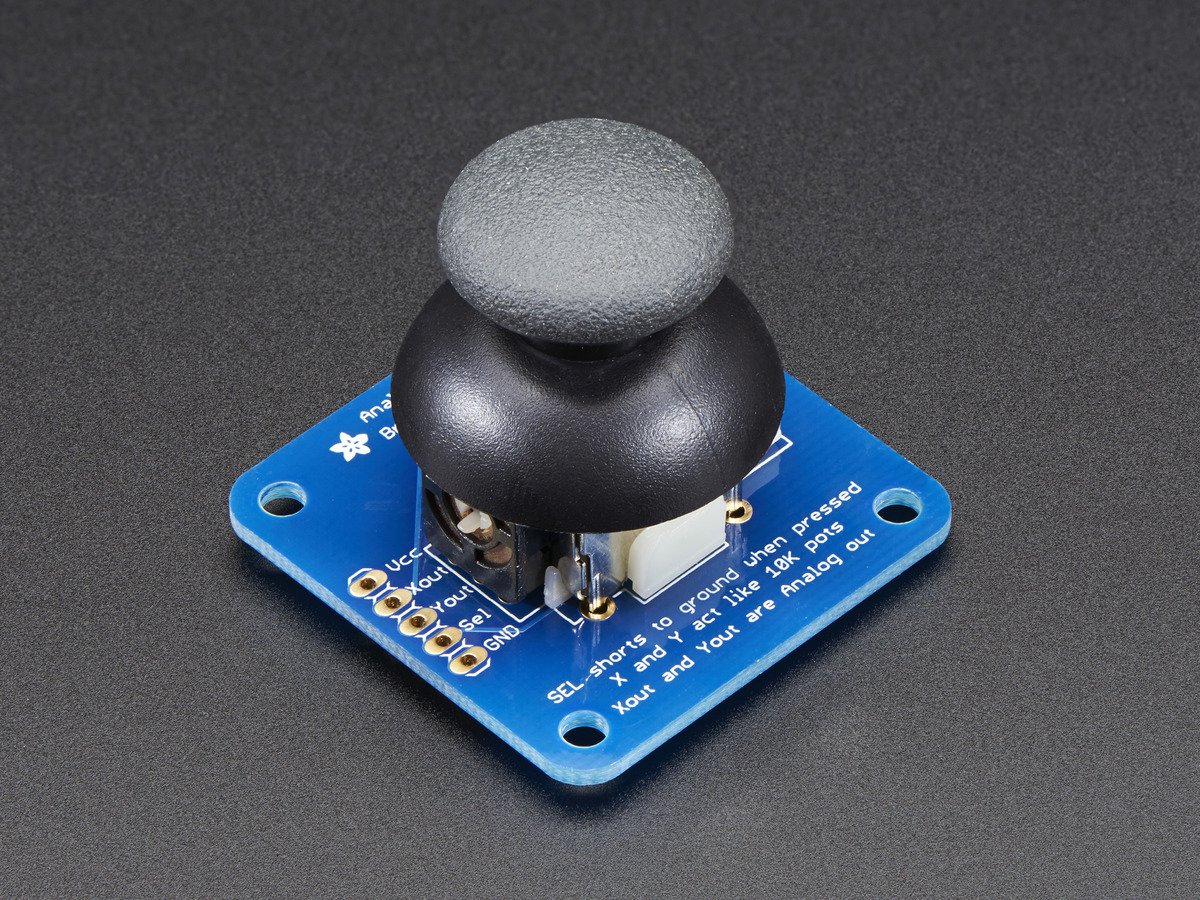
Click here to purchase one from the Adafruit shop
This mini-kit makes it easy to mount a PSP/Xbox-like thumb joystick to your project. The thumbstick is an analog joystick - more accurate and sensitive than just 'directional' joysticks - with a 'press in to select' button. Since it's analog, you'll need two analog reading pins on your microcontroller to determine X and Y. Having an extra digital input will let you read the switch.
The pack comes in three parts - the joystick itself, a soft-touch rubber 'hat' and a nicely designed breakout board. We designed the breakout so that you can attach the joystick to a panel easily - every other breakout we wanted to carry had the mounting holes so they were in the way of the joystick movement! A 5 pin 0.1" spaced header makes it easy to connect either in a perfboard/breadboard setting or free wiring. You'll need to solder the joystick into the PCB using a soldering iron and solder, but its very simple and will only take a minute.
Adafruit invests time and resources providing this open source design, please support Adafruit and open-source hardware by purchasing products from Adafruit!
Designed by Adafruit Industries.
Creative Commons Attribution, Share-Alike license, check license.txt for more information
All text above must be included in any redistribution
| Qty | Value | Footprint | References |
|---|---|---|---|
| 1 | dummyfp3 | UNK_HOLE_3 | |
| 1 | ADAFRUIT200MIL | U$1 | |
| 1 | dummyfp0 | UNK_HOLE_0 | |
| 1 | dummyfp2 | UNK_HOLE_2 | |
| 1 | 1X05 | JP1 | |
| 1 | dummyfp1 | UNK_HOLE_1 | |
| 1 | JOYSTICKPTH | JOYSTICK | U1 |
oomlout/oomlout_oomp_project_bot_v_2

ShizeChe/unispin
Unified control architecture for spin qubits in quantum dot devices

oomlout/oomlout_oomp_documentation_bot
a bot that goes around generating rough documentation for kicad projects


It measures 38.1 × 38.1 mm and has 16 copper layers, 1.6 mm thick.
7 parts. The full list of its parts is on this page, with links to each part's symbol and footprint where PCBKit's library has them.
From the yunho-c/robohacks-26-testbed repository on GitHub, at the commit this page was made from: the board is joystick.kicad_pcb and its schematic joystick.kicad_sch. PCBKit opens the board in the browser, with nothing to install.
Its repository states no licence, so its author keeps all rights: ask yunho-c before reusing the design.